Create Blue Background Passport Photo with Pokecut
Create Blue Background Passport Photo with Pokecut is an AI tool. Blue Background Passport Photo Online Free | Pokecut.

- Category
- AI Art & Illustration
- Pricing
- Free
- Alternatives
- 6 similar tools
- Last updated
- 1 weeks ago
- Source
- Official site ↗
AI Collection Top Picks
AI Art & Illustration Category Picks
About Create Blue Background Passport Photo with Pokecut
Make blue background passport photos online for free. Our AI instantly changes backgrounds and adjusts sizes for professional results without a studio.
What you get
Additional Information
- Which countries does Pokecut support for blue background passport photos? We support almost all countries in the world. For example, you can use Pokecut to create a Malaysian visa photo with blue background.
- How do I change my passport photo background to blue? We recommend you use Pokecut's background color changer. It's free, online, and you can change your passport photo background color with one click.
- What are the requirements for passport photo backgrounds? Different visa or passport applications may have specific requirements for background colors. Common acceptable colors include white, blue, and red. It’s essential to verify the requirements of your specific application to ensure that your blue background passport size photo adheres to the guidelines and will be accepted.
- How can I resize my passport photo using an online tool? You can resize your passport photo online for free using various passport photo editors. Simply upload your image to the editor, select the resize option, and input the required dimensions for passport photos. This will ensure your image meets the necessary size requirements for applications.
- Is there a free passport photo editor that allows to create blue background passport picture? Yes, Pokecut is a free passport photo editor that allows you to change the background of your passport photo easily. You can upload your image, have the AI remove the existing background, and then select a new background color or image before downloading your revised photo.
- How do I ensure my passport photo is of high quality after editing? To ensure your passport photo maintains high quality after editing, choose an online passport photo generator that supports HD exports. Tools like Poekcut allow you to download your final image in high resolution, ensuring clarity and professionalism for your passport application.
Frequently asked questions
What is Create Blue Background Passport Photo with Pokecut used for?
Blue Background Passport Photo Online Free | Pokecut.Is Create Blue Background Passport Photo with Pokecut free?
Create Blue Background Passport Photo with Pokecut is free to use.What are alternatives to Create Blue Background Passport Photo with Pokecut?
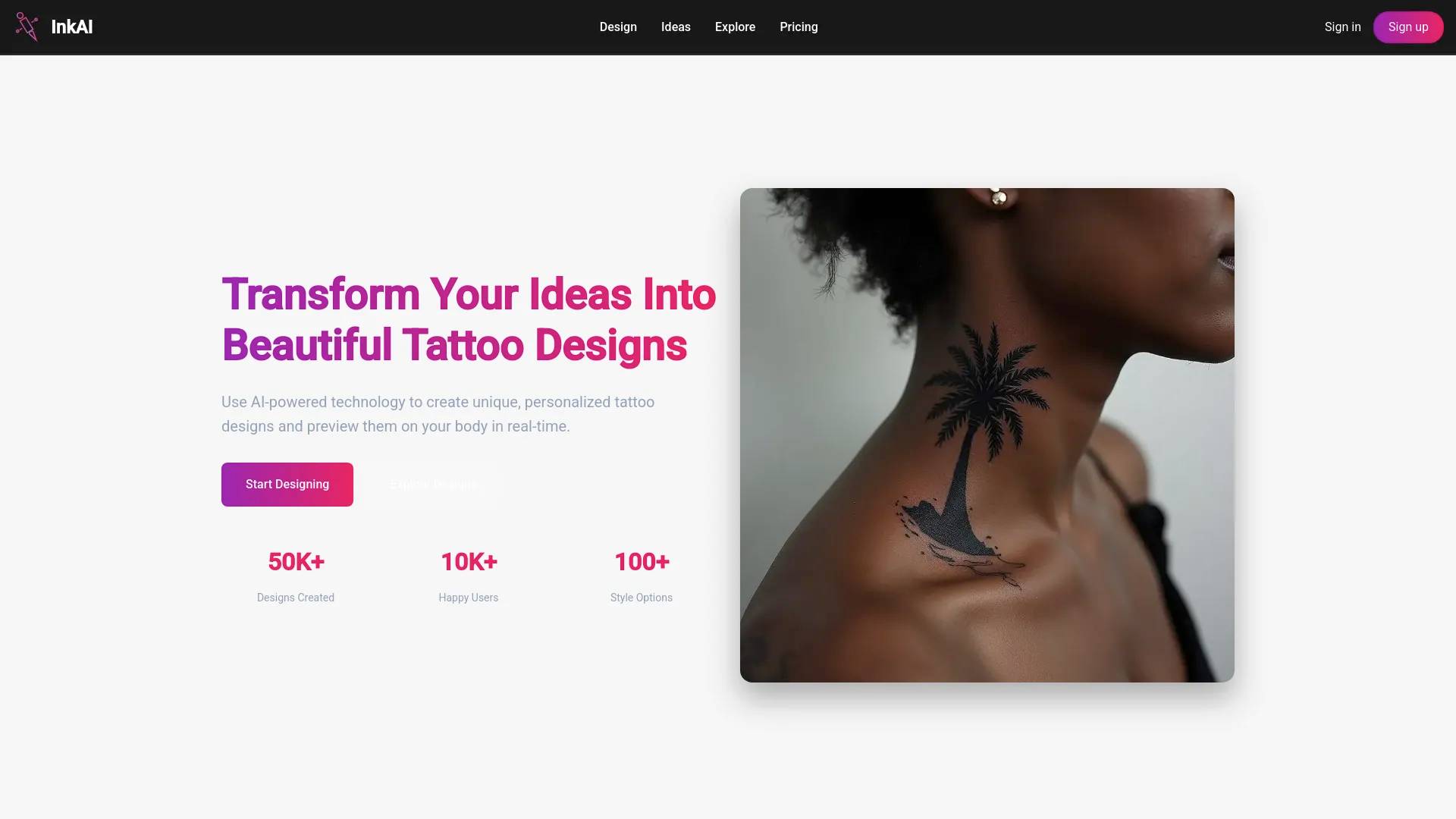
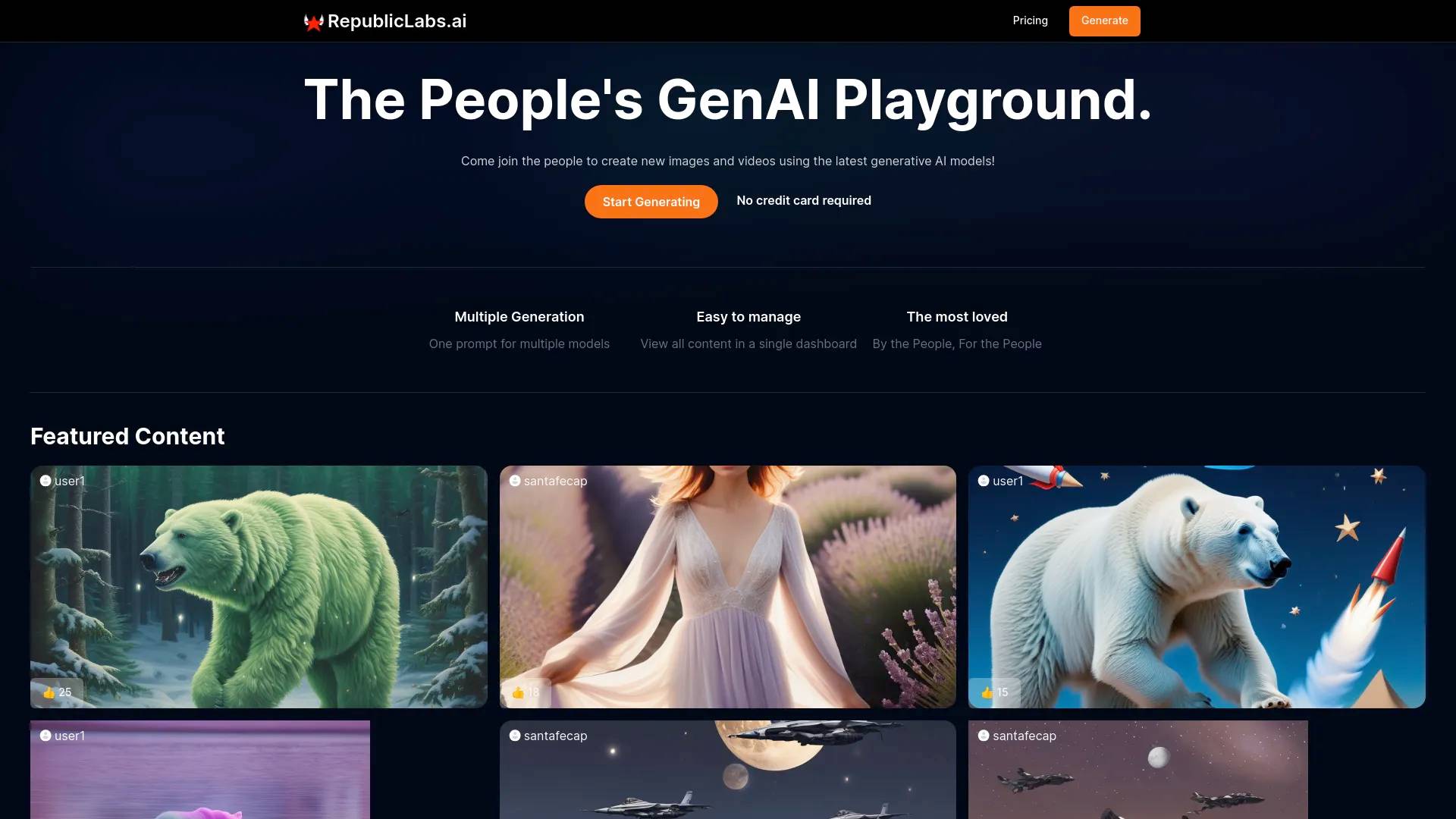
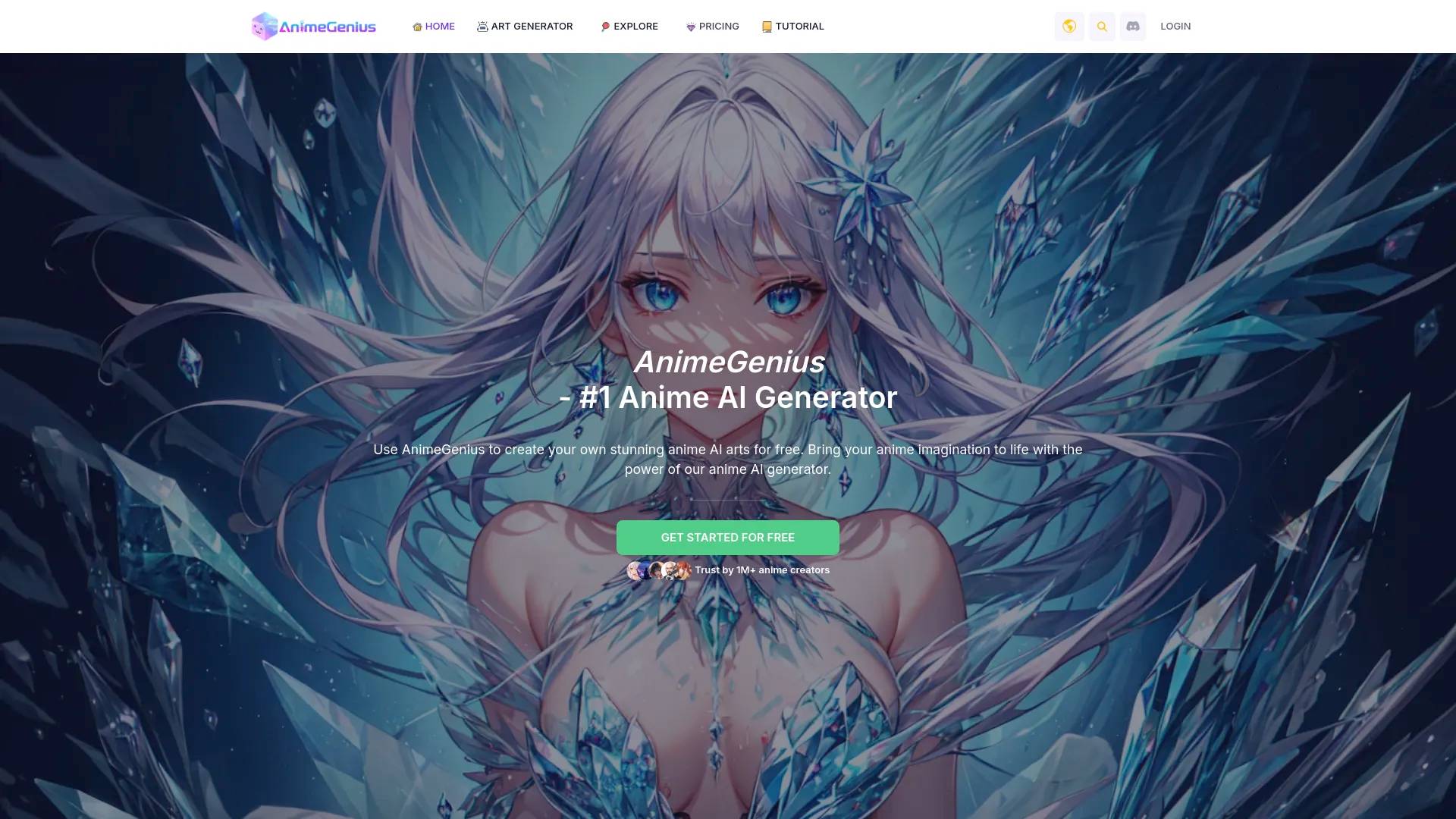
Top alternatives to Create Blue Background Passport Photo with Pokecut include Ink AI - Tattoo Generator, StickerIt.AI, Republiclabs.ai, AnimeGenius, BgRem.Where can I get Create Blue Background Passport Photo with Pokecut?
Create Blue Background Passport Photo with Pokecut is available at https://www.pokecut.com/tools/change-passport-to-blue-background.What category is Create Blue Background Passport Photo with Pokecut in?
Create Blue Background Passport Photo with Pokecut is listed in AI Art & Illustration.Which countries need a blue background for passport photos?
Blue backgrounds are common for Malaysia, Indonesia, and Qatar visas. However, the US and EU usually require white. Please check official rules before you change passport photo background.What color clothes work best with a blue background photo?
Avoid blue clothes to prevent blending in. Wear contrasting colors like white, black, or dark grey. This ensures your blue background for passport photo looks professional and clear.Can I turn a selfie into a blue background passport photo?
Absolutely. Take a photo against a plain wall with good lighting. Our AI acts as an ID photo background changer to automatically crop your face and replace the background instantly.How can I resize my passport photo using an online tool?
To resize your passport photo online for free, using Pokecut's advanced passport photo editor. Simply upload your image, select the resize option, and input the required dimensions for passport photos. This will ensure your image meets the necessary size requirements for applications.Is this blue background passport photo maker free to use?
Yes, Pokecut's blue background passport photo maker is free to use. You can change the background and download a preview using your free credits. We offer HD downloads to ensure your clear results.
Compare Create Blue Background Passport Photo with Pokecut with…
Pick any tool to see a structured side-by-side: pricing, deployment, capabilities, and content policy.