Latenode
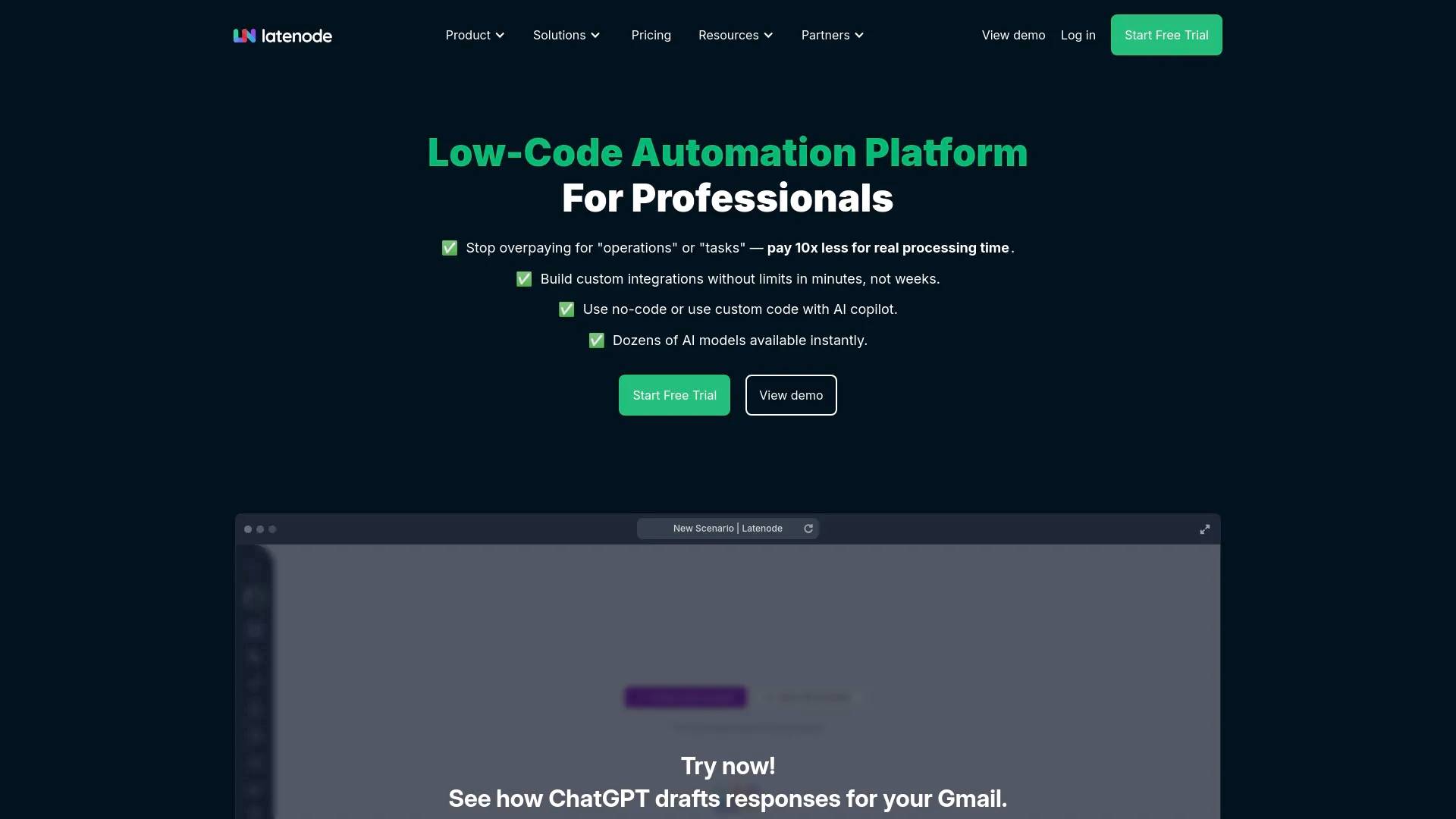
Latenode is an AI tool. Latenode — AI Workflow Automation with 1,200+ apps and LLMs Built In.
AI Collection Top Picks
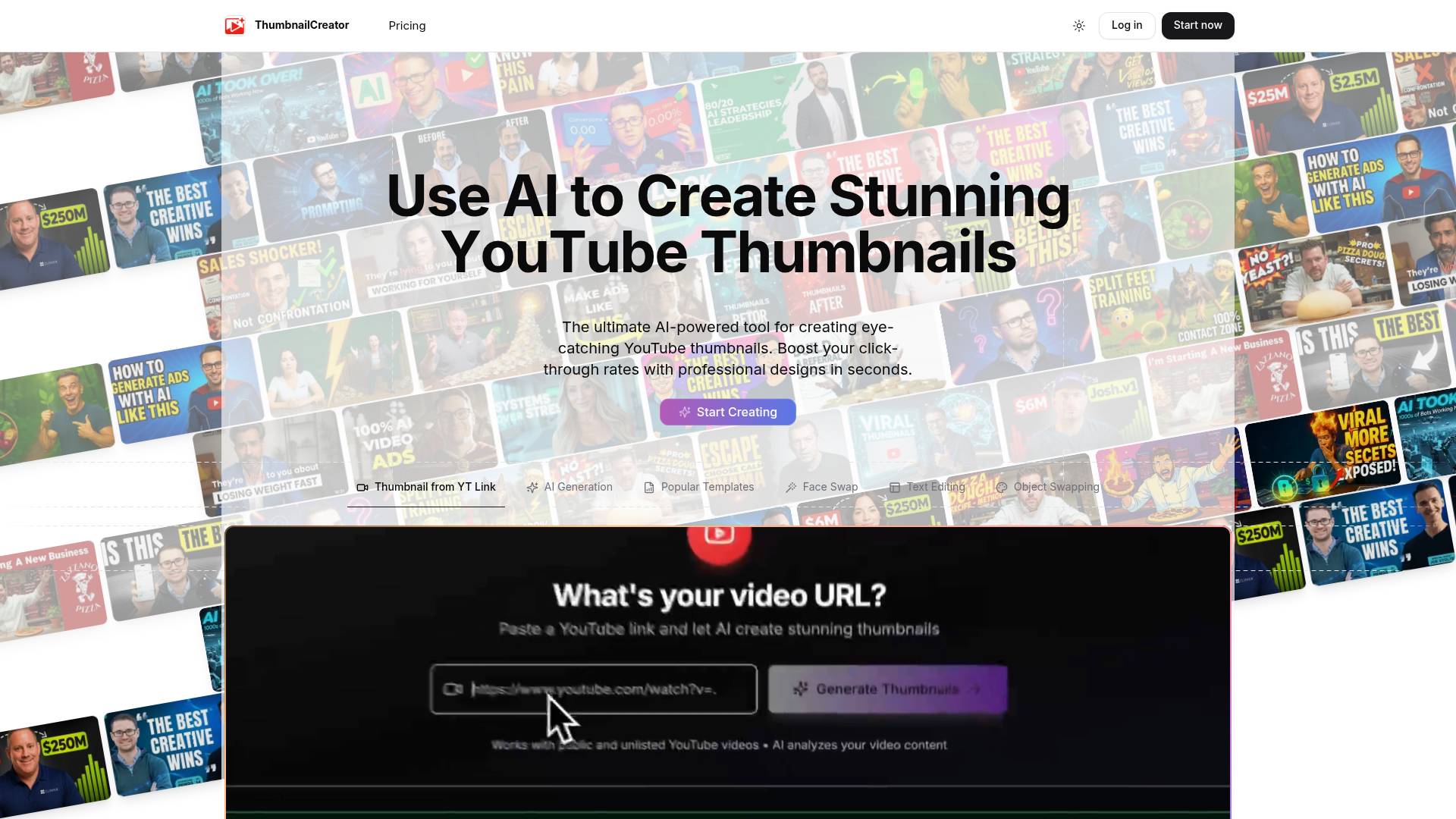
Workflow & Automation Category Picks
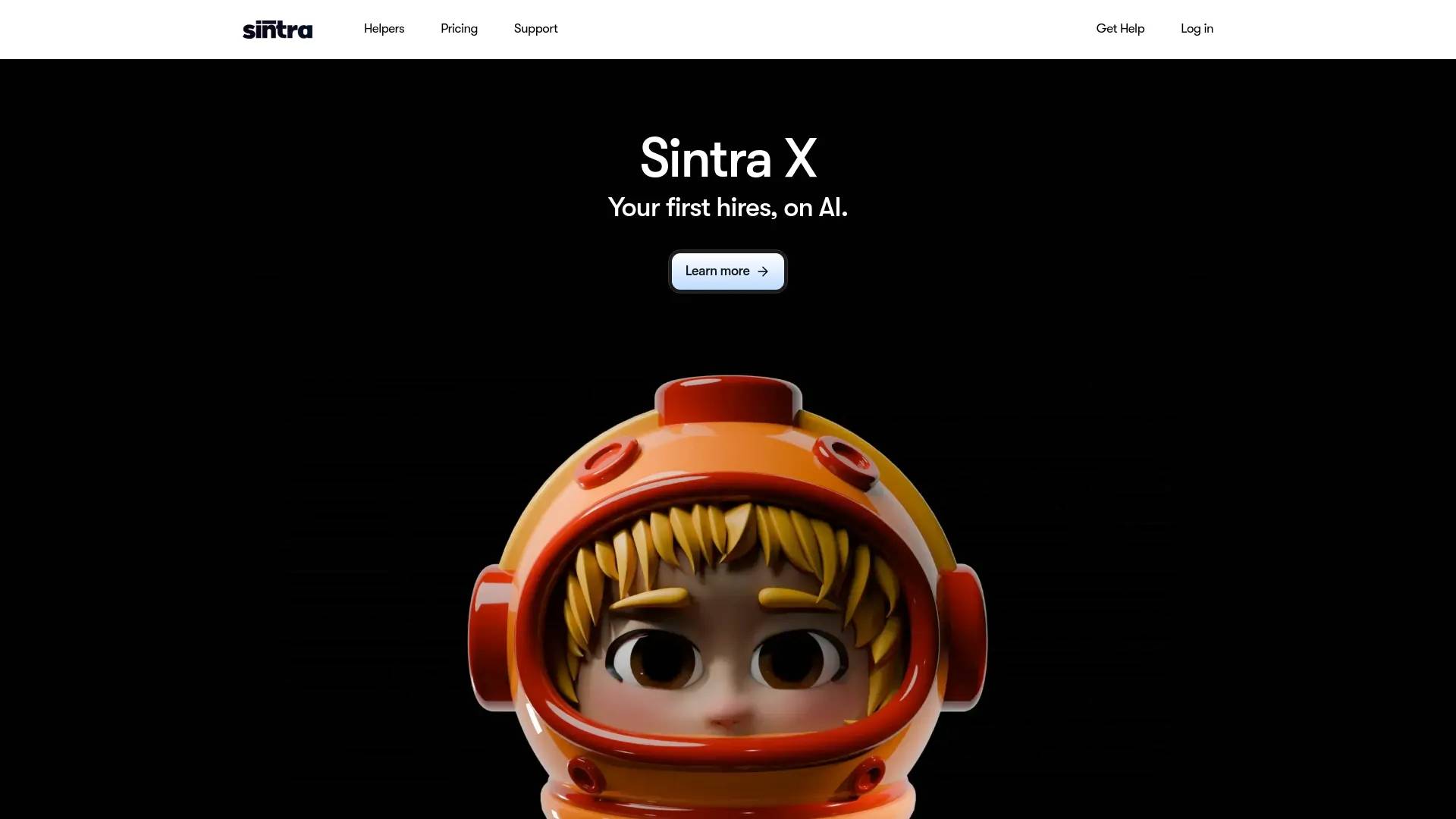
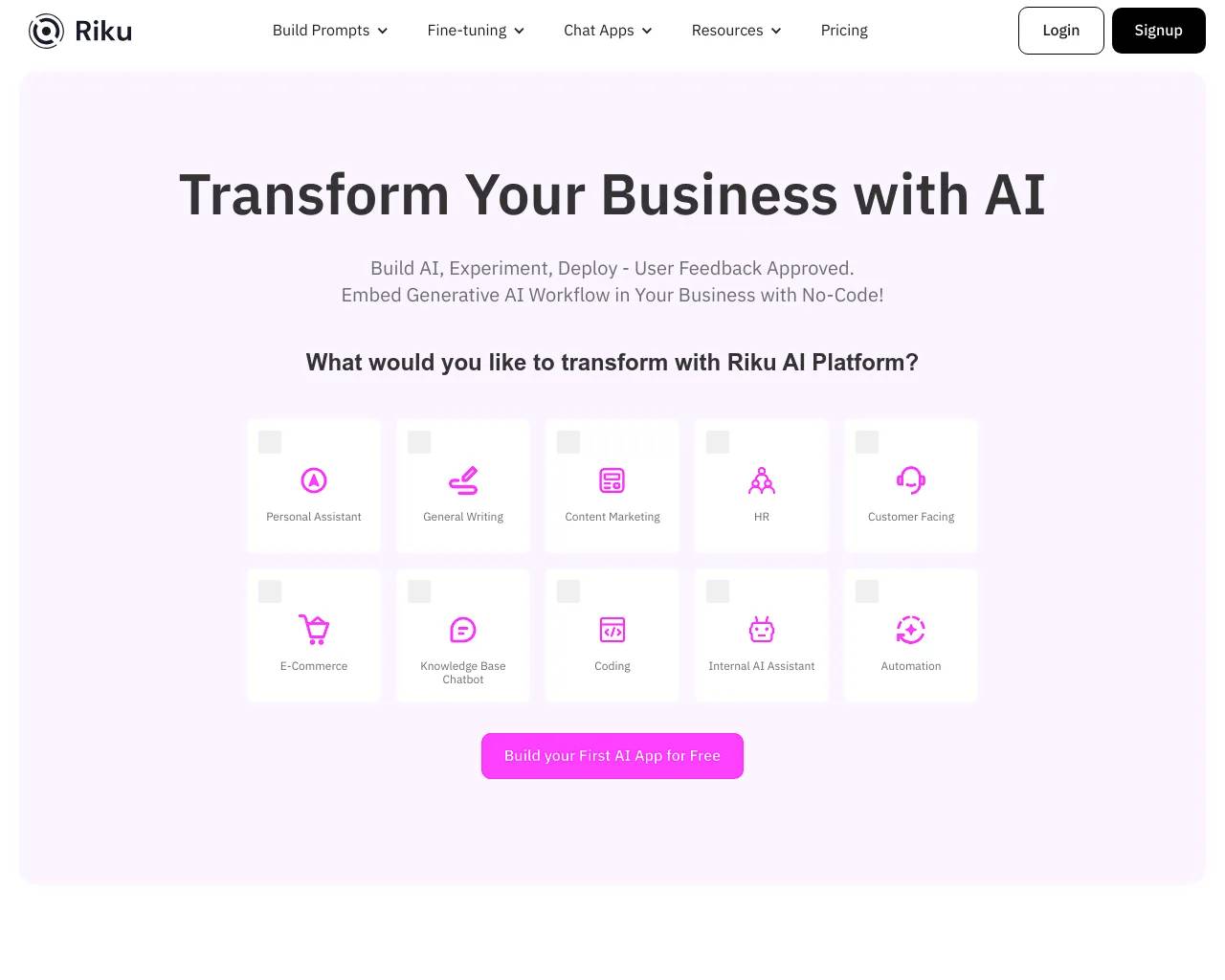
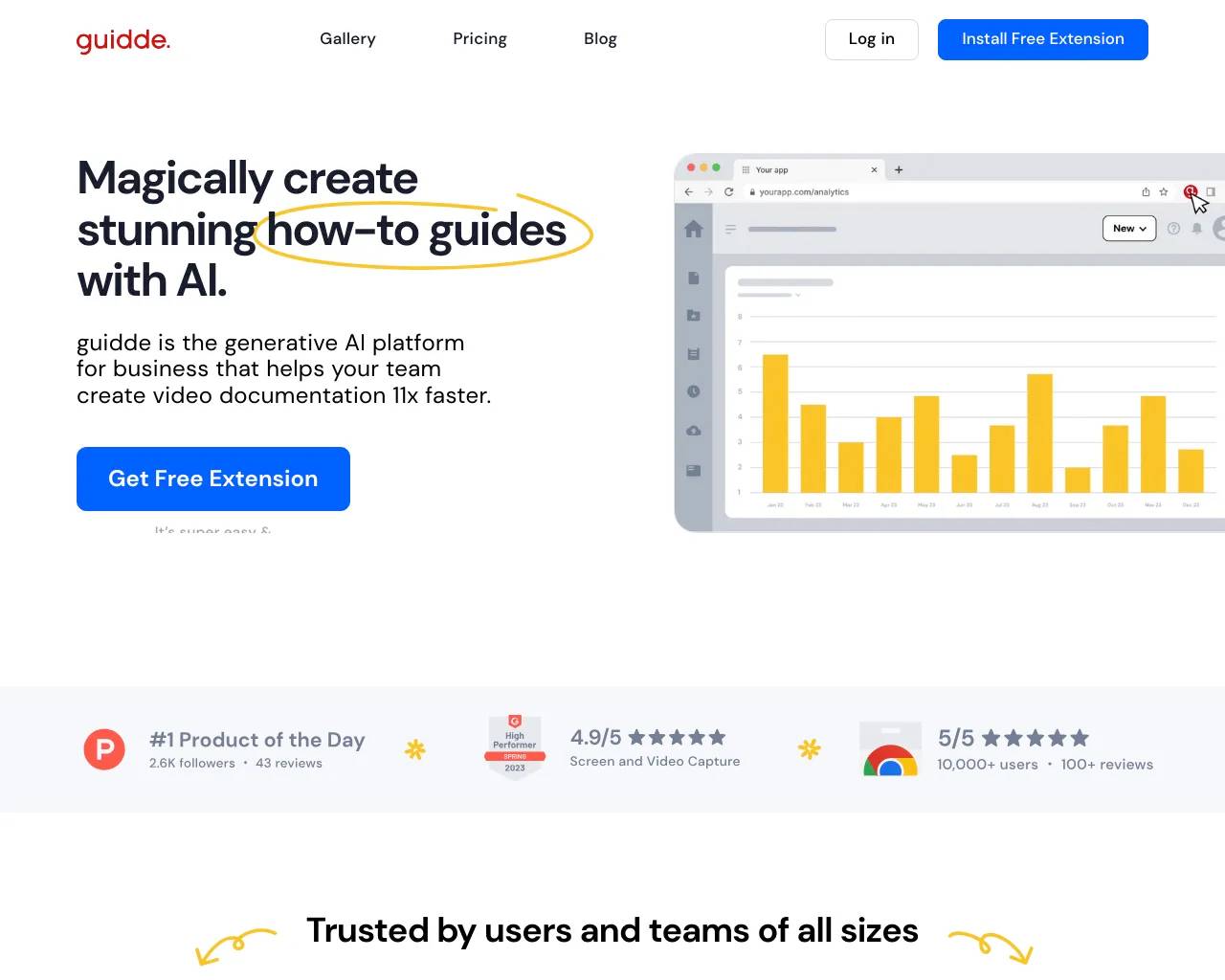
About Latenode
AI workflow automation platform with 1,200+ AI models built in. Build AI-powered workflow automations, deploy AI agents, and connect 1,200+ apps and LLMs. No API keys. Start free.
Frequently asked questions
What is Latenode used for?
Latenode — AI Workflow Automation with 1,200+ apps and LLMs Built In.Is Latenode free?
Pricing for Latenode varies — see the Pricing section for details.Where can I get Latenode?
Latenode is available at https://latenode.com.What category is Latenode in?
Latenode is listed in Workflow & Automation.What is AI workflow automation?
AI workflow automation is the use of artificial intelligence to design, execute, and manage multi-step business processes — replacing manual work with agentic orchestration and self-running, automated systems.How does it work?
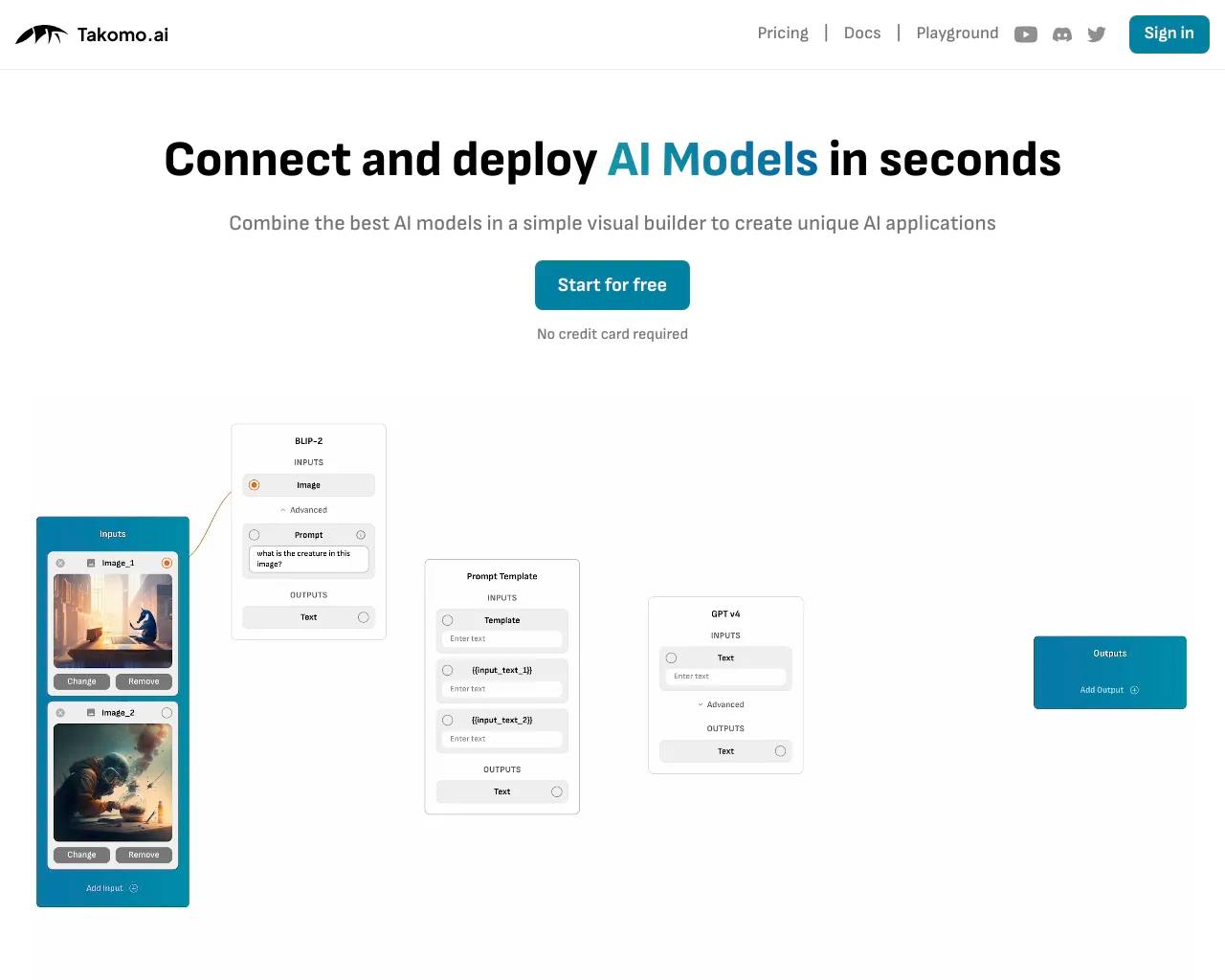
Latenode connects triggers, actions, and decision nodes into an automated flow. When a trigger fires — a new email, a form submission, a scheduled time — information passes through a series of steps. LLM-powered agents at each step use large language models to classify, transform, generate, or route information before passing it to the next app. The drag-and-drop builder lets you design these flows visually, then deploy them to run automatically.What are the key components?
A complete solution includes: a canvas builder (drag-and-drop interface to design flows), model nodes (1,200+ apps and LLMs for reasoning and generation), an integration library (5,500+ integrations across 1,200+ apps), agentic orchestration (multi-agent routing and autonomous loops), JS nodes (custom JavaScript for complex logic), monitoring and management (execution logs, error handling, real-time insights), and security controls (SSO, RBAC, GDPR, SOC 2 certified).What are the main benefits?
Key benefits: time savings — eliminate manual, repetitive tasks across the business; cost reduction — flat-rate execution replaces unpredictable per-operation billing; faster execution — decisions that took hours happen in seconds; accuracy — AI reduces human error in processing; and improved customer satisfaction through faster response times. Teams typically reclaim 6–20 hours per person per week.What are common use cases?
Popular use cases include — Marketing: AI content generation, campaign scheduling, lead scoring, SEO pipelines. Sales: lead enrichment, personalised outreach at volume, CRM updates, appointment booking, AI follow-up drafts. Customer service: email triage, smart routing, AI auto-replies, ticket creation from WhatsApp or Slack. Operations: record sync, report generation, invoice processing. Development: webhook handling, API integration, automated testing notifications, PR review alerts.AI automation vs. traditional automation — what's different?
Traditional tools follow rigid if-this-then-that rules — fast but brittle. They break on unexpected input and can't handle nuance. Adding a reasoning layer transforms this: LLM agents read unstructured text, classify intent, generate responses, and adapt to edge cases without hardcoded rules. Traditional triggers handle predictable, structured tasks. LLM agents handle the messy, context-dependent work that previously required a human — and they do it at volume.What challenges affect real results from AI automation?
Common challenges: connection complexity (solved with 5,500+ integrations across 1,200+ apps and custom builds in 7–14 days); reliability (LLM hallucinations mitigated with structured prompts and fallback routing); cost unpredictability (per-call API billing solved with flat-rate pricing); compliance (SOC 2 Type II, RBAC, GDPR covered); and adoption (no-code builder and 500+ ready presets reduce time-to-first-result to minutes).How do I choose the right tool?
When evaluating options, look at: LLM model access (models included vs. extra cost), connection depth (native connectors vs. custom HTTP), pricing model (per-task vs. flat rate — critical at volume), JS flexibility (can developers write custom logic?), enterprise security (SOC 2, GDPR, RBAC), and agentic capabilities (multi-step intelligent flows). Compared to Zapier, Make, or n8n, Latenode is faster to get started, easier to use, and the only option that includes 1,200+ apps and LLMs, flat-rate pricing, and full JavaScript — in one subscription.How do I add AI to my existing workflows?
The fastest path: 1) Link your apps via OAuth — pick from 1,200+ apps including Gmail, Slack, HubSpot, Salesforce, and Notion. No setup required. 2) Add a model node to any step — choose from 1,200+ apps and LLMs including GPT-4o, Claude, and Gemini, available instantly. 3) Define the task: classify, generate, summarise, route, or transform records. 4) Deploy and monitor. No need to rebuild your stack. Latenode adds an automation layer on top of everything you already use.
Compare Latenode with…
Pick any tool to see a structured side-by-side: pricing, deployment, capabilities, and content policy.