Dubsmart LLC
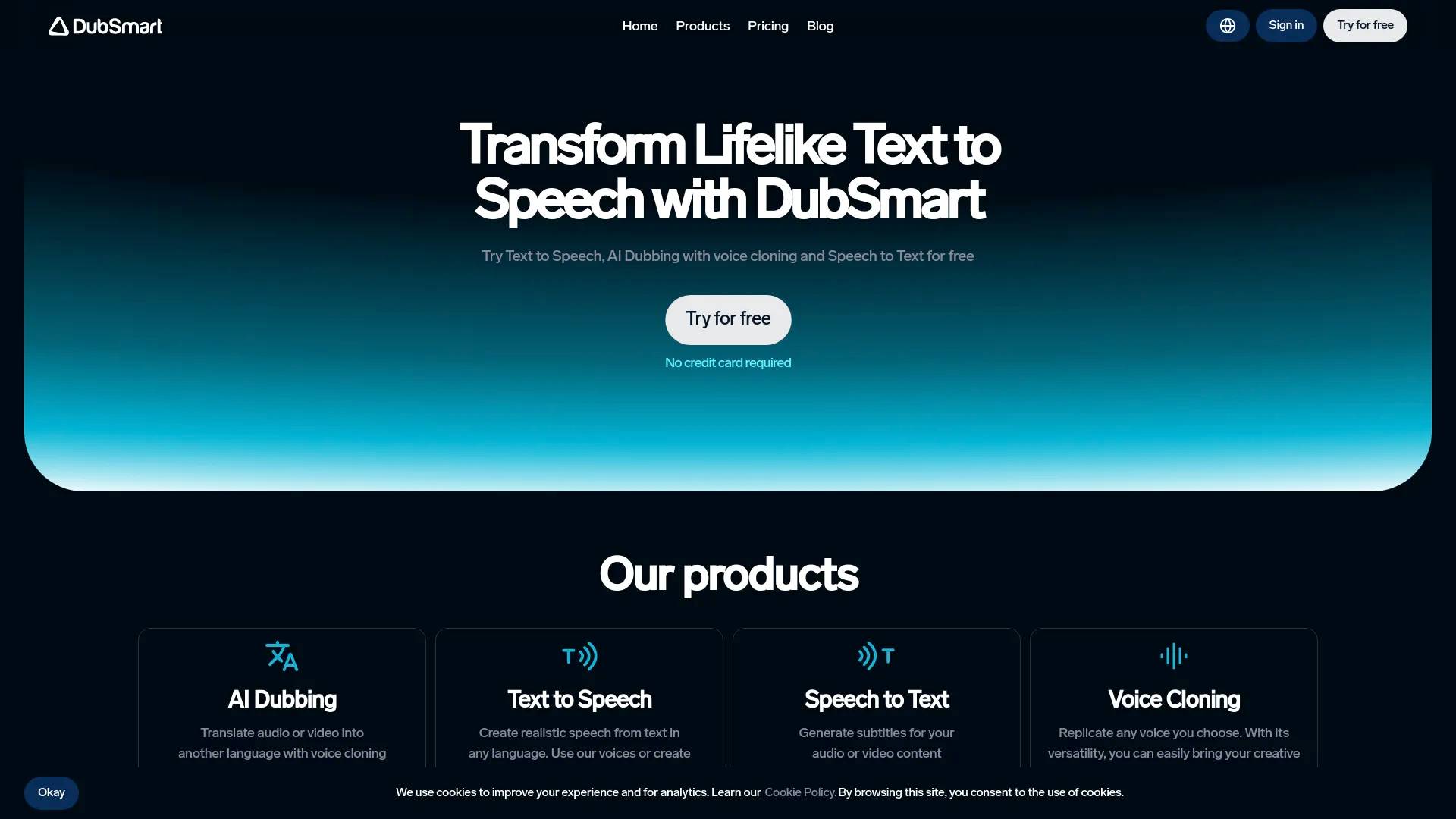
DubSmart: AI Voice Generator & Voice Agents Platform.
AI Collection Top Picks

Text To Speech Category Picks
About Dubsmart LLC
DubSmart AI: AI dubbing, voice cloning, TTS and STT tools to localize videos. Create natural voices, multilingual content and fast video localization with AI.
What you get
Additional Information
DubSmart AI is a comprehensive platform that empowers content creators by providing tools for text-to-speech, AI dubbing, voice cloning, and more. It supports 33 languages for dubbing and allows users to create natural sounding voiceovers without needing expensive equipment or professional voice actors. By simplifying the video localization process, DubSmart enables creators to reach global audiences effortlessly.
The platform offers various functionalities, including image generation from text prompts and the transformation of static images into dynamic videos. Users can upload their media files, edit them, and produce high-quality outputs in just a few steps. The voice cloning feature lets users reproduce specific voices accurately, facilitating the creation of multilingual content.
DubSmart caters to small creators, YouTubers, and companies looking to enhance their media production workflows. It minimizes the need for multiple tools, saving both time and resources in the content creation process. With an intuitive interface and a library of over 300 natural-sounding voices, DubSmart is designed to make media creation accessible for everyone.
Whether you are creating a new video, localizing existing content, or generating visuals for marketing, DubSmart provides an all-in-one solution that streamlines the process and enhances productivity.
Frequently asked questions
What is Dubsmart LLC used for?
DubSmart: AI Voice Generator & Voice Agents Platform.Is Dubsmart LLC free?
Pricing for Dubsmart LLC varies — see the Pricing section for details.What are alternatives to Dubsmart LLC?
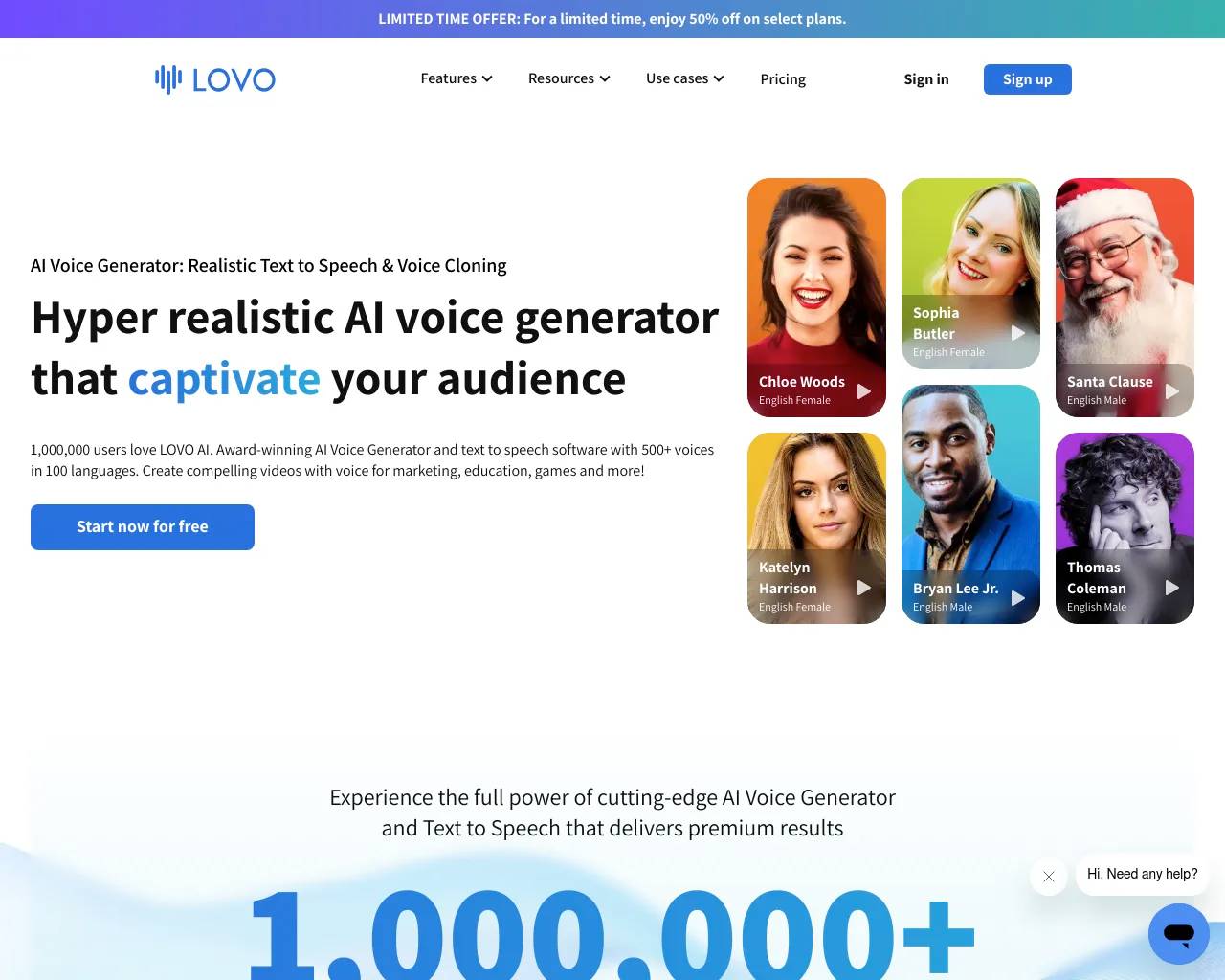
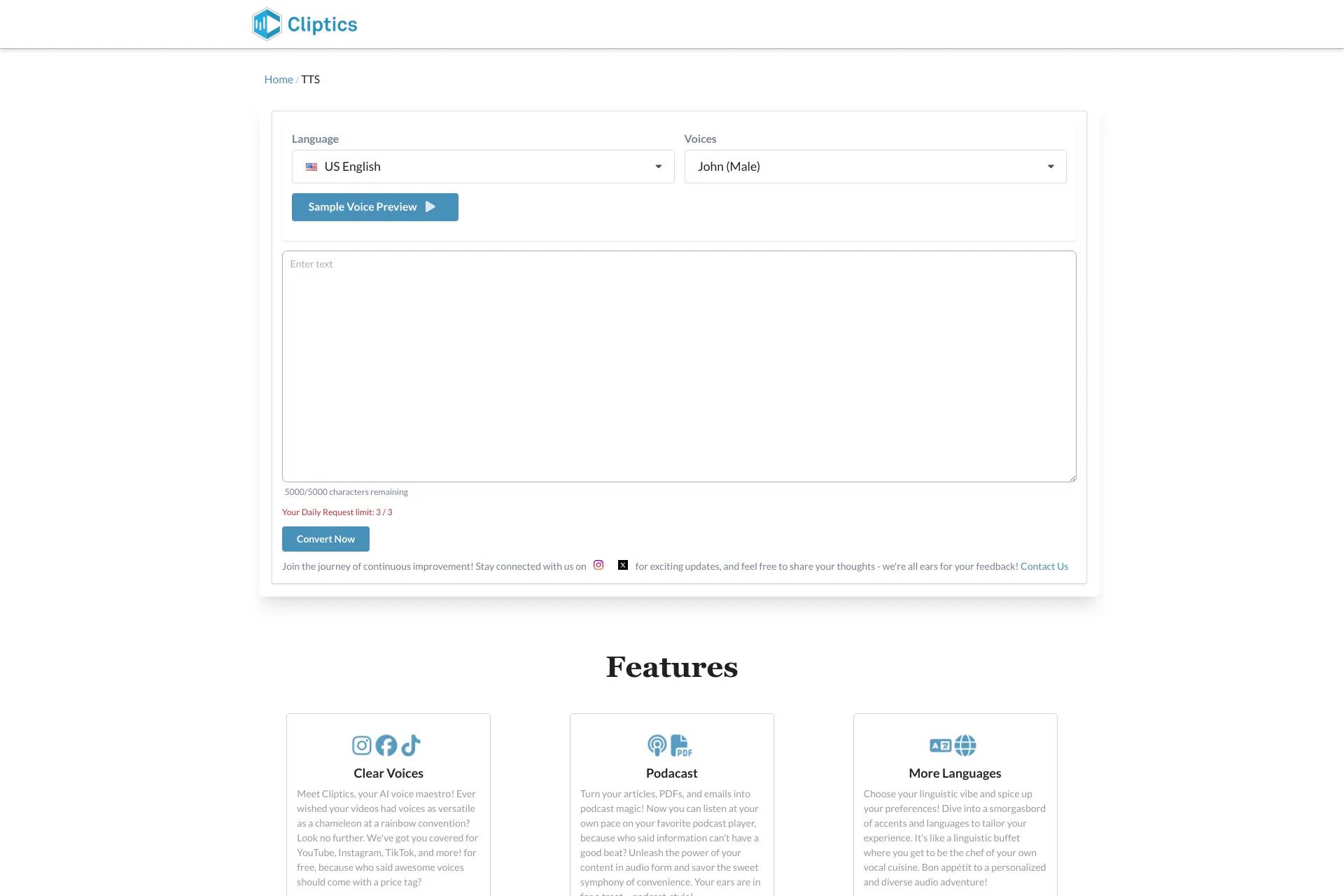
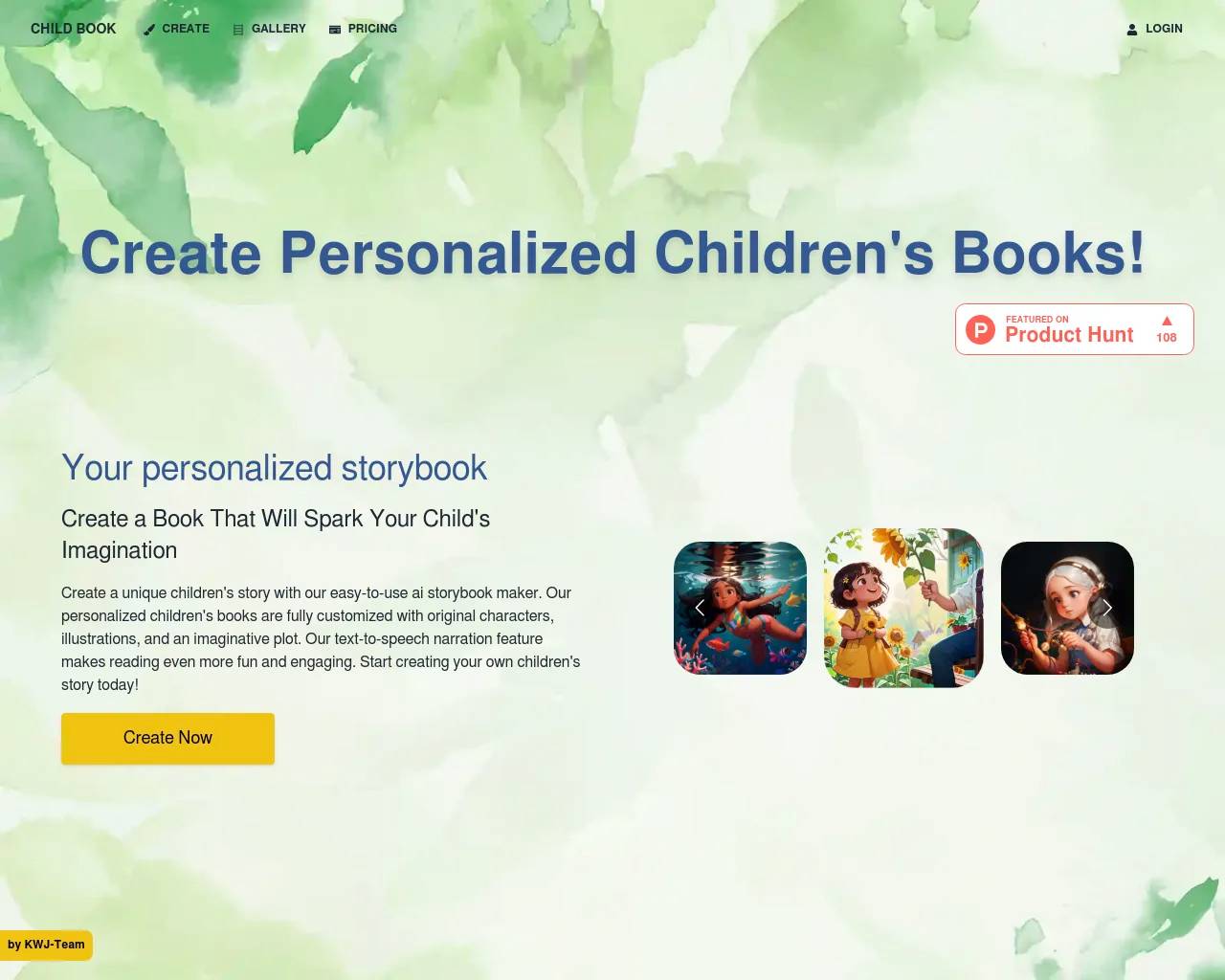
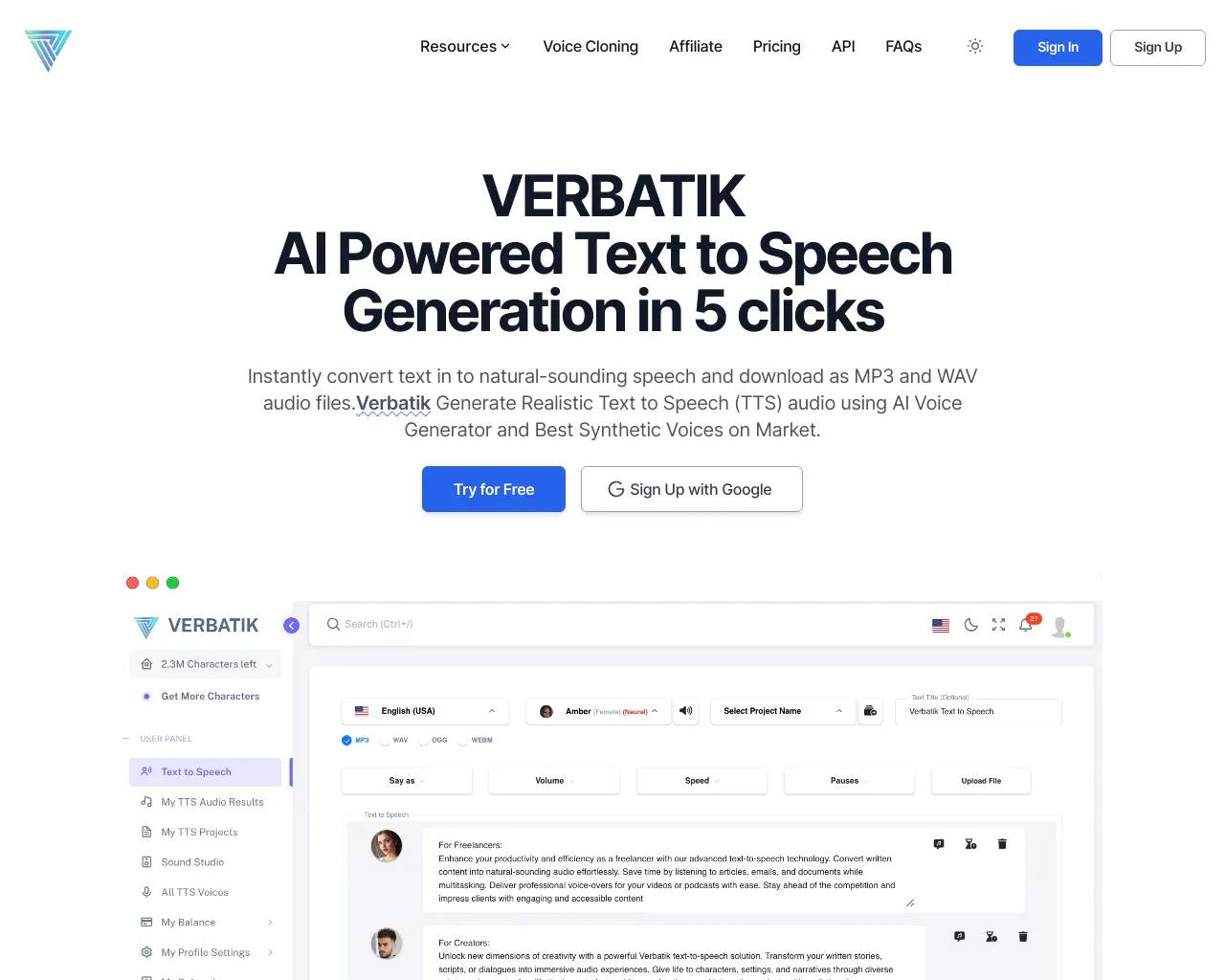
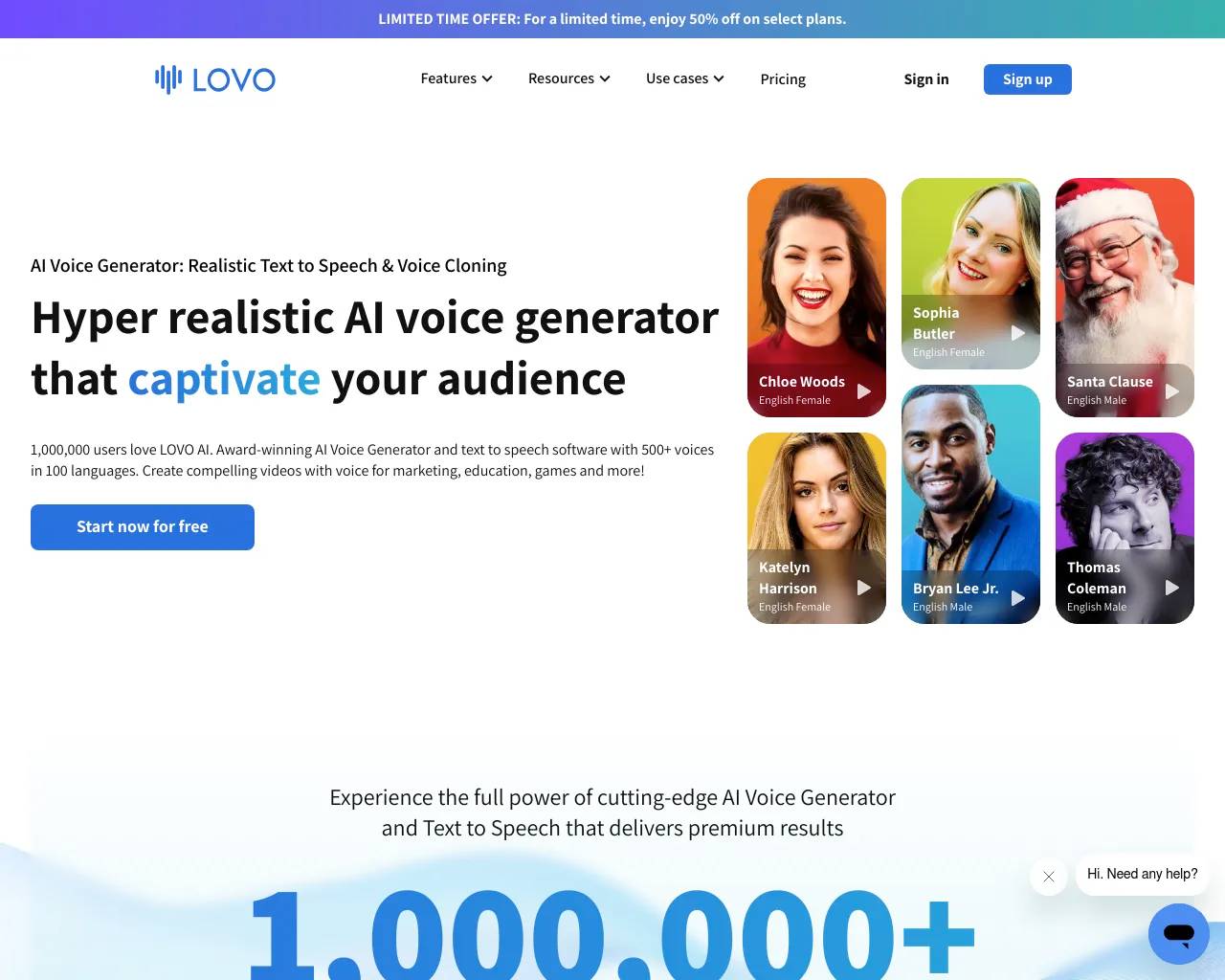
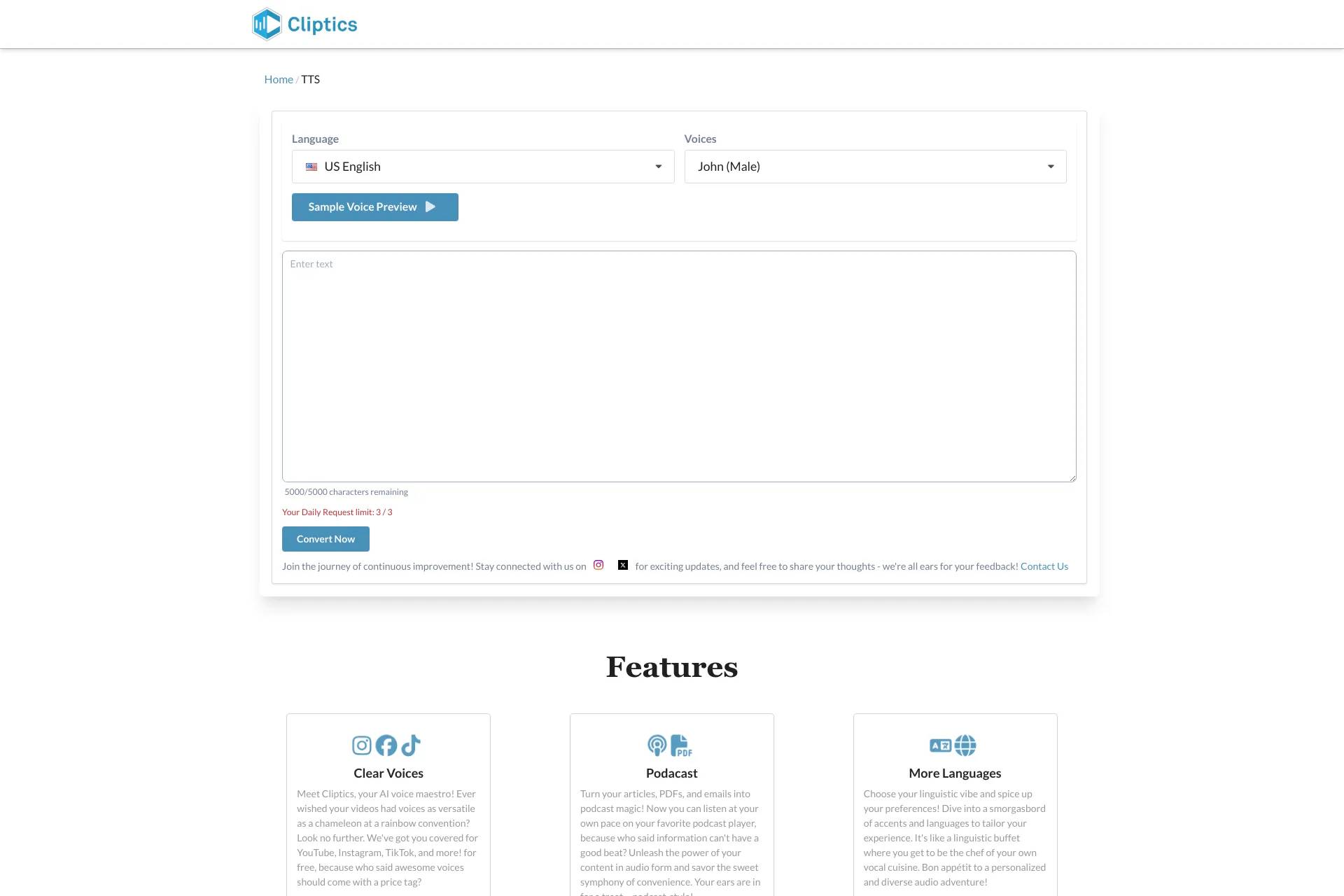
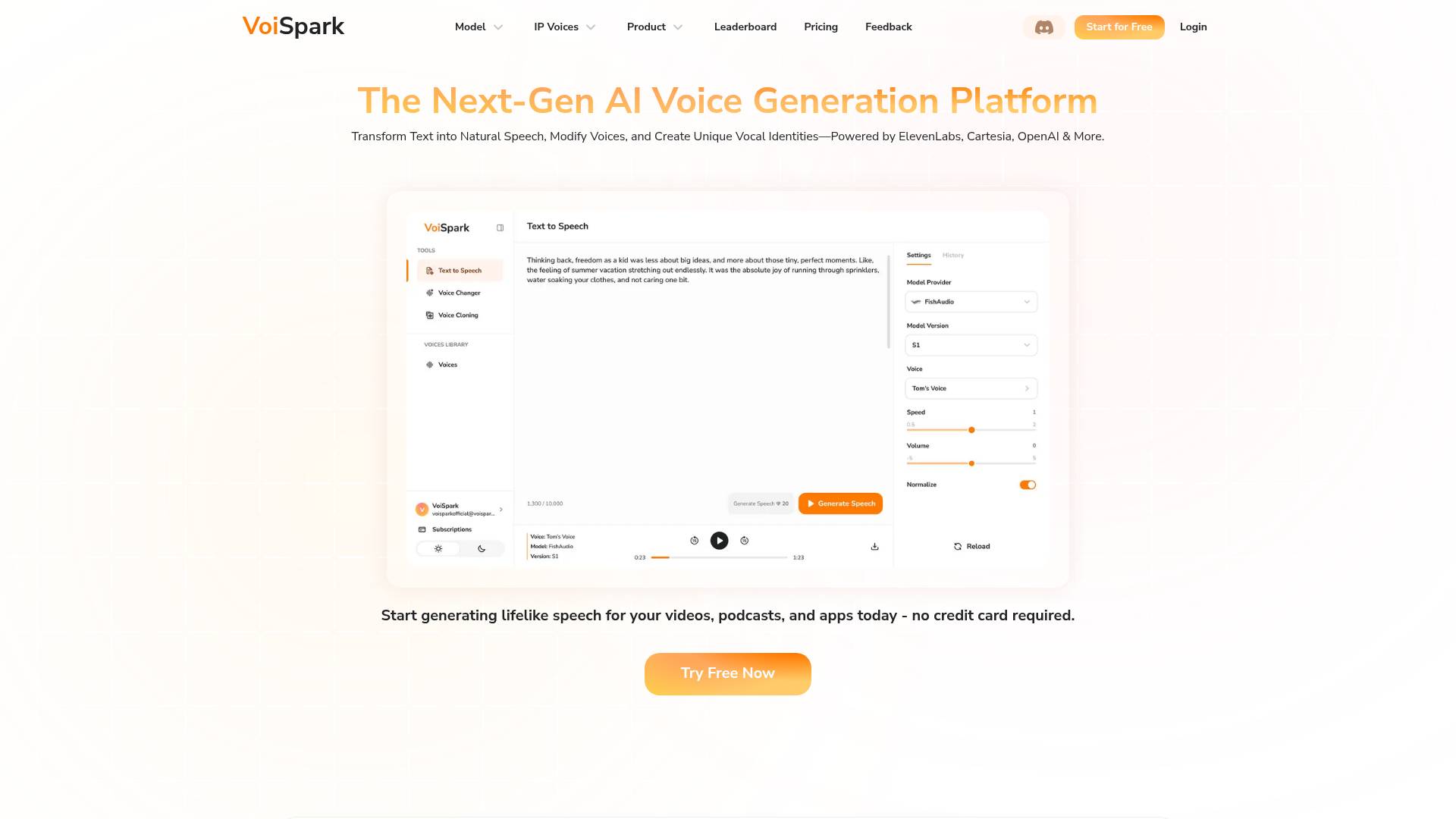
Top alternatives to Dubsmart LLC include VoiSpark, Lovo, Cliptics, Free AI Text to Speech by Leap AI, Childbook.Where can I get Dubsmart LLC?
Dubsmart LLC is available at https://dubsmart.ai.What category is Dubsmart LLC in?
Dubsmart LLC is listed in Text To Speech.How to change the speech rate in Text to Speech?
At the bottom of the editing page, the speech rate is shown as '1.00x'. To change the speech rate, click on this button and select the desired speed.How to add emotions in Text to Speech?
You can use dialogue tags to express emotions, such as 'he said happily', or 'he shouted angrily'. These types of prompts will help the AI understand the desired emotional tone and try to generate a voiceover that accurately reflects it.How to emphasize a word?
If you want to accent a word, write the stressed vowel with a capital letter. For example: 'HellO hOw are yOu?'How to make a number pronounced in the correct language?
If a number is pronounced incorrectly, write the number in words.What languages does AI Dubbing support?
You can dub videos from 60+ languages into 33 languages.Do you have an API?
Yes, we have Text to Speech, Voice Cloning and AI Dubbing API.How to make the result of AI Dubbing better?
You can edit the Dubbing AI project to improve the quality of dubbing.How to change the speech rate in an AI Dubbing project?
Open the project in the Dubbing Studio. At the bottom of the Dubbing Studio, there are audio tracks. To change the speech rate, squeeze or stretch the audio track.How to edit timestamps in AI Dubbing project segments?
Open the Dubbing Studio. The segment timestamps are displayed above the segment. Click on the segment timestamps to edit them.How to regenerate a segment in Dubbing?
Open the project in the Dubbing Studio. At the bottom of the screen you will see the audio tracks. Click the 'Regenerate' button on the desired audio track.How to change the volume of background sound?
Open the project in the Dubbing Studio. You can change the volume of the background sound in the background sound settings.Can I dub a movie?
Yes, you can dub a movie using AI Dubbing. The voices from the movie will be automatically cloned.What are the benefits of dubbing videos?
You can maximize revenue from each video by easily localizing content for a global audience.How to add speech to the video?
To add speech to a video, just upload the video to AI Dubbing and choose a language.How to clone a voice?
Just upload an audio file of at least 20 seconds to the 'Voice Clone' section. For the best cloning quality, the audio recording should be free of background noise.For what can the cloned voice be used?
You can use the custom voice in Text to Speech or AI Dubbing projects.How to add emotions to the cloned voice?
For speech generated using a cloned voice, the speaking style contained in the samples you upload for cloning is replicated in the output. So, if the speech in the uploaded sample is monotone, the model will struggle to produce expressive output. Try recording a voice with the emotion you want to hear.How many languages support Speech to Text?
Speech to Text supports 60+ languages including English, Spanish, German, Hindi, Turkish, Portuguese, Japanese, Russian, Chinese, Arabic.Can Speech to Text projects be edited?
Yes, you can edit the text in the Speech to Text project.What are the limits on video length in AI Dubbing and Speech to Text projects?
We don’t have a limit on the length but the limit of the size is 5 GB.Can I create an image in DubSmart?
Yes, you can generate images using Text to Image.How to find out what error occurred in a project?
If a project ended with an error, click on the project to see the reason for the error.Do you have a customer support?
Yes, you can ask any question in the Support Chat, located in the bottom right corner of the screen.If I don't use all my credits in a month, do the remaining credits roll over?
Yes, unused credits roll over to the next month.Can I change my plan?
Yes, you can change your plan at any time in Dashboard on the Payment & Billing page.How many credits are available for a free trial?
On the free plan, we provide 2000 credits once for AI Dubbing, Text to Speech, Text to Image, Image to Video, Speech to Text, and Speech Separator trial. 2000 credits equals 2 minutes of AI Dubbing and Text to Speech.How to buy additional credits?
You can buy additional credits on the Billing page.What affects the cost of credits?
The higher the plan, the lower the cost per credit. For example, on the Enterprise plan, the cost per 1000 credits is $0.25.Do you store payment information?
We do not store credit card information. All our payments are processed through Stripe.How to cancel a subscription?
You can cancel your subscription at any time on the Billing page.
Compare Dubsmart LLC with…
Pick any tool to see a structured side-by-side: pricing, deployment, capabilities, and content policy.