iTextMaster
iTextMaster is an AI plugin. Online PDF Tools and PDF API | iTextMaster.
- Category
- Plugins & Extensions
- Pricing
- Free
- Alternatives
- 6 similar tools
- Last updated
- 5 days ago
- Source
- Official site ↗
AI Collection Top Picks

Plugins & Extensions Category Picks
About iTextMaster
Search free online PDF tools for merge, split, compress, convert, and edit workflows. Process files in your browser, or automate PDFs with a Credits API.
What you get
Additional Information
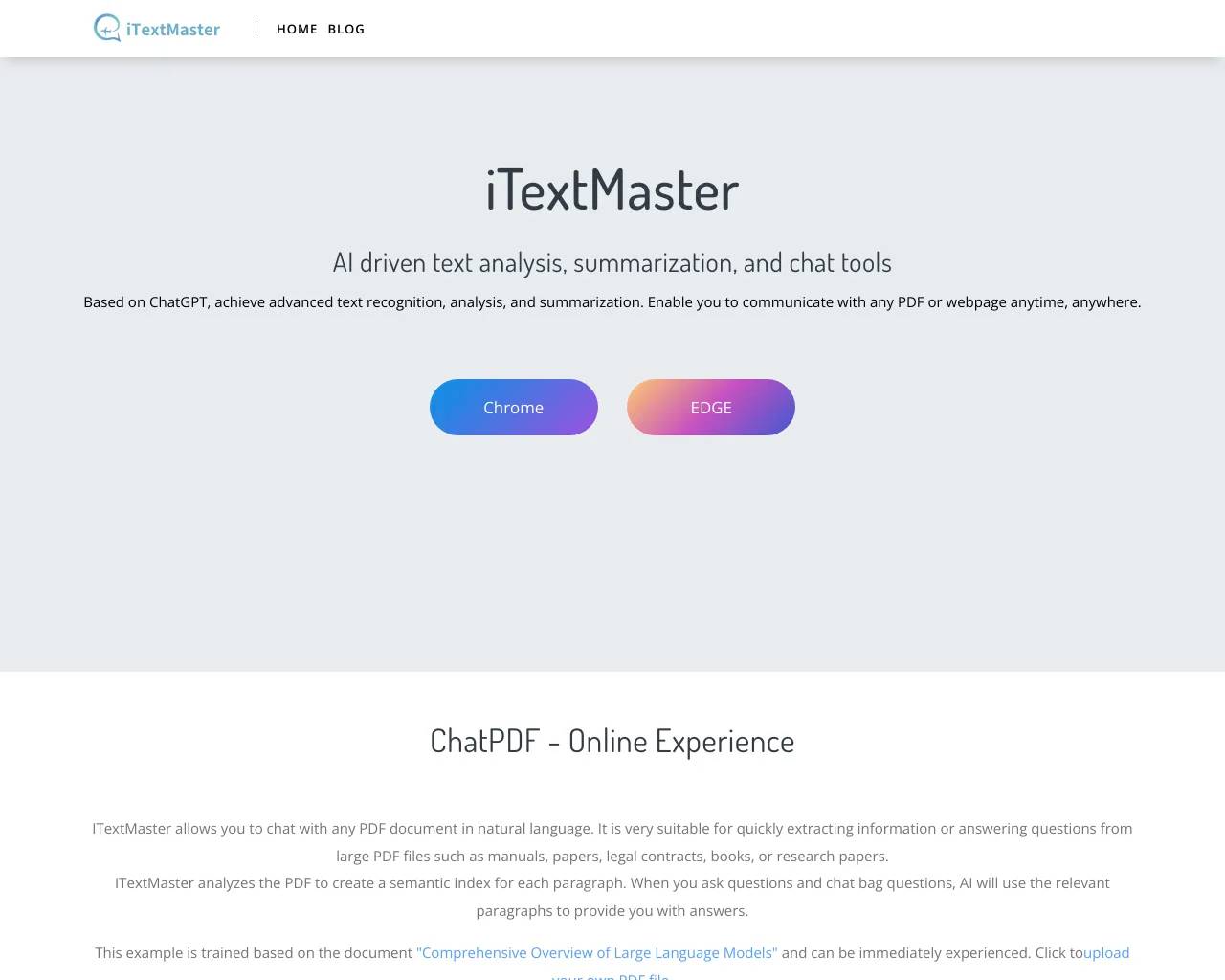
- Chat with PDF: After uploading the PDF file, wait for two seconds for iTextMaster to provide the summary content of the PDF document. For longer PDF documents, you can easily access key information without reading the entire content.
- Chat with Web: When browsing any page in the browser, iTextMaster provides shortcut buttons that can be clicked to quickly access important information and save valuable time.
- Intelligent recommendation: iTextMaster will recommend some books to users on the main page, which can help users quickly obtain book summaries and intelligently recommend the books you want to read.
- Accurate search: Searching for specific information in massive PDF documents is often frustrating, but ChatPDF can easily solve this problem. With the precise search function of ChatPDF, you only need to enter keywords to quickly locate the content you need. Make information search more efficient and accurate.
Frequently asked questions
What is iTextMaster used for?
Online PDF Tools and PDF API | iTextMaster.Is iTextMaster free?
iTextMaster is free to use.What are alternatives to iTextMaster?
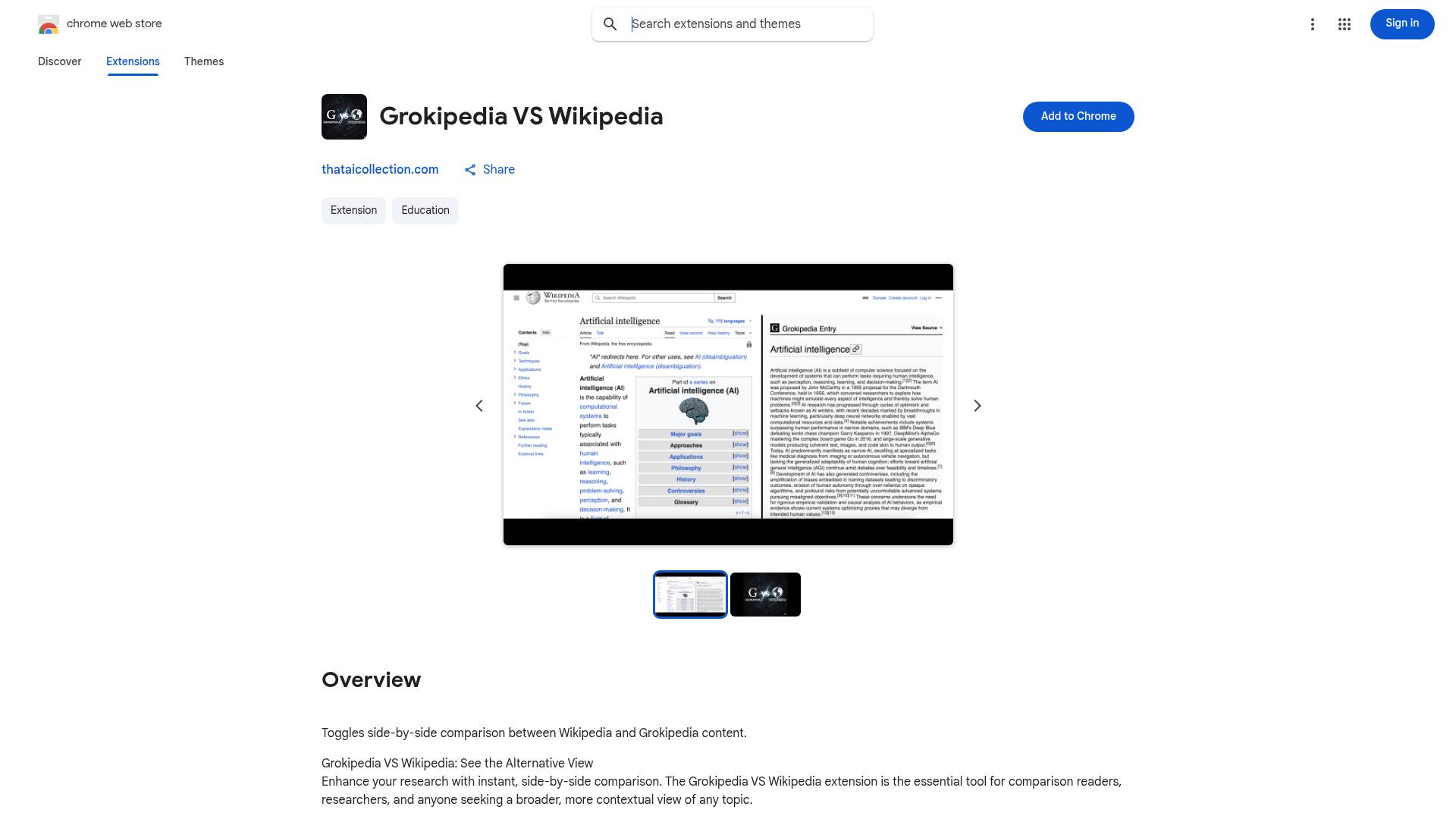
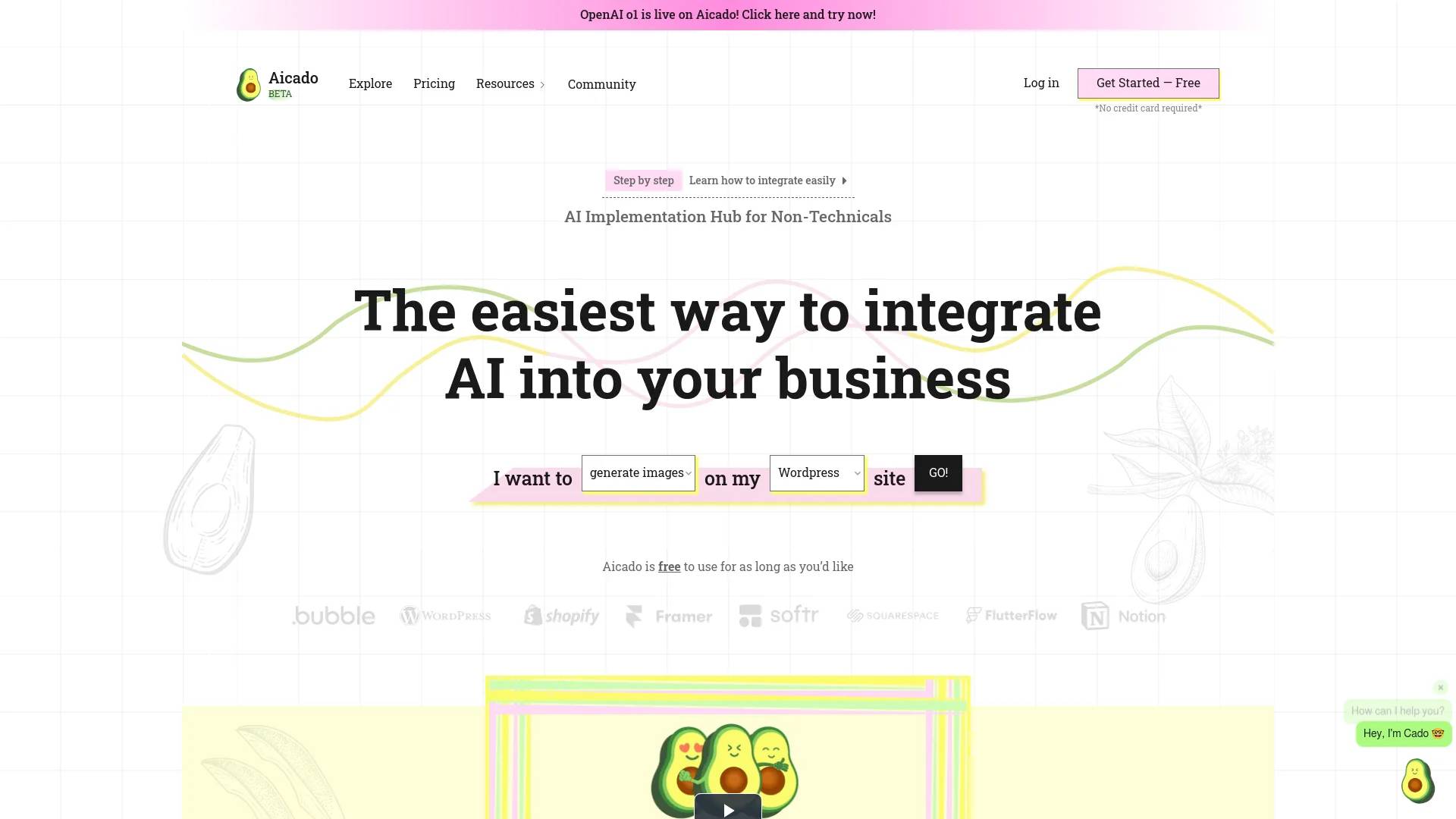
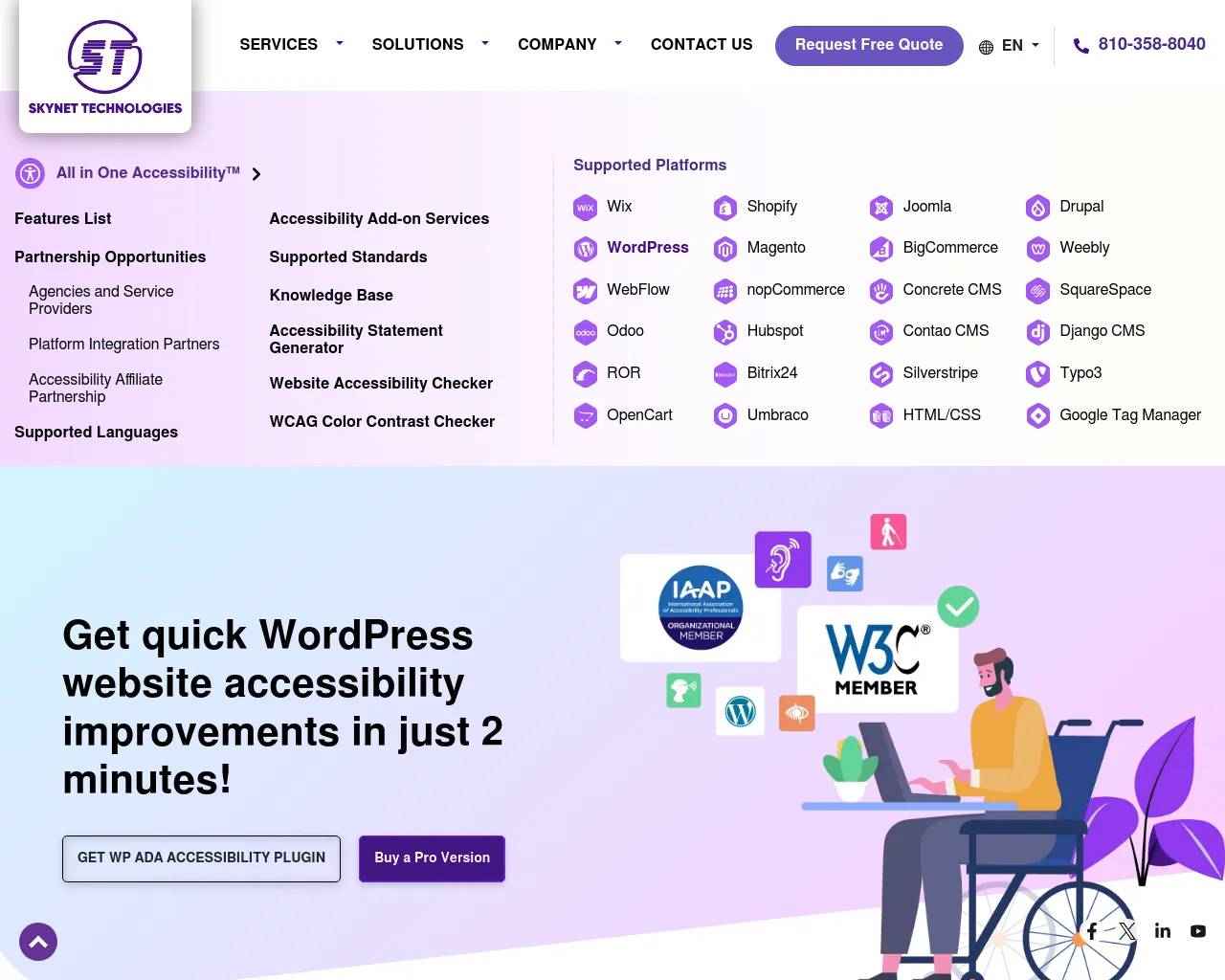
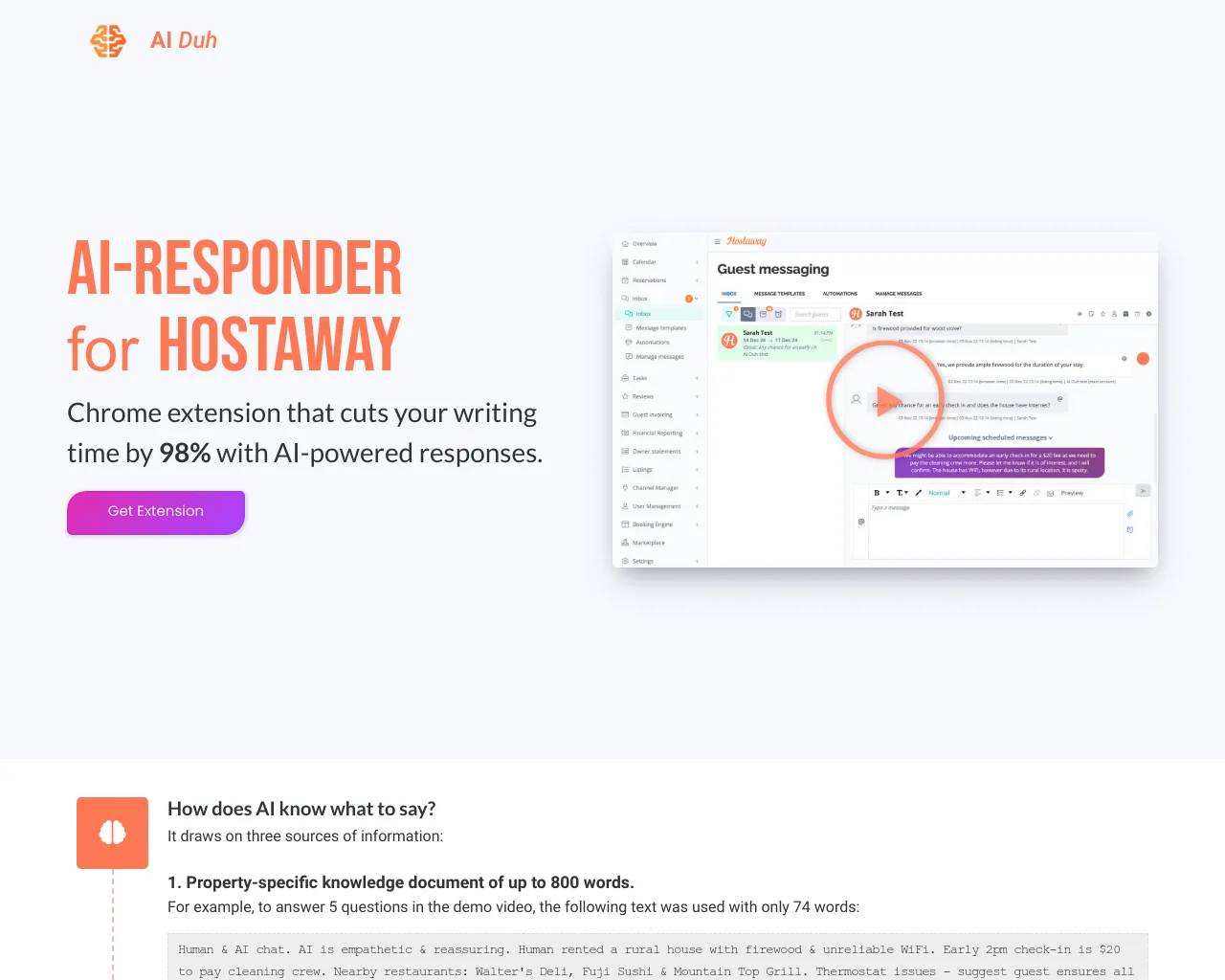
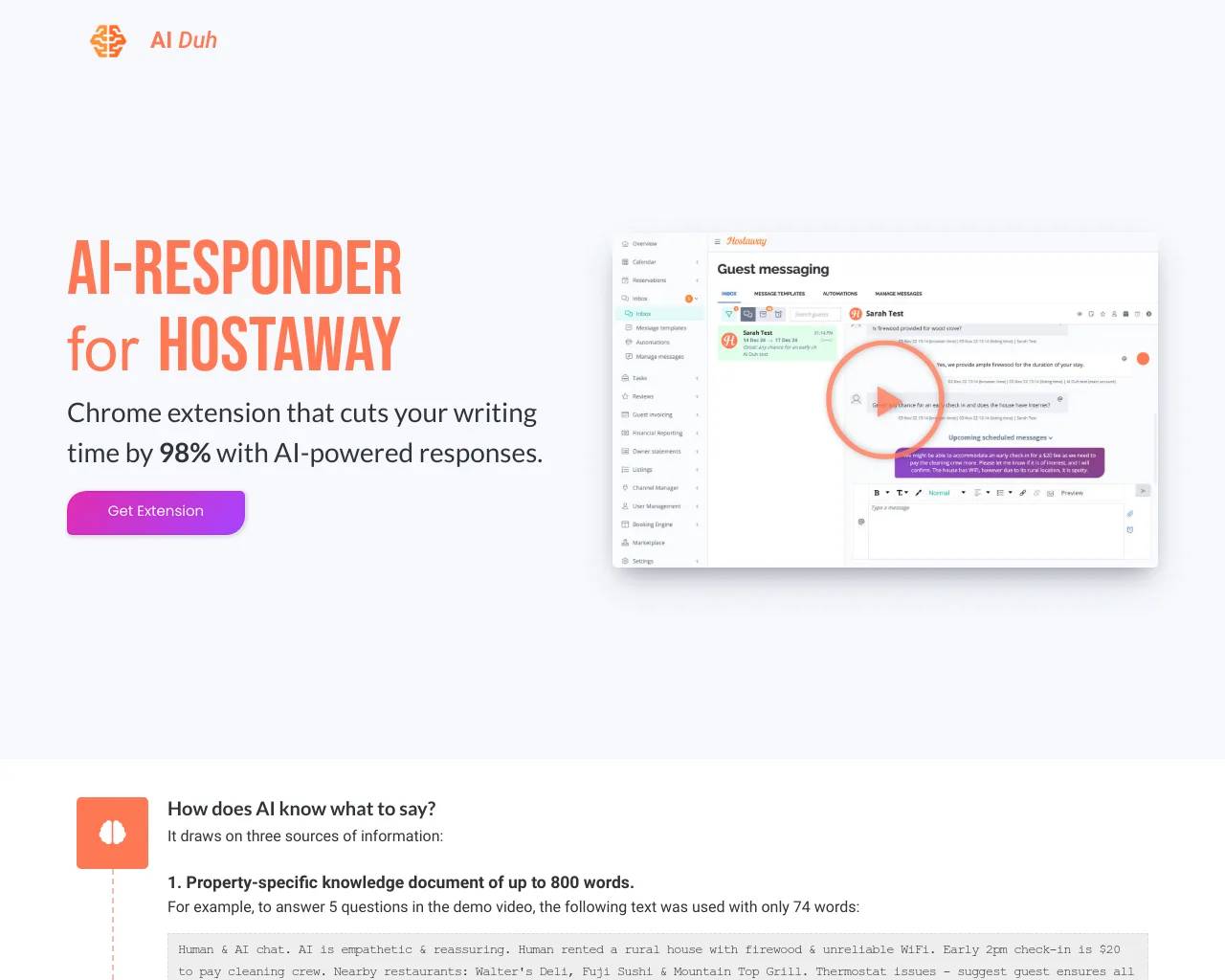
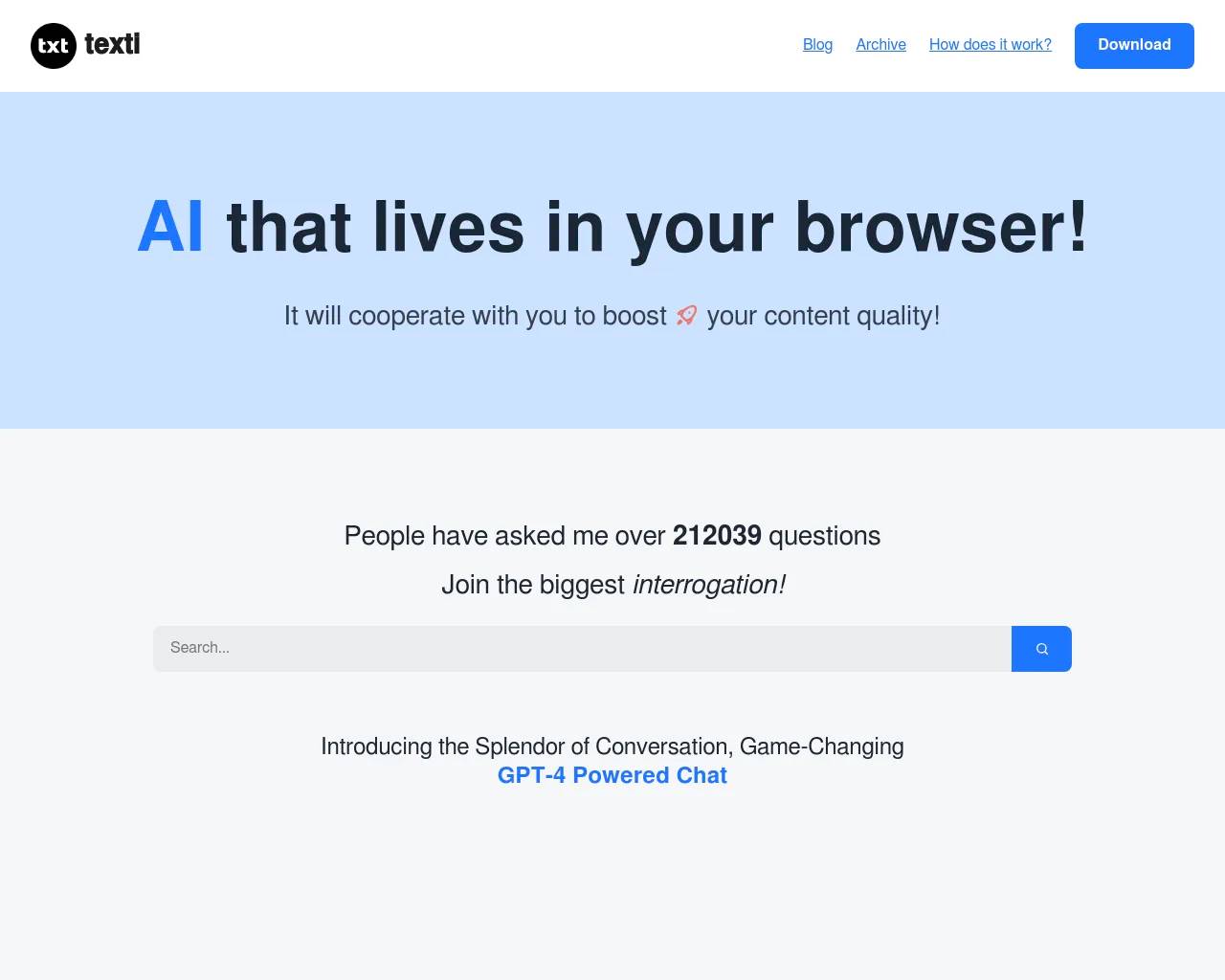
Top alternatives to iTextMaster include Aicado AI, Grokipedia VS Wikipedia, All in One Accessibility, AIduh, Texti.Where can I get iTextMaster?
iTextMaster is available at https://itextmaster.com/en.What category is iTextMaster in?
iTextMaster is listed in Plugins & Extensions.Are my files uploaded to a server?
For website tools, no. Files are processed locally in your browser and do not leave your device. PDF API requests are server-side because your application submits files for automation.Is the website free to use?
Yes. Browser-based PDF tools are free to use on the website. API calls for automation are billed with Credits, starting at 1 credit for basic PDF API operations.What file formats can I convert to PDF?
We support Word (DOCX), Excel (XLSX), PowerPoint (PPTX), images (JPG, PNG, WebP, TIFF, BMP, SVG), HTML, EPUB, and many more formats across web tools and API workflows.Can I merge multiple PDF files at once?
Yes. Use the free Merge PDF web tool to combine files in your browser, or call the PDF API to merge PDFs inside your own workflow.How do I compress a PDF without losing quality?
Use the PDF Compressor tool and choose a compression level. Browser compression is free; API-based compression can be automated with Credits when available.What happens to my files after processing?
Website files live only in browser memory during your session and are cleared when you close the tab. API processing uses temporary server-side handling for the request result.
Compare iTextMaster with…
Pick any tool to see a structured side-by-side: pricing, deployment, capabilities, and content policy.