
Topview AI Review: An AI Video Agent for Ecommerce Ads and UGC
By: AI Collection
At a glance

AI video editor
FreeTopview AI Review: An AI Video Agent for Ecommerce Ads and UGC
Say you sell a single perfume on Shopify and you need a scroll-stopping video ad by tomorrow. The old answer was a creator brief, a shoot day, and a week of revisions. Topview AI's answer is to paste the product link, describe what you want, and let an "agent" assemble the thing for you.
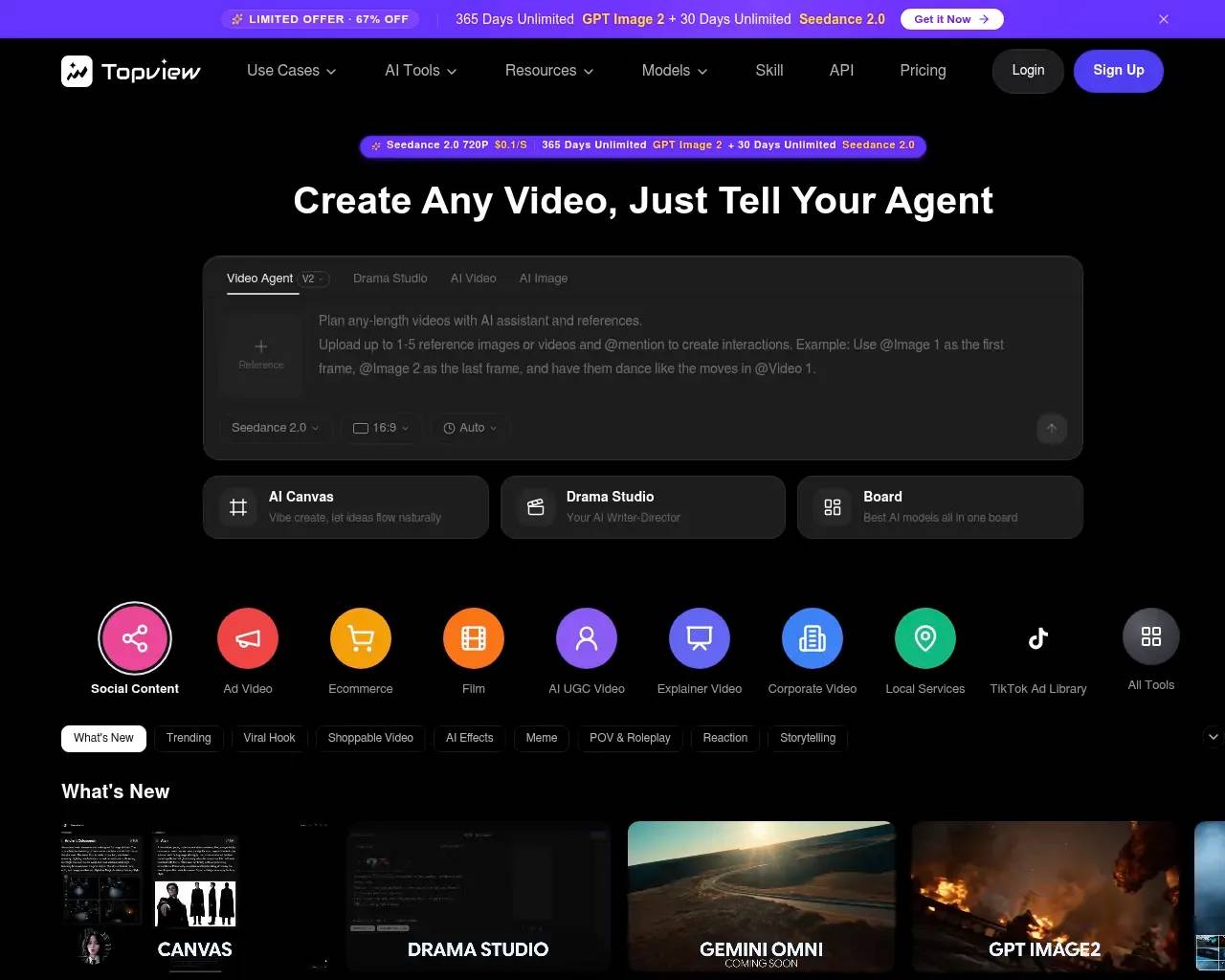
That framing — "Create Any Video, Just Tell Your Agent" — is the headline on Topview's homepage, and it tells you how the product has positioned itself. This isn't a timeline editor you nudge clip by clip. It's a generator aimed squarely at people who run ads and product pages and care more about a working creative than about owning the edit.
What you actually do in it
The core loop is the Video Agent. You give it a prompt and up to five reference images or videos, and you can @mention those references to control how they're used — Topview's own example is "use @Image 1 as the first frame, @Image 2 as the last frame, and have them dance like the moves in @Video 1." Around that sit channel-based starting points: the homepage groups templates into tabs like Social Content, Ad Video, Ecommerce, and Film so you pick a lane before you pick a look.
The shortcut most ecommerce sellers will reach for is URL-to-Video. Topview pulls images, copy, and product details from a page — Amazon, Shopify, and similar listings — and turns them into an ad without you uploading anything. In Unite.AI's hands-on review, a writer fed it a perfume and had a finished product video in "about a minute or two," then generated a second version starring an AI avatar holding the bottle. That's the pitch in one sentence: raw product link in, marketable video out, fast.
The UGC bet
The feature Topview leans on hardest is AI UGC. The idea is to skip creators entirely and have AI avatars generate authentic-looking user-review videos — the kind of casual, talking-to-camera testimonial that performs on TikTok and Reels precisely because it doesn't look like an ad.
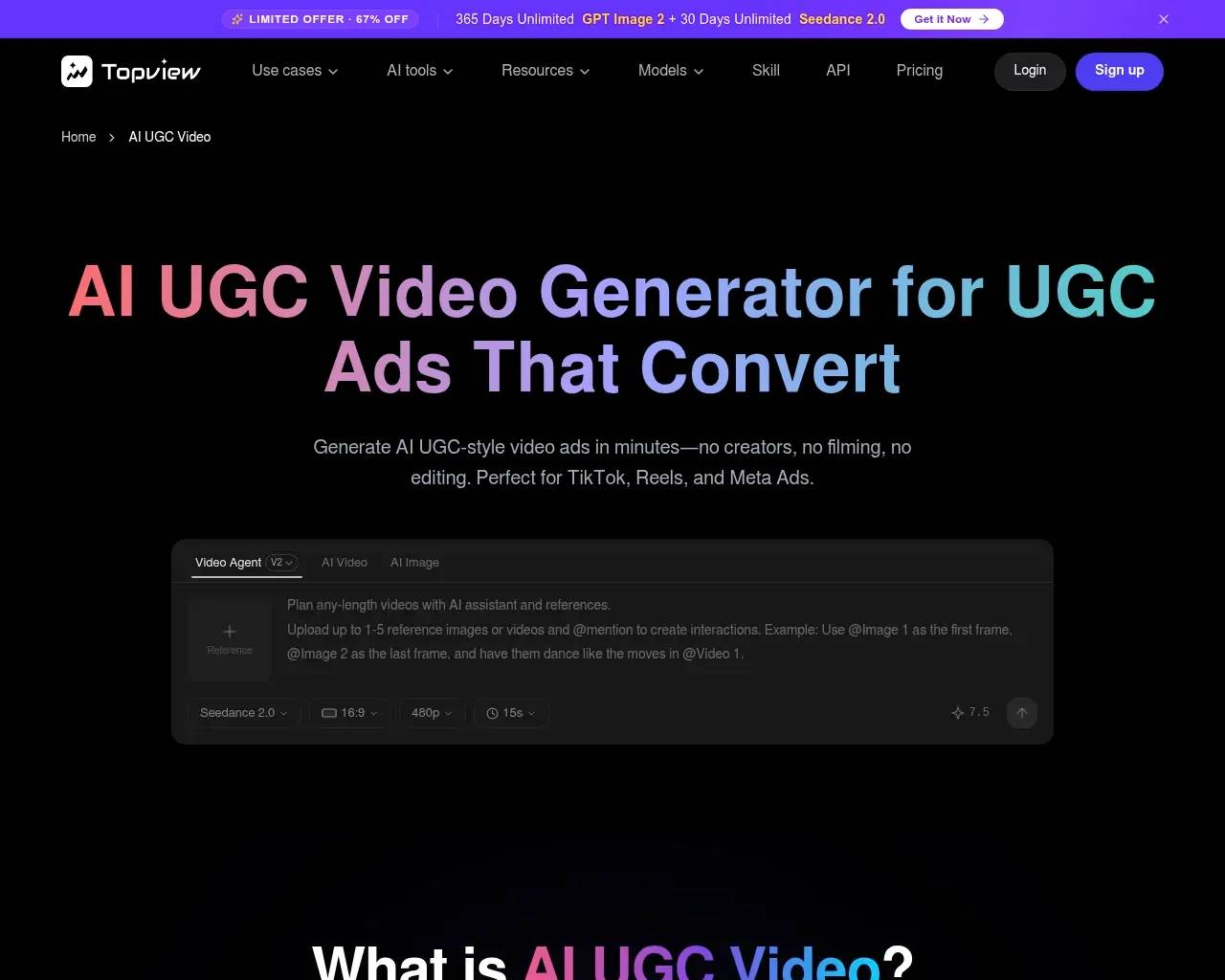
Topview's case for it is volume and localization: spin up many native-feeling variations of a winning concept, then re-voice the same script for new regions with different languages and accents. That maps to how performance marketers actually work — test ten hooks, keep the one that converts, localize it. The Product Avatar tool extends this to "have a believable person hold and demo my product," which is the shot ecommerce brands usually pay a studio for.
Be clear-eyed about the ceiling here. UGC-style output is deliberately rough — slightly imperfect lip-sync and unpolished framing are part of why it reads as "real" in a feed. That's a feature for social ads and a liability anywhere that demands brand-grade polish.
Many models under one login
Topview increasingly acts as a front end for whatever video and image model is currently strongest. Its pricing and model pages reference a rotating cast — Seedance 2.0, Kling 2.6 and O1, Veo, Wan, Seedream 5.0, plus image models like Nano Banana Pro and GPT Image 2. For someone who doesn't want six subscriptions and six different UIs, consolidating them behind one credit balance is a real convenience. The flip side is that "all video models" sits behind the paid tiers; the free plan only touches a subset.
What it costs
There's a free plan, but it exists to let you try the thing: it ships with a small batch of credits, limits you to one job at a time, stamps a watermark on output, and grants only a non-commercial license. To use anything commercially — or remove the watermark — you pay.

When I checked, paid tiers ran Pro at $29/month (960 credits a year, four concurrent tasks), Business at $75/month (3,000 credits, eight concurrent tasks), and Ultra at $150/month (500 credits a month, twelve concurrent tasks, flagged "most popular"). Treat those numbers as a snapshot, not gospel — a "Flash Sale Week, up to 67% off" countdown was running across the site, and independent reviews have logged the Pro plan as low as $16 during other promotions. The headline price you see depends heavily on when you land. Independent write-ups peg the real-world cost at roughly $0.50–0.72 per finished video on Pro, which is the comparison Topview wants you to make against $100-plus for a human UGC creator.
Where it gets frustrating
The recurring complaint across third-party reviews and user forums isn't quality — it's the credit meter. Avatars and longer clips burn through credits quickly, and when a generation comes out wrong, fixing or regenerating it costs more credits. Several users on the entry-level Pro plan report the allowance evaporating faster than they expected, which turns a tidy "$0.50 a video" into something less predictable once you factor in the takes you throw away. If you're evaluating Topview, run a real campaign's worth of generations against the free credits first and watch the burn rate before you commit annually.
The promotional pricing cuts the same way. Constant flash sales are good if you catch one and bad if you're trying to budget, because the "normal" price is hard to pin down. And as with any avatar tool, realism varies shot to shot — fine for fast social creative, not a substitute for a real spokesperson when the brand context is serious.
Who it's for
Topview makes the most sense for ecommerce sellers, performance marketers, and affiliate creators who need a high volume of testable ad variations and measure success in click-through rate, not production value. The URL-to-video and UGC tooling is built for exactly that grind. It's a weaker fit if you need precise, frame-level editing control, broadcast-grade output, or predictable monthly costs.
Operated by Singapore-based Topview Pte. Ltd., the platform is clearly aimed at the "more ads, faster, cheaper" end of the market. If that's your problem, the free credits are enough to judge whether the agent's output clears your bar — just spend them like you mean it before you reach for a card.
Sources consulted
- Topview AI homepage — product positioning, Video Agent V2 workflow, channel templates, and the supported model list.
- Topview AI — AI UGC Video — the UGC avatar pitch, multilingual variation claims, and the URL-to-video flow.
- Topview AI — Use Cases — advertising, ecommerce, affiliate, social, Amazon, and training-video use cases.
- Topview AI — Pricing — the Free/Pro/Business/Ultra tiers, credit allowances, concurrency limits, and the live flash-sale discount.
- Topview AI Review — Unite.AI — hands-on generation timing, the free-plan watermark and credit details, and the Product Avatar walkthrough.
- Independent reviews and user discussion (G2, Trustpilot, Reddit) — per-video cost estimates and the recurring credit-burn complaint.
Published on: June 22, 2026
Looking for alternatives to AI video editor? See all AI video editor alternatives →
Have an AI tool of your own? Submit it below and get a free, in-depth product review article — just like this one.
Add your AI tool in seconds
Paste your URL and we'll draft the listing. You review and edit every field before submitting.
More Product Reviews:


By: AI Collection