
Creative Fabrica AI Font Generator Review: Turning a Prompt Into an Installable Font
By: AI Collection
At a glance
Creative Fabrica
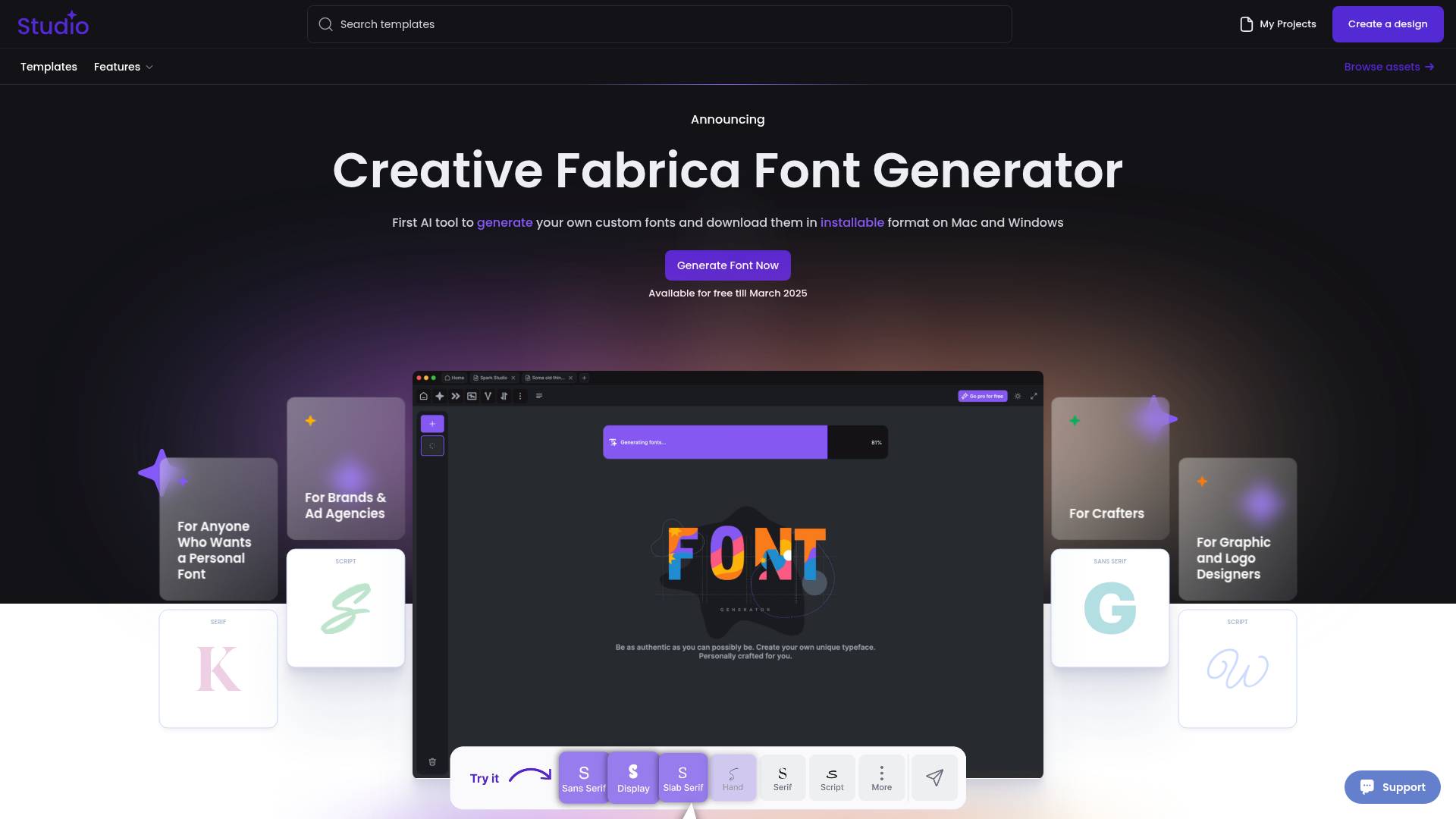
Type designers used to guard their craft for good reason: drawing a usable typeface means hand-tuning hundreds of glyphs so the lowercase "a" feels related to the capital "W." Creative Fabrica's AI Font Generator makes a bolder pitch — pick a style, and it generates a brand-new font you can actually download and install, not just preview in a box.
That last part is what sets it apart. Plenty of "font generators" online are really Unicode text stylers that swap your letters for fancy lookalikes you copy and paste into Instagram. Creative Fabrica runs one of those too. But the tool reviewed here is a different thing: it outputs a real .ttf file you can drop into Word, Canva, or your system font folder on Mac and Windows.
What it actually does
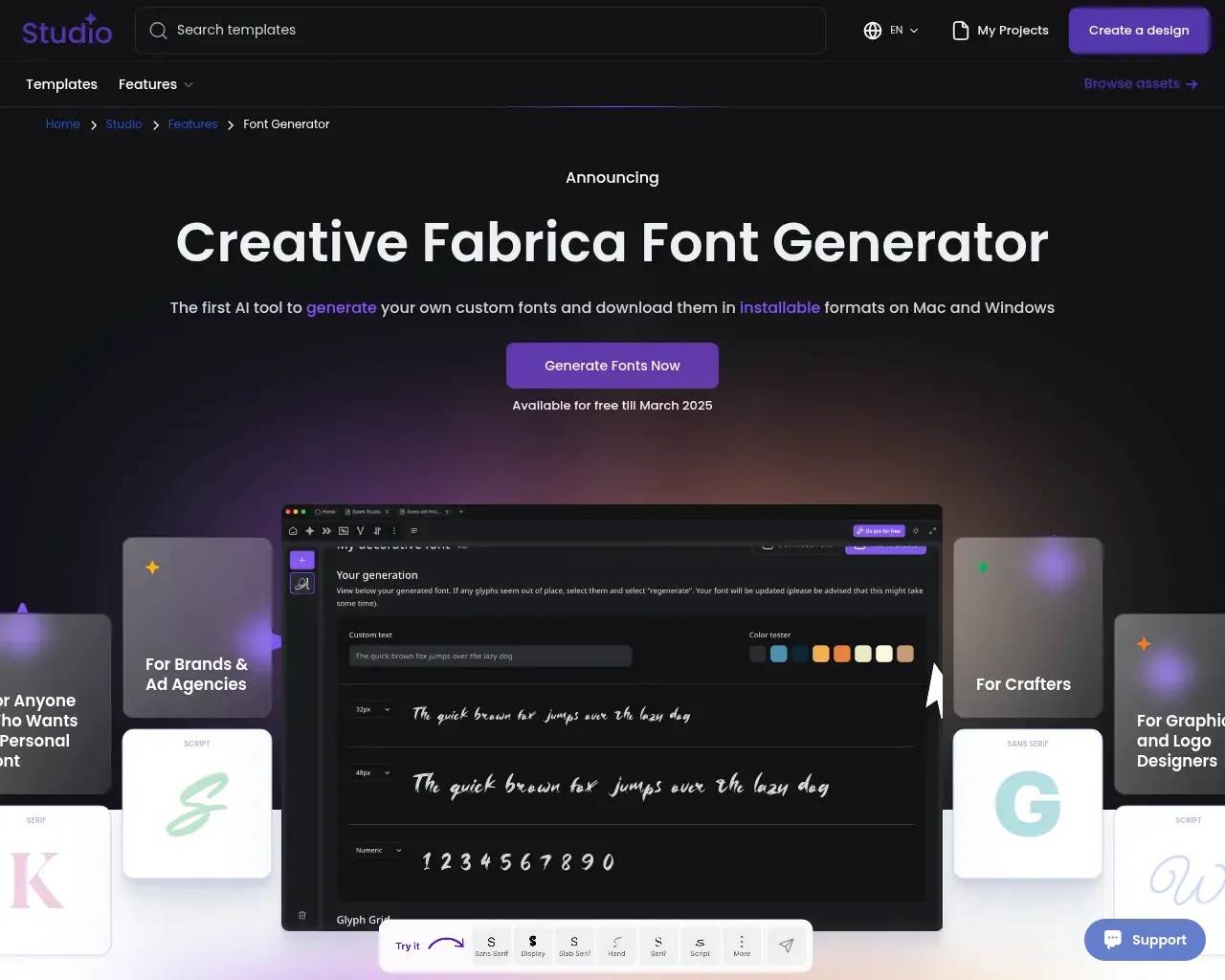
The workflow Creative Fabrica describes is short: register for a free account, choose a font direction — serif, script, sans, decorative — and let the model generate a complete, installable typeface in that style. You can adjust individual glyphs in real time if a letter looks off, or accept the set as-is. The finished font ships with personal and commercial licenses, which matters if you're putting it on a logo or a product listing.
It helps to be clear-eyed about what "AI font" means here. According to Creative Fabrica, the generator was trained on hundreds of thousands of typefaces and uses text-to-image and image-to-image diffusion architectures, with a "style consistency" technique meant to keep a generated set coherent across letters. That coherence is the genuinely hard problem with AI fonts: getting every glyph to look like it belongs to the same family, with even spacing and weight. The real-time glyph editor exists precisely because automated output isn't always perfect on the first pass.
One tool inside a much larger studio
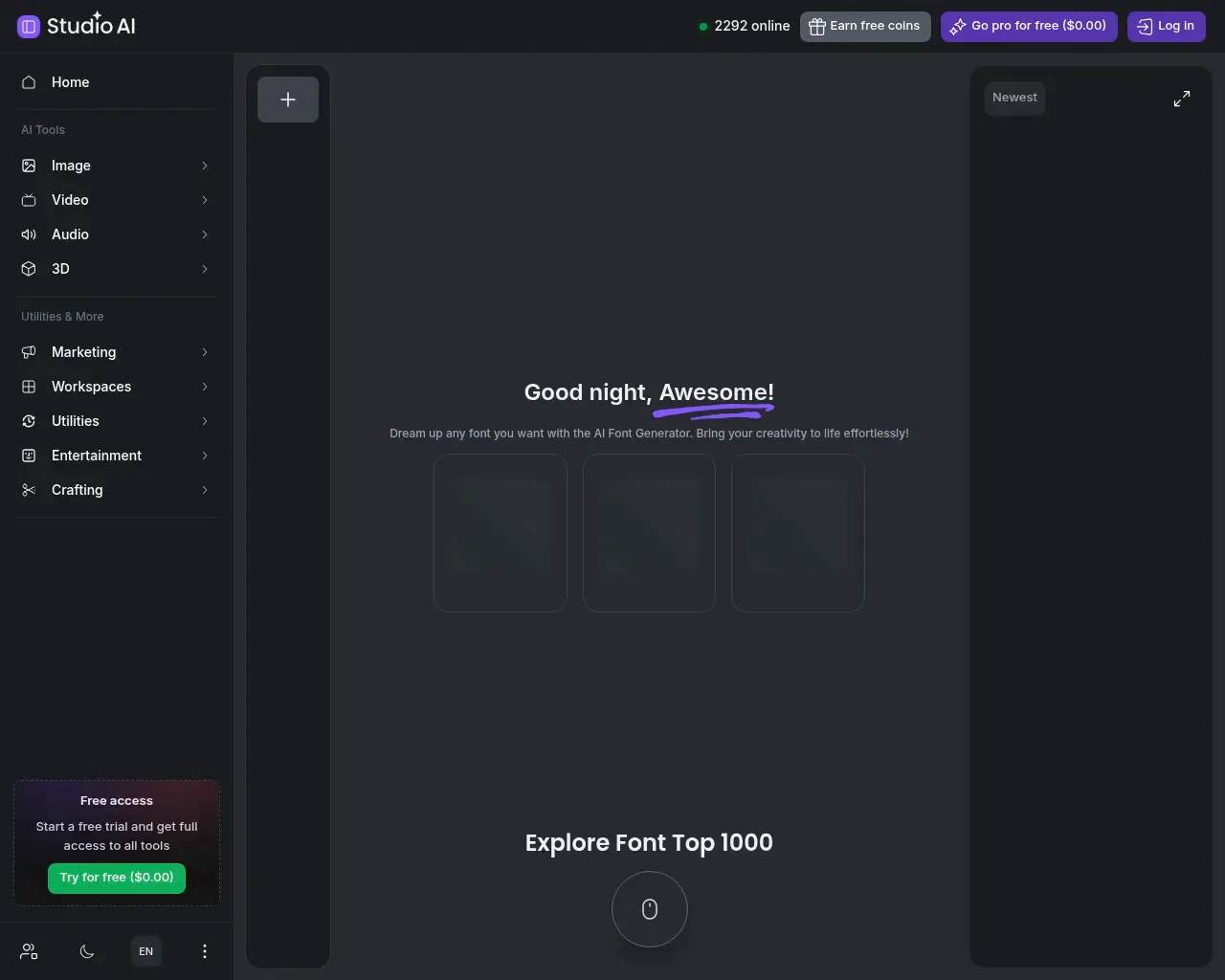
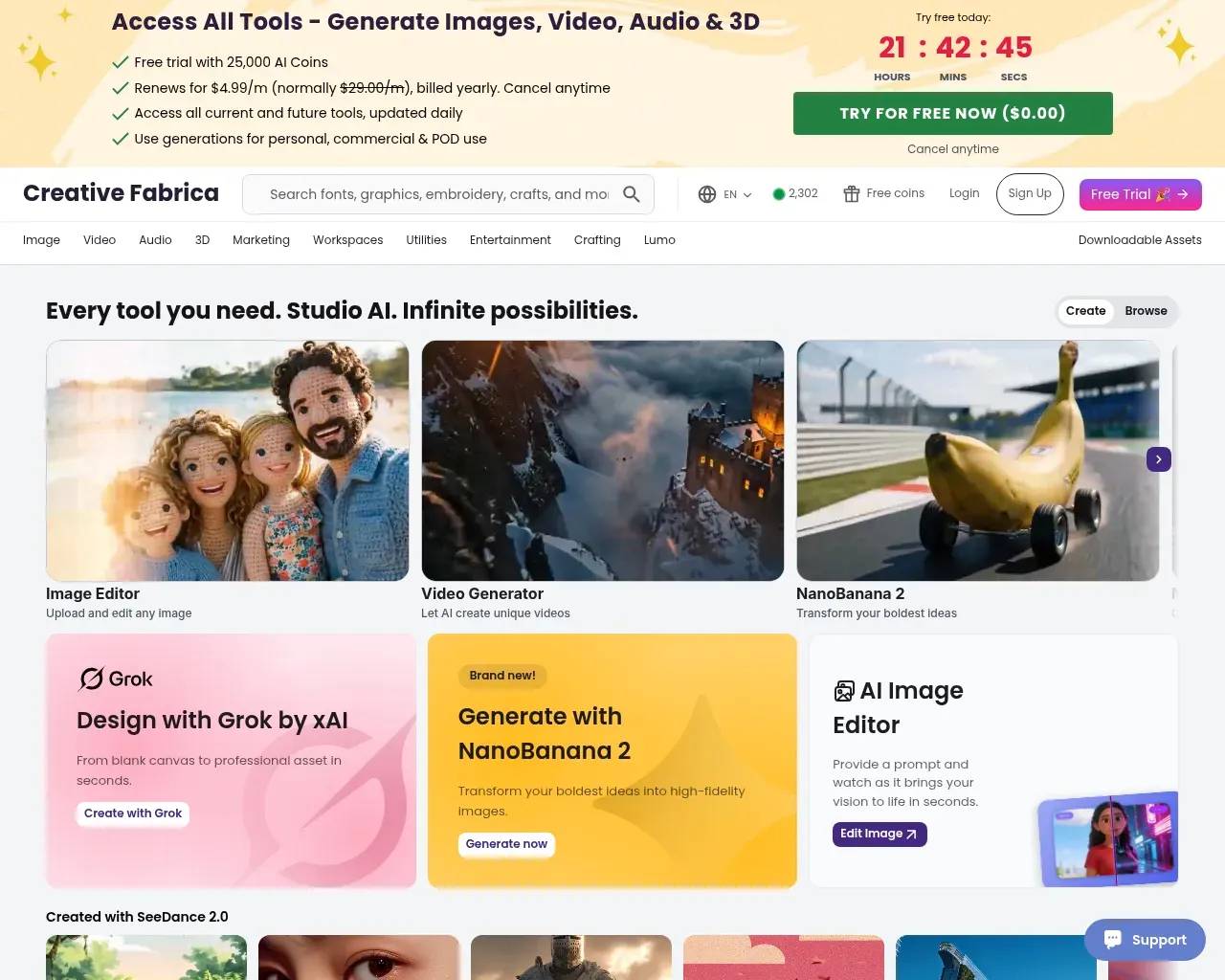
The font generator doesn't live on its own. It's one entry point into Creative Fabrica's broader "AI Studio," a subscription platform that bundles image, video, audio, and 3D generators (including models it brands as NanoBanana 2, SeeDance 2.0, and Lyria 3) alongside a long-standing library the company pegs at over a million premium fonts, graphics, and craft files. If you only want a single custom font, that breadth is irrelevant. If you're a crafter, print-on-demand seller, or small-studio designer who already works in Cricut, Canva, or Etsy, having the font generator sit next to mockups, SVGs, and an image editor is part of the appeal.
What it costs
Pricing is coin-based and takes a minute to parse. New accounts get a block of free coins — enough, by Creative Fabrica's own accounting, to generate and download a handful of fonts at no cost. After that, each generation draws down coins, and heavier use points you toward the AI Studio subscription, which the site lists at roughly $4–5 per month billed annually, set against a $29/month "regular" price. For a one-off personal font, the free coins may be all you need; for steady output, you're effectively buying into the wider platform.
Where to be careful
This is where independent signal matters more than marketing copy. On Trustpilot, Creative Fabrica carries thousands of reviews and a generally positive lean, with frequent praise for responsive support. But a clear, recurring complaint is billing: customers report unexpected charges after a "free trial," a subscription flow that wasn't obvious enough before the card was charged, and cancellation steps that were harder to find than expected. One reviewer described being charged around $60 after what they thought was a free signup. Refund outcomes are mixed — some granted after contacting support, some refused.
None of that is specific to the font generator, but it's the practical risk a buyer takes on. If you try it, treat the "free" entry as a trial that can convert: read the renewal terms, set a reminder, and cancel deliberately from the subscriptions page rather than assuming the trial lapses on its own.
On the output side, the honest caveat is quality variance. AI-generated fonts are impressive for display, handwriting, and decorative styles, where small irregularities read as character. They're less reliable when you need tight, even body text or precise kerning — so judge a generated font against your actual use, ideally by exporting it and testing at the sizes you'll ship.
Who it's for
Creative Fabrica's font generator fits crafters, POD and Etsy sellers, indie brand and logo designers, and hobbyists who want a one-of-a-kind face without learning FontForge or paying the $10–$100 per style that professional typefaces often run. It's a weaker match for teams that need a rigorously hinted text family, or for anyone allergic to subscription upsells. The technology is real, and the installable TTF export is the feature that separates it from the copy-paste crowd — just go in understanding the billing model before you start a "free" trial.
Sources consulted
- Creative Fabrica — AI Font Generator — how the tool works, the diffusion/training claims, TTF export and licensing (read via the Wayback Machine).
- Creative Fabrica — AI Studio — platform breadth, free-trial coins, and the listed subscription price (read via the Wayback Machine).
- Trustpilot — Creative Fabrica reviews — customer sentiment on support, billing, cancellation, and refunds.
- Fort Worth Weekly — Introducing Creative Fabrica's Font Generator — independent coverage of the launch.
- Bullocks Buzz — Creative Fabrica Font Generator review — independent hands-on perspective and the free-coins detail.
- Creative Fabrica Engineering — the company's in-house generative-AI work, surfaced via Hacker News.
Published on: June 11, 2026
Looking for alternatives to Creative Fabrica? See all Creative Fabrica alternatives →
Have an AI tool of your own? Submit it below and get a free, in-depth product review article — just like this one.
Add your AI tool in seconds
Paste your URL and we'll draft the listing. You review and edit every field before submitting.
More Product Reviews:

By: AI Collection

By: AI Collection