Klap Review: Turning Long Videos Into Shorts Without the Editing Grind
By: AI Collection
At a glance
Klap App
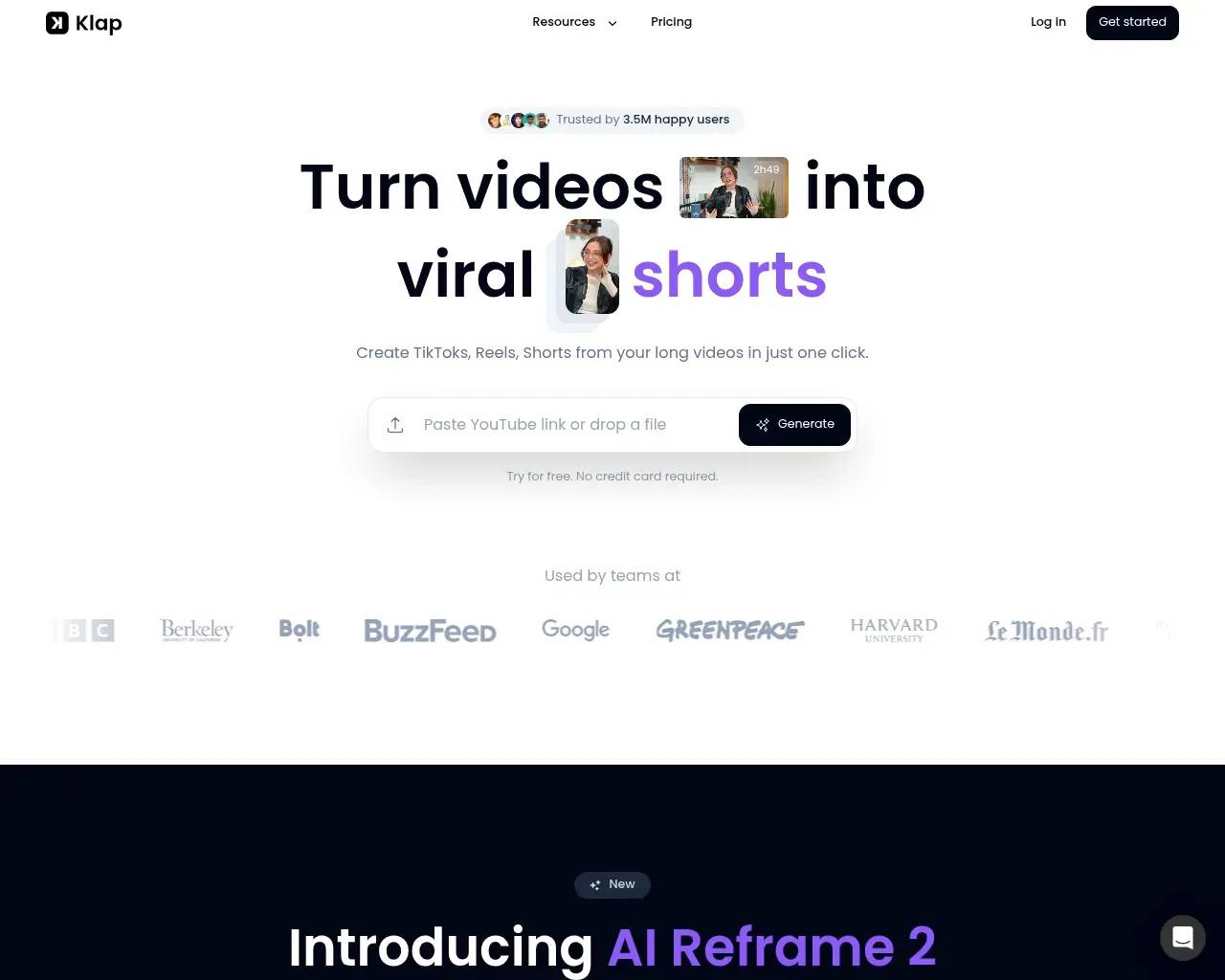
PaidIf you publish anything long — a podcast, a webinar, a YouTube explainer — you already know the unglamorous part of the job. The recording is the easy bit. The slog is carving it into a week's worth of vertical clips, captioning each one, and reframing it so a face doesn't drift off the edge of a phone screen. Klap is built to take that slog off your plate: paste a YouTube link, and it hands back a stack of ready-to-post TikToks, Reels and Shorts.
It's a crowded thing to be — Opus Clip, Submagic, Vizard and a dozen others do some version of the same trick. So the useful question isn't "does it work," but "what does it actually do well, what does it cost, and where does it leave you doing the work yourself." Here's an honest read.
From one upload to a feed full of clips
The core loop is genuinely one screen. You drop in a YouTube URL or upload a file, and Klap's AI reads through the footage looking for the moments worth keeping — the hooks, the punchlines, the self-contained ideas. It cuts those into vertical clips, drops in animated captions, and reframes the shot to keep the speaker centered. Klap's own rule of thumb is that a one-minute video yields roughly five clips, so a 45-minute podcast comes back as a sizeable batch rather than a single highlight.
A few things make the pipeline more than a glorified auto-cropper. Auto-reframing — rebuilt as "AI Reframe 2" — tries to read the scene rather than just chase a face, picking layouts like split-screen or screencast and leaning on active speaker detection so the right person stays in frame during a two-host conversation. Every clip gets a virality score, Klap's guess at how likely it is to perform, plus recommended captions to post alongside it. And once you've made your tweaks, a built-in scheduler can push the clips straight to TikTok, YouTube, Instagram and LinkedIn.
One detail that matters if you don't make content in English: Klap says it transcribes and edits in 52 languages, and its higher tiers add AI dubbing into 29 of them. For a creator trying to reach past a single market, that's a real lever, not a checkbox.
What it's good at, and what it leans on
Klap works best on speech-heavy footage — podcasts, interviews, talking-head tutorials, product walkthroughs. That's not a marketing line; the whole selection engine keys off spoken content, so a video that's mostly music or B-roll gives it far less to grab onto. Go in expecting a strong assistant for "people talking" video and a weak one for anything else.
The editor is the part that decides whether Klap saves you time or just relocates it. You get caption styling, brand customization (fonts, colors, a logo), and frame-level adjustments, which is more than some rivals include without an upsell. The trade-off is that the AI's first pass is a starting point, not a finished product — it picks the moments and the framing, and you still review them before anything goes live.
Pricing: cheap to start, thin to sample
Klap's pricing is aggressive at the entry end and climbs steeply with volume. On annual billing (the prices it advertises by default), the tiers run:
| Plan | Price (billed yearly) | Monthly uploads | Max length | Clips/mo | Export |
|---|---|---|---|---|---|
| Starter | $14/mo | 10 | 45 min | 100 | HD |
| Pro | $39/mo | 30 | 2 hr | 300 | 4K + AI dubbing |
| Pro+ | $94/mo | 100 | 3 hr | 1,000 | 4K + AI dubbing |
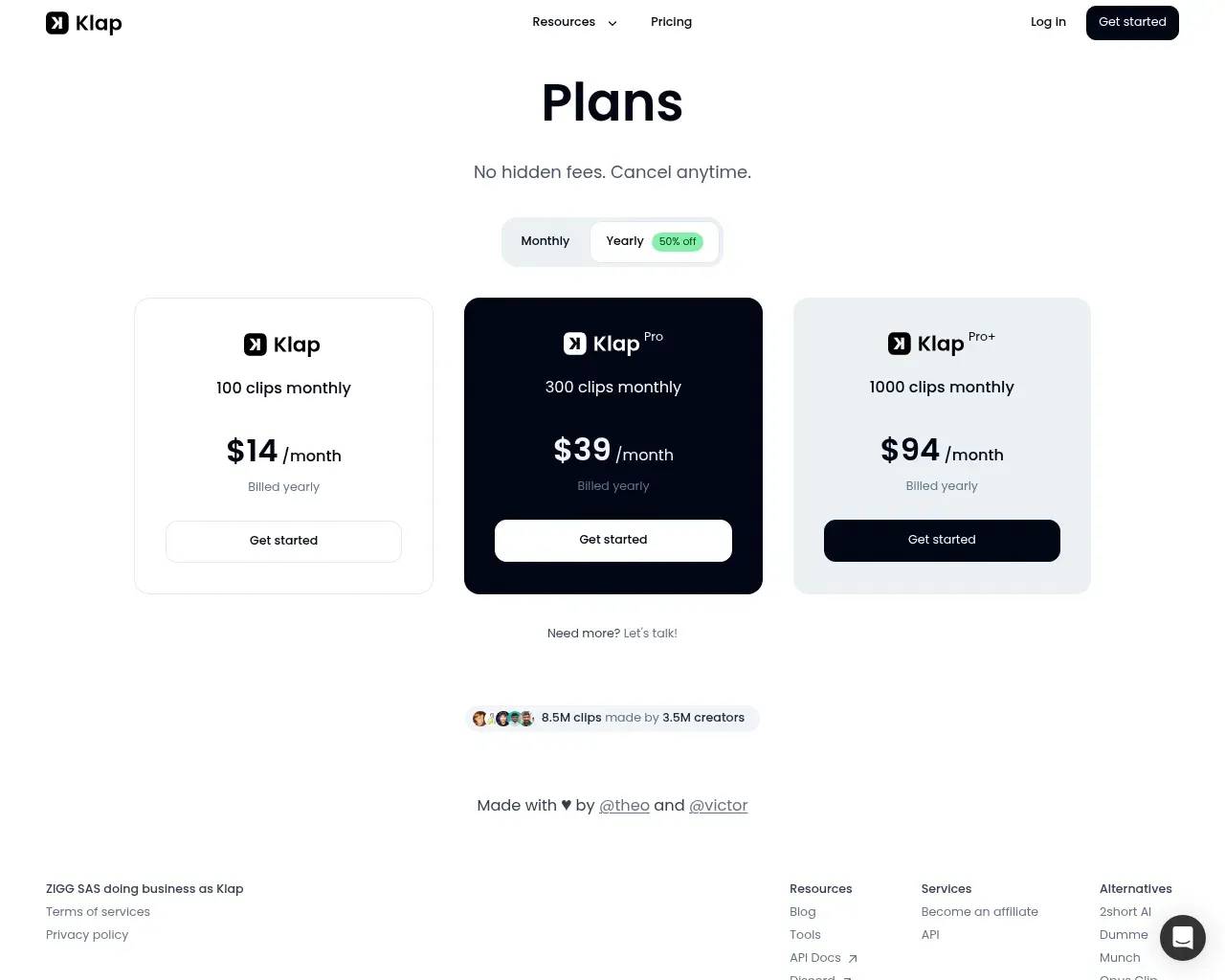
Two honest caveats. First, the free tier is barely a tasting menu — one video, full stop. It's enough to see whether the clip selection lands for your kind of content, and not much more. Second, Klap's own FAQ still advertises "Klap Pro for just $29/month" while the live pricing page lists Pro at $39 — a small inconsistency, but the kind that means you should trust the checkout screen over the marketing copy, and watch whether the figure you see is monthly or the discounted annual rate.
How it stacks up in a crowded field
Klap clearly knows it's one of many; it maintains side-by-side comparison pages against nearly every competitor in the space. Taken on its own terms, its pitch against the category leader, Opus Clip, centers on a few claims: 4K export versus 1080p, 52 languages versus a handful, a full editor included in every plan rather than as a paid add-on, and a public API open to all customers instead of one gated behind an approval process. It also argues its virality score reflects real content analysis rather than a decorative number.
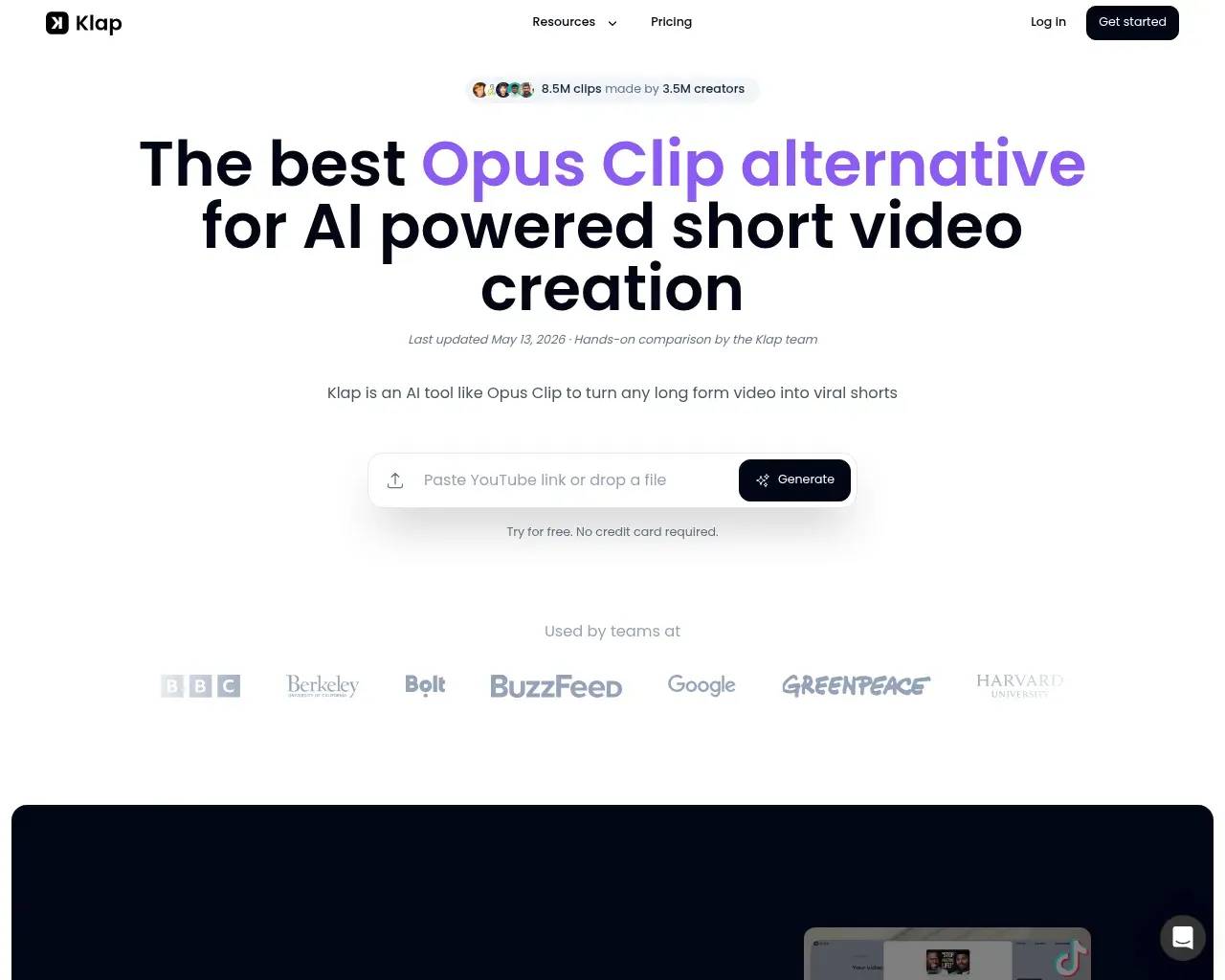
Worth saying plainly: that's Klap grading its own homework. The comparison is useful for understanding what Klap thinks its edge is — export quality, language coverage, an editor with no upsell, an open API — but you'd want to test those against your actual footage rather than take the scorecard at face value.
What reviewers actually flag
Third-party feedback is a mixed bag, and that's the honest picture. On Trustpilot, Klap has only around 30 reviews — a modest sample — and they split: plenty of praise for the time and money it saves, alongside complaints about customer-support response times and billing. Across G2, Capterra and independent review sites, the recurring positives are the same — easy to use, captions generated for you, hours saved — but so are the recurring gripes: frame detection that misses, an editor that can feel sluggish, limited export options, and clip quality that doesn't always justify the "set it and forget it" promise.
None of that makes Klap a bad tool. It makes it a normal one in a young category: the AI does most of the heavy lifting, and a human still has to catch the moments it gets wrong. Klap has been around since at least 2023 — its early "Show HN" posts pitched the same YouTube-to-shorts idea — so it's not a flash in the pan, even if its public buzz on developer forums was always modest.
Who it's for
Klap fits a specific person well: a creator, podcaster, or small marketing team that ships long-form video regularly and wants a steady supply of vertical clips without hiring an editor. The multilingual support and dubbing make it especially interesting if you're trying to repurpose one recording across several language markets.
It's a weaker fit if your content isn't built around talking, if you need pixel-perfect manual editing, or if you only post occasionally — in which case that one-video free trial, and a careful look at whether the auto-selected clips match your taste, should come before any subscription.
A couple of quick questions
Is there a genuinely free plan? Not really — you get one free video to try it, then it's paid. Treat the free run as a test, not a workflow.
Does it handle non-English video? Yes — Klap lists 52 languages for transcription and editing, with AI dubbing into 29 on its higher tiers, which is one of its stronger selling points.
Sources consulted
- Klap homepage — core workflow, AI Reframe 2, features, 52-language support, founder/company details
- Klap pricing — Starter/Pro/Pro+ tiers, limits, free trial
- Klap vs Opus Clip (Klap's own comparison) — Klap's stated differentiators (export quality, languages, editor, API, virality score), treated as first-party claims
- Hacker News — "Show HN" posts for Klap — origin/longevity signal and early positioning
- Klap on Trustpilot — independent review themes (time saved vs support/billing complaints)
- Klap reviews on G2 and Capterra — recurring praise (ease of use, captions) and criticism (frame detection, editor speed, export, clip quality)
Published on: June 6, 2026
Looking for alternatives to Klap App? See all Klap App alternatives →
Have an AI tool of your own? Submit it below and get a free, in-depth product review article — just like this one.
Add your AI tool in seconds
Paste your URL and we'll draft the listing. You review and edit every field before submitting.
More Product Reviews:

By: AI Collection