
Review of PicTools.AI: Transform Your Ideas into Stunning Images
By: AI Collection
Review of PicTools.AI: Transform Your Ideas into Stunning Images
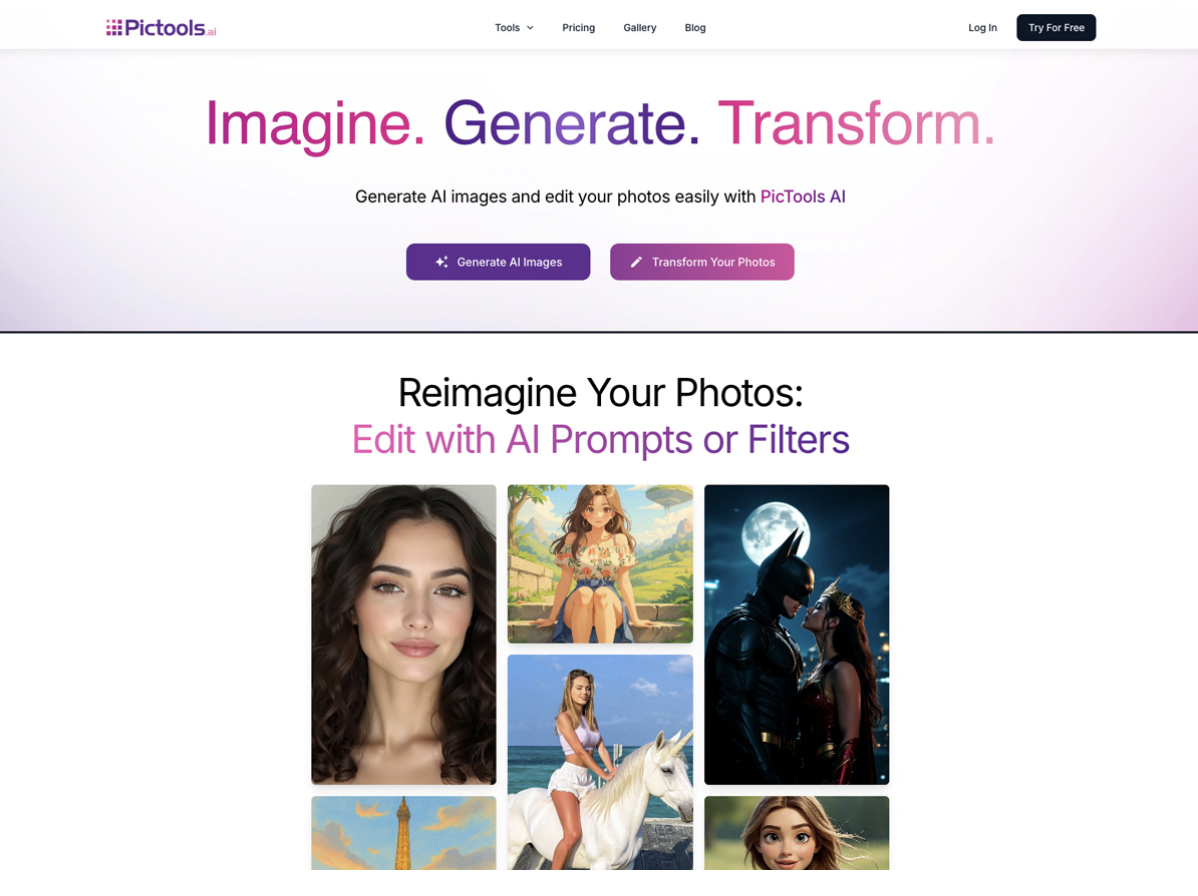
PicTools AI is an AI-powered photo editor that makes image editing and creation feel simple. You can upload a photo and describe what you want to change with a short text prompt to remove objects, change backgrounds, relight a scene, restore old photos, or refine portraits. If you prefer shortcuts, AI photo filters apply creative styles or realistic transformations in just a few seconds. And when you want something completely new, the text-to-image generator turns your ideas into original images.
Whether you are a beginner or a professional, PicTools.AI adapts to many needs, including marketing campaigns, creative projects, e-commerce, and personal branding. Images are generated in seconds, and you can download them instantly in high quality.
Key Features
AI photo editor with prompts
The AI photo editor lets you upload any image and describe exactly what you want to change. It is ideal for:
Digital creatives and artists: test ideas, redesign scenes, or restyle portraits without complex software.
Marketing teams: adjust product photos, change backgrounds, or create campaign-ready visuals quickly.
Content creators and bloggers: edit social media images and blog visuals without heavy editing workflows.
Personal projects: fix family photos, tweak portraits, or create fun edits for friends and events.
You can use prompts like: “Remove the person in the background, keep the same lighting, and add a soft studio-style backdrop.”
The AI applies the changes automatically, so you do not need to work with layers or complicated masks.
AI photo filters
AI photo filters apply a complete look to your images with a single click. They are useful for:
Style changes: comic-style, sketch, vintage, and other artistic looks.
Portrait tweaks: hair length or color changes, aging effects, smile adjustments, and more.
Quick enhancements: make photos look more polished without manual retouching.
Filters work especially well when you want fast results and a consistent look across your photos.
AI image generator from text
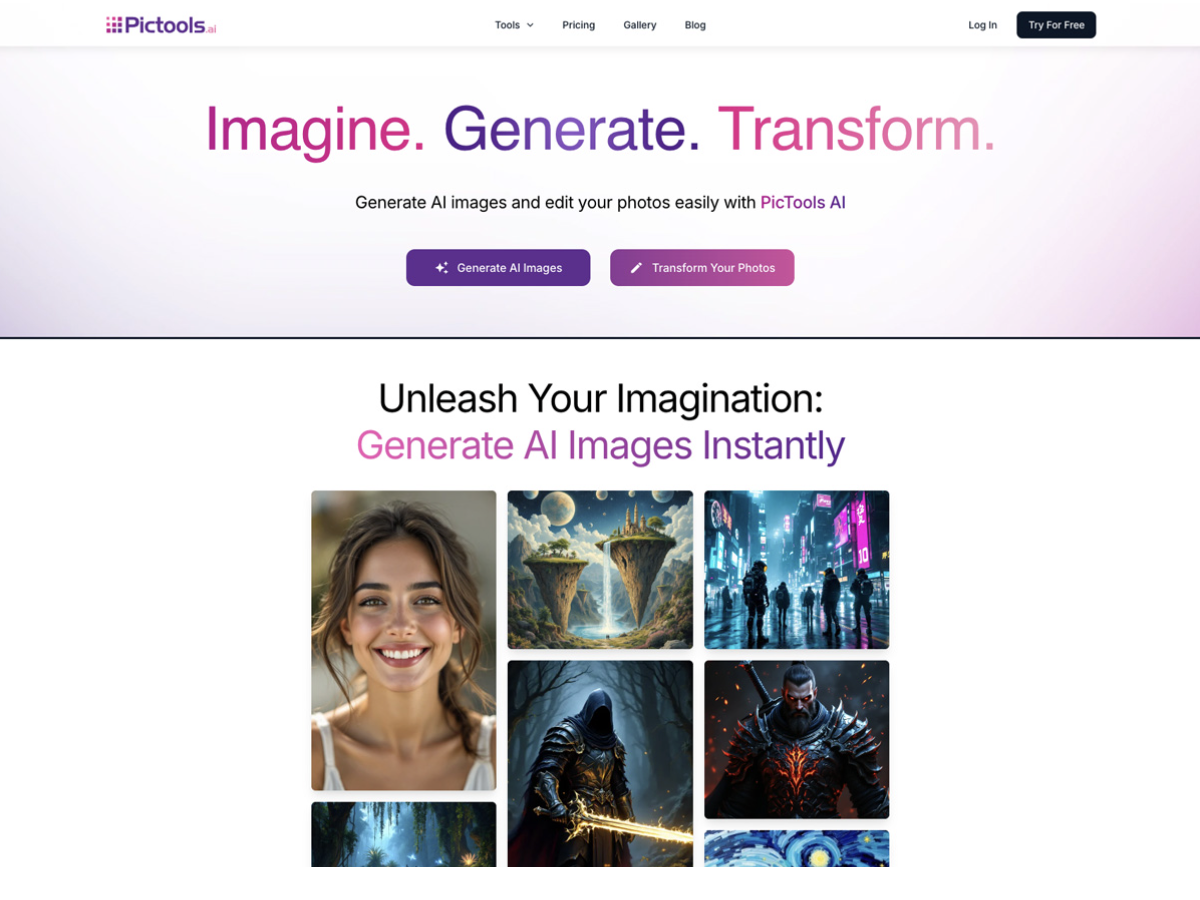
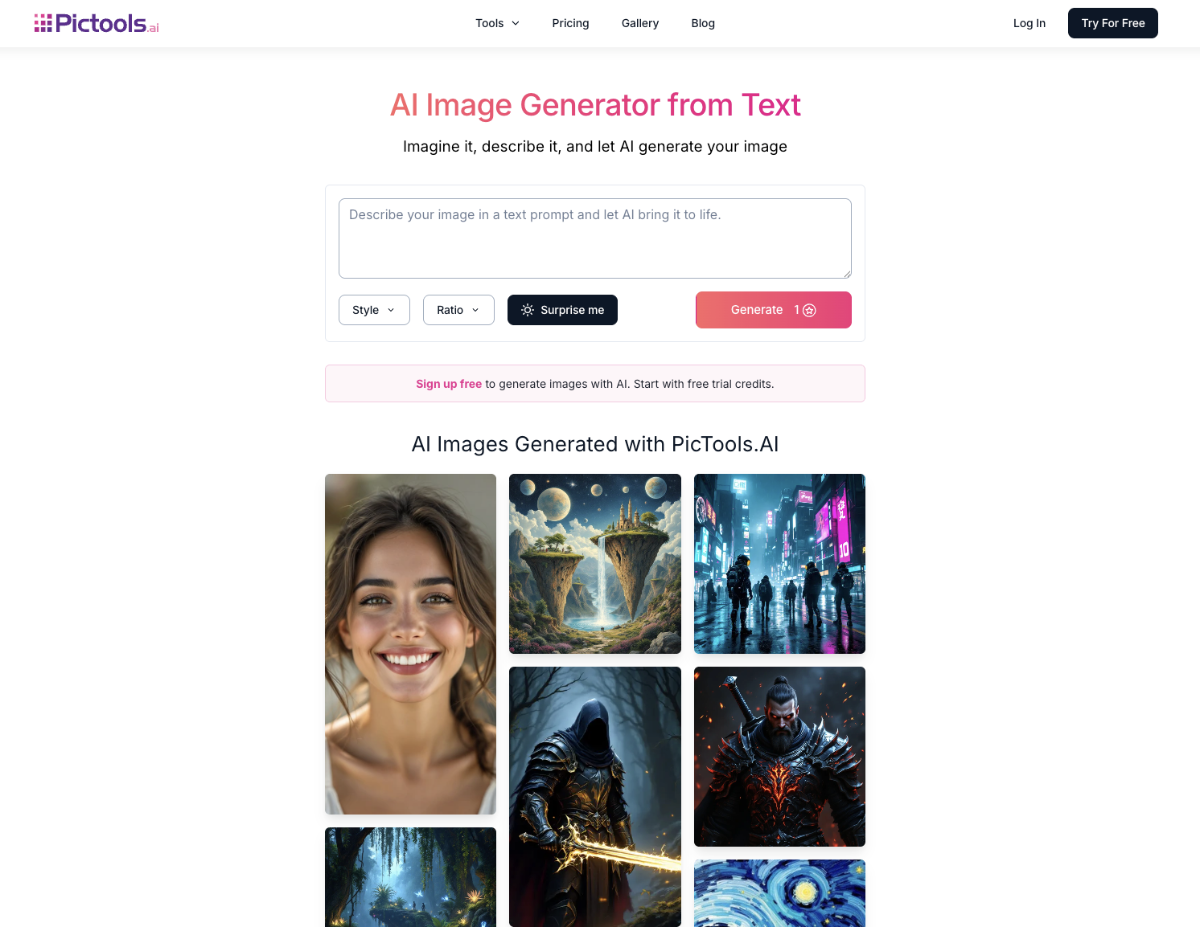
The AI image generator turns text descriptions into unique, high-impact visuals. It is perfect for:
Concept art and mockups.
Social media posts and ad creatives.
Blog headers and illustrations without stock photos.
Personalized images for gifts, events, or invitations.
For example, typing “a cozy living room with warm light, a large window, and a sleeping cat on the sofa” produces an image that closely matches your description and is ready to use in your projects.
How It Works
PicTools.AI organizes the workflow into three main flows: editing your photos with prompts, applying filters, and generating images from text.
Edit with prompts (on your photo)
Upload your image.
Describe the change you want in clear, simple language.
Let the AI apply the edit automatically, without complex masks or advanced settings.
Preview and download the result, or edit the same original photo again using a new prompt, adding more instructions or adjusting the ones you used before.
This makes tasks like object removal, background replacement, relighting, clothing changes, or photo restoration accessible even if you have no design experience.
Apply AI photo filters
Choose a filter focused on a style or a realistic transformation.
Upload a photo.
The AI applies the filter; preview the result and download it in seconds.
Filters are ideal if you want speed and a consistent style across your images.
Generate images from text
Describe your idea with as much detail as you like, for example the scene, style, or type of shot.
Generate the image based on your prompt.
Download the generated image and reuse it in campaigns, posts, or personal projects.
You can also combine flows, for example generate an image from text and then edit it with prompts or filters.
Use Cases
PicTools.AI is versatile and fits a wide range of use cases, such as:
Marketing and branding
Small and medium-sized businesses can create eye-catching ads, banners, and social media posts without always relying on external design teams. Product photos can be cleaned up, relit, and placed on brand-aligned backgrounds in just a few minutes.
E-commerce
Online sellers can remove busy backgrounds, replace them with neutral environments, or create branded scenes. This helps listings look more professional and can support better conversion rates on marketplaces and online stores.
Content creation
Bloggers, YouTubers, and influencers can design unique visuals that match each story or video. A travel blogger, for example, can generate custom landscapes or edit existing photos so they better reflect the mood of the post.
Creative projects
Artists and designers can use PicTools.AI to prototype ideas, experiment with different styles, or produce final artwork. Prompt-based editing and filters make it easy to test several looks without rebuilding an image from scratch.
Events and personalized gifts
Anyone can design invitations, cards, and personalized images for weddings, birthdays, corporate events, and more. A single photo can be turned into multiple versions and styles in just a few minutes.
Pricing Plans
PicTools.AI uses a flexible credit-based model so you can choose how to pay for edits and generations.
Free plan
The free plan includes trial credits to test the AI photo editor, filters, and image generator. It is ideal if you are trying this kind of tool for the first time and want to see how it fits your workflow.
Subscription
The subscription offers monthly credits at the best price per image, with several tiers available. It starts at 40 credits per month for 9 dollars and includes larger bundles for users who edit or generate more images. Subscription credits renew every month and include benefits such as access to advanced AI models, private generations, and priority processing.
Pay-as-you-go credits
Pay-as-you-go packs start at 30 credits for 9 dollars and scale to larger bundles for users who need more volume. These credits do not expire, which makes them a good option if you use PicTools AI occasionally or only for specific projects.
User Feedback
Users of PicTools.AI often highlight:
How easy it is to edit with text prompts instead of complex tools.
The speed of the platform, with results delivered in seconds.
The professional look of the processed images, especially for product photos and portraits.
Many report that PicTools.AI helps them streamline their workflows in marketing, e-commerce, and content creation, reducing the need for multiple tools and making advanced edits accessible to non-experts.
Final Thoughts
PicTools.AI is more than just a basic editor; it is a complete AI-powered toolkit designed to simplify visual content creation. Its prompt-based photo editor, AI photo filters, and text-to-image generator make it a practical solution for both beginners and professionals.
If you are looking for a tool that combines quality, speed, and flexibility, PicTools.AI is an excellent choice. Start with the free plan, then choose the subscription or credit pack that best fits your needs to transform your creative workflow.
Powered by The Blog Post Market .
Published on: November 17, 2025