
Best AI art & illustration tools in 2026
By: AI Collection


AI art and illustration tools target different needs: one-off tattoos and sellable stickers, anime-style portraits, printable coloring pages, and credit-based image or video generation. Typical users include tattoo clients and artists, mobile sellers of custom stickers, illustrators who want a faster image pipeline, and hobbyists after stylized or printable outputs.
How we picked
This ranking comes from our directory's editorial selections and the catalog data on each tool's directory page. We did not run hands-on tests; the order reflects the tools' descriptions, main features, and any explicit pricing information listed in the catalog entries.
1. Ink AI - Tattoo Generator
What it does: Describe an idea and get a unique tattoo design in seconds. The tool includes an AR body preview, thousands of styles, and instant downloads so users can check how a design looks on the body before committing.
Who it fits: Clients who want concept art quickly and artists who need fast reference images but don't want to draw each idea from scratch.
Pricing: The tool is positioned as a free AI tattoo generator according to its tagline.
2. StickerIt.AI
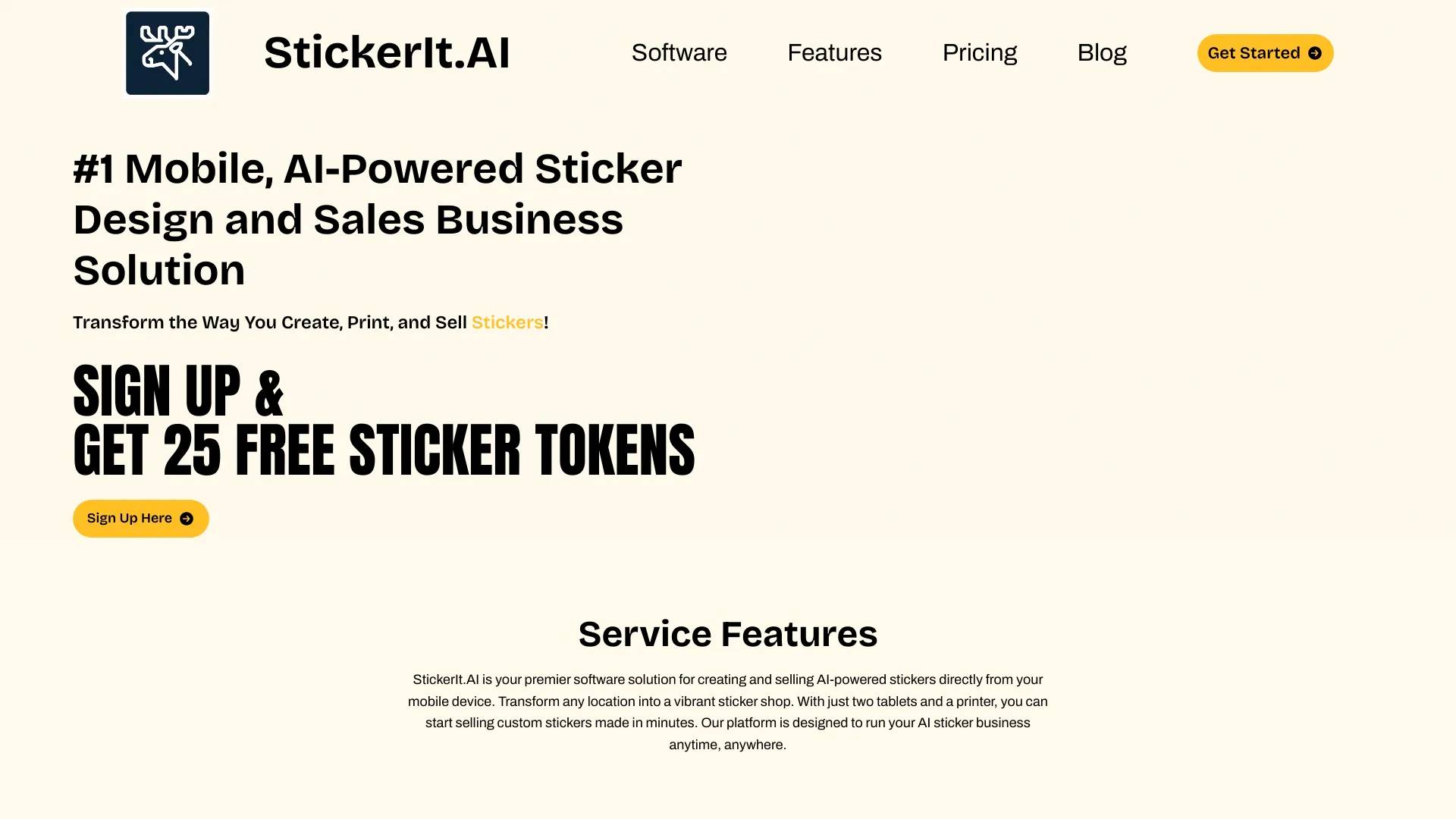
What it does: A mobile-first platform for creating and selling AI-generated stickers. The listing emphasizes that a two-tablet plus printer setup is enough to start selling custom stickers made in minutes.
Who it fits: Market vendors, mobile sellers, and anyone building a small sticker business from a phone or tablet.
Pricing: StickerIt.AI offers a freemium plan that is free forever and a Basic plan at $6.99 per month; other paid tiers are indicated in the catalog.
3. Republiclabs.ai
What it does: A generative AI playground that produces images and videos and also offers professional headshots. It gathers multiple generative models in one place for varied outputs.
Who it fits: Creators who want both image and video outputs or those who want options from several models, plus people seeking professional headshots.
Pricing: RepublicLabs.ai sells a one-time 300-credit top-off for $10, a Starter plan with 1,000 credits per month for $25, and an Expert plan with 4,000 credits per month for $69.
4. AnimeGenius
What it does: A free anime-style image generator designed for easy, focused output.
Who it fits: Hobbyists and anyone specifically after anime-style images.
Pricing: The service is free to use with some limitations; the catalog notes you can create up to 10 images daily.
5. APOB AI
What it does: A platform aimed at speeding up image and video production with an emphasis on consistency and throughput.
Who it fits: Small teams or creators who plan to produce image and video content regularly and prefer credit-based plans for different volumes.
Pricing: APOB AI lists a Nano plan at $0 per month that provides 80 credits/day, a Micro plan at $5 per month for 5,000 credits/month, and a Macro plan at $15 per month for 45,000 credits/month.
6. CreativePixel
What it does: An AI visual platform (Canvora) for creating professional visuals from various inputs. Per its description, it supports more than 100 formats and 30+ languages.
Who it fits: Designers and content teams that need multiple output formats and consistent branding across visuals.
Pricing: CreativePixel offers pay-as-you-go credit purchases (starting around $1 for 10 visuals) and subscription plans: a Starter plan at $19/month (200 AI images/credits) and a Pro plan at $39/month (1,000 AI images/credits). The Pro tier includes a commercial use license according to the catalog.
7. Creative Fabrica
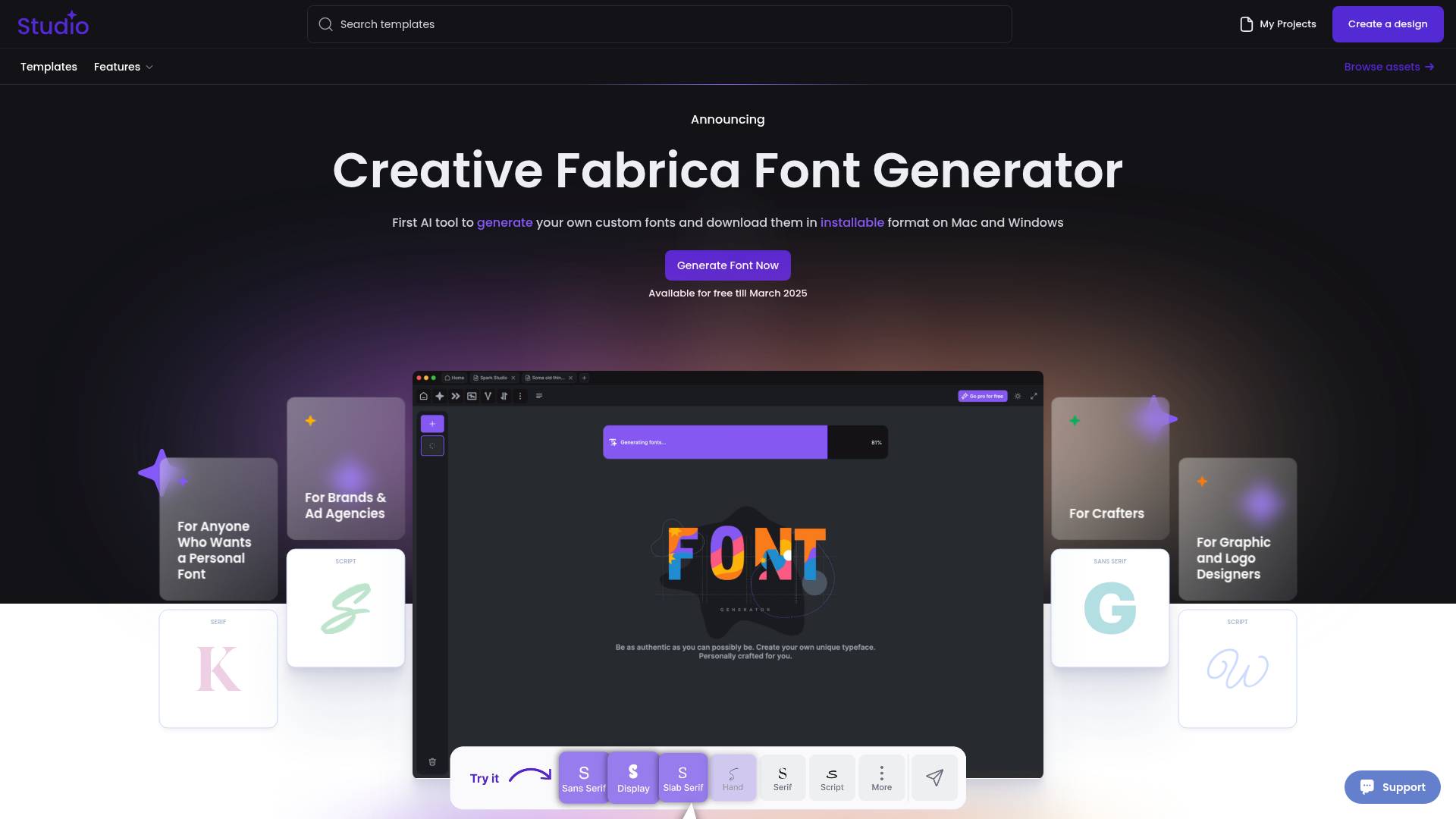
What it does: An AI font generator that creates installable fonts for Mac and Windows, making font design more accessible.
Who it fits: Designers and brand teams who need custom fonts and desktop font files.
8. Best Coloring Pages AI
What it does: Converts photos or ideas into printable coloring pages in seconds, with unlimited styles and instant downloads. The listing mentions a free trial.
Who it fits: Educators, parents, and creators who need printable coloring pages or want to turn photos into line art for coloring.
Which one should you pick?
If you need ready-to-use tattoo concepts with a body preview, choose Ink AI - Tattoo Generator. If your goal is a mobile sticker business that you can run from a phone or tablet, StickerIt.AI is built for that workflow.
FAQ
How do I decide between a general image generator and a specialized tool like a tattoo or sticker generator?
Use a specialized tool when you want output formatted for a specific use case (for example, tattoos or stickers). Choose a general image or video generator when you want more variety or different output types such as headshots and videos.
Can I sell designs I make with these tools?
Some tools explicitly permit commercial use; others do not. StickerIt.AI is designed for creating and selling stickers, and CreativePixel's Pro plan includes a commercial use license according to the catalog. Always check each tool's terms before selling.
What pricing models are common for AI art tools?
Expect freemium tiers, monthly subscriptions, pay-as-you-go credit purchases, and one-time credit top-offs. The tools listed here include free plans, monthly plans at fixed prices, and credit packs.
Which tools are best for anime art or printable coloring pages?
For anime-specific generation, AnimeGenius focuses on free anime-style images (limited to around 10 images per day). For printable coloring pages, Best Coloring Pages AI converts photos or ideas into downloadable coloring pages.
Published on: July 3, 2026
Browse all Best-of GuidesBack to Blogs