CleanAudio AI
AI Background Noise Remover | Clean Audio & Video Online.
- Category
- Audio Enhancer & Vocal Removal
- Alternatives
- 6 similar tools
- Last updated
- 1 months ago
- Source
- Official site ↗
AI Collection Top Picks

Audio Enhancer & Vocal Removal Category Picks
About CleanAudio AI
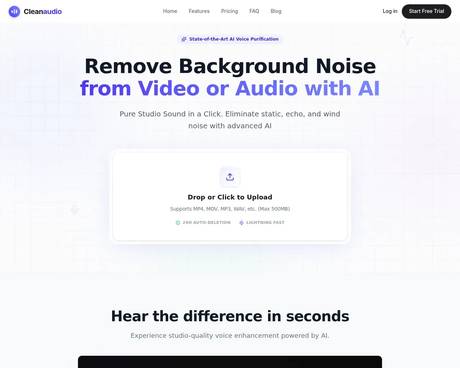
Remove background noise from audio & video. Free AI fixes wind, echo, traffic, chatter, humming & more—get studio sound without hours of editing. Try free.
Frequently asked questions
What is CleanAudio AI used for?
AI Background Noise Remover | Clean Audio & Video Online.Is CleanAudio AI free?
Pricing for CleanAudio AI varies — see the Pricing section for details.What are alternatives to CleanAudio AI?
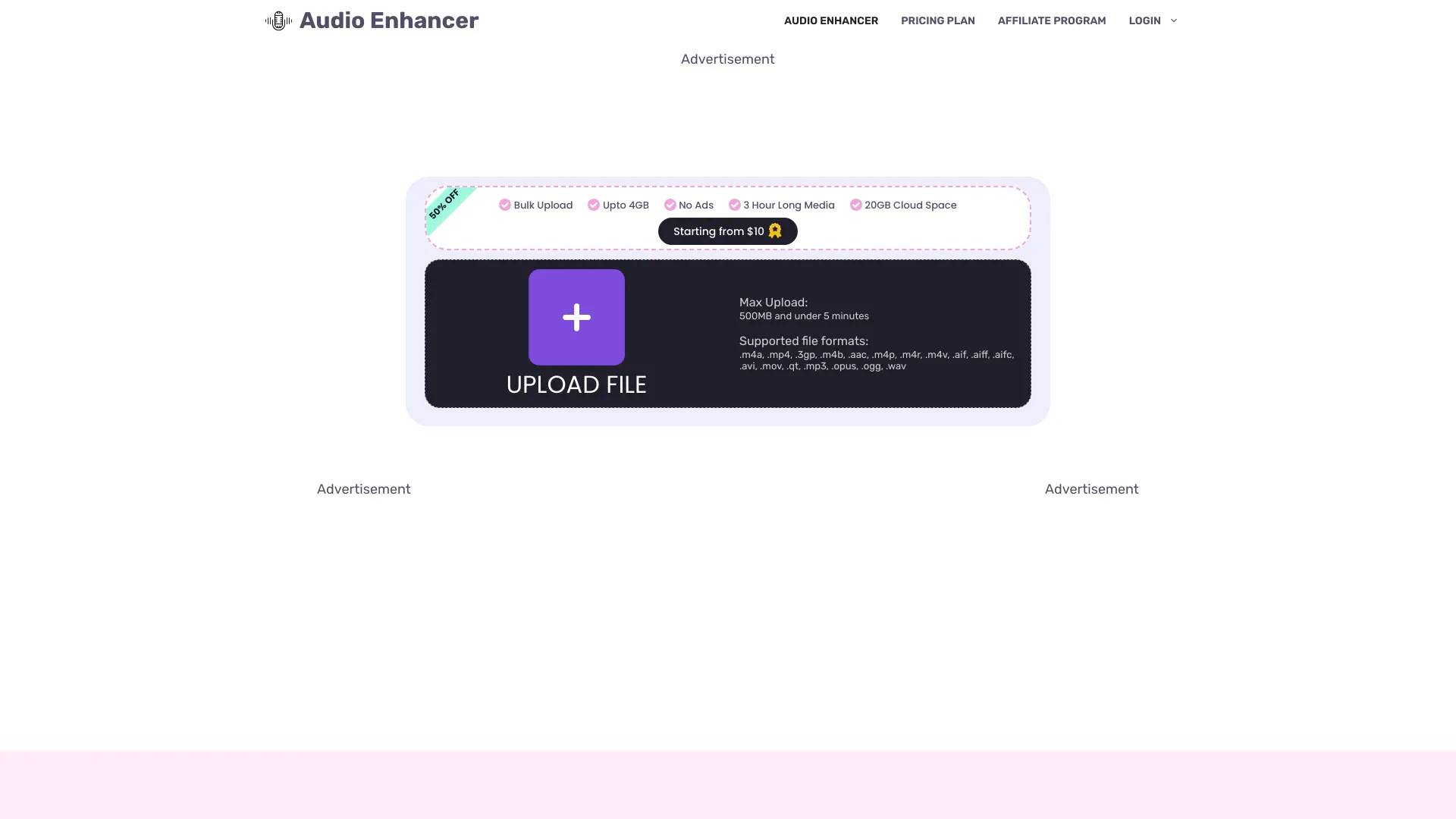
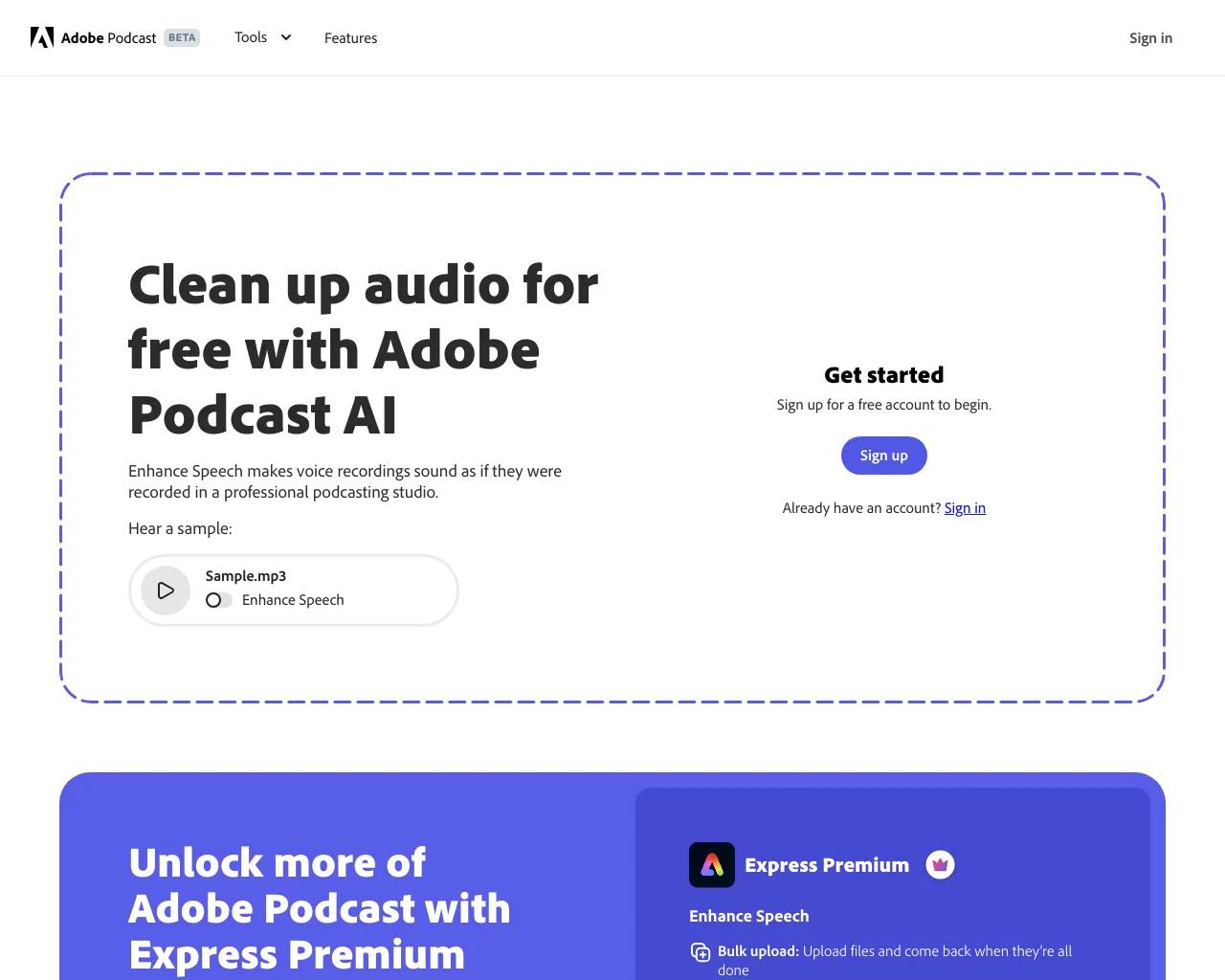
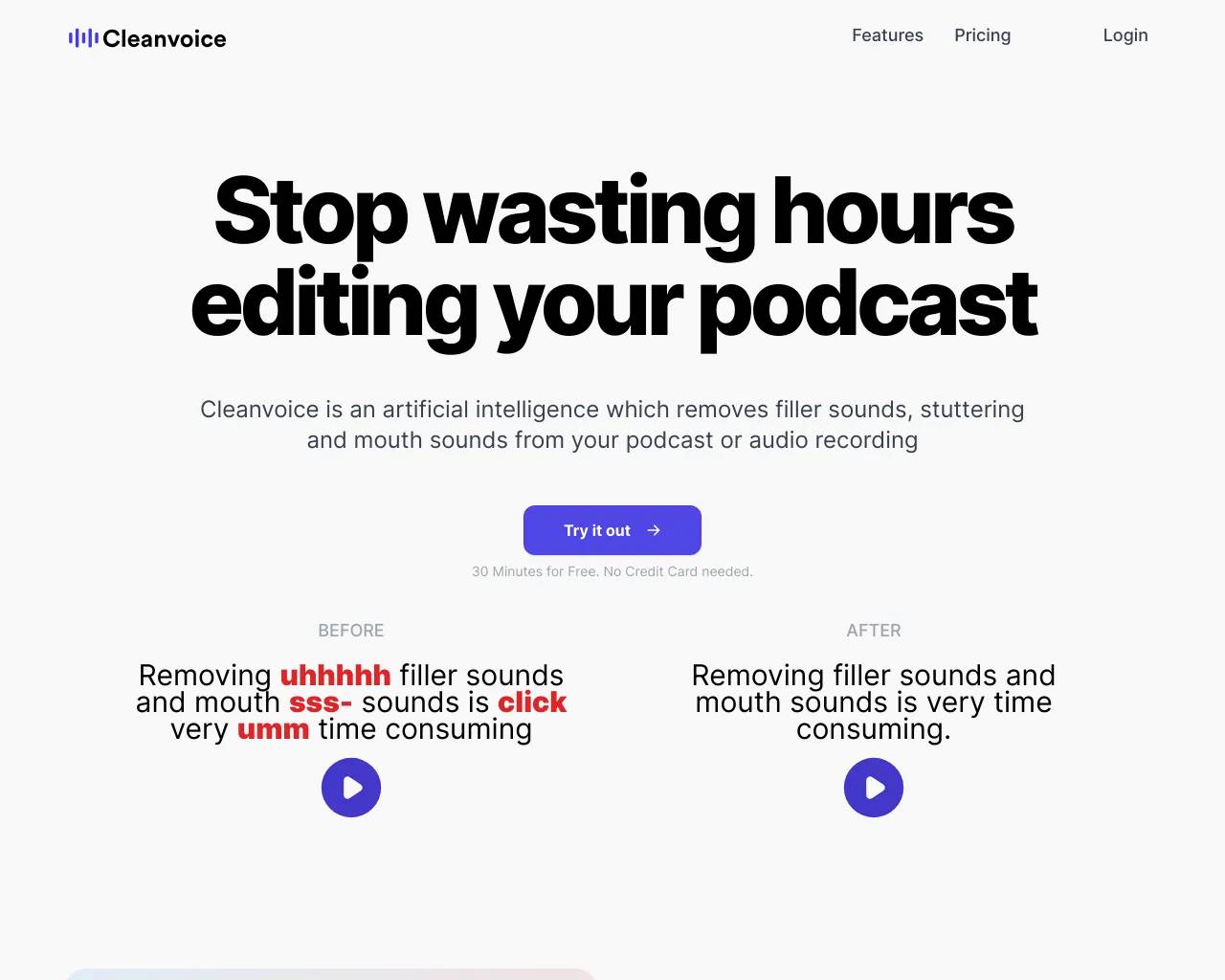
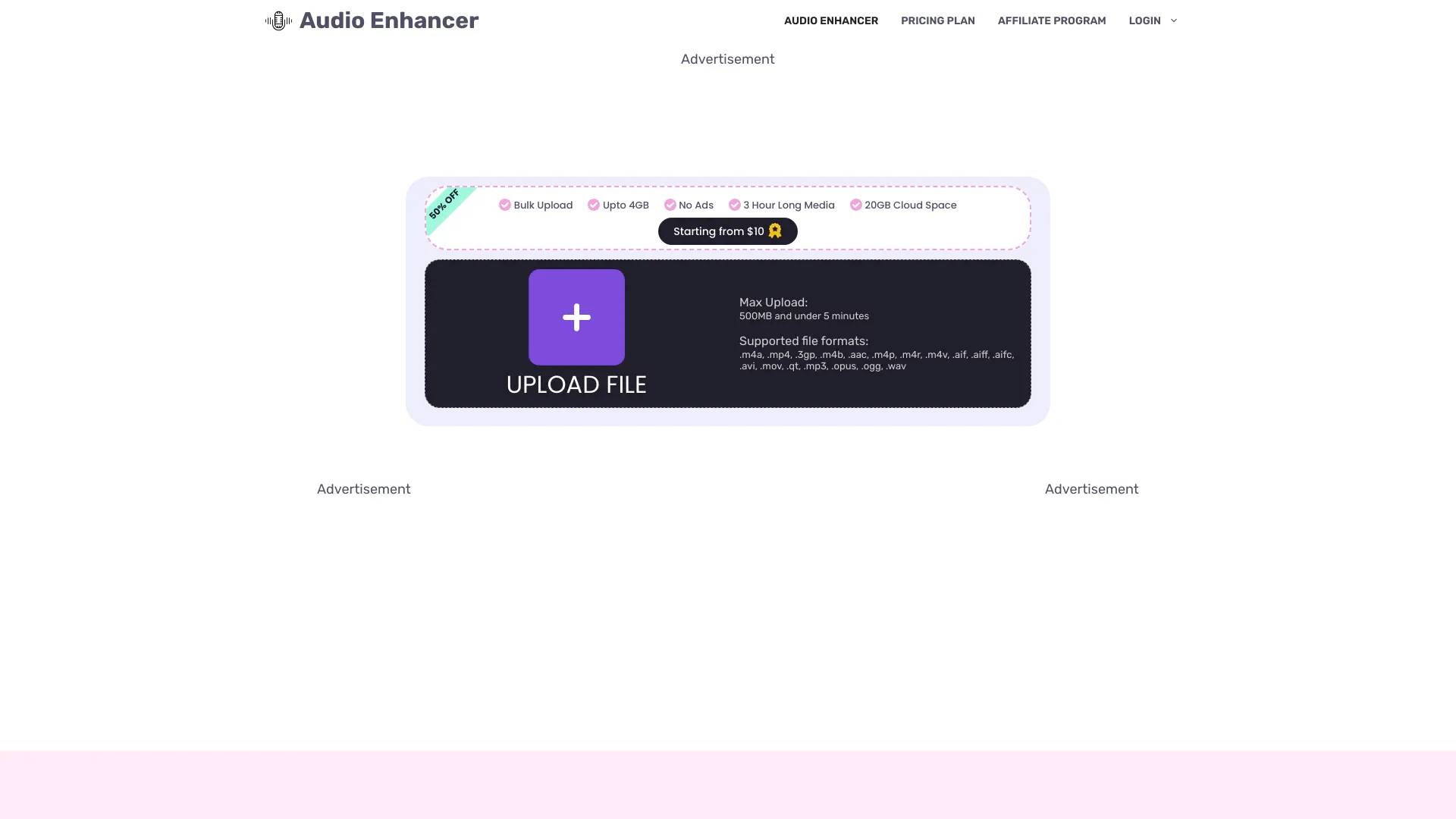
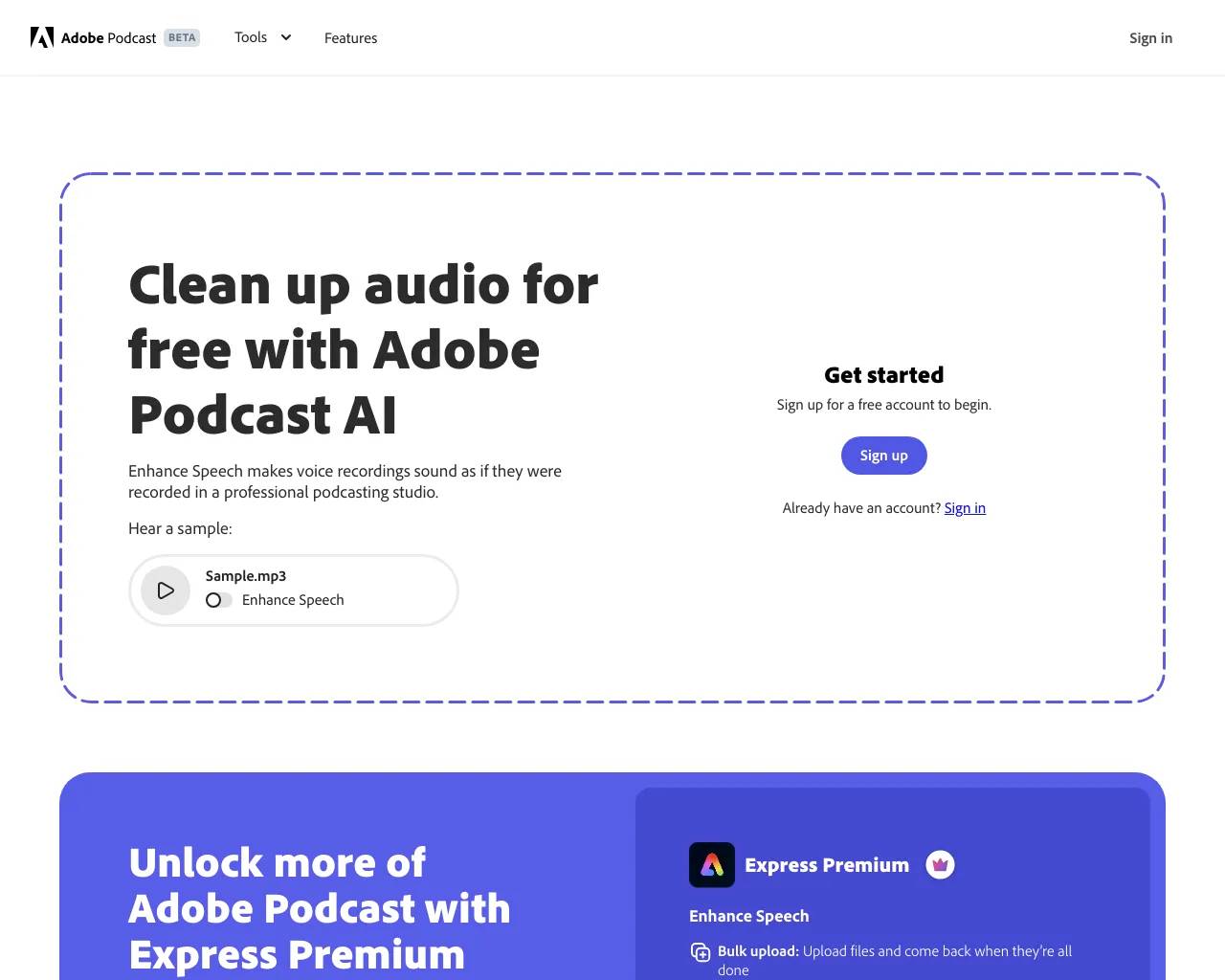
Top alternatives to CleanAudio AI include Audio Enhancer, Adobe Speech Enhancer, Adobe Mic Check, Krisp, Cleanvoice AI.Where can I get CleanAudio AI?
CleanAudio AI is available at https://www.cleanaudio.io.What category is CleanAudio AI in?
CleanAudio AI is listed in Audio Enhancer & Vocal Removal.How can I remove background noise from audio or video for free?
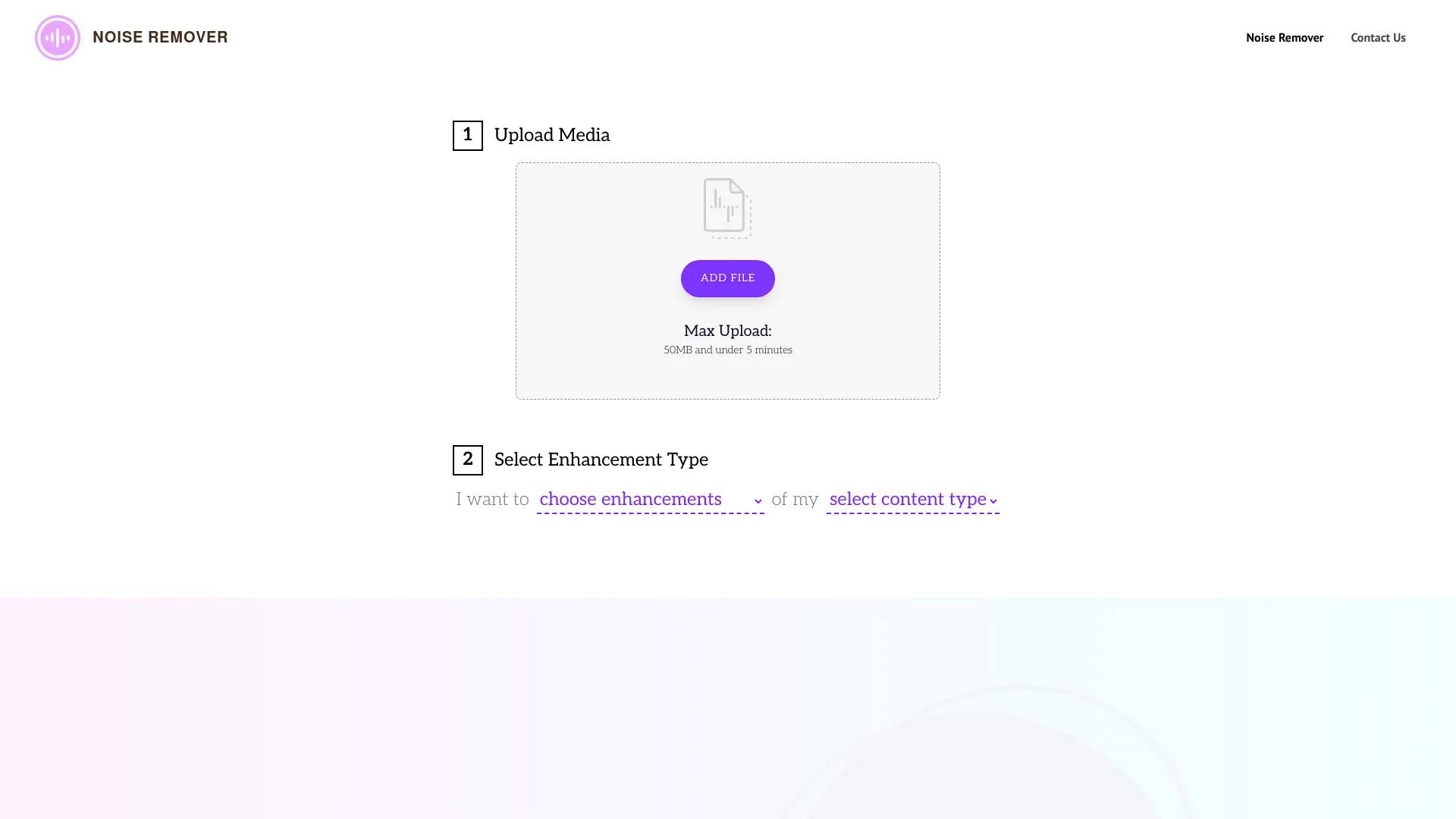
Simply upload your MP4, MOV, MP3, or WAV file directly in your browser. Our online AI noise remover will automatically clean the audio track, preserving voice quality while eliminating unwanted sounds, all without downloading any complex software.What types of background noise can this AI tool remove?
Our AI is trained on thousands of hours of audio to effectively eliminate wind noises, loud air conditioning or fan whirs, traffic sounds, electronic static (hums and hiss), unexpected pet barking, and even room echo (reverb).Is this better than traditional software like Audacity or Premiere Pro?
Unlike Audacity or Premiere which require complex manual profiling and audio engineering skills, our tool is a one-click AI solution. It saves hours of editing time and delivers more natural, studio-quality results using deep learning to isolate human speech.What file formats are supported for noise reduction?
We support a wide range of formats for maximum compatibility. You can upload video files (MP4, MOV, FLV, MKV, WMV) or audio files (MP3, WAV, AIFF, FLAC, M4A). We support most common formats to make your workflow seamless.Is the audio cleanup tool secure and private?
Yes, privacy is our absolute priority. All uploaded files and processed audio are placed in a secure sandbox and permanently shredded from our servers automatically within 24 hours. We strictly do not use your data for AI training.Does it work efficiently on mobile devices (iOS/Android)?
Yes! Cleanaudio is fully responsive and optimized for mobile browsers. You can easily remove background noise from smartphone microphone recordings or voice notes on the go, without installing any apps.How do I make my podcast or YouTube audio clearer online?
Cleanaudio is specifically optimized for spoken word content, making it the perfect podcast noise reduction tool and YouTube audio cleaner. Just upload your raw recording, and our AI ensures your voiceover is crisp, increasing viewer engagement.Is there a free AI tool to clean audio online?
Absolutely! You can start cleaning your audio for free. We offer a 30-second cleaned preview so you can hear the crystal-clear difference before deciding to pay and download the full, noiseless version.What does "Unlimited" mean and can I cancel anytime?
PRO is for individual creators. Up to 30 hours per billing cycle under our fair-use policy — most users won't reach this limit. You can cancel anytime from your account page; your subscription stops at the end of the current billing cycle, no charge for the next.What's the difference between Pay As You Go and PRO?
Pay As You Go is a one-time payment with credits valid for 1 year — best for single projects or occasional use. PRO is a monthly subscription with unlimited cleaning under our fair-use policy — best for regular creators. Both use the same AI and produce the same output quality.
Compare CleanAudio AI with…
Pick any tool to see a structured side-by-side: pricing, deployment, capabilities, and content policy.