happyhorse
AI Video Generator | HappyHorse 1.0 - Text & Image to Video.
- Category
- Content Generation & Seo
- Alternatives
- 6 similar tools
- Last updated
- 3 weeks ago
- Source
- Official site ↗
AI Collection Top Picks

Content Generation & Seo Category Picks
About happyhorse
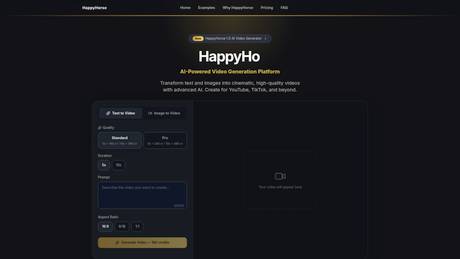
Generate cinematic AI videos from text or images. HD output, commercial license, free credits. Try HappyHorse 1.0 — no credit card needed.
Frequently asked questions
What is happyhorse used for?
AI Video Generator | HappyHorse 1.0 - Text & Image to Video.Is happyhorse free?
Pricing for happyhorse varies — see the Pricing section for details.What are alternatives to happyhorse?
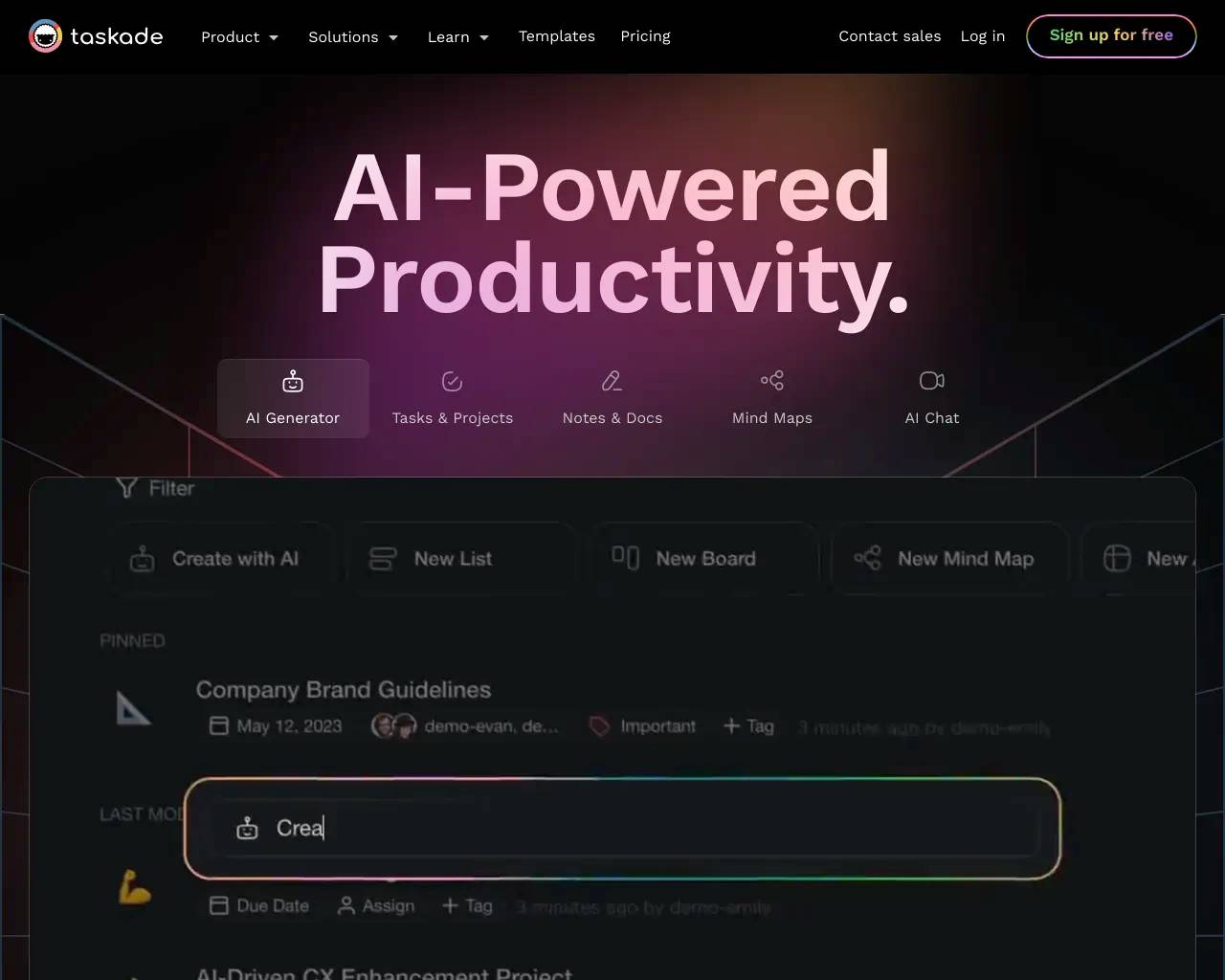
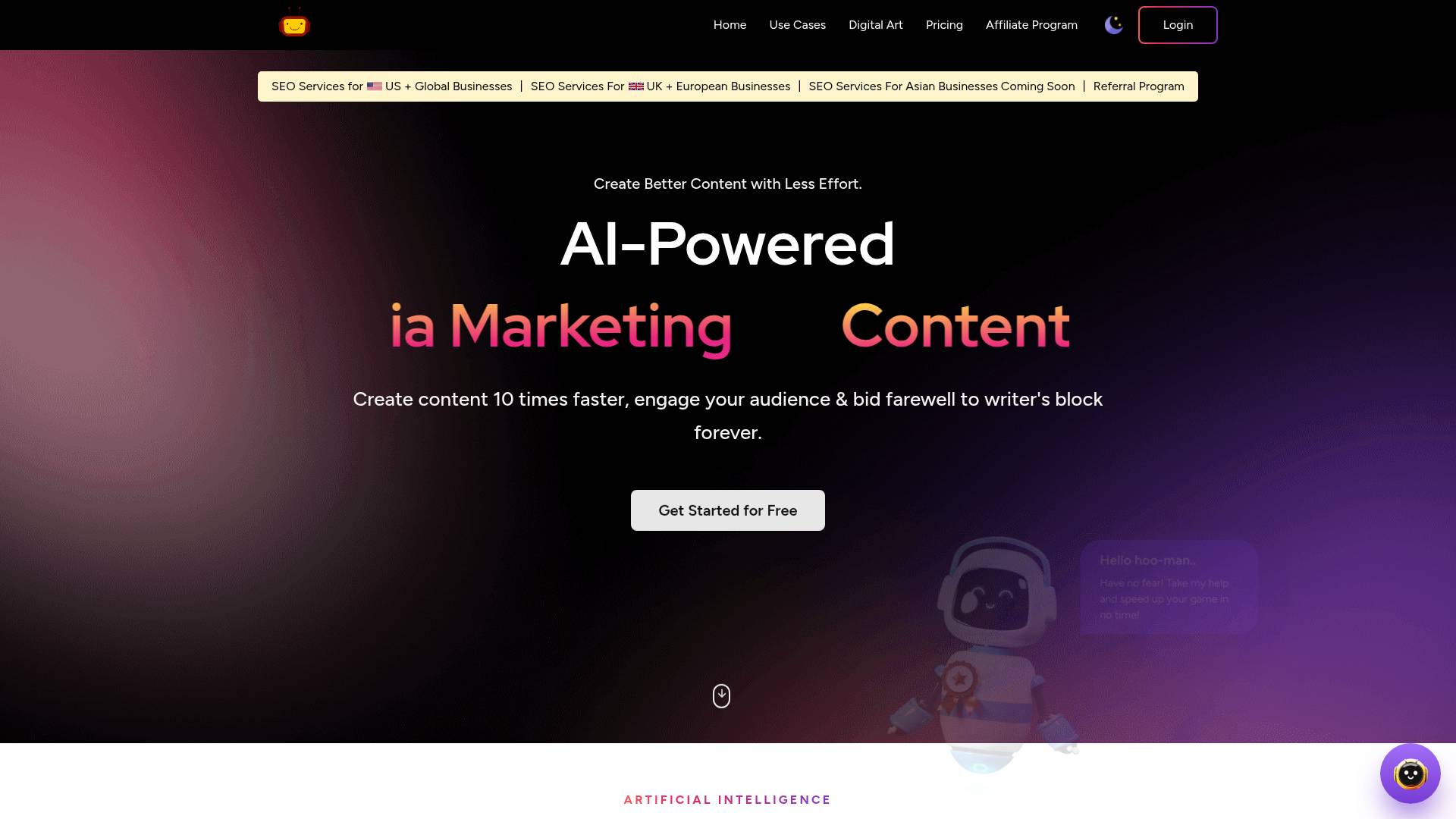
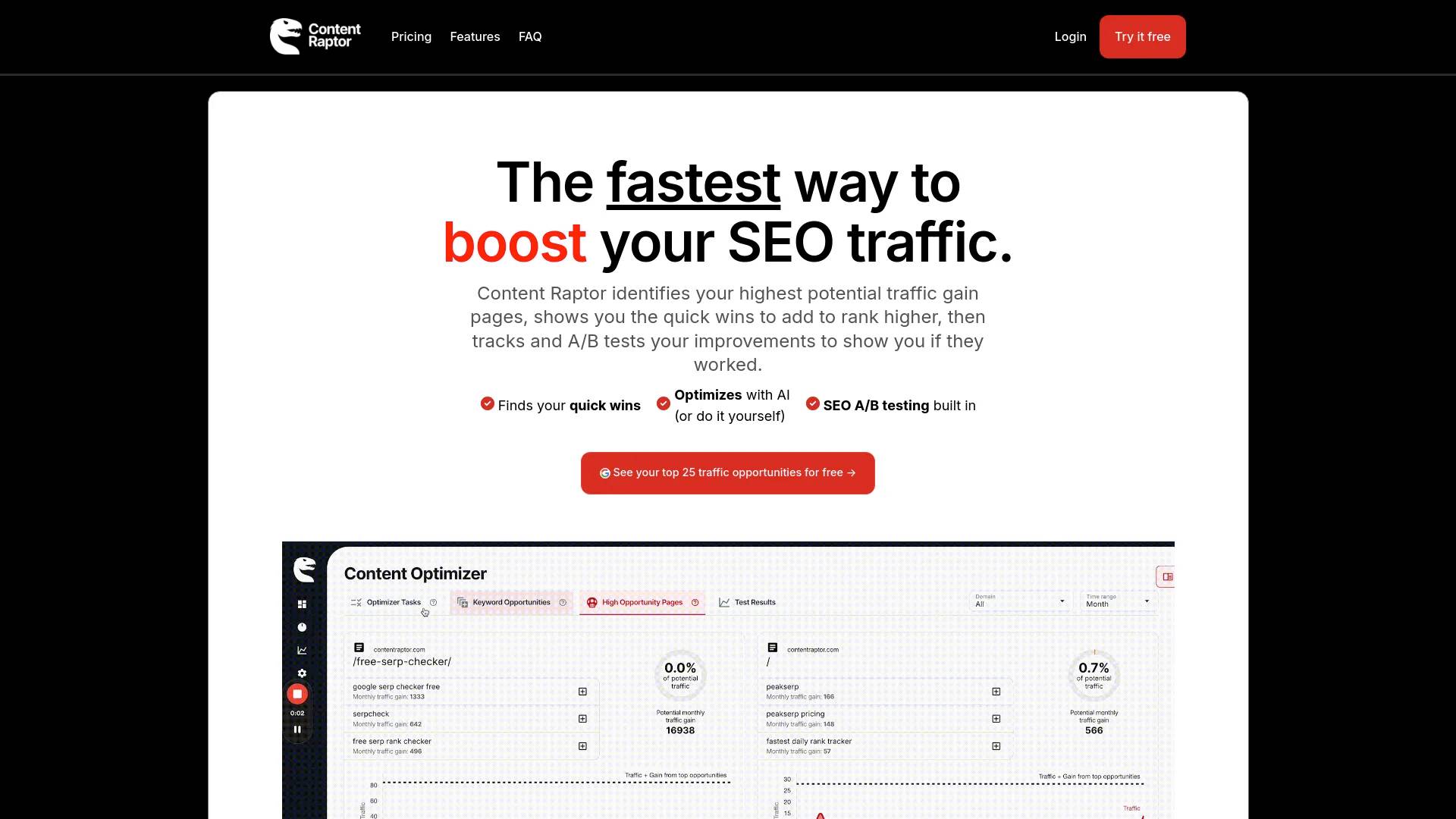
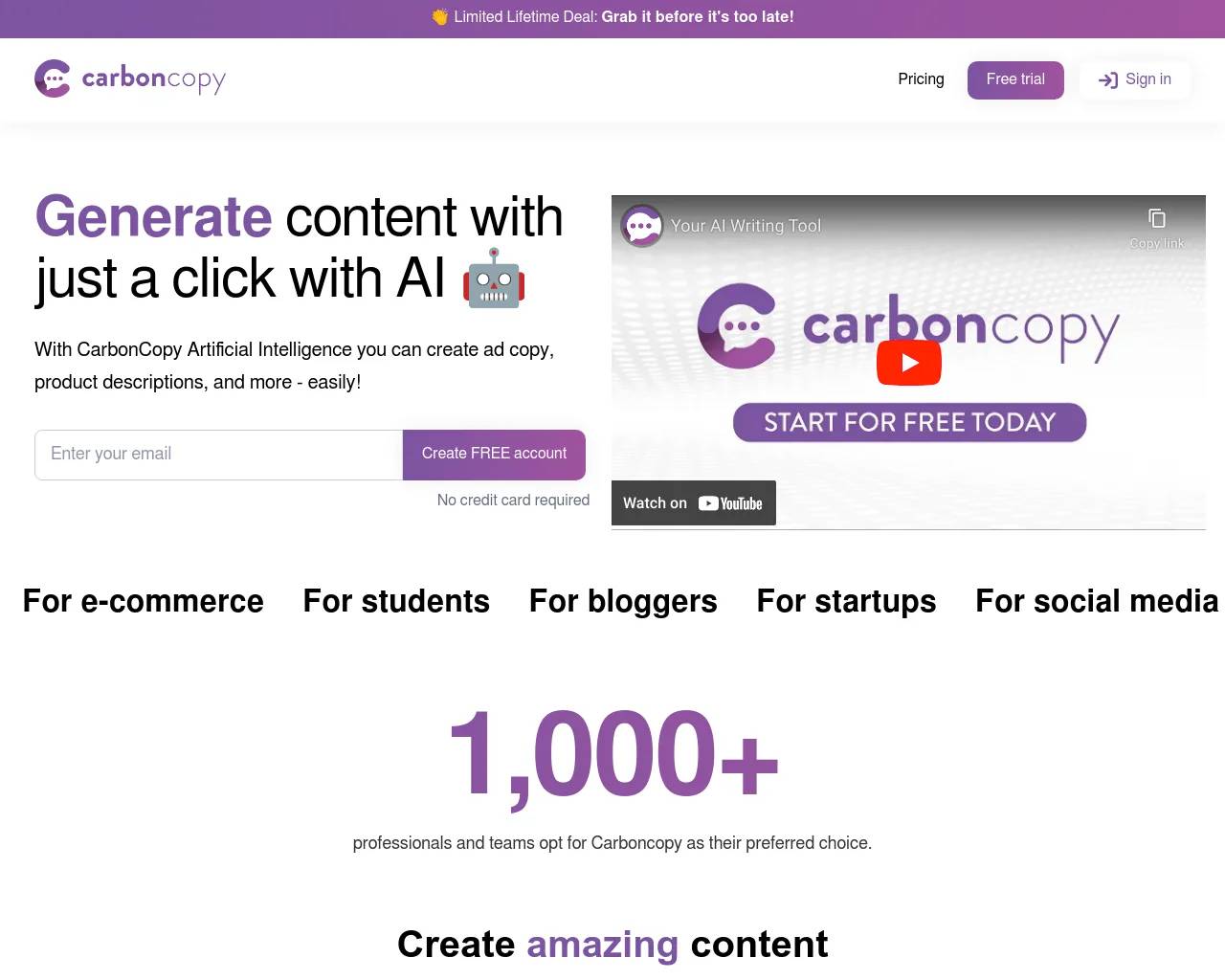
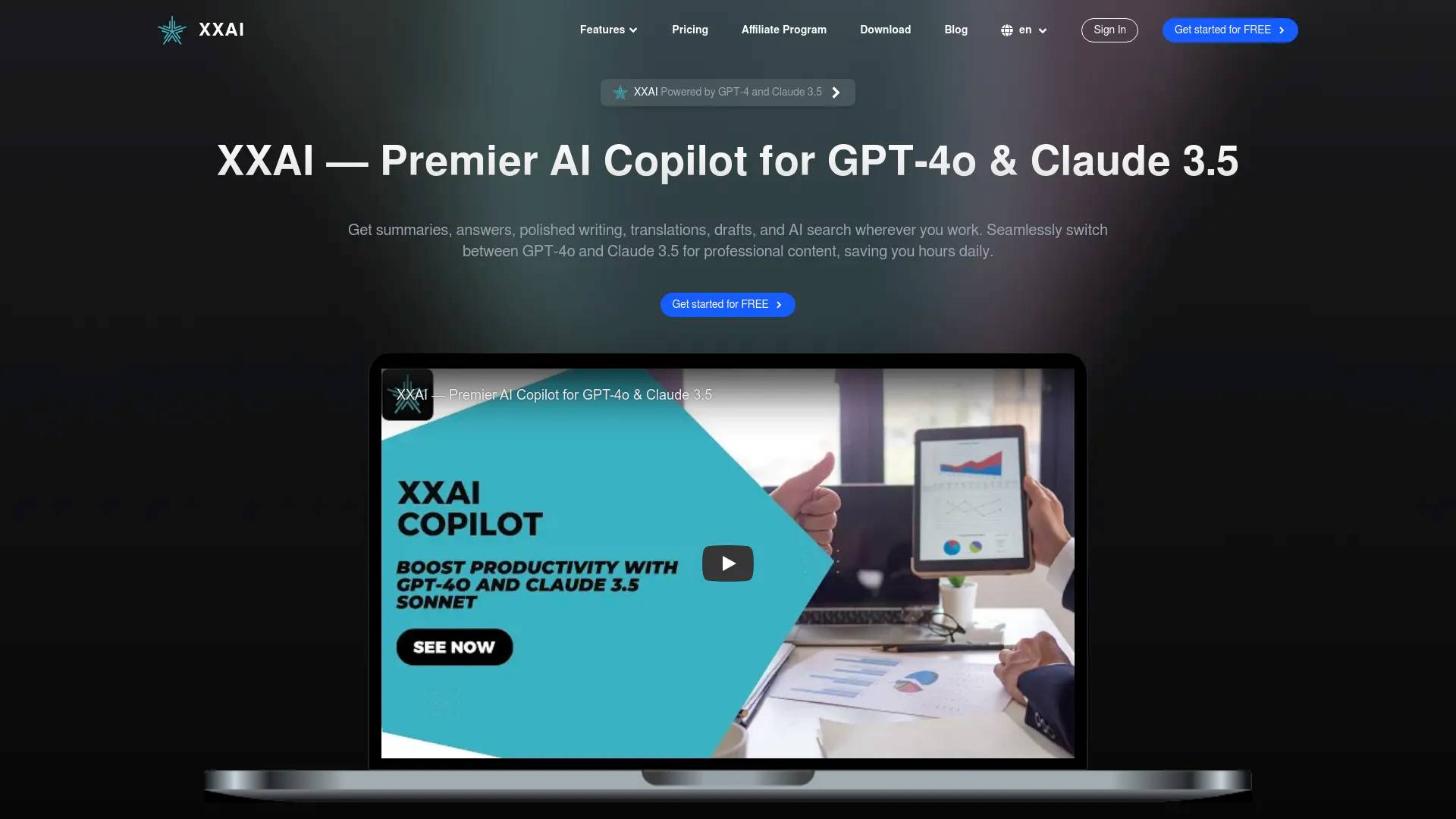
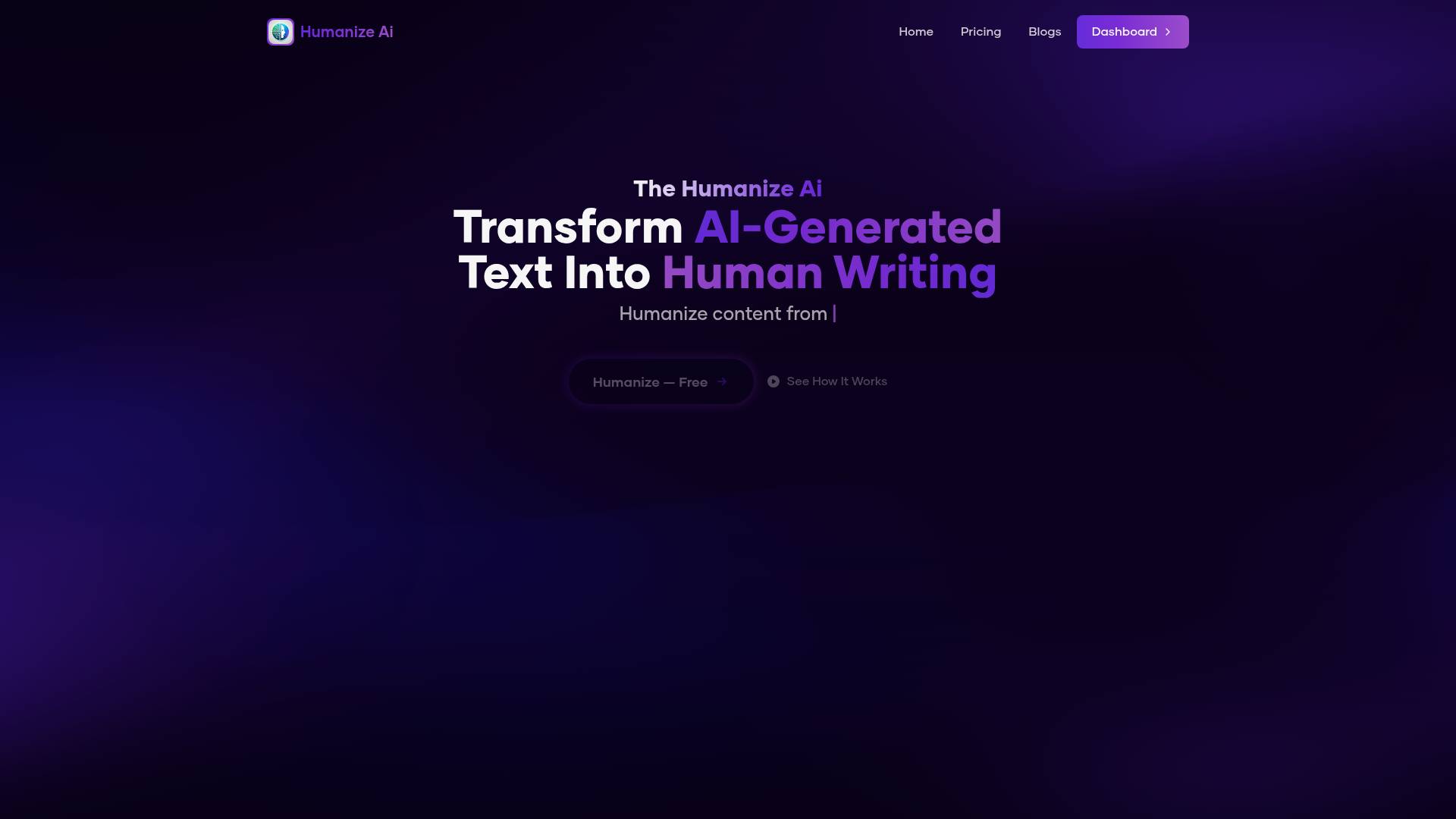
Top alternatives to happyhorse include The Humanize Ai Pro, XXAI, Everneed AI, Content Raptor, Taskade.Where can I get happyhorse?
happyhorse is available at http://happyhorsesai.net/.What category is happyhorse in?
happyhorse is listed in Content Generation & Seo.What is HappyHorse AI?
HappyHorse AI is an AI tools platform designed for content creation, automation, and productivity.Is HappyHorse AI free to use?
Yes, users can explore various AI tools and features depending on their needs.Who can use HappyHorse AI?
HappyHorse AI is suitable for creators, developers, marketers, and businesses.Features
1. AI-powered content generation 2. Workflow automation tools 3. Easy-to-use interface 4. Fast and efficient performanceUse Cases
- Content creation and writing - Marketing and SEO tasks - Business productivity improvement - Daily AI-assisted workflowsWebsite
Visit here: https://happyhorsesai.netWhat is HappyHorse 1.0?
HappyHorse 1.0 is an AI-powered video generation platform that converts text descriptions and static images into dynamic, high-quality videos. It's designed for content creators, marketers, and businesses who want to produce professional video content without extensive editing expertise.How is HappyHorse 1.0 different from other AI video tools?
HappyHorse 1.0 combines text-to-video, image-to-video, and image generation in a single platform. It supports bilingual prompts (English and Chinese), offers multiple aspect ratios for every platform, and delivers broadcast-quality HD output with natural motion — all with zero setup required.Who is HappyHorse 1.0 designed for?
HappyHorse 1.0 is built for everyone — from YouTube creators and social media managers needing regular video content, to e-commerce directors creating product videos, to startup founders with limited budgets who need professional results.Do I need technical skills to use HappyHorse 1.0?
Not at all. HappyHorse 1.0 runs entirely in your browser with zero setup. Just describe what you want in plain language, and the AI handles the rest — no video editing experience needed.What video formats and aspect ratios does HappyHorse 1.0 support?
HappyHorse 1.0 supports vertical (9:16 for TikTok, Reels), horizontal (16:9 for YouTube), and square (1:1 for Instagram) aspect ratios. All videos are exported in broadcast-quality HD resolution.Can I use HappyHorse 1.0 videos commercially?
Yes! All videos generated with HappyHorse 1.0 come with full commercial rights. Use them for YouTube, TikTok, marketing campaigns, product listings, ads, or any business purpose — no attribution required.How long does it take to generate a video?
Most videos are generated within a minute using HappyHorse 1.0. Generation time varies depending on video length and quality settings, but the process is significantly faster than traditional video production.Does HappyHorse 1.0 offer free credits?
Absolutely! New riders get 60 starter credits the moment they sign up. Plus, check in daily to claim 10 free credits — keep coming back to unlock more videos and images. No credit card, no commitment.Can I animate my own images with HappyHorse 1.0?
Absolutely. Upload any photo or static image to HappyHorse 1.0 and transform it into a dynamic video with realistic motion, camera pans, and smooth transitions.Does HappyHorse 1.0 support Chinese prompts?
Yes, HappyHorse 1.0 supports both English and Chinese prompts, making it accessible to creators worldwide. Simply describe your vision in either language.
Compare happyhorse with…
Pick any tool to see a structured side-by-side: pricing, deployment, capabilities, and content policy.