Image Text Editor
Image & Photo Text Editor — AI-Powered Text Replacement for Images.
- Category
- Image Editing
- Alternatives
- 6 similar tools
- Last updated
- 4 weeks ago
- Source
- Official site ↗
AI Collection Top Picks

Image Editing Category Picks

About Image Text Editor
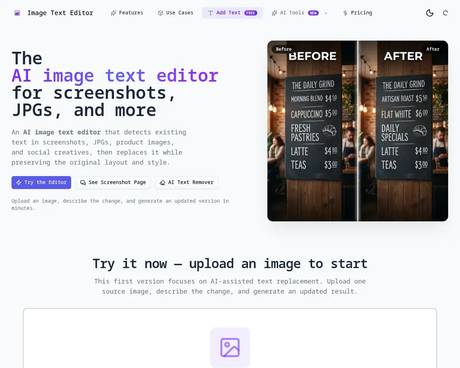
AI image & photo text editor that detects and replaces text in screenshots, JPGs, posters, and product images while preserving the original layout and style.
Frequently asked questions
What is Image Text Editor used for?
Image & Photo Text Editor — AI-Powered Text Replacement for Images.Is Image Text Editor free?
Pricing for Image Text Editor varies — see the Pricing section for details.What are alternatives to Image Text Editor?
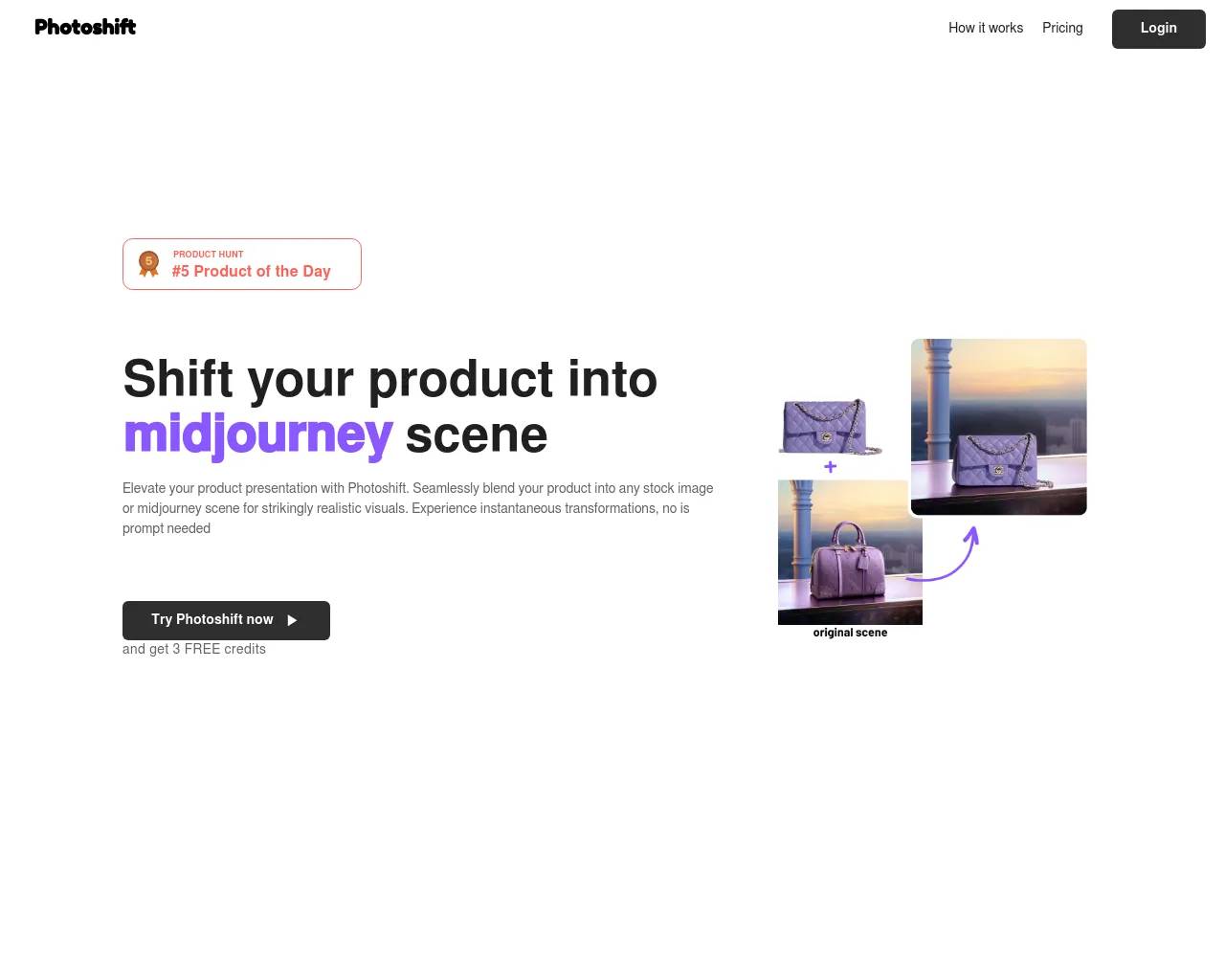
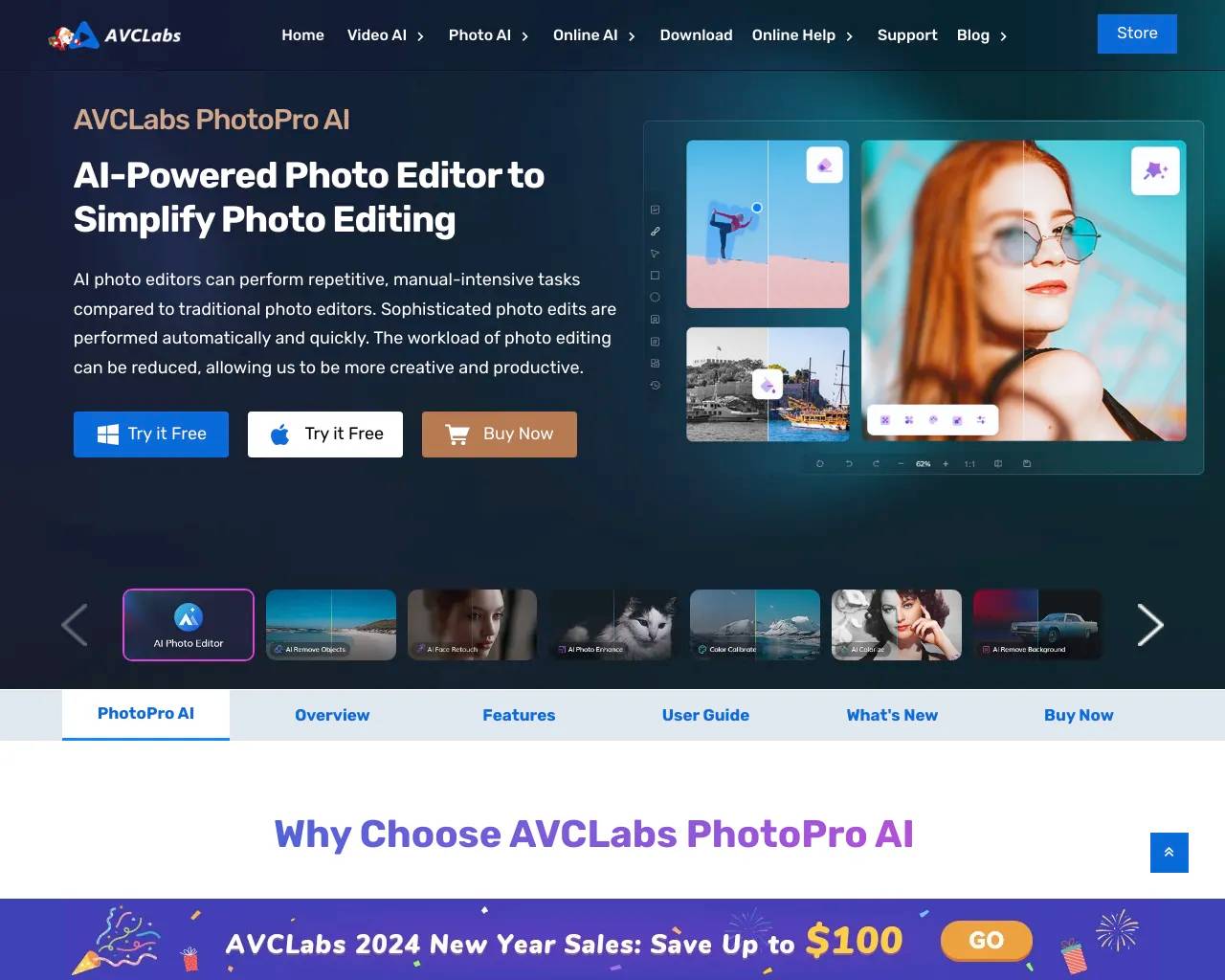
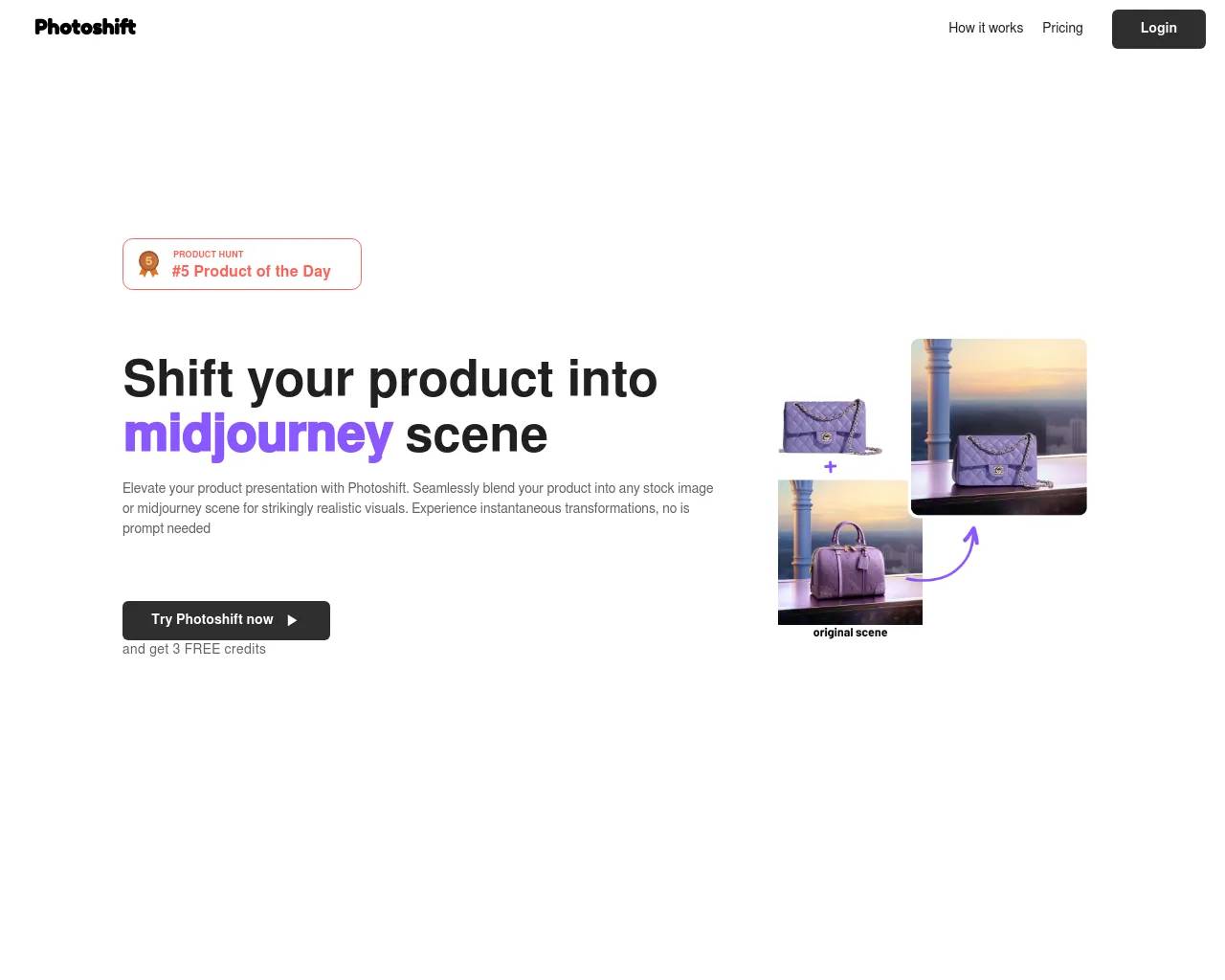
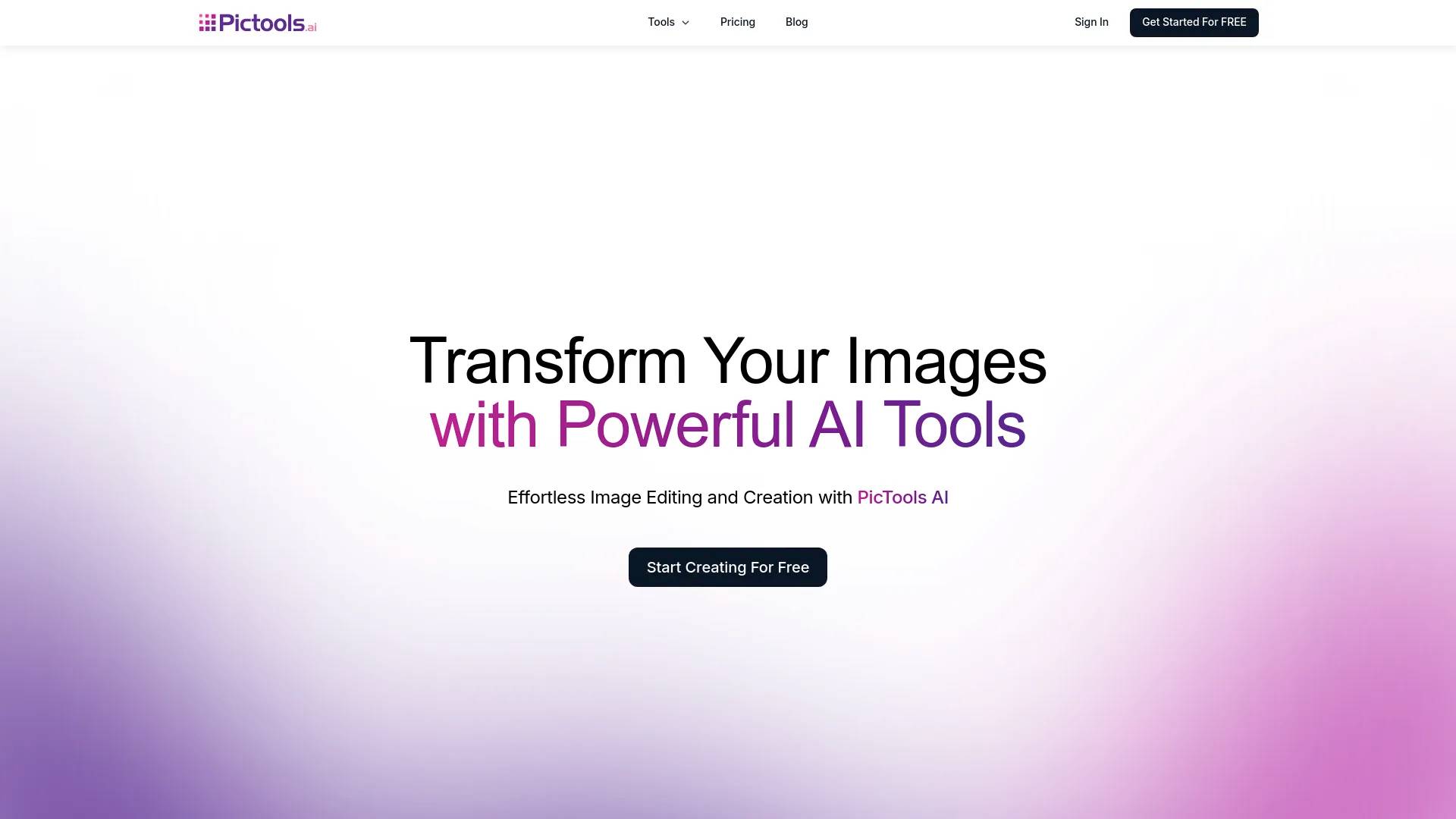
Top alternatives to Image Text Editor include Photoshift, PicTools.AI, AI Photos Editor, AVCLabs PhotoPro AI, ProductScope AI.Where can I get Image Text Editor?
Image Text Editor is available at https://imagetexteditor.net/.What category is Image Text Editor in?
Image Text Editor is listed in Image Editing.What is Image Text Editor?
Image Text Editor is an AI‑powered image text editor that lets you edit, replace, or remove text directly inside images, screenshots, JPGs, and product creatives while preserving the original layout and style.Can it edit both screenshots and photos?
Yes. Standard mode is ideal for clean UI screenshots, documents, invoices, and simple backgrounds, while Pro mode handles complex photos, posters, and creative layouts with gradients or textures.Can it keep the same font and layout?
Our AI detects text regions, analyzes font style, weight, and spacing, then redraws the edited area so the new text closely matches the original font and keeps the same alignment and composition.Do I need design files or Photoshop skills?
No. You only upload a single image (JPG, PNG, or WebP), describe the text change, and let AI generate a revised version — no original design source files or advanced tools required.What is the difference between Standard and Pro mode?
Standard mode uses OCR to detect and edit text blocks precisely on clean backgrounds, costing 1 credit per edit. Pro mode uses AI inpainting to handle complex visuals, artistic fonts, and busy scenes at 2 credits per edit. ---Use Cases
- **App & product screenshots** – update UI copy, button labels, and dashboard text while preserving pixel‑perfect layouts for App Store or marketing pages. - **E‑commerce product images** – change prices, promotional badges, and product descriptions on packaging and product photos without rebuilding creatives. - **Marketing banners and social creatives** – localize headlines and calls‑to‑action for different languages, campaigns, or audiences while keeping the same design. - **Documents, invoices, and forms** – fix typos, update dates, and correct details on scanned documents, receipts, or white‑background forms. - **Restaurant menus and posters** – translate menus, event flyers, and print posters into new languages while preserving layout and visual hierarchy. - **Brand and packaging localization** – adapt labels, menus, and storefront signs across regions (e.g., French ↔ German) without re‑doing the artwork. ---Image Preview
Is this a manual canvas editor?
No. The first release is an AI-assisted image text editor. You upload a source image, describe the text change, and generate a revised image.Can it edit screenshots as well as photos?
Yes. The homepage covers both image text editor and screenshot text editor intent, and there is a dedicated screenshot page for that use case.Can it keep the same font?
It tries to match the original font style, size, weight, color, and alignment as closely as possible. For the best results, use the same-font preset and provide the original text when you know it.Do I need to sign in to use it?
You can browse the pages and interact with the uploader publicly. Sign-in is required when you generate an edited image.What is Pro mode?
Pro mode lets you draw a bounding box around a specific text area, type the replacement text, and let AI (Ideogram v3 Turbo) redraw just that region. It's ideal for product images, banners, and creatives where precise regional control matters.How much does Pro mode cost?
Each Pro generation costs 2 credits. Standard mode costs 1 credit per edit. You can purchase credit packs on the Pricing page.
Compare Image Text Editor with…
Pick any tool to see a structured side-by-side: pricing, deployment, capabilities, and content policy.