ImageEditor
Free AI Image Editor Online | Edit Photos Fast | ImageEditor.
- Category
- Image Editing
- Alternatives
- 6 similar tools
- Last updated
- 4 weeks ago
- Source
- Official site ↗
AI Collection Top Picks

Image Editing Category Picks
About ImageEditor
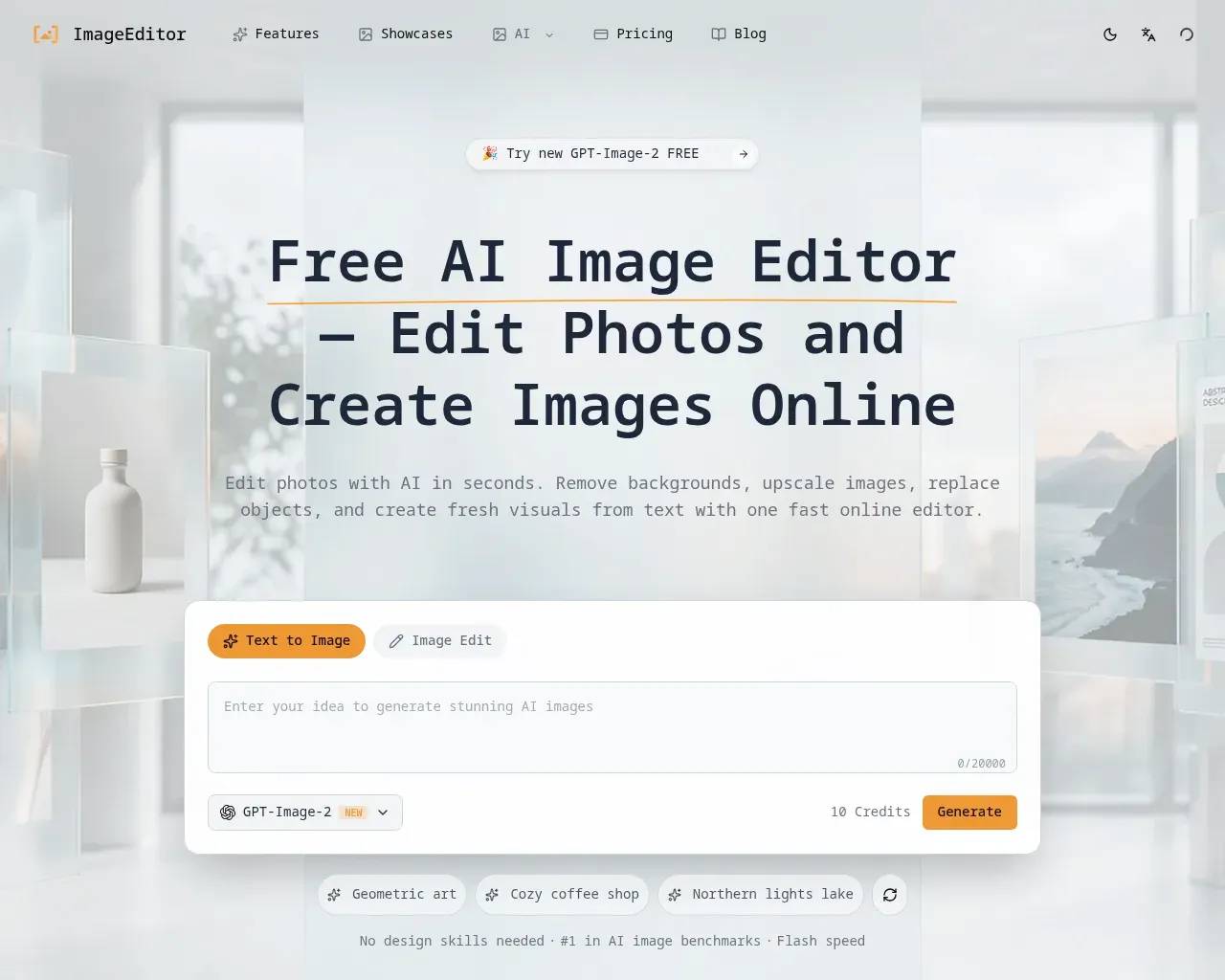
Use ImageEditor as your free AI image editor to remove backgrounds, upscale photos, replace objects, and generate new visuals from text online.
Frequently asked questions
What is ImageEditor used for?
Free AI Image Editor Online | Edit Photos Fast | ImageEditor.Is ImageEditor free?
Pricing for ImageEditor varies — see the Pricing section for details.What are alternatives to ImageEditor?
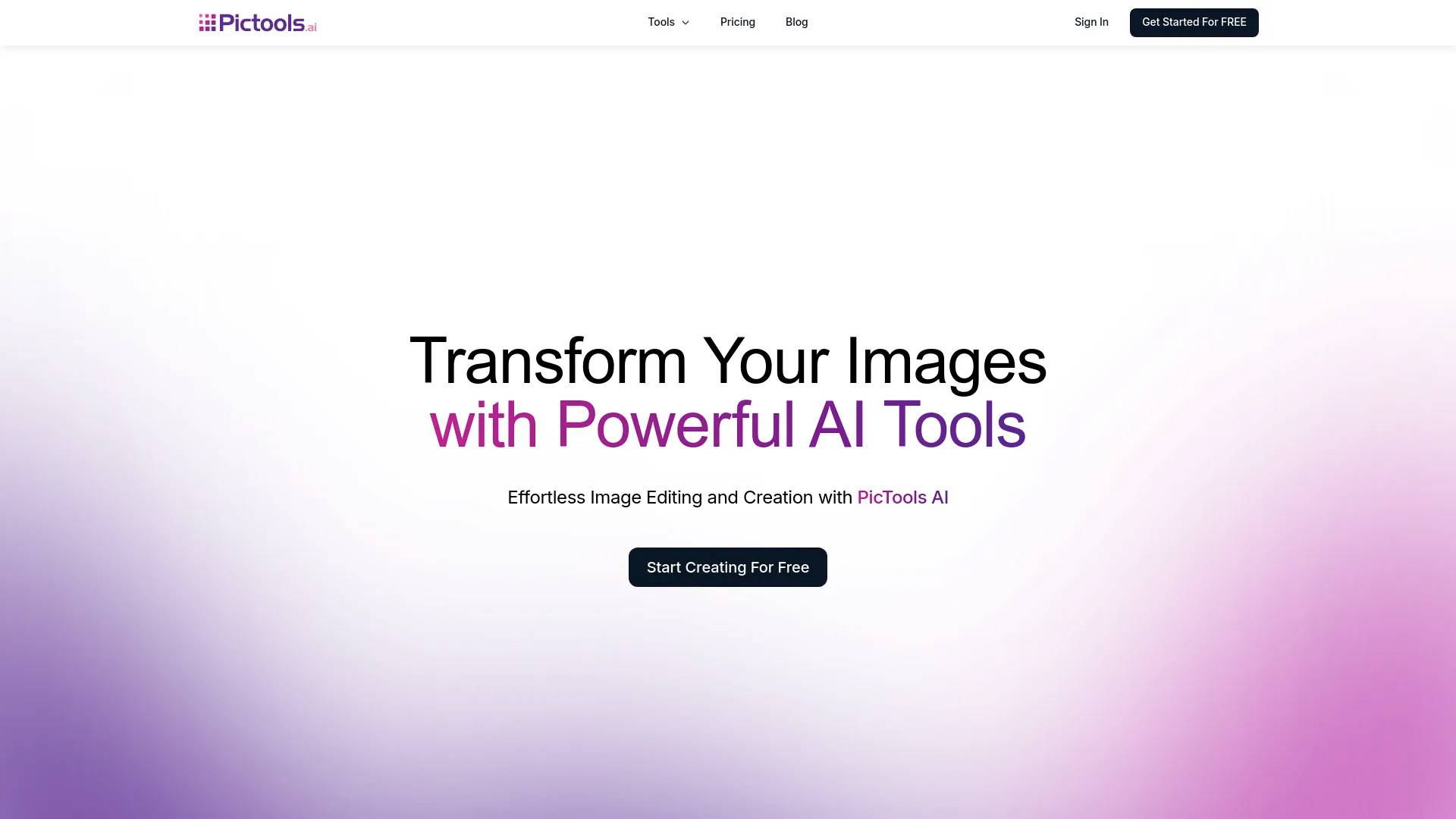
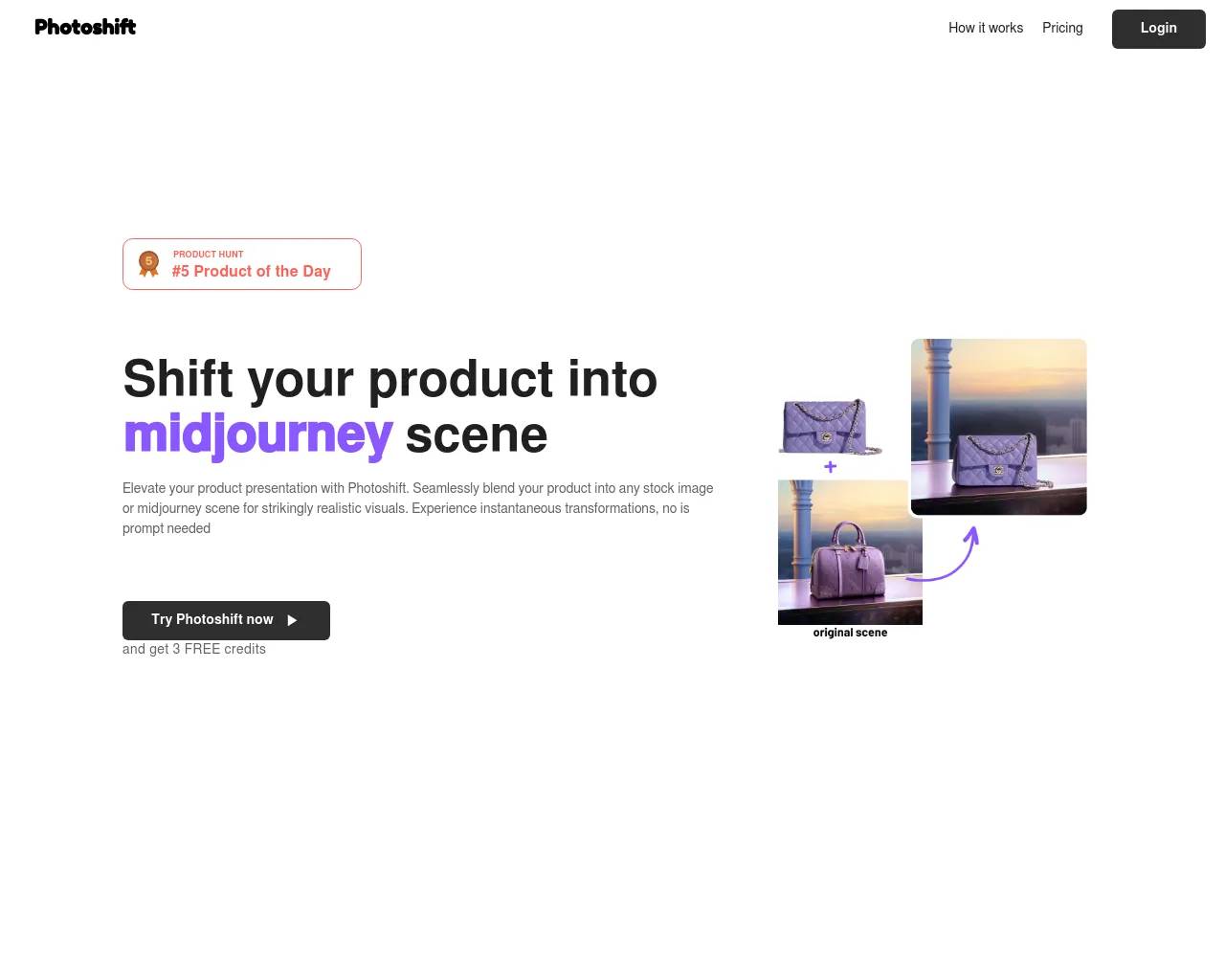
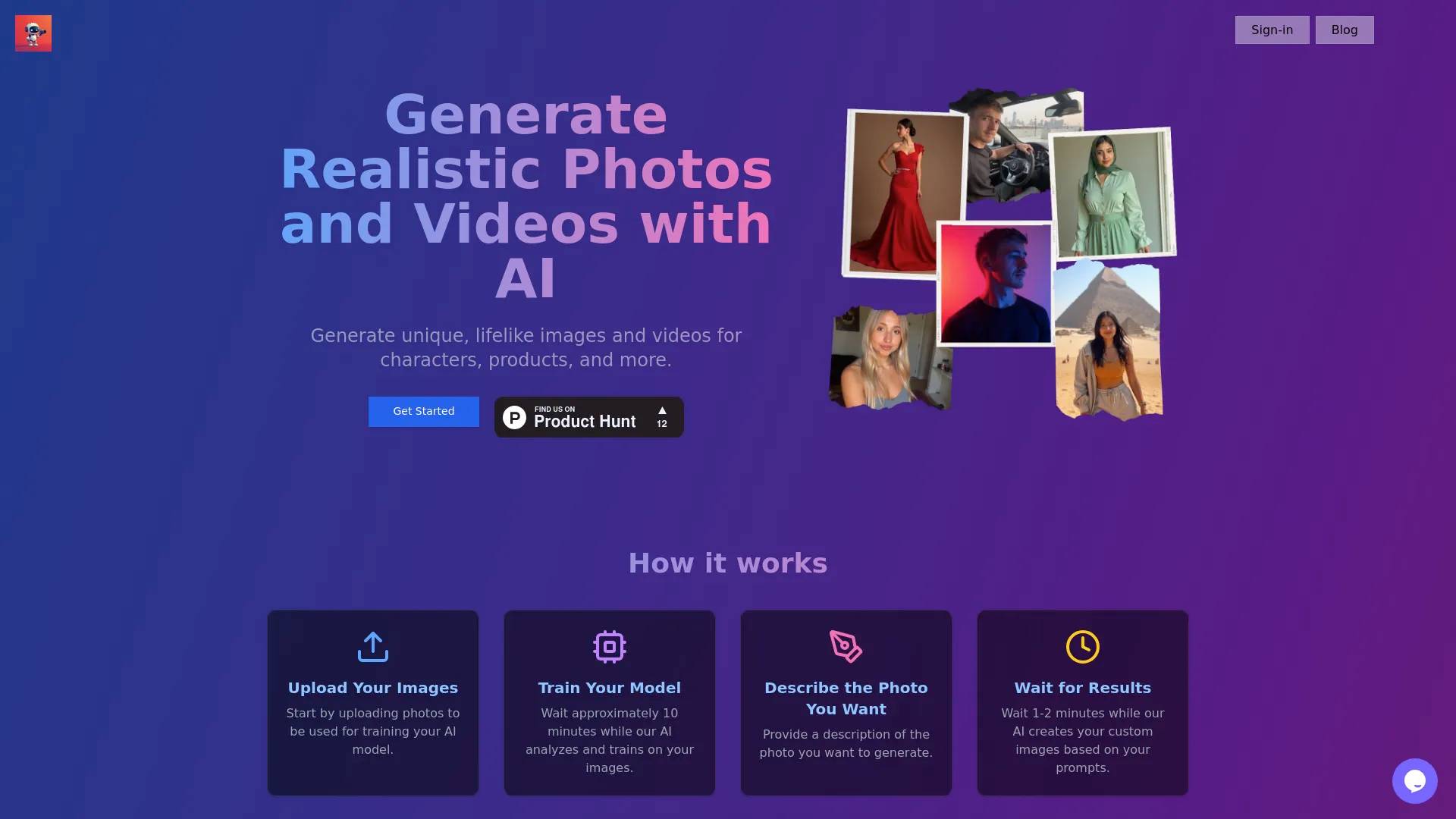
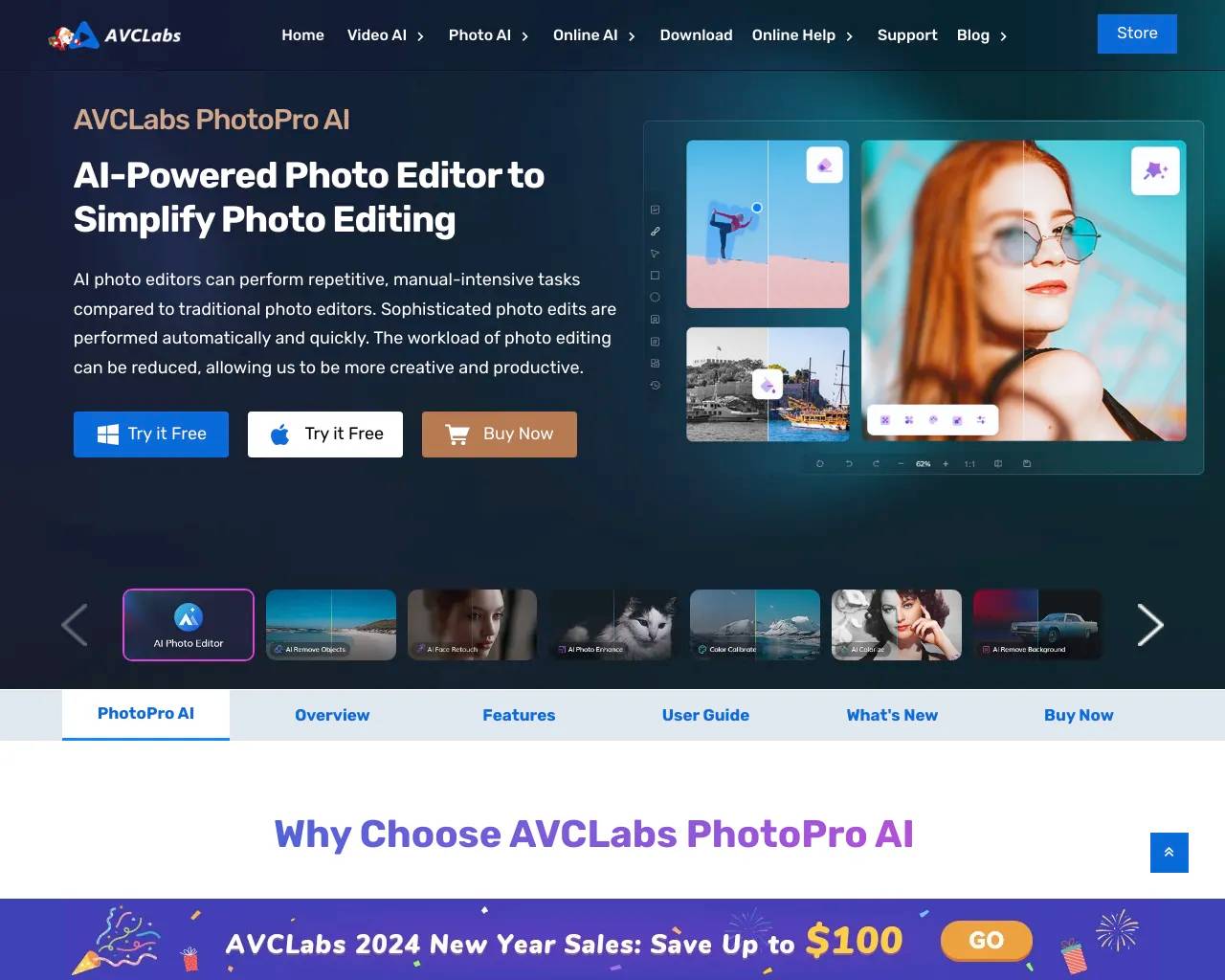
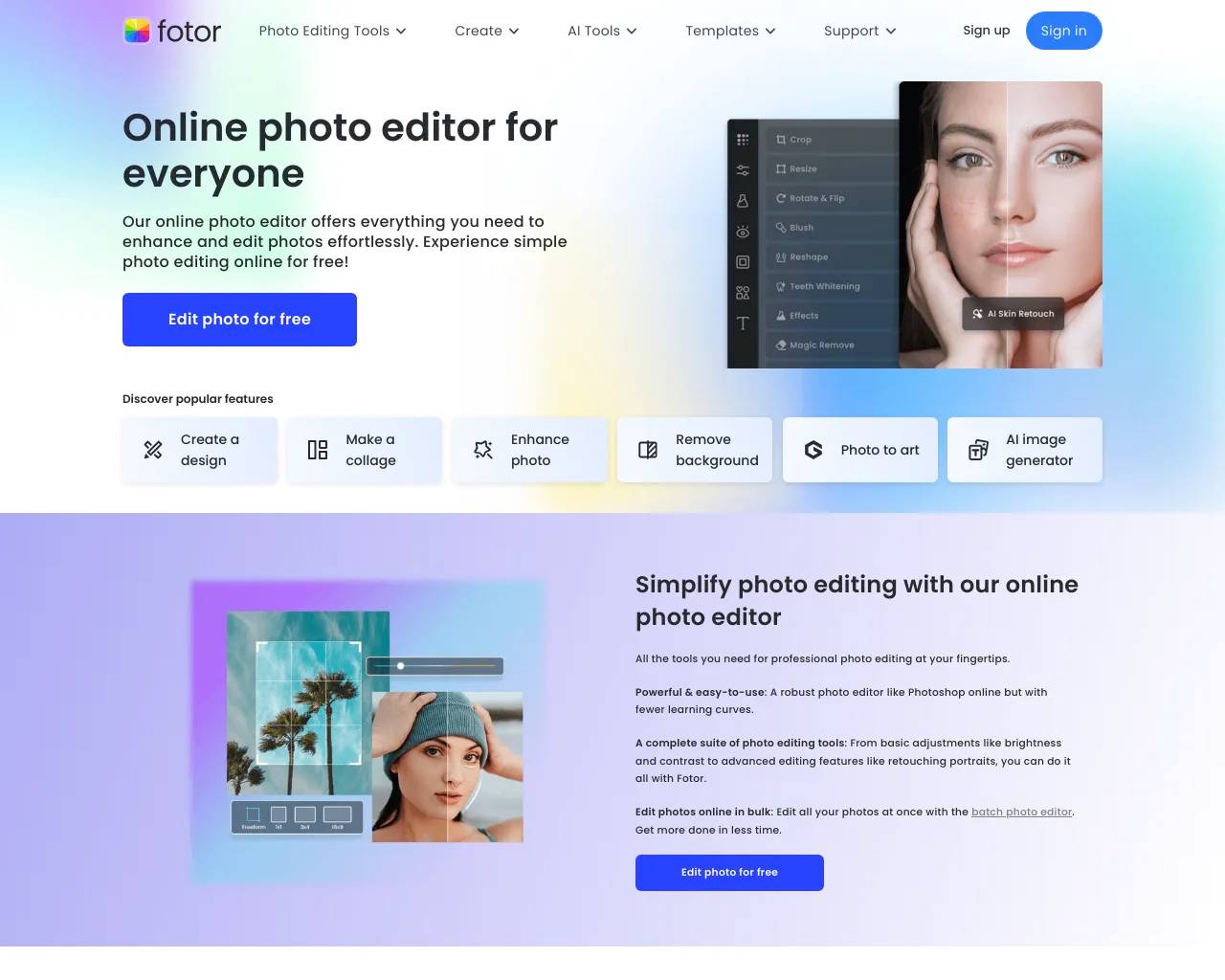
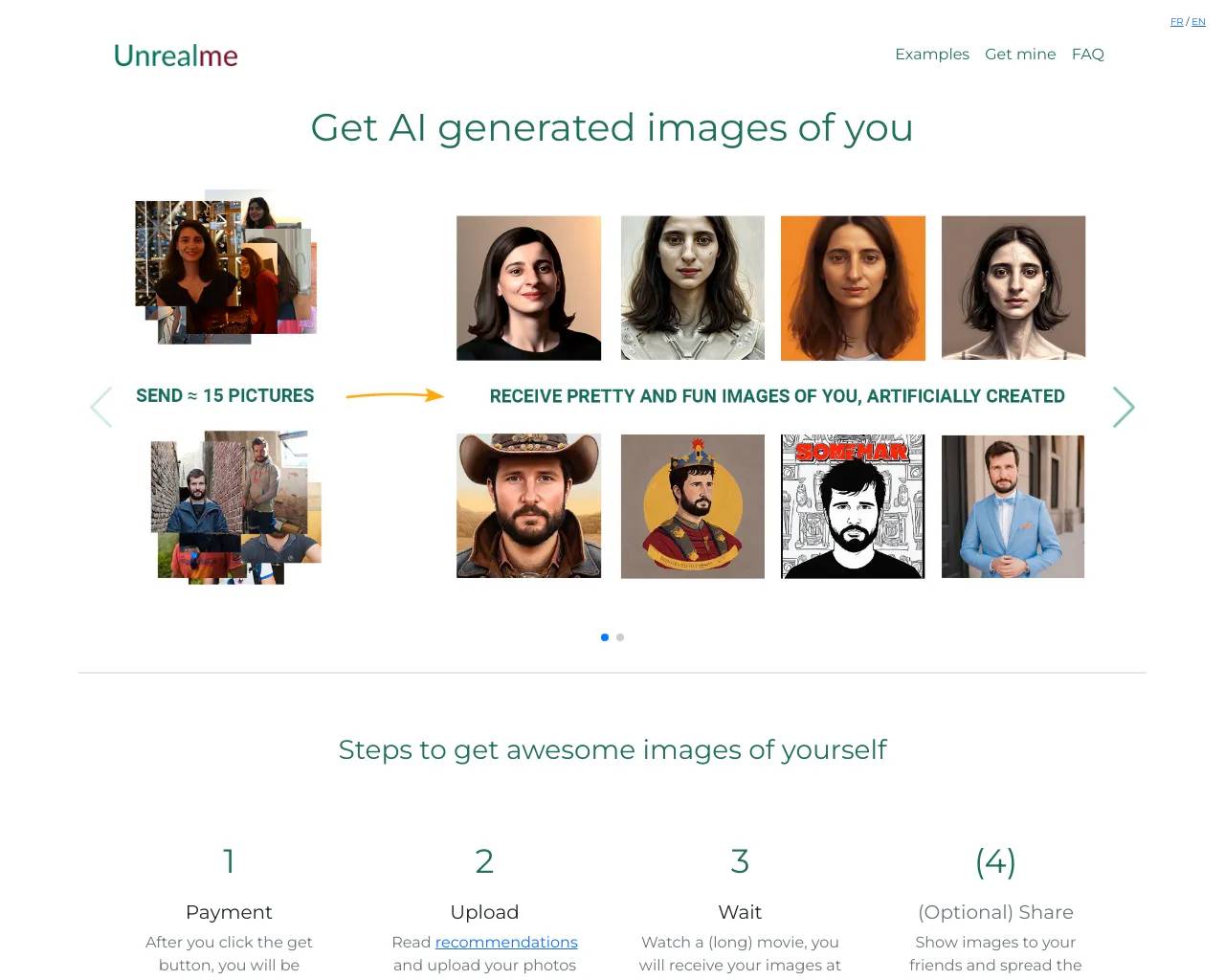
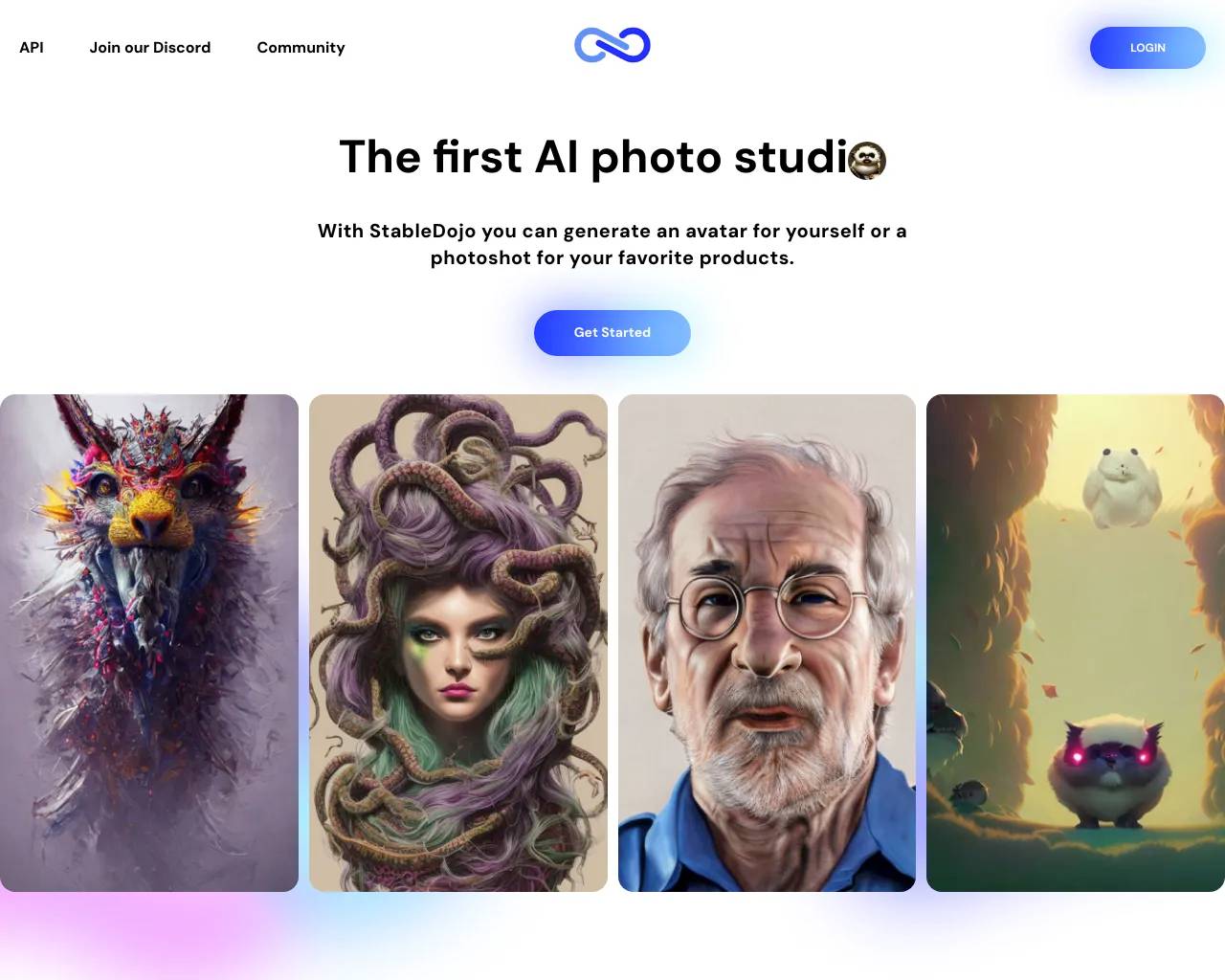
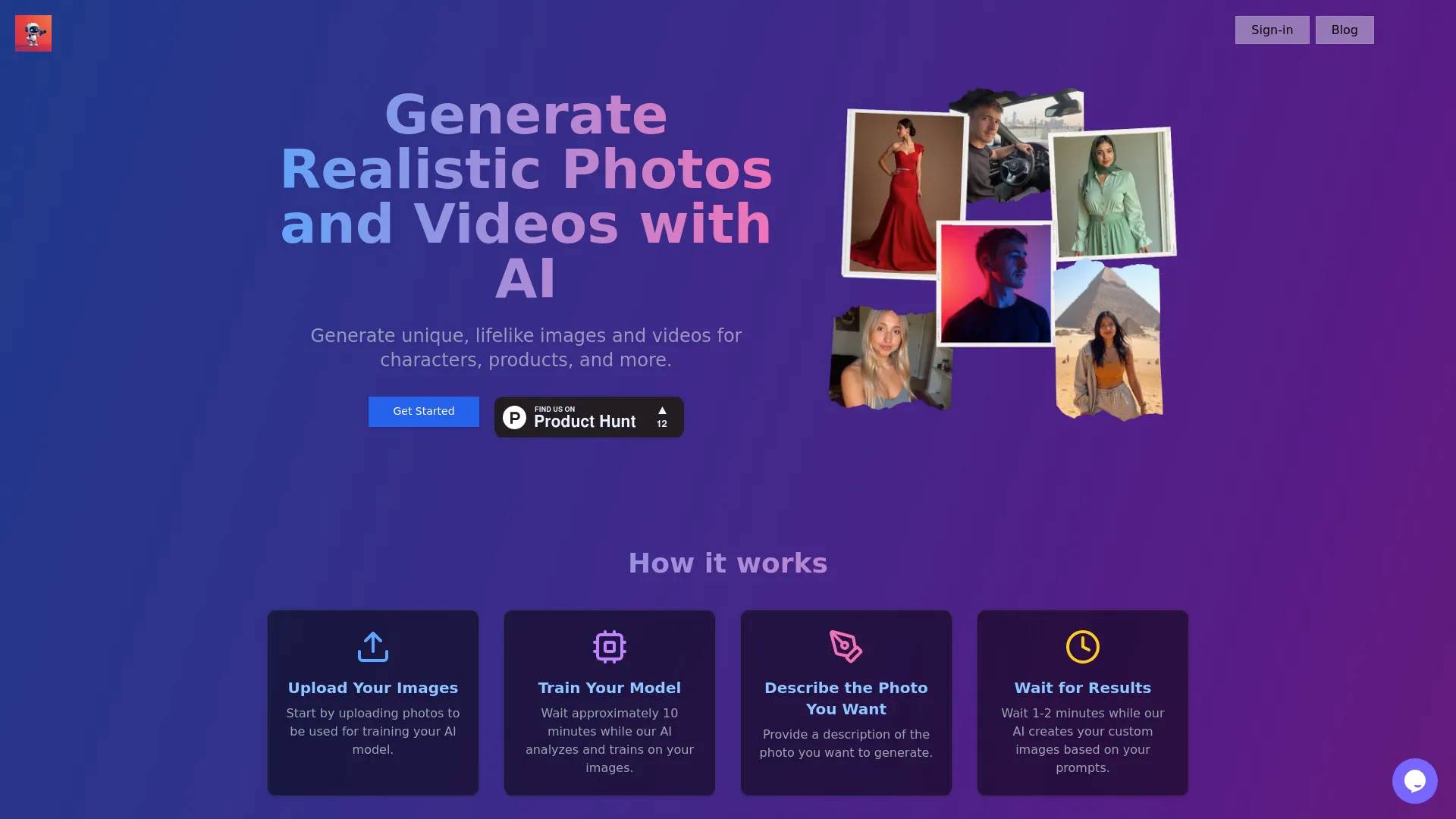
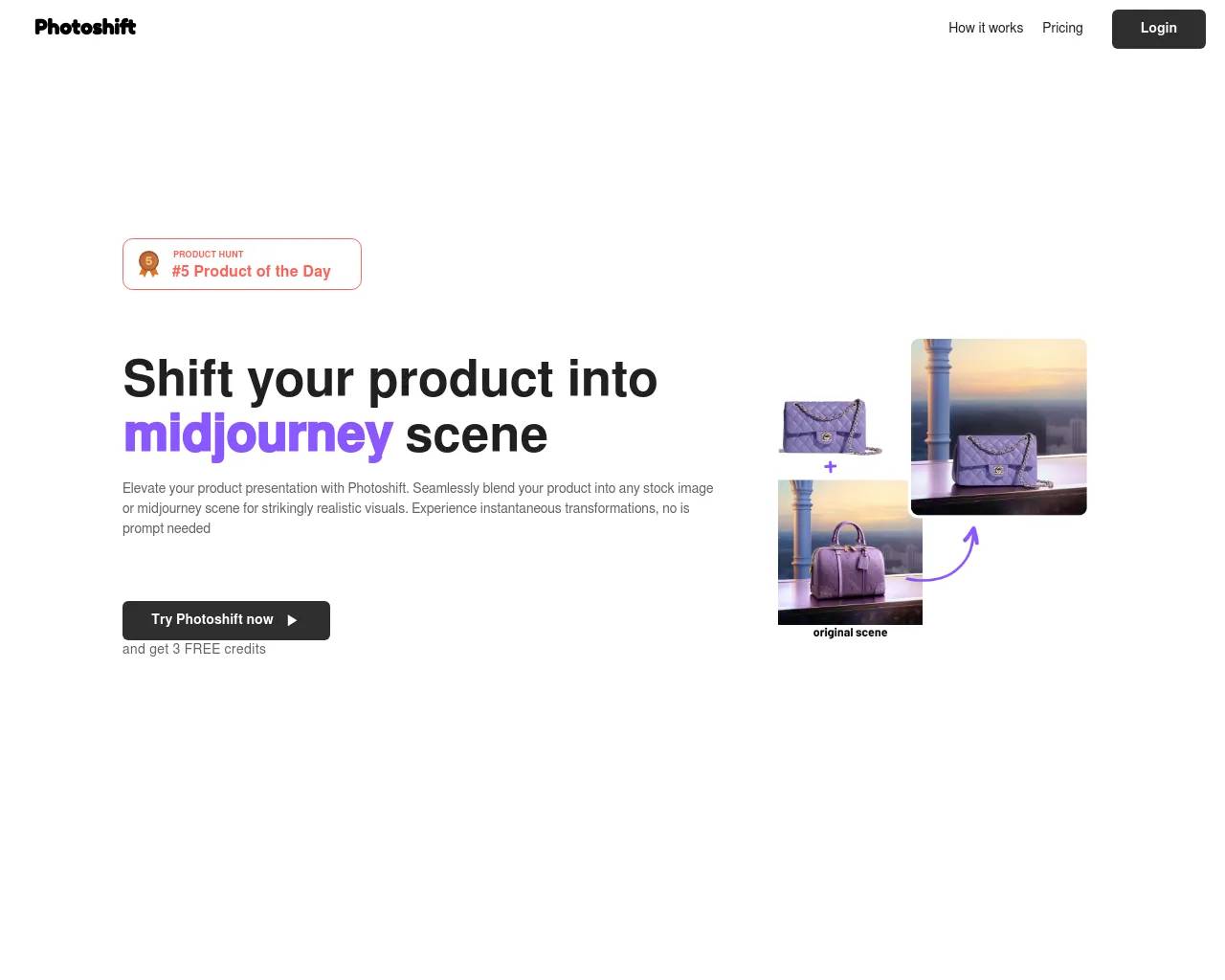
Top alternatives to ImageEditor include Photoshift, PicTools.AI, AI Photos Editor, AVCLabs PhotoPro AI, ProductScope AI.Where can I get ImageEditor?
ImageEditor is available at https://imageditor.net.What category is ImageEditor in?
ImageEditor is listed in Image Editing.Features
- Text-to-image generation - Image-to-image editing - Background removal - Object replacement - Style transfer - Image enhancement - 2K and 4K upscaling - Batch image processingUse Cases
ImageEditor.net is useful for: - Creating social media graphics - Designing marketing materials - Editing product photos - Making YouTube thumbnails - Producing transparent PNGs - Creating presentation visuals - Improving low-quality imagesWhy Use It
Unlike many simple AI image tools, ImageEditor.net combines multiple editing features into one platform. Users can move from generating an image to editing, cleaning up, and upscaling it without switching between different tools. The platform is browser-based, beginner-friendly, and does not require advanced design experience.What is ImageEditor?
ImageEditor is an AI-powered platform for generating and editing images. You can create images from text descriptions, transform existing images, remove backgrounds, upscale images, and more.What AI models does ImageEditor use?
We use state-of-the-art AI models optimized for different tasks including image generation, transformation, and enhancement. Our platform intelligently selects the best model for your specific needs.Can I use generated images commercially?
Yes, with the Pro plan, all generated AI content includes full commercial licensing. Use creations for client work, marketing campaigns, product packaging, and any commercial purpose. The free tier is for personal and non-commercial use only.How long does it take to generate an image?
Most images are generated in seconds. Processing time may vary depending on image complexity and resolution.What styles and edits does ImageEditor support?
ImageEditor supports a wide range of styles and edits, including photorealistic photography, digital art, illustration, portrait, landscape, abstract, minimalist, background removal, and image upscaling. The platform adapts to your prompt and editing goals, so you can create everything from professional product photos to artistic compositions.Does ImageEditor use Google Gemini for image editing and generation?
ImageEditor is built on Google's Gemini 3.1 Flash Image model. Earlier references to Nano Banana usually pointed to Gemini 2.5 Flash. You can use the model directly in Google AI Studio, or create and edit images on our platform with a more streamlined workflow, including style presets and prompt-building tools.How can I generate images in specific sizes like 1920x1080?
Choose the aspect ratio that matches your target format before generating, such as 16:9 for 1920x1080, 9:16 for vertical layouts, 1:1 for square images, or 4:3 for more standard compositions. ImageEditor is designed to support the most common image sizes and aspect ratios used for social media, presentations, marketing assets, and other professional projects.
Compare ImageEditor with…
Pick any tool to see a structured side-by-side: pricing, deployment, capabilities, and content policy.