Remove Handwriting
Free AI for Images, PDF & Scanned Docs.
- Category
- Background Remover
- Alternatives
- 6 similar tools
- Last updated
- 4 weeks ago
- Source
- Official site ↗
AI Collection Top Picks

Background Remover Category Picks
About Remove Handwriting
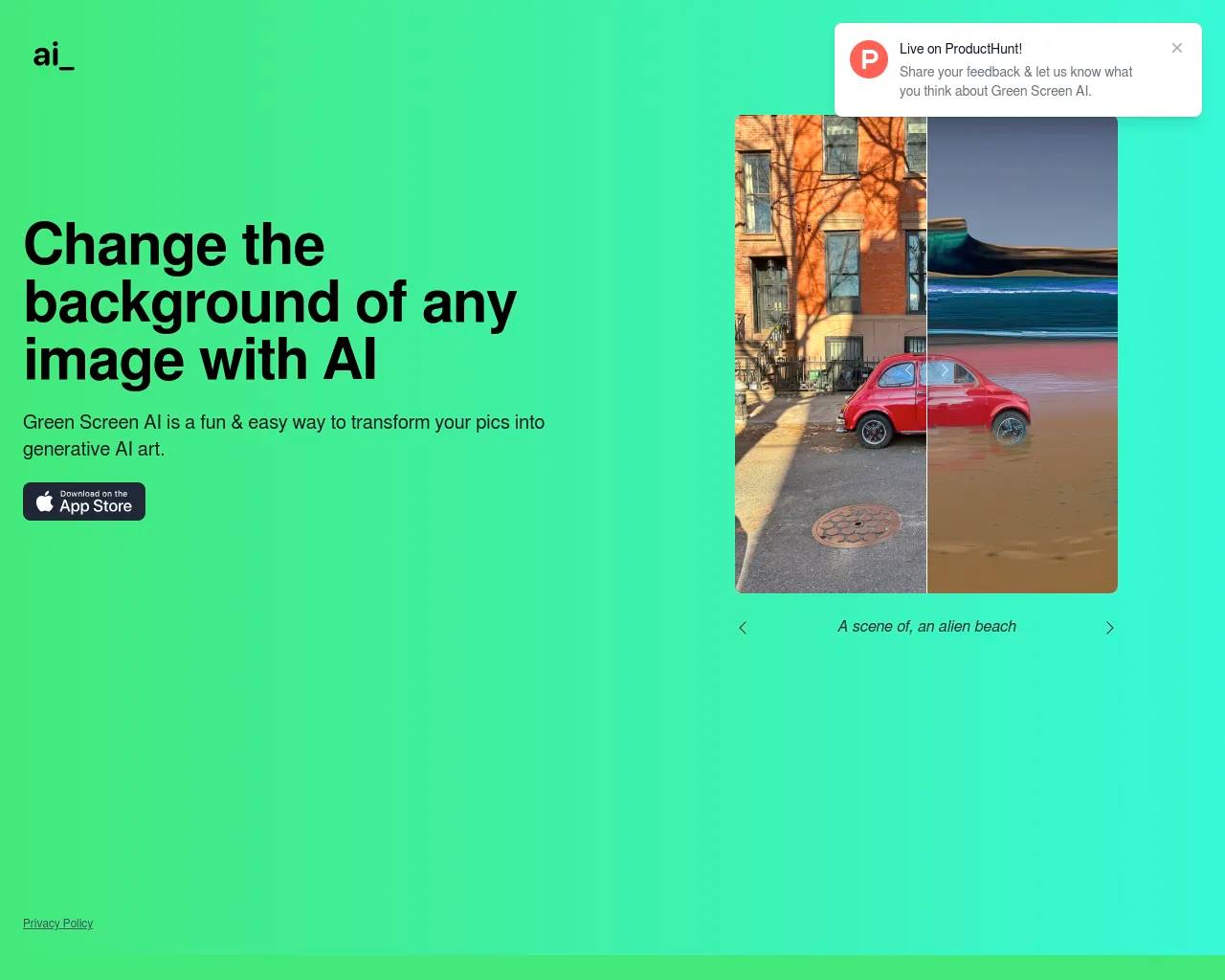
Free AI tool to remove handwriting from images and PDFs in seconds. Web and app. Perfect for students, teachers, businesses. No credit card. Try now!
Frequently asked questions
What is Remove Handwriting used for?
Remove Handwriting - Free AI for Images, PDF & Scanned Docs.Is Remove Handwriting free?
Pricing for Remove Handwriting varies — see the Pricing section for details.What are alternatives to Remove Handwriting?
Top alternatives to Remove Handwriting include Green Screen AI, Zoomscape, Pixian, Stillgram, Mokker.Where can I get Remove Handwriting?
Remove Handwriting is available at https://removehandwriting.com/.What category is Remove Handwriting in?
Remove Handwriting is listed in Background Remover.What is Removehandwriting.com?
Removehandwriting.com is an AI-powered tool that allows you to erase handwritten marks from images and PDF files, as well as other document formats. It also performs graphic correction, automatically trims documents, removes stains or obscured portions, enhances visibility in shadowed areas, and restores aged document images to pristine condition.How do I remove handwriting from images?
Simply take a photo of your document with handwriting, upload it to removehandwriting.com, and our AI will automatically recognize and remove the handwritten marks. Within a few seconds, you'll receive a clean image without any handwriting that you can download and print.What scenarios is the handwriting removal feature applicable to?
This amazing handwriting removal feature is applicable in various scenarios: In education, students can erase handwriting from test papers to create clean copies. In business, you can clean documents with incorrect handwritten content. In document management, you can restore old documents while removing unwanted handwritten annotations.Which document formats are supported for upload?
We support common image formats (JPG, PNG, JPEG) and PDF documents. For the best PDF processing experience, we've created a dedicated PDF handwriting remover page at /pdf-handwriting-remover where you can upload PDF files directly, select specific pages to process, and download the results as a new PDF.How accurate is the AI handwriting removal?
In most standard document scenarios, our AI achieves 95%+ accuracy at removing handwriting while preserving printed content and layout. Accuracy may vary with image quality, lighting, and handwriting density. For best results, use clear photos or scans (200+ DPI), ensure good lighting, and avoid strong shadows or glare.How long does it take to erase handwriting each time?
The processing time depends on various factors including server workload, image size, and network quality. Typically, it takes about 5 to 10 seconds to process an image. Please be patient while waiting for the results.Will the data I upload be leaked?
You can use it with confidence. We have a strict privacy policy and will not disclose your data. Your uploaded images are automatically deleted after processing and are not stored on our servers. We do not use your data for training purposes.Can I process sensitive or confidential documents?
Yes. Your images are processed securely and automatically deleted after processing. We do not store your images long-term and do not use them for model training. If you need an additional level of assurance, contact us for a data processing addendum (DPA) for business use.Is Removehandwriting.com free?
We offer web and mobile apps (iOS & Android). Subscriptions and credits work across all platforms—buy once, use anywhere. You can use our service for free: download our app and watch ads to earn credits, or share your referral link to earn more. New users get 3 free credits on signup. Paid subscriptions include recurring credits that roll over when unused, and one-time credit packs never expire.What makes your service better than competitors?
We provide end-to-end document restoration beyond handwriting removal: curl/angle correction, shadow and stain removal, and automatic trimming. Results are delivered in 5–10 seconds, subscriptions include recurring credits that roll over when unused, one-time credit packs never expire, and we automatically delete files after processing for privacy. Everything runs in the browser with no installs, optimized for education and business use cases.Do you offer bulk processing or API access?
Yes. We support bulk processing via our API for teams and businesses. Please visit the API documentation page (/api-doc) or contact us for high-volume and SLA-backed usage.What if I'm not satisfied with the result?
We want you to be satisfied! All new users get 3 free credits to try our service risk-free before subscribing. For paid subscriptions, we offer a 3-day money-back guarantee. AI technology is continuously evolving, and while we're committed to delivering the best results, we appreciate your understanding and patience as the technology improves. Results quality can vary based on image clarity, lighting, and handwriting density. If you're not satisfied, please contact us at service@removehandwriting.com - we're here to help improve your results.How do I earn free credits through referrals?
Go to your account dashboard to copy your referral link. For each friend who signs up successfully, you earn 10 free credits. Anti-abuse limits may apply. Previously purchased credits from the old system are also honored after migration.Can I upgrade or downgrade my subscription plan? How is upgrade pricing calculated?
Yes, you can upgrade your subscription plan at any time. We support upgrades from monthly to quarterly to yearly plans. However, downgrades are not currently supported. For Stripe payments, upgrades use prorated billing - you'll be charged immediately for the difference based on the remaining time in your billing period. For PayPal payments, upgrades require creating a new subscription at the full price of the new plan, and you'll need to re-authorize the payment. Your upgrade takes effect immediately, and you'll have access to all features of your new plan right away.
Compare Remove Handwriting with…
Pick any tool to see a structured side-by-side: pricing, deployment, capabilities, and content policy.