StreamTranslate
Real-Time Live Stream Translation.
- Category
- Translation & Transcript
- Alternatives
- 6 similar tools
- Last updated
- 1 months ago
- Source
- Official site ↗
AI Collection Top Picks

Translation & Transcript Category Picks
About StreamTranslate
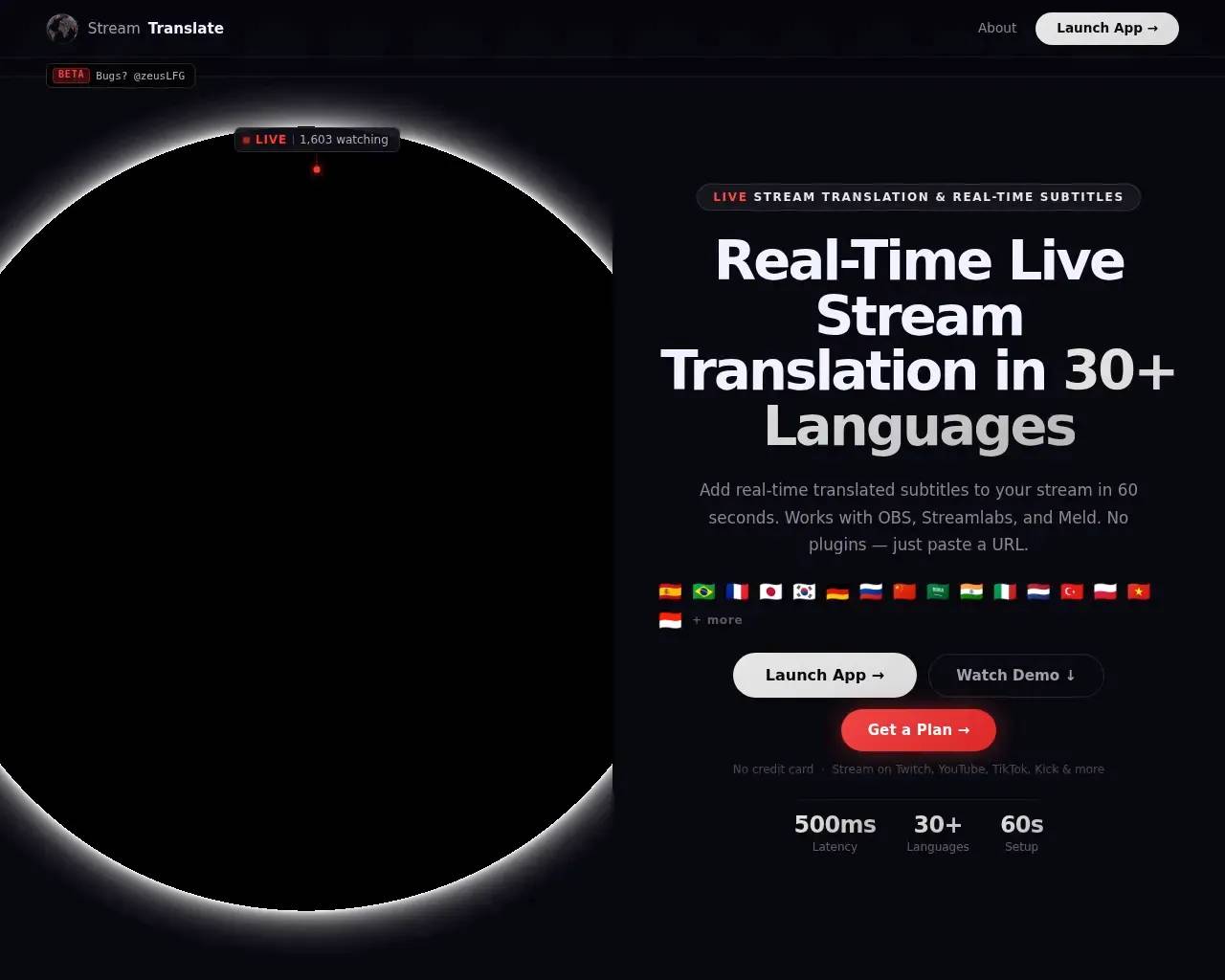
Translate your live stream in 30+ languages with real-time subtitles. Works with OBS, Streamlabs, Twitch, YouTube, Kick. The simplest live stream translator — 60-second setup, free 6-hour trial.
Frequently asked questions
What is StreamTranslate used for?
StreamTranslate — Real-Time Live Stream Translation.Is StreamTranslate free?
Pricing for StreamTranslate varies — see the Pricing section for details.What are alternatives to StreamTranslate?
Where can I get StreamTranslate?
StreamTranslate is available at https://streamtranslate.live.What category is StreamTranslate in?
StreamTranslate is listed in Translation & Transcript.How do I add subtitles to my Twitch stream?
Sign up at streamtranslate.live, generate your OBS browser source URL, add it as a browser source in OBS, and click Go Live. Subtitles will appear on your stream in real time.Can StreamTranslate translate my stream into multiple languages?
Yes. Pro and Unlimited plans support dual-language subtitles simultaneously, so your stream can display two translated languages at the same time.Does StreamTranslate work with OBS?
Yes. StreamTranslate uses OBS browser source - no plugins or software installs needed. Just paste your unique URL into OBS and go live.What languages does StreamTranslate support?
StreamTranslate supports 30+ languages including Spanish, French, Portuguese, German, Japanese, Korean, Chinese, Arabic, Hindi, and Russian.How much does StreamTranslate cost?
StreamTranslate offers a Stream Pass for $9.99 (12 hours), Starter at $14.99/month, Pro at $34.99/month, and Unlimited at $149/month (truly unlimited, no caps).What is Watch Party mode in StreamTranslate?
Watch Party mode lets you translate audio from any browser tab in real time — YouTube videos, Twitch streams, game trailers, or any website playing audio. Instead of translating your microphone, it captures the browser tab's audio and produces live subtitles. No Chrome extension or software install required. Available on the Unlimited plan at streamtranslate.live/control.What is ClipLab?
ClipLab is a free toolkit for Twitch streamers and clippers at streamtranslate.live/lab. It includes three tools: a Clip Tracker (live dashboard of a streamer's newest clips with 3-second refresh), a Clip Downloader (converts Twitch clips to 9:16 vertical with blurred background for TikTok), and a Clip Translator (adds burned-in translated captions in 30+ languages). All tools are free. The Clip Tracker requires no account.
Compare StreamTranslate with…
Pick any tool to see a structured side-by-side: pricing, deployment, capabilities, and content policy.