- Category
- Architecture & Interior Design
- Alternatives
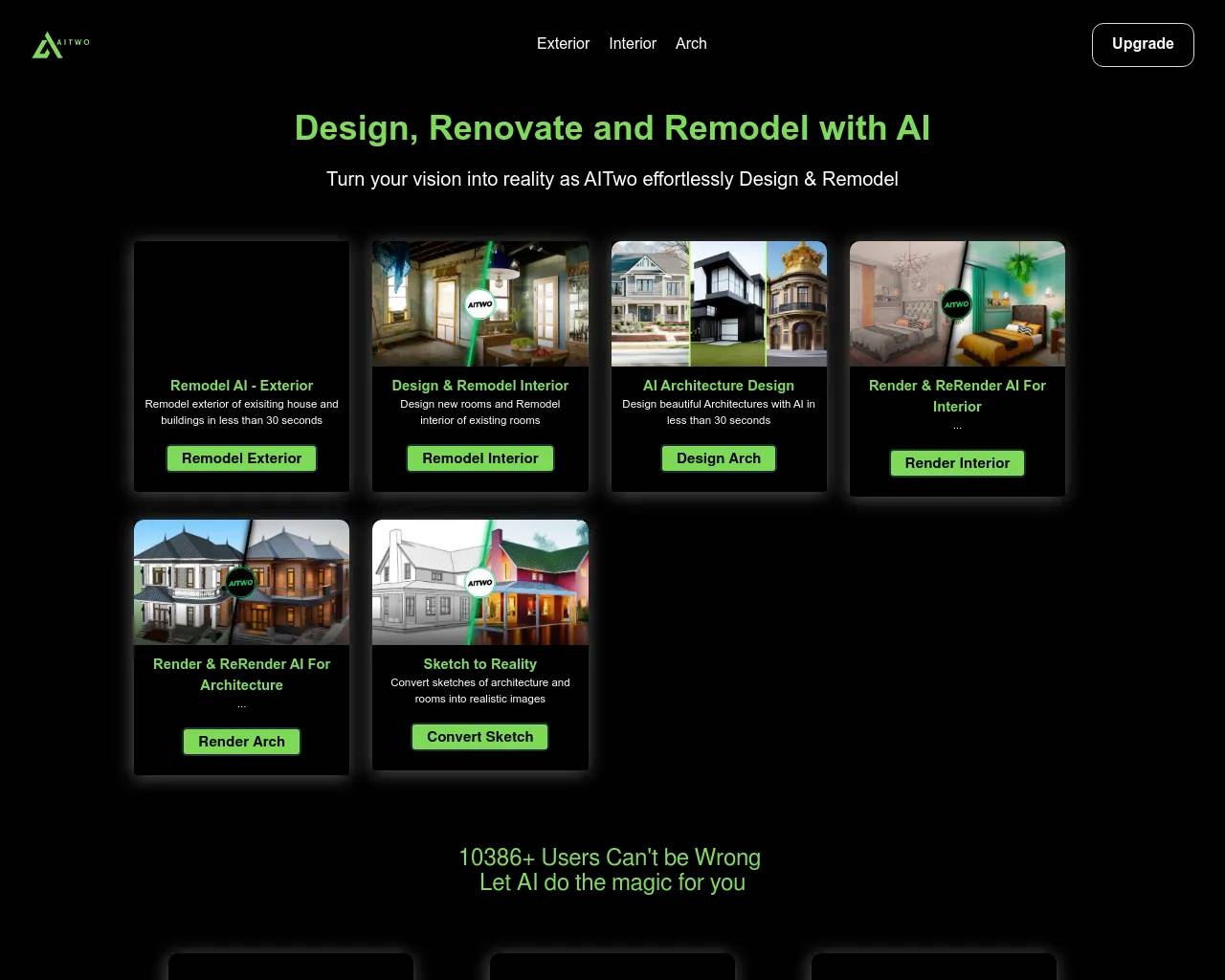
- 6 similar tools
- Last updated
- 4 weeks ago
- Source
- Official site ↗
AI Collection Top Picks

Architecture & Interior Design Category Picks
About Tour Estate AI
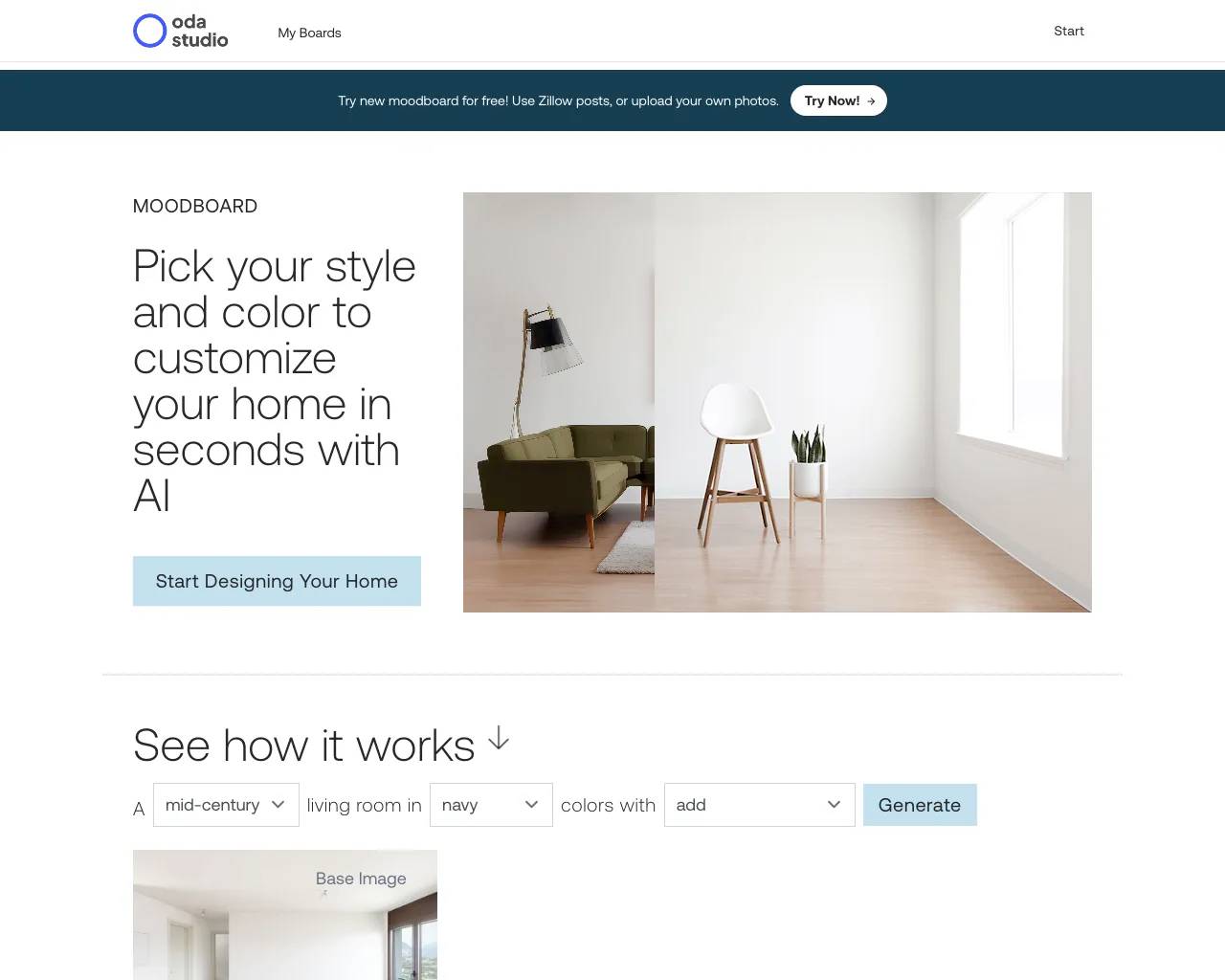
Upload your property photos and our AI creates professional video walkthroughs with smooth camera movements in minutes.
Frequently asked questions
What is Tour Estate AI used for?
Home | Tour Estate AI.Is Tour Estate AI free?
Pricing for Tour Estate AI varies — see the Pricing section for details.What are alternatives to Tour Estate AI?
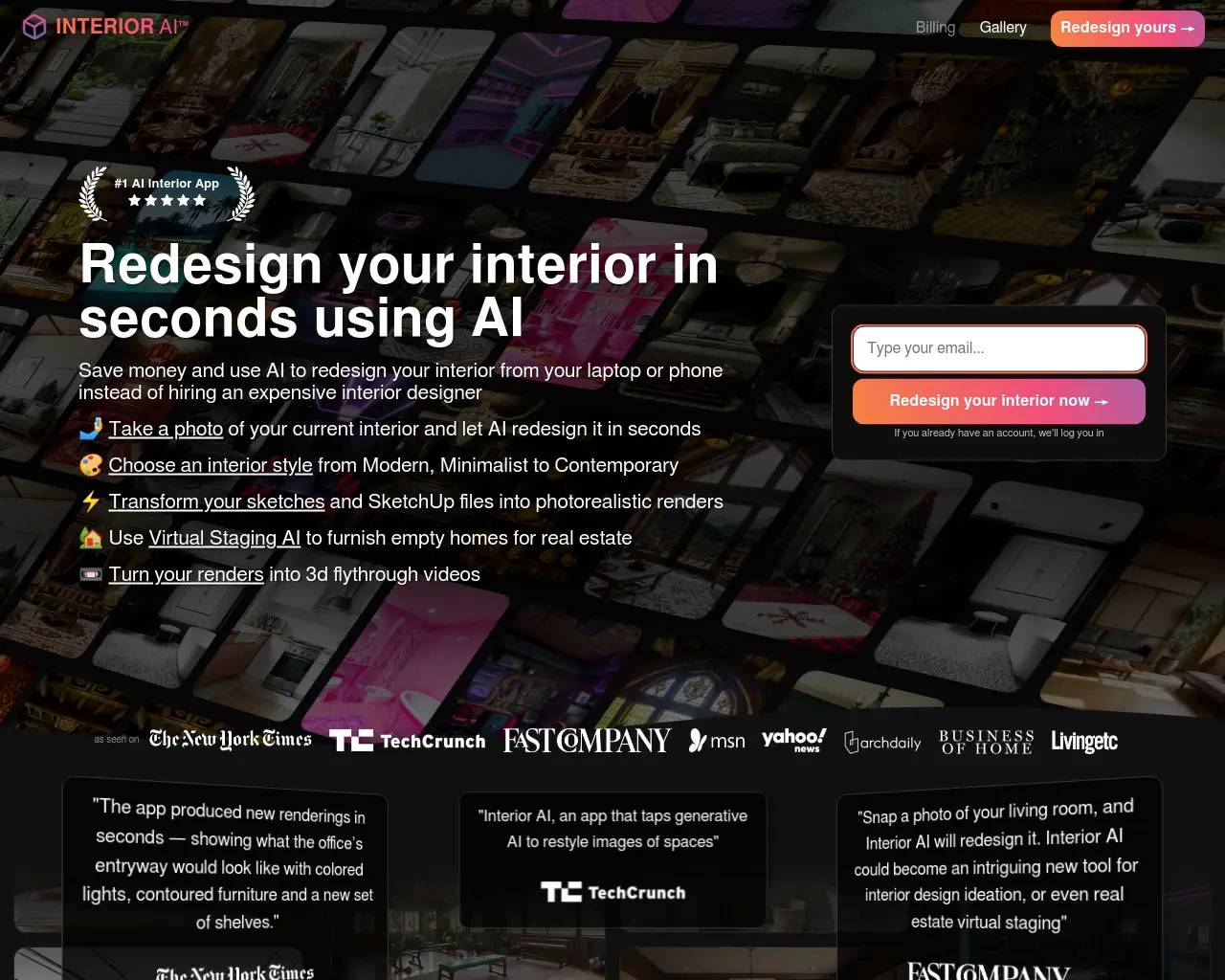
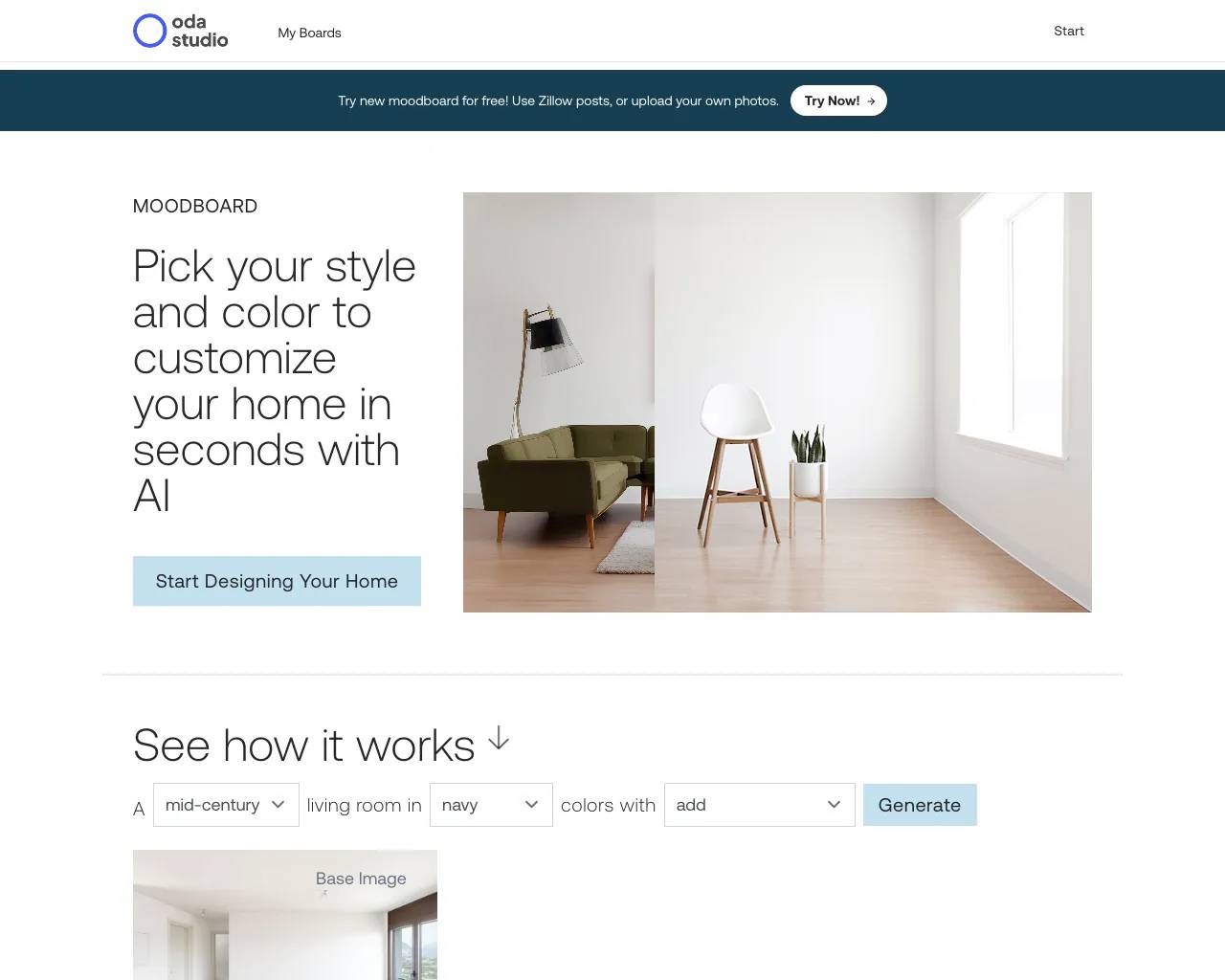
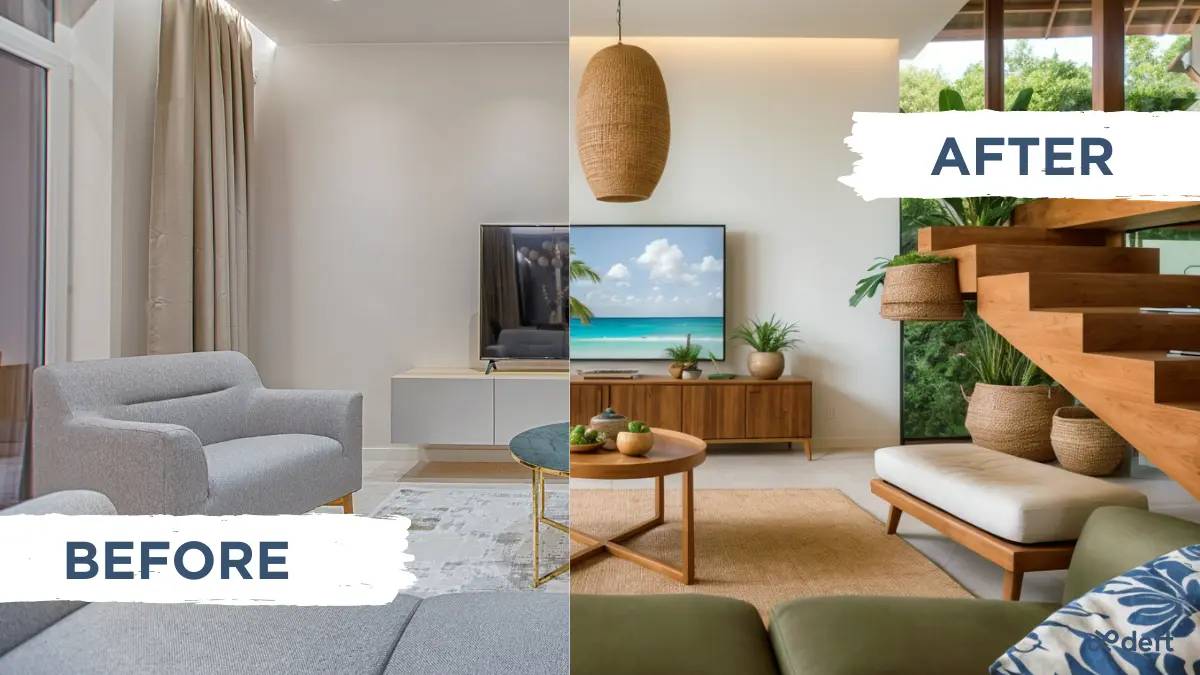
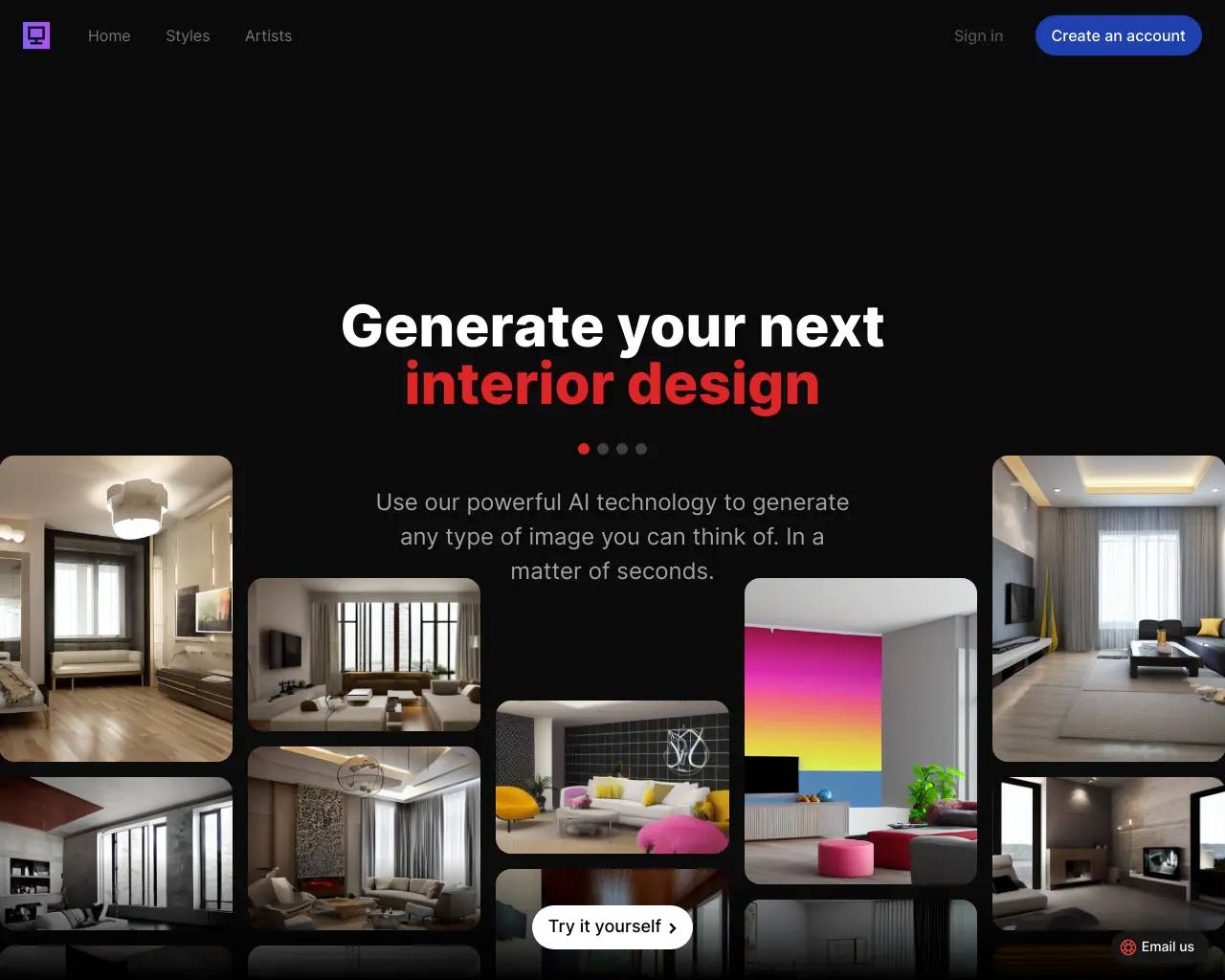
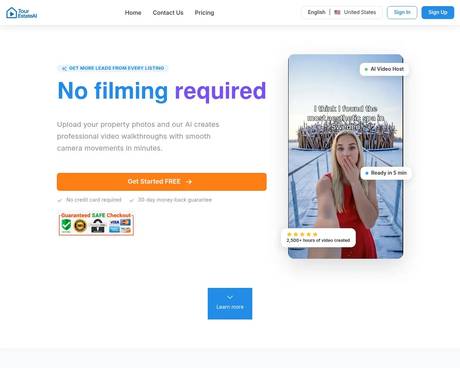
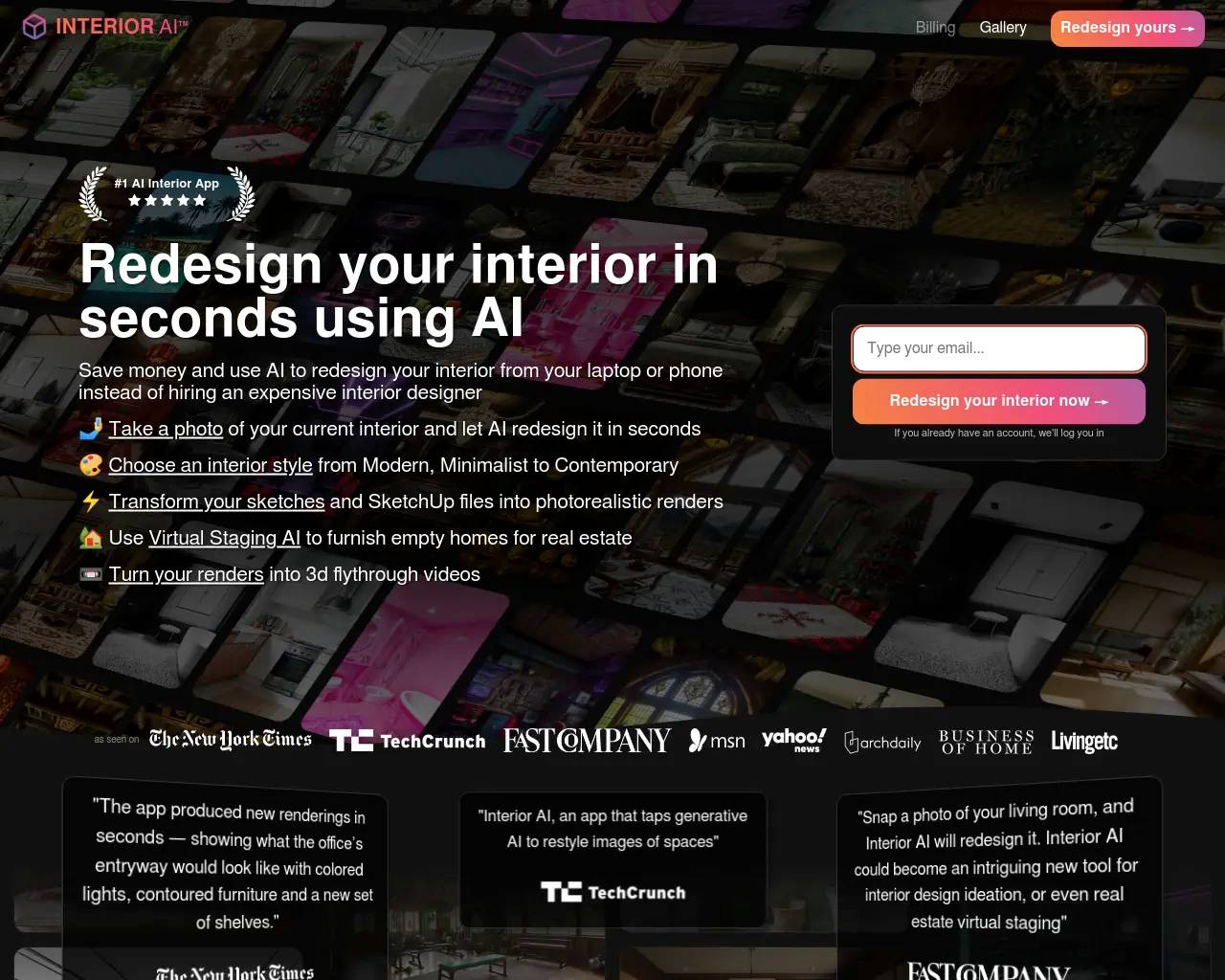
Top alternatives to Tour Estate AI include Interior AI, Oda Studio, Deft, Image Computer, Dimensions.Where can I get Tour Estate AI?
Tour Estate AI is available at https://www.tourestateai.com.What category is Tour Estate AI in?
Tour Estate AI is listed in Architecture & Interior Design.What is Tour Estate AI?
Tour Estate AI helps you create professional marketing videos from property photos. Upload your images, and our AI handles the rest—generating high-quality videos ready for social media and property listings.How does Tour Estate AI work?
Simply upload your property photos and our AI organises them in the best order, adding smooth transitions and effects. You can customise the video with your branding and music before downloading a professional, ready-to-use result in just minutes.How do I get started with Tour Estate AI?
Simply sign up for a free account, upload your property photos, choose a template, and let our AI create your video. The entire process takes just a few minutes.What makes Tour Estate AI different from other tools?
Our AI specifically understands real estate photography and creates cinematic movements that showcase properties naturally. We offer automatic vertical video creation, custom branding, and seamless integration with MLS platforms.Can I try Tour Estate AI for free?
Yes! We offer a free plan that includes 1 video per month with basic features. No credit card required to get started. You can upgrade anytime to access more videos and advanced features.Do I need a credit card to sign up?
No credit card required! You can start with our free plan immediately. Only provide payment information when you're ready to upgrade to a paid plan.What's the difference between the plans?
The Free plan is perfect for testing, with 1 project. Paid plans let you remove the Tour Estate AI watermark, get priority support, and unlock more credits to generate more real estate video tours.What happens if I exceed my monthly limit?
You can buy more credits or upgrade to a higher plan. We'll notify you when you're approaching your limit.Can I cancel my subscription anytime?
Yes, you can cancel your subscription at any time. There are no long-term contracts or cancellation fees. If you cancel, you'll continue to have access to your paid features until the end of your current billing period.Do you offer a money-back guarantee?
Yes! We offer a 30-day money-back guarantee on all paid plans. If you're not satisfied within the first 30 days, contact our support team for a full refund.What browsers are supported?
It works on all modern browsers including Chrome, Firefox, Safari, and Edge. We recommend using the latest version of your browser for the best experience.What video quality do you provide?
Videos are created in HD (1080p) by default, featuring professional-grade transitions and effects. Higher-resolution exports in 4K and 8K are available as optional upgrades.How long does it take to generate a video tour?
Most videos are generated within 2–5 minutes. Processing time may vary based on the number of photos and complexity of effects chosen.What video formats do you provide?
We provide videos in multiple formats optimized for different platforms: landscape for YouTube and websites, portrait for Instagram and TikTok, and square for Facebook posts. We support 9:16, 16:9, and 1:1.Is my data secure?
Absolutely. We use enterprise-grade security with encrypted file storage and transmission. Your photos and videos are never shared with third parties.Can I download my video?
Yes, all generated videos can be downloaded in high quality. You can download them as many times as needed from your account.How long is each video?
Video length depends on how many images you add. Each image adds about 3 seconds to your video.How many images can I use per video?
You can use as many as you want, as long as you have enough credits. There is no fixed limit.What kind of support do you offer?
Support depends on your plan. Free accounts get email responses within 48 hours. Starter includes priority email with a 24-hour target. Business adds business-hours support and phone access, with a 24-hour response target.How can I contact support?
You can reach our support team through email at support@tourestateai.com, or use the contact form on our website. We typically respond within 24 hours during business days.What is your support response time?
We aim to respond to all support inquiries within 24 hours during business days (Monday-Friday). For urgent issues, please mark your message as 'Urgent' and we'll prioritize your request.My question isn't answered here. How can I get help?
Email us at hello@tourestateai.com and we'll point you in the right direction.
Compare Tour Estate AI with…
Pick any tool to see a structured side-by-side: pricing, deployment, capabilities, and content policy.