VideoDubber AI
Video Translation & Voice Dubbing - Try Free.
- Category
- Video Dubbing & Translation
- Pricing
- Free
- Alternatives
- 6 similar tools
- Last updated
- 1 weeks ago
- Source
- Official site ↗
AI Collection Top Picks

Video Dubbing & Translation Category Picks
About VideoDubber AI
Free Video Translation & Voice Dubbing in preferred accent and voice. Scale audience across 150+ languages with voice cloning. Easy & Accurate!
What you get
Additional Information
Frequently asked questions
What is VideoDubber AI used for?
VideoDubber: AI Video Translation & Voice Dubbing - Try Free.Is VideoDubber AI free?
VideoDubber AI is free to use.What are alternatives to VideoDubber AI?
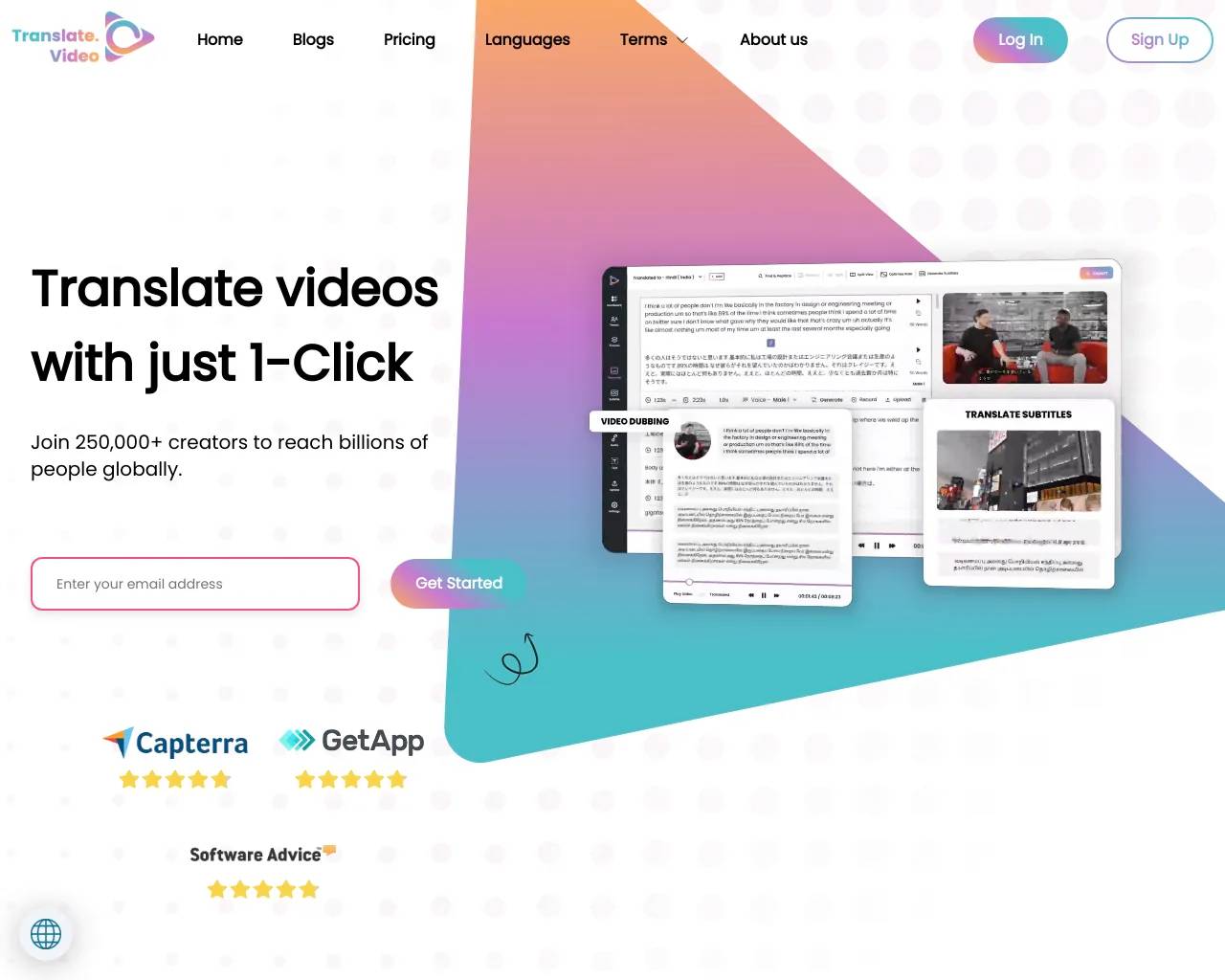
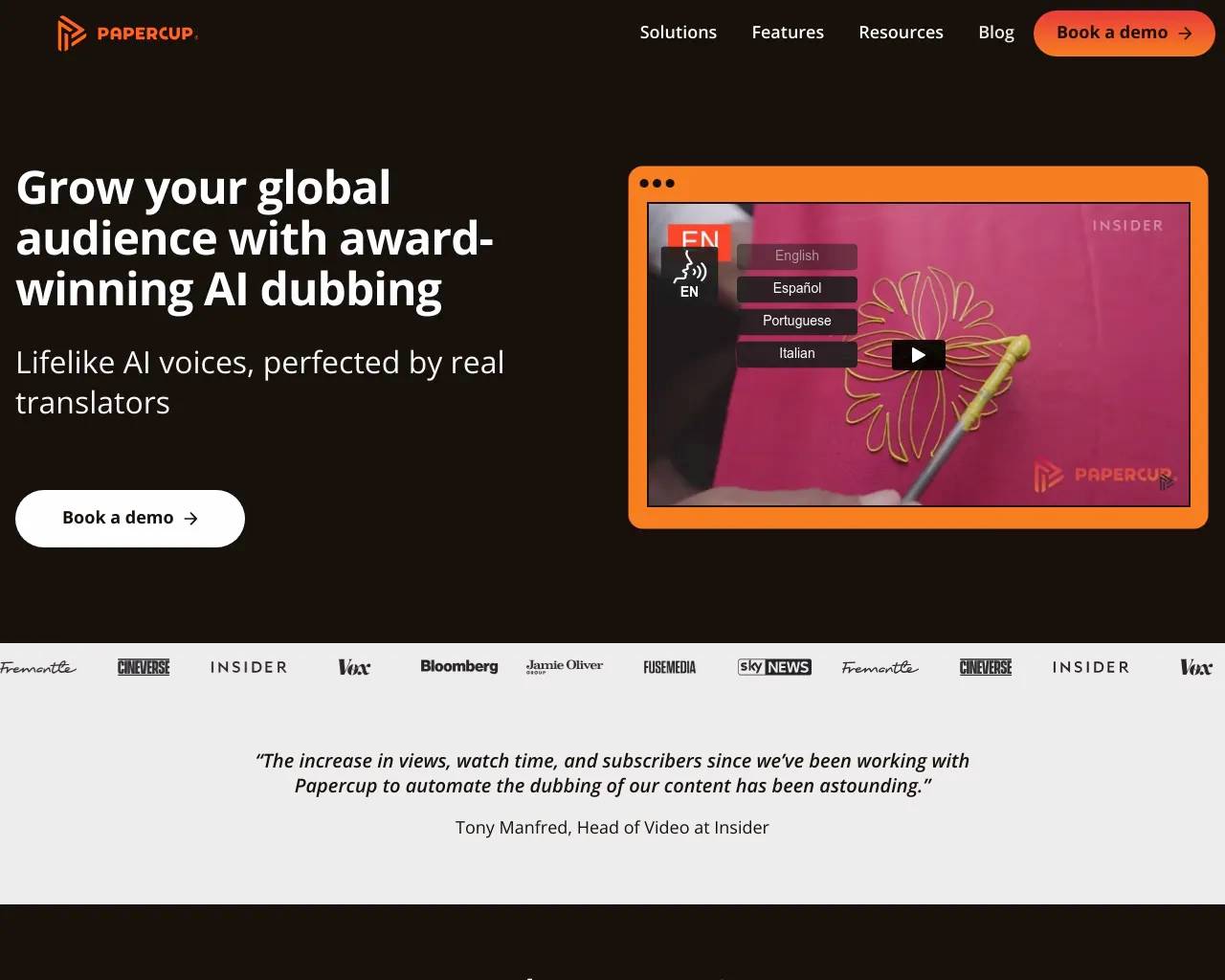
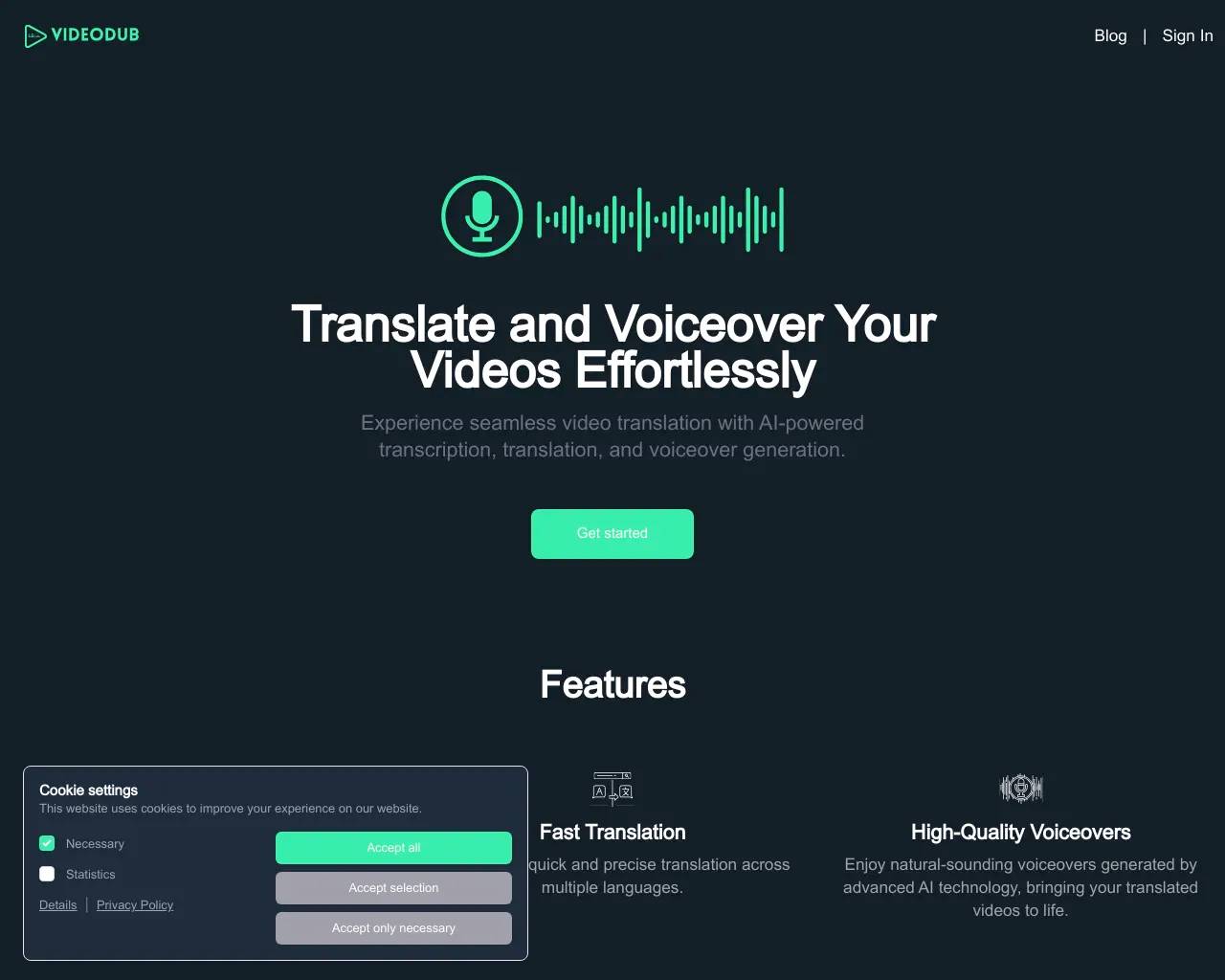
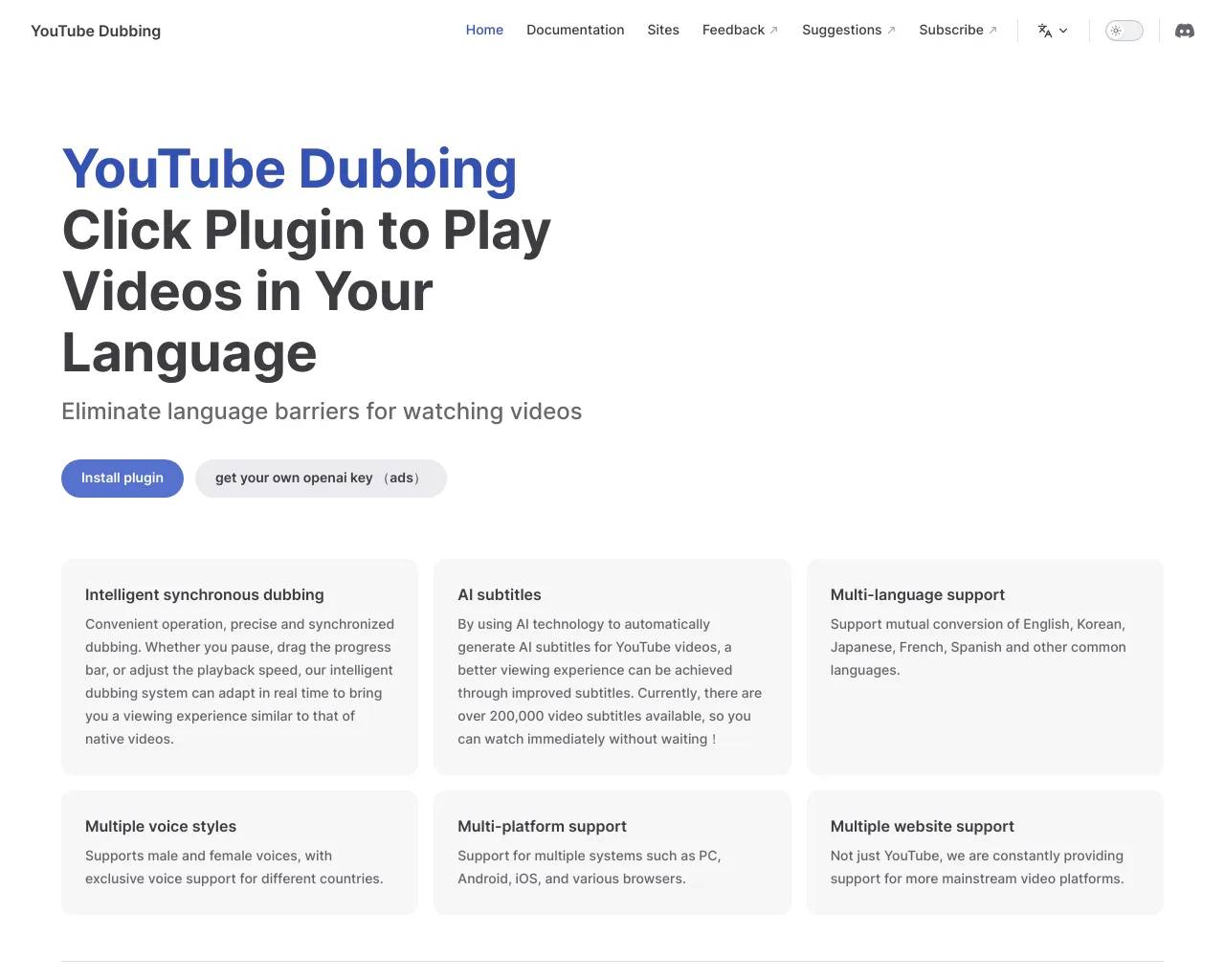
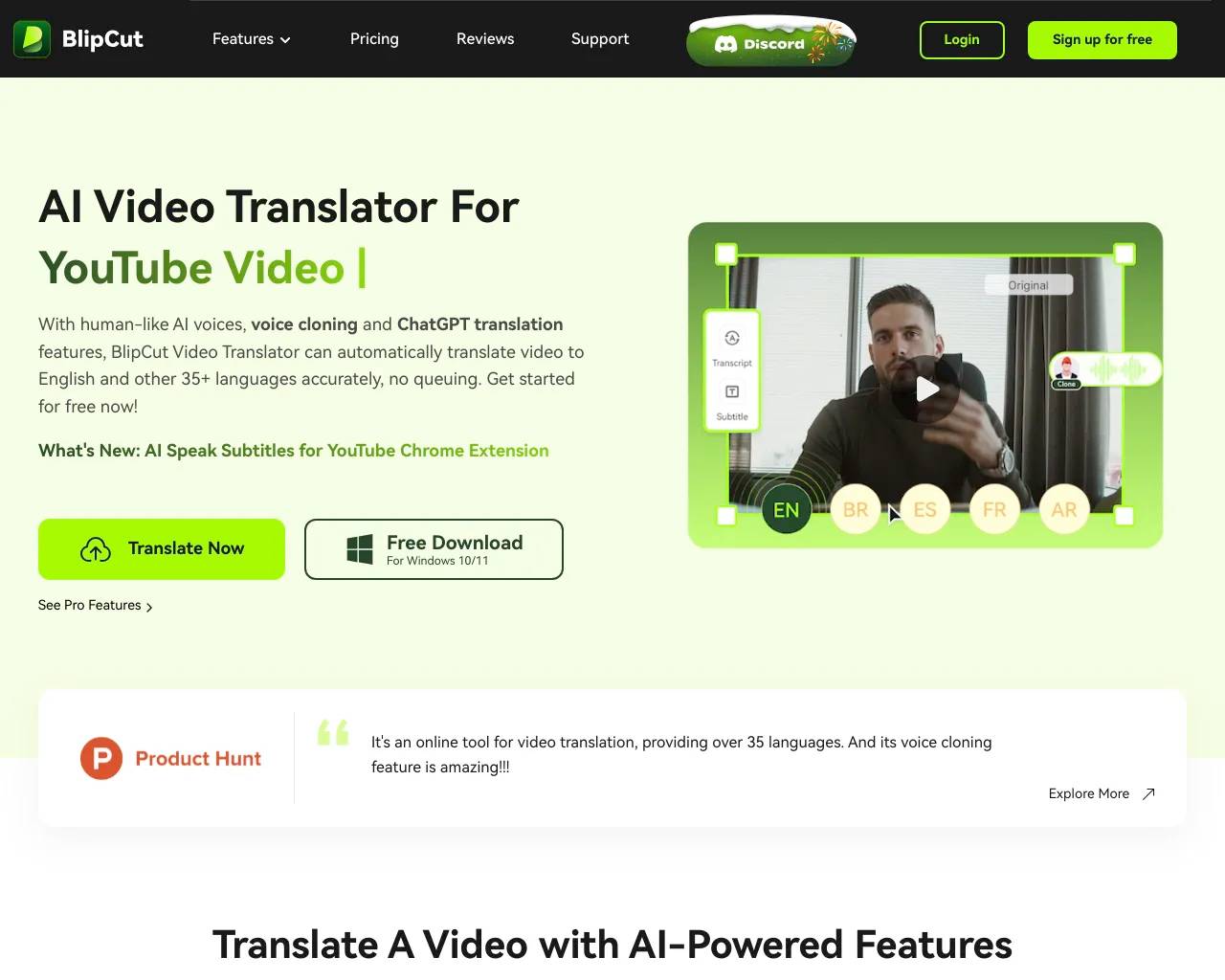
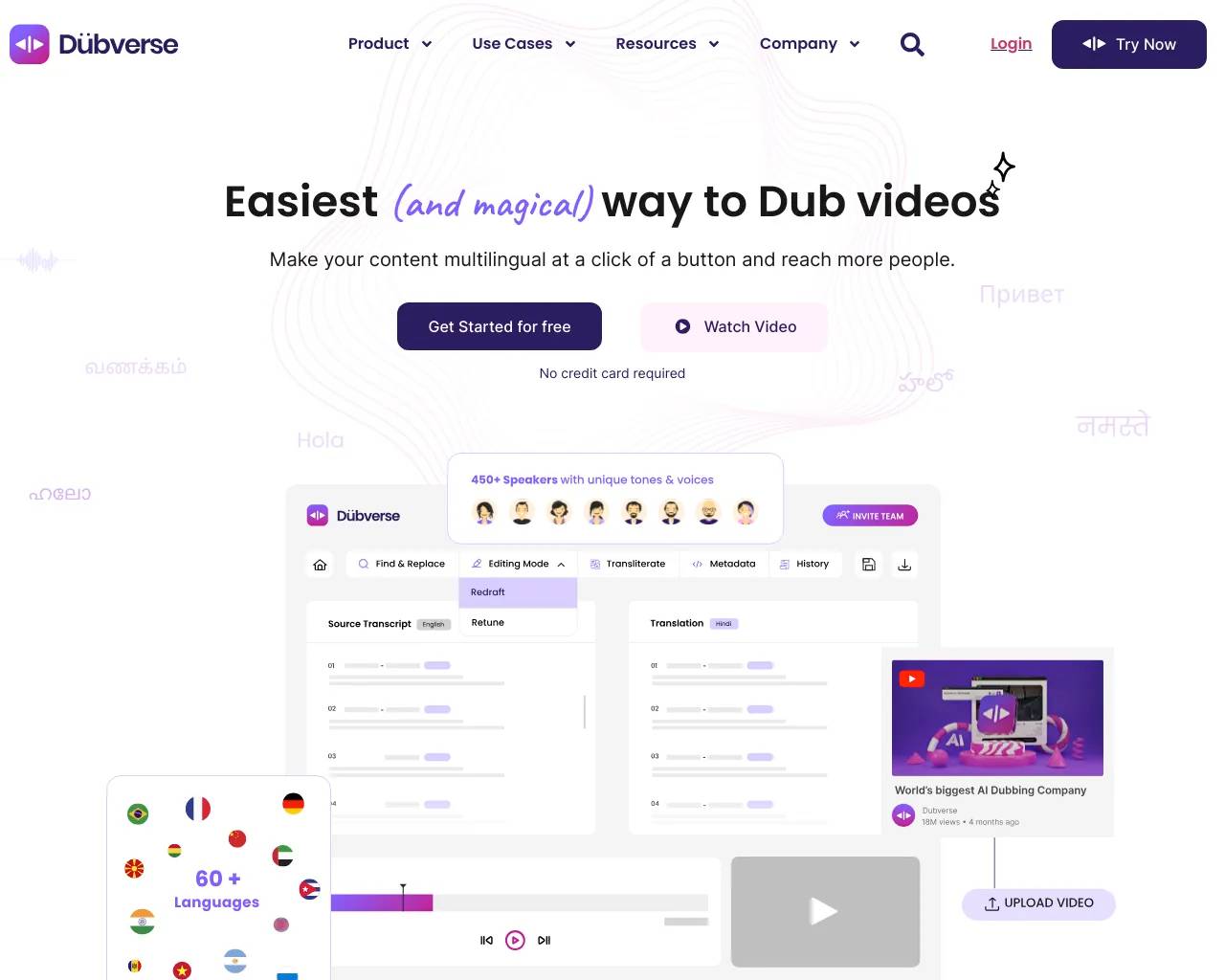
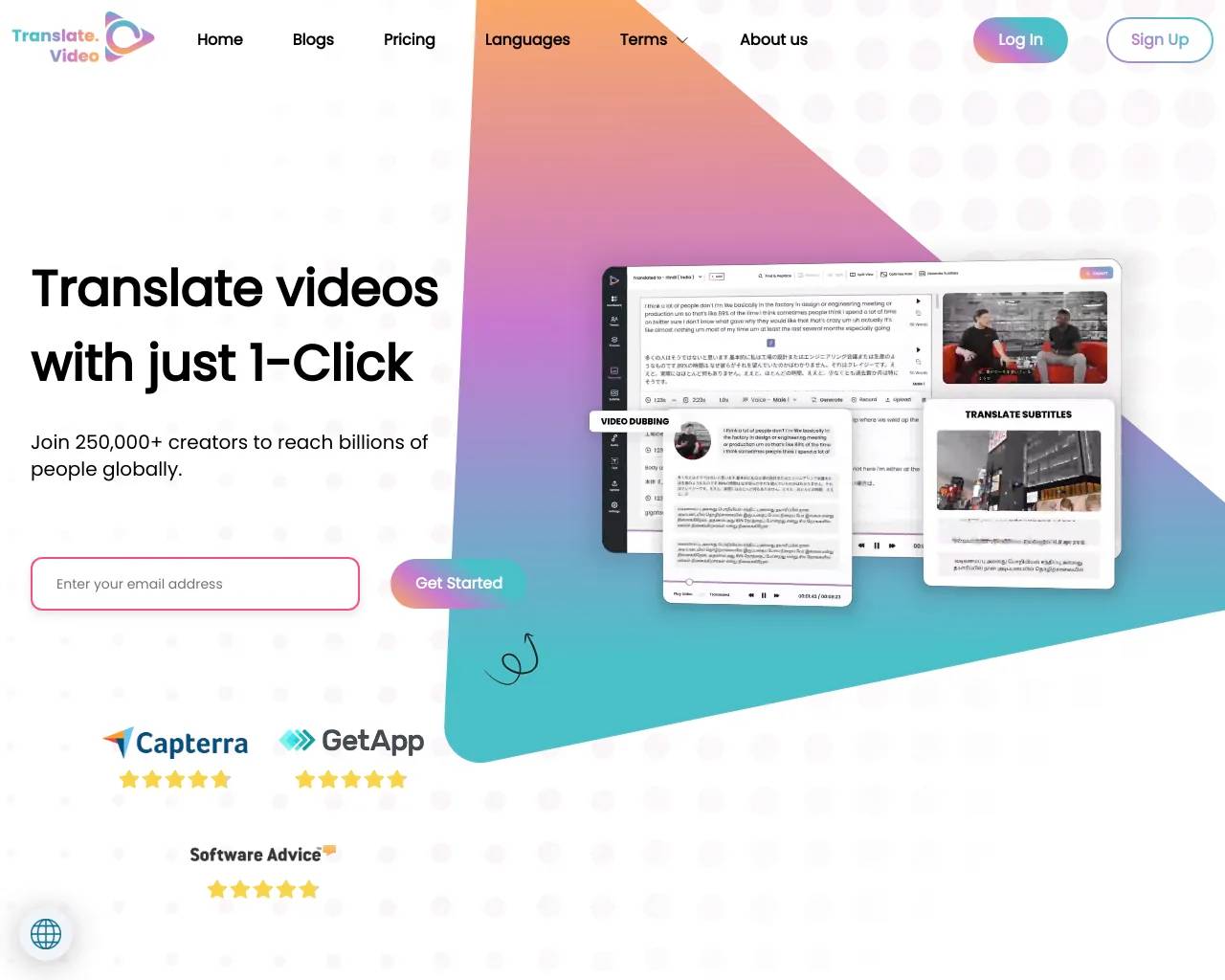
Top alternatives to VideoDubber AI include TranslateVideo, Papercup, VideoDub, youtube dubbing, BlipCut Video Translator.Where can I get VideoDubber AI?
VideoDubber AI is available at https://videodubber.ai.What category is VideoDubber AI in?
VideoDubber AI is listed in Video Dubbing & Translation.How can I translate a video?
[VideoDubber.ai](https://www.videodubber.ai/) provides one-click video translation with voice cloning to 30+ languages for free. 1. **Upload Your Video:** Use the uploader to import your video from Google Drive, Youtube, Twitter, Laptop, or Dropbox. 2. **Select Source and Target Language:** We support transcription in the top 30+ languages, dialects, and accents. 3. **Choose "Transcription" or "Subtitles":** Select "Subtitles" for a .srt file, or "Transcription" for a written transcript in plain text. 4. **Edit if you need:** Our automated transcription is quick and about 85% accurate. Opt for our human service for 99% accuracy by an expert native speaker. 5. **Receive Your Transcript/Subtitles:** Our automated software converts your file to text in minutes. If you choose the human service, your transcript will be ready within 24 hours. 6. **Select "Translation" and Choose Language:** Our video translator will generate the translation within a minute. 7. **Click "Export" and Choose File Format:** Easily get your translated video file.What languages are supported in VideoDubber.ai?
VideoDubber supports video/audio/subtitles translation services in over 150+ languages and accents.Is VideoDubber completely free?
Yes, VideoDubber offers a free plan that includes AI video translation, dubbing, voice cloning, and text-to-speech services.How accurate is the video translation?
VideoDubber's AI provides highly accurate translations, though accuracy may vary depending on content complexity, slang usage, and audio quality.Can I retain or change the background music?
Yes, VideoDubber offers options to retain the original background music, silence it, or select music from a provided list while performing video translations.How long does it take to translate a video?
The translation time depends on the length and quality of the video. On average, processing takes a few minutes for standard-length videos and longer for extended content.Can I preview the translated video before finalizing?
Yes, VideoDubber provides a preview feature that allows you to review translations, adjust timing, and make edits to ensure high quality before finalizing.What type of files does VideoDubber support?
VideoDubber supports various video formats, including MP4, MOV, AVI, and MKV. Audio files in MP3 and WAV formats can also be processed for translation.Is there a word limit for translations?
The free plan has a time limit of 40 seconds, but premium plans allow for more extensive video translations.Can I translate videos with multiple speakers?
Yes, VideoDubber’s AI can recognize and translate multiple speakers, assigning different voices or accents if needed.How secure is my data on VideoDubber?
VideoDubber uses advanced encryption to protect your data. Uploaded files are securely processed and deleted after a specified period.Can I adjust the translated voice to match the original tone?
Yes, VideoDubber offers voice cloning and customization options to match the tone, pitch, and style of the original speaker.What should I do if the translation has errors?
If translation errors occur, VideoDubber’s editing tools allow you to make corrections. Additionally, contacting support can help resolve complex issues.
Compare VideoDubber AI with…
Pick any tool to see a structured side-by-side: pricing, deployment, capabilities, and content policy.