- Category
- Image Editing
- Alternatives
- 6 similar tools
- Last updated
- 3 weeks ago
- Source
- Official site ↗
AI Collection Top Picks

Image Editing Category Picks


About jpgRM
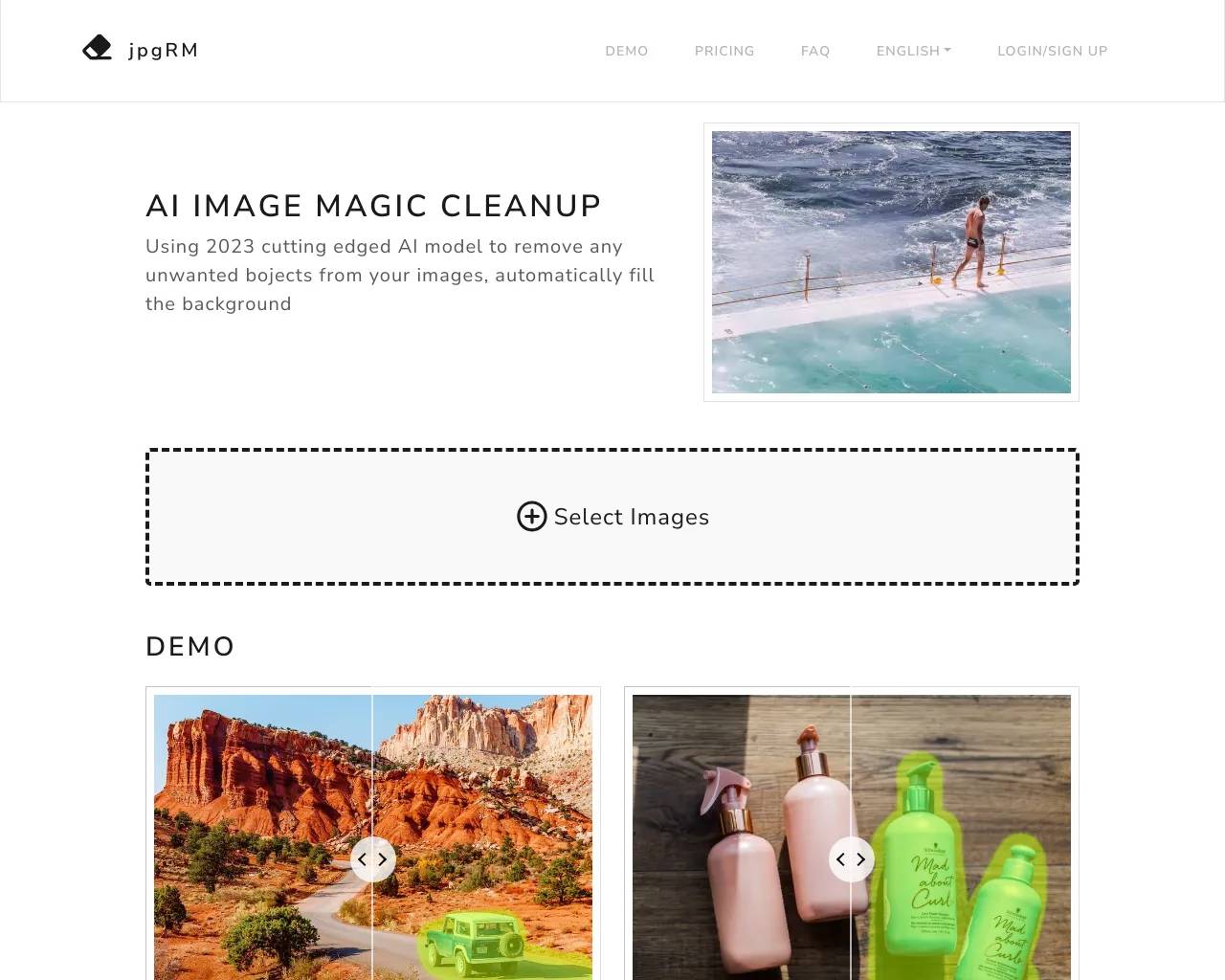
jpgRM.com - Using 2026 cutting edged AI model to remove background or any unwanted objects from your images, automatically fill the background
What you get
Additional Information
jpgRM provides an AI-driven platform for image editing that allows users to remove backgrounds and unwanted objects with ease. By utilizing a state-of-the-art AI model from 2026, jpgRM can automatically identify content and background in photos, enabling the efficient erasure of distractions and enhancing overall aesthetics.
Users simply select the unwanted elements in their images and the AI handles the rest, making it a great solution for graphic designers, marketers, or anyone needing high-quality image adjustments. It supports features like smart watermark removal and the ability to erase product logos and dense crowds from photos.
The processing speed is typically one or two seconds for images under 1000 pixels in resolution, although higher resolutions may take longer. Additionally, jpgRM supports mobile devices, making it convenient for users on the go. The platform also prioritizes user security, ensuring that processed images are deleted immediately after editing.
To access higher resolution downloads (up to 4K), users can choose from various VIP subscription plans, allowing for unlimited image processing. This makes jpgRM not only a tool for individual users but also a valuable resource for businesses requiring bulk image edits.
Frequently asked questions
What is jpgRM used for?
jpgRM - AI Image Magic Cleanup.Is jpgRM free?
Pricing for jpgRM varies — see the Pricing section for details.What are alternatives to jpgRM?
Top alternatives to jpgRM include Photoshift, PicTools.AI, AI Photos Editor, AVCLabs PhotoPro AI, ProductScope AI.Where can I get jpgRM?
jpgRM is available at http://jpgrm.com.What category is jpgRM in?
jpgRM is listed in Image Editing.How does it work?
Using 2026's most advanced AI generates adversarial network GAN to identify the content and background of the image, helping you to intelligently erase any unwanted parts of the image and fill in the background content.Processing speed?
Depends on the resolution of the image, generally one or two seconds under 1000px, the higher the resolution, the more time it takes.Does jpgRM support mobile devices?
Yes.How do I get the best results?
Just paint the content you want to remove with a brush, you can repeat until you get the result you want.What happens to my image?
Delete immediately after processing.Why charge?
In order to keep up with the high GPU server expenses of this tool, we offer a VIP service. Free users are limited to downloading images at 720px, after upgrading to VIP you can download higher resolution 4K images.Why is there a network error?
Maybe there is a network or server error, just try again.Can jpgRM demo images processed by jpgRM AI?
Yes, you can try it yourself.How can I contact you if I still have questions?
Feel free to send us email help@jpgrm.com.
Compare jpgRM with…
Pick any tool to see a structured side-by-side: pricing, deployment, capabilities, and content policy.