- Category
- Image Editing
- Pricing
- Free
- Alternatives
- 6 similar tools
- Last updated
- 6 days ago
- Source
- Official site ↗
AI Collection Top Picks

Image Editing Category Picks
About MimicBrush AI
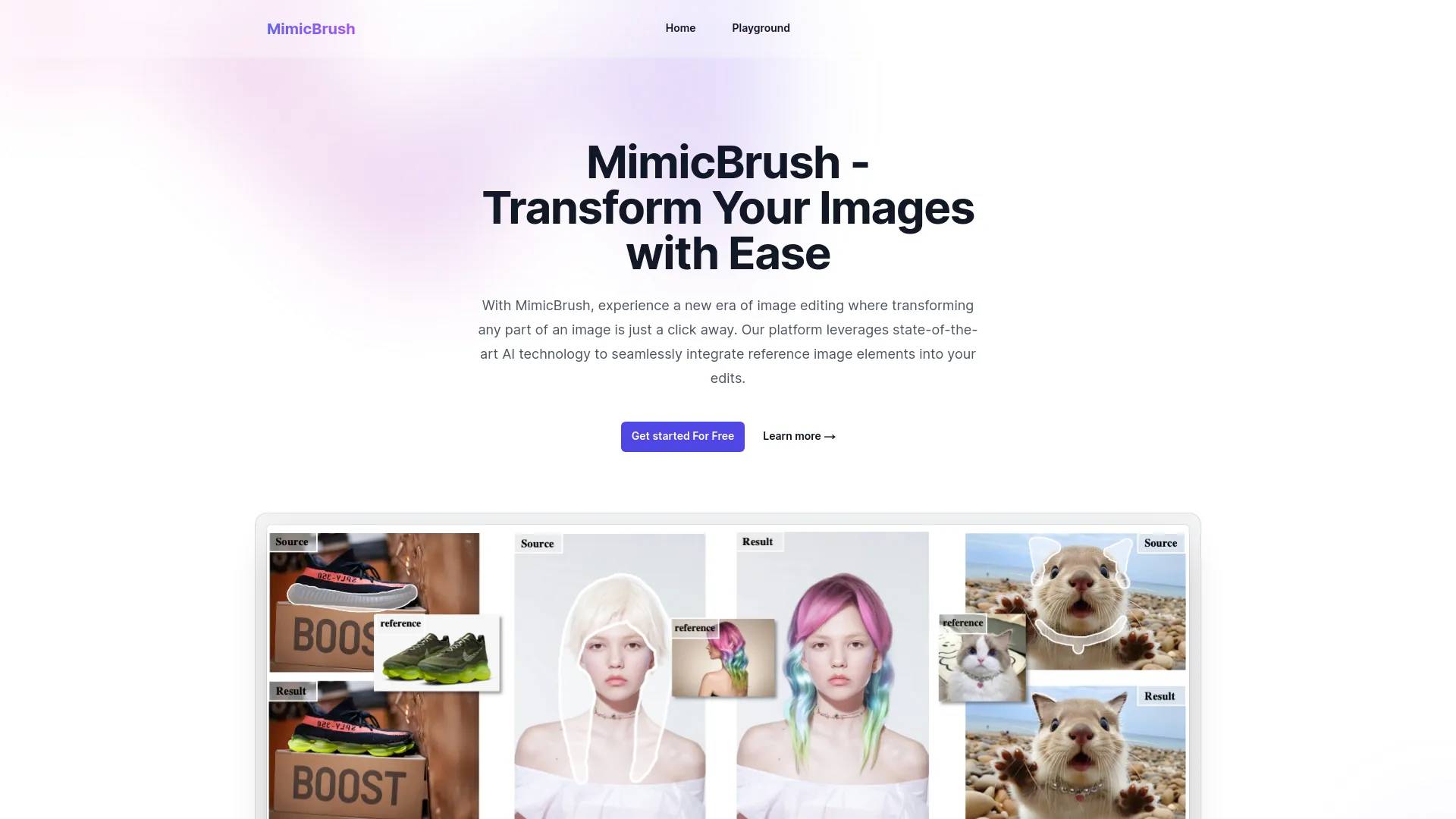
MimicBrush, enabling users to effortlessly edit images by mimicking elements from reference images. Our platform offers powerful features for precise and high-quality image modifications.
What you get
Additional Information
MimicBrush is not just another image editor – it's a game-changer in the world of digital creativity. Here's why you should be excited:
✨ Key Features:
• Imitative Editing: Transform specific parts of your image using reference images
• AI-Powered Precision: Automatically recognizes and mimics styles and details
• User-Friendly Interface: No professional skills required
• Localized Modifications: Make precise edits without affecting the entire image
• Texture Transfer: Apply complex patterns while preserving original shapes
• Cross-Device Compatibility: Edit on desktop or mobile
🚀 Perfect for:
• Designers seeking efficient, high-quality edits
• Photographers looking to enhance their workflow
• Content creators aiming for unique, eye-catching visuals
• Beginners wanting professional-level results without the learning curve
💡 Why MimicBrush Stands Out:
• Combines cutting-edge AI with intuitive design
• Offers unparalleled precision in image transformation
• Streamlines the editing process, saving time and effort
Ready to revolutionize your image editing experience? Try MimicBrush for free and unlock your creative potential! 🌟
Frequently asked questions
What is MimicBrush AI used for?
Transform Your Images with Ease.Is MimicBrush AI free?
MimicBrush AI is free to use.What are alternatives to MimicBrush AI?
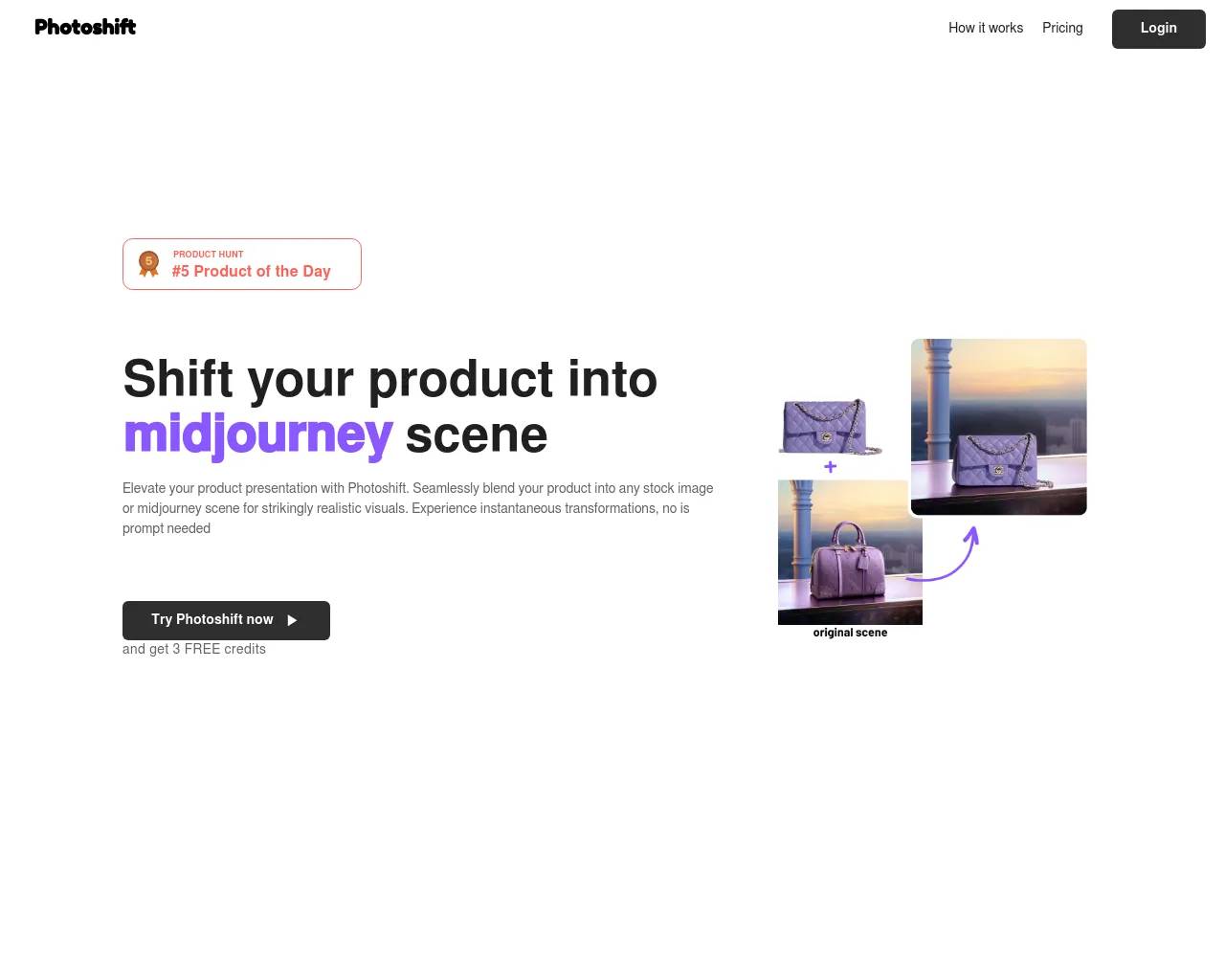
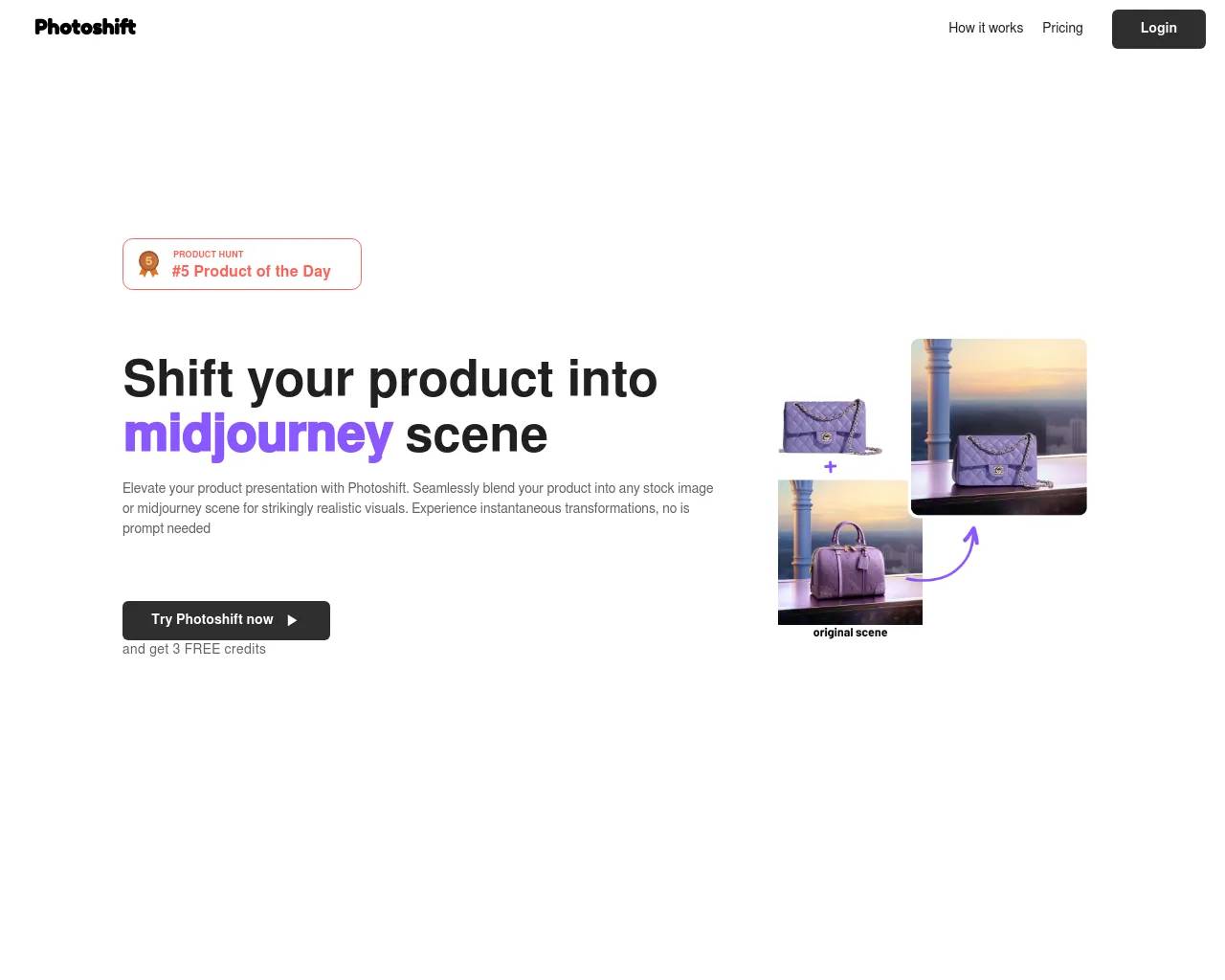
Top alternatives to MimicBrush AI include Photoshift, PicTools.AI, AI Photos Editor, AVCLabs PhotoPro AI, ProductScope AI.Where can I get MimicBrush AI?
MimicBrush AI is available at https://mimicbrush.app/.What category is MimicBrush AI in?
MimicBrush AI is listed in Image Editing.✨ Key Features:
• Imitative Editing: Transform specific parts of your image using reference images
• AI-Powered Precision: Automatically recognizes and mimics styles and details
• User-Friendly Interface: No professional skills required
• Localized Modifications: Make precise edits without affecting the entire image
• Texture Transfer: Apply complex patterns while preserving original shapes
• Cross-Device Compatibility: Edit on desktop or mobile
🚀 Perfect for:
• Designers seeking efficient, high-quality edits
• Photographers looking to enhance their workflow
• Content creators aiming for unique, eye-catching visuals
• Beginners wanting professional-level results without the learning curve💡 Why MimicBrush Stands Out:<br/>
• Combines cutting-edge AI with intuitive design
• Offers unparalleled precision in image transformation
• Streamlines the editing process, saving time and effort
Ready to revolutionize your image editing experience? Try MimicBrush for free and unlock your creative potential! 🌟Can MimicBrush Handle Different Image Styles?
Yes, MimicBrush is designed to adapt to a wide variety of image styles, providing a versatile editing experience.Is MimicBrush Suitable for All Types of Image Edits?
Absolutely! Our platform is built to accommodate a range of image edits, offering a personalized and comprehensive editing experience.How Realistic Are the Edits with MimicBrush?
MimicBrush delivers highly realistic edits by using advanced AI to accurately adapt elements from the reference image to the source image.Can I Use MimicBrush for Detailed Modifications?
Yes, MimicBrush is excellent for detailed modifications, allowing you to precisely edit specific parts of an image without affecting the entire picture.Is MimicBrush Easy for Beginners to Use?
Yes, MimicBrush is designed to be user-friendly, requiring no professional skills. Its automated processing makes it easy for anyone to achieve high-quality edits.Can MimicBrush Be Used for Commercial Projects?
Yes, MimicBrush is suitable for both personal and commercial projects, offering professional-level editing capabilities for a wide range of applications.Does MimicBrush Support Texture Transfer?
Yes, MimicBrush supports transferring textures from a reference image to the source image, while preserving the original shape of the objects in the source image.Can MimicBrush Handle Post-Processing Refinement?
Yes, MimicBrush can be used as a post-processing tool to enhance the quality and consistency of images generated by other methods.Is MimicBrush Compatible with Various Devices?
Yes, MimicBrush is accessible on various devices, from desktops to mobile phones, ensuring a seamless image editing experience wherever you are.Can MimicBrush handle various image styles?
Yes, MimicBrush is designed to adapt to a wide range of image styles, ensuring a versatile editing experience.Is MimicBrush easy to use for beginners?
Yes, MimicBrush is designed to be user-friendly and does not require any professional skills. The automated processing makes it easy for anyone to achieve high-quality edits.
Compare MimicBrush AI with…
Pick any tool to see a structured side-by-side: pricing, deployment, capabilities, and content policy.