MyCleverAI
A comprehensive suite of AI tools for web design, learning, and creativity.
- Category
- Web Design
- Alternatives
- 6 similar tools
- Last updated
- 1 weeks ago
- Source
- Official site ↗
AI Collection Top Picks

Web Design Category Picks
About MyCleverAI
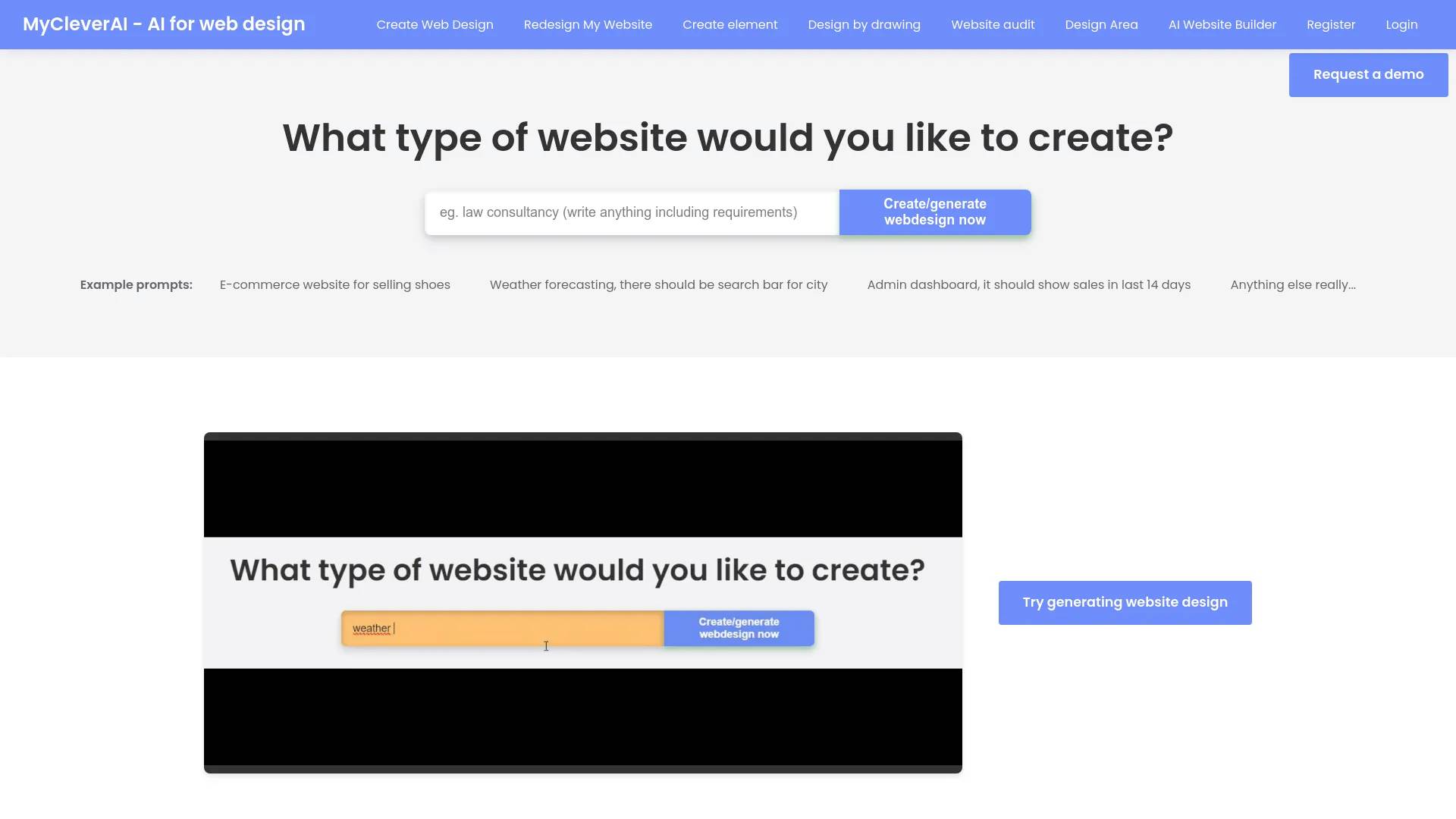
MyCleverAI offers wide range of AI tools for learning, web design and enjoying fun.
Frequently asked questions
What is MyCleverAI used for?
A comprehensive suite of AI tools for web design, learning, and creativity.Is MyCleverAI free?
Pricing for MyCleverAI varies — see the Pricing section for details.What are alternatives to MyCleverAI?
Top alternatives to MyCleverAI include Uizard, Kopage AI Website Builder, Linkrr, Magician, Designs AI.Where can I get MyCleverAI?
MyCleverAI is available at https://mycleverai.com/.What category is MyCleverAI in?
MyCleverAI is listed in Web Design.What happens after the website design is generated?
Once the AI generates the website design, you can review the results. If you're satisfied with the design, you can download it as a CSS/HTML file, view and copy the code, and implement it on your website. If the design isn’t what you expected, you can adjust it using a text prompt, generate a different version, or try something entirely new.In what format is the downloadable file, and what does it include?
The downloadable file is in .html format and includes all the necessary CSS styles and HTML code required to deploy the design on your website.What if I need to create more pages, not just the homepage?
In the Design area, there's a feature that allows you to generate additional pages, so you can create any type of page you need, such as "About Us," "Pricing," "Contact," "Product," and more.How do I implement the web design on my website?
Depending on your technical skills, you can either upload the .html file to your server yourself or send it to your developer for implementation. The process is straightforward since the design is provided in CSS/HTML format, ready for use.Can you implement the design on my website?
Unfortunately, we do not offer implementation services. However, your developer can easily upload the design to your website, as it comes in a ready-to-use CSS/HTML format.Can I change the text/content or add my images?
Yes, you can customize the web design by editing the .html file after downloading it.Can I generate a website design by drawing, i.e., convert a drawing into CSS/HTML?
Yes, you can create a design by drawing instead of typing. This feature is available for use on our platform.What if I only want the AI to generate a specific web element and not an entire webpage?
If you only need a single web element, we offer a specific tool for web element generation. With this tool, you can create elements like checkout forms, contact forms, chat boxes, and more.
Compare MyCleverAI with…
Pick any tool to see a structured side-by-side: pricing, deployment, capabilities, and content policy.