PopPop AI Free Vocal Remover
Truly Free Vocal Remover: Online AI Vocal Isolator | PopPop AI.
AI Collection Top Picks

Audio Enhancer & Vocal Removal Category Picks
About PopPop AI Free Vocal Remover
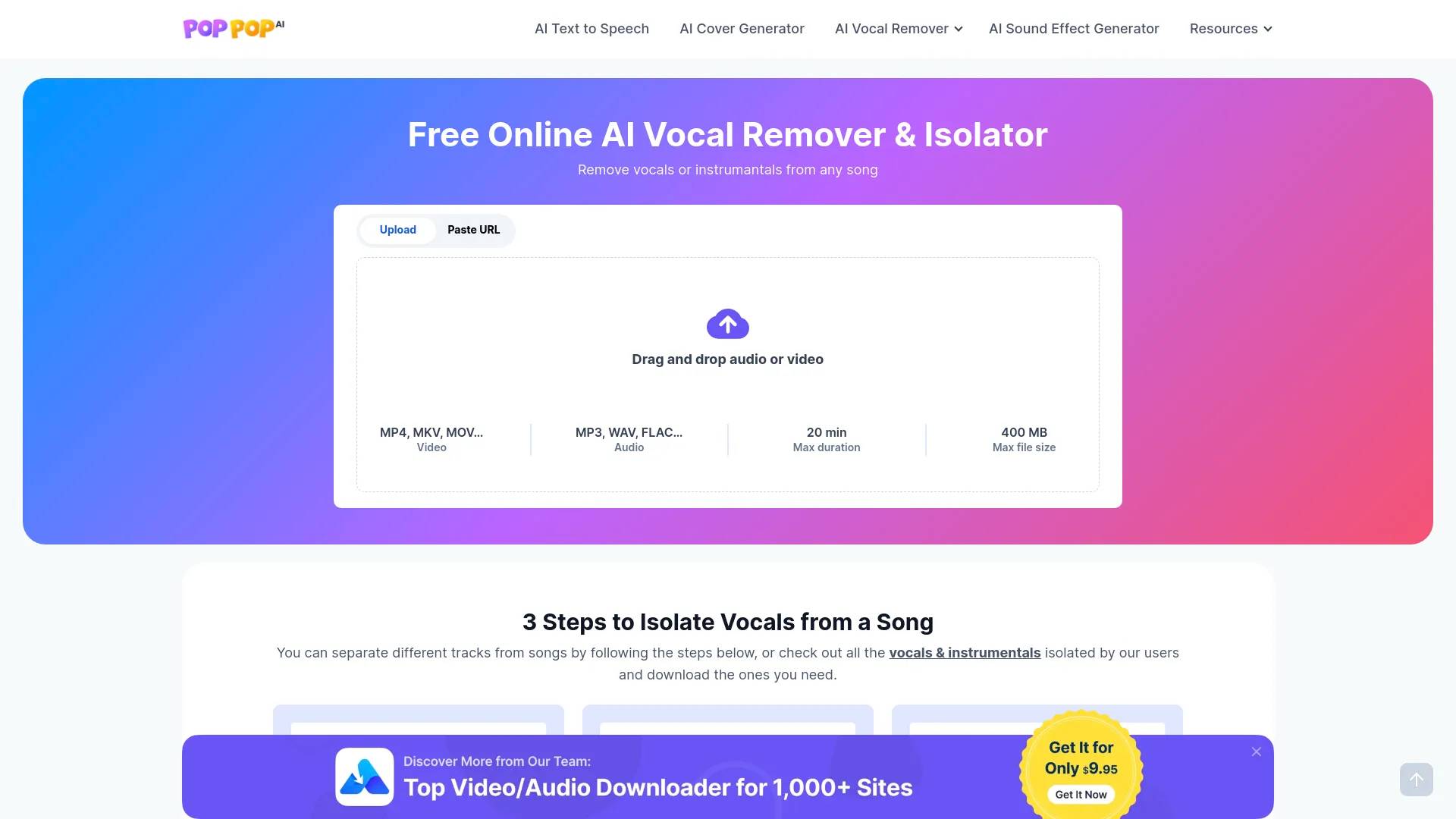
Use our 100% free online AI Vocal Remover to separate and remove vocals from music. Then you can get the karaoke or acapella tracks easily.
What you get
Additional Information
AI Vocal Remover is a web-based tool that enables users to separate vocals from music tracks effortlessly. You can upload audio or video files, or paste URLs from over 1,000 supported sites like YouTube and TikTok. The service supports various formats such as MP3, WAV, and video types like MP4, allowing for diverse content processing. It can handle files up to 400 MB and 20 minutes in duration, making it accessible for a wide range of audio projects.
Using advanced AI algorithms, AI Vocal Remover ensures high precision in vocal separation. This allows users to create karaoke versions of songs, extract instrumentals for remixing, and utilize isolated vocals for new musical compositions or podcasts. The interface is user-friendly, requiring no sign-in or software installation, so you can start your vocal extraction immediately from any device with internet access.
Additionally, the service provides instant online access to extracted tracks, allowing for easy downloading of both the isolated vocals and the instrumental background. With a limit on processing 20 songs per day, AI Vocal Remover ensures smooth functionality for all users while protecting uploaded music against unauthorized sharing. This makes it suitable not only for casual users but also for musicians and content creators looking to innovate their music projects.
Frequently asked questions
What is PopPop AI Free Vocal Remover used for?
Truly Free Vocal Remover: Online AI Vocal Isolator | PopPop AI.Is PopPop AI Free Vocal Remover free?
Pricing for PopPop AI Free Vocal Remover varies — see the Pricing section for details.What are alternatives to PopPop AI Free Vocal Remover?
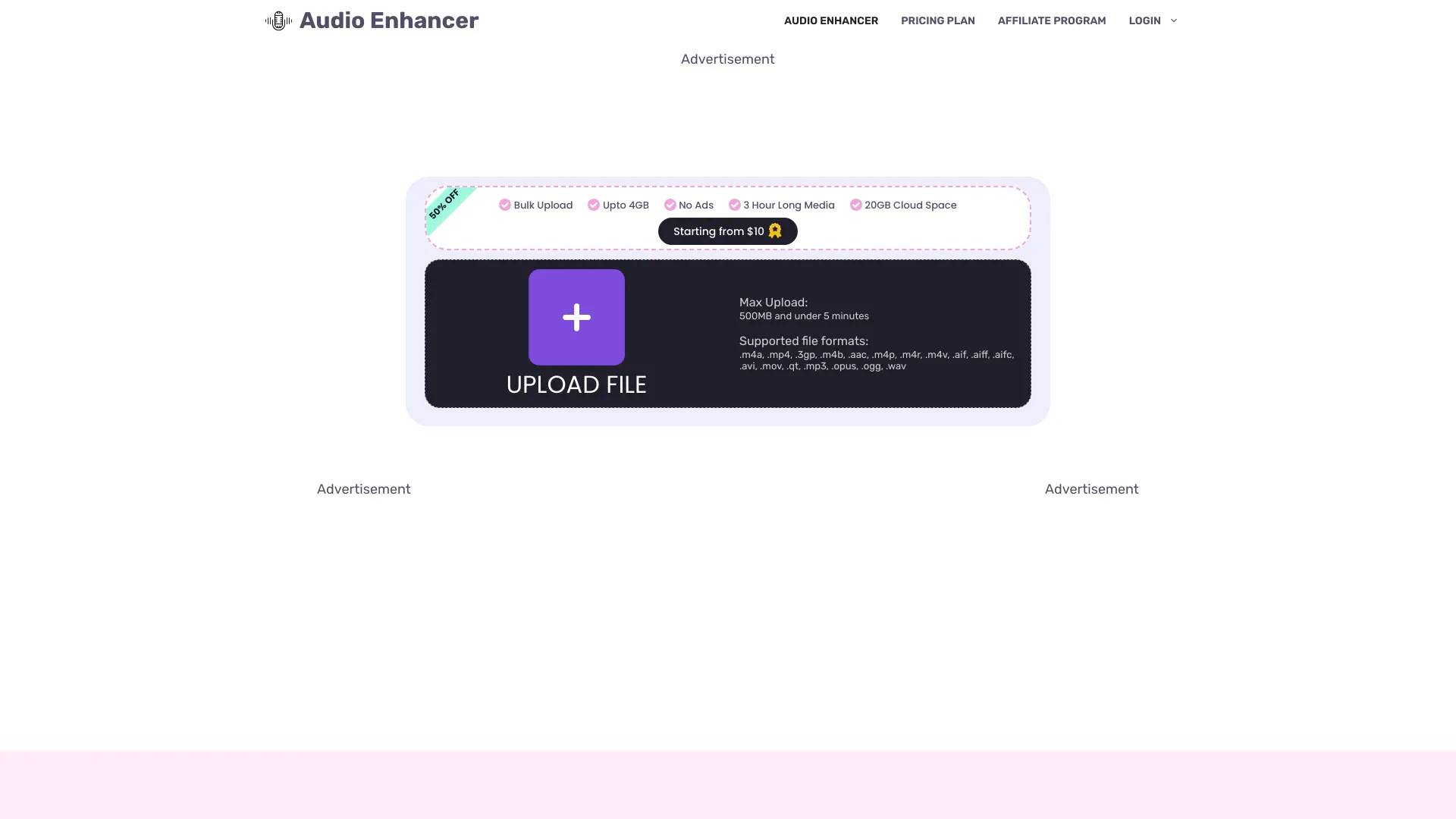
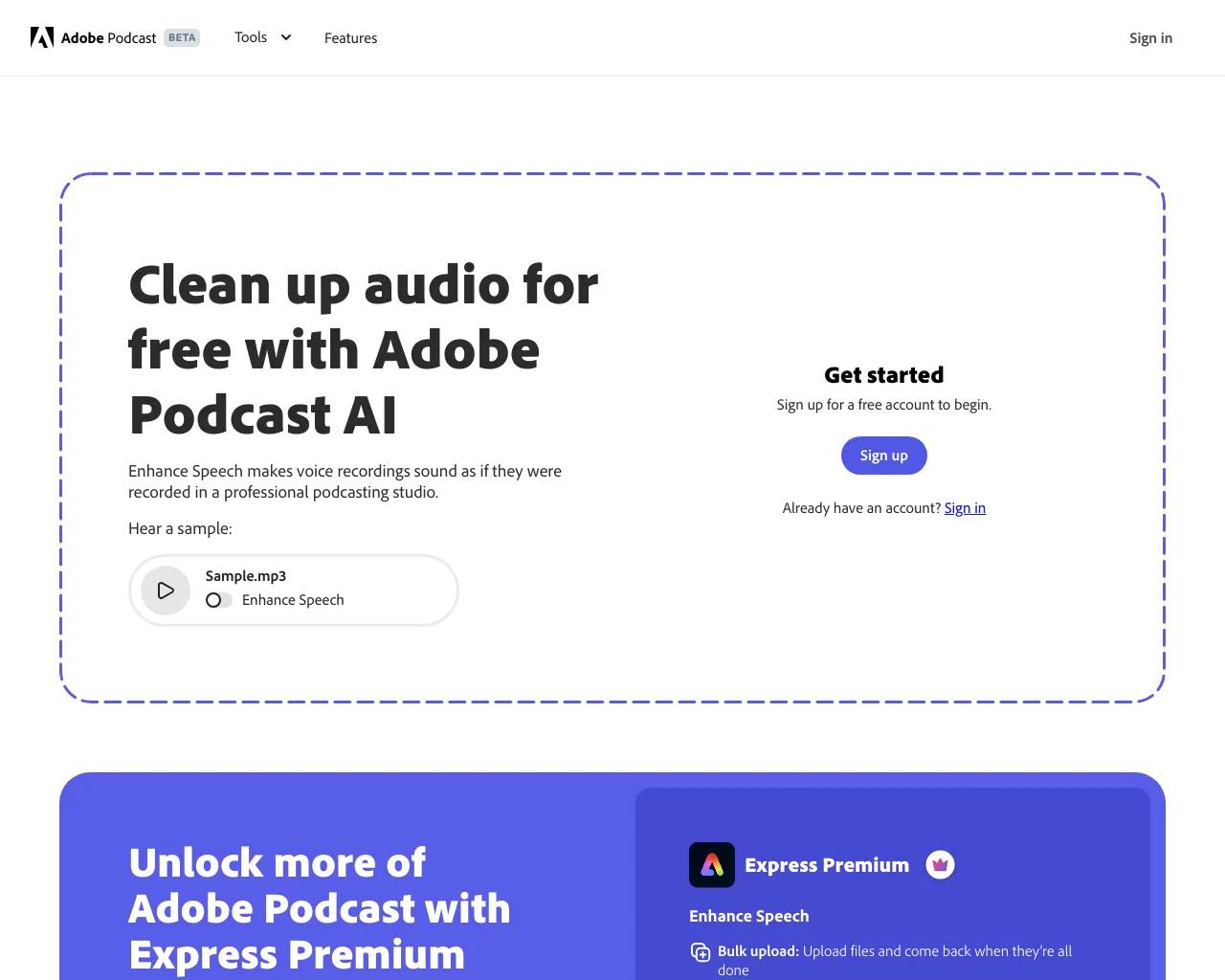
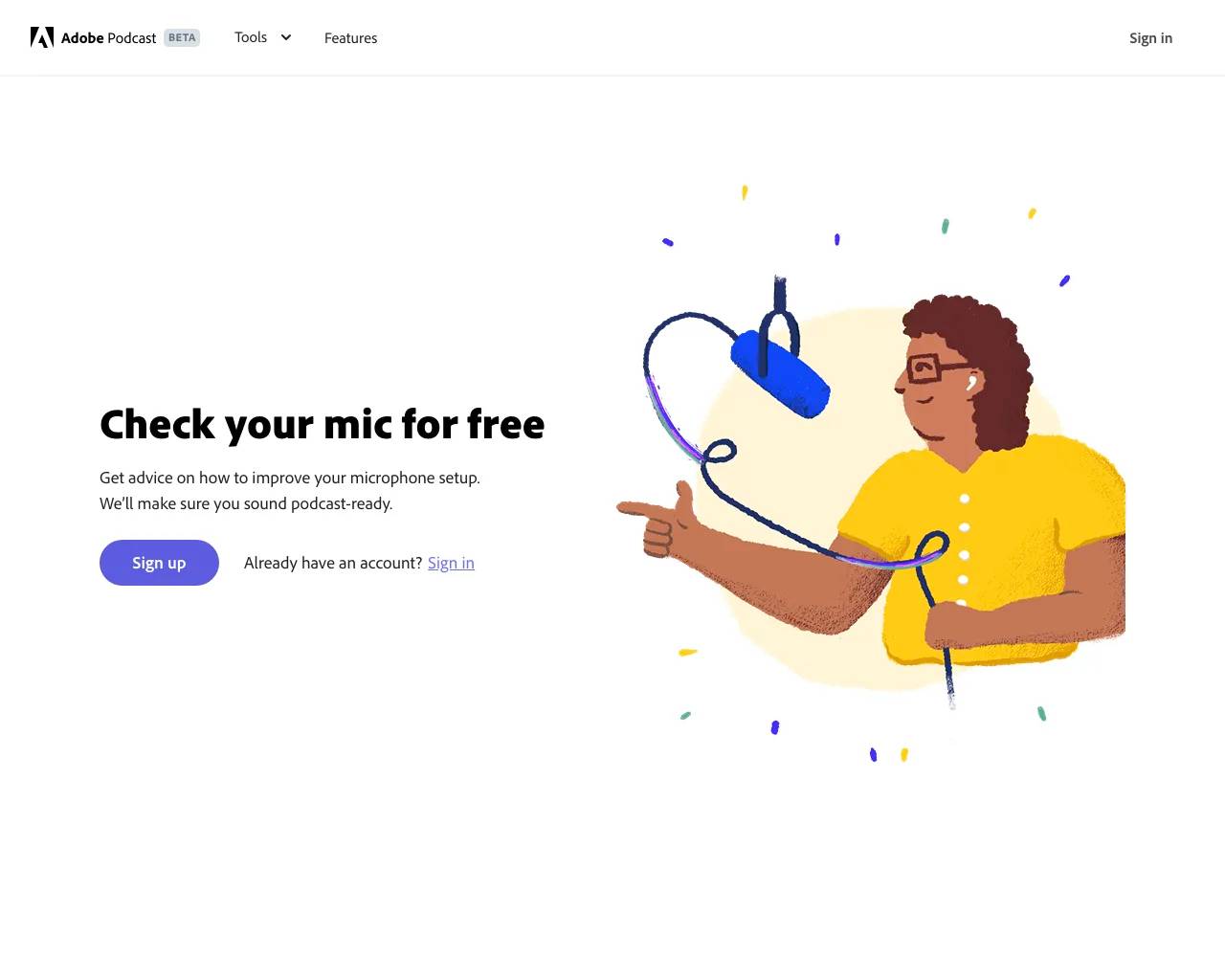
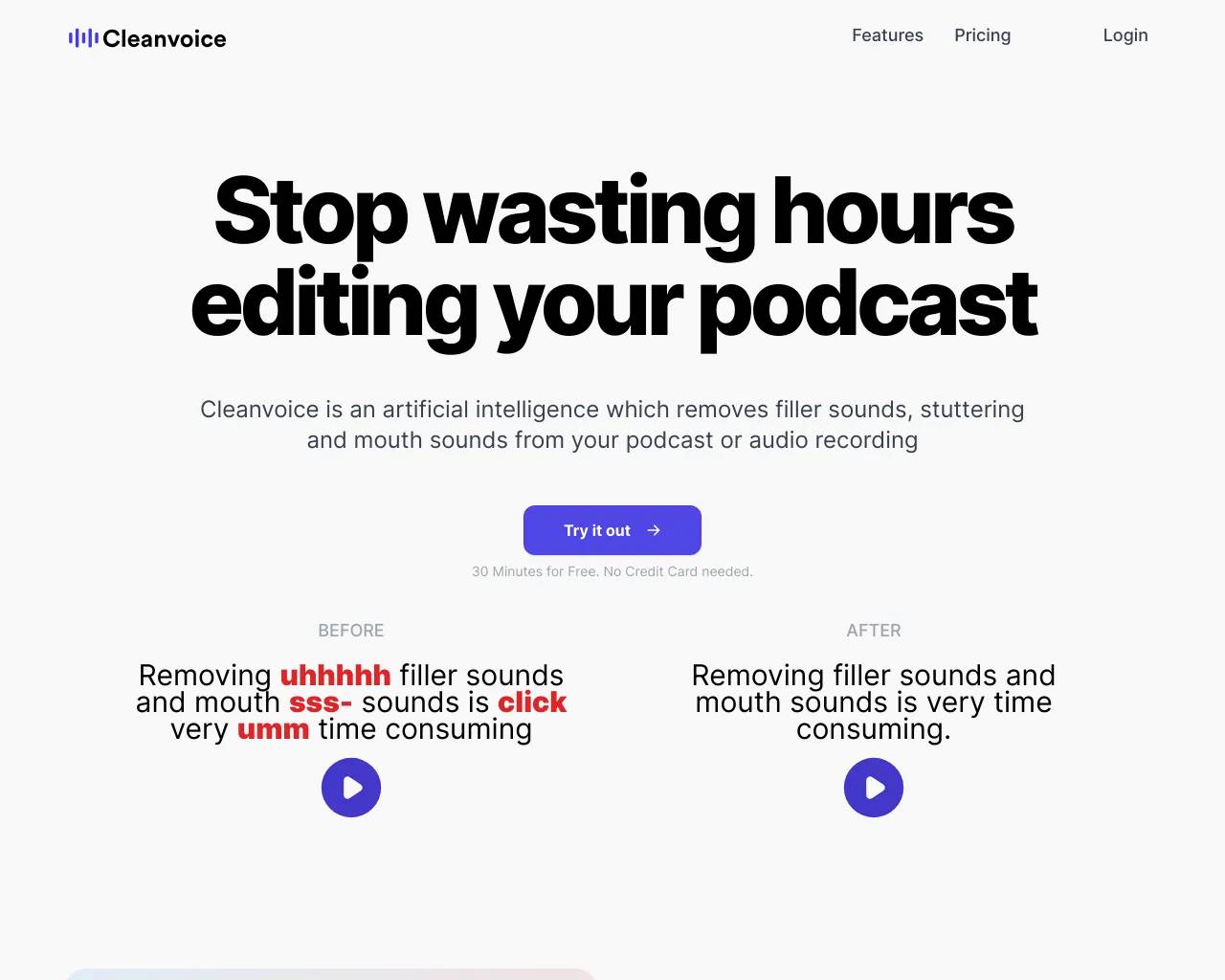
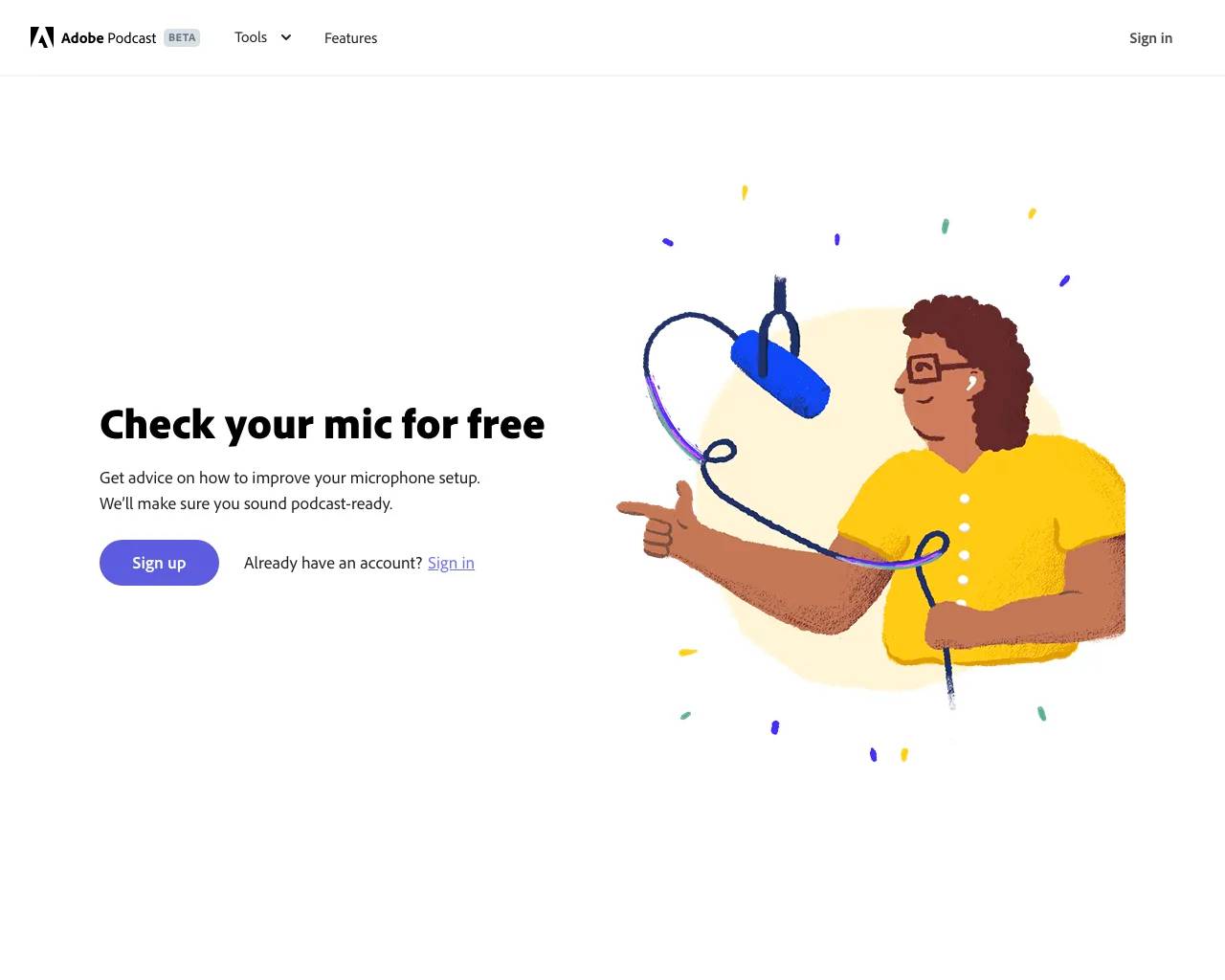
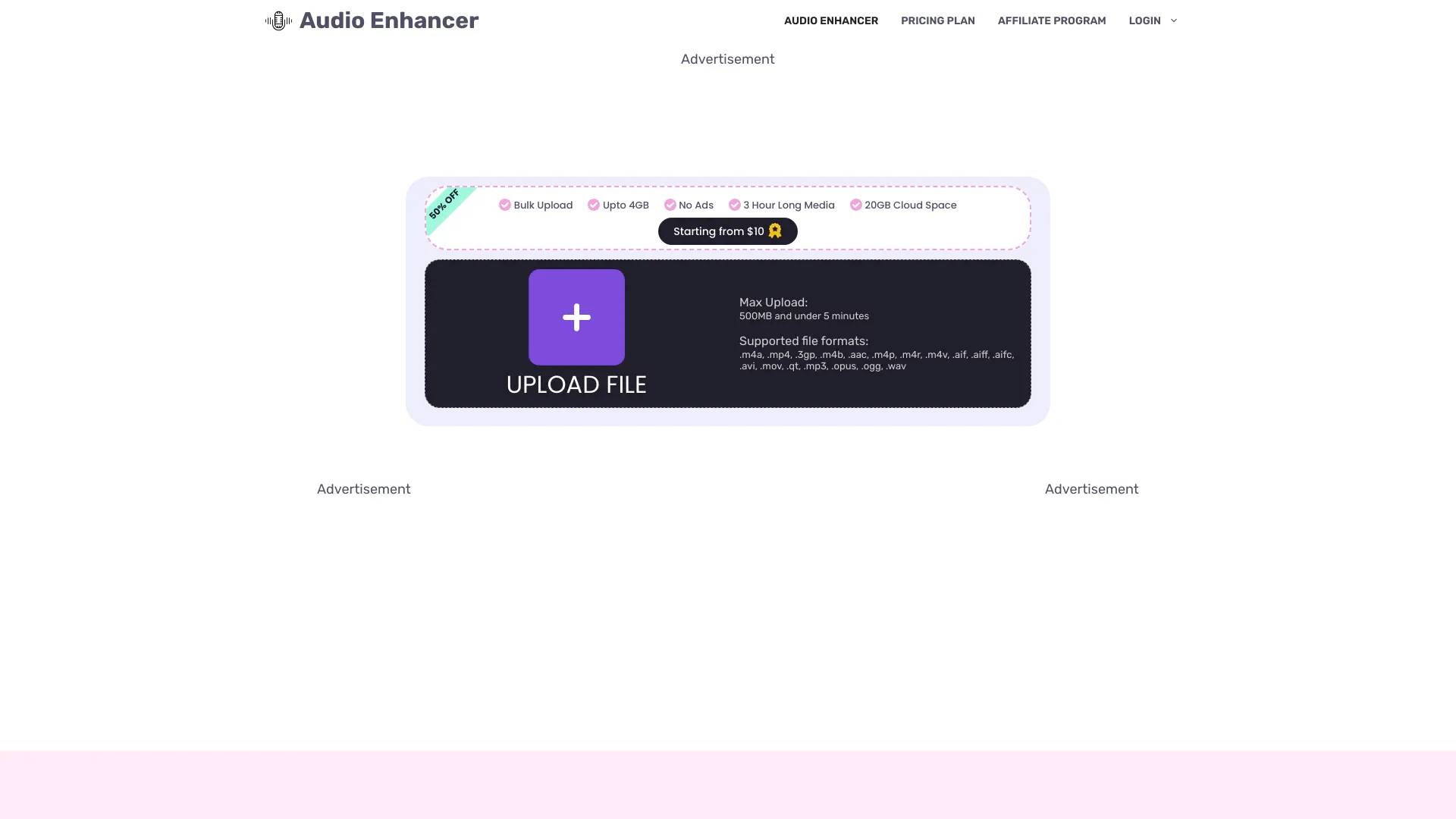
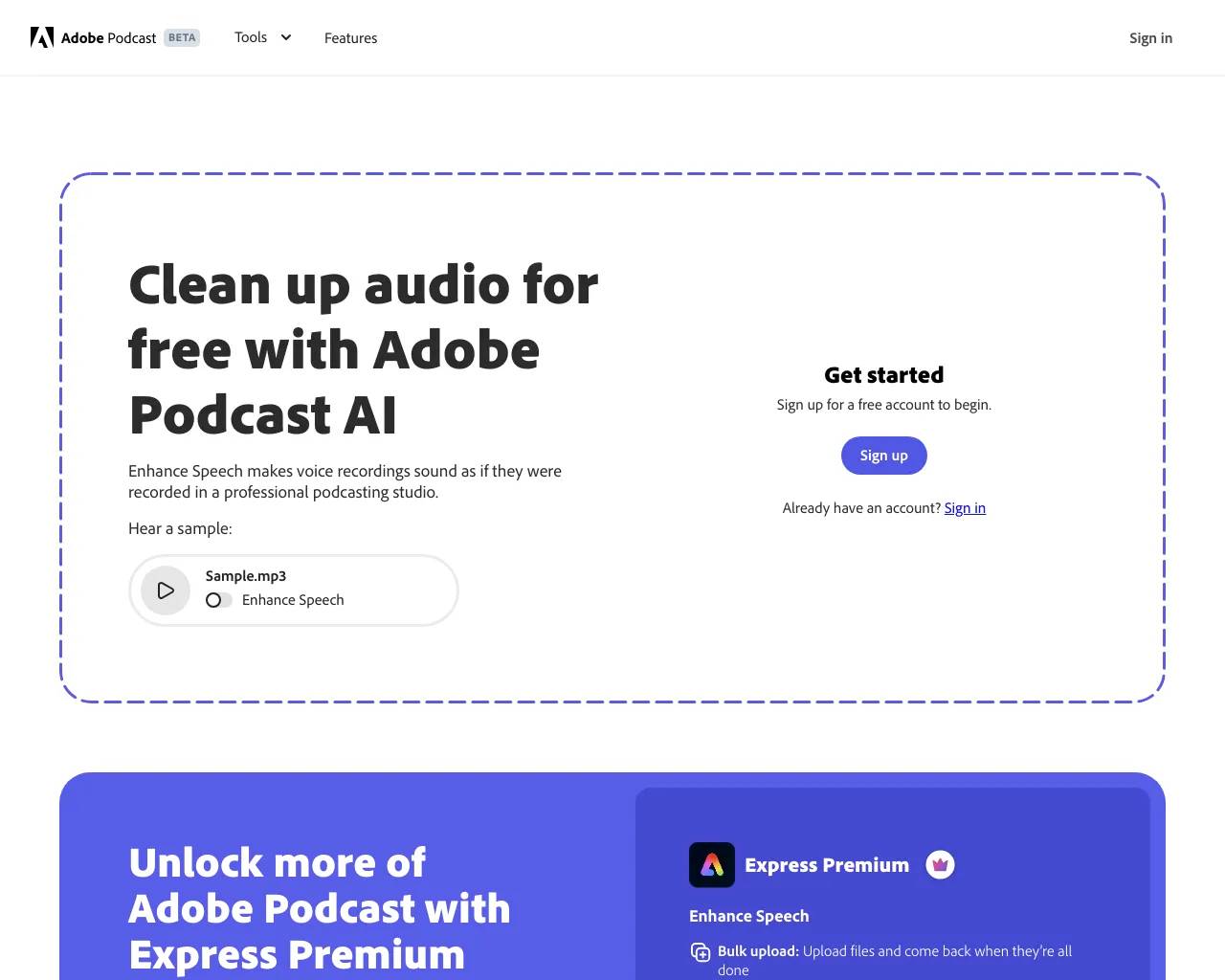
Top alternatives to PopPop AI Free Vocal Remover include Audio Enhancer, Adobe Speech Enhancer, Adobe Mic Check, Krisp, Cleanvoice AI.Where can I get PopPop AI Free Vocal Remover?
PopPop AI Free Vocal Remover is available at https://poppop.ai/ai-vocal-remover.What category is PopPop AI Free Vocal Remover in?
PopPop AI Free Vocal Remover is listed in Audio Enhancer & Vocal Removal.What is a Vocal Remover?
A Vocal Remover is a type of tool designed to remove vocals from music, leaving behind the instrumental track. It aims to isolate and eliminate the vocal components of a song while preserving the background music as cleanly as possible.How does an AI vocal remover work?
An AI vocal remover uses advanced machine learning algorithms to analyze audio files and distinguish between vocal and instrumental components. The AI is trained on vast datasets of music, allowing it to recognize patterns specific to human voices and musical instruments.Is it free to use?
Yes, this vocal extractor is completely free to use. There is no hidden fees during the vocal isolation process.Do I need to install any software?
No, you do not need to install any software or app on your computer, tablet, or mobile phone. Our music remover is web-based and works directly in your browser.Which file types does this vocal isolator support?
Our vocal removal service supports a wide range of common formats, encompassing audio files such as MP3, FLAC, WAV, and M4A, along with video formats like MP4, MKV, and MOV.Does the vocal extractor have any limits on the file size or duration?
Our music remover can accommodate files up to 400 MB in size and up to 20 minutes in length.Can you use the extracted vocals commercially, like in your own music productions?
While our tool allows you to extract vocals, the legal use of the resulting vocals depends on the original song’s copyright.Can you preview the results before downloading?
Yes, after the vocal isolation, we will provide three audio tracks for you: Original Track, Vocal Track, and Instrumental Track.Can you save the separated vocal and instrumental tracks directly from the website?
Yes, once the processing is complete, you can download both the vocal and instrumental tracks directly from our website.Is my uploaded music protected?
We take privacy seriously. Your uploaded files are processed securely and are not stored or shared without your consent.
Compare PopPop AI Free Vocal Remover with…
Pick any tool to see a structured side-by-side: pricing, deployment, capabilities, and content policy.