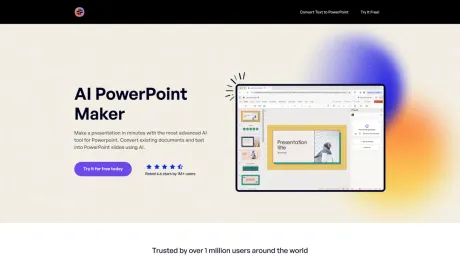
AI PowerPoint Maker
PPT Generator, Slides AI.
- Category
- Slides & Presentations
- Pricing
- Free
- Alternatives
- 6 similar tools
- Last updated
- 3 weeks ago
- Source
- Official site ↗︎
AI Collection Top Picks

Slides & Presentations Category Picks

About AI PowerPoint Maker
AI PowerPoint Maker is a free tool to make PPTs, Google Slides with AI like ChatGPT.
What you get
Additional Information
Product
ByteCap offers advanced AI-powered tools for creating custom captions and subtitles for videos.
Use Case
Immerse your videos with custom captions to boost engagement, maximize viewership, and retain your audience.
Features
AI Captions
✨ Auto create 99% accurate captions fast with advanced speech recognition.
Customize
🎨 Personalize captions with custom fonts, colors, emojis, effects, music, highlights, and more.
Maximize Visibility
🌎 Increase video accessibility and attract diverse global viewers.
Features 01
- Captions within seconds
- Support for 99+ languages + auto language detection
- World-class speech recognition
- Complete caption control
Features 02
- Customize Font, Colors, Emojis, Effects, Position, Sizing
- Sync Trendy Sounds
- Highlight Keywords
Who's using Bytecap?
Video Editors
Save hours editing videos with ByteCap's auto-captions.
Content Creators
Bytecap makes custom captioning accessible to all, no video editing skills needed.
Podcasters
Expand your reach with captioned short clips.
Streamers
Create captioned shorts of highlight moments.
Statistics
- More likely to watch a video to completion when captions were available: 91%
- Of people watch videos with sound off in public: 70%
- Increase brand awareness and accessibility: 94%
Frequently asked questions
What is AI PowerPoint Maker used for?
AI PowerPoint Maker, PPT Generator, Slides AI.Is AI PowerPoint Maker free?
AI PowerPoint Maker is free to use.What are alternatives to AI PowerPoint Maker?
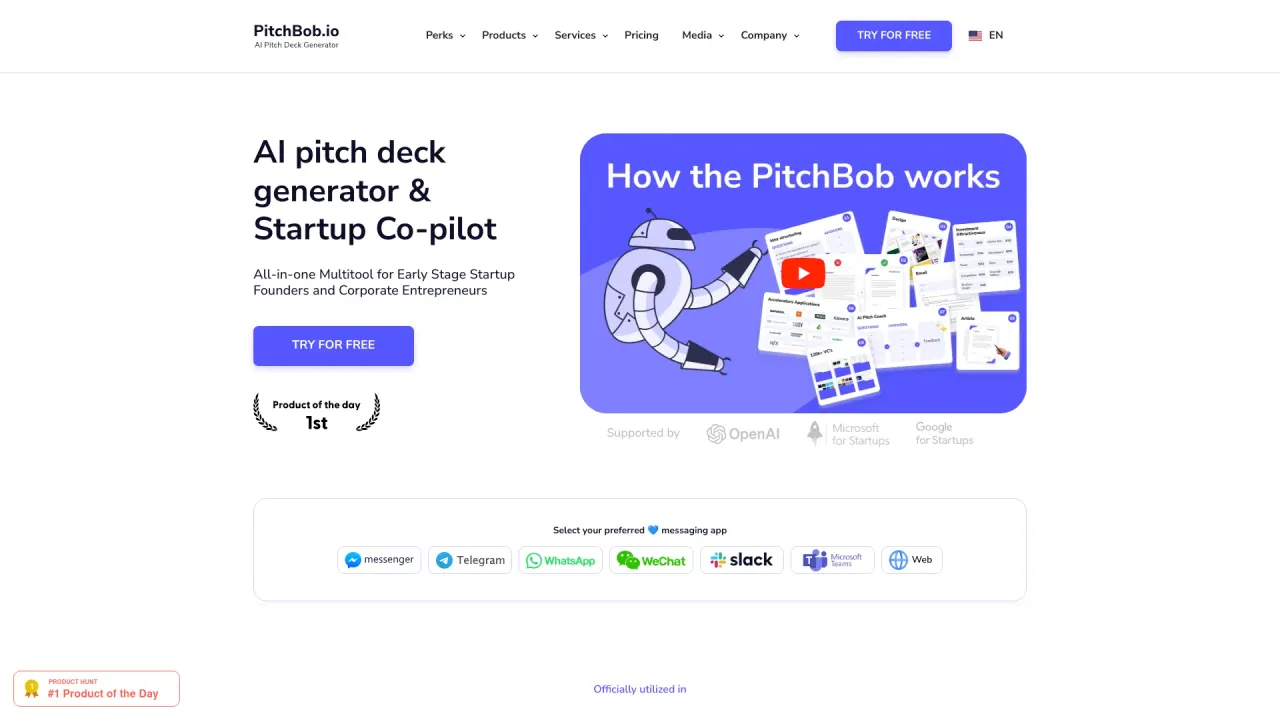
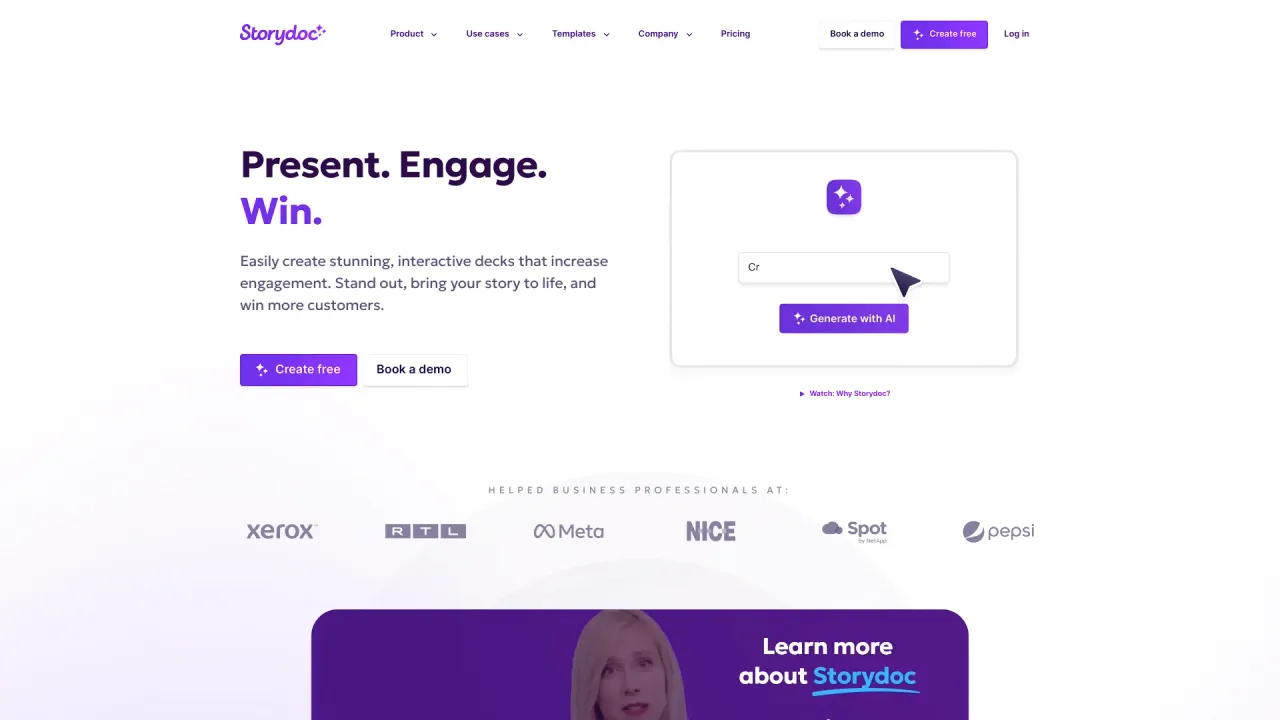
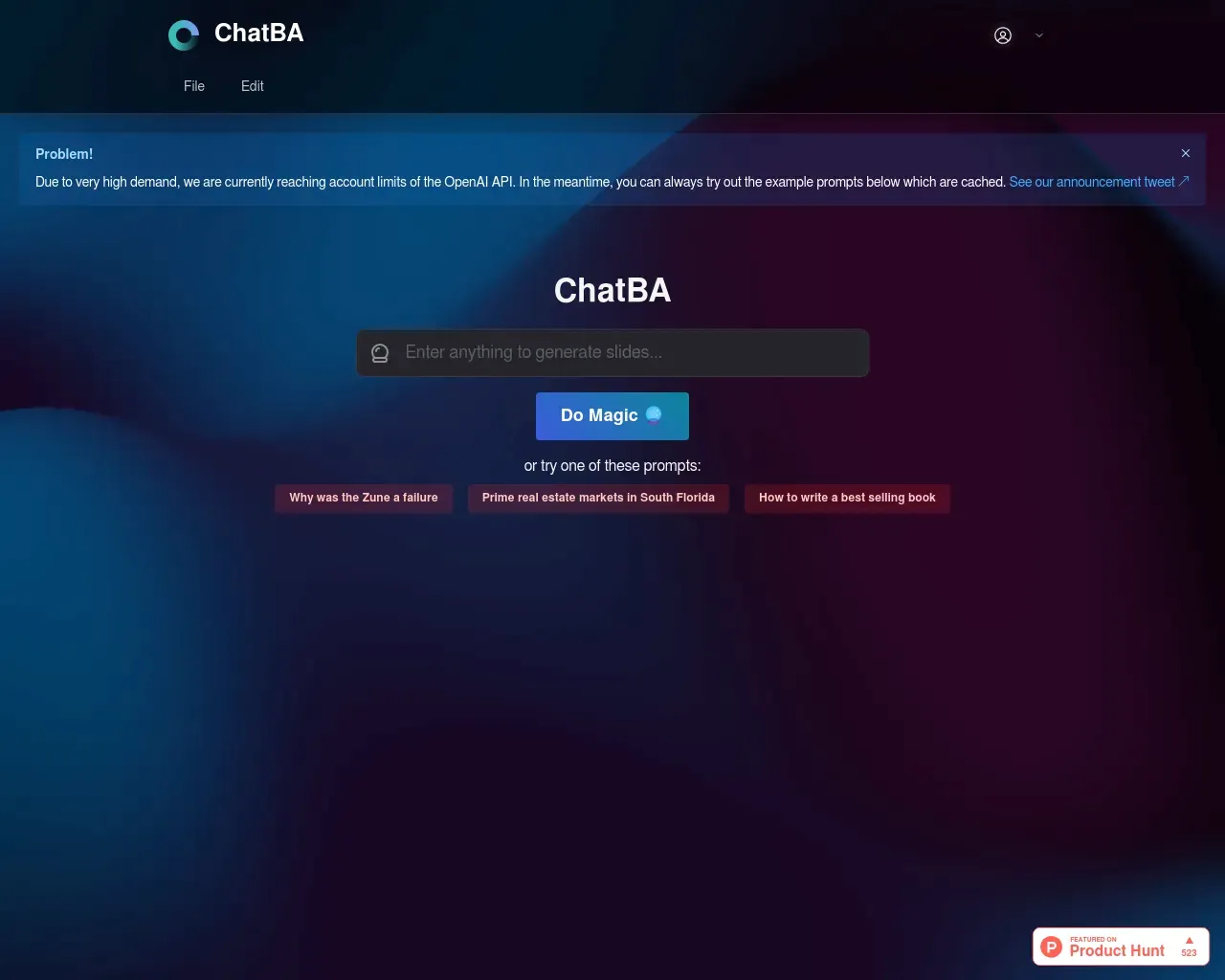
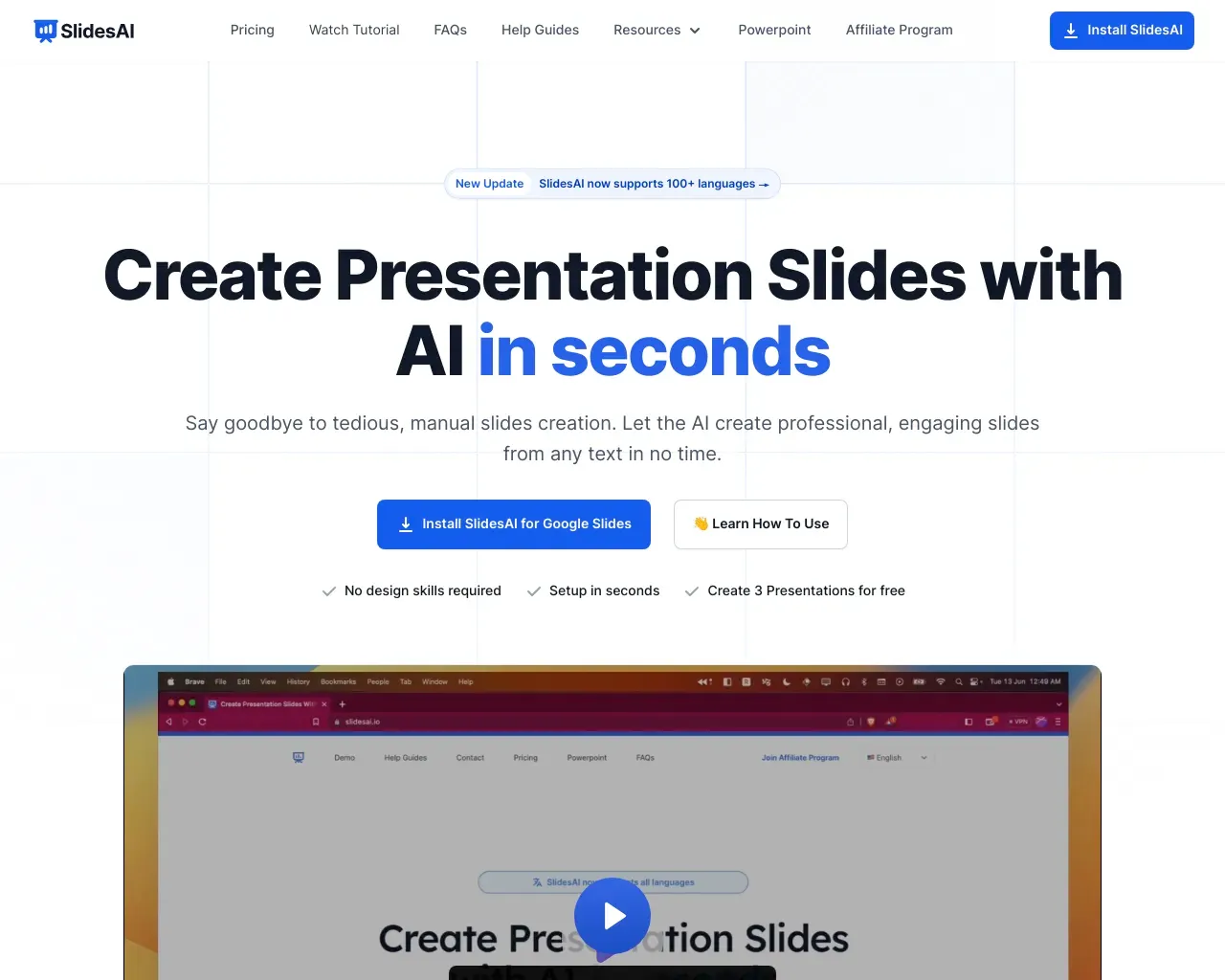
Top alternatives to AI PowerPoint Maker include PitchBob io, Storydoc, ChatBA, SlidesAI, Pitchgrade.Where can I get AI PowerPoint Maker?
AI PowerPoint Maker is available at https://aipowerpointmaker.com.What category is AI PowerPoint Maker in?
AI PowerPoint Maker is listed in Slides & Presentations.Use Case
Immerse your videos with custom captions to boost engagement, maximize viewership, and retain your audience.AI Captions
✨ Auto create 99% accurate captions fast with advanced speech recognition.Customize
🎨 Personalize captions with custom fonts, colors, emojis, effects, music, highlights, and more.Maximize Visibility
🌎 Increase video accessibility and attract diverse global viewers.Features 01
- Captions within seconds - Support for 99+ languages + auto language detection - World-class speech recognition - Complete caption controlFeatures 02
- Customize Font, Colors, Emojis, Effects, Position, Sizing - Sync Trendy Sounds - Highlight KeywordsVideo Editors
Save hours editing videos with ByteCap's auto-captions.Content Creators
Bytecap makes custom captioning accessible to all, no video editing skills needed.Podcasters
Expand your reach with captioned short clips.Streamers
Create captioned shorts of highlight moments.Statistics
- More likely to watch a video to completion when captions were available: 91% - Of people watch videos with sound off in public: 70% - Increase brand awareness and accessibility: 94%Can I get creative with my captions on Bytecap?
Yes, customize captions with fonts, colors, emojis, effects, music, and more.How does ByteCap ensure privacy and security?
Visit our Privacy page on our website.How fast can I get the results?
Results are generated rapidly with advanced AI technology.How can I get support?
Contact our support team through our website.What languages do you support?
Support for 99+ languages with auto language detection.Can I edit the captions after creation?
Yes, you can edit captions after creation using ByteCap.What is an AI PowerPoint maker and how does it work?
It’s a tool that turns your inputs into a complete slide deck by using large-language-model reasoning plus design rules.Is AI PowerPoint Maker really free?
Yes! Generate unlimited AI presentations at no cost and pay only if you choose to download the .pptx file or upgrade for premium themes.Do I need to install anything to use it?
No download required. AI PowerPoint Maker runs entirely in your browser on any device with an internet connection.Can I edit or brand the slides after they’re generated?
Absolutely. Once the draft deck loads you can tweak text, swap images, or apply your own template just like you would in PowerPoint or Google Slides.
Compare AI PowerPoint Maker with…
Pick any tool to see a structured side-by-side: pricing, deployment, capabilities, and content policy.