Facet 2 0
VSCO Canvas | AI Mood Board Maker for Photographers.
- Category
- AI Art & Illustration
- Alternatives
- 6 similar tools
- Last updated
- 2 weeks ago
- Source
- Official site ↗︎
AI Collection Top Picks

AI Art & Illustration Category Picks

About Facet 2 0
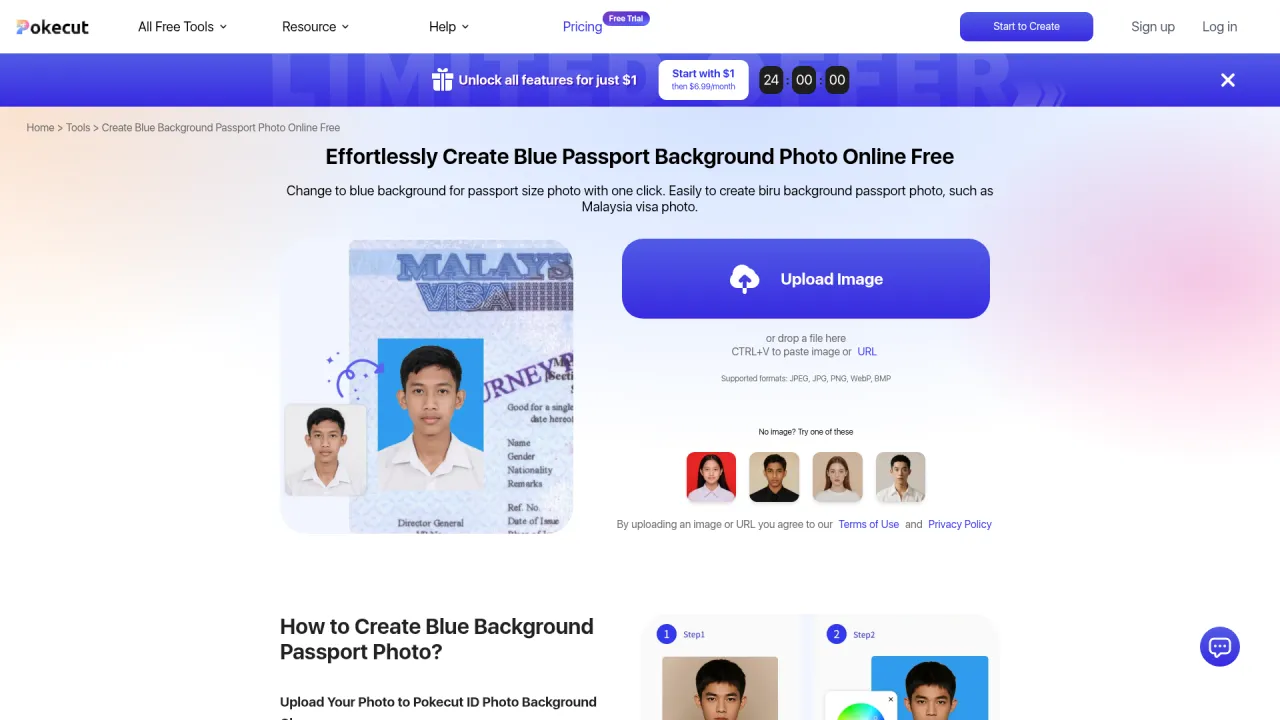
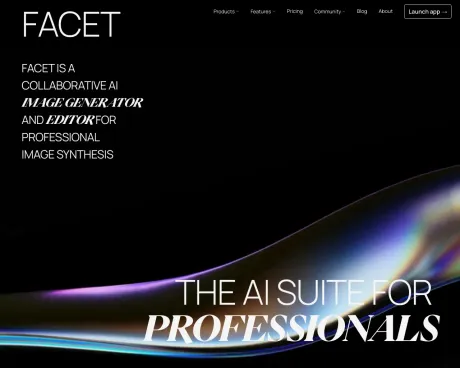
VSCO Canvas is a collaborative AI mood board maker for visual media. Use moodboarding templates & AI image creation to get inspiration & plan your photoshoot.
Frequently asked questions
What is Facet 2 0 used for?
VSCO Canvas | AI Mood Board Maker for Photographers.Is Facet 2 0 free?
Pricing for Facet 2 0 varies — see the Pricing section for details.What are alternatives to Facet 2 0?
Where can I get Facet 2 0?
Facet 2 0 is available at http://facet.ai.What category is Facet 2 0 in?
Facet 2 0 is listed in AI Art & Illustration.What is VSCO Canvas?
VSCO Canvas is a mood board generator built for photographers and visual creators to collect inspiration, generate AI images, and collaborate. It’s an all-in-one tool for planning photoshoots, projects, and more.What can I use VSCO Canvas for?
You can use VSCO Canvas as a mood board maker to gather photography ideas, generate concepts with AI, and create visual mood boards for shoots, branding, or professional projects.Can I generate AI images on VSCO Canvas?
Yes, VSCO offers an AI image generator that lets you create visuals from text prompts. After you generate an image, it’s easy to refine until you get it just right. It’s perfect for exploring ideas with AI for photographers.How do I use VSCO Canvas to build a moodboard?
Go to canvas.vsco.co and sign up or log in. Click “New Canvas” to start. Add inspiration by importing photos, generating visuals with AI, or using search. Arrange your moodboard by dragging and dropping images and adding text. When ready, click “Share” to collaborate.How can I gather inspiration for a photoshoot?
Once you’ve created a canvas, use the left navigation menu to add inspiration. Generate new images with AI, search community content, or import your own photos to build your photoshoot concept.Can I add text or notes to VSCO Canvas?
Yes. You can add customizable text to your moodboard for notes, labels, or ideas. You can also leave comments to collaborate and provide feedback.Can I share my VSCO Canvas moodboard with others?
Yes. Click “Share” in the top right corner to invite collaborators via email or generate a public link with access controls.Is VSCO Canvas available on mobile and desktop?
VSCO Canvas is available on mobile and desktop. In the VSCO iOS app, tap 'New moodboard' in the Create menu (the '+' button) to open VSCO Canvas, or access it directly with a desktop browser at canvas.vsco.co. For the best experience, we recommend a Chrome-based browser.Do I need a VSCO Membership to use VSCO Canvas?
VSCO Canvas is available with all VSCO Membership plans. Pro includes 50 projects and 500 monthly credits, Plus includes 1 project and 250 credits, and Free includes 1 project and 100 credits.Can I use VSCO Canvas for professional projects?
Yes. VSCO Canvas is designed for professional and creative workflows including client work, pitches, and photography projects. You can share, collaborate, and refine concepts in one place.
Compare Facet 2 0 with…
Pick any tool to see a structured side-by-side: pricing, deployment, capabilities, and content policy.