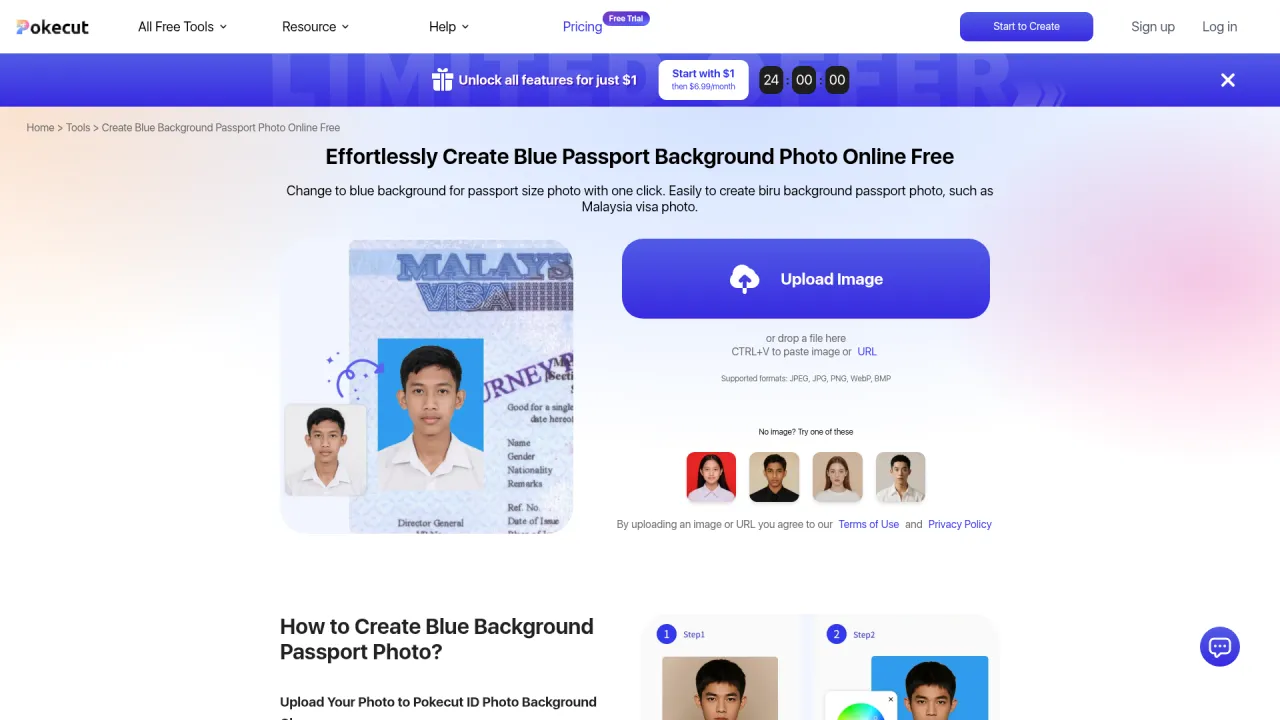
AI Image Generator by Leap AI is no longer active.
Please check out alternatives section below.
AI Image Generator by Leap AI
Create beautiful images effortlessly with AI Image Generator tool by Leap AI.
- Category
- AI Art & Illustration
- Pricing
- Free
- Alternatives
- 6 similar tools
- Last updated
- 4 months ago
- Source
- Official site ↗︎
AI Collection Top Picks

AI Art & Illustration Category Picks
Supercharge your image and video content creation with unmatched consistency, speed, and quality.
About AI Image Generator by Leap AI
Leap AI's AI Image Generator tool helps you create stunning images from text prompts for marketing, content creation, and personal projects. Simply input a detailed text prompt, click 'Generate,' and download your high-quality visual. Perfect for marketing teams, content creators, and personal projects, this tool ensures you have the best visuals to enhance your work.
What you get
Additional Information
AI Image Generator tool by Leap AI helps you create stunning images from text prompts, which can be useful for various purposes such as marketing, content creation, and personal projects. It ensures you have high-quality visuals to enhance your work.
To get the best results, provide detailed and descriptive text prompts. The more specific your input, the more accurate and visually appealing the generated images will be.
Frequently asked questions
What is AI Image Generator by Leap AI used for?
Create beautiful images effortlessly with AI Image Generator tool by Leap AI.Is AI Image Generator by Leap AI free?
AI Image Generator by Leap AI is free to use.What are alternatives to AI Image Generator by Leap AI?
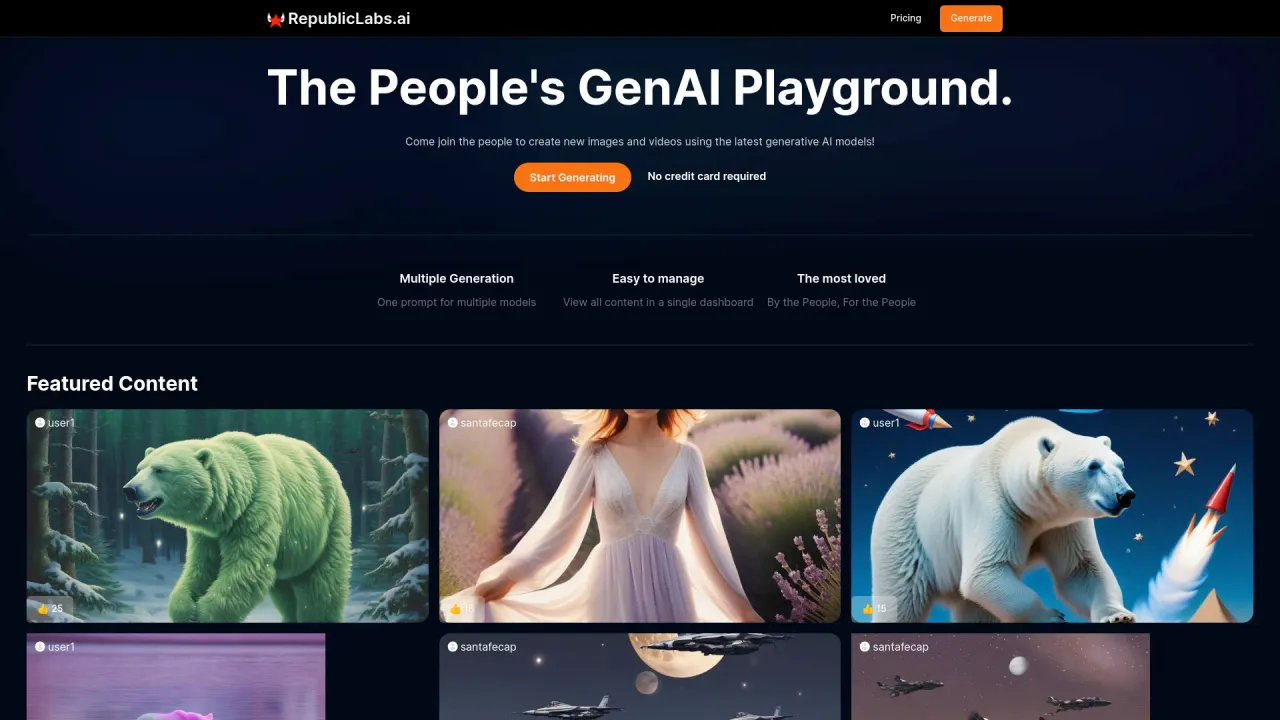
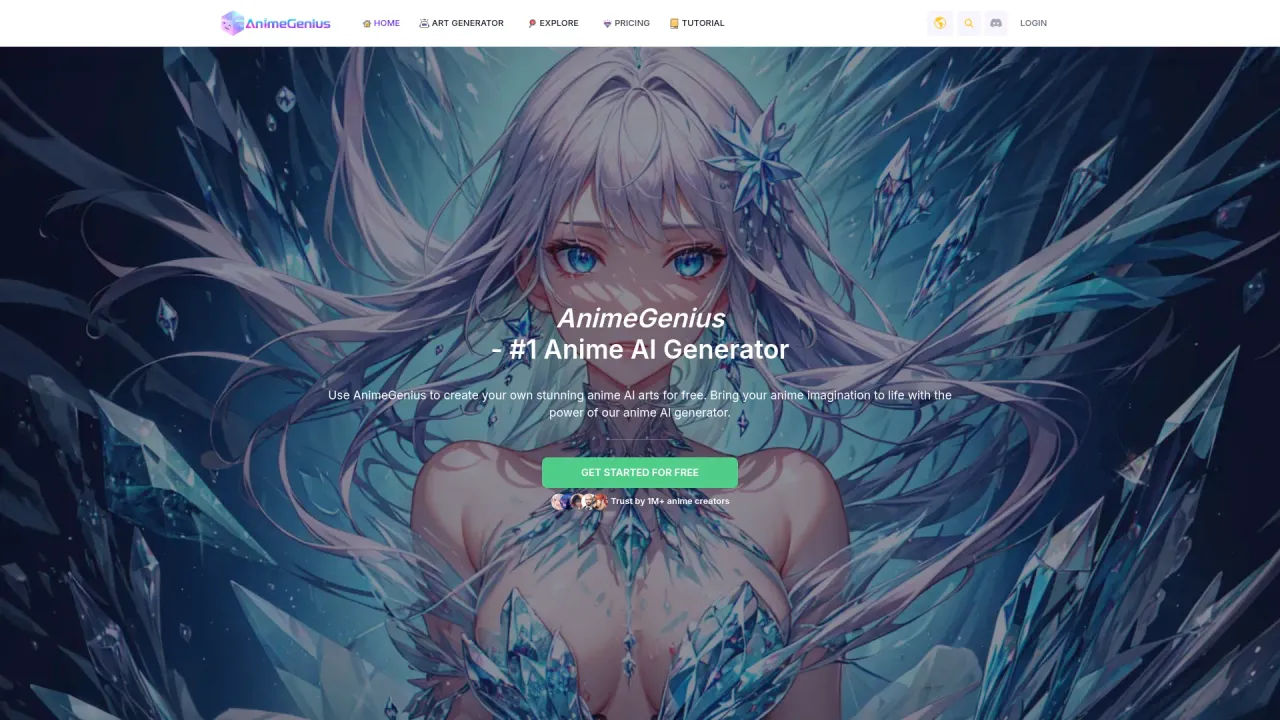
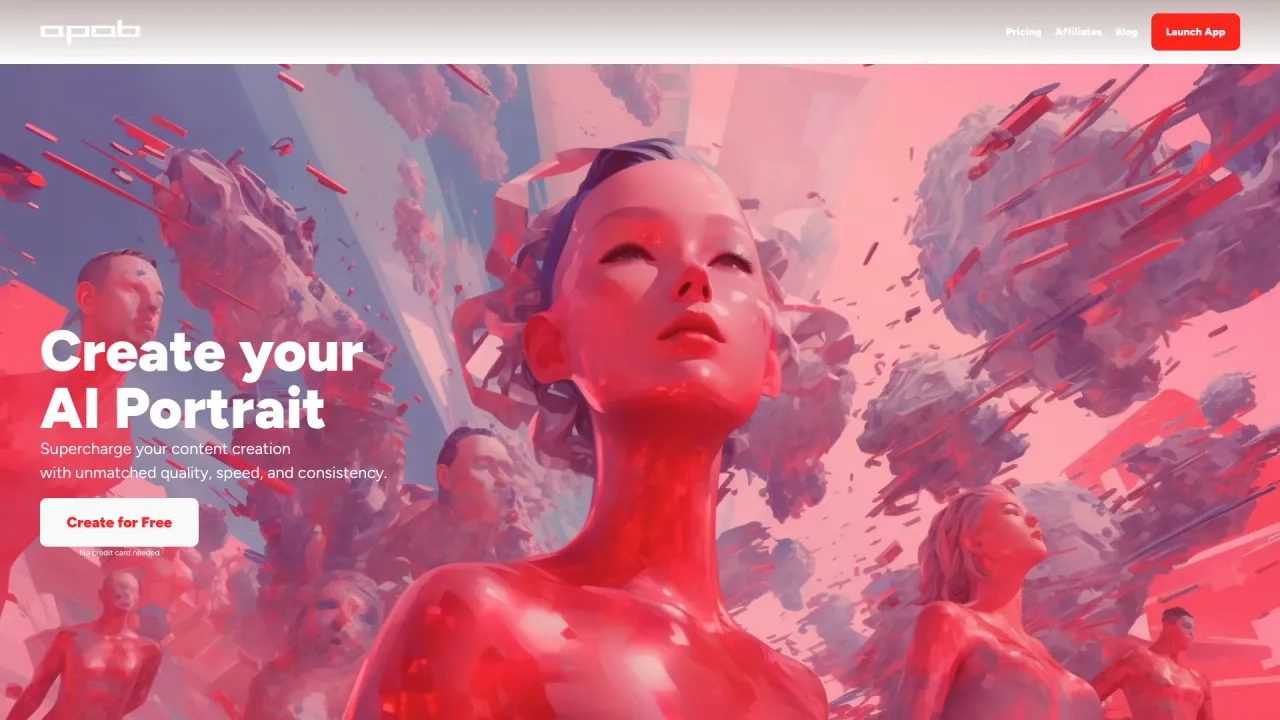
Top alternatives to AI Image Generator by Leap AI include AnimeGenius, APOB AI, caspa AI, ICONS8, SUPERMACHINE.Where can I get AI Image Generator by Leap AI?
AI Image Generator by Leap AI is available at https://www.tryleap.ai/tools/image-generator?ref=aicollection.What category is AI Image Generator by Leap AI in?
AI Image Generator by Leap AI is listed in AI Art & Illustration.How to Generate Images?
Easily create stunning images using our AI Image Generator tool by following these steps. #### 1. Input the Text Prompt Enter the text prompt describing the image you want to generate into the provided text box. Ensure your description is detailed for the best results. #### 2. Click Generate Click the 'Generate' button to start the image creation process. Our tool will analyze the text prompt to generate a stunning image. #### 3. View and Download Examine the generated image and download it for your use. The results will provide high-quality visuals based on your text prompt.Who Can Benefit from AI Image Generator?
#### 1. Marketing Teams Enhance your marketing campaigns by generating stunning visuals. Tailor your strategies with high-quality images for better engagement. #### 2. Content Creators Boost your content creation efforts with unique and visually appealing images. Stand out with custom visuals generated from text prompts. #### 3. Personal Projects Create beautiful images for personal projects effortlessly. Use our tool to bring your creative ideas to life with stunning visuals.How does the AI Image Generator tool work?
The AI Image Generator tool uses advanced algorithms to analyze text prompts and generate stunning images. It leverages machine learning to create high-quality visuals based on your input.What is the AI Image Generator tool?
The AI Image Generator tool is designed to create images from text prompts. It uses state-of-the-art AI technology to generate visually appealing images based on your descriptions.How accurate is the AI Image Generator tool?
The accuracy of the AI Image Generator tool depends on the specificity and detail of the text prompts. Built on advanced algorithms, it ensures high-quality and accurate image generation.Why should I use the AI Image Generator tool?
The AI Image Generator tool helps you create stunning images from text prompts, useful for marketing, content creation, and personal projects. It provides high-quality visuals to enhance your work.Can the AI Image Generator tool handle multiple prompts?
Currently, the AI Image Generator tool focuses on one text prompt at a time to ensure thorough and accurate results. Future updates will expand its capabilities to handle multiple prompts simultaneously.How do I get the best results from the AI Image Generator tool?
To achieve the best results, provide detailed and descriptive text prompts. The more specific your input, the more accurate and visually appealing the generated images will be.What types of images can the AI Image Generator tool create?
The AI Image Generator tool can create various types of images, including artistic visuals, realistic photos, and abstract designs. The generated images are based on the text prompts you provide.
Compare AI Image Generator by Leap AI with…
Pick any tool to see a structured side-by-side: pricing, deployment, capabilities, and content policy.