AudioConvert
Free AI Transcription | Convert Audio and Video to Text.
- Category
- Translation & Transcript
- Alternatives
- 6 similar tools
- Last updated
- 5 days ago
- Source
- Official site ↗︎
AI Collection Top Picks

Translation & Transcript Category Picks

About AudioConvert
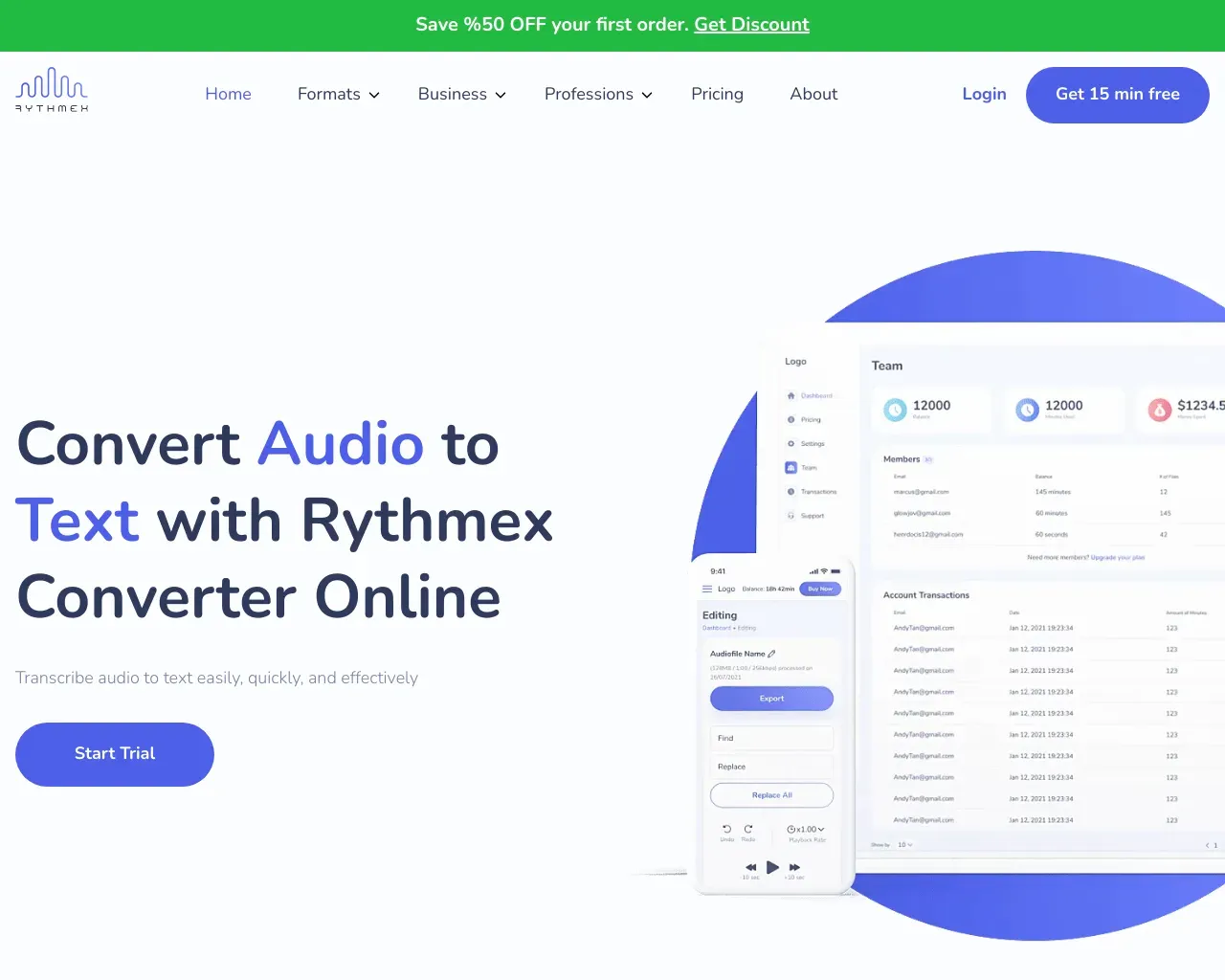
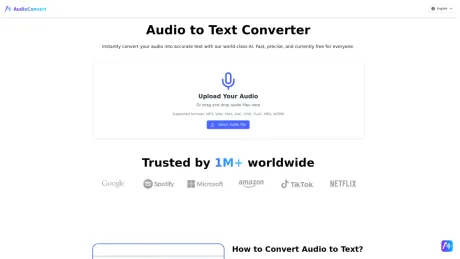
Free AI Transcription Tool: Convert audio and video to accurate text with Speaker ID, timestamps, and Word or SRT export. Fast, private, and easy to use.
What you get
Additional Information
AudioConvert.ai provides a free and efficient solution for converting audio and video files into text with several powerful features. Users can upload files or paste links for quick transcription, and the tool supports over 30 audio and video formats including MP3, WAV, M4A, MP4, MOV, and AVI. With a typical transcription accuracy of 99%, it accommodates diverse accents and handles technical terms effectively.
The platform offers smart editing capabilities, automatically adding punctuation and paragraph breaks, and labeling speaker IDs for clarity. Users can also generate AI summaries and export the transcripts in various formats such as Word, PDF, SRT, and VTT, making it highly versatile for different use cases.
Ideal for video creators, students, researchers, podcasters, and business teams, AudioConvert.ai adapts to multi-lingual needs with transcription available in over 90 languages. The service ensures data privacy by encrypting files and deleting them after 24 hours, and it offers a user-friendly interface accessible on mobile devices.
To accommodate users’ varying needs, AudioConvert.ai has a free plan allowing for 30 minutes of transcription each day and several paid subscriptions that offer additional features and higher limits for regular users and teams.
Frequently asked questions
What is AudioConvert used for?
Free AI Transcription | Convert Audio and Video to Text.Is AudioConvert free?
Pricing for AudioConvert varies — see the Pricing section for details.What are alternatives to AudioConvert?
Where can I get AudioConvert?
AudioConvert is available at https://audioconvert.ai.What category is AudioConvert in?
AudioConvert is listed in Translation & Transcript.How does the audio to text converter work?
Our tool utilizes advanced Artificial Intelligence (AI) from top providers (like OpenAI and AssemblyAI) to process speech patterns. You simply upload your file, and the audio to text converter generates a complete, editable text transcript in seconds, distinguishing between speakers and adding punctuation automatically.What is the free limit?
The Free plan includes 30 minutes of transcription every day. Need more? Upgrade to a paid plan for more transcription credits and support for much longer files, including up to 10 hours per file.Is my data private and secure?
Yes. Security is our top priority. Your files are encrypted during transfer and at rest. To ensure total privacy, our audio to text converter automatically deletes all files from our servers 24 hours after conversion.Can I export to subtitles (SRT)?
Absolutely. In addition to standard text (TXT) and Word (DOCX) documents, our audio to text converter supports SRT and VTT formats. This allows you to upload captions directly to YouTube, LinkedIn, or video editing software.How accurate is the transcription?
Our system typically achieves 99% accuracy on clear audio. Even with background noise or multiple speakers, the advanced AI outperforms traditional transcription methods.Is the audio to text converter compatible with mobile devices?
Absolutely. Our platform is fully responsive and works directly in your web browser. This means you can use the audio to text converter on your smartphone or tablet just as easily as on your desktop.Can I delete my account?
AudioConvert does not currently support manual account deletion. However, your privacy is fully protected: uploaded files are automatically deleted after a limited retention period, while transcription results remain available in your workspace according to your plan. We never manually review or use your content for any unrelated purpose.
Compare AudioConvert with…
Pick any tool to see a structured side-by-side: pricing, deployment, capabilities, and content policy.