Deroom AI
Free AI Room Design Generator from Photo.
- Category
- Architecture & Interior Design
- Alternatives
- 6 similar tools
- Last updated
- 4 days ago
- Source
- Official site ↗︎
AI Collection Top Picks

Architecture & Interior Design Category Picks

About Deroom AI
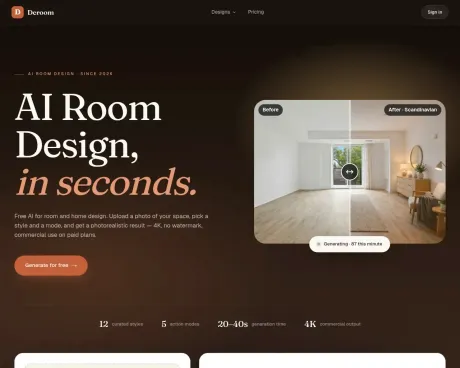
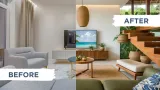
Try free instantly. Deroom AI is a SaaS web app for AI-powered room redesign — upload a photo, pick a style, get photo-realistic redesigns in 30 seconds. Subscription plans available.
What you get
Additional Information
Features
- Photo-to-design in 20-40 seconds — upload, pick style, generate
- 9 room types — bedroom, kitchen, bathroom, living room, exterior, garden, closet, home office, landscape
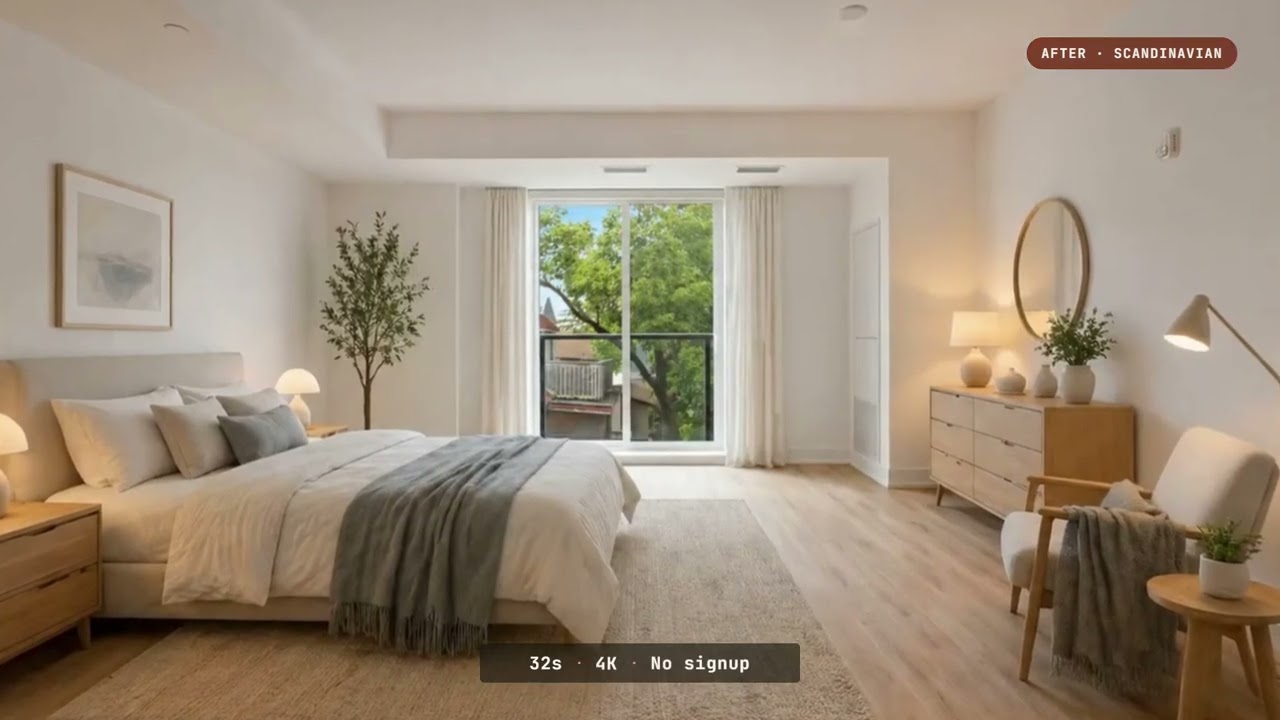
- 12 curated styles — Scandinavian, Japandi, Modern, Minimalist, Mid-Century, Industrial, Bohemian, Coastal
- 5 surgical action modes — Full Redesign / Recolor Only / Furniture Swap / Quick Refresh / Declutter
- 4K photorealistic output + commercial license on paid plans
Use Cases
- Real-estate agents staging listing photos
- Renters previewing paint colors and furniture before buying
- Interior designers iterating concepts with clients in real time
- Homeowners exploring renovation ideas without paying for mockups
Video Preview
Frequently asked questions
What is Deroom AI used for?
Free AI Room Design Generator from Photo.Is Deroom AI free?
Pricing for Deroom AI varies — see the Pricing section for details.What are alternatives to Deroom AI?
Where can I get Deroom AI?
Deroom AI is available at https://deroomai.com.What category is Deroom AI in?
Deroom AI is listed in Architecture & Interior Design.Use Cases
* Real-estate agents staging listing photos * Renters previewing paint colors and furniture before buying * Interior designers iterating concepts with clients in real time * Homeowners exploring renovation ideas without paying for mockupsVideo Preview
[](https://youtu.be/_rMFErZEpmA)What is AI room design?
AI room design uses generative AI to reimagine a room from a photo. You upload a picture of your space, pick a style and action mode, and the AI produces a photorealistic version of the same room in the chosen style — typically in 30-60 seconds.Can I use AI room design free without login?
Generation requires sign-in. No credit card: continue with Google, get 10 free credits for your first result, save designs, and get credits back if a run fails.Is Deroom AI free to use?
Yes. Sign up with Google and you get 10 free credits — enough for one full generation with no watermark. Paid plans start at $9.99/mo and include 4K export, commercial use, and 20 generations per month on Starter.What rooms does Deroom AI support?
12 room types out of the box: Kitchen, Bathroom, Bedroom, Living Room, Dining Room, Home Office, Closet, Kids Room, Balcony, Garden, and Exterior (house facade). We also handle any other room via the generic "Other" option.How is Deroom different from other AI room designers?
Three things. (1) 5 action modes — not just "full redesign" but also quick refresh, declutter, recolor, and furniture swap. (2) 12 curated styles tuned for photographic quality, not random variants. (3) Commercial rights included on every paid plan.Will the AI keep my room's actual layout?
Depends on the action mode you pick. "Quick Refresh," "Recolor," and "Declutter" preserve your exact furniture layout. "Full Redesign" preserves the room type, camera angle, and proportions but reimagines the interior. You're always in control.Can I use the generated designs commercially?
Yes on all paid plans. Interior designers, real estate agents, and renovation contractors use Deroom outputs in client briefs, listing photos, and remodel proposals. Free tier outputs include a small watermark and are for personal use only.What makes the AI generations photorealistic?
We use image-to-image models tuned specifically for architectural interiors — they preserve window positions, ceiling height, and camera perspective from your source photo while re-rendering materials, lighting, furniture, and decor in the chosen style.How long does a generation take?
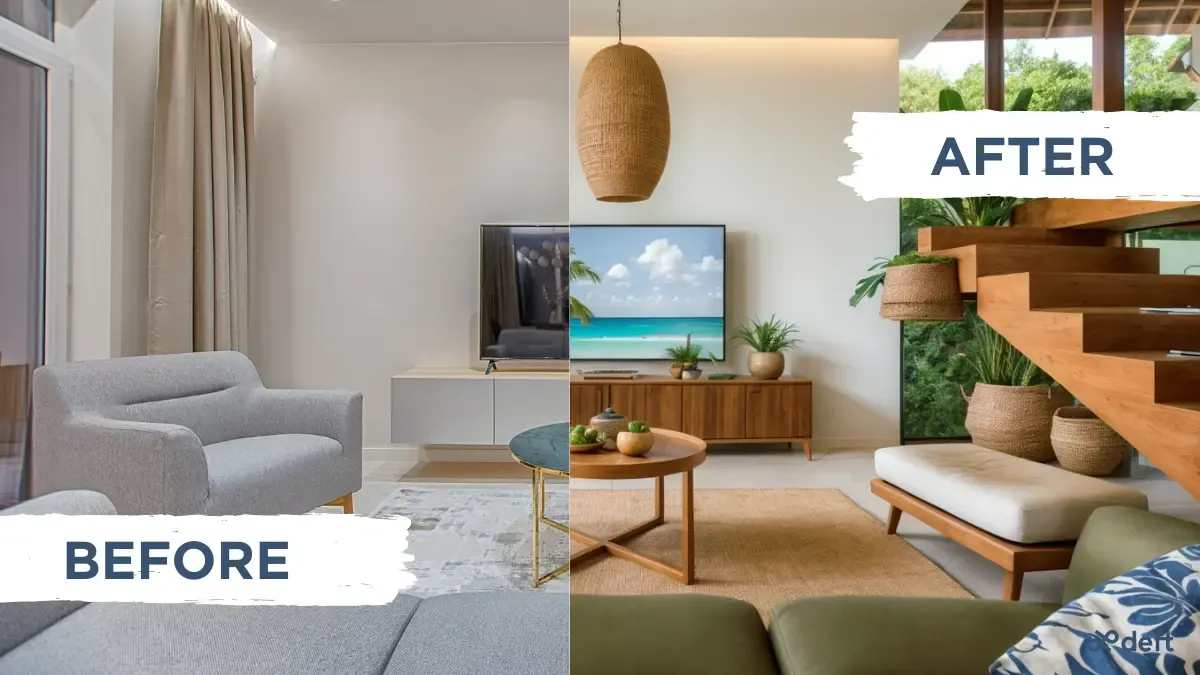
30-60 seconds per generation. Professional-tier subscribers get priority processing (usually under 30 seconds). The browser polls every 5 seconds and shows your Before/After as soon as the AI finishes.What's the difference between AI room design and AI home design?
AI room design focuses on one space at a time: a kitchen, bedroom, office, exterior, or garden photo. AI home design is the broader project — repeat that process across the rooms and outdoor areas, then compare the best renders as one connected direction.Can Deroom redesign my entire home, not just one room?
Yes. Generate the important rooms and outdoor areas separately, then compare them as one renovation direction. Most homeowners create 5-10 AI room design renders and bring the strongest options to a designer or contractor.
Compare Deroom AI with…
Pick any tool to see a structured side-by-side: pricing, deployment, capabilities, and content policy.