- Category
- Text to Image
- Pricing
- Free
- Alternatives
- 6 similar tools
- Last updated
- 5 months ago
- Source
- Official site ↗︎
AI Collection Top Picks

Text to Image Category Picks

About Flux AI Image Generator Free
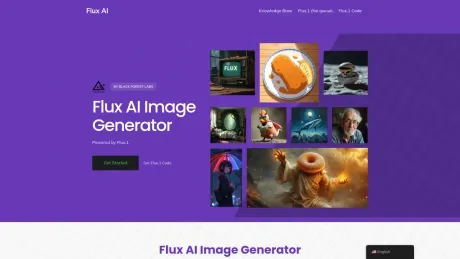
Free Flux AI Image Generator online. Create & edit photo by Flux.2 Dev, Pro, Flex & Flux.1 Schnell Lora. Flux 2 AI image to image, text to image & AI video.
Frequently asked questions
What is Flux AI Image Generator Free used for?
Free Flux AI Image Generator by Black Forest Labs.Is Flux AI Image Generator Free free?
Flux AI Image Generator Free is free to use.What are alternatives to Flux AI Image Generator Free?
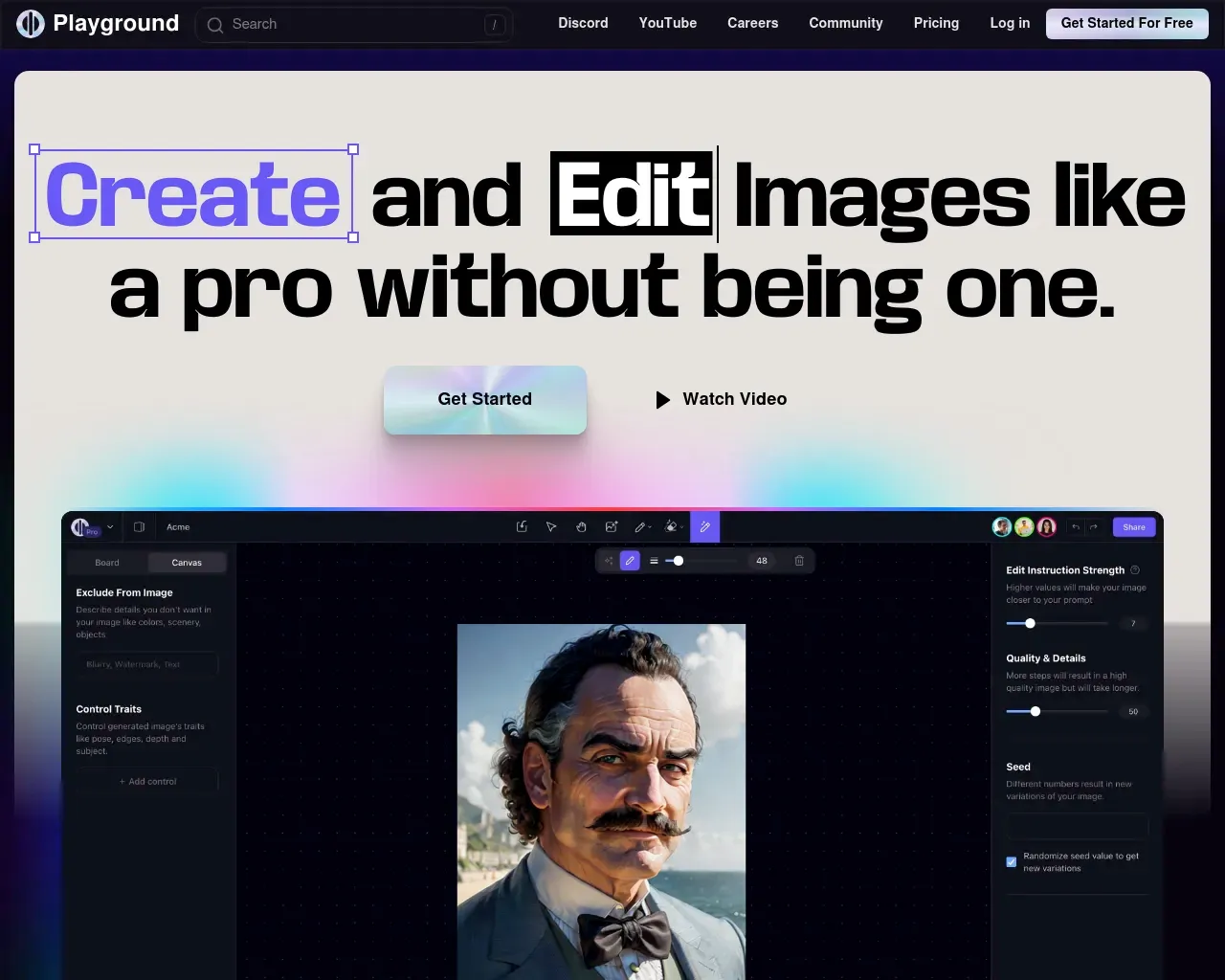
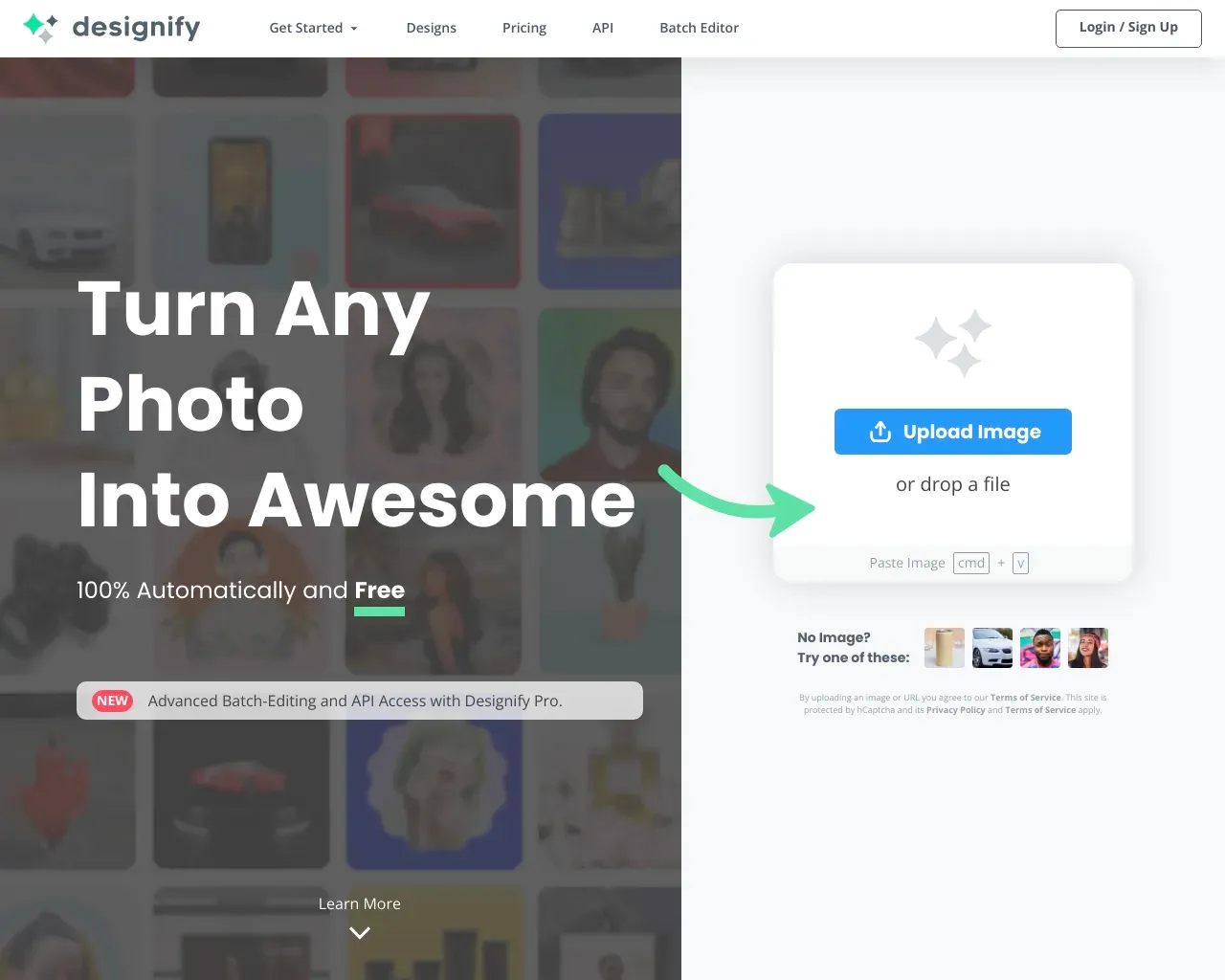
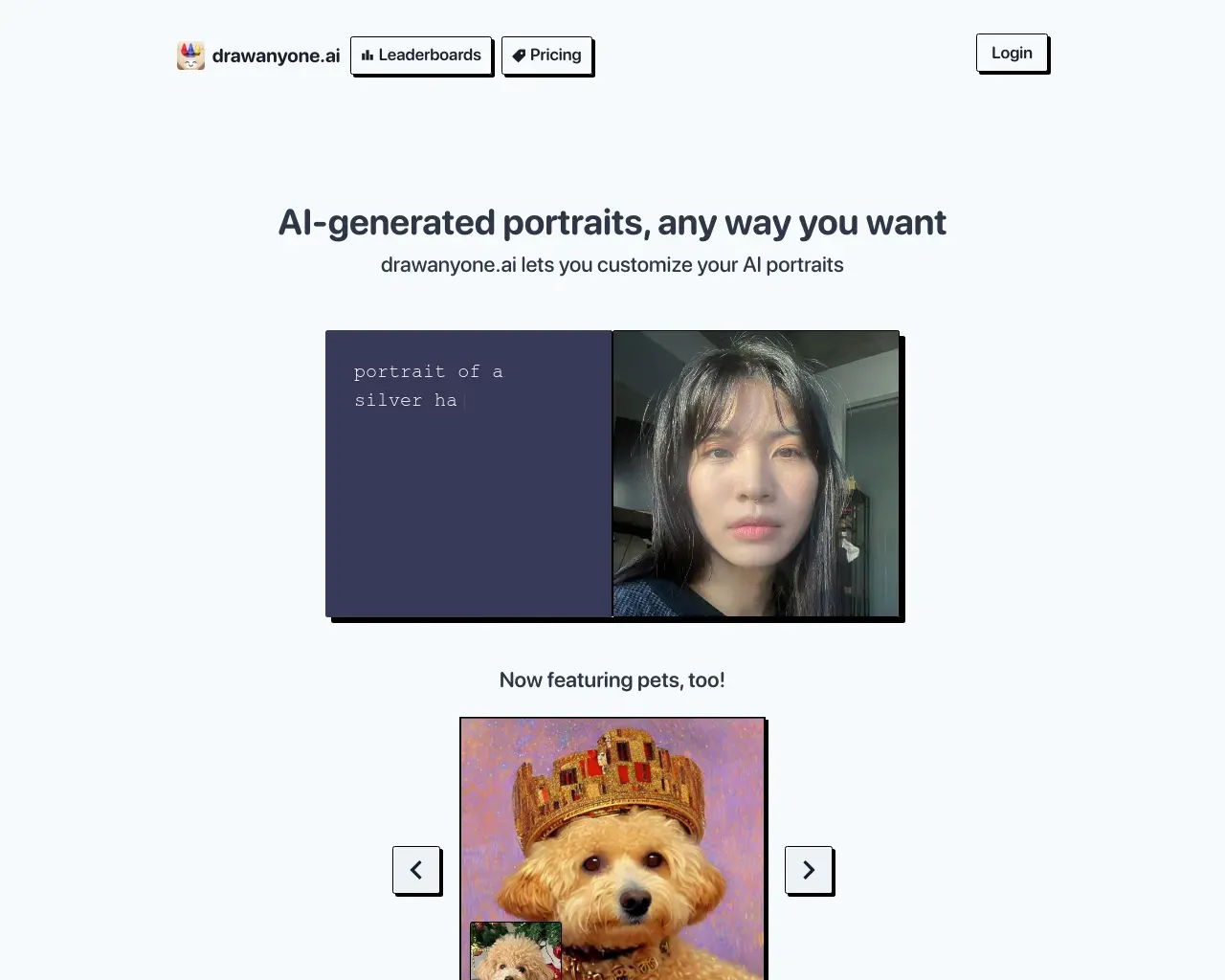
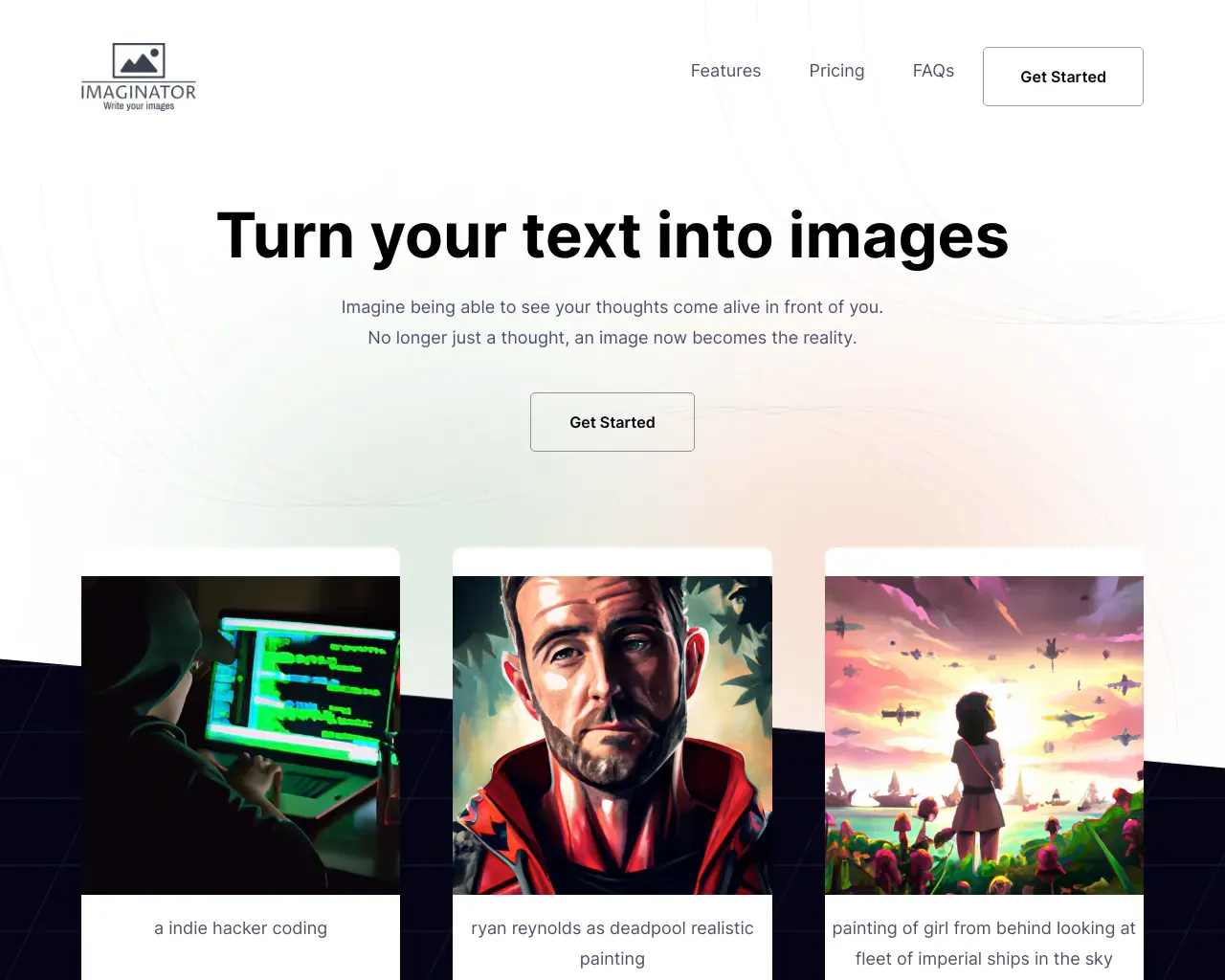
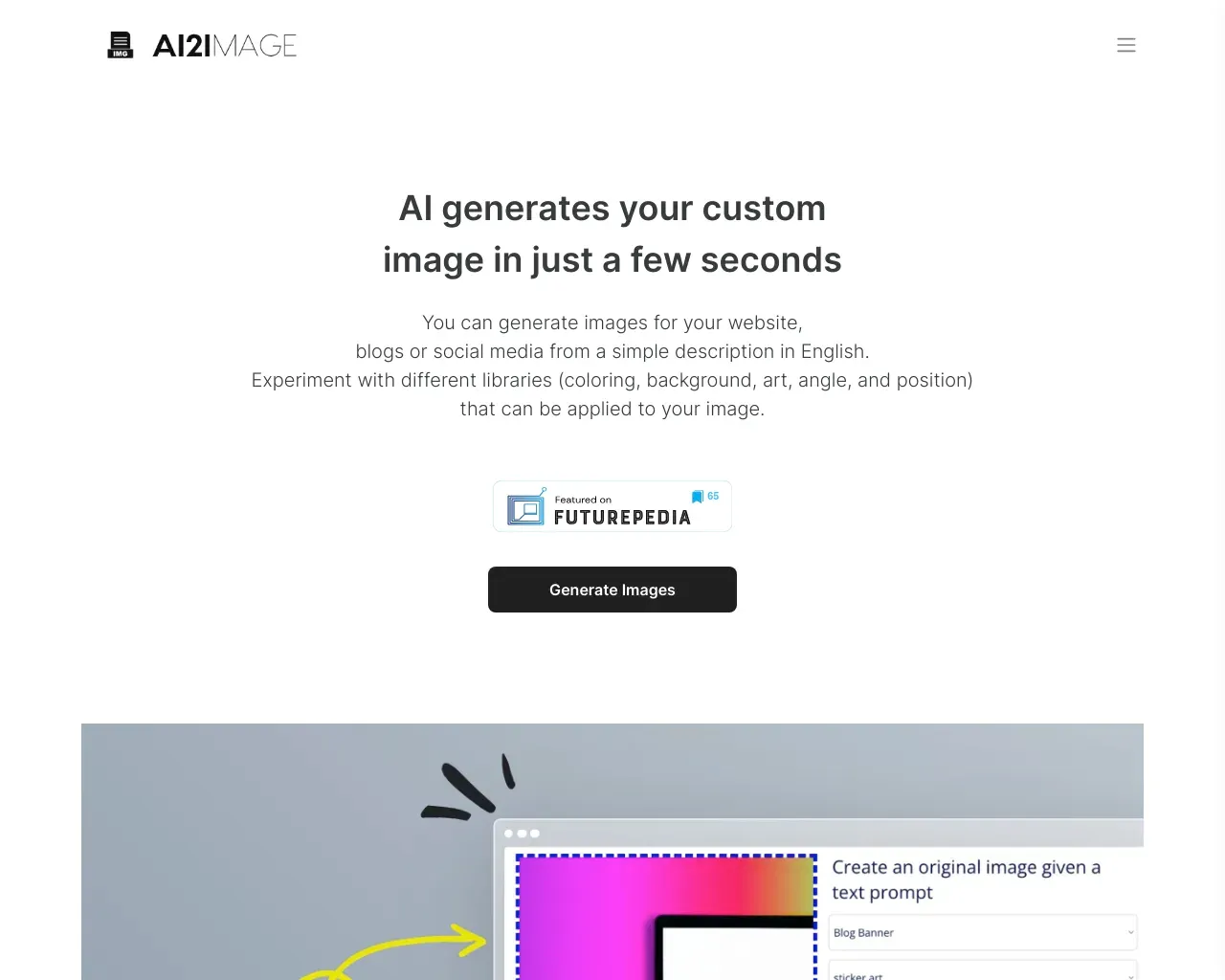
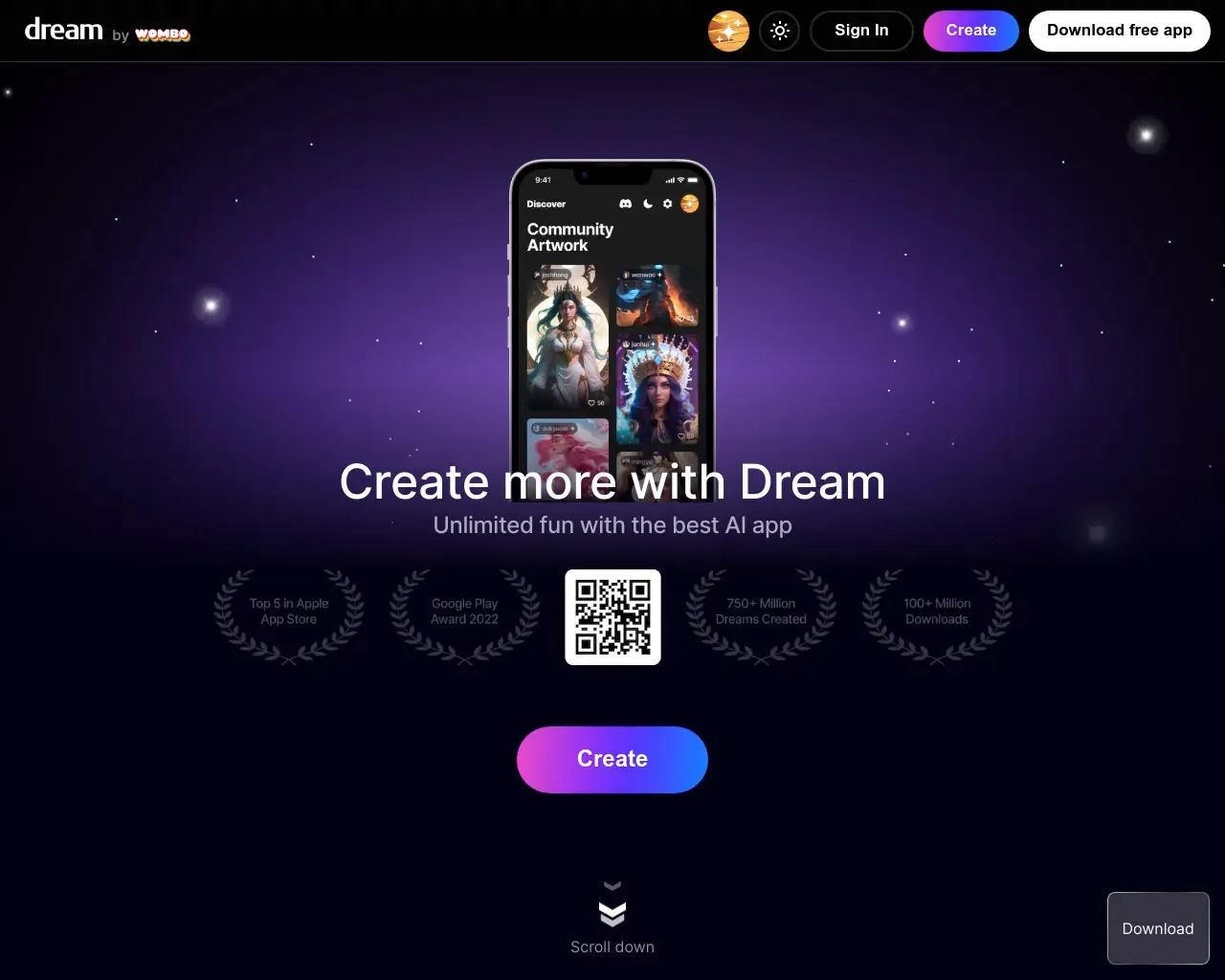
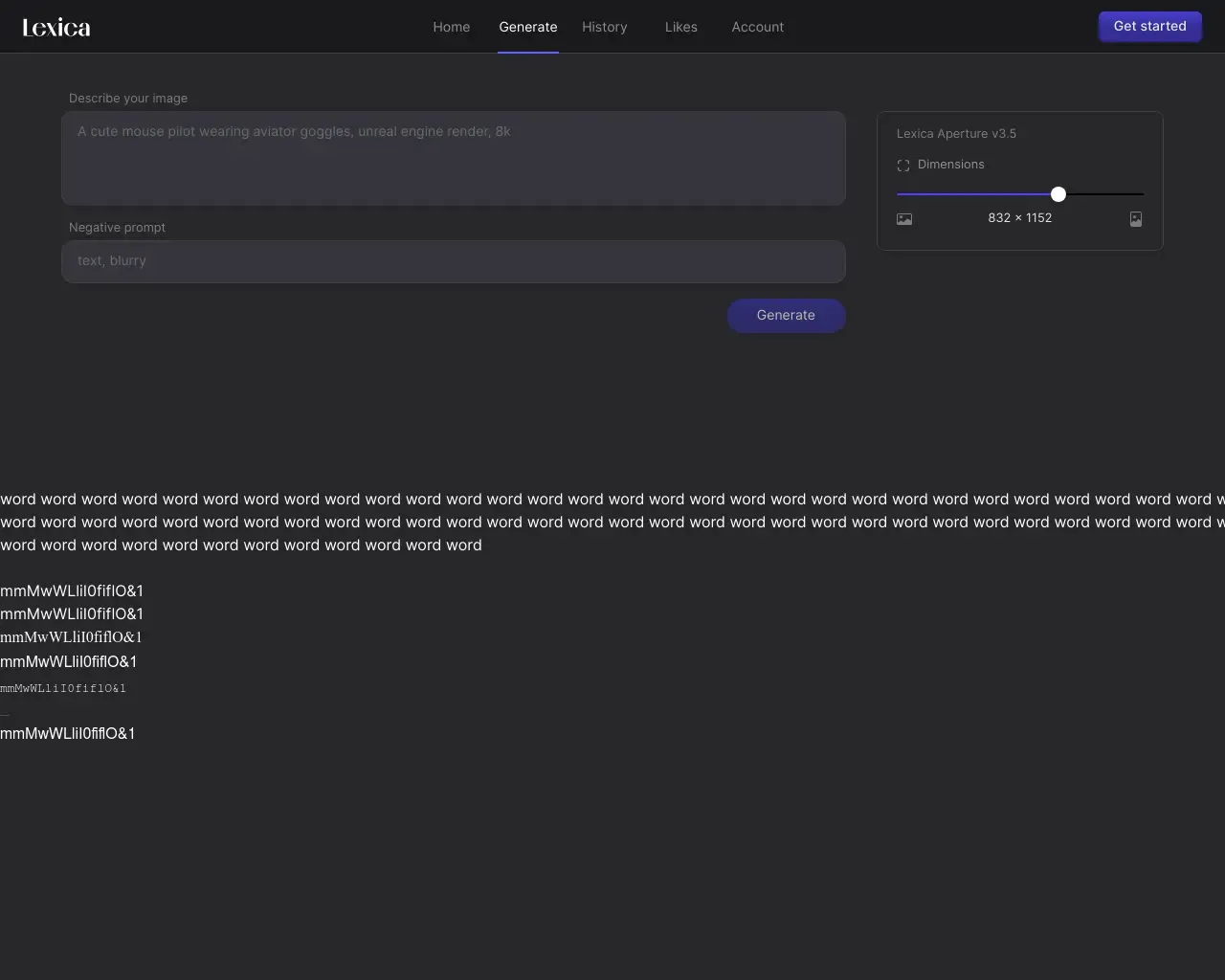
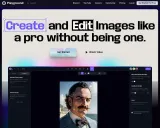
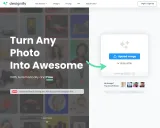
Top alternatives to Flux AI Image Generator Free include Playground, Designify, DrawAnyone, AI Picasso, AI Wall Decor.Where can I get Flux AI Image Generator Free?
Flux AI Image Generator Free is available at https://flux-ai.online/.What category is Flux AI Image Generator Free in?
Flux AI Image Generator Free is listed in Text to Image.How do I install Flux AI Image Generator?
Installation instructions are available on the Flux AI website and GitHub repository.Is Flux AI Image Generator free to use?
Yes, it is 100% free and offers unlimited image generation.What are the different versions of Flux AI Image Generator?
The versions are Flux Dev, Flux Schnell, and Flux Pro.Who developed Flux AI Image Generator?
It was developed by Black Forest Labs.What makes Flux AI Image Generator stand out from competitors?
Its high quality, flexibility, and free unlimited usage without sign-up.Can I use Flux AI Image Generator on different platforms?
Yes, it integrates seamlessly with various platforms.What are some common use cases for Flux AI Image Generator?
It is used in design, advertising, and art creation.How can I contribute to the development of Flux AI Image Generator?
Contributions can be made via the GitHub repository.What support resources are available for Flux AI Image Generator?
Users can access community forums and professional technical support.
Compare Flux AI Image Generator Free with…
Pick any tool to see a structured side-by-side: pricing, deployment, capabilities, and content policy.