Fotor AI Image Generator
Free AI Image Generator - Text to Image AI (No Signup) | Fotor.
- Category
- Text to Image
- Pricing
- Paid
- Alternatives
- 6 similar tools
- Last updated
- 1 months ago
- Source
- Official site ↗︎
AI Collection Top Picks

Text to Image Category Picks
About Fotor AI Image Generator
Convert text to image with Fotor's free AI image generator. Explore industry-leading AI models, strong prompt adherence & high realism. No signup needed.
Fotor AI Image Generator's Pricing Plans
Fotor AI Image Generator may change prices at any time. Here's our latest information:
Fotor AI image Generator's Pricing Plans
Fotor AI image Generator Pricing Plans
$3.99
/month
- Watermark-free exports
- 2G Cloud storage
- 2K / 4K Export resolution
Frequently asked questions
What is Fotor AI Image Generator used for?
Free AI Image Generator - Text to Image AI (No Signup) | Fotor.Is Fotor AI Image Generator free?
Fotor AI Image Generator is a paid product. See the Pricing section for current plans.What are alternatives to Fotor AI Image Generator?
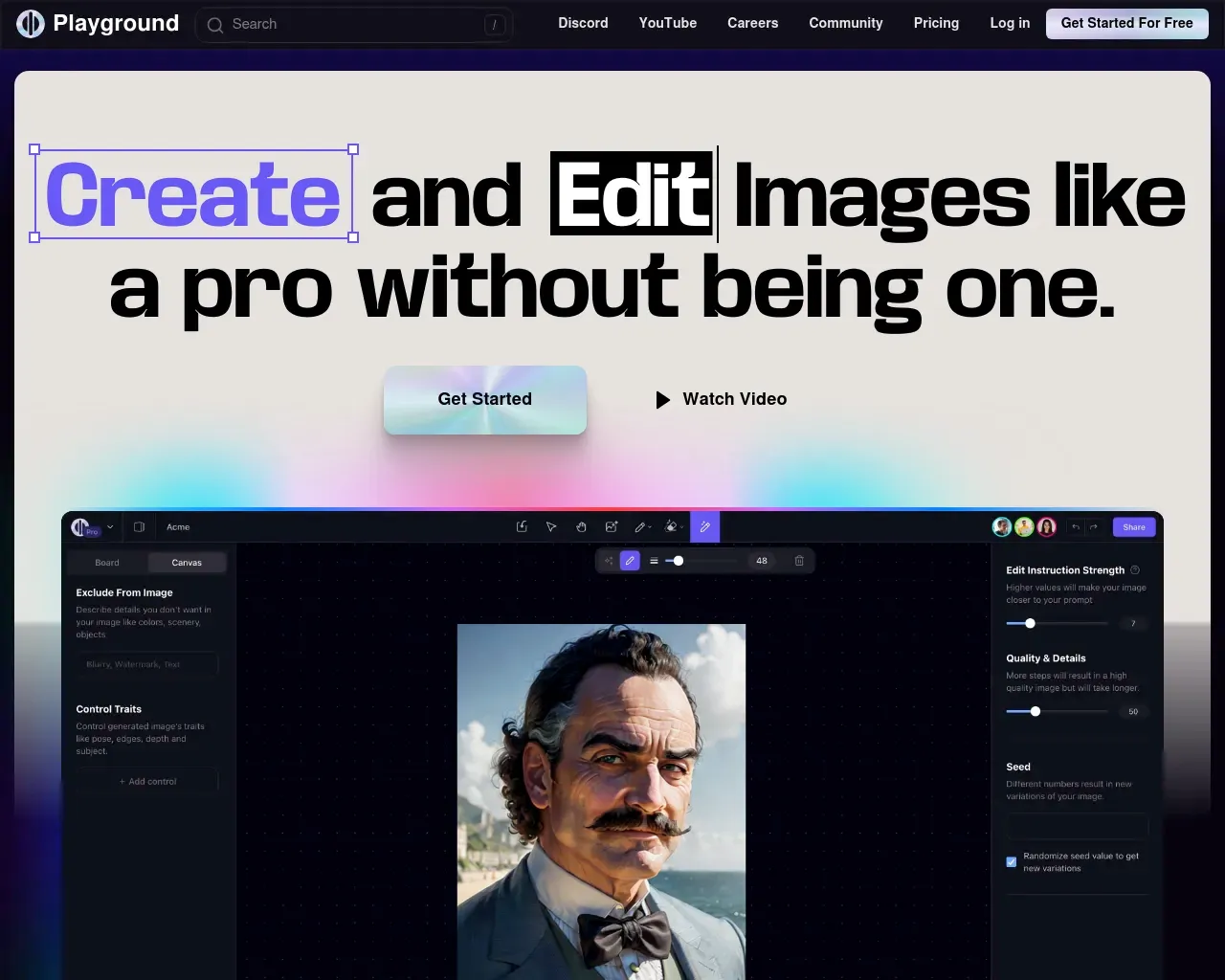
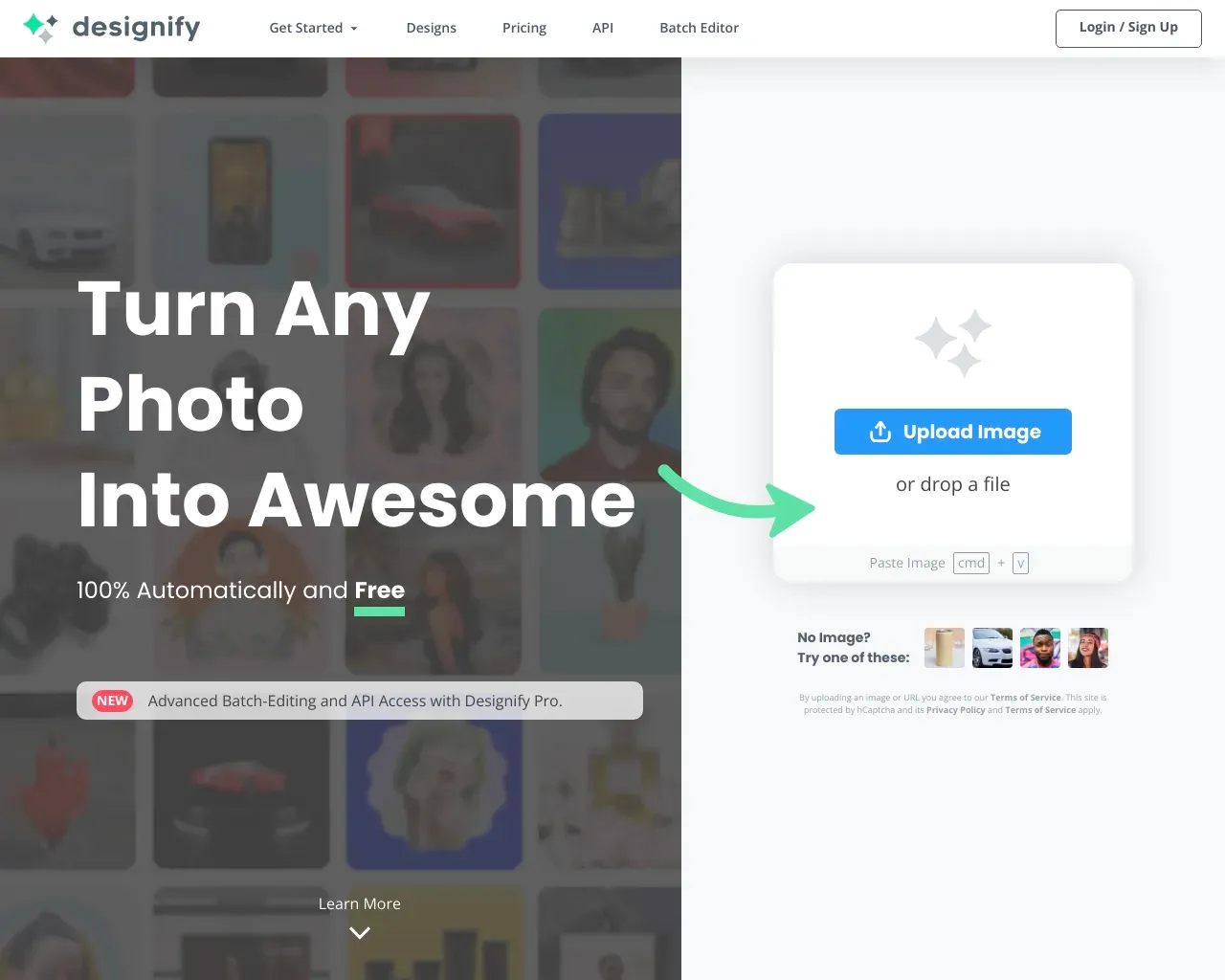
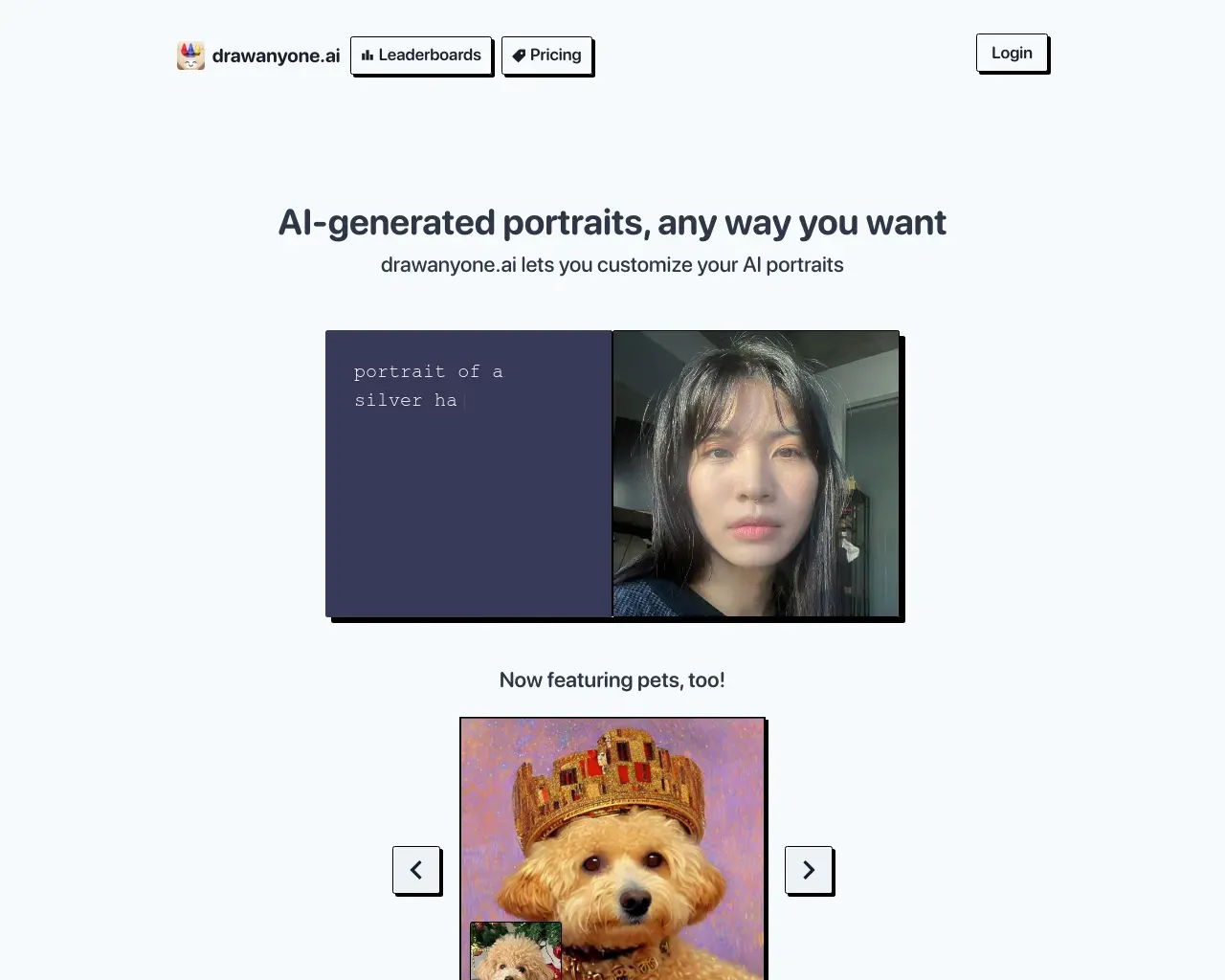
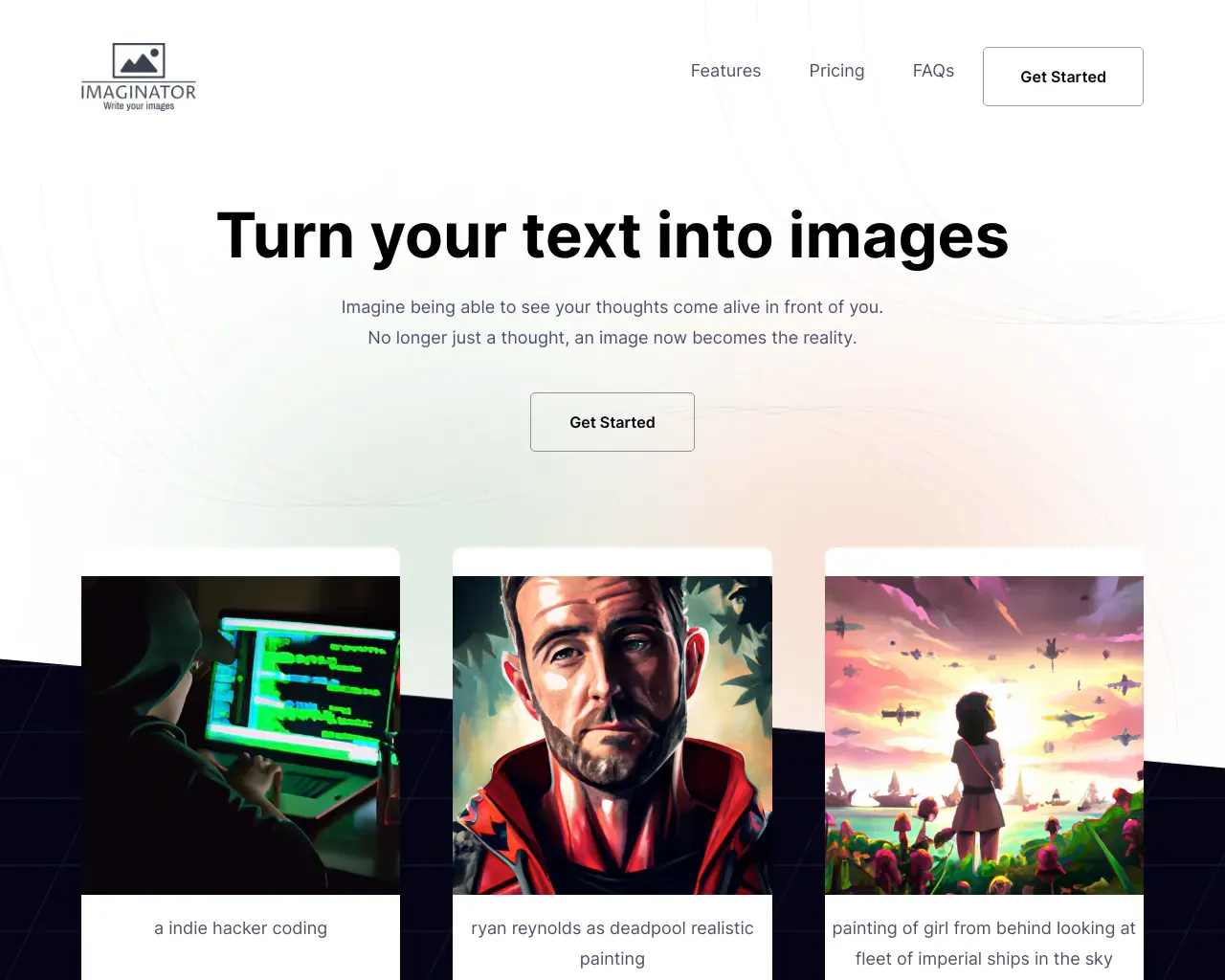
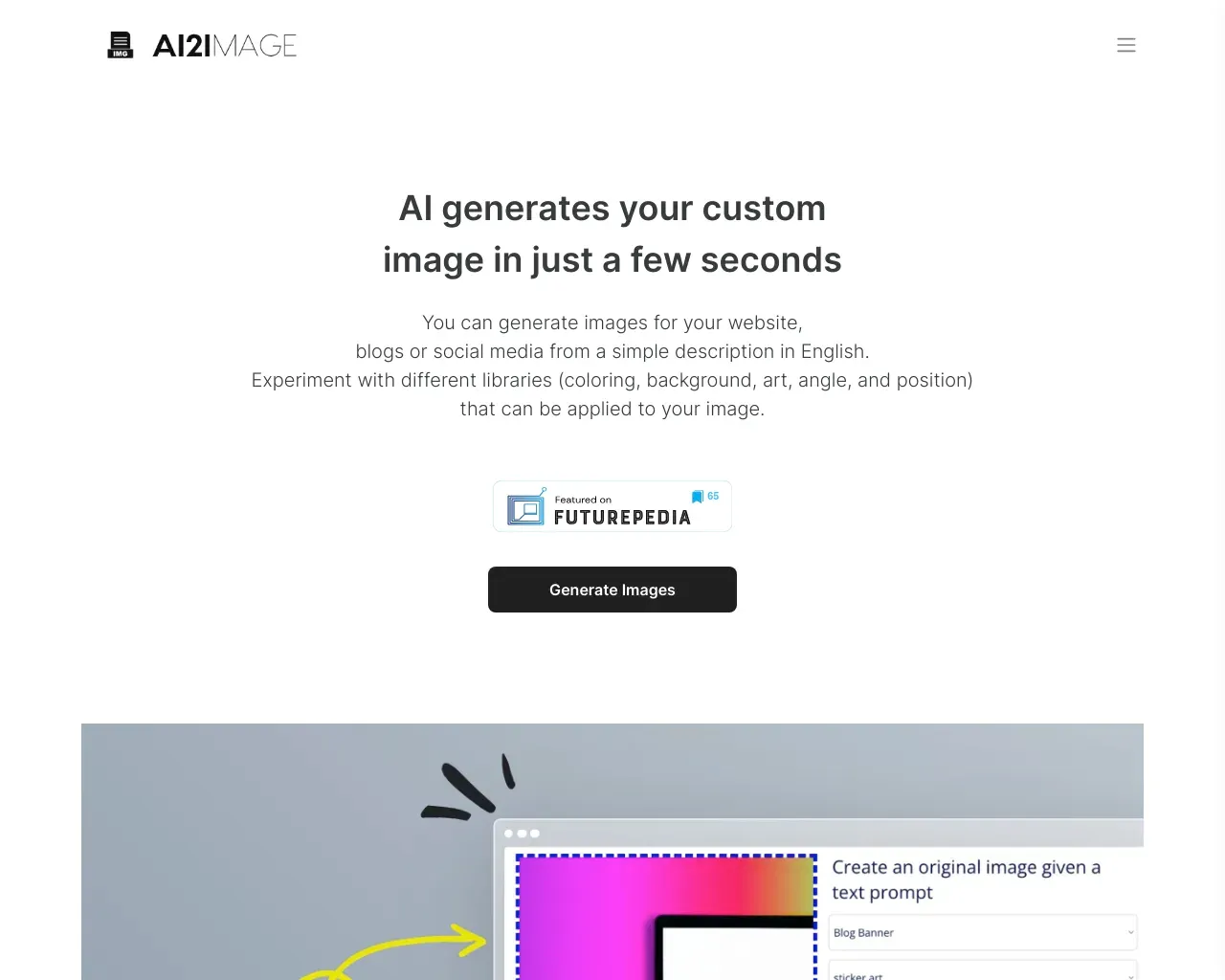
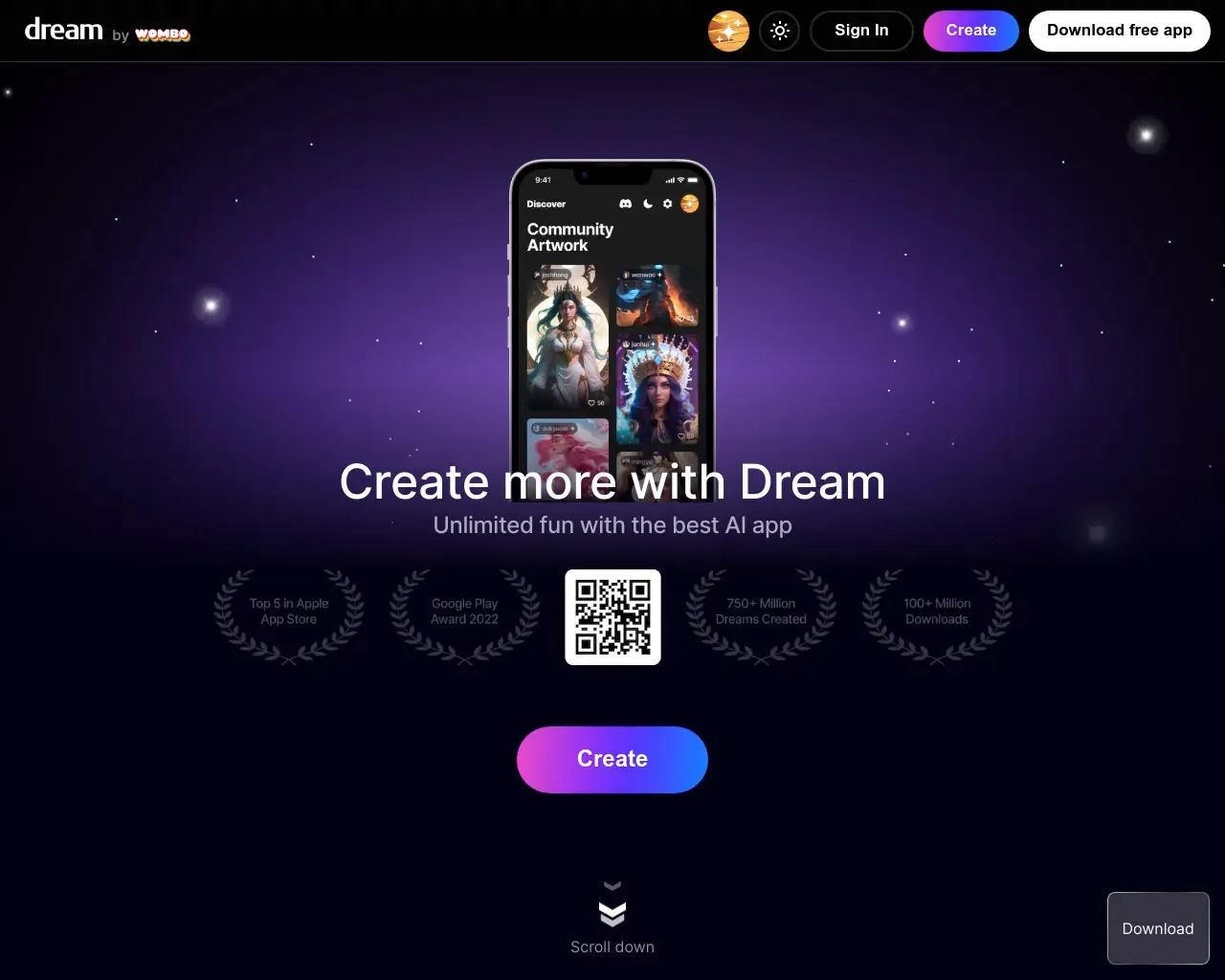
Top alternatives to Fotor AI Image Generator include Playground, Designify, DrawAnyone, AI Picasso, AI Wall Decor.Where can I get Fotor AI Image Generator?
Fotor AI Image Generator is available at https://www.fotor.com/ai-image-generator/.What category is Fotor AI Image Generator in?
Fotor AI Image Generator is listed in Text to Image.How to Make AI-Generated Images and Art?
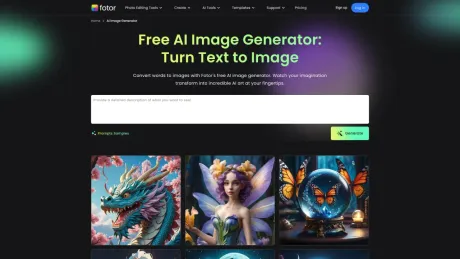
1. Describe what you want in Fotor AI picture generator box directly. Log in and get more free credits to produce AI images. 2. Choose the aspect ratio, image style such as 3D, oil painting and cartoon, and image number you want. Then, click the "Generate" button to create AI-generated images. 3. Or you can upload your preferred image to generate a similar image in the Fotor AI image generator. 4. Personalize your AI images by clicking the "Edit" button. Upscale image, remove background from image, add text to image to enhance your image. 5. Download AI pictures and share your perfect AI-generated photos directly. Or use them on Fotor's graphic design projects.Features
1. AI Technology 2. Time-Saving 3. One-Click 4. Cross-DevicesUse cases
* Make AI Image from Text * Generate AI Image from Image * Generate images for designersWhat is Fotor AI image generator?
Fotor AI is an all-in-one visual creation platform that integrates industry-leading models like Nano Banana 2, Flux [Pro], and Seedream. It allows users to transform text or reference images into high-quality digital art, marketing assets, and professional photography in seconds.
Is there a free version of the Fotor AI image generator?
Yes! Fotor offers a free version where new users receive daily credits to explore our AI engines. You can test various models, including Nano Banana 2 and Seedream 5.0 Lite, to start your creative journey without any upfront cost.
Can I use AI-generated images for commercial purposes?
Absolutely. Fotor-generated images come with full commercial usage rights. Whether you’re creating website banners, social media ads, or product mockups, Fotor ensures your workflow is business-ready.
Do I own the copyright to the images I create?
Yes, subject to our Terms of Service, Fotor allows you to use your unique AI-generated masterpieces for personal or professional branding.
Can I upscale my images to 4K?
Yes. Every image generated can be enhanced using our built-in AI Upscaler. You can instantly boost your visuals to 2K or 4K resolution, ensuring crystal-clear quality for large-format printing or high-definition web displays.
How can I ensure my character or brand style stays consistent?
Models like Midjourney V7, Seedream 4.5 / 5.0 Lite, and Flux.1 Kontext [Pro] feature advanced Character Reference (CREF) and Style Reference (SREF). By uploading a reference image, you can "lock" a specific face, outfit, or artistic vibe across multiple generations, ensuring perfect brand consistency.
Can I edit specific parts of a generated image?
Yes, with our AI Inpainting tool. If you love a generated image but want to change a small detail—like a hair color or a background object—simply brush over the area and describe the change. The AI will seamlessly regenerate only that specific part.
How can I create better AI-generated images using prompts?
1. Specify the Lens: Don’t just ask for a “photo.” Indicate the lens type to control perspective and background blur—for example, “85mm lens” for portraits or “14mm wide-angle” for landscapes.
2. Define the Light: AI often defaults to flat lighting. Specify the light source and time of day, such as “Golden Hour,” “Volumetric Lighting,” or “Neon Rim Light,” to enhance mood and emotional impact.
3. Describe the Material: Focus on surface textures rather than just objects. Use descriptions like “Brushed Metal,” “Distressed Leather,” or “Translucent Silk” for more realistic results.
4. Use Double Quotes for Text: For models supporting typography (e.g., Nano Banana Pro), treat text like a “Quote” and specify font styles like Serif, Bold, or Neon to ensure accurate rendering.
What if I don't know how to write professional prompts?
Don’t worry. Our built-in AI Prompt Enhancer is designed for beginners. Just enter a few simple words, and the AI will automatically expand them into a descriptive, high-fidelity prompt using professional lighting and composition terms.
What is the best AI image generator?
The best AI image generator depends on your workflow, but most AI image generator tools like Midjourney, Stable Diffusion, and DALL·E, focus only on creating images. Once an image is generated, you need to switch to a different tool for editing. Fotor AI image generator stands out by combining leading AI image models with powerful built-in editing capabilities. Generate images, then edit them using text prompts or 100+ AI-powered editing tools. Add text, replace objects, and refine details with ease.
For anyone who needs both AI image generation and professional-grade editing in one place, Fotor AI image generator is a strong choice.
Is it free to use Fotor AI image generator?
Yes! Fotor AI image generator is free to try. You can create AI images from text or images without signing up. Receive free daily credits to explore different AI models and styles. Experiment with advanced AI models like Nano Banana Pro and GPT Image 2 to kickstart generating visuals freely.
Does the AI create unique images?
Yes, every image you generate on the Fotor AI text to image generator is unique. You do not need to spend time designing from scratch. Type your description and watch your vision transform into one-of-a-kind images. The limitation of generating images is your imagination.
Can I use Fotor AI photo generator on mobile?
Sure, you can use our AI picture generator on both PC and mobile devices. Simply input the description of your ideas to get started generating online. Catch your thoughts anytime, anywhere for free.
Can I edit an AI-generated image after creating it?
Yes. This is one of the areas where Fotor differs most from other AI text-to-image generators. Simply describe what to change in plain text, and the AI applies the edit precisely. You also get access to 100+ built-in AI editing tools, including AI inpainting, AI upscaling, AI color correction, and more, all within the same platform
Does Fotor support high-resolution AI image generation?
Yes. You can generate AI images in up to 4K resolution and upscale them further using AI upscaling tool for even larger outputs, suitable for print, ads, and professional design work.
Can I generate multiple AI images at once?
Yes. Fotor supports batch image generation. You can generate up to 4 AI images in a single run. This makes it faster to explore different styles and find the best result.
How to write ai prompts for art?
A well-crafted prompt can help you achieve better results. With Fotor AI image generator, you don’t need prompt engineering skills. Our built-in AI Prompt Enhancer is designed for beginners. Just enter a few simple words, and the AI will automatically expand them into a descriptive, high-fidelity prompt using professional lighting and composition terms.
Tips for writing better AI art prompts:
1. Use synonyms. Use specific synonyms like little, minor, compact, or mini instead of small.
2. Use quantifiers and collective nouns. Specify numbers like “Three dogs” instead of “dogs.” Collective nouns like “herd of zebras” work better than “zebras.”
3. Focus on what you want to see. It is better to describe what you want instead of what you don’t want. If you enter a prompt with “no buildings,” your image will probably appear with buildings.
4. Focus on details. Try to be clear about any details that matter to you. Specify the subject, medium, environment, lighting, color, mood, composition, etc.
5. Specify the lens. Don’t just ask for a “photo.” Indicate the lens type to control perspective and background blur—for example, “85mm lens” for portraits or “14mm wide-angle” for landscapes.
6. Define the light. AI often defaults to flat lighting. Specify the light source and time of day, such as “Golden Hour,” “Volumetric Lighting,” or “Neon Rim Light,” to enhance mood and emotional impact.
7. Describe the material. Focus on surface textures rather than just objects. Use descriptions like “Brushed Metal,” “Distressed Leather,” or “Translucent Silk” for more realistic results.
8. Use double quotes for text. For models supporting typography (e.g., Nano Banana Pro), treat text like a “Quote” and specify font styles like Serif, Bold, or Neon to ensure accurate rendering.
Compare Fotor AI Image Generator with…
Pick any tool to see a structured side-by-side: pricing, deployment, capabilities, and content policy.