FreeLipSync
Free AI Lip Sync Generator Online | No Sign-Up, No Watermark.
- Category
- Video Dubbing & Translation
- Alternatives
- 6 similar tools
- Last updated
- 2 weeks ago
- Source
- Official site ↗︎
AI Collection Top Picks

Video Dubbing & Translation Category Picks


About FreeLipSync
Create free AI lip sync videos online. Make any photo, image, or video speak or sing with audio, text, or cloned voices — no sign-up, no watermark.
What you get
Additional Information
FreeLipSync is an AI-powered tool designed to create lip sync videos from images or videos of faces. Users can upload their media, input text, or provide audio files to generate a synchronized video. The service supports various formats such as MP4, MOV, JPG, PNG, and WebP, and outputs video in MP4 format. Additionally, it allows for voice cloning, enabling users to create a digital version of their voice using a one-minute sample recording.
The platform offers a free tier with a 20-second video generation limit, suitable for those experimenting with the service. For more serious creators, the Starter plan provides high-resolution video outputs and extended features, while the Pro plan is geared towards content creators and teams needing unlimited video generations and advanced features. With support for over 500 languages, FreeLipSync caters to a global audience.
Key use cases include creating educational content, marketing materials, and social media clips, making it versatile for various professional and personal projects. The quick generation time of approximately 30 seconds per video allows users to produce content rapidly and efficiently, enhancing productivity without sacrificing quality.
Frequently asked questions
What is FreeLipSync used for?
Free AI Lip Sync Generator Online | No Sign-Up, No Watermark.Is FreeLipSync free?
Pricing for FreeLipSync varies — see the Pricing section for details.What are alternatives to FreeLipSync?
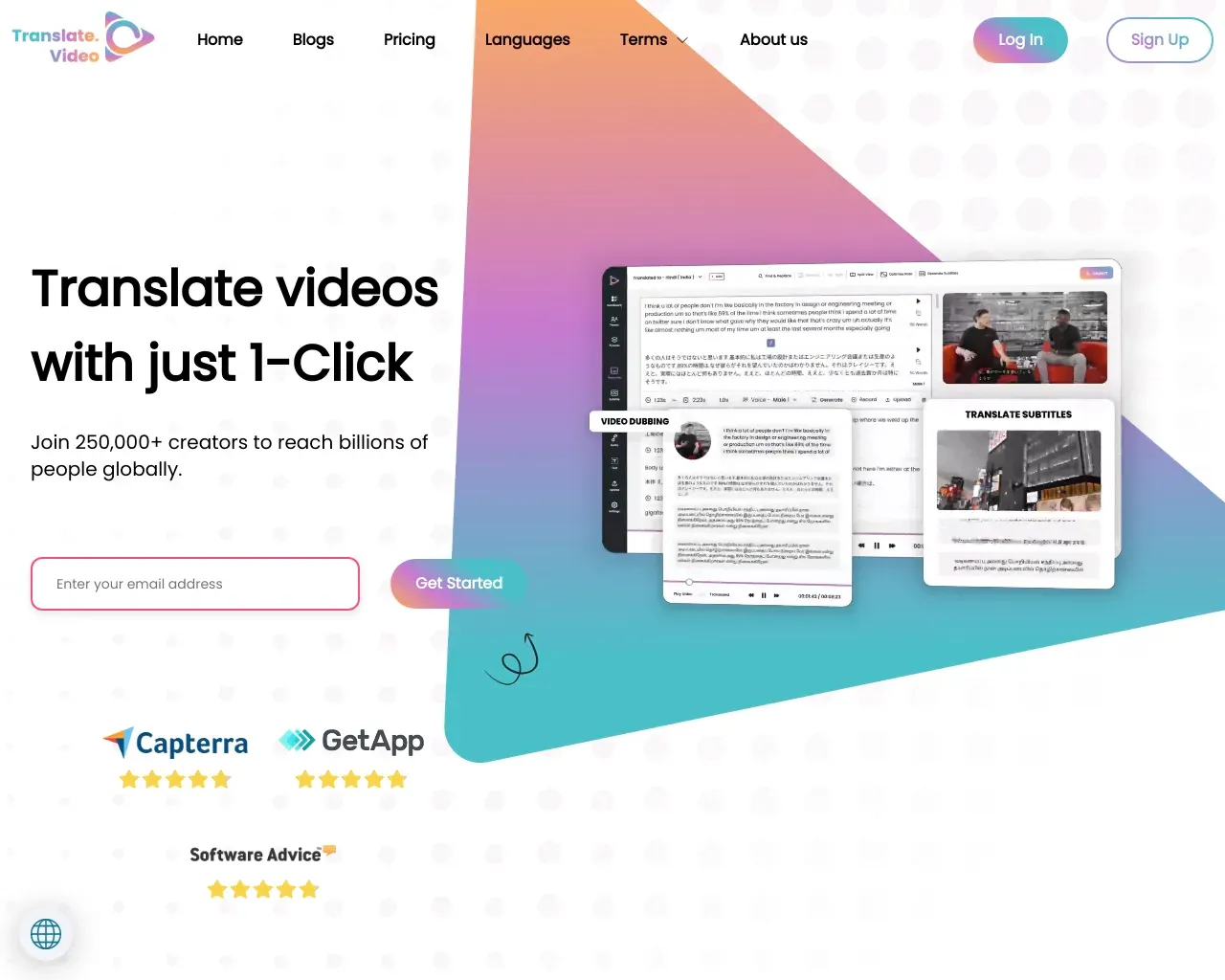
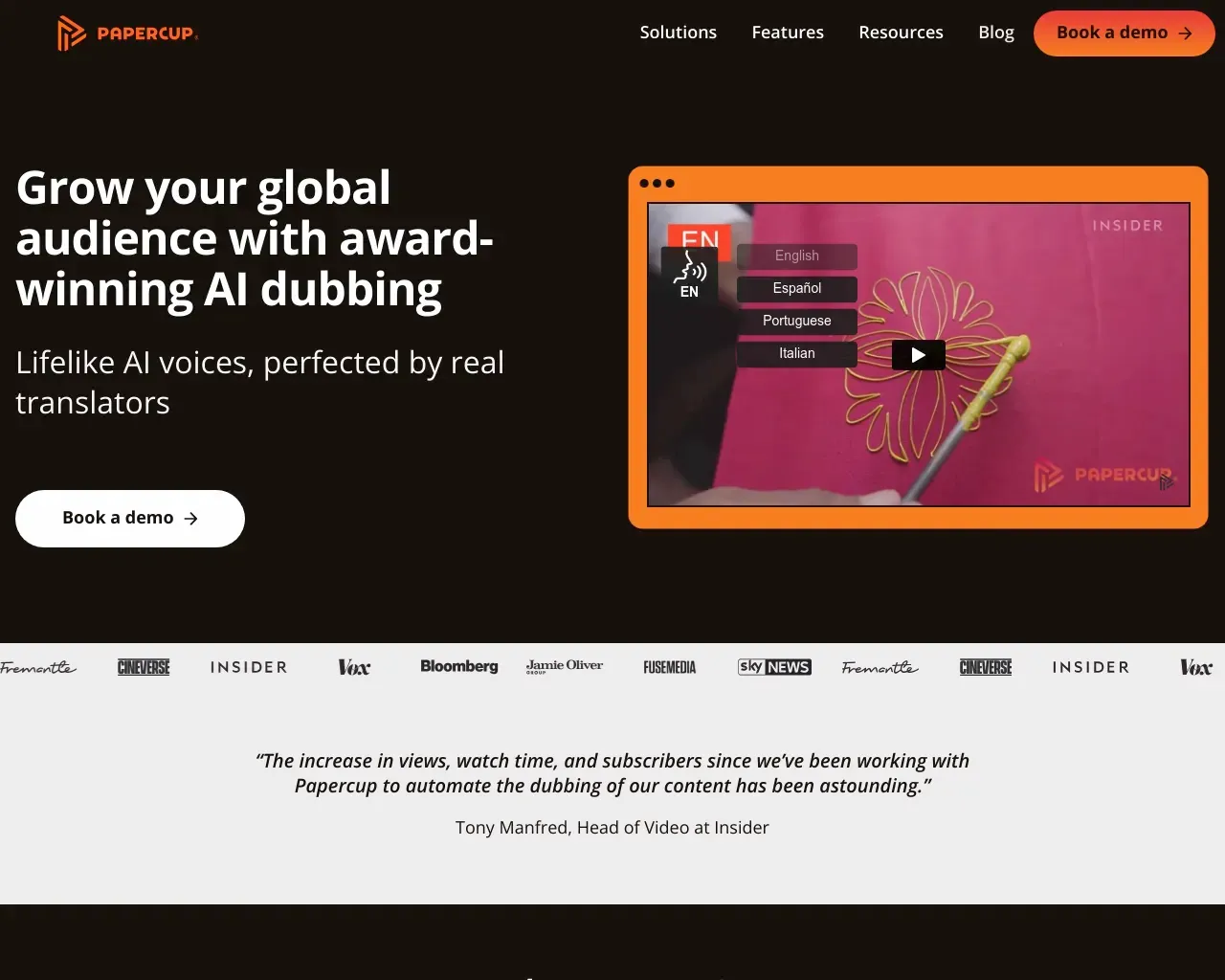
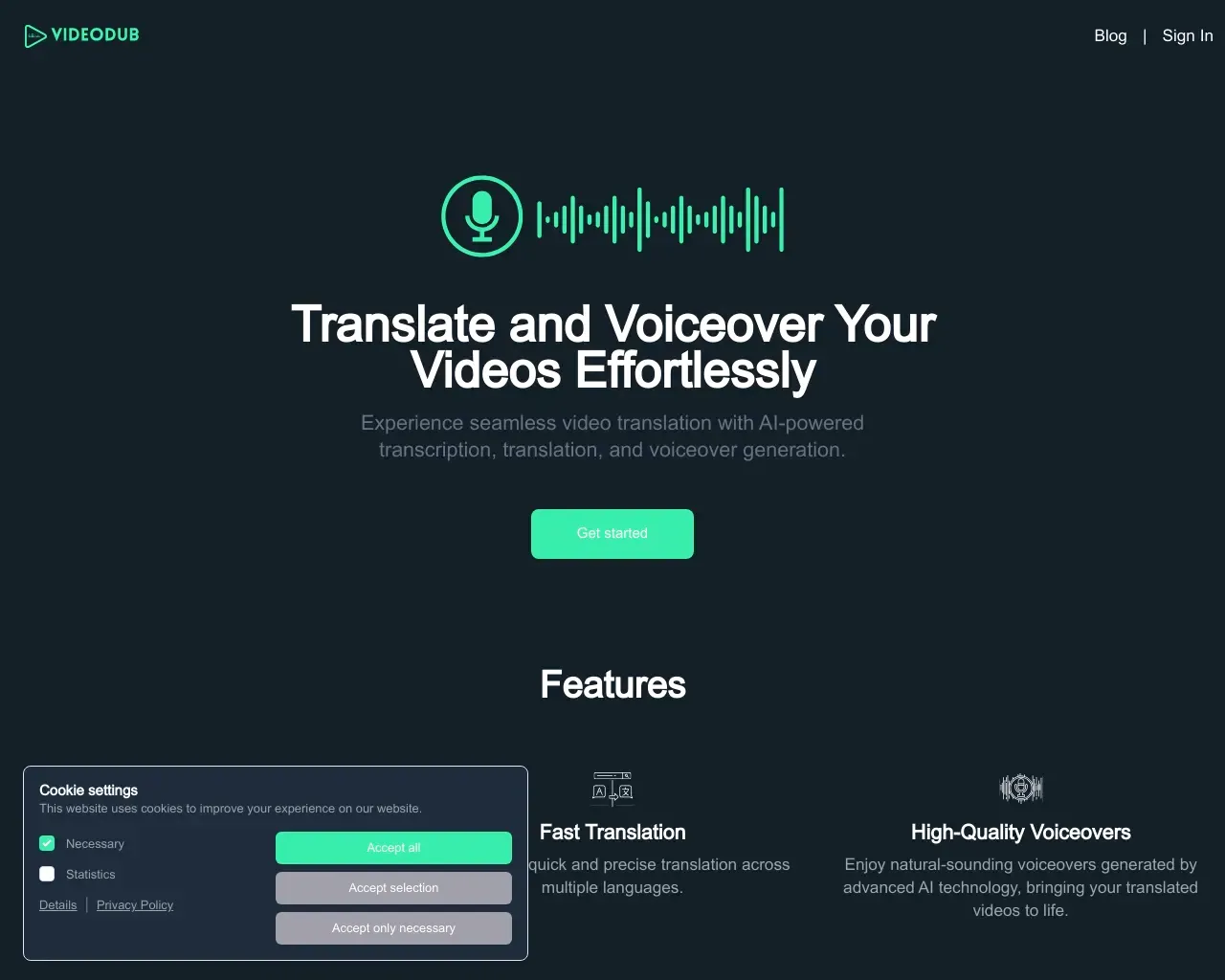
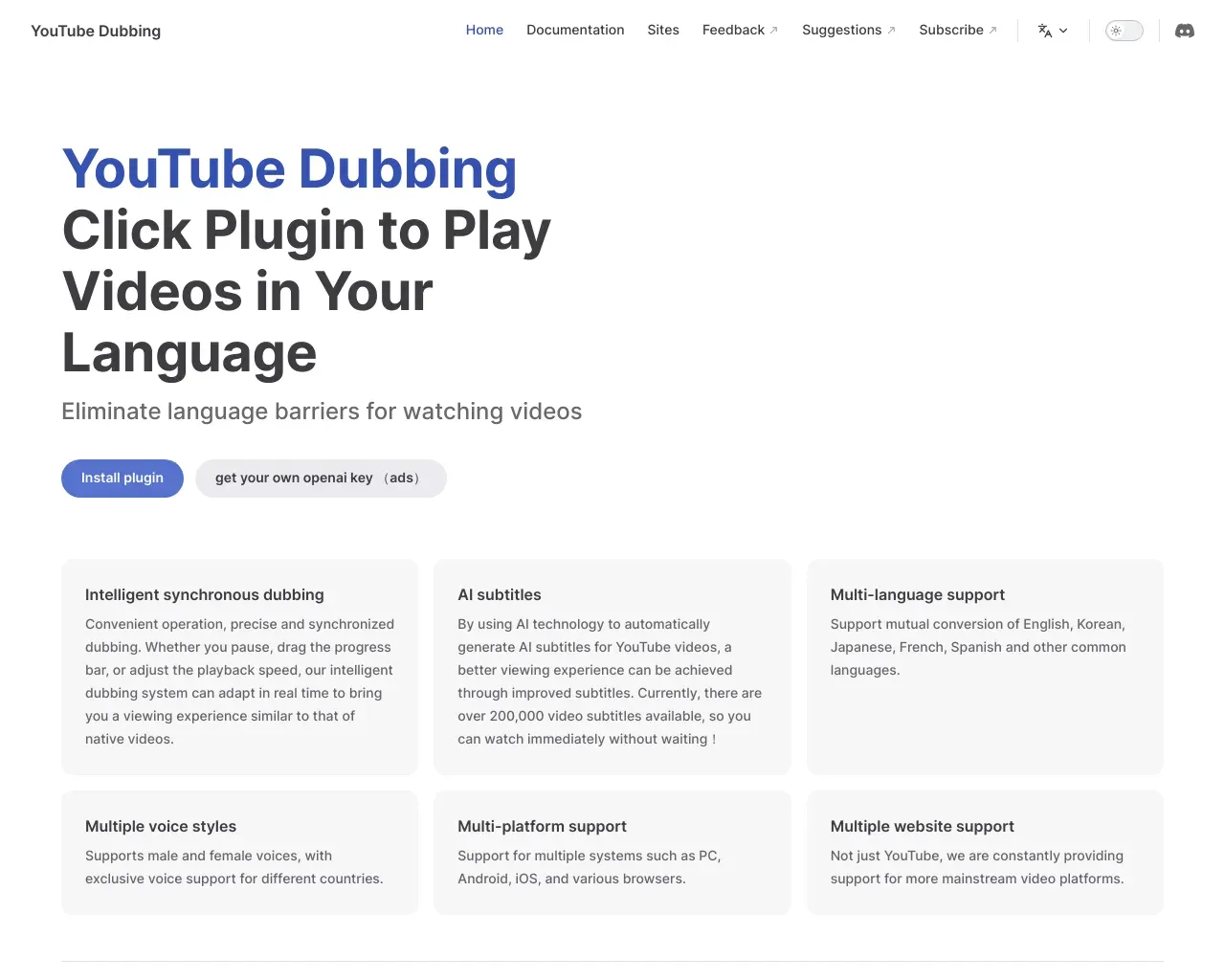
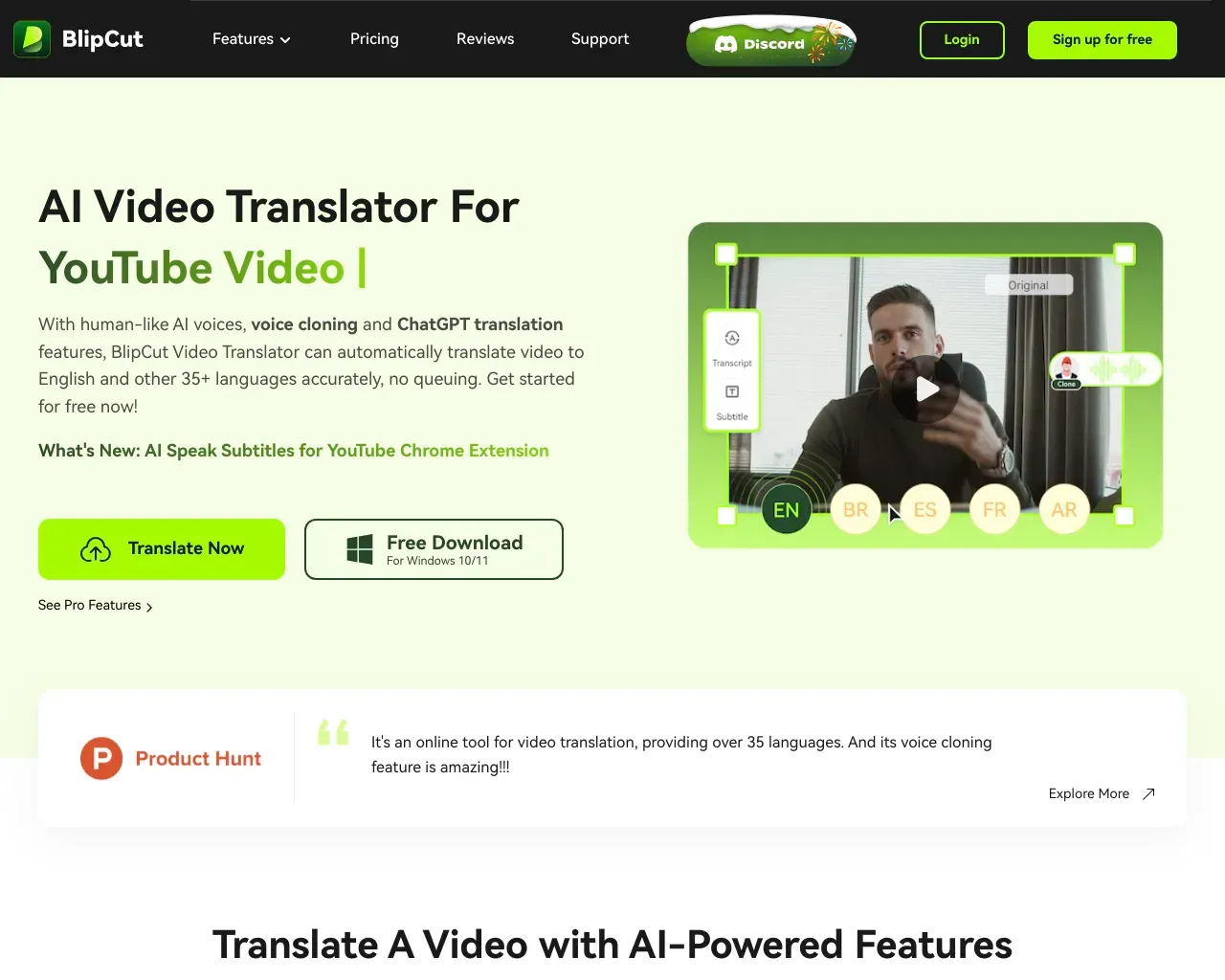
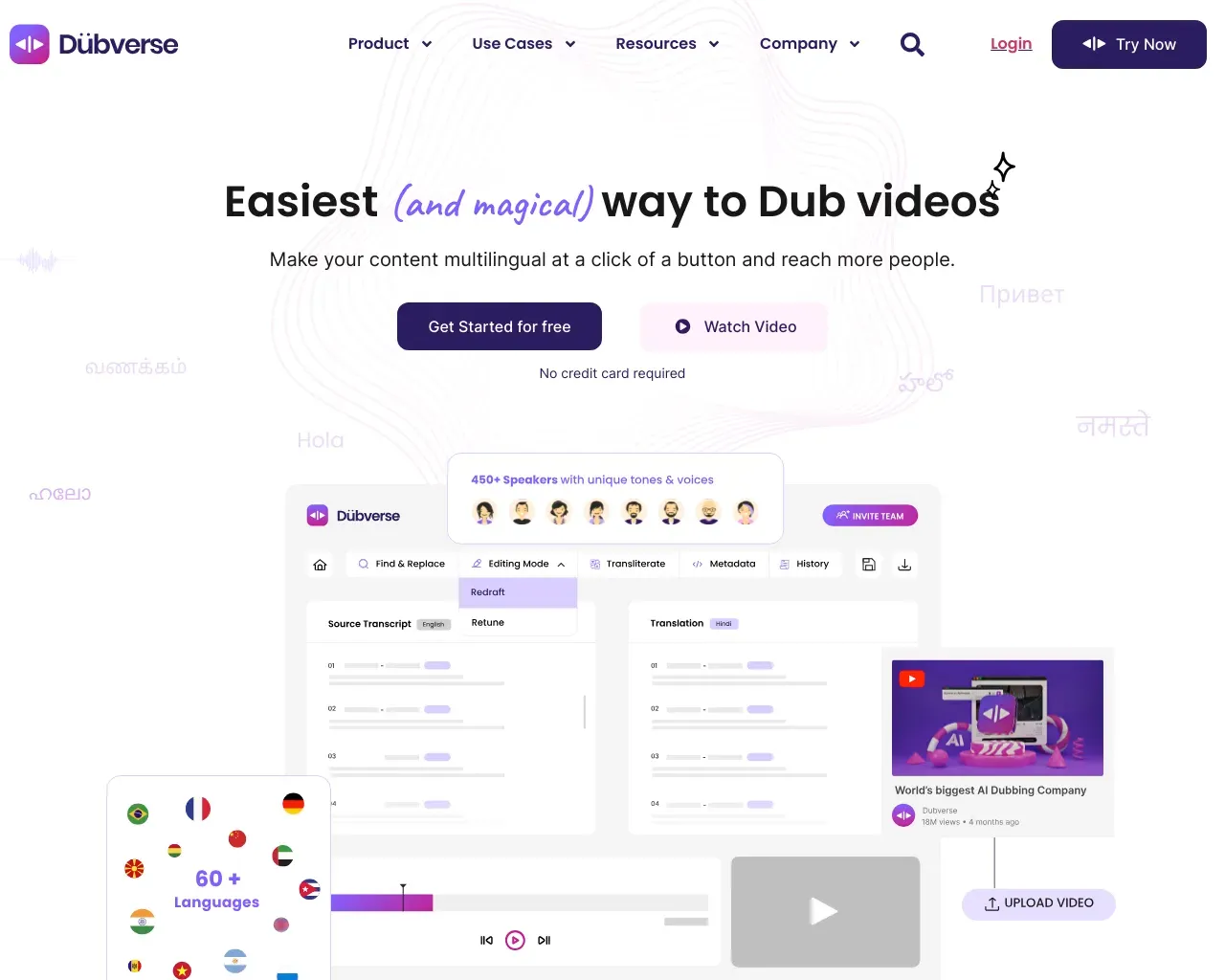
Top alternatives to FreeLipSync include TranslateVideo, Papercup, VideoDub, youtube dubbing, BlipCut Video Translator.Where can I get FreeLipSync?
FreeLipSync is available at https://freelipsync.com/.What category is FreeLipSync in?
FreeLipSync is listed in Video Dubbing & Translation.Is FreeLipSync really free?
Yes. You can try FreeLipSync for free with no credit card and no sign-up required. The free tier includes 20-second video generations, 133-character TTS, clean outputs with no watermark, and 1 unfinished generation at a time.What video/image formats are supported?
We support MP4, MOV, JPG, PNG, and WebP as input. Output is always MP4.Can I close the webpage while generating?
Yes, but keeping the tab open is recommended. When the result is ready, the page will show a notification. For the safest experience, create an account before generating, because guest results can be easier to lose if you close the page or session.Can I use a photo instead of a video?
Yes. You can upload either a face photo or a short video clip as the visual base.What is the difference between Free, Starter, and Pro?
Free generation has no watermark and supports low-resolution downloads after sign-in. Starter and Pro unlock high-resolution Pro Videos.What does low-resolution download mean?
Logged-in free users can download a reduced-resolution version of their video. It keeps the original aspect ratio but is scaled down for a smaller file. Original-resolution download requires a Pro Video.What languages are supported?
FreeLipSync supports 500+ languages. That includes the 11 site locales we currently localize for: English, Simplified Chinese, Spanish, Brazilian Portuguese, Japanese, German, French, Hindi, Indonesian, Russian, and Arabic.Do I need to register before trying?
No. You can generate as a guest. Register only when you want account features.Does it support custom audio upload?
Yes. You can upload any MP3 or WAV file to sync the lips to.Can I clone my own voice?
Yes. Voice cloning is included in Free. You can record a 1-minute sample to create a digital voice twin.Why did my generation fail?
Common reasons include: undetectable face in image, file too large (>50MB), or server timeout. Try a different image.Is existing video audio preserved?
No. The output video will have the audio you provided (TTS or Upload) replacing the original track.
Compare FreeLipSync with…
Pick any tool to see a structured side-by-side: pricing, deployment, capabilities, and content policy.