- Category
- Text to Image
- Pricing
- Paid
- Alternatives
- 6 similar tools
- Last updated
- 2 weeks ago
- Source
- Official site ↗︎
AI Collection Top Picks

Text to Image Category Picks

About Ideogram 4.0 AI
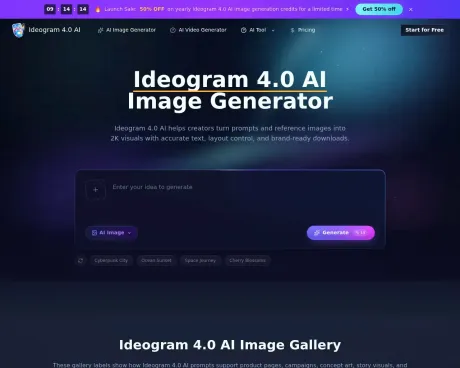
Try Ideogram 4.0 AI, a free AI image generator for 2K visuals, readable text, layout control, and brand-ready prompts. Create images online now. Try it free.
Ideogram 4.0 AI's Pricing Plans
Ideogram 4.0 AI may change prices at any time. Here's our latest information:
Save 50% with yearly subscription
Starter
for hobbyists and casual creators
$19.9
monthly
- 14,400 Credits / year
- Text-to-image and image-to-image
- Reference image workflow
- High-resolution exports
- No watermark
- Commercial use license
- Customer support
- No priority queue
- No fastest generation speed
- No priority customer support
- Cost per 100 credits: $0.83
- One-time credit packs / pay-as-you-go options available
Plus
for creators and professionals
$29.9
monthly
- 24,000 Credits / year
- Text-to-image and image-to-image
- Reference image workflow
- High-resolution exports
- Priority queue
- No watermark
- Commercial use license
- Priority customer support
- Cost per 100 credits: $0.75
- One-time credit packs / pay-as-you-go options available
Enterprise
for teams and power users
$79.9
monthly
- 67,200 Credits / year
- Text-to-image and image-to-image
- Reference image workflow
- High-resolution exports
- Priority queue
- Fastest generation speed
- No watermark
- Commercial use license
- Expert team support
- Cost per 100 credits: $0.71
- Contact support for enterprise onboarding
- One-time credit packs / pay-as-you-go options available
Frequently asked questions
What is Ideogram 4.0 AI used for?
Ideogram 4.0 AI Free: #1 AI Image Generator Online.Is Ideogram 4.0 AI free?
Ideogram 4.0 AI is a paid product. See the Pricing section for current plans.What are alternatives to Ideogram 4.0 AI?
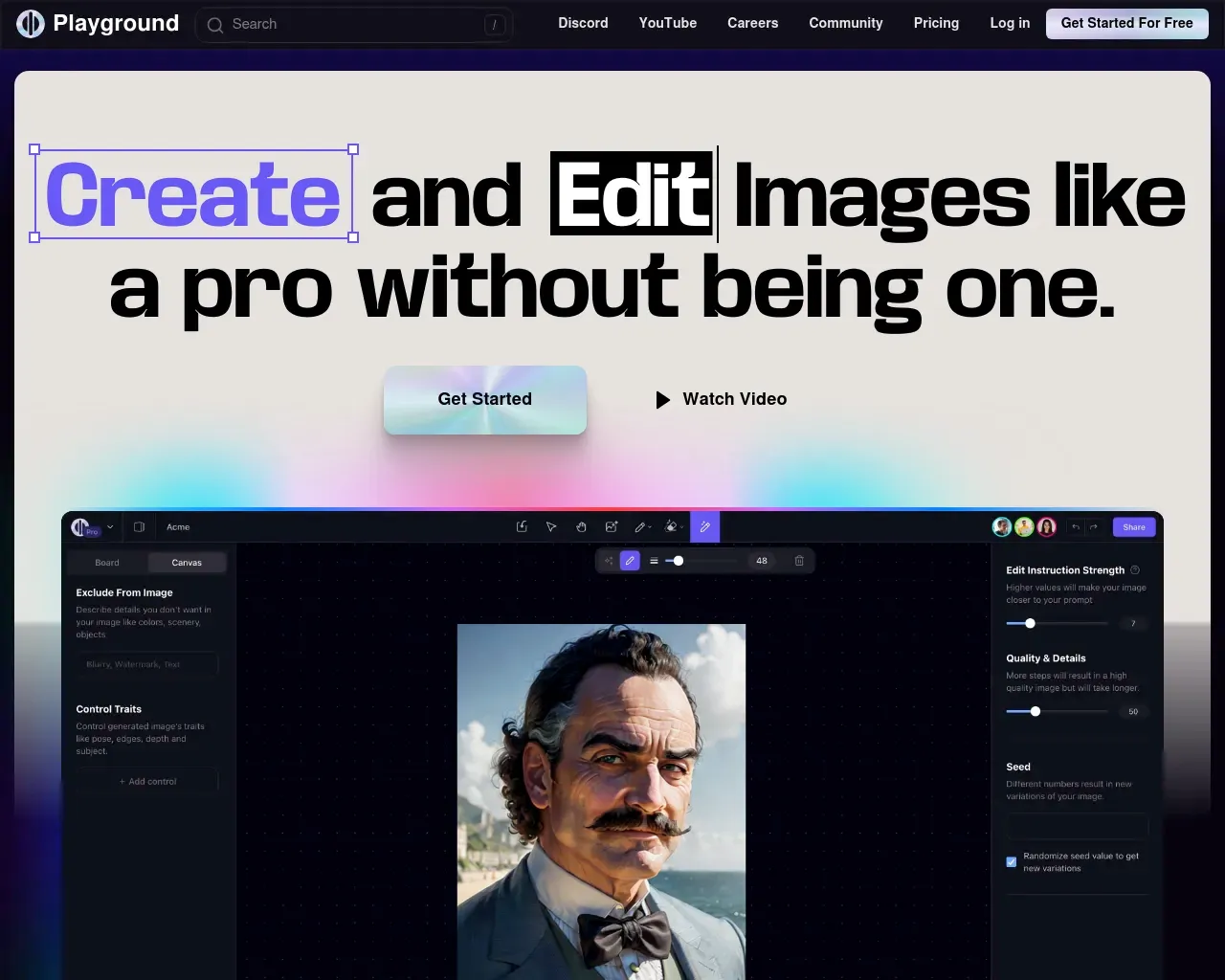
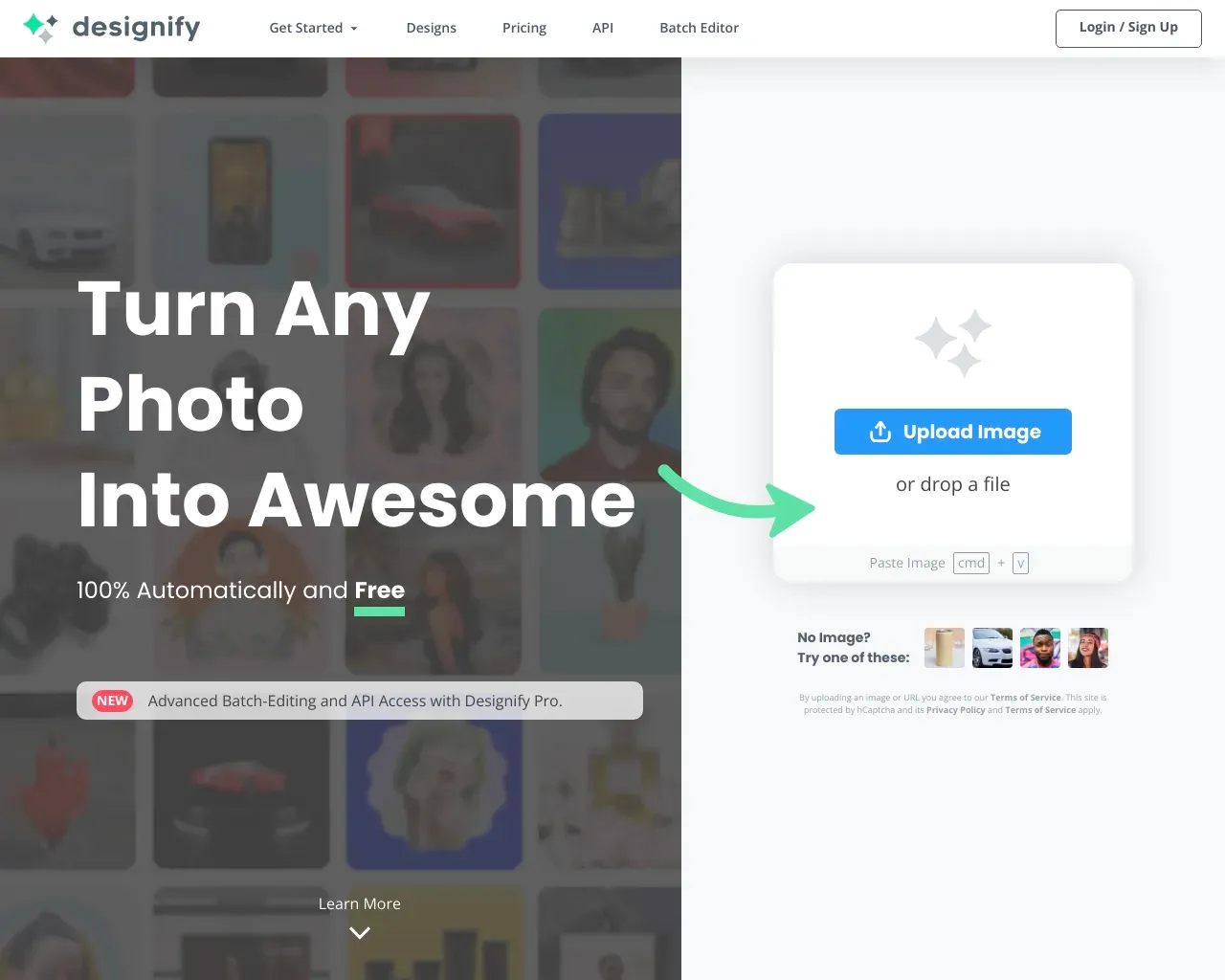
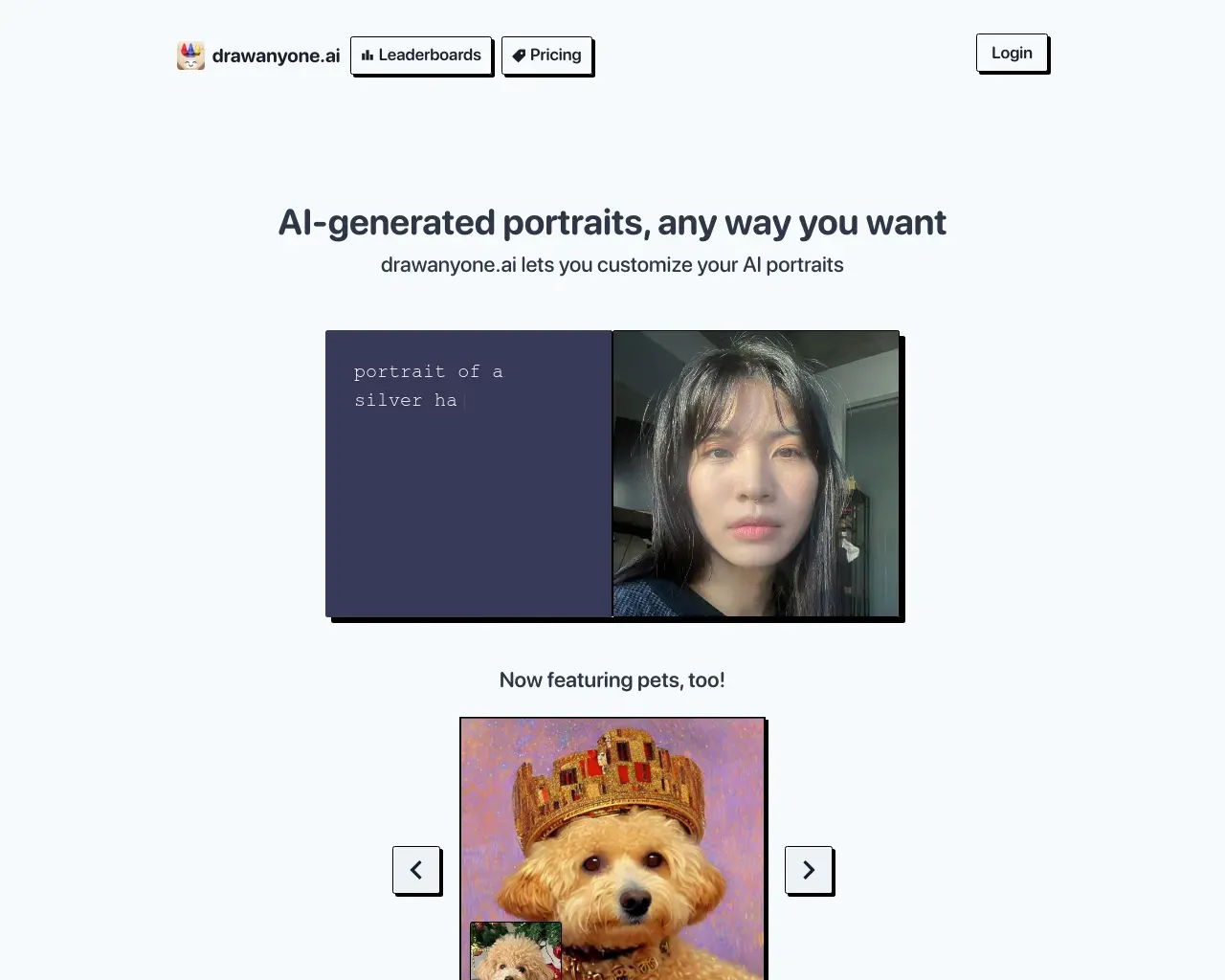
Top alternatives to Ideogram 4.0 AI include Playground, Designify, DrawAnyone, AI Picasso, AI Wall Decor.Where can I get Ideogram 4.0 AI?
Ideogram 4.0 AI is available at https://ideogram4ai.com/.What category is Ideogram 4.0 AI in?
Ideogram 4.0 AI is listed in Text to Image.How do credits work?
Each generation consumes credits based on model settings, image size, quality, and any reference inputs; the interface shows an estimated credit cost before you run a job.What is included in pricing?
Plans cover Ideogram 4.0 AI image generation features such as text-to-image and image-to-image, reference workflows, high-resolution exports, and the plan-specific controls listed on the pricing page.Do credits expire?
One-time credit packs are valid for 1 year from purchase. Subscription credits are tied to the active billing cycle for that subscription.Do unused subscription credits roll over?
No. Subscription credits reset at the start of the next billing cycle and do not roll over.Can I cancel anytime?
Yes. You can cancel from the Billing page and keep access until the end of your current paid period.Can I buy extra credits while subscribed?
Yes. One-time credit packs (pay-as-you-go) can be purchased in addition to an active subscription when you need more generation volume.What happens if a generation fails?
If a generation fails before any output is produced, the consumed credits are automatically returned to your balance.What payment methods are supported?
Currently Stripe is supported for payments with major credit and debit cards.What is Ideogram 4.0 AI?
Ideogram 4.0 AI is a web experience for using the Ideogram 4.0 image model with prompts, references, credits, and downloads.What can I create with Ideogram 4.0?
You can create posters, product images, ad concepts, social graphics, character sheets, editorial visuals, app mockups, and storyboards.Is this the official Ideogram 4.0 AI model site?
No, this site is an independent workspace that provides access to Ideogram 4.0 AI workflows and does not claim to be official.How is Ideogram 4.0 AI different from a basic image generator?
Ideogram 4.0 AI focuses on text rendering, prompt alignment, layout control, native 2K visuals, and design-ready output.Can I create brand and marketing assets?
Yes, you can draft launch posters, product cards, social ads, pitch images, packaging concepts, title graphics, and campaign moodboards.What does Ideogram4 or Ideogram 4 mean?
Ideogram4 and Ideogram 4 are compact search spellings for Ideogram 4.0, while the full name is clearer for readers.Why is the 9.3B Ideogram 4.0 Model useful for designers?
The 9.3B parameter model is trained for design scenes where typography, object placement, structured prompts, and visual hierarchy matter.Can I use references with the Ideogram 4.0 AI Image Generator?
Yes, the Ideogram 4.0 AI Image Generator can use uploaded images to guide subject identity, style, color, and composition.Does Ideogram 4.0 support open-weight workflows?
Yes, Ideogram 4.0 is known for open-weight access, local workflow support, and developer use cases, while this site remains independent.Can structured prompts guide layouts?
Yes, structured prompts can describe regions, objects, text blocks, colors, and relative placement so design ideas stay easier to revise.Can Ideogram 4.0 help with transparent design assets?
Yes, transparent background workflows are useful for stickers, product cutouts, logos, interface graphics, and print-ready design elements.What should I include in a strong prompt?
Include the subject, visible words, layout notes, color palette, material details, aspect ratio, style direction, and any reference context.How should I review generated images?
Check text spelling, object placement, color consistency, crop safety, background detail, and whether the composition fits the final placement.Can I test multiple creative directions?
Yes, run several prompt versions for the same brief, compare composition choices, save the strongest drafts, and refine the wording.Who should use the Ideogram 4.0 AI Image Generator?
Designers, marketers, ecommerce teams, concept artists, founders, and agencies can use Ideogram 4.0 AI for faster image drafts.When does a failed generation still consume credits?
If a model output is completed and then blocked by moderation, credits may not be returned, while failures before output are refunded.
Compare Ideogram 4.0 AI with…
Pick any tool to see a structured side-by-side: pricing, deployment, capabilities, and content policy.