Illusion Diffusion AI
Illusion Diffusion: Free AI Photo Illusion Generator Online.
- Category
- AI Art & Illustration
- Pricing
- Free
- Alternatives
- 6 similar tools
- Last updated
- today
- Source
- Official site ↗︎
AI Collection Top Picks

AI Art & Illustration Category Picks

About Illusion Diffusion AI
Illusion Diffusion is an AI tool that transforms and generates captivating art images from prompts, blending the beauty of art with AI image generation technology.
What you get
Additional Information
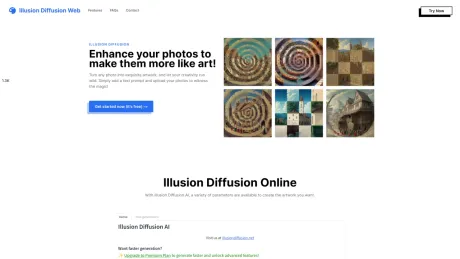
Illusion Diffusion: Enhance your photos to make them more like art!
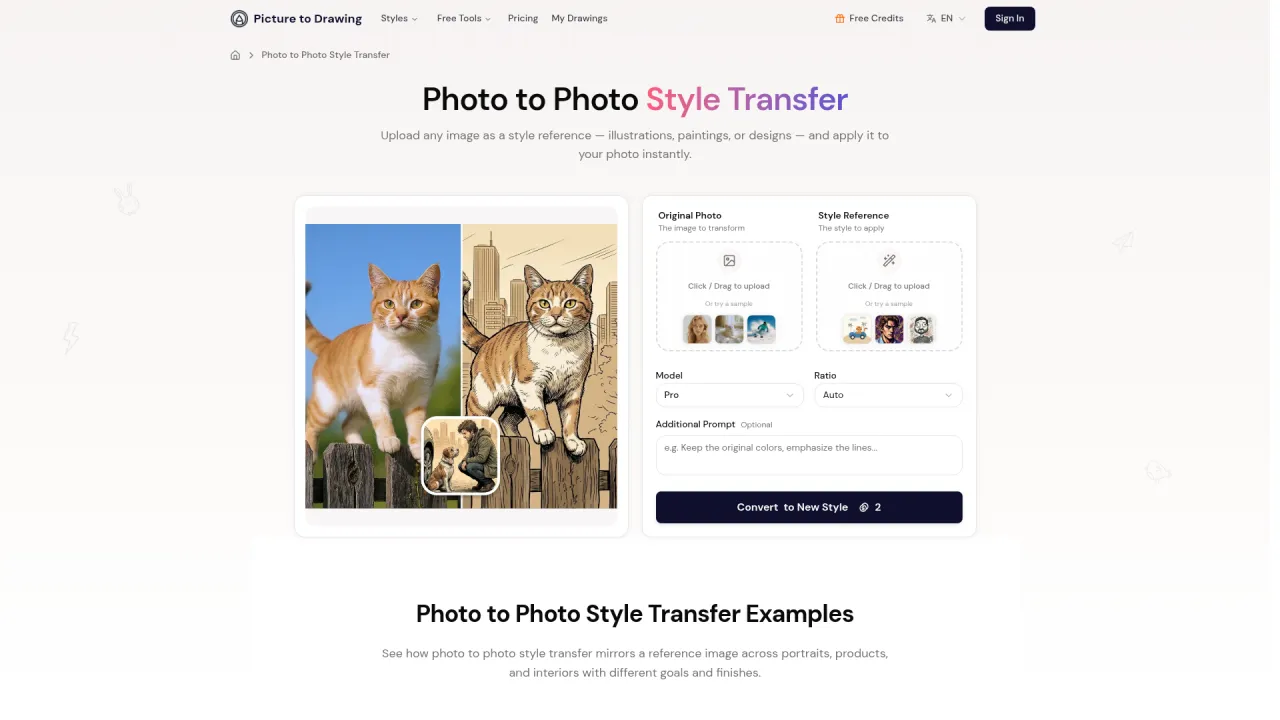
Turn any photo into exquisite artwork, and let your creativity run wild. Simply add a text prompt and upload your photos to witness the magic!
Turns normal images into optical illusions with adjustable strength. The model uses advanced options and pattern-based illusions for customization, providing users with a high level of creativity and customization.
Frequently asked questions
What is Illusion Diffusion AI used for?
Illusion Diffusion: Free AI Photo Illusion Generator Online.Is Illusion Diffusion AI free?
Illusion Diffusion AI is free to use.What are alternatives to Illusion Diffusion AI?
Top alternatives to Illusion Diffusion AI include AnimeGenius, APOB AI, caspa AI, ICONS8, SUPERMACHINE.Where can I get Illusion Diffusion AI?
Illusion Diffusion AI is available at https://illusiondiffusionweb.com/.What category is Illusion Diffusion AI in?
Illusion Diffusion AI is listed in AI Art & Illustration.What is illusion diffusion?
[Illusion Diffusion](https://illusiondiffusionweb.com/) is an AI-powered tool that transforms ordinary photos into art, using Stable Diffusion and Controlnet AI models, providing text prompts to generate optical illusions and surreal images.How to use illusion diffusion?
Users can generate illusion images using the Illusion Diffusion website. Users can upload images or select patterns to use. They can add text prompts and adjust the illusion strength to control the intensity of the effect. In addition, advanced settings can be used for further adjustments.How to create illusion diffusion images?
To use Illusion Diffusion, upload an image or select a pattern, provide a prompt, adjust the Illusion Strength slider, and click Run. Try different prompts, patterns, and settings to explore creative possibilities. Remember to be descriptive with prompts to help guide AI.
Compare Illusion Diffusion AI with…
Pick any tool to see a structured side-by-side: pricing, deployment, capabilities, and content policy.