OC Maker
AI-Powered Character Maker, Creator & OC Generator for FREE.
- Category
- Avatars
- Alternatives
- 6 similar tools
- Last updated
- 1 weeks ago
- Source
- Official site ↗︎
AI Collection Top Picks

Avatars Category Picks

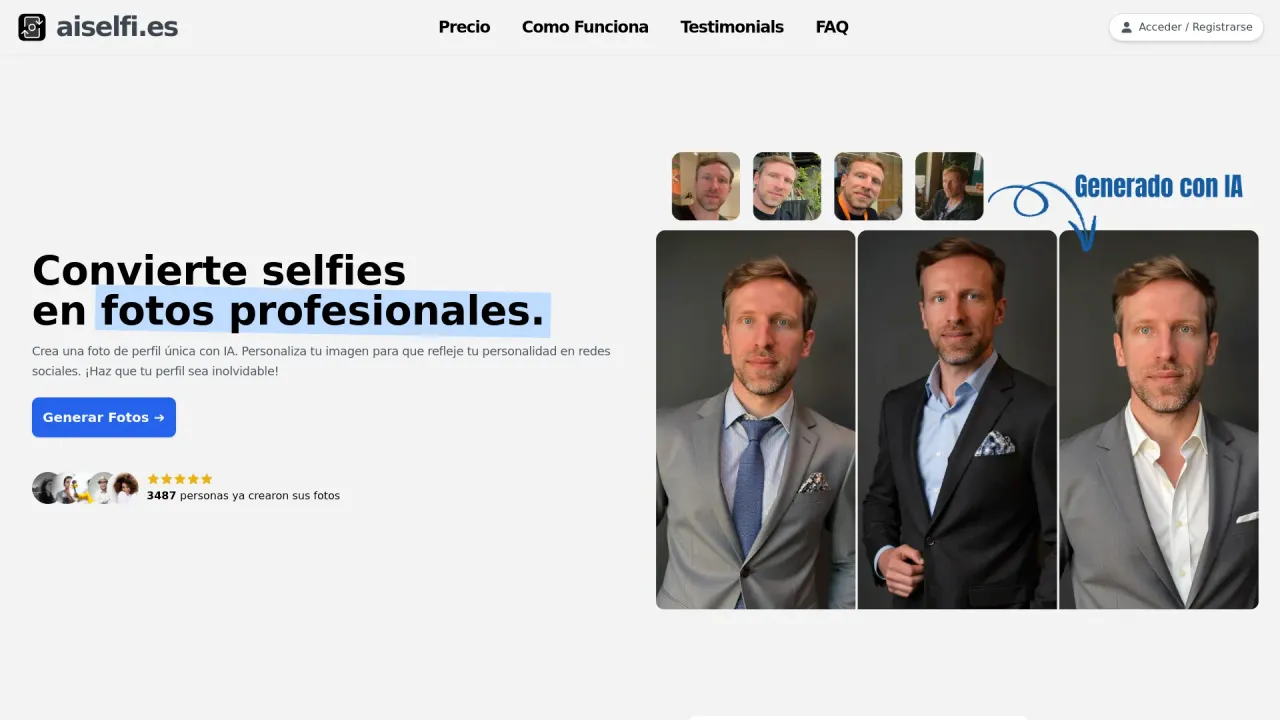
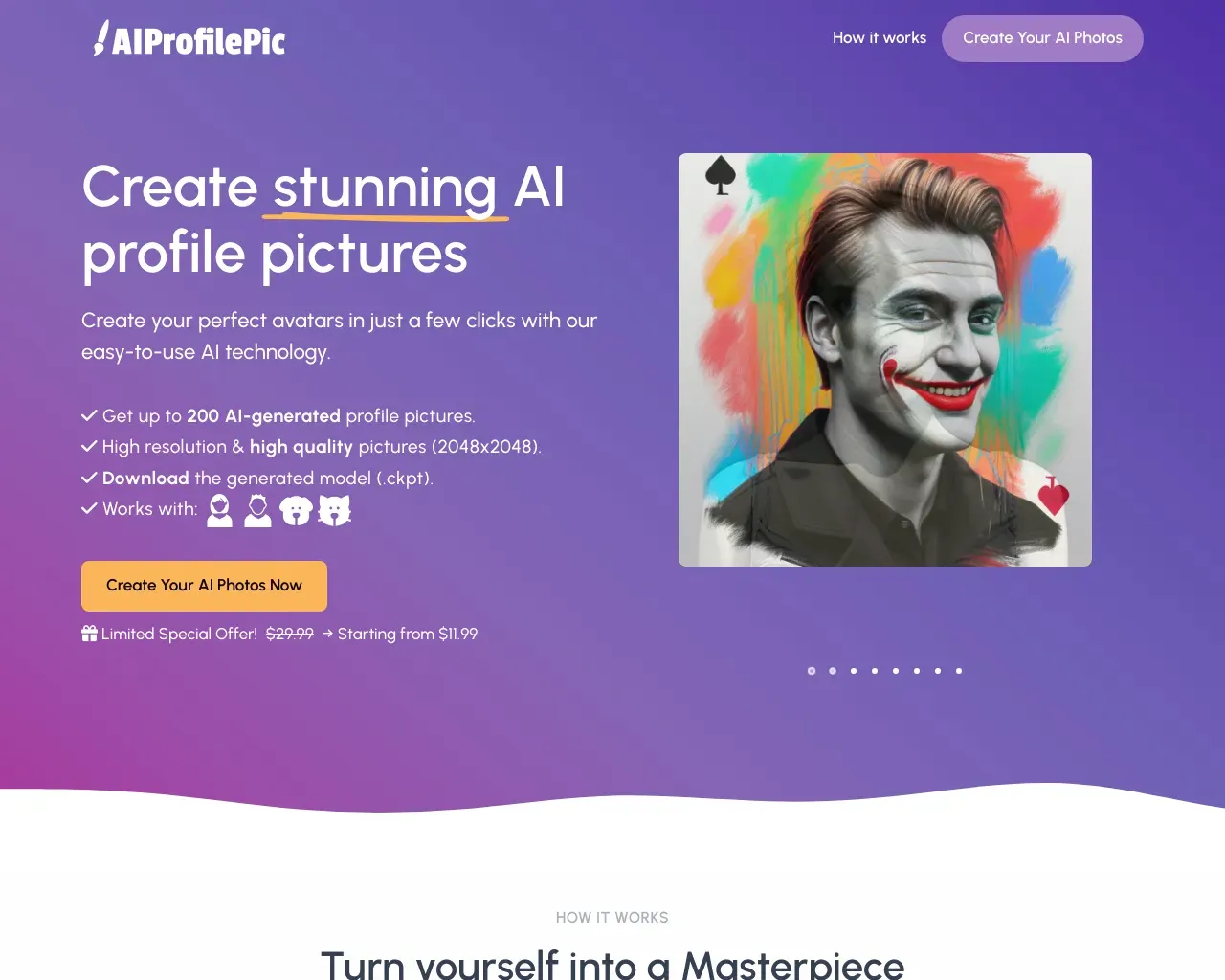
Create AI-generated profile pictures quickly and easily. Use our tool to create free, personalized AI profile pictures in minutes. Try it out → aiselfi.es
About OC Maker
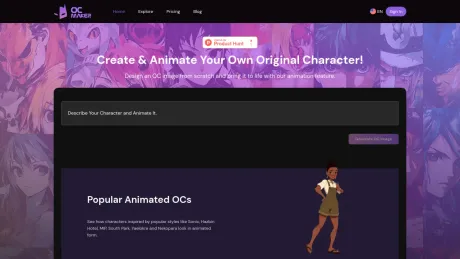
Use OC Maker's AI-powered tools to design and animate unique original characters. The ultimate character maker, creator, and OC generator for your creative projects.
What you get
Additional Information
OC Maker is an AI-powered character creator that enables users to design and animate original characters easily. By simply providing text descriptions, users can generate unique character images tailored to their specifications. The tool is particularly useful for artists, writers, and gamers looking to bring their character concepts to life.
Offering a range of customizable traits and styles, OC Maker allows you to modify facial features, outfits, and other aspects of your character. It also provides instant visualizations, meaning you can see your character as you adjust traits, removing any guesswork from the design process. Users can create highly detailed and personalized characters with a high-quality output suitable for various projects.
In addition to static designs, OC Maker features AI-powered animation tools that bring characters to life through dynamic movements and actions. The intuitive interface ensures that even those without technical skills can easily create and animate their characters. With a community of over 70,000 creators, users share and explore various character designs, enhancing the creative experience.
OC Maker also offers different subscription tiers, including free and premium plans, which provide varying levels of features and credit allowances for character customization. Subscribing opens access to advanced features and higher quality outputs, empowering professional creators and hobbyists alike to take their character designs to the next level.
Frequently asked questions
What is OC Maker used for?
OC Maker: AI-Powered Character Maker, Creator & OC Generator for FREE.Is OC Maker free?
Pricing for OC Maker varies — see the Pricing section for details.What are alternatives to OC Maker?
Where can I get OC Maker?
OC Maker is available at https://www.ocmaker.net.What category is OC Maker in?
OC Maker is listed in Avatars.What is OC Maker?
OC Maker is an AI-powered character creator that allows users to design unique original characters. By providing text descriptions, our character maker generates personalized character images, serving as an intuitive OC generator for artists, writers, and gamers.How does OC Maker work?
Simply input a detailed text description of your desired original character, and our AI will generate an image that matches your description. The process is quick and easy, allowing for high creativity and personalization.Is there a cost to use OC Maker?
Yes and no — OC Maker has a free tier that gives you 20 credits per month (standard generations use 1 credit, HD and advanced generations use 10). If you need more, Premium unlocks 1,600 credits/month and Pro unlocks 4,000 credits/month.What kind of subscription plans do you offer?
We offer various subscription plans to suit different needs and usage patterns. Please check our pricing page for detailed information on the available plans.What are the benefits of subscribing?
Subscribers get a larger monthly credit allowance — 1,600 credits with Premium and 4,000 with Pro — plus priority generation queue, access to our advanced Flux-Dev model for higher quality output, and exclusive features in our other creative tools.Can I customize my character further after it's generated?
Our AI generates images based on your text descriptions, and you can now further personalize them by adding and styling text directly onto the image!How can I add personalized text to my OC image?
You can add text to your generated OC image on the OC details page. Look for the "T" icon below the image to open the image text editor.What if I want to change the text I've already added to an OC image?
Once you've saved the text on your OC image, it can no longer be edited. Please ensure you're happy with your text before saving.How can I animate my OC after generating it?
After generating your OC image, you can animate it by clicking the "Animate This Character" button and following the prompts to enter your animation script.Can I customize my character further after it’s generated?
Our AI generates images based on your text descriptions, and you can now further personalize them by adding and styling text directly onto the image!Is my data secure with OC Maker?
We take privacy and security seriously. Your data is safeguarded with industry-standard security measures.Can I cancel my subscription?
Yes, you can cancel your subscription at any time at the billing page.Is this text editing feature available for all OC images?
To protect the creative ownership of each user, the text editing feature is limited to OC images you've generated yourself. You won't be able to modify OC images created by other users.I encountered a problem with my character generation. What should I do?
If you experience any issues, please contact our support team through our website's support page. We are here to assist you and resolve any problems you might face.What formats are available for animated characters?
Our website supports the generation of animated characters in MP4 format, which is a widely compatible video format that can be played on most devices and platforms.Can I customize my character before animating it?
Yes, you can customize your character before animating it. When you first create your OC, you can input specific prompts or descriptions that will guide the AI in generating the character's appearance, clothing, accessories, and other visual elements.
Compare OC Maker with…
Pick any tool to see a structured side-by-side: pricing, deployment, capabilities, and content policy.