PhonkMaker
AI Phonk Maker for Beats & Songs | PhonkMaker.
- Category
- AI Song & Music Generator
- Alternatives
- 6 similar tools
- Last updated
- 5 months ago
- Source
- Official site ↗︎
AI Collection Top Picks

AI Song & Music Generator Category Picks
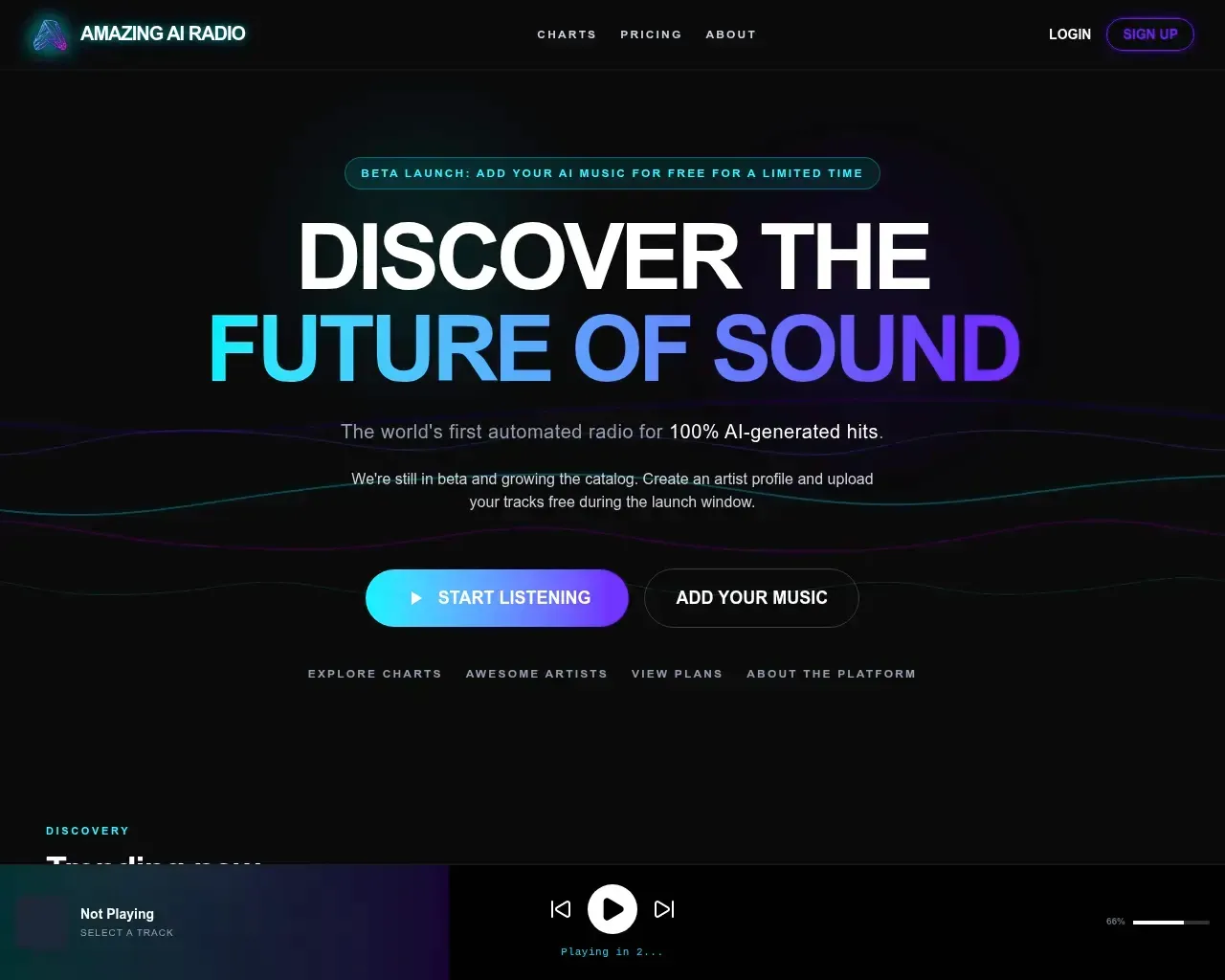
Amazing AI Radio
Amazing AI Radio | Stream AI-generated music, discover new artists, explore charts, and upload your own tracks to Amazing AI Radio.
About PhonkMaker
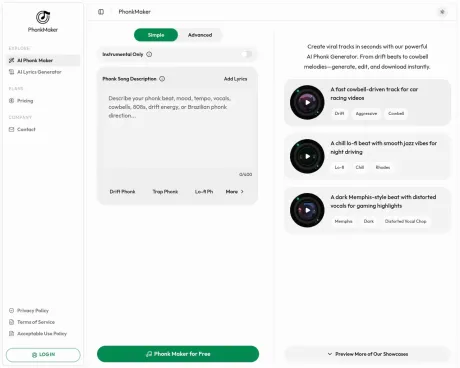
Create dark phonk, drift phonk and full phonk songs with PhonkMaker's free AI phonk maker. Type a prompt, guide vocals or instrumentals and download MP3 or WAV.
Frequently asked questions
What is PhonkMaker used for?
AI Phonk Maker for Beats & Songs | PhonkMaker.Is PhonkMaker free?
Pricing for PhonkMaker varies — see the Pricing section for details.What are alternatives to PhonkMaker?
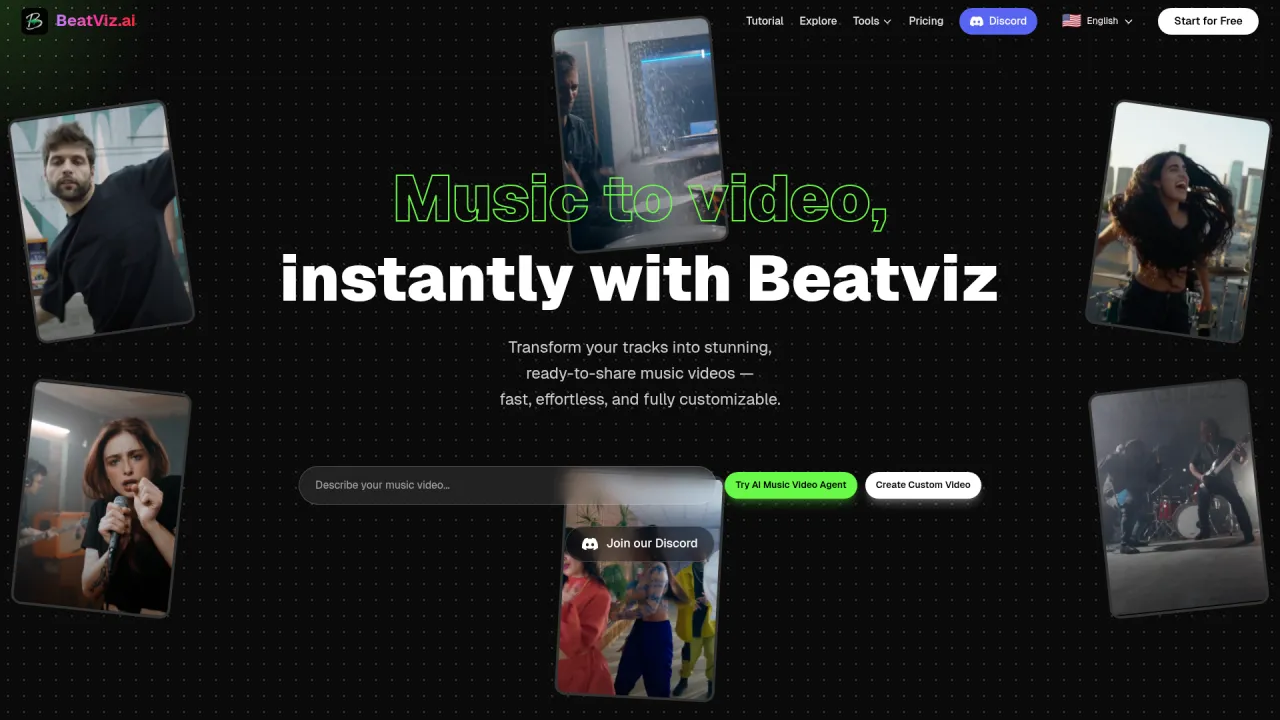
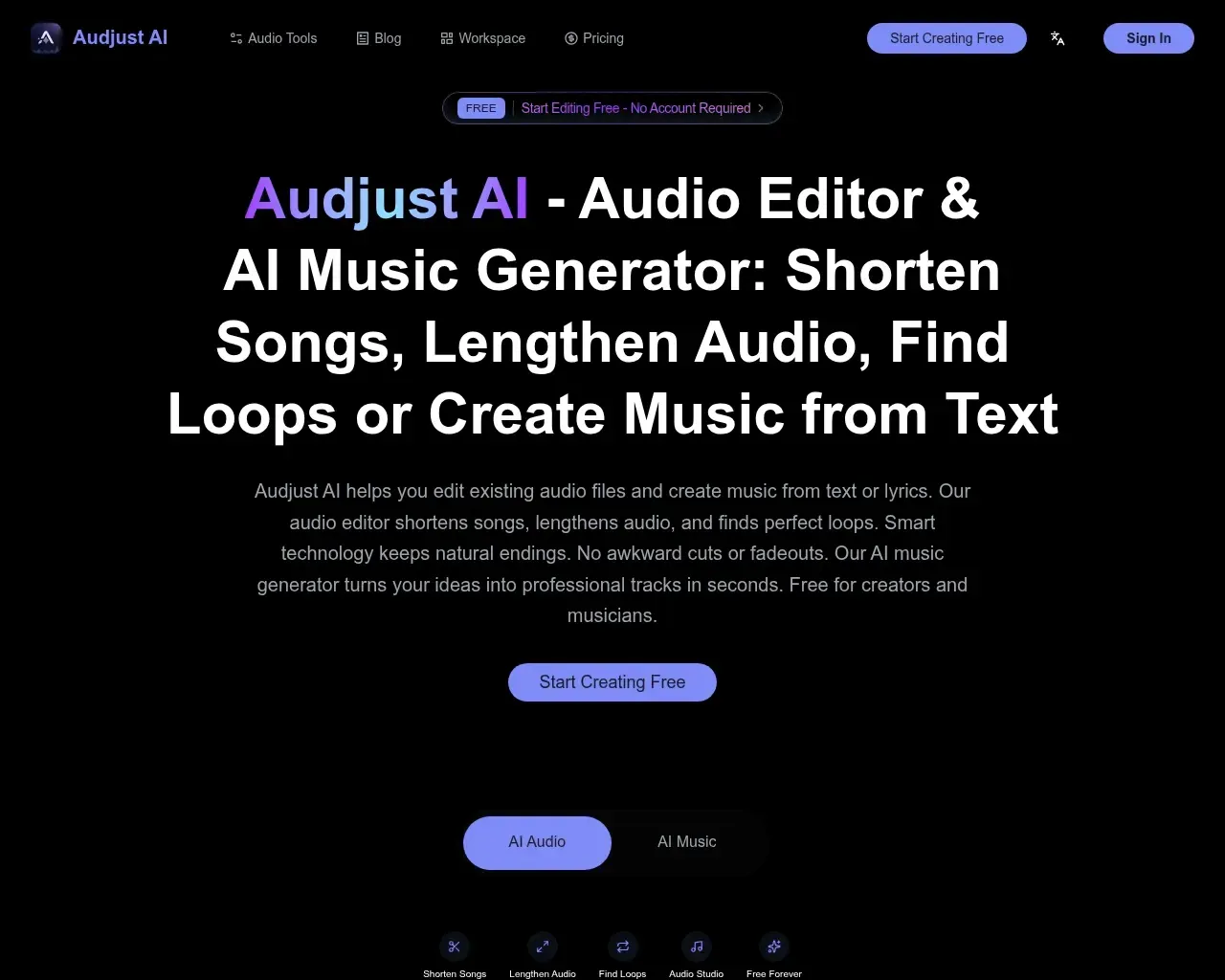
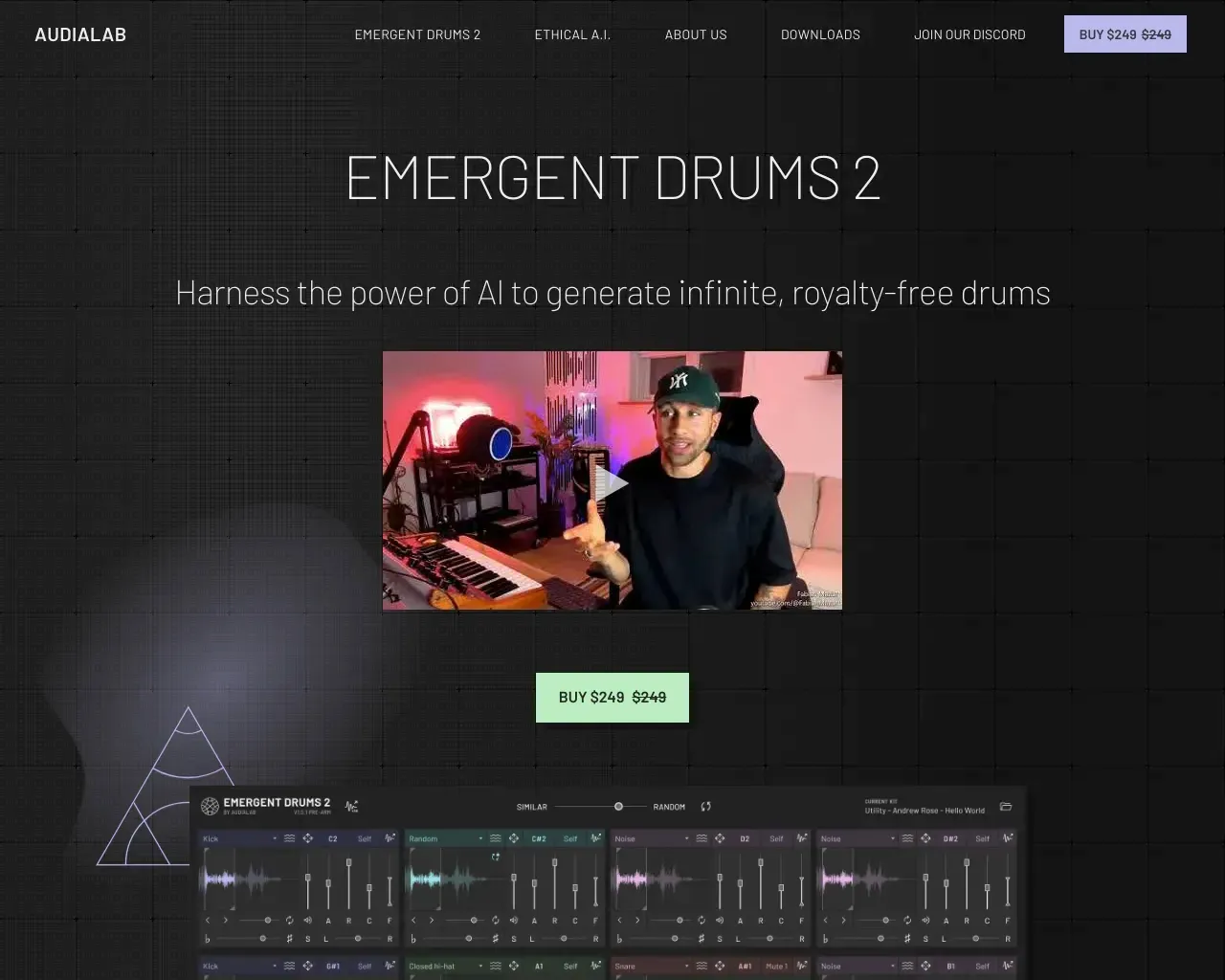
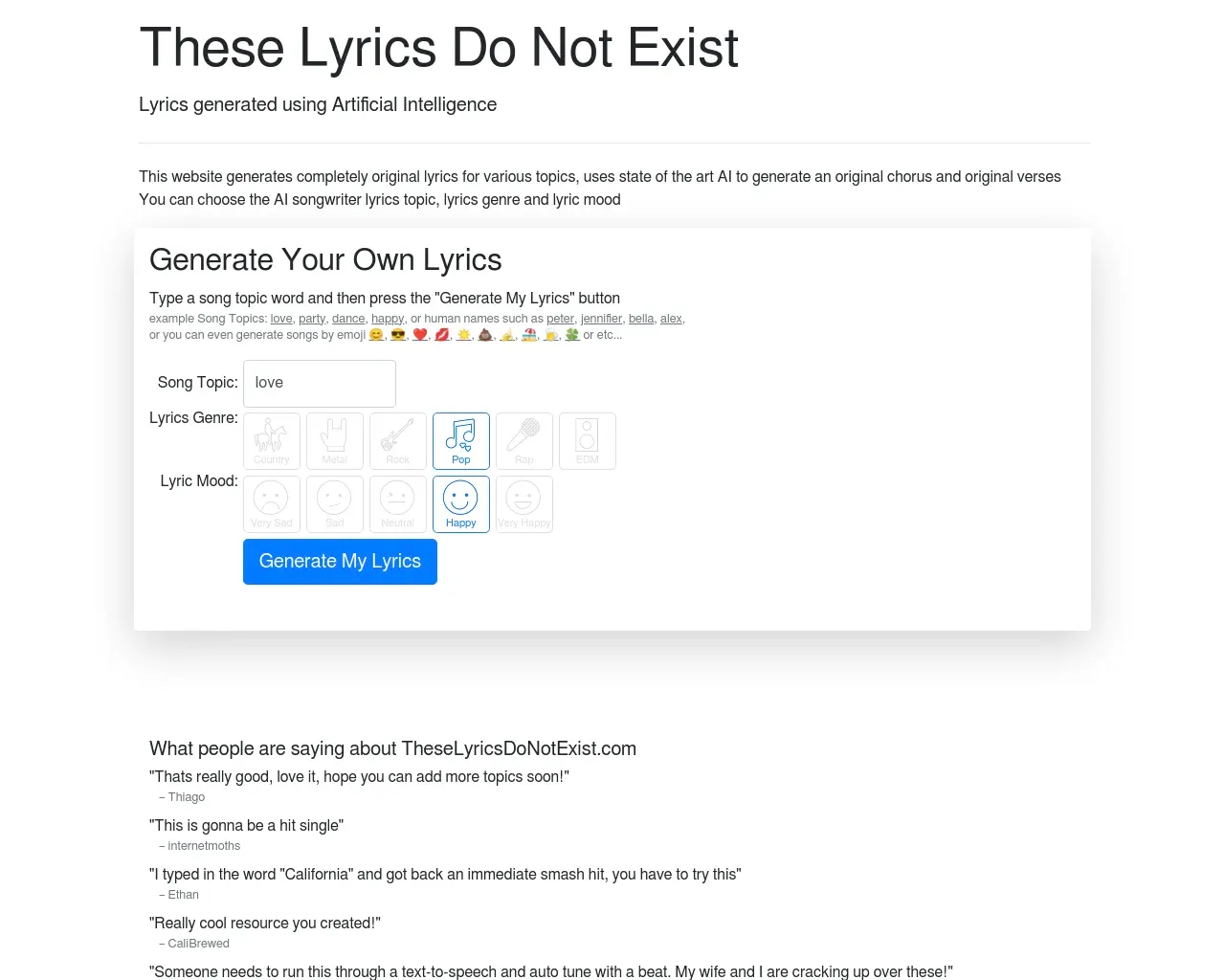
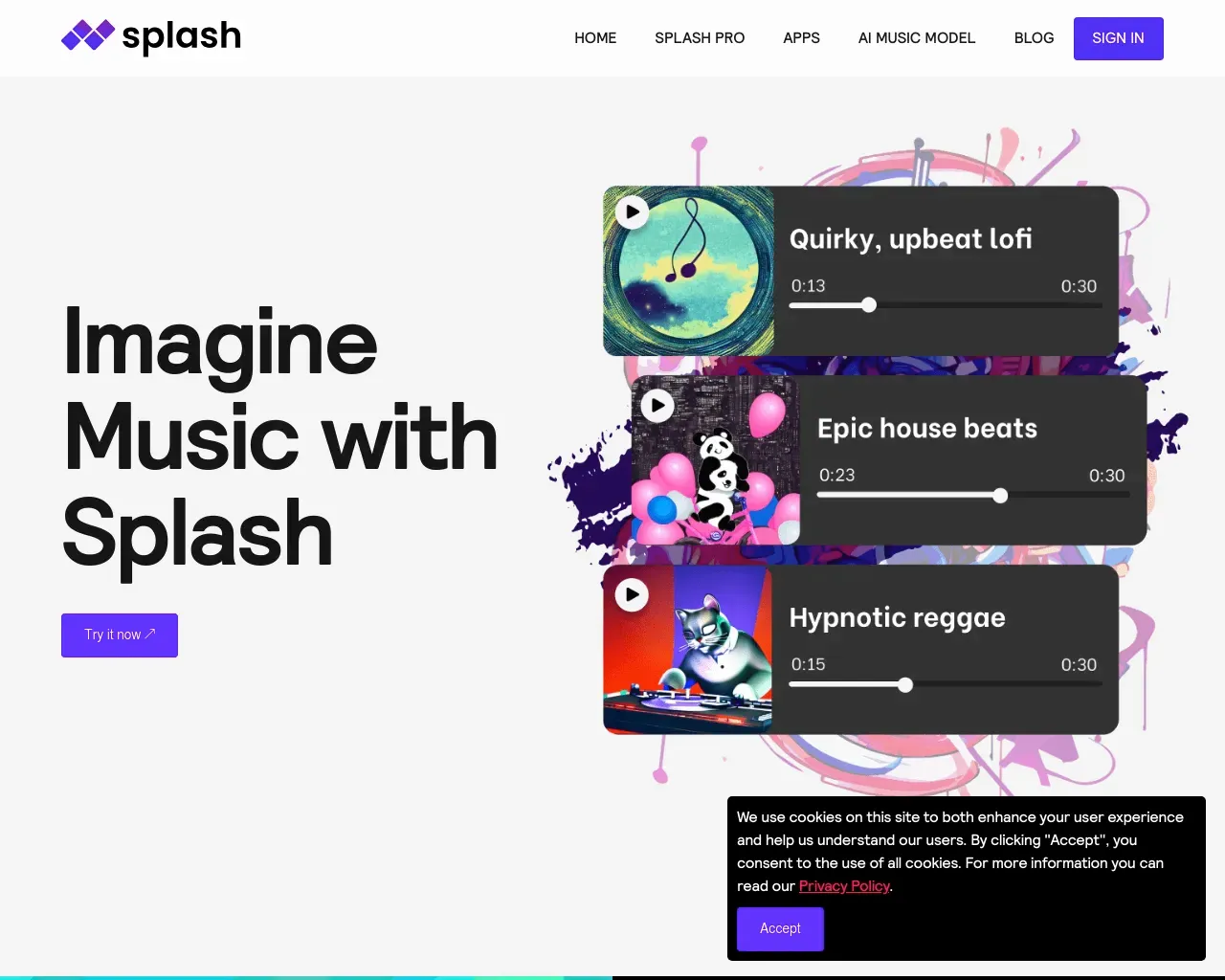
Top alternatives to PhonkMaker include Emergent Drums, BeatViz Ai Music Video Generator, Amazing AI Radio, audjust.ai, AI Lyrics Generator.Where can I get PhonkMaker?
PhonkMaker is available at https://phonkmaker.app/.What category is PhonkMaker in?
PhonkMaker is listed in AI Song & Music Generator.How do I start using PhonkMaker? Is it free?
Create an account, enter a music prompt, and use your free credits to generate your first tracks. When you need more generations, downloads, or a Commercial Use Certificate, you can choose a paid plan that fits your workflow.What can I create with this phonk music maker?
PhonkMaker turns your text direction into full AI-generated music, so you can guide the genre, mood, tempo, vocals, cowbells, 808 bass, and arrangement in one place. It works as a phonk beat maker for instrumentals, a phonk song maker for full tracks, and a fast option for background music or short-form edits.Can I use this phonk maker online from any device?
Yes. PhonkMaker runs in the browser, so you can create music from a desktop, laptop, tablet, or phone with an internet connection. Your generated tracks can be previewed, saved, organized, and downloaded from your workspace.Can I use generated tracks commercially?
Commercial use is available for tracks created during eligible paid access that expressly grants commercial rights. Tracks created on free plans or other access tiers without commercial rights remain for personal use only.How do I make phonk music for TikTok edits, drifting videos, or Brazilian phonk?
Use it like a phonk edit maker: describe the scene and energy you want, such as aggressive cowbells, dark vocals, Brazilian phonk rhythm, gym intensity, or a clean instrumental drop for edits. Generate a few versions, preview them in the player, then download the one that fits your video or project.Features
1. **AI Phonk Generation** Create phonk tracks from simple text prompts in seconds. 2. **Prompt-to-Track Workflow** Turn rough music ideas into full AI-generated phonk tracks by describing the sound, mood, scene, or energy you want. 3. **Multiple Phonk Styles** Supports Drift Phonk, Trap Phonk, Lo-fi Phonk, Hardbass Phonk, Memphis Phonk, Brazilian Phonk, House Phonk, Wave Phonk, and Experimental styles. 4. **Instrumental Mode** Generate instrumental-only beats for edits, videos, games, reels, background music, and creative projects. 5. **Lyrics Support** Add custom lyrics when you want to create fuller phonk songs instead of only instrumental beats. 6. **Style Direction Control** Guide the generator with moods, tempo, vocals, 808 bass, synth pads, cowbells, distorted vocals, dark energy, or Brazilian-inspired bounce. 7. **Sound Element Tags** Choose detailed sound elements such as cowbell, 808 bass, distorted vocal chop, synth pad, organ, Rhodes, electric guitar, vinyl crackle, dark brass, and heavy snare. 8. **Vocal Options** Select vocal direction, including male vocal, female vocal, male and female vocal, or pitch-down vocal effects. 9. **Preview Before Saving** Listen to generated tracks in the built-in player before deciding which versions to keep. 10. **Workspace Management** Save generated tracks to your workspace, organize results, rename songs, and manage different versions easily. 11. **Downloadable Tracks** Download the versions that match your video, edit, channel, client project, or personal music library. 12. **Built for Short-Form Content** Useful for TikTok edits, drifting videos, gaming highlights, gym videos, racing clips, reels, and other short-form video content. 13. **Fast Phonk Experiments** Test prompts, compare styles, refine ideas, and quickly turn a phonk concept into a usable track. 14. **Free Credits** New users can start generating tracks with free credits before choosing a paid plan. 15. **Commercial Use Option** Commercial usage is available on eligible paid plans that include commercial rights.
Compare PhonkMaker with…
Pick any tool to see a structured side-by-side: pricing, deployment, capabilities, and content policy.