Rizz!
Transform your conversations with AI-powered responses.
- Category
- Writing Assistant
- Alternatives
- 6 similar tools
- Last updated
- 1 weeks ago
- Source
- Official site ↗︎
AI Collection Top Picks

Writing Assistant Category Picks



About Rizz!
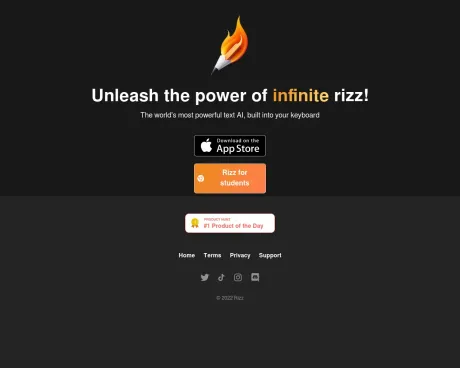
Rizz! puts world’s most powerful AI model into your iPhone keyboard to let you generate a customized, creative response.
Frequently asked questions
What is Rizz! used for?
Transform your conversations with AI-powered responses.Is Rizz! free?
Pricing for Rizz! varies — see the Pricing section for details.What are alternatives to Rizz!?
Where can I get Rizz!?
Rizz! is available at http://rizzai.com.What category is Rizz! in?
Rizz! is listed in Writing Assistant.Why is full access required for Rizz?
To offer you the complete functionality of our keyboard, the extension must have full access to your device, allowing it to connect to the internet. We understand that granting such access can be a sensitive matter, and we want to reassure you that we prioritize the security and privacy of your data. We employ industry-standard encryption methods to safeguard your data, ensuring it remains protected and secure.How is my data handled?
We are dedicated to maintaining the utmost security and privacy of your data. Your data is stored securely and encrypted, safeguarding it against unauthorized access or manipulation. We utilize industry-standard encryption techniques to guarantee the continuous safety and security of your data. If you have any questions or concerns regarding how your data is stored, please do not hesitate to get in touch with us. We are always here to assist you.How can I install the Rizz keyboard?
To add the Rizz keyboard, follow these steps: Open Settings -> Keyboards -> Add New Keyboard -> Select Rizzboard -- Rizz! -> Allow Full Access to enable Rizz! to access the internet.
Compare Rizz! with…
Pick any tool to see a structured side-by-side: pricing, deployment, capabilities, and content policy.