Song Donkey
AI Vocal Remover & Splitter — 100% Free, Any Song.
- Category
- AI Song & Music Generator
- Alternatives
- 6 similar tools
- Last updated
- 2 weeks ago
- Source
- Official site ↗︎
AI Collection Top Picks

AI Song & Music Generator Category Picks
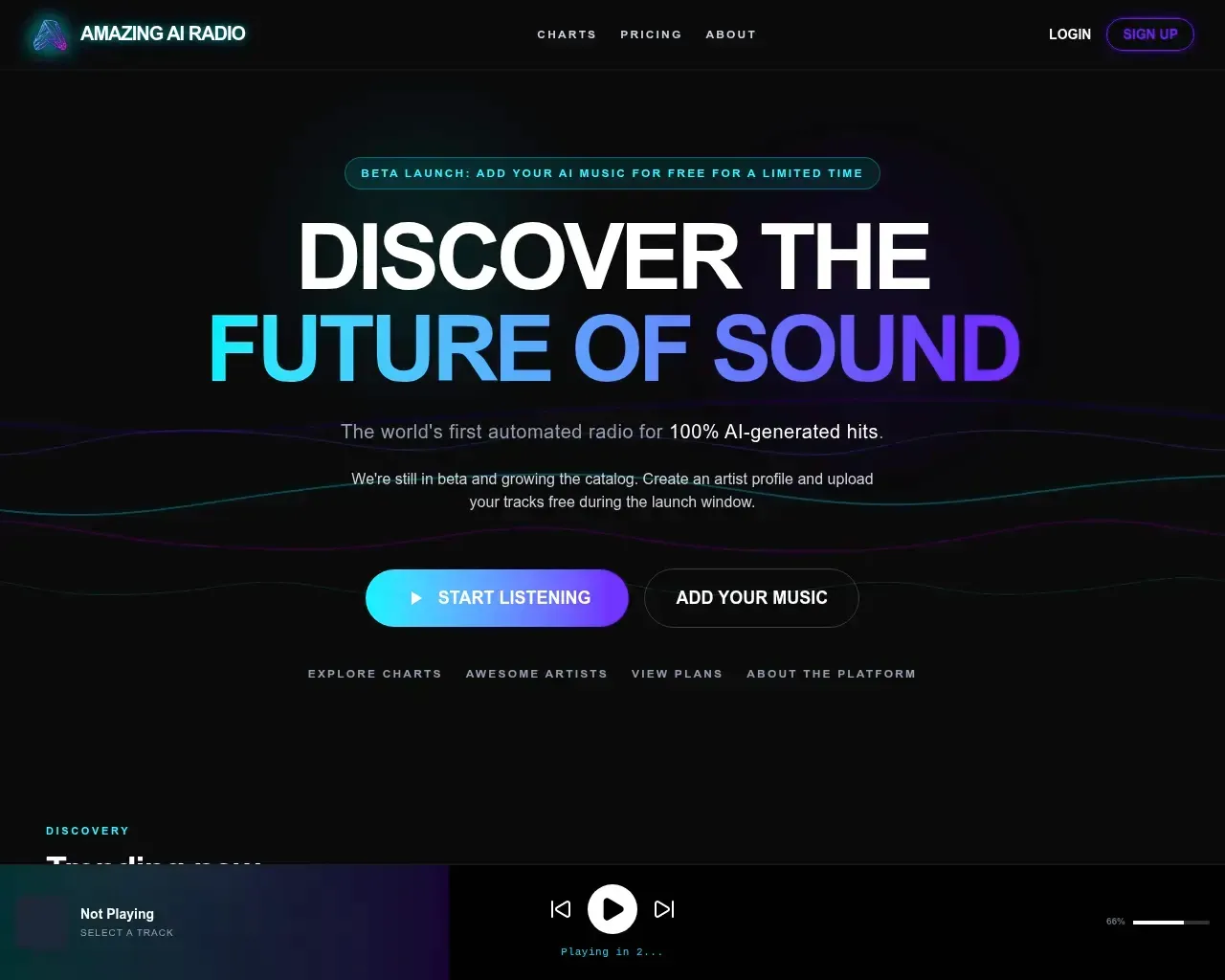
Amazing AI Radio | Stream AI-generated music, discover new artists, explore charts, and upload your own tracks to Amazing AI Radio.
About Song Donkey
Split any song into vocals, bass, drums, and more with SongDonkey's free AI vocal remover. No sign-up, no watermark — download in about 90 seconds.
Song Donkey's Pricing Plans
Song Donkey may change prices at any time. Here's our latest information:
Pricing
Pricing
- The service is free for users to process audio files.
What you get
Additional Information
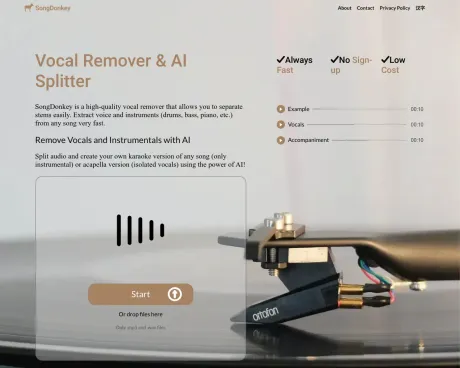
SongDonkey.AI is an AI vocal splitter that allows users to remove vocals and instruments from audio tracks with ease. It supports uploads in .mp3 and .wav formats, enabling a quick and user-friendly experience. Users can choose the number of tracks to extract, including options for vocals, accompaniment, bass, drums, and piano.
The tool is designed for those looking to create karaoke versions of songs or isolate vocals for remixing and production. With no registration required, users can upload tracks directly from their devices and receive high-quality outputs within an estimated time of just a few minutes.
Upon processing, users can download individual tracks or the entire split audio. SongDonkey.AI offers an intuitive interface where users can listen to previews before downloading, making it easy to work with audio files. It is a valuable resource for musicians, producers, and anyone interested in manipulating audio files to suit their needs.
Frequently asked questions
What is Song Donkey used for?
AI Vocal Remover & Splitter — 100% Free, Any Song.Is Song Donkey free?
Pricing for Song Donkey varies — see the Pricing section for details.What are alternatives to Song Donkey?
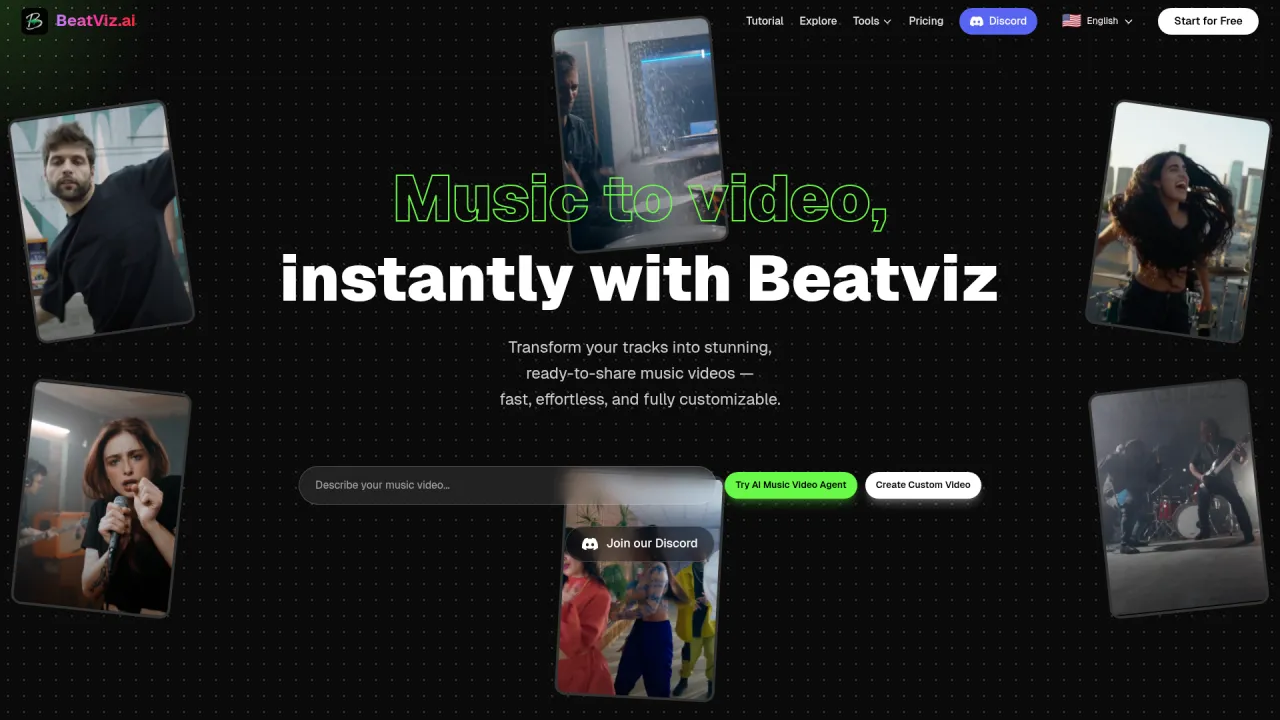
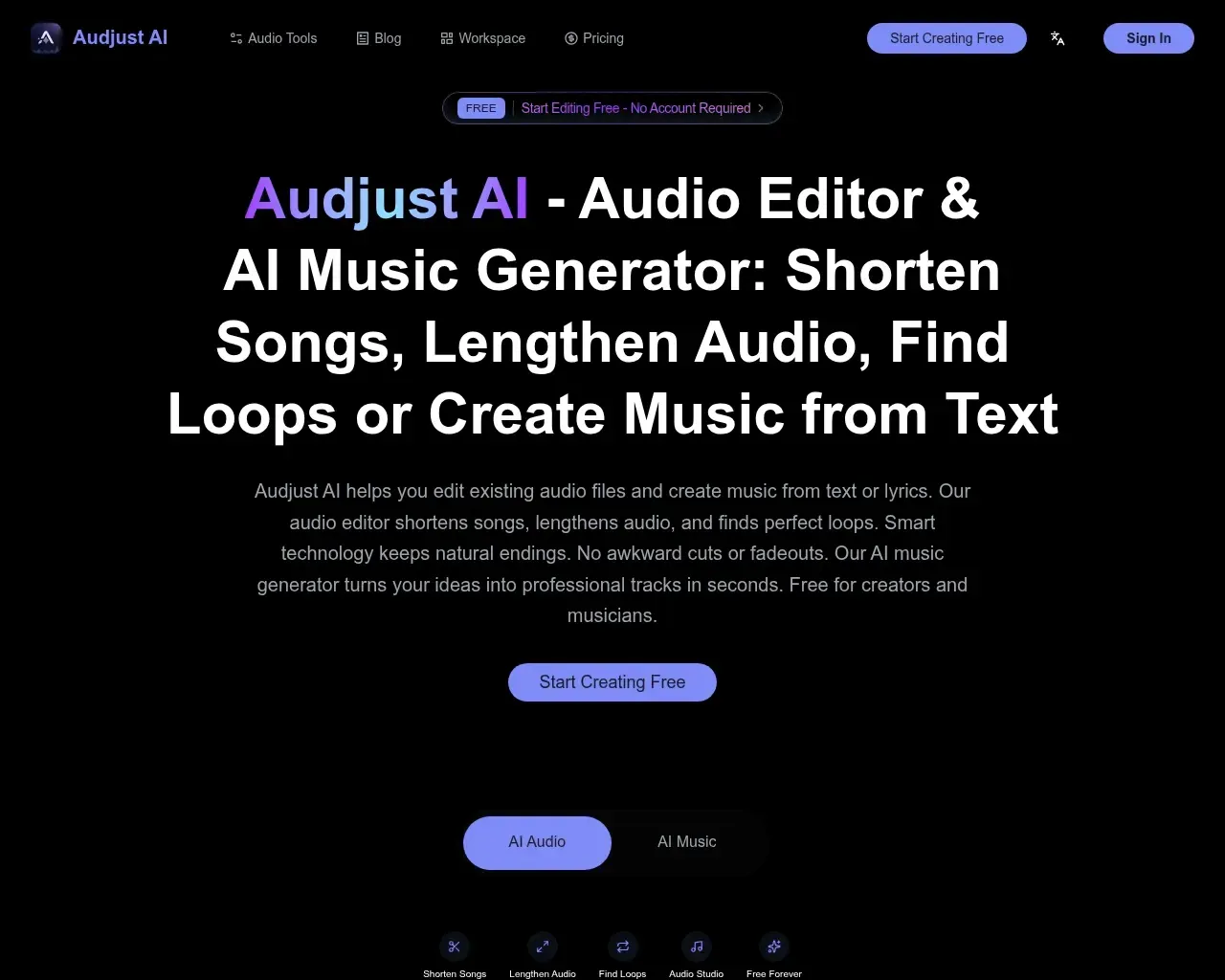
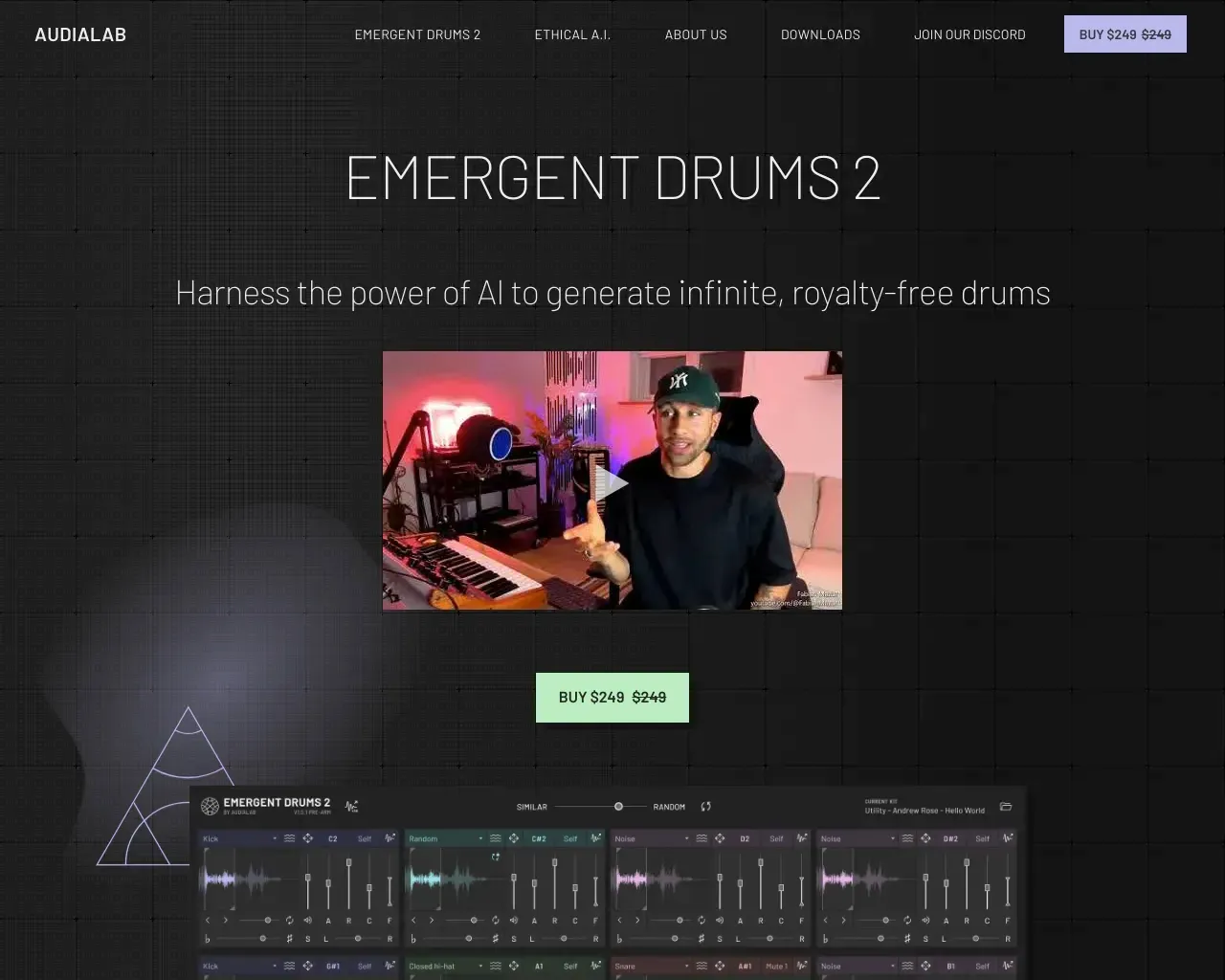
Top alternatives to Song Donkey include Emergent Drums, BeatViz Ai Music Video Generator, Amazing AI Radio, audjust.ai, AI Lyrics Generator.Where can I get Song Donkey?
Song Donkey is available at https://songdonkey.ai/.What category is Song Donkey in?
Song Donkey is listed in AI Song & Music Generator.Is SongDonkey really free?
Yes — previewing and downloading every stem is free, with no account required and no hidden costs.What formats does it support?
Upload MP3 or WAV files up to 10 minutes long. For a longer track, trim it first with the built-in audio cutter and trimmer.How long does splitting take?
Most tracks process in about 90 seconds, depending on file length and how many stems you choose to extract.What's the difference between 2, 4, and 5-stem separation?
2-stem splits a track into vocals and everything else — the fastest option. 4-stem adds separate bass and drums. 5-stem also isolates piano, for the most detailed split.
Compare Song Donkey with…
Pick any tool to see a structured side-by-side: pricing, deployment, capabilities, and content policy.