- Category
- PDF & Document Tools
- Pricing
- Paid
- Alternatives
- 6 similar tools
- Last updated
- 5 days ago
- Source
- Official site ↗︎
AI Collection Top Picks

PDF & Document Tools Category Picks

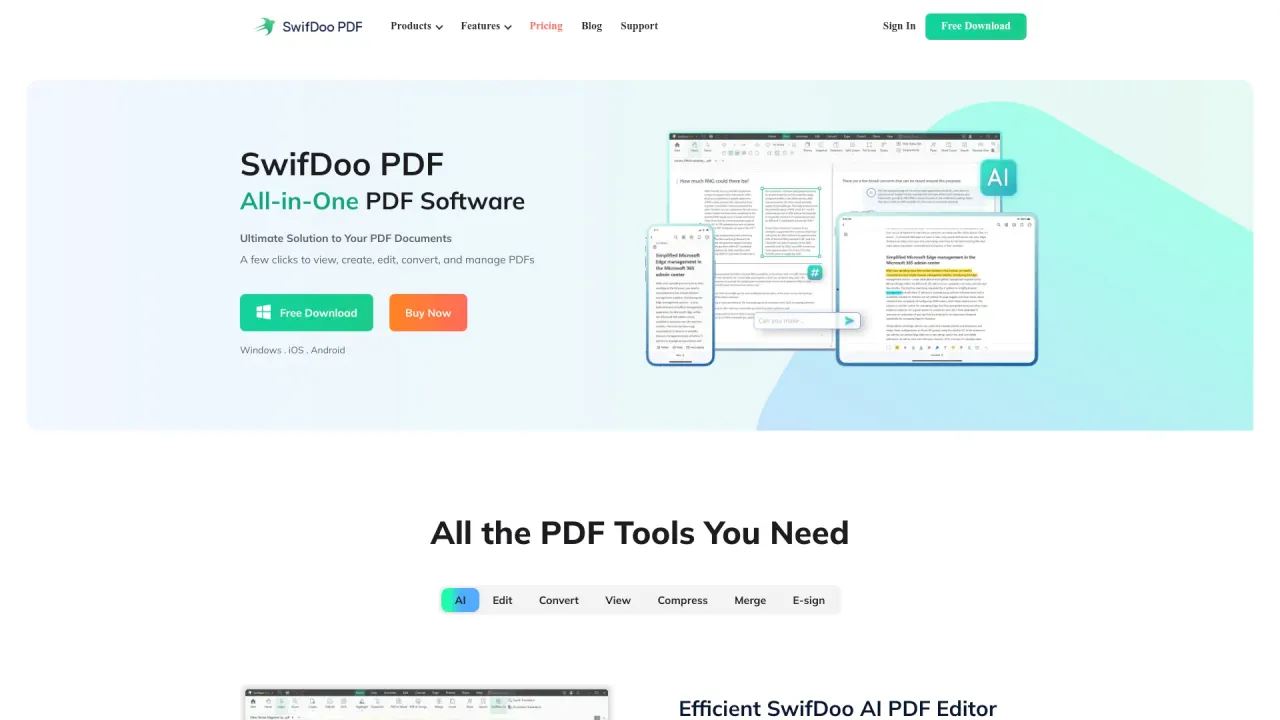
SwifDoo PDF
SwifDoo PDF - All-in-One PDF Software Ultimate Solution to Your PDF Documents A few clicks to view, create, edit, convert, and manage PDFs
About UPDF
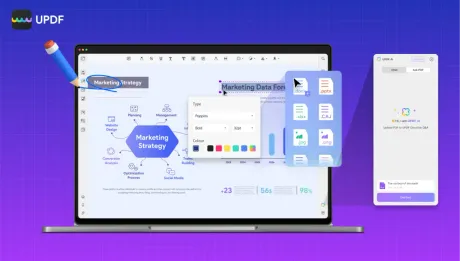
Experience the ultimate AI-powered PDF editor. Effortlessly edit, convert, OCR, and annotate PDFs across all devices. Try UPDF free today for smarter reading!
UPDF's Pricing Plans
UPDF may change prices at any time. Here's our latest information:
Pricing
Default
$39.99
per month
What you get
Additional Information
Learn more about UPDF: https://updf.com/.
Highlight features:
- PDF Edit
- Annotate PDF
- Convert PDF
- OCR PDF
- Chat with AI
- Ask PDF
- Convert PDF to Mind Map
- Chat with images
- Creating Forms
Where can I download UPDF?
Here: https://updf.com/download/.
Frequently asked questions
What is UPDF used for?
UPDF: AI-Powered PDF Editor | Official Site.Is UPDF free?
UPDF is a paid product. See the Pricing section for current plans.What are alternatives to UPDF?
Where can I get UPDF?
What category is UPDF in?
UPDF is listed in PDF & Document Tools.Highlight features:
1. PDF Edit 2. Annotate PDF 3. Convert PDF 4. OCR PDF 5. Chat with AI 6. Ask PDF 7. Convert PDF to Mind Map 8. Chat with images 9. Creating Forms ### Where can I download UPDF? Here: https://updf.com/download/.Why Can't I Find the AI Assistant Icon?
If you cannot find the AI Assistant icon, it could be due to one of the following reasons: 1. You might not know where the AI Assistant icon is. On desktop, open any PDF file in UPDF, then go to the top-right menu and click the AI Assistant icon to open it. On iOS or Android, open UPDF, and you’ll find UPDF AI on the right side of the bottom toolbar. 2. You are using an older version of UPDF—Mac versions earlier than 1.6.3 and Windows versions earlier than 1.6.5. In these versions, the AI Assistant icon will not appear. To access the AI Assistant features, update UPDF by going to Profile icon > UPDF V... > Check for Updates.How to Cancel AI Assistant Subscription?
If you want to cancel your AI Assistant subscription, you need to log in to your UPDF account, then find the 'Products and Plans' section and click on 'Unsubscribe' to cancel. For a more detailed guide, check here.
Compare UPDF with…
Pick any tool to see a structured side-by-side: pricing, deployment, capabilities, and content policy.