Voxio
Transform Your Voice into Organized Notes with Ease.
- Category
- Note Taking & Second Brain
- Pricing
- Free
- Alternatives
- 6 similar tools
- Last updated
- 4 months ago
- Source
- Official site ↗︎
AI Collection Top Picks

Note Taking & Second Brain Category Picks



About Voxio
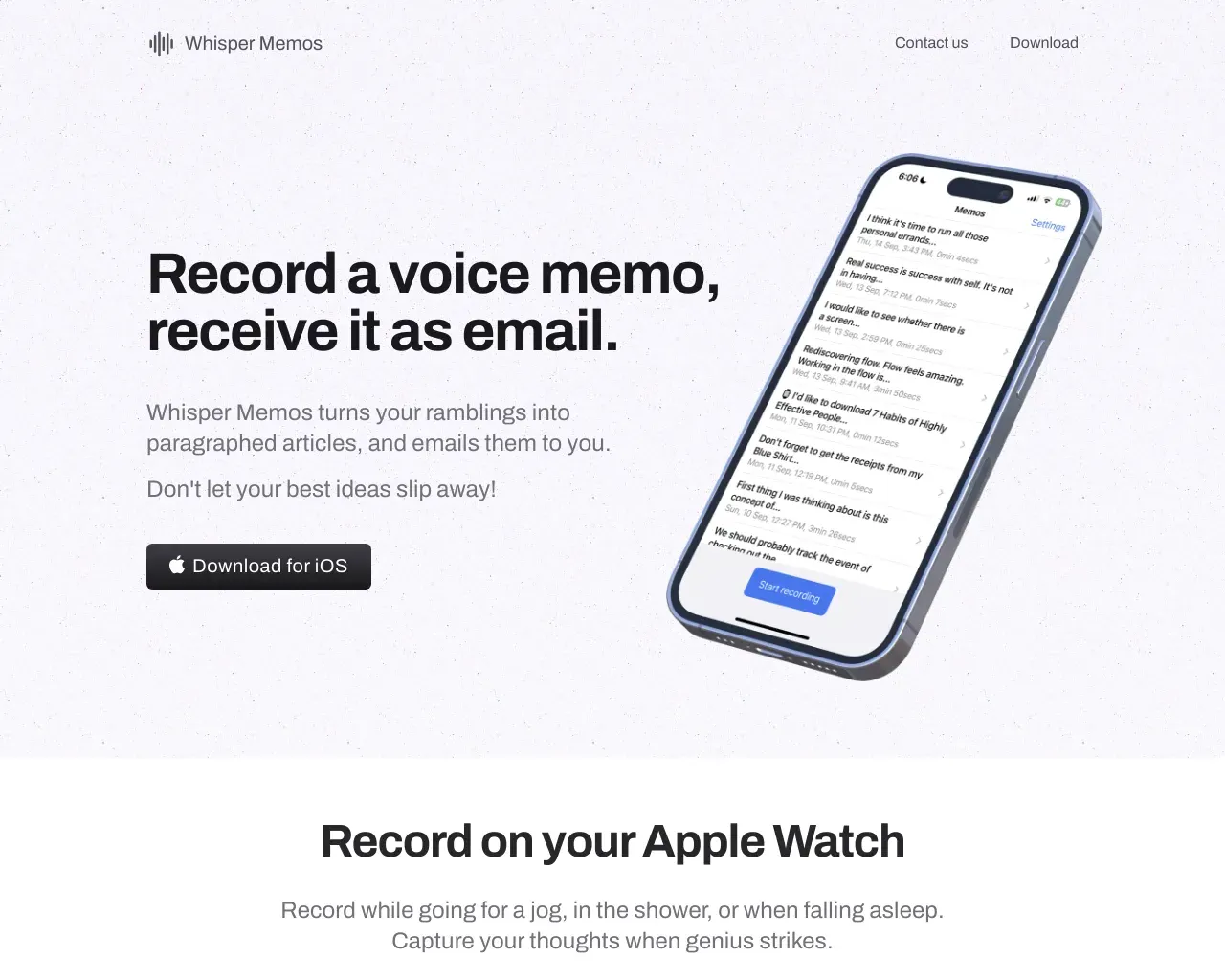
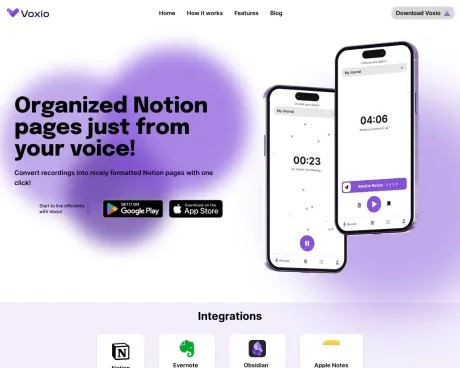
Voxio is an innovative app transforming audio recordings into structured notes. Ideal for lectures, meetings, and personal memos, it offers customizable layouts and integrates seamlessly with major note-taking platforms, simplifying the organization and retrieval of information.
Frequently asked questions
What is Voxio used for?
Voxio: Transform Your Voice into Organized Notes with Ease.Is Voxio free?
Voxio is free to use.What are alternatives to Voxio?
Where can I get Voxio?
Voxio is available at https://www.tryvoxio.com.What category is Voxio in?
Voxio is listed in Note Taking & Second Brain.How it works?
1. Create a custom layout 2. Record or upload audio 3. Enjoy the resultWhat features do you have?
- **layouts** Create your desired layout only once and Send To Notion with one click without thinking about how you want to format the text. Each Voxio layout contains Notion workspace, database and text blocks - of yout choice. You can choose from available page text blocks like Main Points, Summaries, Suggested Tasks, Emmedded Audio, and more! - **record** Capture you voice inside the Voxio app or in background and Send To Notion with a single slide! You can record, pause, resume, all you would expect. When you''re done - convert your audio to Notion page, delete it if you changed your mind or save it for later. - **everything is saved** You don''t have to convert audio to Notion page immediately after recording your voice. You can simply save the recording and send it whenever you want. Forgot to create a layout? No worries, save the recording, create the layout and Send To Notion from the Recordings tab.
Compare Voxio with…
Pick any tool to see a structured side-by-side: pricing, deployment, capabilities, and content policy.