Review of PicTools.AI: Transform Your Ideas into Stunning Images
By: AI Collection
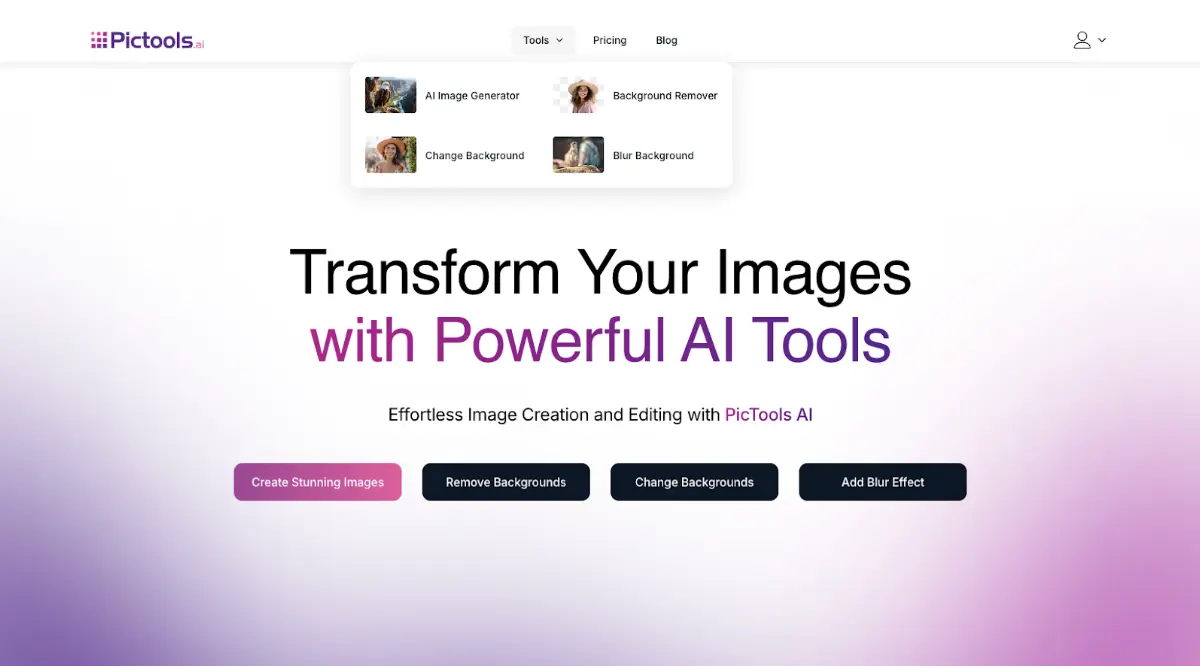
PicTools is an AI-powered platform that offers tools to transform image editing and creation. With advanced features like background removal, background replacement with colors or custom images, blur effects, and text-to-image generation, PicTools.AI turns your ideas into unique and captivating visuals.
Whether you're a beginner or a professional, this platform adapts to various needs, including marketing campaigns, creative projects, e-commerce, and branding. The results are high-quality and ready for download in just seconds.
Key Features
AI Image Generator
The AI Image Generator transforms text descriptions into unique, high-impact visuals. It is perfect for:
- Digital creatives and artists: Design concepts or illustrations without hiring an illustrator.
- Marketing teams: Create banners, posters, or visuals tailored to specific campaigns.
- Content creators and bloggers: Save time and avoid purchasing expensive stock images.
- Personal projects: Generate personalized images for gifts, events, or invitations.
For instance, inputting "a cat sitting on a chair in a retro café" results in an image that accurately reflects the description and is ready for creative or promotional use.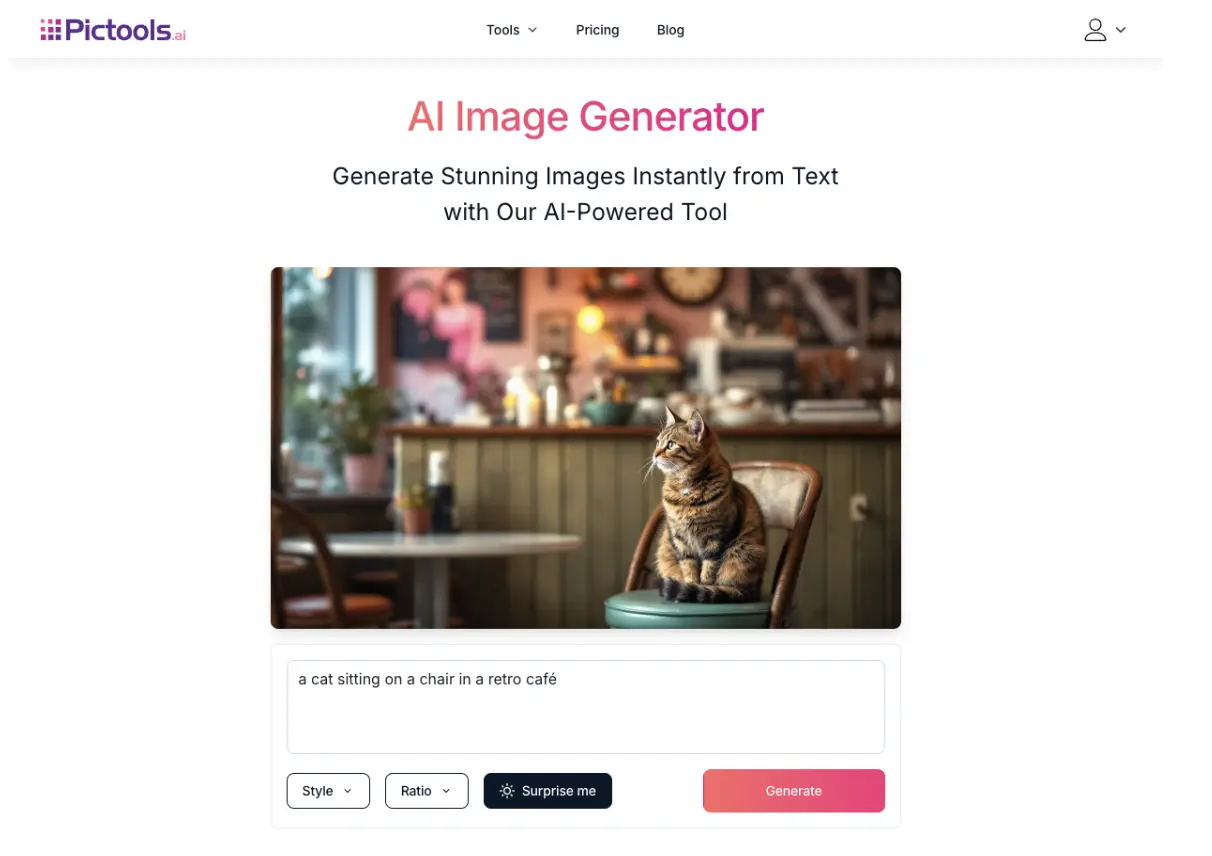
Background Remover
This tool automatically detects the main subject in an image and removes unwanted backgrounds with precision. It's ideal for:
- Online stores: Improve product presentation with clean, distraction-free backgrounds.
- Photographers: Focus attention on the main subject by eliminating busy backdrops.
- Graphic designers: Prepare images for seamless integration into creative compositions.
Background Changer
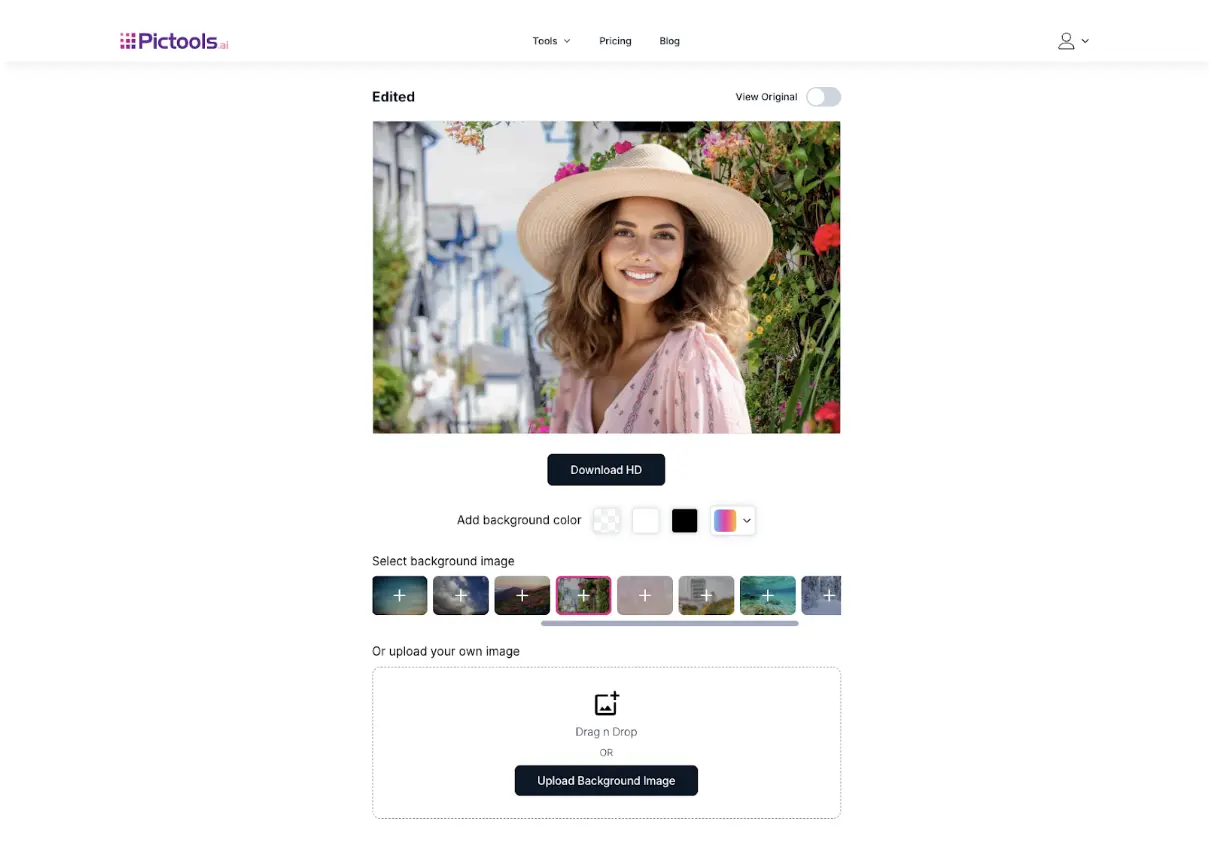
Once a background is removed, this tool allows users to replace it with solid colors, pre-designed patterns, or custom images. It’s beneficial for:
- Branding: Create backgrounds that reflect brand identity.
- Artistic compositions: Add personalized elements for creative projects.
Blur Tool
The blur tool highlights the main subject by softening the background. It’s helpful for:
- E-commerce products: Make items stand out in online catalogs.
- Professional portraits: Enhance images for social media profiles or portfolios.
- Creative photography: Add an artistic touch to your photos.
How It Works
PicTools.AI simplifies image editing into two main functionalities: background editing and AI-powered image generation. Here's how each works.
Background Editing
- Select the Tool: Choose whether to remove the background, change it, or apply a blur effect.
- Upload Your Image: Select or drag and drop your image from your device directly onto the platform.
- Customize the Edits: Adjust the background or apply the desired effects.
- Download the Result: Save your edited high-resolution image with a single click.
AI Image Generation
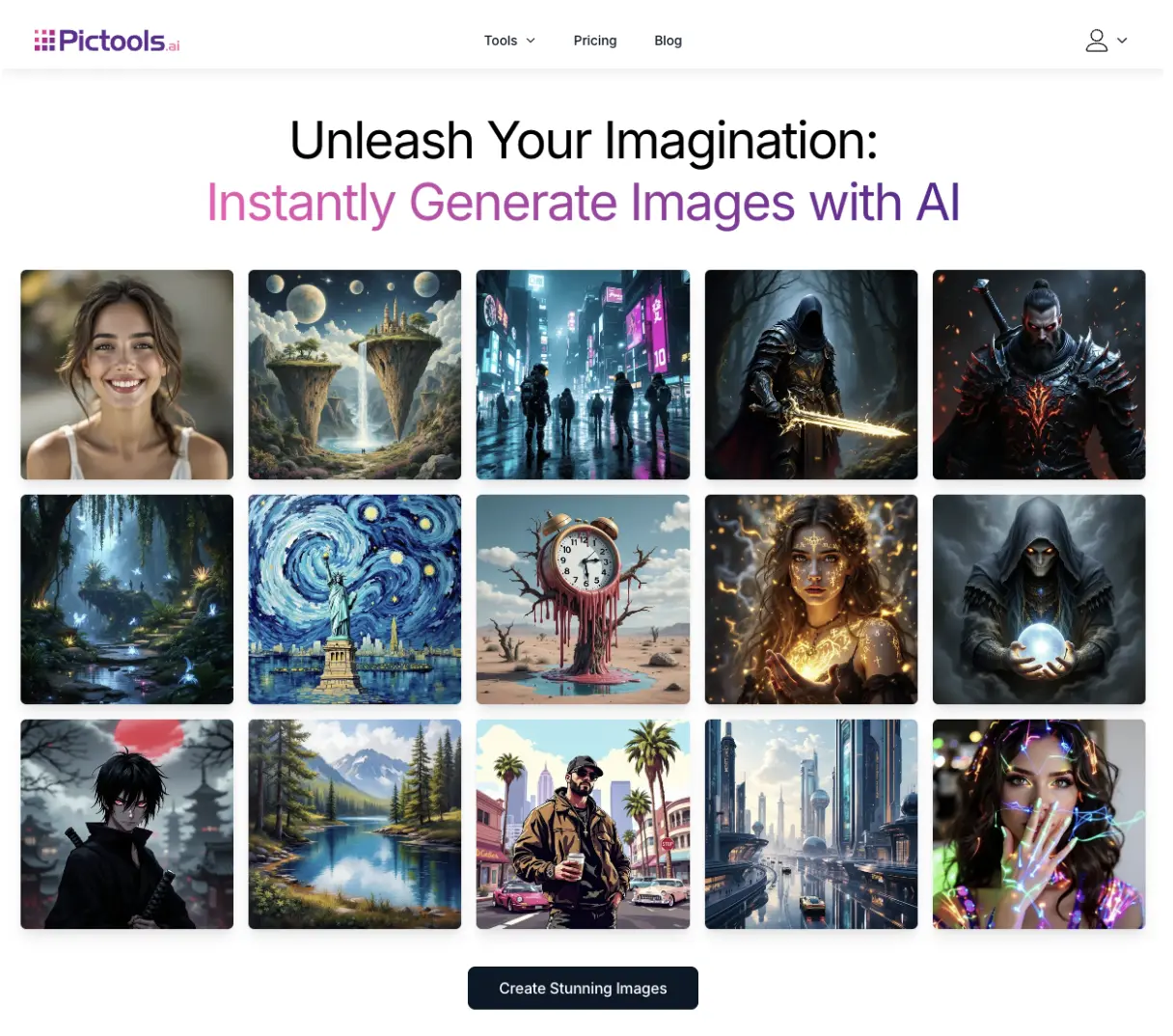
- Describe Your Idea: Enter a clear description of what you want to create, such as "a mountain landscape at sunset with a winding river."
- Generate the Image: The AI processes the description and produces an original visual based on your input.
- Download Your Creation: Save the high-quality generated image that is ready for use in your projects.
Use Cases
PicTools.AI is versatile and caters to various scenarios, including:
Marketing and Branding
Small and medium-sized businesses can create eye-catching advertisements and promotional materials without relying on external designers.
E-Commerce
Online sellers can enhance their product presentation by removing backgrounds and replacing them with clean, professional designs, increasing conversion rates on platforms like Amazon.
Content Creation
Bloggers and influencers can design unique visuals to capture their audience’s attention. For example, a travel blogger might use the AI Image Generator to create custom landscapes for articles.
Creative Projects
Artists and designers can use PicTools.AI to prototype ideas or create final pieces tailored to their creative goals.
Events and Personalized Gifts
Users can design customized invitations or unique visuals for special occasions, from weddings to corporate events.
Pricing Plans
PicTools.AI offers flexible plans to suit all user needs:
Free Plan
This plan allows users to explore the platform with access to core tools, making it perfect for newcomers.
Pro Subscription
This plan starts at $9 monthly and includes full access to all tools, priority processing, premium support, and regular updates. It also offers the most cost-effective pricing per credit, ideal for frequent users who need a reliable editing solution.
Pay-As-You-Go
Starting at $3.49, this plan provides flexible access to all tools and features without restrictions. It’s ideal for occasional users or those working on specific projects.
User Feedback
PicTools.AI users consistently highlight several positive aspects of the platform. They praise its ease of use, which allows for tasks like background removal or image generation without requiring technical expertise. Users also appreciate the tools' speed and the processed images' professional quality.
Many users report that PicTools AI has significantly streamlined their workflows, especially in marketing, e-commerce, and content creation. The platform’s ability to handle complex tasks precisely makes it an essential tool for saving time and achieving outstanding results.
Final Thoughts
PicTools.AI is more than just an editing platform; it’s a comprehensive suite designed to empower users and simplify visual content creation. Its background editing tools, AI-powered image generator, and intuitive interface make it a powerful solution for professionals and beginners.
If you’re looking for a tool that combines quality, speed, and flexibility, PicTools.AI is an excellent choice. Try the free plan or choose the subscription that best fits your needs to transform your creative workflow.
Published on: December 11, 2024