DiffusionHub io
Unlock the potential of diffusion models.
- Category
- AI Art & Illustration
- Pricing
- Paid
- Alternatives
- 6 similar tools
- Last updated
- today
- Source
- Official site ↗︎
AI Collection Top Picks
AI Art & Illustration Category Picks

Supercharge your image and video content creation with unmatched consistency, speed, and quality.
About DiffusionHub io
DiffusionHub provides developers and researchers with a comprehensive platform for experimenting with diffusion models across multiple frameworks.
DiffusionHub io's Pricing Plans
DiffusionHub io may change prices at any time. Here's our latest information:
Kohya Pricing Plans
Kohya
DiffusionHub''s model training WebUI, empowering users with efficient controls for AI model training, ensuring a streamlined and personalized creative process.
0.99
Hourly
ComfyUI
DiffusionHub''s user-friendly WebUI, providing a comfortable and intuitive workflow interface for effortless AI art creation without technical complexities or barriers.
0.99
Hourly
Automatic1111
DiffusionHub''s intuitive WebUI for AI art creation, offering seamless control and customization, enhancing user experience in creative endeavors.
0.99
Houry
What you get
Additional Information
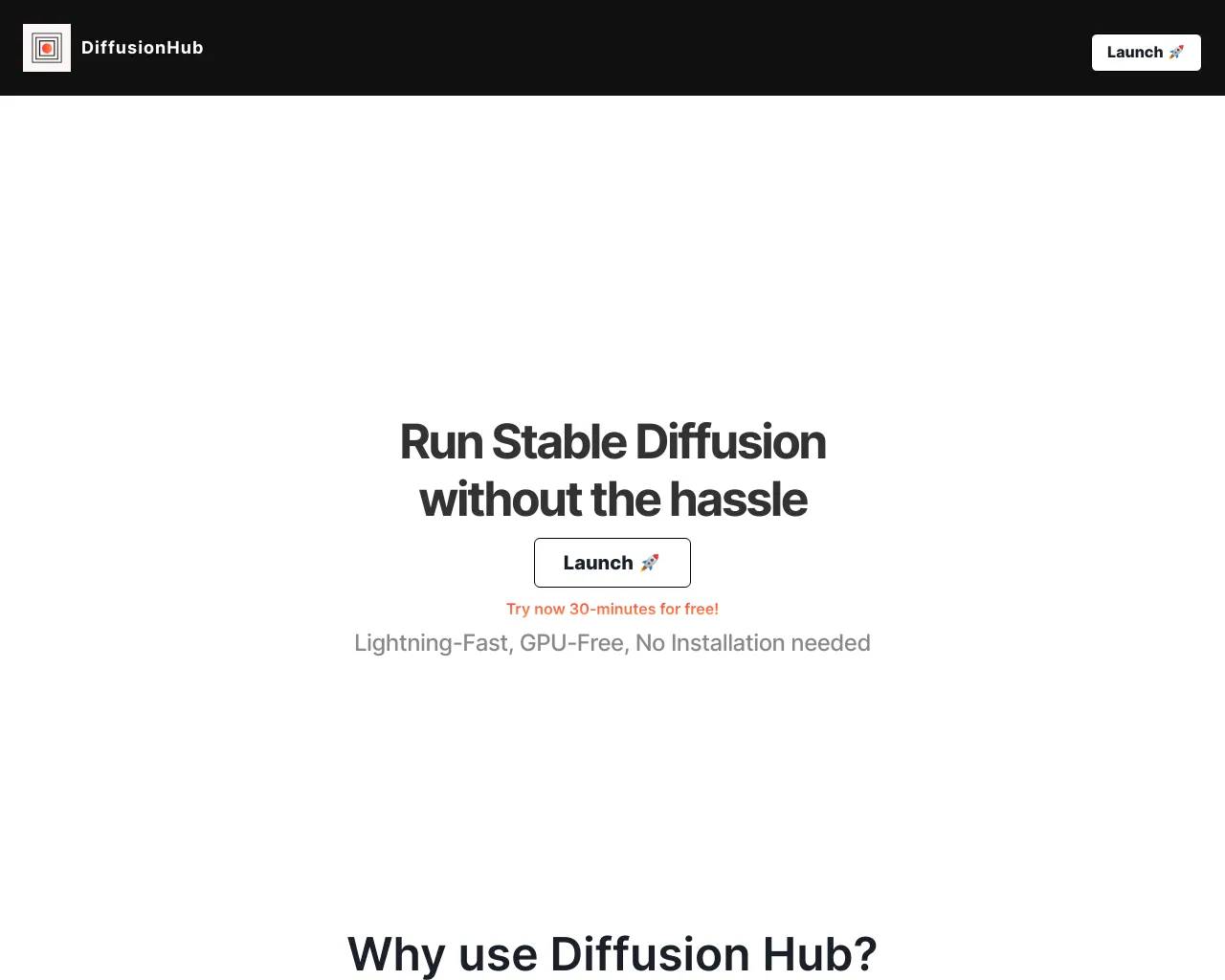
DiffusionHub.io - Stable Diffusion without the hassle
Diffusion Hub provides next-level generative AI capabilities - no hardware or coding skills are required.
Bring Your Visions to Life
Whether you’re a graphic designer, game developer, architect, photographer or somebody who loves using AI to their advantage…
FAQ
What is DiffusionHub and how does it work?
DiffusionHub is an Hosted Cloud platform that leverages Stable Diffusion technology to facilitate AI-powered image and video generation.
DiffusionHub provides users a WebUI: Automatic1111, ComfyUI or Kohya to effortlessly create AI-generated content.
The platform integrates extensions from Hugging Face or GitHub and comes pre-installed with multiple extensions like DreamBooth, FaceSwapLab and ControlNet models.
How can I use DiffusionHub to generate AI art?
You can generate mesmerizing AI art effortlessly with DiffusionHub by utilizing its powerful AI image generation capabilities. The platform supports models such as SDXL, SD 1.5 and SD 2.1 and comes pre-installed with essential models from CivitAI.
Users can generate images with Txt2Img, Img2Img and use techniques such as Upscaler and Clip Skip.
What Stable Diffusion WebUI does DiffusionHub provide?
DiffusionHub''s currently supports Automatic1111, ComfyUI and Kohya. More WebUIs will be added in the future. You can launch your preferred WebUI or switch to it during the session.
Which extensions are install on DiffusionHub?
Any extensions can be easily installed using the “Extension” tab.
What types of AI models are available on DiffusionHub?
Popular models are pre-installed on all our servers: Deforum, FaceSwapLab, DreamBooth, txt2video but you can easily install more extensions using the “Extensions” tab.
Features
- Choose your WebUI: Automatic1111, ComfyUI, Kohya
- Every generation is stored for later. Easily navigate past generations even when the server is not running.
- Videos and animations: Create videos using txt2video.
- Train Stable Diffusion models: Checkpoints, LoRAs and Textual Inversions, using tools like DreamBooth and Kohya.
- Privacy: enjoy personal servers and keep your generations and models private.
- Storage: every instance comes with 200GB storage for your generations and models.
Use Cases
AI Art Generation: Users can effortlessly create AI-generated content
Content Creation without Coding: DiffusionHub eliminates the need for users to have coding skills or specialized hardware, offering a user-friendly interface with WebUIs like Automatic1111, ComfyUI, or Kohya.
Model Training: Users can train models using tools like DreamBooth or Kohya. The platform supports various Stable Diffusion models, including LoRAs, finetuned checkpoints, and textual inversion, providing flexibility for users interested in model training.
Extensions and Integrations: DiffusionHub integrates extensions from platforms like Hugging Face or GitHub, with pre-installed extensions such as DreamBooth, FaceSwapLab, and ControlNet models. Users can easily install additional extensions to enhance their AI capabilities through the provided "Extension" tab.
Frequently asked questions
What is DiffusionHub io used for?
Unlock the potential of diffusion models.Is DiffusionHub io free?
DiffusionHub io is a paid product. See the Pricing section for current plans.What are alternatives to DiffusionHub io?
Where can I get DiffusionHub io?
DiffusionHub io is available at https://DiffusionHub.io.What category is DiffusionHub io in?
DiffusionHub io is listed in AI Art & Illustration.What is DiffusionHub and how does it work?
DiffusionHub is an Hosted Cloud platform that leverages Stable Diffusion technology to facilitate AI-powered image and video generation.
DiffusionHub provides users a WebUI: Automatic1111, ComfyUI or Kohya to effortlessly create AI-generated content.
The platform integrates extensions from Hugging Face or GitHub and comes pre-installed with multiple extensions like DreamBooth, FaceSwapLab and ControlNet models.How can I use DiffusionHub to generate AI art?
You can generate mesmerizing AI art effortlessly with DiffusionHub by utilizing its powerful AI image generation capabilities. The platform supports models such as SDXL, SD 1.5 and SD 2.1 and comes pre-installed with essential models from CivitAI.
Users can generate images with Txt2Img, Img2Img and use techniques such as Upscaler and Clip Skip.What Stable Diffusion WebUI does DiffusionHub provide?
DiffusionHub''s currently supports Automatic1111, ComfyUI and Kohya. More WebUIs will be added in the future. You can launch your preferred WebUI or switch to it during the session.Which extensions are install on DiffusionHub?
Any extensions can be easily installed using the “Extension” tab.What types of AI models are available on DiffusionHub?
Popular models are pre-installed on all our servers: Deforum, FaceSwapLab, DreamBooth, txt2video but you can easily install more extensions using the “Extensions” tab.Features
1. Choose your WebUI: Automatic1111, ComfyUI, Kohya 2. Every generation is stored for later. Easily navigate past generations even when the server is not running. 3. Videos and animations: Create videos using txt2video. 4. Train Stable Diffusion models: Checkpoints, LoRAs and Textual Inversions, using tools like DreamBooth and Kohya. 5. Privacy: enjoy personal servers and keep your generations and models private. 6. Storage: every instance comes with 200GB storage for your generations and models.Use Cases
1. AI Art Generation: Users can effortlessly create AI-generated content 2. Content Creation without Coding: DiffusionHub eliminates the need for users to have coding skills or specialized hardware, offering a user-friendly interface with WebUIs like Automatic1111, ComfyUI, or Kohya. 3. Model Training: Users can train models using tools like DreamBooth or Kohya. The platform supports various Stable Diffusion models, including LoRAs, finetuned checkpoints, and textual inversion, providing flexibility for users interested in model training. 4. Extensions and Integrations: DiffusionHub integrates extensions from platforms like Hugging Face or GitHub, with pre-installed extensions such as DreamBooth, FaceSwapLab, and ControlNet models. Users can easily install additional extensions to enhance their AI capabilities through the provided "Extension" tab.라프텔 정지는 왜 발생하나요?
불법 공유, 계정 공유 기준 초과 시 일시 정지됩니다. 다중 로그인 시 IP 차단 조치도 있을 수 있습니다.자막/더빙 설정은 어떻게 하나요?
영상 플레이 중 톱니바퀴 아이콘 → ‘자막/오디오 설정’에서 변경 가능합니다.라프텔에서 극장판만 골라 볼 수 있나요?
장르 필터 → ‘극장판/OVA’ 선택하면 바로 가능합니다.
Compare DiffusionHub io with…
Pick any tool to see a structured side-by-side: pricing, deployment, capabilities, and content policy.