Fotor AI Headshot Generator
Free AI Headshot Generator: Create Professional Headshots | Fotor.
- Category
- Headshot Generator
- Alternatives
- 6 similar tools
- Last updated
- 1 weeks ago
- Source
- Official site ↗︎
AI Collection Top Picks

Headshot Generator Category Picks
About Fotor AI Headshot Generator
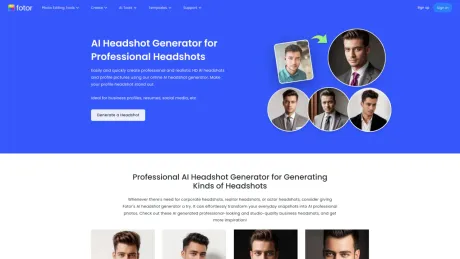
Use Fotor's free AI headshot generator to create professional, realistic AI headshots in seconds. Get HD quality headshots for business and personal use.
Fotor AI Headshot Generator's Pricing Plans
Fotor AI Headshot Generator may change prices at any time. Here's our latest information:
Fotor AI Headshot Generator Pricing Plans
Fotor AI Headshot Generator Pro
$19.99/month
- Watermark-free exports
- 2G Cloud storage
- 2K / 4K Export resolution
Frequently asked questions
What is Fotor AI Headshot Generator used for?
Free AI Headshot Generator: Create Professional Headshots | Fotor.Is Fotor AI Headshot Generator free?
Pricing for Fotor AI Headshot Generator varies — see the Pricing section for details.What are alternatives to Fotor AI Headshot Generator?
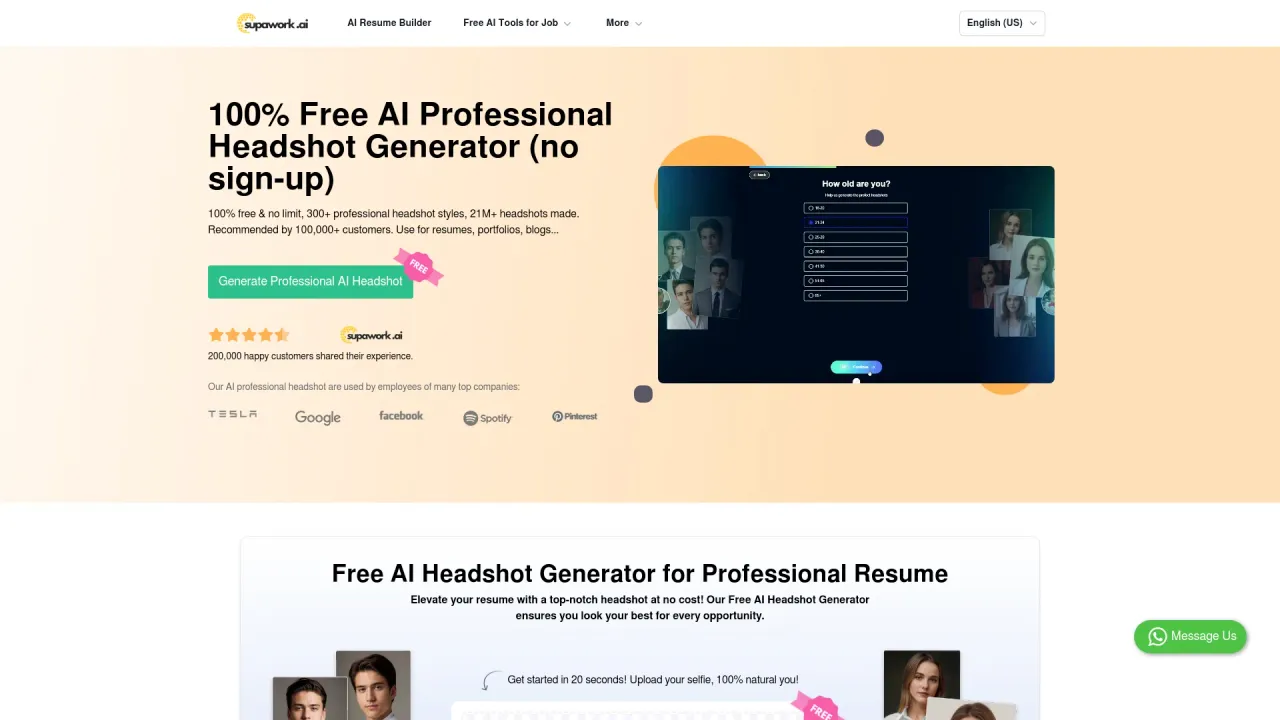
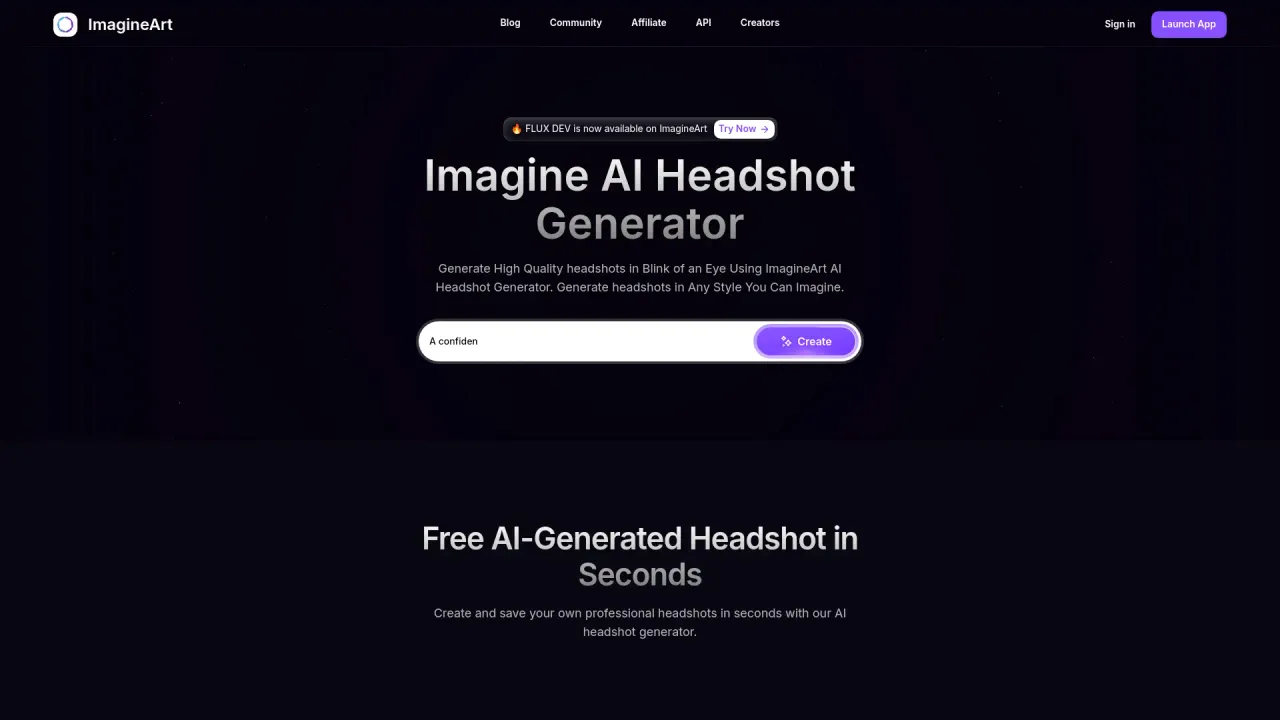
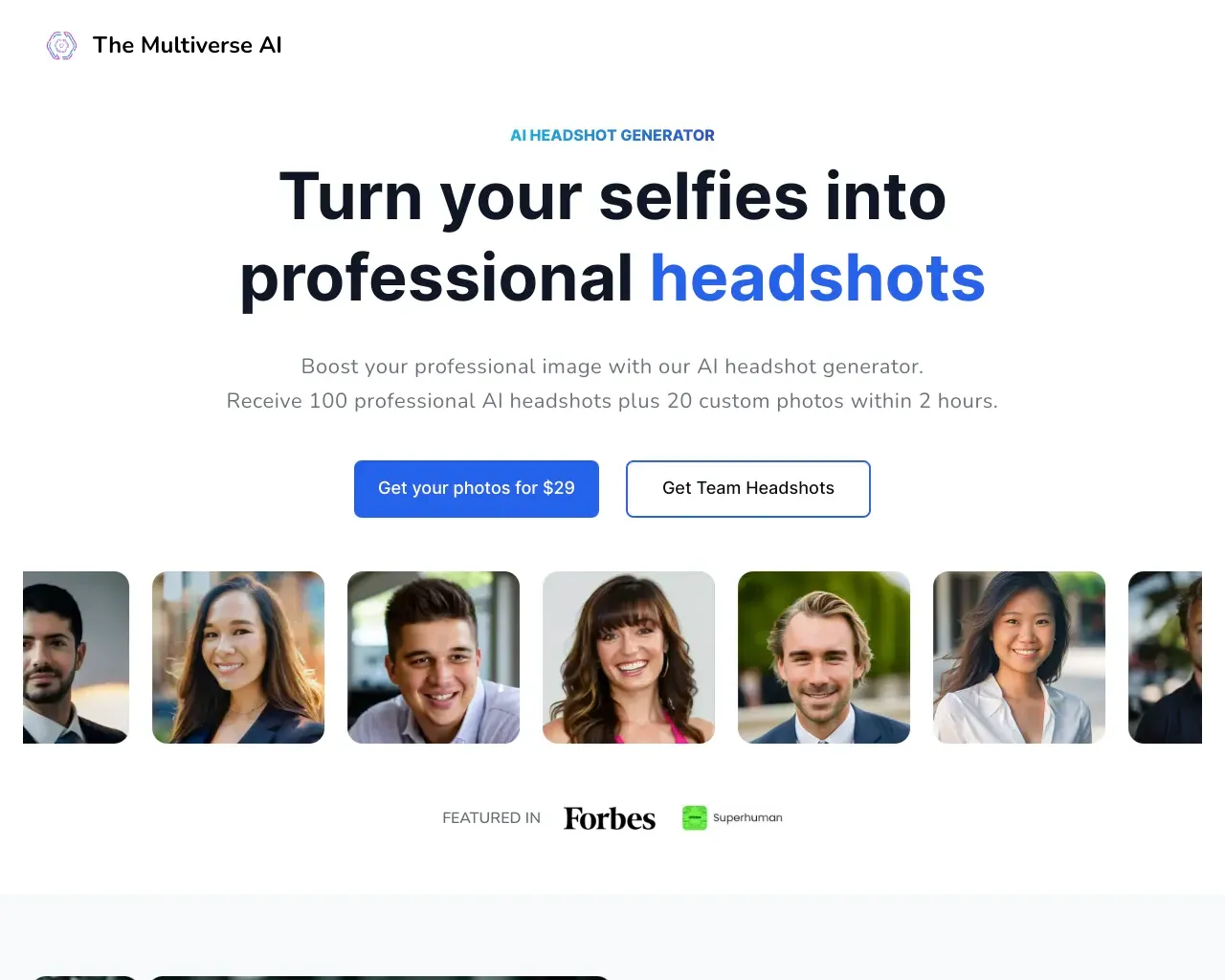
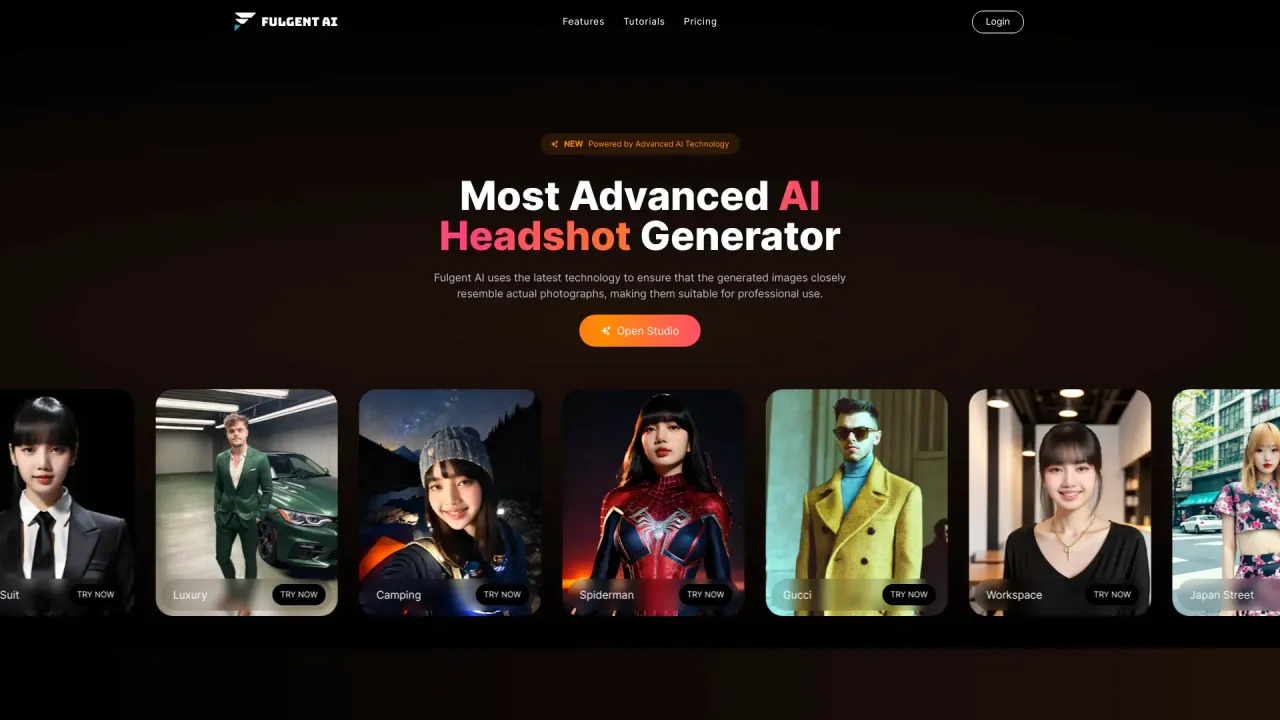
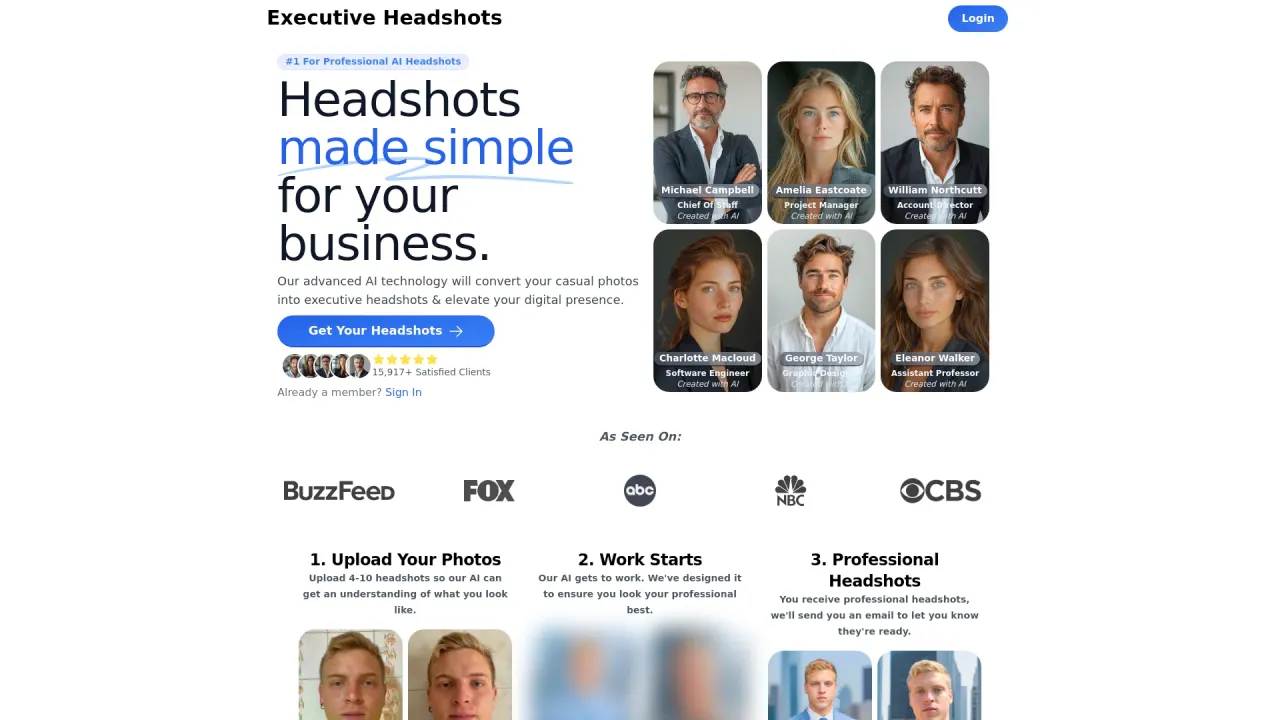
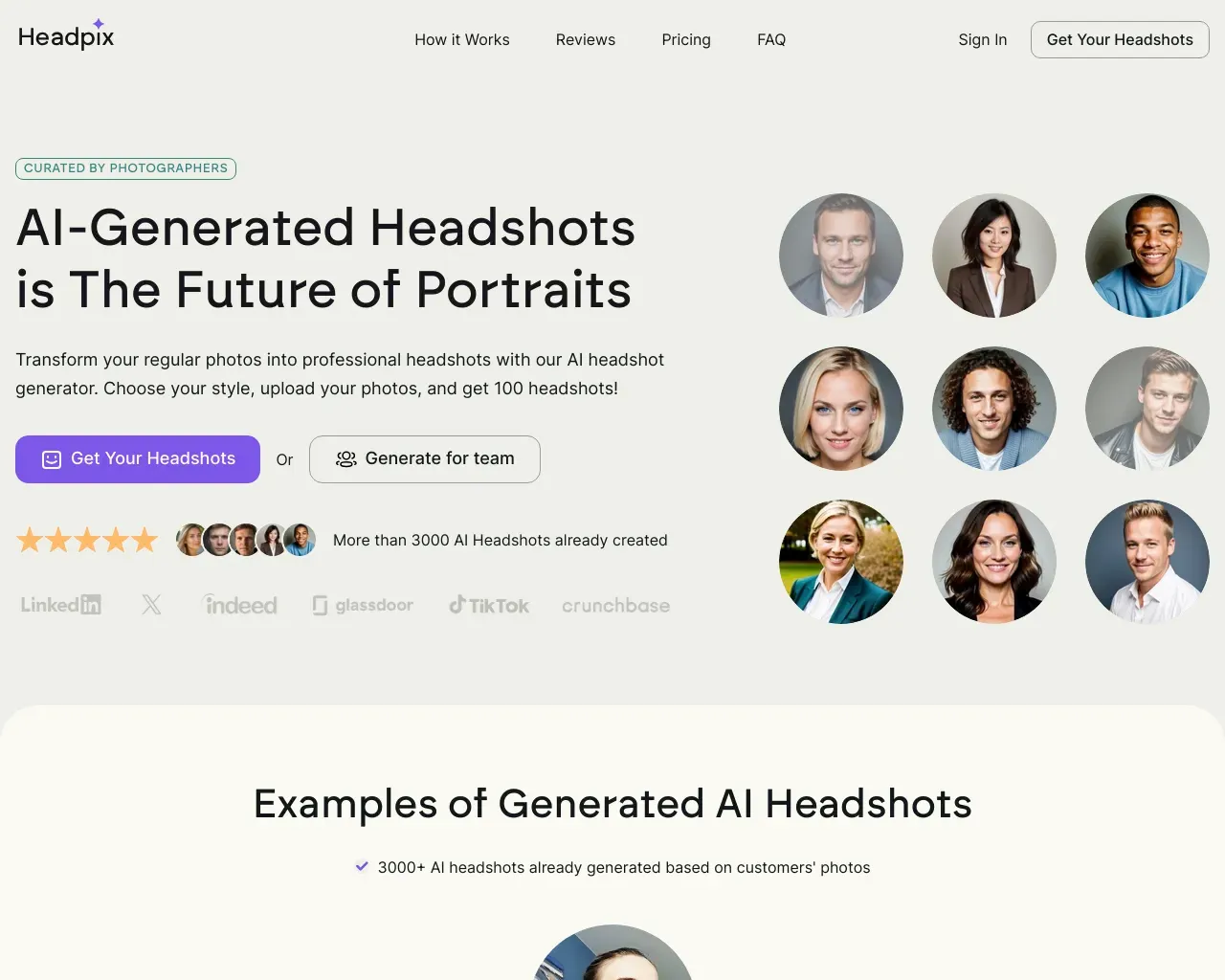
Top alternatives to Fotor AI Headshot Generator include ImageArt, The Multiverse AI, Fulgent AI, Executive Headshots, Headpix.Where can I get Fotor AI Headshot Generator?
Fotor AI Headshot Generator is available at https://www.fotor.com/features/ai-headshot-generator/.What category is Fotor AI Headshot Generator in?
Fotor AI Headshot Generator is listed in Headshot Generator.How to Make a Professional Headshot?
1. Click the “Generate a Headshot” button to get started. 2. Upload multiple life photos or selfies. 3. Next, choose an AI headshot style that you like. Fotor will automatically detect the details of your face and generate vivid and good-looking AI headshots within seconds according to the style you choose. 4. Finally, preview and download the generated AI headshots for resumes, social media profile images, and more.Features
1. AI Technology 2. Time-Saving 3. One-Click 4. Cross-Devices 5. Professional HeadshotUse Cases
* Make AI Headshot Photo from Text * Generate AI Headshot from Image * Creat a Professional AI Generated Headshot for Linkedin * Create Professional Studio-Quality AI HeadshotsI'm worried an AI photo will look obvious on my LinkedIn. How do I avoid the 'AI look'?
The "AI look" usually happens when skin is over-smoothed. To keep it looking natural, upload source photos with varied lighting. Fotor's engine is tuned to preserve micro-details like stray hairs and natural skin pores, so you end up with a portrait that looks like it was taken during a coffee break, not rendered by a computer.
Can I use these for a high-end CV or a corporate bio?
Yes, but choose the style carefully. For a CV, we recommend our 'Professional' template which focuses on neutral backgrounds and sharp focus. It’s a practical alternative to a traditional headshot session, especially if you need a quick update for a speaking engagement or a promotion.
Do I have to wear a suit in my uploaded photos?
Not at all. That’s the point—you can upload a photo in your gym gear, and our AI will 'digitally tailor' a charcoal suit or a blazer onto you. It’s about saving you the trouble of finding a dry cleaner just for one photo.
What's the difference between this and just using a filter?
Filters just overlay colors. This builds a 3D model of your face to understand depth. If you move from a dark room to a 'Studio Style', the AI recalculates how light would naturally hit your cheekbones and eyes. It’s geometry, not just a layer of paint.
Will recruiters think I'm being dishonest by using an AI photo?
Most recruiters today view AI headshots the same way they view professional retouching. It’s about presenting your best, most current self. As long as the photo accurately represents your likeness, it’s just a modern way to manage your professional branding.
I need headshots for my whole team. How do I keep them consistent?
Coordinating team headshots can be challenging. You can have everyone upload their photos and select the same office-related background. This gives your 'Meet the Team' page a unified look without having to fly everyone to the same location.
How long do you keep my face data?
Only as long as necessary. We use your photos to build a temporary training model for your session, then we wipe it. We’re in the business of photos, not data-mining. Your face belongs to you.
What if the AI gives me an extra finger or a weird eye?
It won’t happen with our generation tool. But, if a headshot comes out looking 'off' or doesn't capture your likeness, just let us know. We’ll reset your credits so you can try again with different source photos. We’d rather you have one perfect shot than fifty weird ones.
Compare Fotor AI Headshot Generator with…
Pick any tool to see a structured side-by-side: pricing, deployment, capabilities, and content policy.