- Category
- PDF & Document Tools
- Pricing
- Freemium
- Alternatives
- 6 similar tools
- Last updated
- 3 weeks ago
- Source
- Official site ↗︎
AI Collection Top Picks

PDF & Document Tools Category Picks
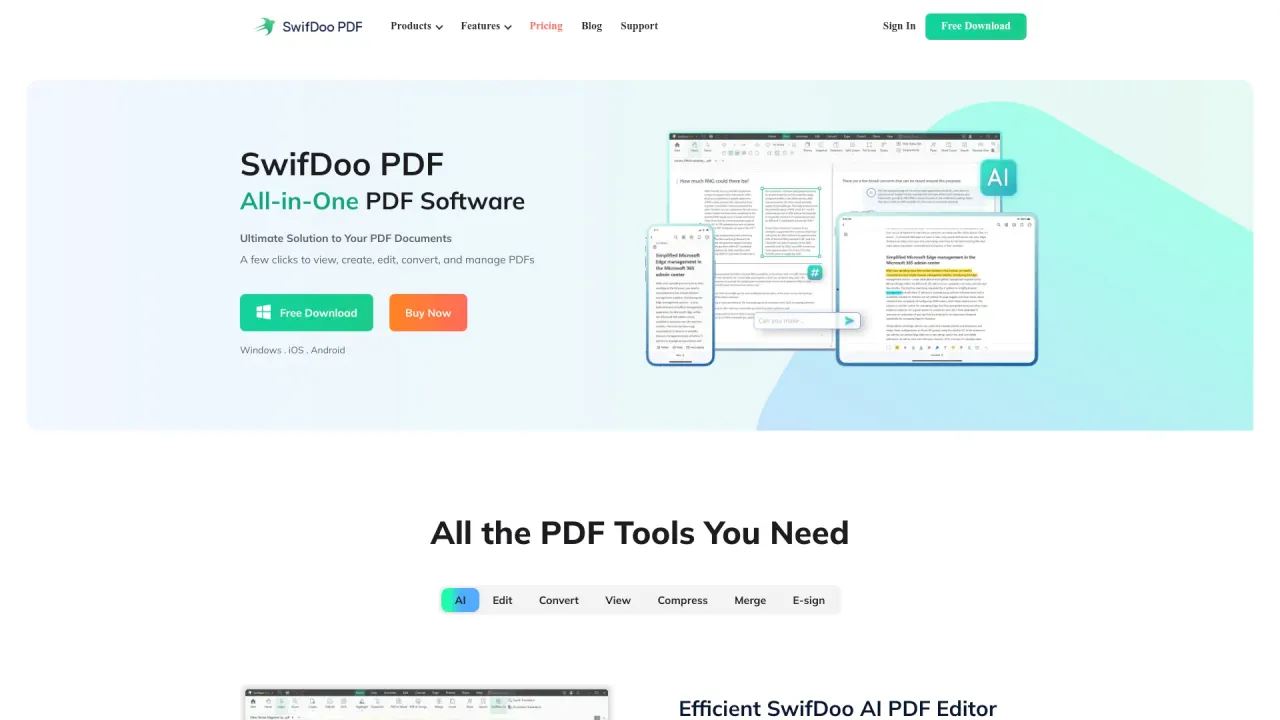
SwifDoo PDF
SwifDoo PDF - All-in-One PDF Software Ultimate Solution to Your PDF Documents A few clicks to view, create, edit, convert, and manage PDFs
About SlideSpeak
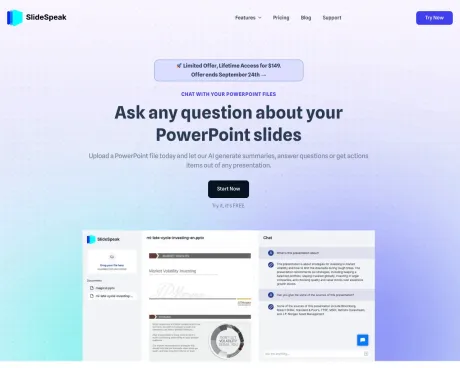
AI presentation maker for teams. Turn ideas and documents into professional PowerPoint slides in minutes. Native, editable .pptx export. Free to try.
SlideSpeak's Pricing Plans
SlideSpeak may change prices at any time. Here's our latest information:
AI tools for PowerPoint, Word and PDF.
Free Plan
Best to start with.
$0
/month
- Upload 1 File
- Ask unlimited questions
- Powered by ChatGPT 3.5
- 50 MB File Size Limit
- Limited Reply Length
Premium
For more advanced users.
$9
/month
- Up to 50 Files
- Ask unlimited questions
- Powered by ChatGPT 4
- No File Size Limit
- Longer Reply Length
Premium Plus
Unlimited files for power users.
$19
/month
- Unlimited Files
- Ask unlimited questions
- Powered by ChatGPT 4
- No File Size Limit
- Longer Reply Length
What you get
Additional Information
FAQs
What document formats can SlideSpeak summarize?
SlideSpeak can summarize PowerPoint, Word and PDF files.
Is there a free plan?
Yes, SlideSpeak offers a free plan. If you want to upload unlimited documents you can do that with a paid premium plan.
Frequently asked questions
What is SlideSpeak used for?
SlideSpeak – Free AI Presentation Maker for PowerPoint.Is SlideSpeak free?
SlideSpeak has a free tier; paid plans unlock additional features.What are alternatives to SlideSpeak?
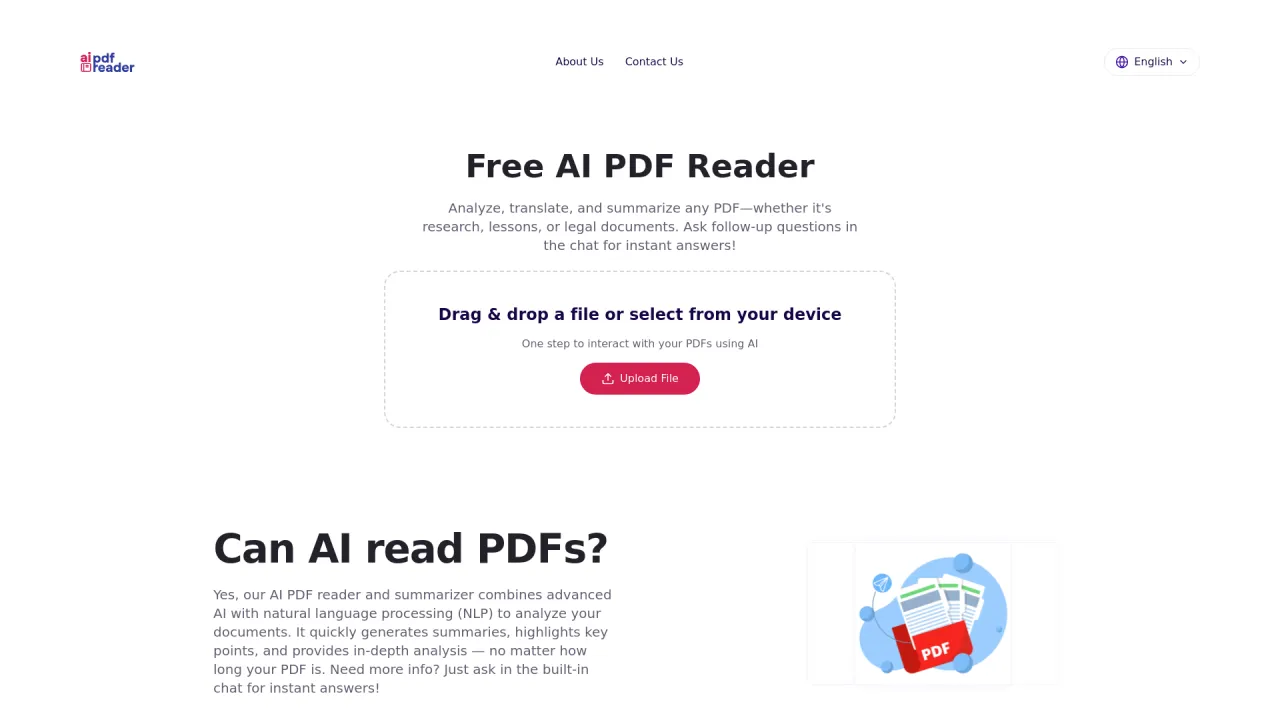
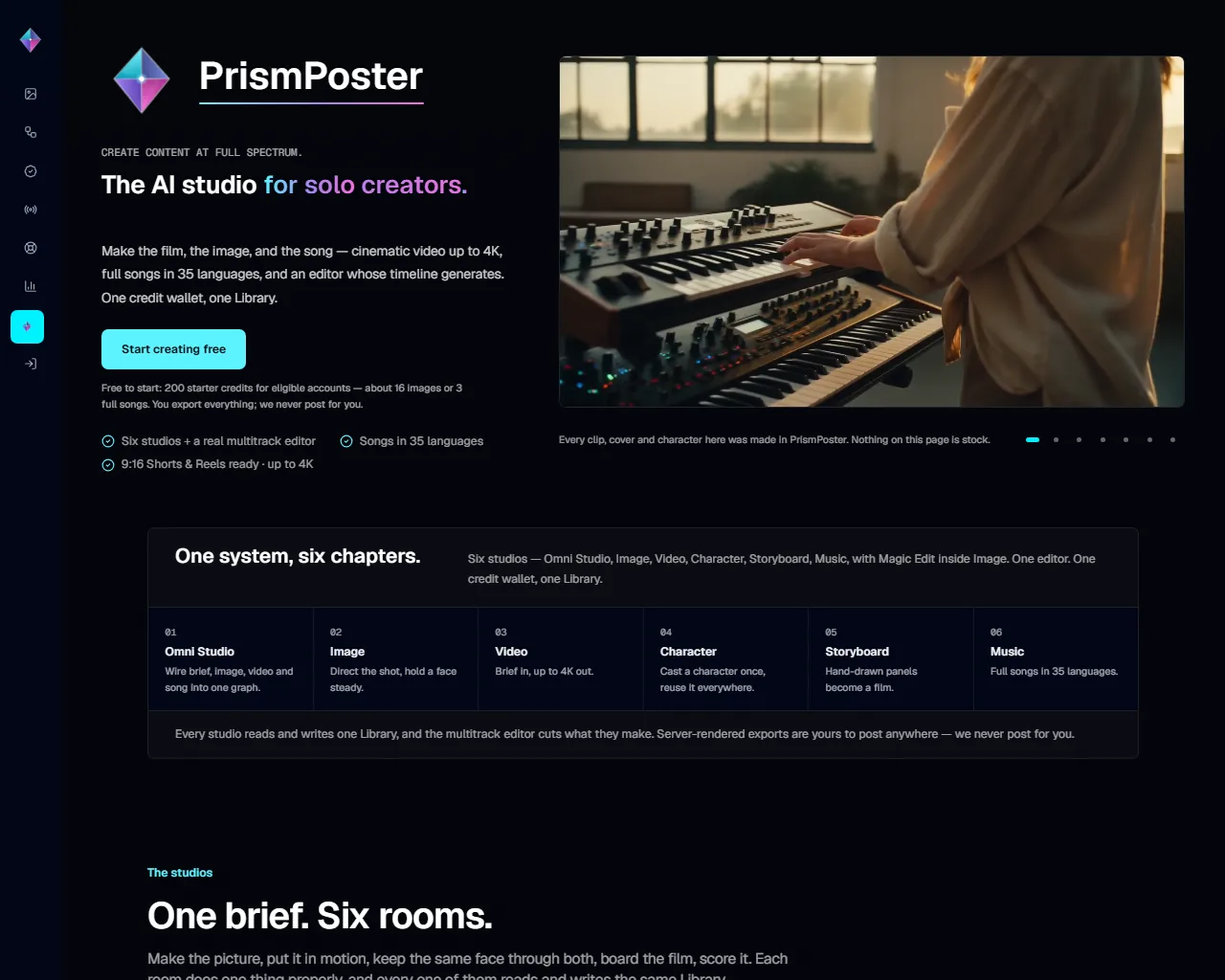
Top alternatives to SlideSpeak include SwifDoo PDF, Free AI PDF Reader, PrismPoster, Filechat, Bard PDF.Where can I get SlideSpeak?
SlideSpeak is available at https://slidespeak.co.What category is SlideSpeak in?
SlideSpeak is listed in PDF & Document Tools.What document formats can SlideSpeak summarize?
SlideSpeak can summarize PowerPoint, Word and PDF files.Is there a free plan?
Yes, SlideSpeak offers a free plan. If you want to upload unlimited documents you can do that with a paid premium plan.How do I create a PowerPoint presentation with AI?
Simply enter a topic, paste your text, or upload a document like a PDF or Word file. SlideSpeak's AI analyzes your content and generates a complete, professionally designed PowerPoint presentation in minutes. You can then edit, customize, and download it as a .pptx file ready for use.Can I convert a PDF or Word document into a presentation?
Yes! SlideSpeak automatically transforms PDFs, Word documents, and Excel files into structured slide decks. The AI summarizes key points, organizes content logically, and applies professional layouts - no manual copying and pasting required.How does SlideSpeak compare to Gamma and other AI presentation tools?
Unlike Gamma, SlideSpeak generates native, editable PowerPoint files (.pptx) you can download and use anywhere - not locked into a web platform. SlideSpeak also lets you use your own PowerPoint templates and includes features like AI video generation and brand kits. See our full SlideSpeak vs Gamma comparison.Is SlideSpeak good for consultants and business professionals?
SlideSpeak is one of the best AI presentation tools for consultants and business professionals. Convert client briefs, reports, and research into polished slide decks in minutes. Apply your brand colors and fonts automatically, and export to PowerPoint for client-ready deliverables.Can I create a presentation with AI using my own template?
Yes! You can upload your own PowerPoint template (.pptx or .potx) or use SlideSpeak's Brand Kit feature to apply your company's fonts, colors, and logo. The AI respects your design system while generating content, so every presentation stays on-brand.
Compare SlideSpeak with…
Pick any tool to see a structured side-by-side: pricing, deployment, capabilities, and content policy.