- Category
- Web Design
- Alternatives
- 6 similar tools
- Last updated
- 1 weeks ago
- Source
- Official site ↗︎
AI Collection Top Picks

Web Design Category Picks


About Studio Design
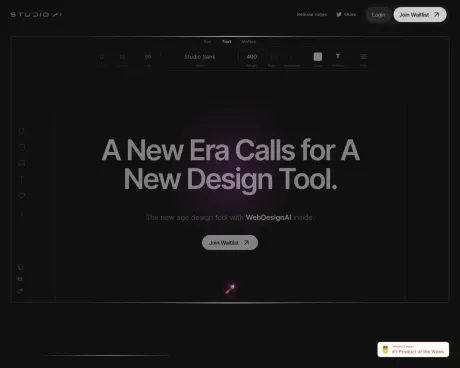
The easiest and quickest way to build your beautiful portfolio website, landing page or anything. No code. All creative freedom.
What you get
Additional Information
Studio.Design is an intuitive platform designed for creatives looking to establish their online presence without needing any coding skills. It empowers users to effortlessly create stunning portfolio websites, engaging landing pages, and more. The platform focuses on providing an environment where creativity is at the forefront, allowing users to fully express their vision and style.
With a user-friendly interface and a wide array of customizable templates, Studio.Design caters to artists, designers, photographers, and anyone else seeking to showcase their work online. The no-code approach ensures that even those with limited technical knowledge can craft professional-looking websites.
Studio.Design not only simplifies the website creation process but also includes features that enhance user experience and functionality. Whether you are embarking on a new project or revamping an existing site, Studio.Design offers the tools necessary to make it happen seamlessly.
Frequently asked questions
What is Studio Design used for?
Studio.Design.Is Studio Design free?
Pricing for Studio Design varies — see the Pricing section for details.What are alternatives to Studio Design?
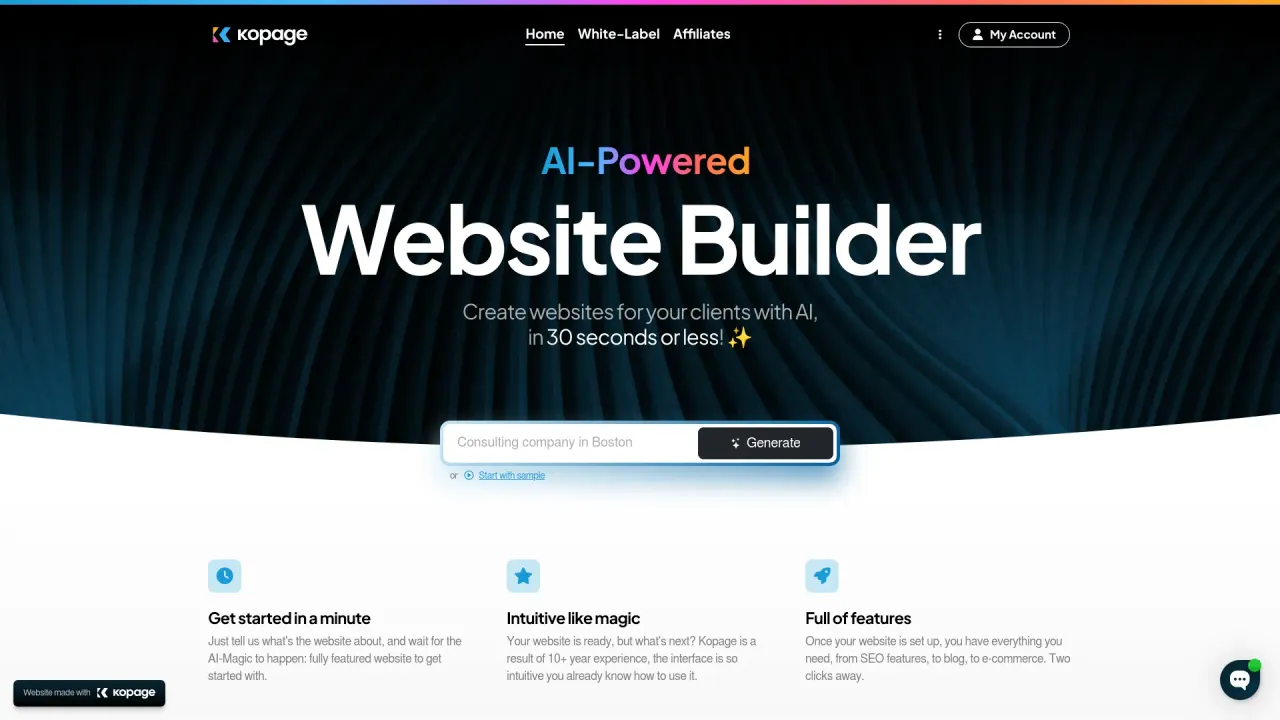
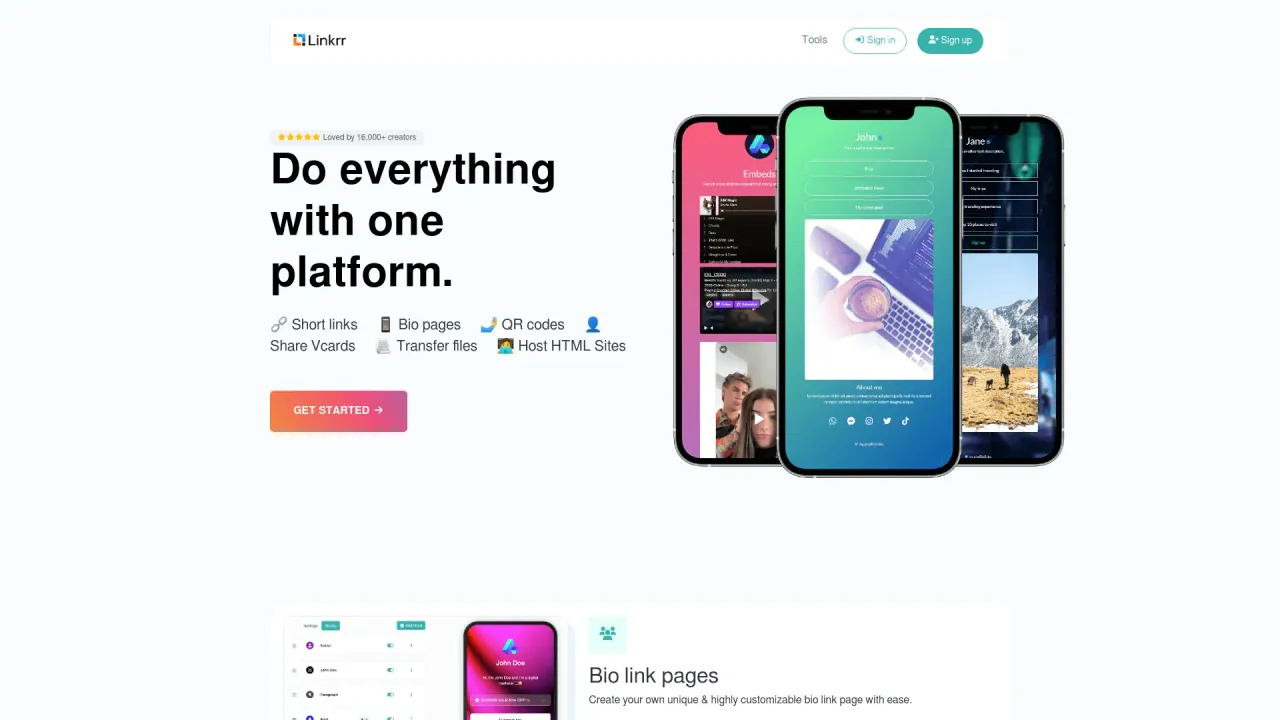
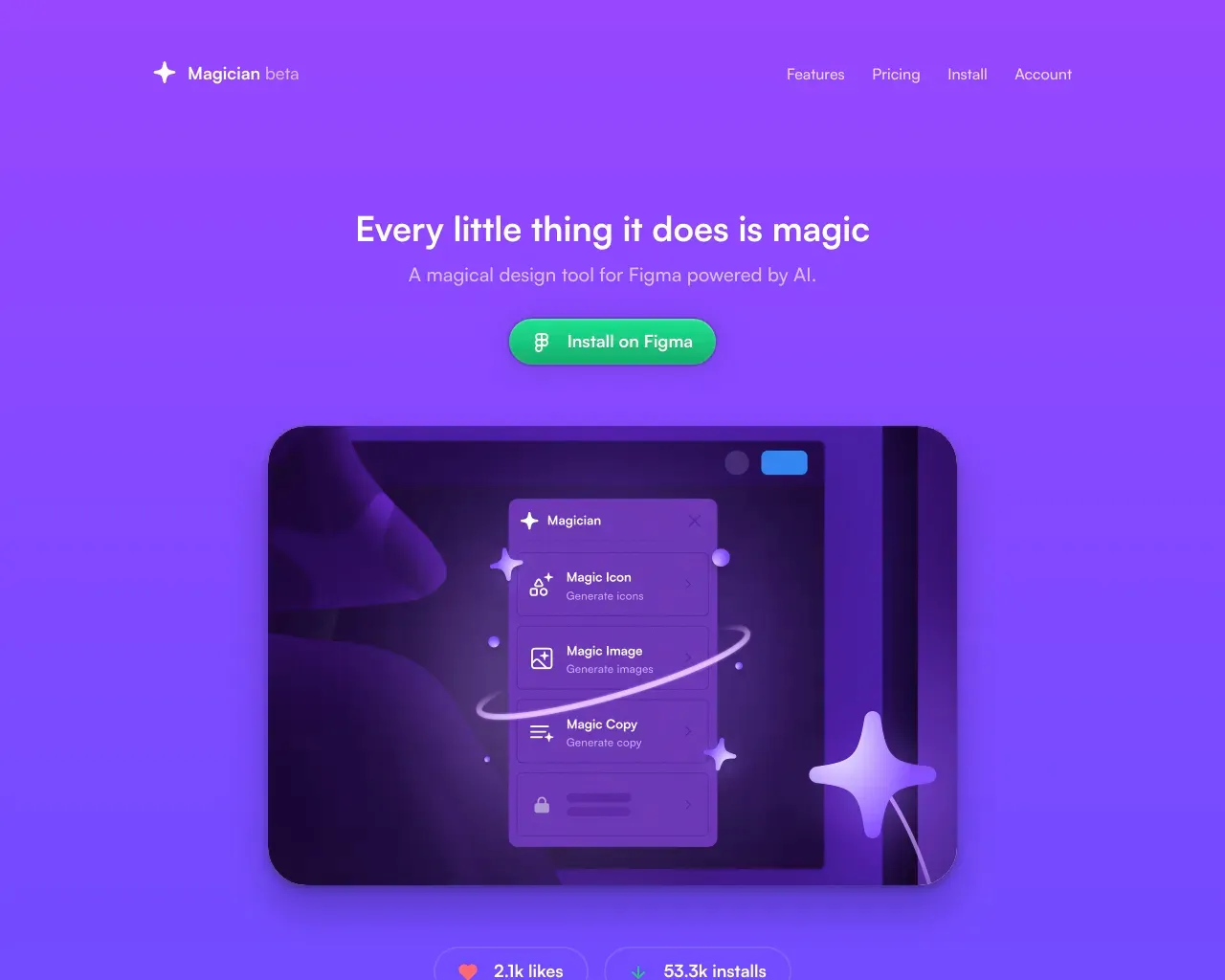
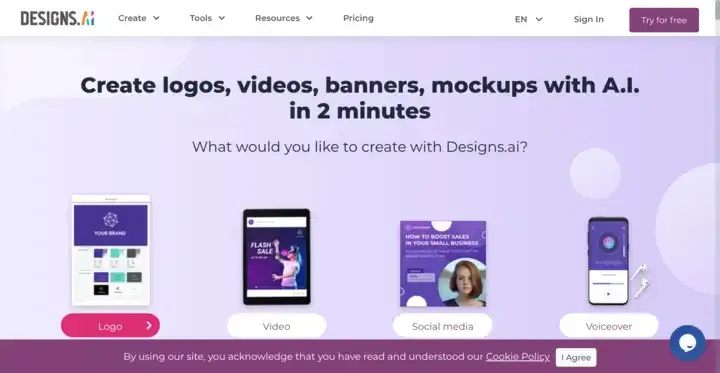
Top alternatives to Studio Design include Linkrr, Kopage AI Website Builder, Magician, Designs AI, welovenocode.Where can I get Studio Design?
Studio Design is available at http://studio.design.What category is Studio Design in?
Studio Design is listed in Web Design.What happens if I exceed my form response limit?
Responses beyond the limit won’t appear in the dashboard or email notifications. Upgrading your plan allows access to these responses, starting from the oldest.What are CMS items?
CMS items are content pieces like blog posts or collections managed through Studio’s CMS. They help you organize and update dynamic content efficiently.Can I downgrade to a plan with lower limits?
You can schedule a downgrade even if your current content exceeds the new plan’s limits. However, any CMS items or features beyond those limits will be unpublished. Be sure to adjust your content before the downgrade takes effect.What does chat support cover?
Chat support helps with Studio-related issues or questions. We can’t assist with third-party services or provide design advice. Access chat support by clicking the “?” in the editor.Are refunds available after purchasing a plan?
Refunds are not available after purchase. Please review plan details carefully before subscribing.Can I switch between annual and monthly payments?
Switching from monthly to annual for the same or higher plans is allowed and includes a discount on remaining months. Switching from annual to monthly isn’t supported.Can I cancel or downgrade my plan?
While refunds aren’t available, you can downgrade anytime before the renewal date.What payment methods are accepted?
We accept credit and debit cards.When will my annual payment be charged?
Annual payments are charged on the upgrade date and renew automatically on the same date each year.
Compare Studio Design with…
Pick any tool to see a structured side-by-side: pricing, deployment, capabilities, and content policy.