AI for Google Slides
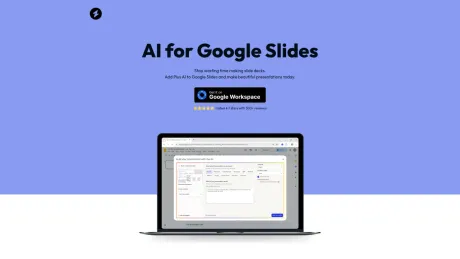
Introducing Plus AI, the best AI extension for Google Slides.
- Category
- Slides & Presentations
- Alternatives
- 6 similar tools
- Last updated
- 2 weeks ago
- Source
- Official site ↗︎
AI Collection Top Picks

Slides & Presentations Category Picks



About AI for Google Slides
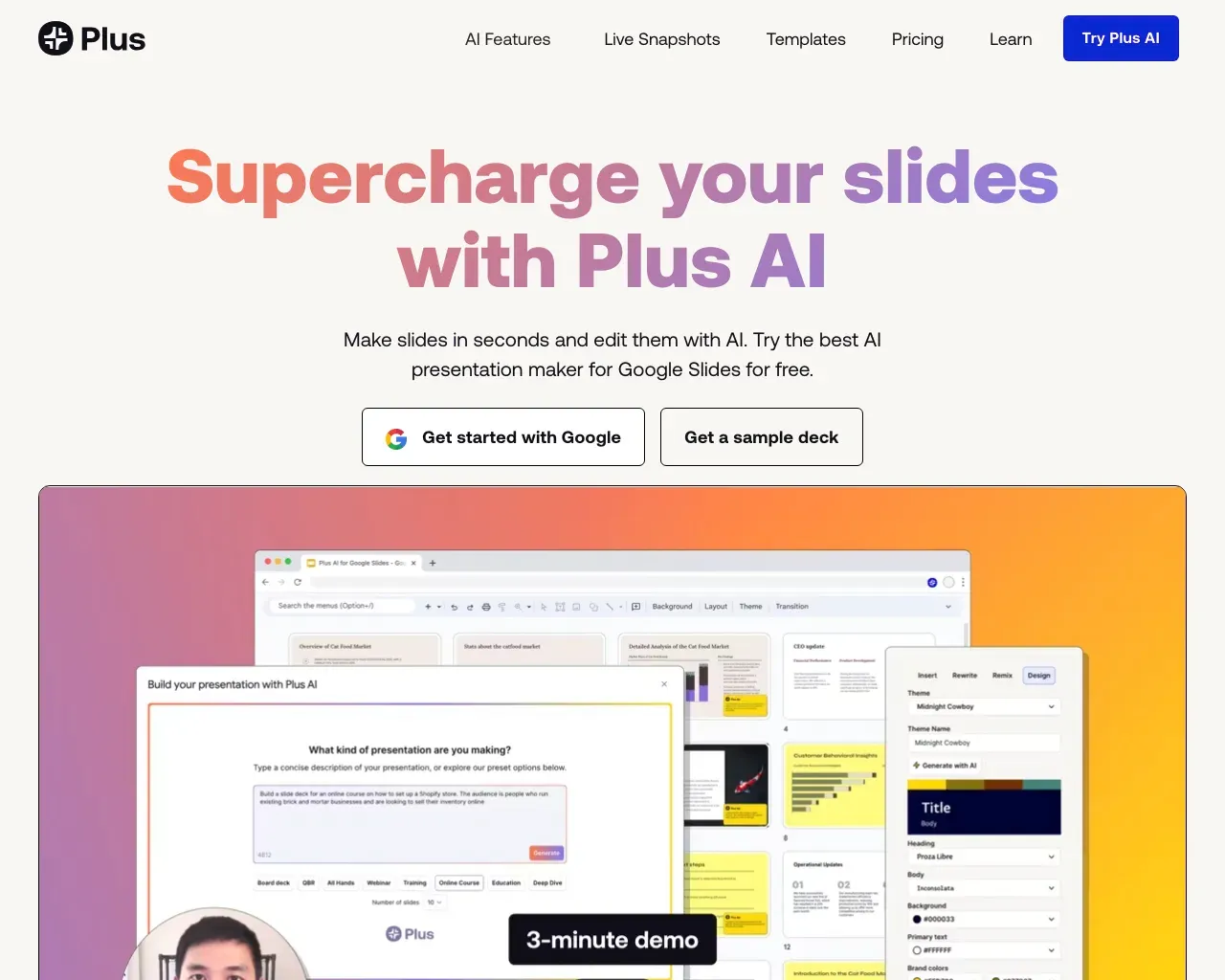
Introducing Plus AI, the best AI extension for Google Slides. Create presentations in minutes using AI. Try it for free today!
What you get
Additional Information
AI for Google Slides, powered by Plus AI, helps users create beautiful presentations quickly and efficiently. This tool is designed to integrate seamlessly with Google Slides, allowing users to save time and enhance the quality of their presentations with AI-generated content.
The platform supports unlimited AI presentations with various slide types, making it suitable for individuals, teams, and professional use. Users can customize their presentations with brand colors and logos, ensuring that their content is aligned with their brand identity.
Plus AI can be used to create content, format slides, and even manage existing presentations. This capability reduces the manual workload significantly, enabling users to focus on their presentations' creative aspects rather than the technicalities of design and formatting.
With a user-friendly installation process and a commitment to improving workflow, AI for Google Slides is an ideal solution for anyone looking to increase productivity and enhance presentation quality, whether for teaching, training, or business purposes.
Frequently asked questions
What is AI for Google Slides used for?
Introducing Plus AI, the best AI extension for Google Slides.Is AI for Google Slides free?
Pricing for AI for Google Slides varies — see the Pricing section for details.What are alternatives to AI for Google Slides?
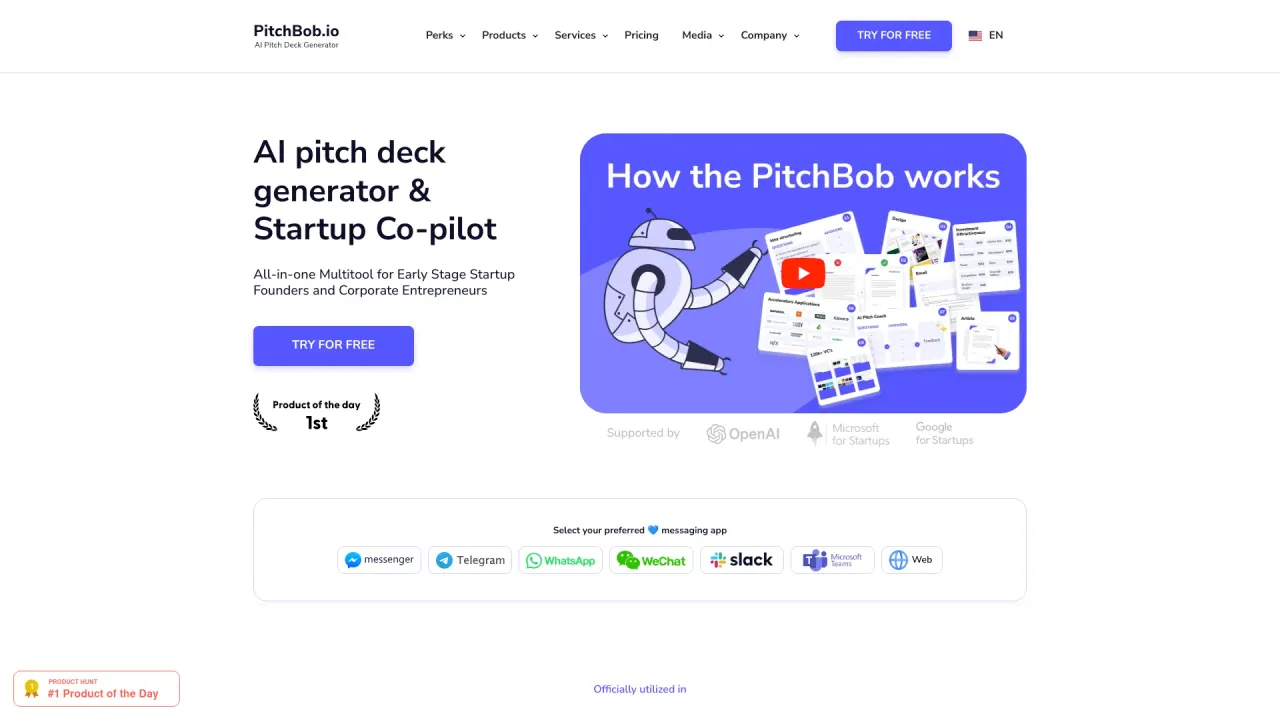
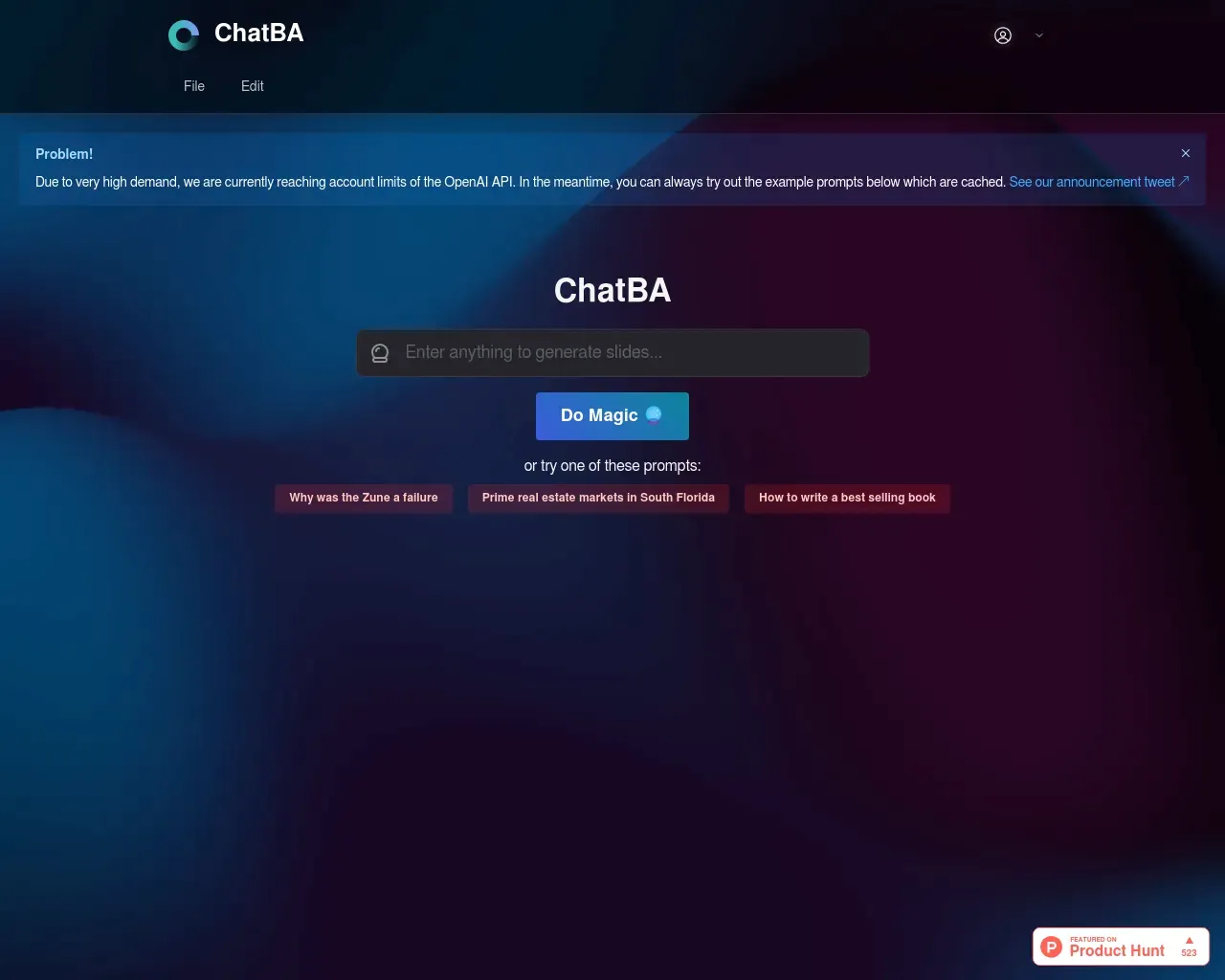
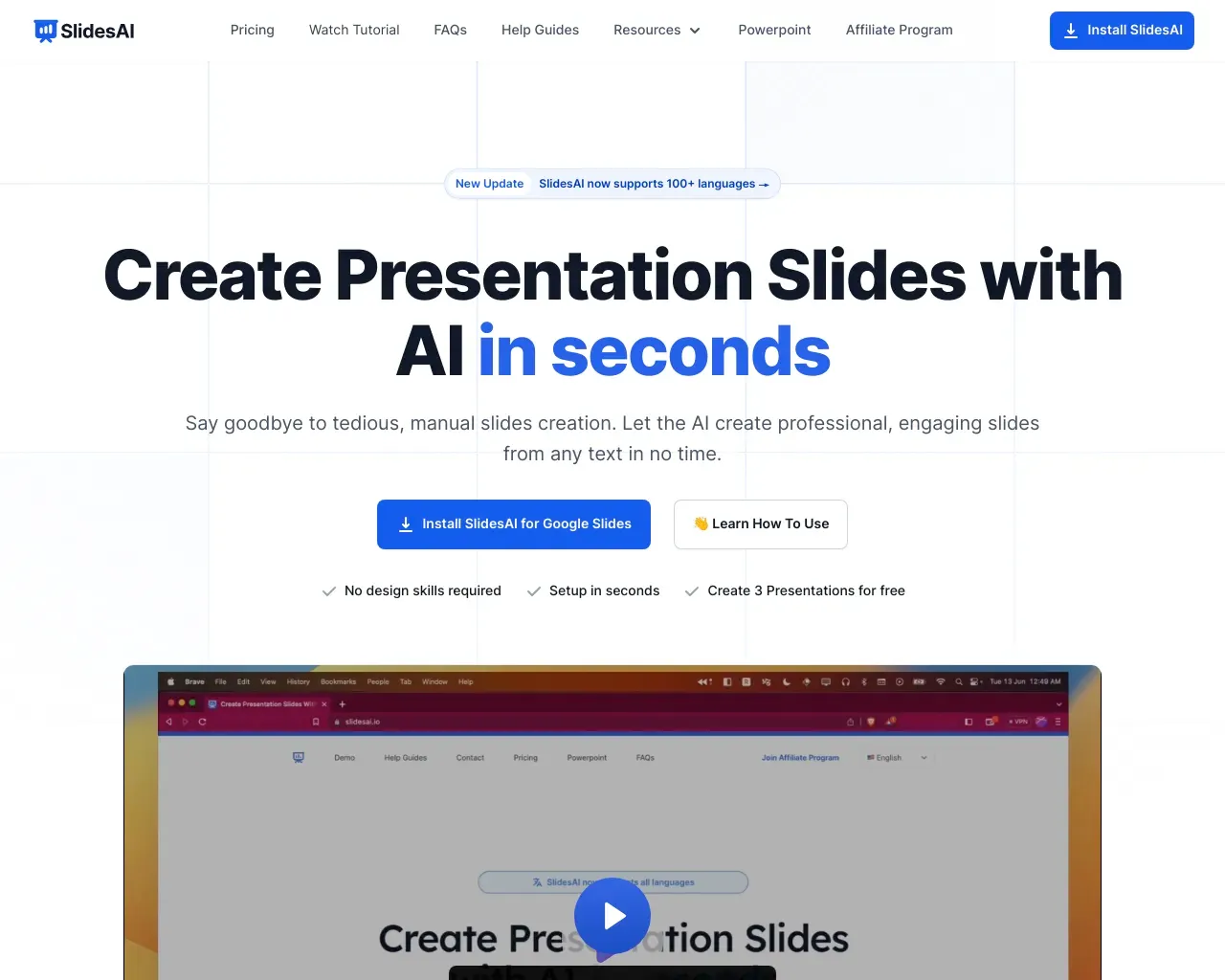
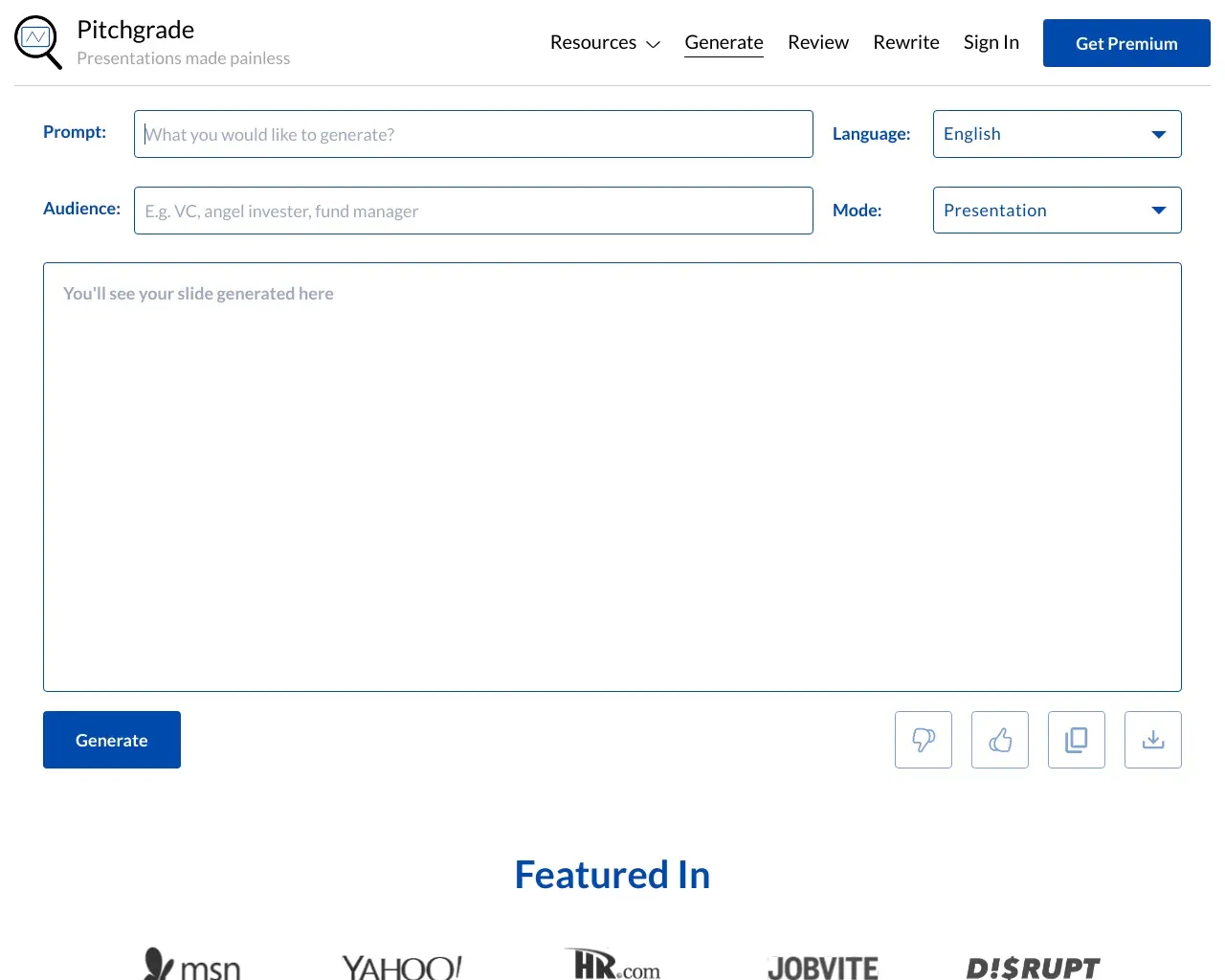
Top alternatives to AI for Google Slides include PitchBob io, Storydoc, ChatBA, SlidesAI, Pitchgrade.Where can I get AI for Google Slides?
AI for Google Slides is available at https://www.aiforgoogleslides.com/.What category is AI for Google Slides in?
AI for Google Slides is listed in Slides & Presentations.Do you offer free trials?
Yes, you can use Plus AI for Google Slides free for 7 days. The trial unlocks all features, and you can cancel at any point.Can I use Plus AI with my existing slide decks?
Yes, you can use Plus AI with your existing Google Slides presentations. If you want to use Plus AI with PowerPoint, try using the Plus AI PowerPoint add-in instead.How do I install Plus AI?
To use Plus AI, search for Plus AI in Google Workspace or from the Extensions menu in Google Slides. You can also just follow this link to go there directly.Can I customize the Plus AI generated content?
Yes, Plus AI is a native Google Slides add-on, and it generates the same Google Slides that you would create manually. You can undo/redo actions, add comments, and make adjustments to Plus AI-generated content.
Compare AI for Google Slides with…
Pick any tool to see a structured side-by-side: pricing, deployment, capabilities, and content policy.