- Category
- Image Editing
- Alternatives
- 6 similar tools
- Last updated
- 6 days ago
- Source
- Official site ↗︎
AI Collection Top Picks
Image Editing Category Picks
About AI Image Editor
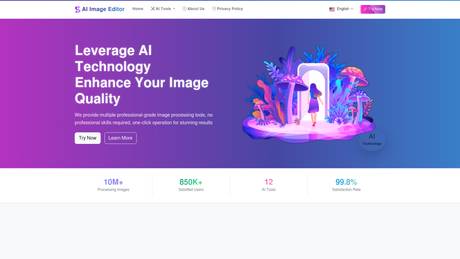
AIImageEditor.me offers 12 Free AI image tools—from image enhancement and watermark removal to style transfer and background editing—to simplify image editing.
What you get
Additional Information
AI Image Editor provides a comprehensive suite of 12 AI-powered image editing tools designed to meet various editing needs for users ranging from casual photographers to professional designers. Users can easily enhance image quality, remove watermarks, replace or manipulate text, extract backgrounds, and much more with just a few clicks.
Each tool offers professional-grade results without the need for prior editing experience, making it incredibly accessible. Key features include AI Image Enhancement for sharpness, AI Watermark Remover for seamless image restoration, and an AI Background Remover that automatically detects and removes backgrounds.
The platform also includes tools like AI Style Transfer, which allows users to apply different artistic styles to their photos, and AI Image Redraw for unlimited creative possibilities using text descriptions. With over 10 million images processed and a high user satisfaction rate, the AI Image Editor serves both individual and enterprise clients efficiently.
Whether you are looking to create stunning visuals for social media, e-commerce, or personal projects, AI Image Editor delivers exceptional results quickly and without compromising on quality.
Frequently asked questions
What is AI Image Editor used for?
AI Image Editor │ Free All-in-One Photo AI Tools.Is AI Image Editor free?
Pricing for AI Image Editor varies — see the Pricing section for details.What are alternatives to AI Image Editor?
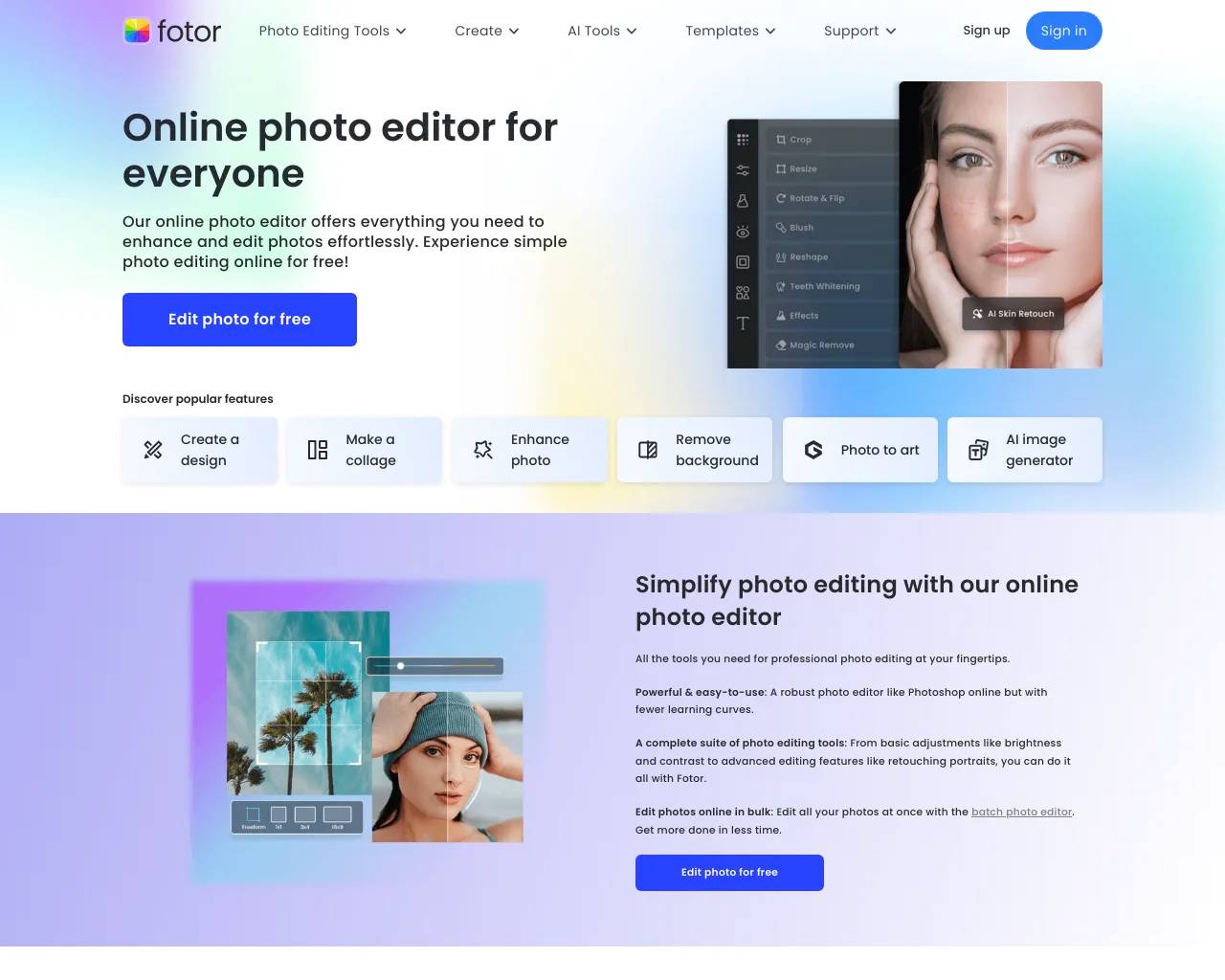
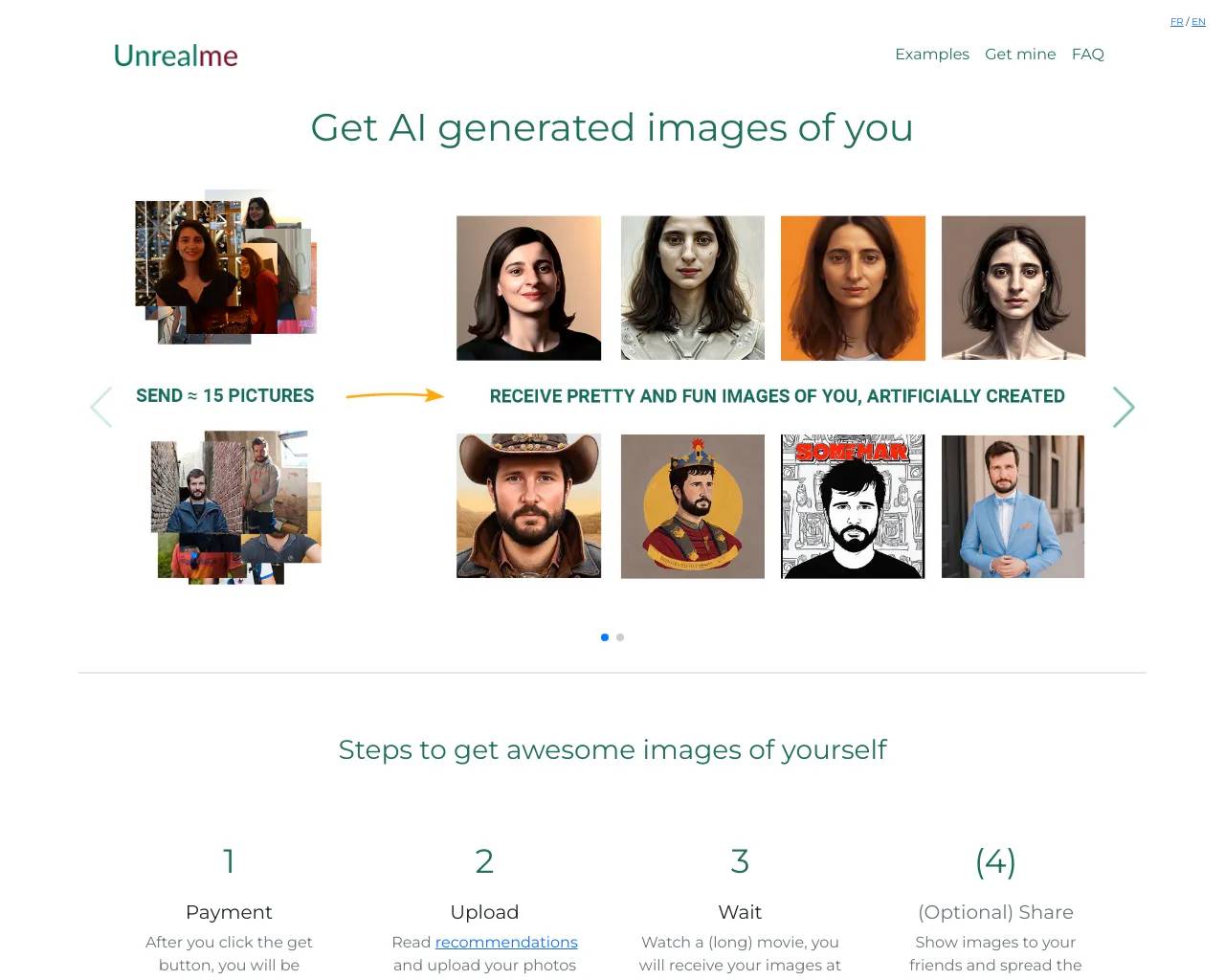
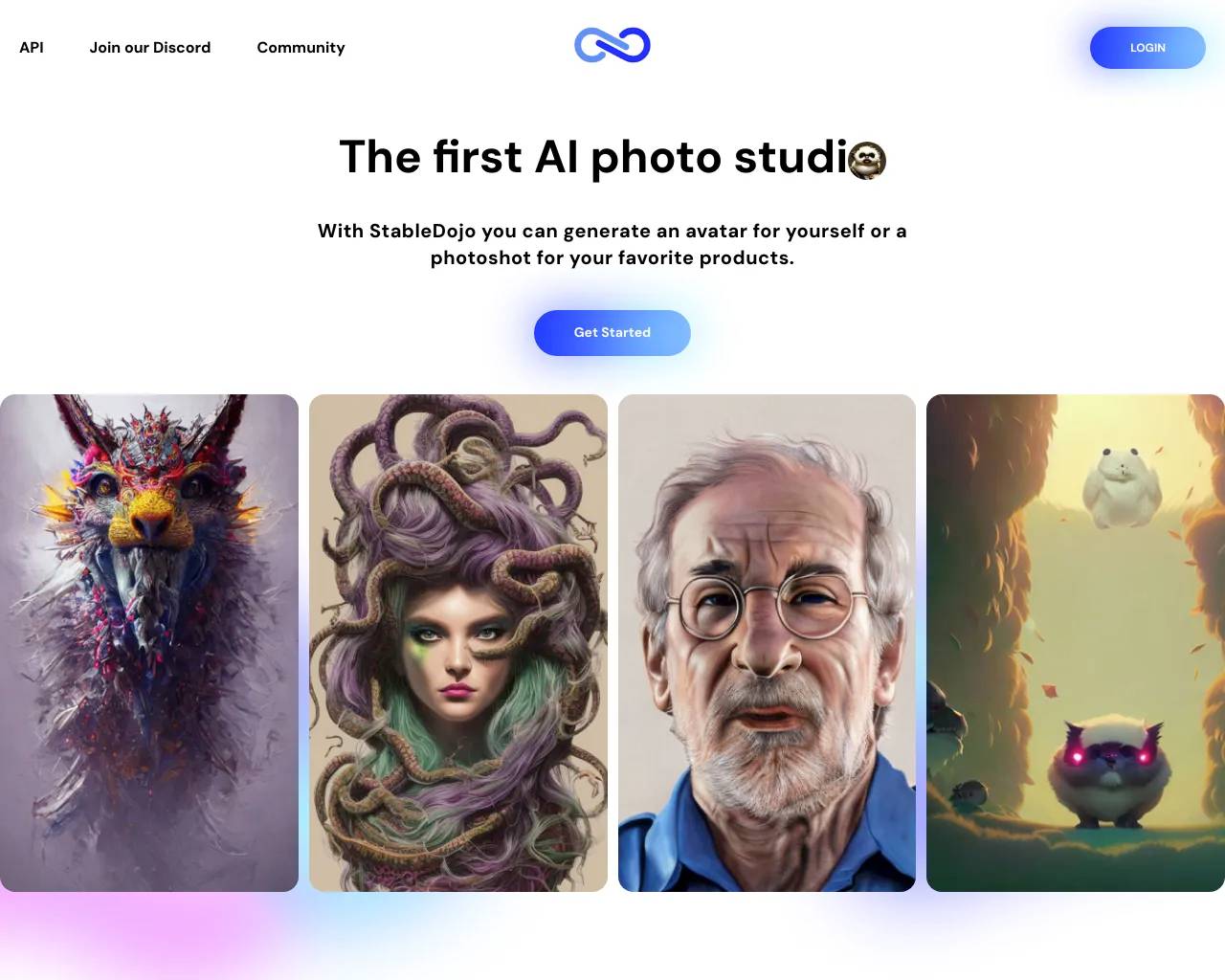
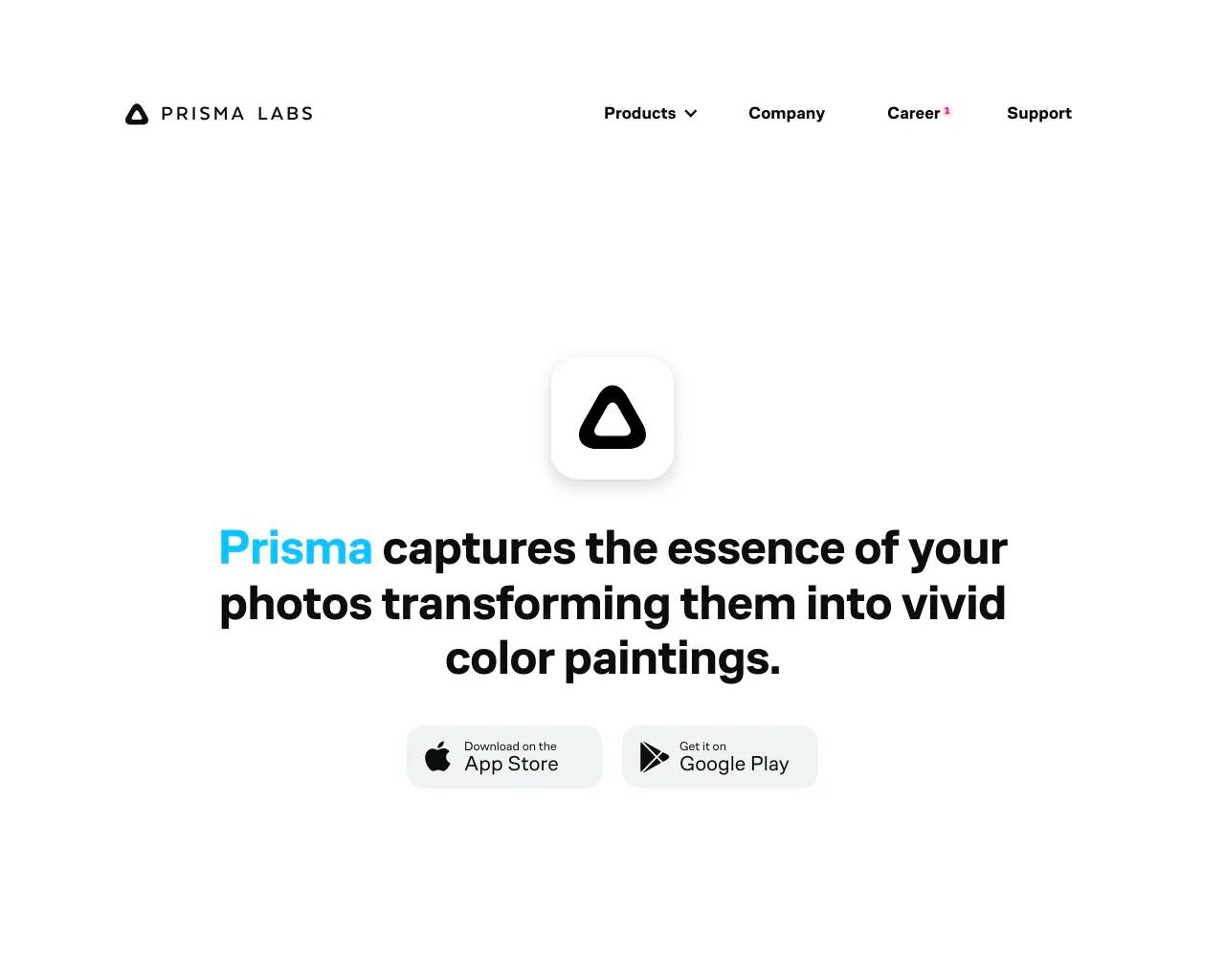
Top alternatives to AI Image Editor include Photoshift, PicTools.AI, AI Photos Editor, AVCLabs PhotoPro AI, ProductScope AI.Where can I get AI Image Editor?
AI Image Editor is available at https://aiimageeditor.me.What category is AI Image Editor in?
AI Image Editor is listed in Image Editing.Is the AI image processing tool free?
Yes, our AI image processing tools are completely free, and you can use them anytime.What image formats are supported?
We support all major image formats including JPG, PNG, WEBP, BMP, and TIFF.Is my image safe? Do you save uploaded images?
We promise not to save your uploaded images. All processing is done on your device to ensure your privacy and security.What is the quality of processed images?
We use advanced AI technology to ensure processed images are high quality with rich details and natural colors.How long does processing take?
Most image processing tasks can be completed in seconds. Processing time depends on image size, complexity, and the type of tool selected.Can processed images be used for commercial purposes?
Yes, you are free to use processed images for commercial purposes.Can I use these tools on mobile devices?
Yes, our website is fully responsive and can be used on all devices, including smartphones and tablets.Do you provide technical support?
Yes, you can contact us through our official website or customer service channels, and we will respond to your questions promptly.
Compare AI Image Editor with…
Pick any tool to see a structured side-by-side: pricing, deployment, capabilities, and content policy.