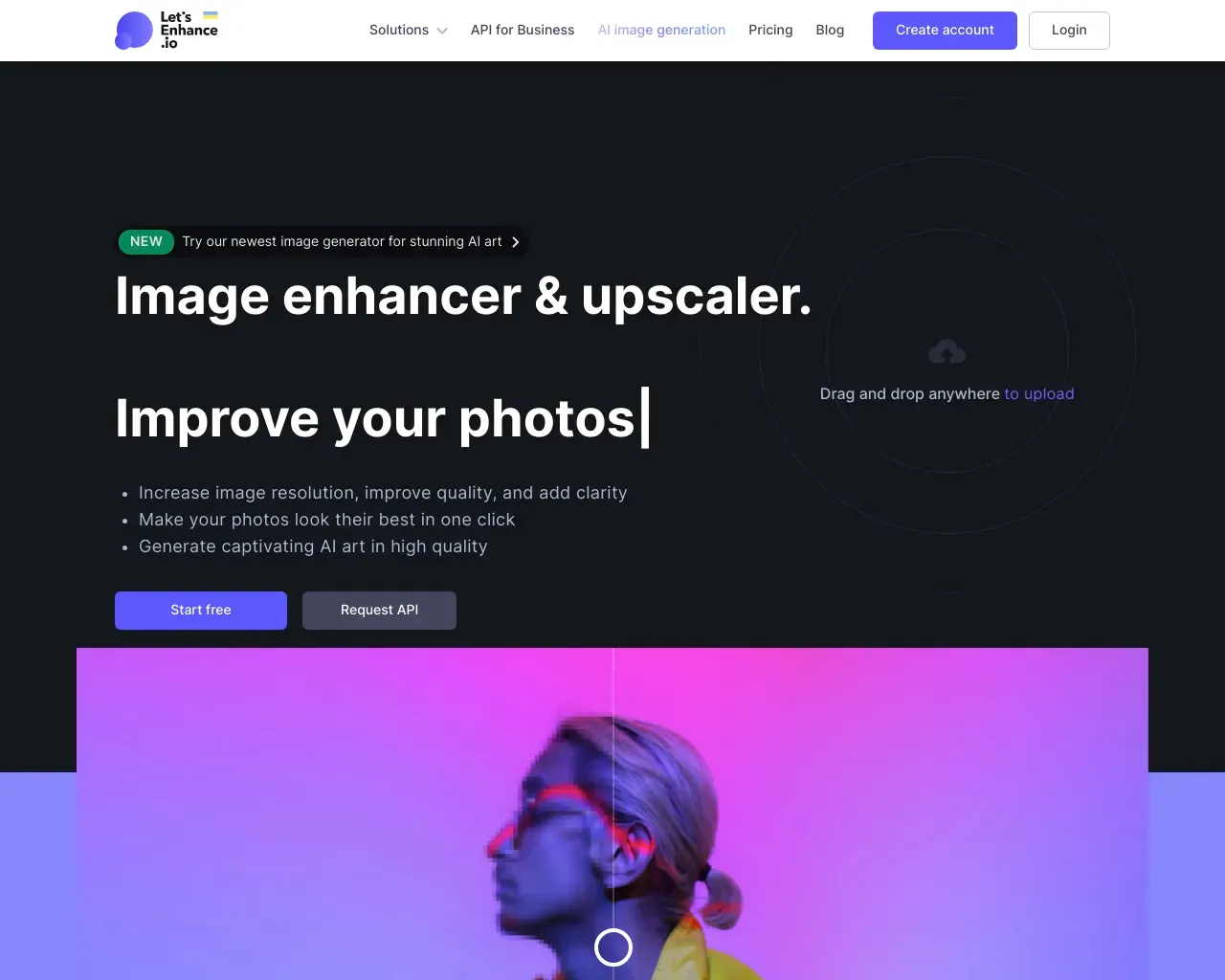
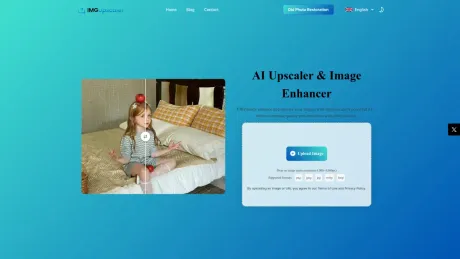
AI Upscaler & Image Enhancer
Free AI Image Upscaler Online - Upscale Photos to 16K.
- Category
- Image Upscaler
- Alternatives
- 6 similar tools
- Last updated
- 3 weeks ago
- Source
- Official site ↗︎
AI Collection Top Picks

Image Upscaler Category Picks
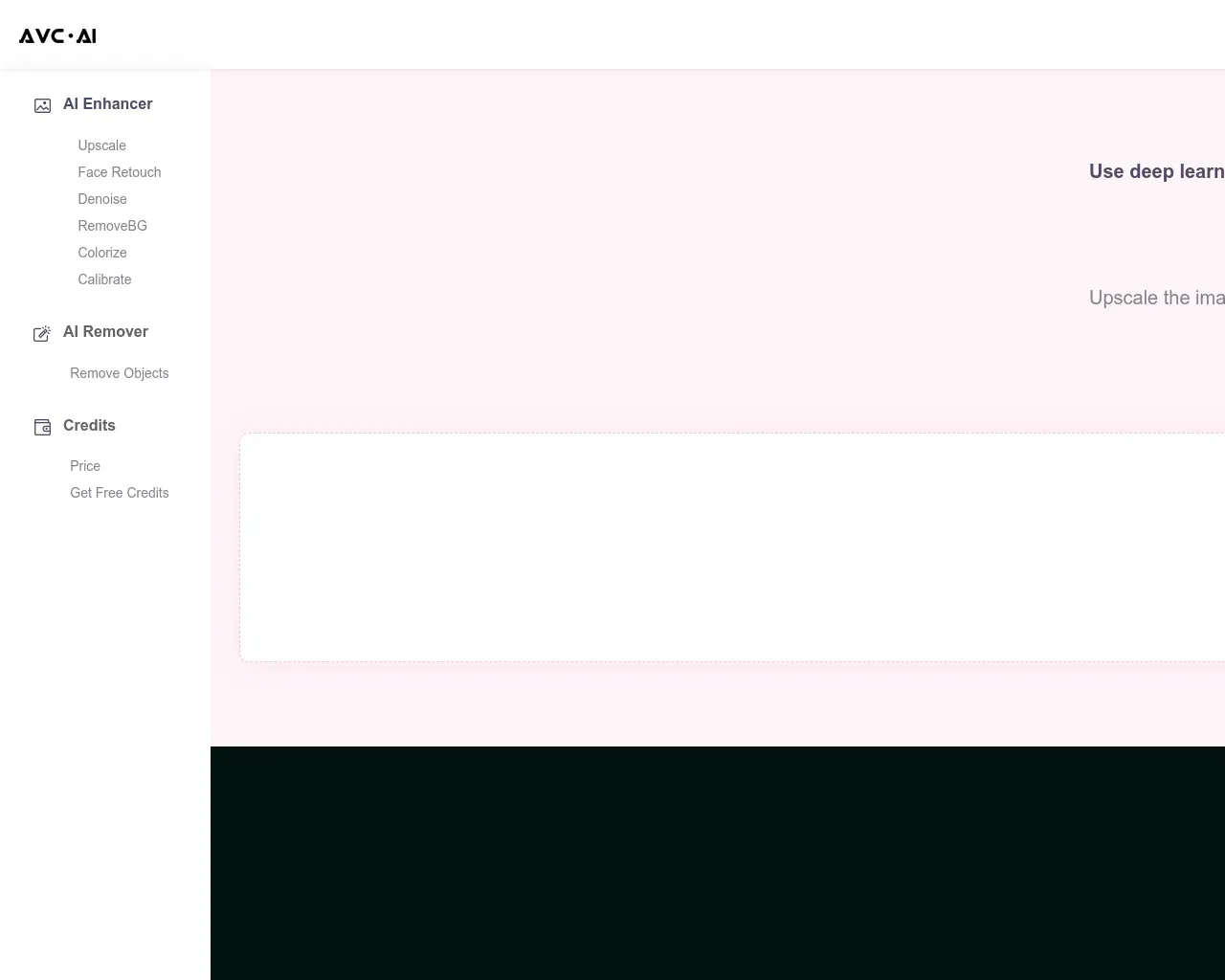
AVC AI
Online AI Image Enhancer that Improves Photo Quality by Upscaling, Denoising, Restoring, Face Refinement, and More

About AI Upscaler & Image Enhancer
Use a free AI image upscaler online to increase image resolution, fix pixelated photos, sharpen details, and upscale images for print, ecommerce, AI art, and social media.
AI Upscaler & Image Enhancer's Pricing Plans
AI Upscaler & Image Enhancer may change prices at any time. Here's our latest information:
Pricing
Pricing
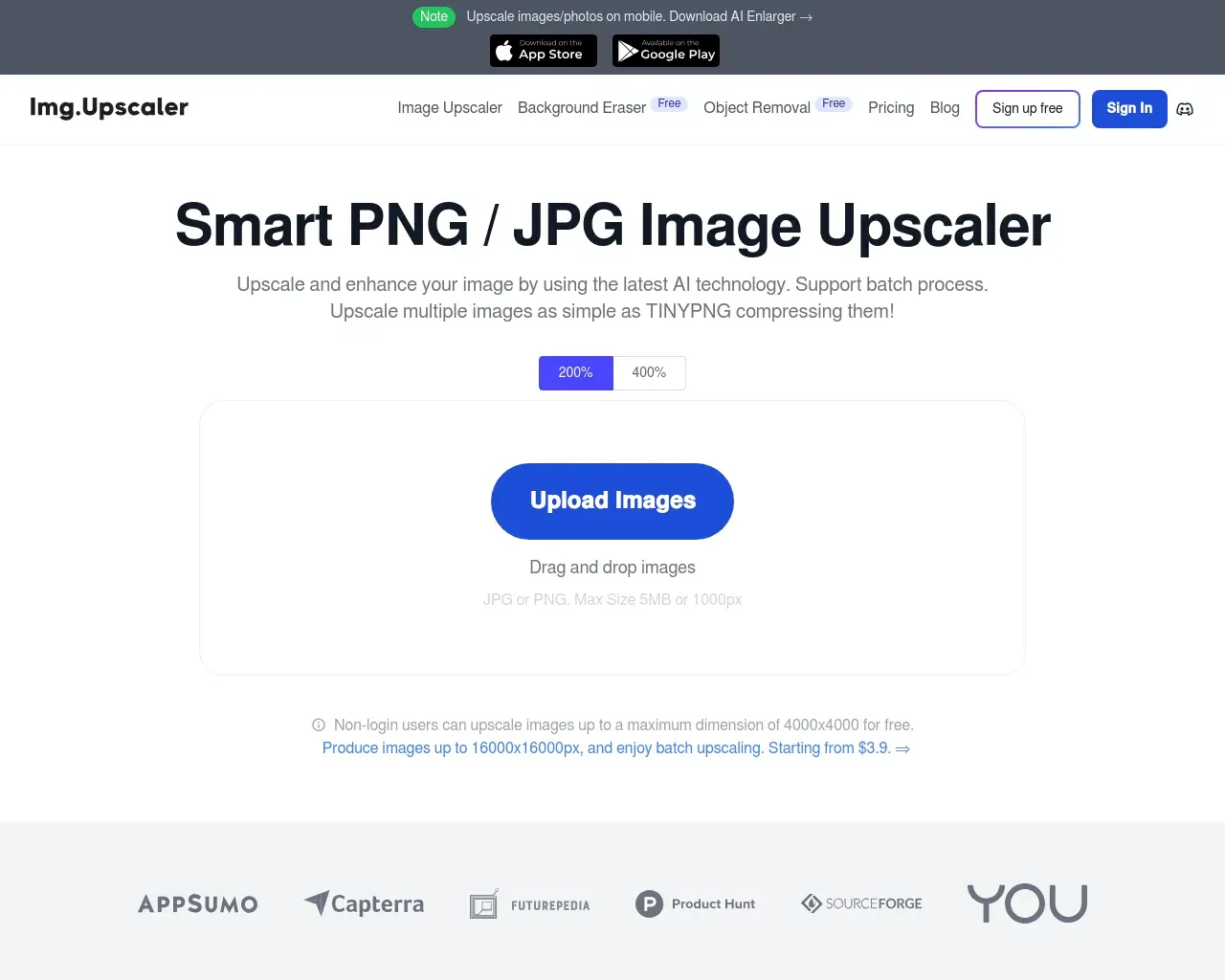
- ImgUpscaler is free to use with generous credits allowing users to enhance images without the need for an account or payment.
Frequently asked questions
What is AI Upscaler & Image Enhancer used for?
Free AI Image Upscaler Online - Upscale Photos to 16K.Is AI Upscaler & Image Enhancer free?
Pricing for AI Upscaler & Image Enhancer varies — see the Pricing section for details.What are alternatives to AI Upscaler & Image Enhancer?
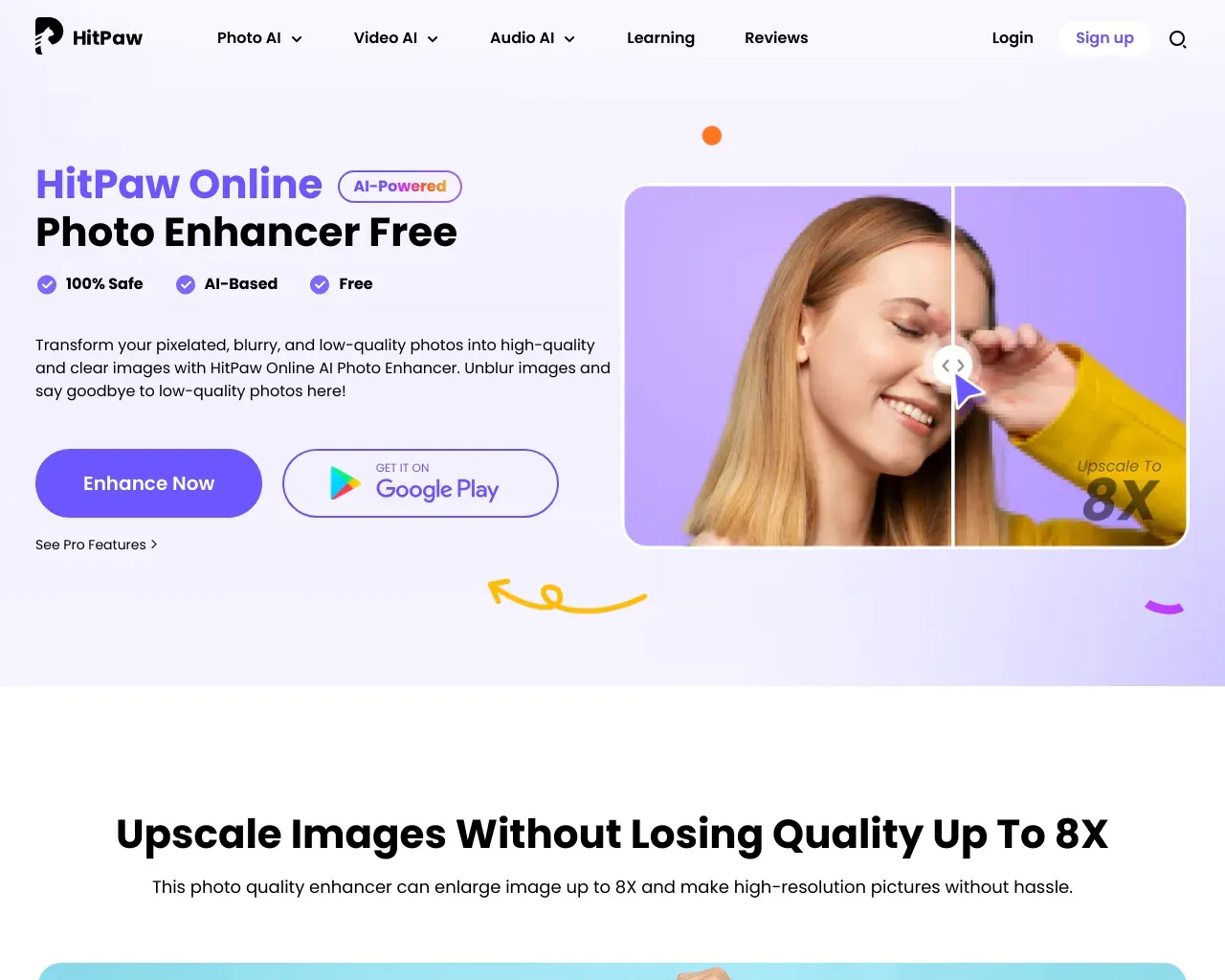
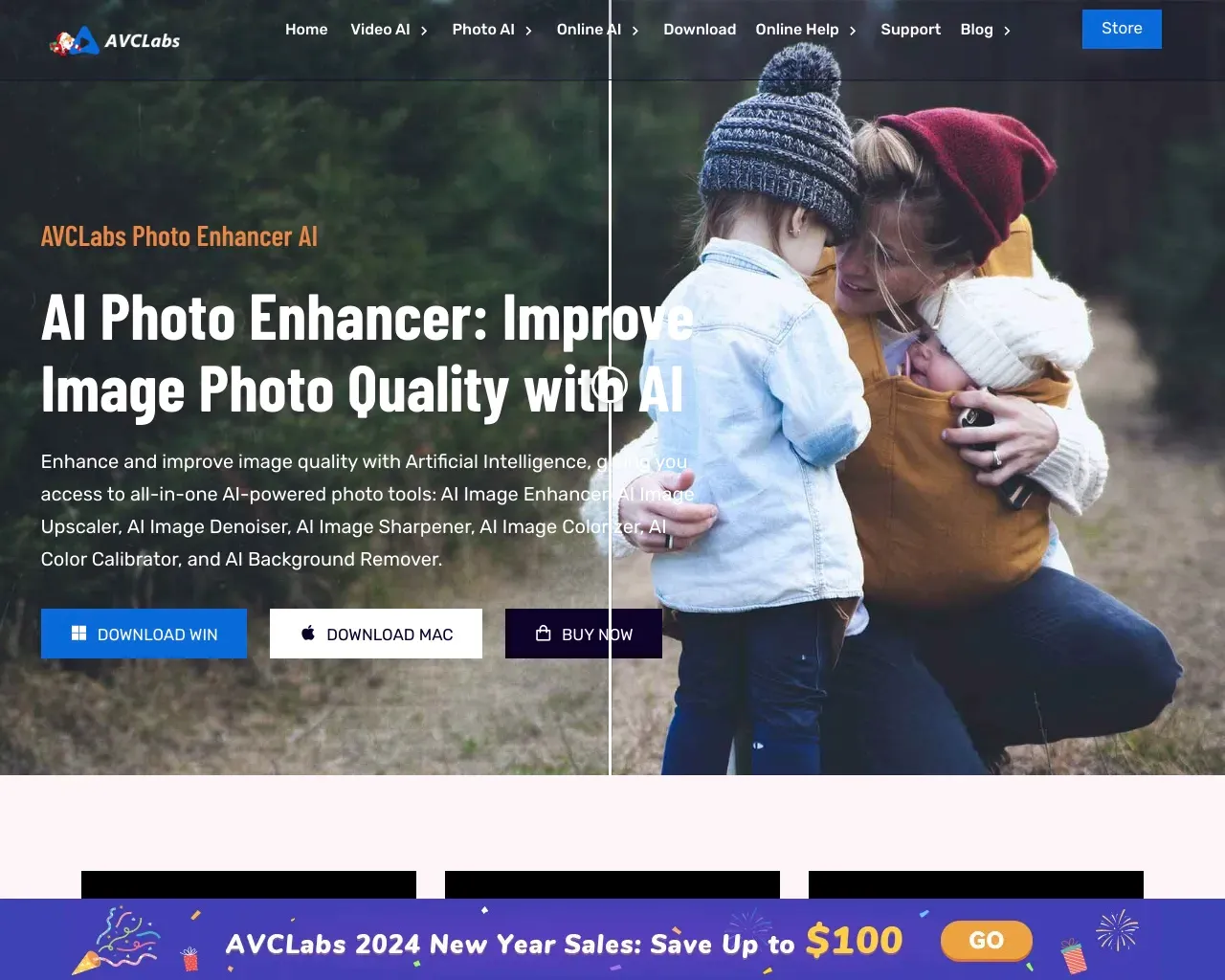
Top alternatives to AI Upscaler & Image Enhancer include HitPaw Online Photo Enhancer, AVCLabs Photo Enhancer AI, AVC AI, Imgupscaler, AI Image Enlarger.Where can I get AI Upscaler & Image Enhancer?
AI Upscaler & Image Enhancer is available at https://imgupscaler.ai/.What category is AI Upscaler & Image Enhancer in?
AI Upscaler & Image Enhancer is listed in Image Upscaler.What image formats does ImgUpscaler support?
ImgUpscaler supports JPG, PNG, WEBP, and HEIC formats, making it easy to enhance image quality regardless of where your photos come from.Can ImgUpscaler upscale images to 16K?
Absolutely. With advanced AI enhancement, ImgUpscaler can upscale images up to 16K resolution, restoring details and textures instead of stretching pixels.Is ImgUpscaler free to use?
Yes. ImgUpscaler provides generous free credits so users can upscale images and download high-quality results without paying or creating an account.Do I need to install software to use ImgUpscaler?
No installation required. ImgUpscaler runs directly in the browser, allowing you to upscale images online in seconds with no setup.Will upscaled images look natural or over-processed?
Images processed by ImgUpscaler retain natural color, texture, and lighting. The AI enhances clarity without making images look fake or over-sharpened.Can I use ImgUpscaler on mobile?
Yes. ImgUpscaler is optimized for mobile devices, so you can sharpen images and increase image quality on the go.Is my uploaded image secure?
Yes. We do not store your images. Your data is processed securely and deleted automatically after processing.How many images can I upload at once?
You can upload up to 3 images at the same time using ImgUpscaler batch upscaling feature, allowing faster and more efficient workflows.
Compare AI Upscaler & Image Enhancer with…
Pick any tool to see a structured side-by-side: pricing, deployment, capabilities, and content policy.