Audio Converter AI
Transcribe Audio to Text - Free AI Audio Transcription Free & Unlimited | Audio Converter AI.
- Category
- Translation & Transcript
- Pricing
- Paid
- Alternatives
- 6 similar tools
- Last updated
- 2 weeks ago
- Source
- Official site ↗︎
AI Collection Top Picks

Translation & Transcript Category Picks

About Audio Converter AI
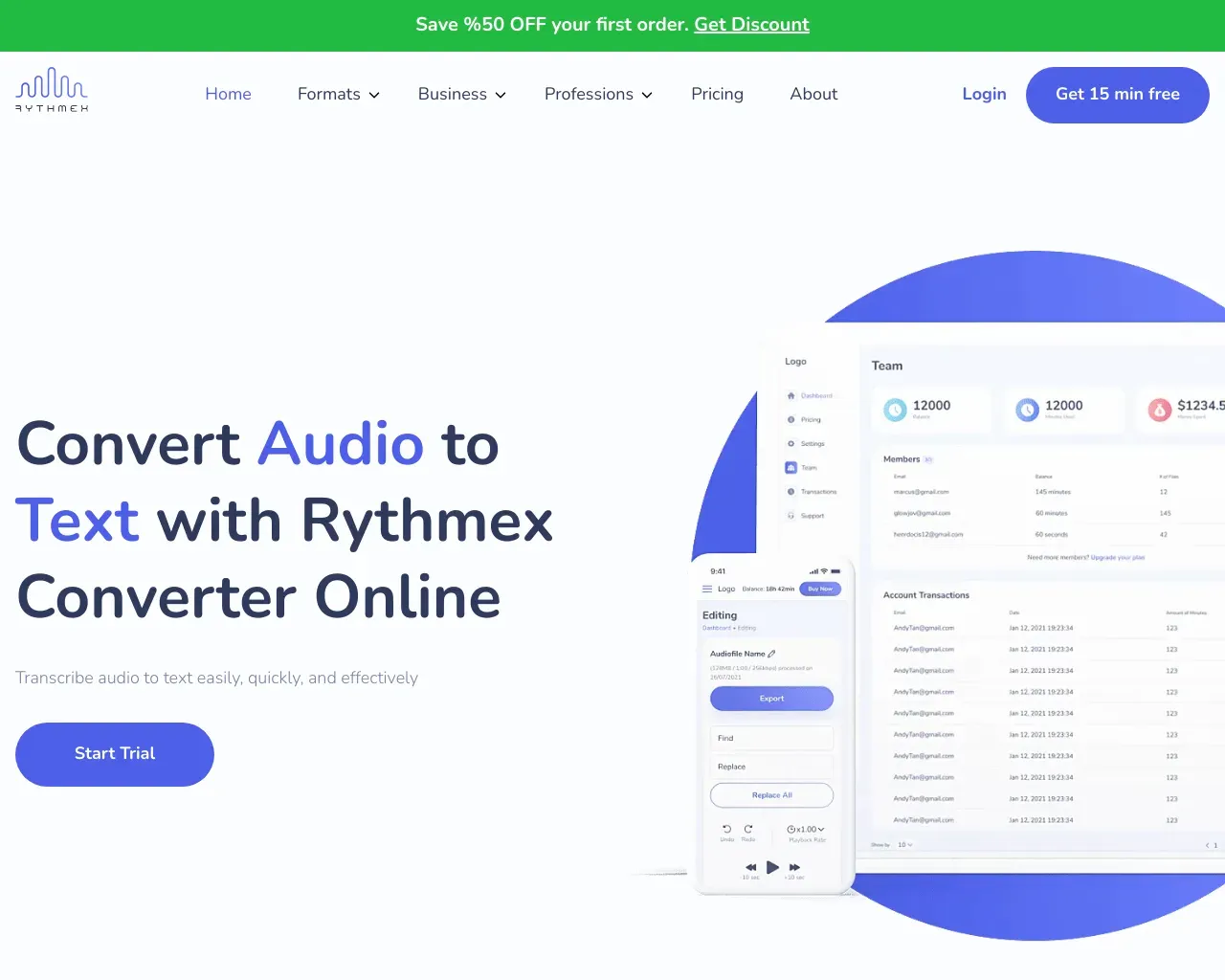
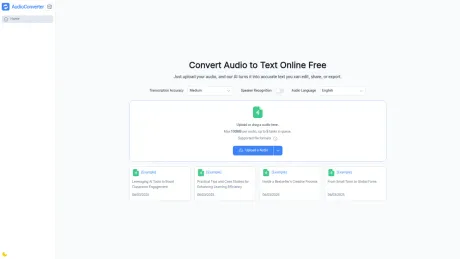
Transcribe audio and video to editable text with Audio Converter AI. Get timestamps and speaker labels for meetings, lectures, and podcasts. Start free.
Audio Converter AI's Pricing Plans
Audio Converter AI may change prices at any time. Here's our latest information:
Free
Free
Free
$0/monthly
What you get
Additional Information
Features
- 🎙️ Accurate Transcription – Converts audio to text with up to 98% accuracy.
- ⏱️ Timestamps & Speaker Labels – Automatically detects multiple speakers and adds timestamps.
- 🌍 Multi-language Support – Transcribe and translate in 100+ languages.
- 📂 File Compatibility – Supports MP3, WAV, M4A, and more (up to 100MB per file).
- ✍️ Summaries & Smart Notes – Generate concise summaries and highlights from audio.
- ⚡ Fast & Secure Processing – AI-powered transcription online without downloads.
- 📤 Export Options – Download transcripts, summaries, and translations in multiple formats.
- 🔒 Privacy & Security – Files are processed securely, with no permanent storage.
Use Cases
- Students & Researchers – Convert lectures, interviews, and study materials into notes.
- Podcasters & Journalists – Quickly produce transcripts for content creation and publication.
- Professionals & Teams – Document meetings, generate summaries, and collaborate efficiently.
- Language Learners & Translators – Translate audio across multiple languages for global use.
- Content Creators – Repurpose audio into articles, blogs, or social media posts.
Benefits
- Saves time with automated speech-to-text conversion.
- Produces structured transcripts with speaker labels and timestamps.
- Facilitates global communication through multi-language transcription and translation.
- Enhances productivity for both individuals and teams.
- No software installation required, accessible from any device.
FAQs
Q: What audio formats are supported?
A: MP3, WAV, M4A, and other common formats up to 100MB per file.
Q: How accurate is the transcription?
A: Audio Converter AI uses advanced AI to achieve over 98% accuracy in clear recordings.
Q: Can it handle multiple speakers?
A: Yes, it automatically detects speakers and labels them in the transcript.
Q: Is translation available?
A: Yes, transcripts can be translated into 100+ languages instantly.
Q: Do I need to download software?
A: No, it’s completely web-based and works on any device.
Q: Is my data secure?
A: Yes, all files are processed securely and are not permanently stored.
Q: Who can benefit from this tool?
A: Students, researchers, podcasters, journalists, educators, professionals, and content creators.
Frequently asked questions
What is Audio Converter AI used for?
Transcribe Audio to Text - Free AI Audio Transcription Free & Unlimited | Audio Converter AI.Is Audio Converter AI free?
Audio Converter AI is a paid product. See the Pricing section for current plans.What are alternatives to Audio Converter AI?
Where can I get Audio Converter AI?
Audio Converter AI is available at https://audioconverter.ai/.What category is Audio Converter AI in?
Audio Converter AI is listed in Translation & Transcript.Use Cases
* **Students & Researchers** – Convert lectures, interviews, and study materials into notes. * **Podcasters & Journalists** – Quickly produce transcripts for content creation and publication. * **Professionals & Teams** – Document meetings, generate summaries, and collaborate efficiently. * **Language Learners & Translators** – Translate audio across multiple languages for global use. * **Content Creators** – Repurpose audio into articles, blogs, or social media posts.Benefits
* Saves time with automated speech-to-text conversion. * Produces structured transcripts with speaker labels and timestamps. * Facilitates global communication through multi-language transcription and translation. * Enhances productivity for both individuals and teams. * No software installation required, accessible from any device.FAQs
**Q: What audio formats are supported?** A: MP3, WAV, M4A, and other common formats up to 100MB per file. **Q: How accurate is the transcription?** A: [Audio Converter AI](https://audioconverter.ai/) uses advanced AI to achieve over 98% accuracy in clear recordings. **Q: Can it handle multiple speakers?** A: Yes, it automatically detects speakers and labels them in the transcript. **Q: Is translation available?** A: Yes, transcripts can be translated into 100+ languages instantly. **Q: Do I need to download software?** A: No, it’s completely web-based and works on any device. **Q: Is my data secure?** A: Yes, all files are processed securely and are not permanently stored. **Q: Who can benefit from this tool?** A: Students, researchers, podcasters, journalists, educators, professionals, and content creators.How does audio converter AI transcribe my recordings?
Audio Converter AI converts your recordings into accurate text with timestamps and smart notes, saving you hours of manual transcription.Can I upload long audio files to audio converter AI?
Yes, Audio Converter AI handles recordings lasting several hours, generating transcripts with timestamps and notes efficiently.Does audio converter AI support multiple languages?
Yes, Audio Converter AI transcribes and translates audio in multiple languages, keeping context accurate for study, work, or content creation.Can I identify different speakers in a recording?
Yes, Audio Converter AI detects multiple speakers and labels them, making meetings, interviews, and group discussions easy to follow.Can I download or share my transcripts?
Yes, Audio Converter AI lets you download or share transcripts in multiple formats, making collaboration, study, or content reuse simple.Does audio converter AI work on mobile devices?
Yes, Audio Converter AI is a web app, so you can access it on any device with a browser.What audio formats does audio converter AI support?
Audio Converter AI supports popular audio formats like MP3, WAV, M4A, and more.Is my audio secure with audio converter AI?
Files processed by Audio Converter AI are encrypted and private. Only you can access them unless you choose to download or share them.How does Audio Converter AI transcribe recordings?
Audio Converter AI uses AI to convert audio to text from recordings, videos, and YouTube links, producing editable transcripts with timestamps and AI summaries.Can I edit, download, or share my transcripts?
Yes. Audio Converter AI lets you review and edit transcripts, then download or share the finished content for study, work, or content creation.
Compare Audio Converter AI with…
Pick any tool to see a structured side-by-side: pricing, deployment, capabilities, and content policy.