DatePhotos.AI
AI Dating Photos in About 20 Min.
- Category
- Dating Profile & Pickup Line
- Pricing
- Paid
- Alternatives
- 6 similar tools
- Last updated
- 2 weeks ago
- Source
- Official site ↗︎
AI Collection Top Picks

Dating Profile & Pickup Line Category Picks
About DatePhotos.AI
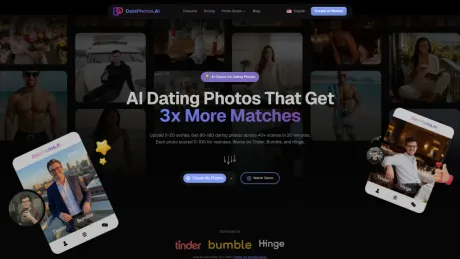
Get 80-180 natural AI dating photos from your selfies in about 20 minutes. Realness-scored so your profile looks relaxed, believable, and still you.
DatePhotos.AI's Pricing Plans
DatePhotos.AI may change prices at any time. Here's our latest information:
Pricing
Default
$29.00
per month
What you get
Additional Information
DatePhotos.AI provides a service where users can upload their selfies to receive a variety of AI-generated dating photos optimized for platforms like Tinder, Bumble, and Hinge. The platform guarantees a fast turnaround, delivering between 80 to 180 photos within 20-30 minutes. Each image is produced with attention to realistic settings and lighting, avoiding the polished look often associated with AI-generated images. Users can select photos that align with their real-life appearance while also expanding the variety in their dating profiles.
The service is designed for individuals seeking to enhance their online dating presence without the hassle of scheduling a professional photoshoot. Users upload between 5-20 selfies to generate a diverse set of images covering multiple scenes, ensuring that each profile stands out. The AI analyzes the photos and employs a Realness Score to help users select images that appear natural.
Pricing is straightforward, with one-time payments for different packages: Basic ($29), Pro ($49), and Ultimate ($79), each offering varying numbers of photos and scene options. Unlike traditional photography that may cost hundreds of dollars and take weeks, DatePhotos.AI offers an efficient solution aimed at helping singles attract more matches.
Frequently asked questions
What is DatePhotos.AI used for?
DatePhotos AI — AI Dating Photos in About 20 Min.Is DatePhotos.AI free?
DatePhotos.AI is a paid product. See the Pricing section for current plans.What are alternatives to DatePhotos.AI?
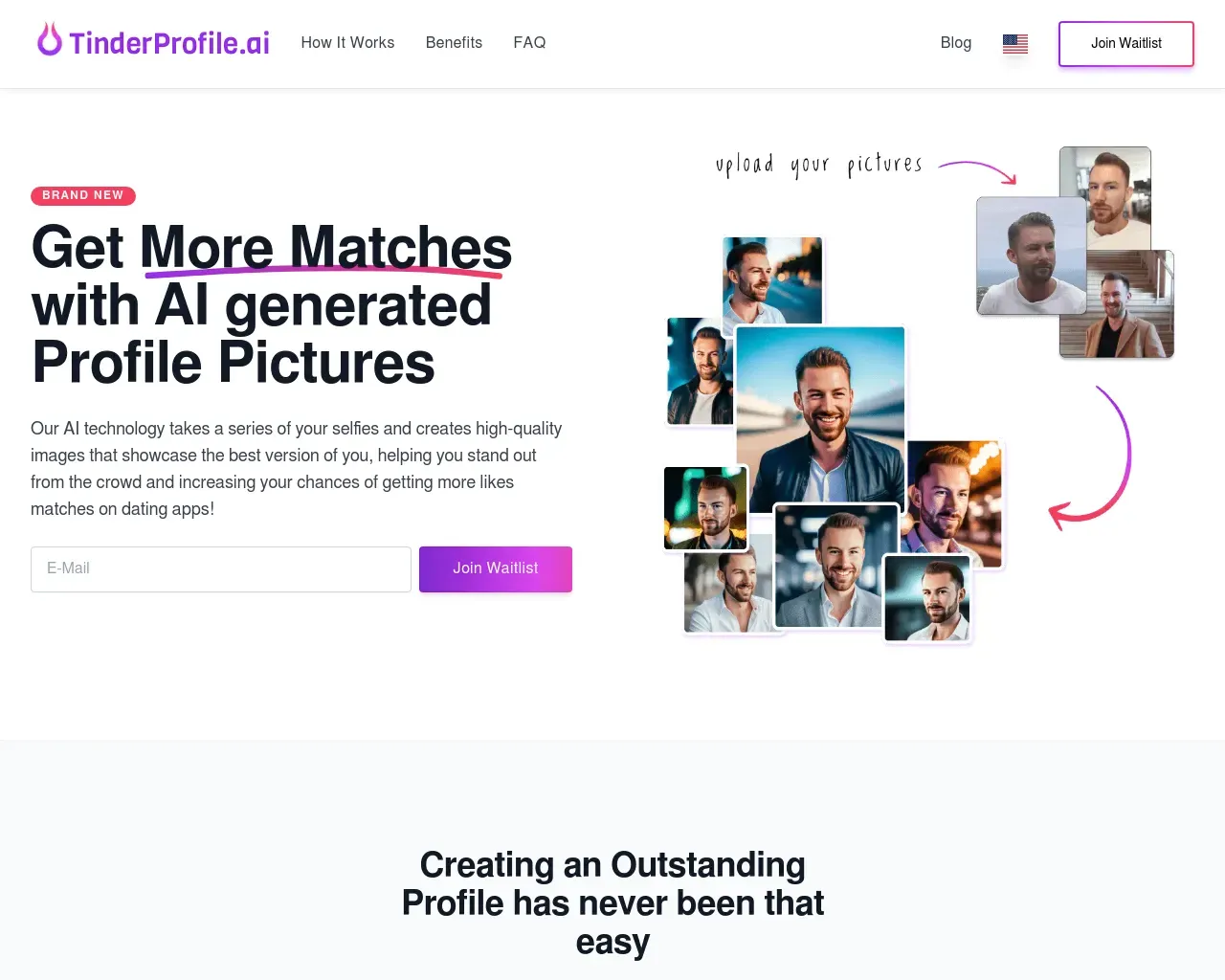
Top alternatives to DatePhotos.AI include Roast, HotConvo, LoveGenius, OneDateIdea, TinderProfile AI.Where can I get DatePhotos.AI?
DatePhotos.AI is available at https://datephotos.ai.What category is DatePhotos.AI in?
DatePhotos.AI is listed in Dating Profile & Pickup Line.Which dating apps work best with these photos?
Works on [Tinder](/tinder-ai-photos), [Bumble](/bumble-ai-photos), and [Hinge](/hinge-ai-photos). We test photos against each platform's compression and aspect ratio requirements. According to Photofeeler (2025), profiles with varied, high-quality photos get 38% more matches than single-scene profiles.How is this different from hiring a photographer?
Professional photographers cost $250-500, take 1-2 weeks, and deliver 15-30 photos. We deliver 80-180 photos across 40+ scenes in 20-30 minutes for $29-79. You also get free regeneration and a 0-100 realness score for each photo. [See detailed comparison](/vs-photographer).How does DatePhotos.ai work?
Three steps: - **Upload** 10-20 selfies you already have - **Choose** your target platform — Tinder, Bumble, or Hinge - **Get back** 80-180 professionally generated photos in 20-30 minutes No photoshoot. No editing. No waiting days for a result.Do AI dating photos actually work?
AI dating photos work best when they look like a better version of your real profile, not a different person. DatePhotos.AI keeps your facial identity, generates realistic lifestyle scenes, and scores each result for naturalness so you can use photos that feel credible on Tinder, Bumble, and Hinge.Will the photos actually look real?
Yes. Our AI produces photorealistic images with natural lighting, real-world backgrounds, and authentic body language — not the "AI smooth" look most tools have. **127 customers rate the realism 4.5★ on average** — [read what they said](#open-reviews).Will my matches know the photos are AI?
The goal is not to look AI-generated. Good results should look like real photos taken with better lighting, better framing, and better settings. Avoid using images that feel too polished, inconsistent, or unlike your everyday appearance; our Realness Score helps you filter those out before you upload.Will the photos still look like me?
Absolutely. The AI preserves your facial features, skin tone, hair, and body type — we don't touch your bone structure or change how you actually look. We just put you in scenes you'd never have the time or budget to shoot yourself. The better your source selfies are, the more "obviously you" the results will be (see next question).What photos should I use on a dating profile?
A strong dating profile usually needs one clear face photo, one full-body photo, two or three lifestyle photos, and one activity or social-context photo. Avoid blurry selfies, sunglasses in every shot, heavy filters, and group photos where it is hard to tell which person is you.What kind of selfies should I upload?
For the best results, upload **10-20 selfies** that include: - Different **angles** (front, side, slightly above/below) - Different **lighting** (indoor, outdoor, daylight, evening) - Different **expressions** (smiling, neutral, candid) - A mix of **outfits** Avoid: heavy filters, sunglasses, hats that hide the face, blurry photos, and shots with other people in them.How many selfies should I upload?
Upload 5-20 clear selfies with different angles, expressions, lighting, and outfits. More variety gives the AI a better read on your actual face and helps produce photos that still look like you across different scenes.How long does delivery take?
**20-30 minutes** from upload to download, on every plan. You'll see a real-time progress bar in your dashboard while the AI works, and we'll email you the moment your photos are ready.Are AI dating photos better than editing my existing photos?
Editing can improve lighting or remove distractions, but it cannot give you a full set of new lifestyle scenes. AI dating photos are better when your current profile lacks variety: no outdoor shots, no polished headshot, no full-body image, or no photos that show hobbies and personality.Can I get a refund?
Yes — we offer a **7-day money-back guarantee** on your first order. Eligibility and conditions are described in our [Refund Policy](/refund) — please review the terms there before purchasing.Are my uploaded photos private?
Your uploads are used to create your photo set for your account. They are not shown to other users, and you can manage generated photos from your dashboard. For sensitive profile updates, avoid uploading IDs, screenshots with private information, or photos that include other people.
Compare DatePhotos.AI with…
Pick any tool to see a structured side-by-side: pricing, deployment, capabilities, and content policy.