- Category
- Personal Growth & Wellness
- Pricing
- Paid
- Alternatives
- 6 similar tools
- Last updated
- 1 weeks ago
- Source
- Official site ↗︎
AI Collection Top Picks

Personal Growth & Wellness Category Picks

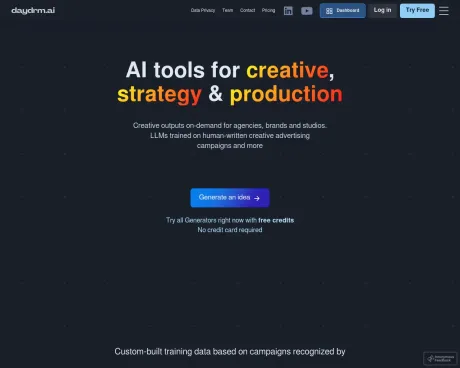
About Daydrm
Human-led, AI-assisted creativity
Daydrm's Pricing Plans
Daydrm may change prices at any time. Here's our latest information:
Pricing Plan Name
Day Rate
For short-term individual projects
$5
/ day
- 24-hour unlimited access to all generators
- Single-purchase. No recurring payments
- Help & Support
Monthly
For unlimited monthly access
$19
/month
- Unlimited access to all generators
- Self-managed subscription: cancel anytime
- Help & Support
Enterprise
For agency & brand teams
$39
/ seat per month
- Everything included in Monthly, plus:
- Dedicated database for data privacy
- Custom domain e.g. bbdo.daydrm.ai with dedicated server resources
- Data encrypted in database at rest for data security
- Automated database backups to prevent data loss and ensure business continuity
- Premium Help & Support
Frequently asked questions
What is Daydrm used for?
Daydrm.Is Daydrm free?
Daydrm is a paid product. See the Pricing section for current plans.What are alternatives to Daydrm?
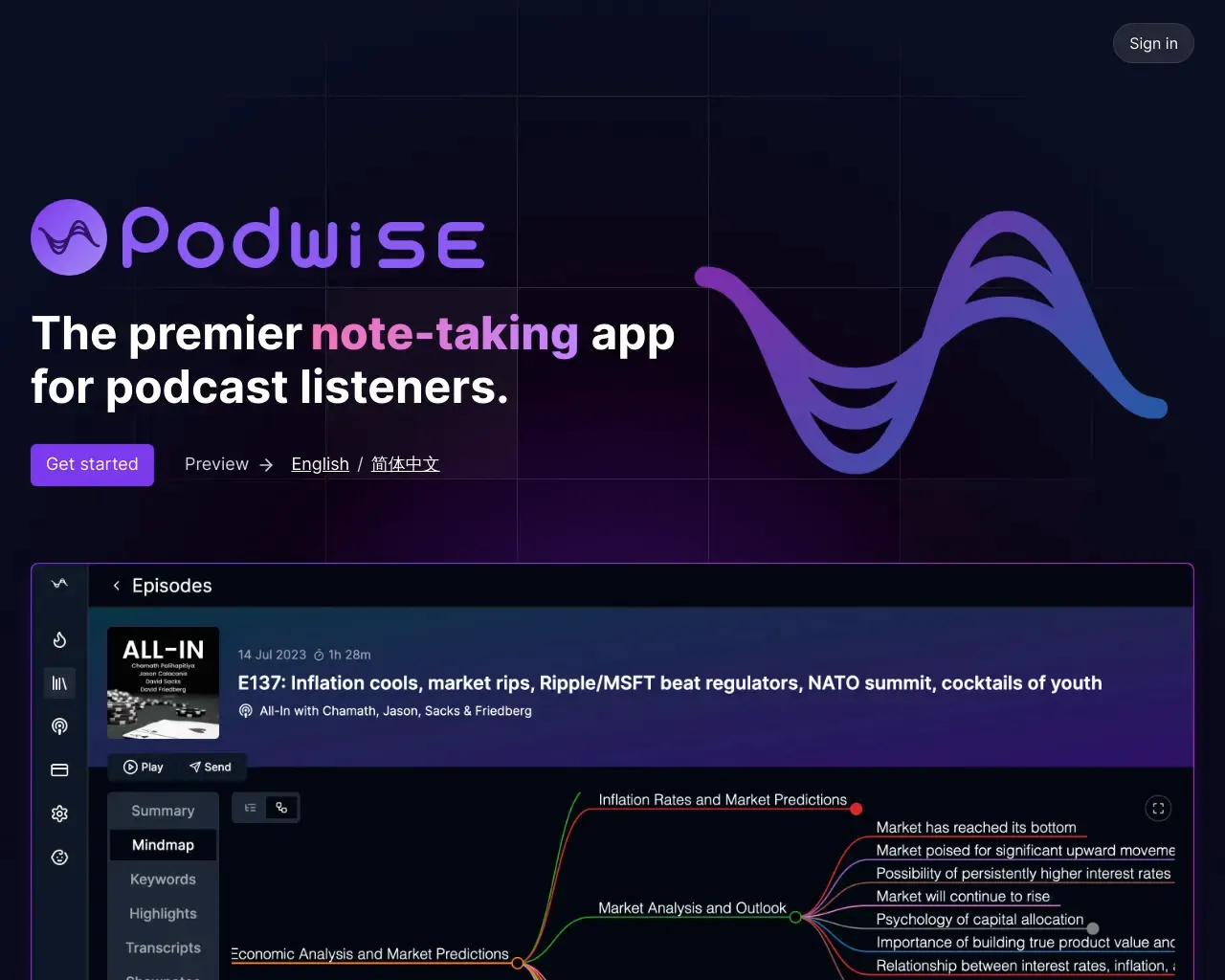
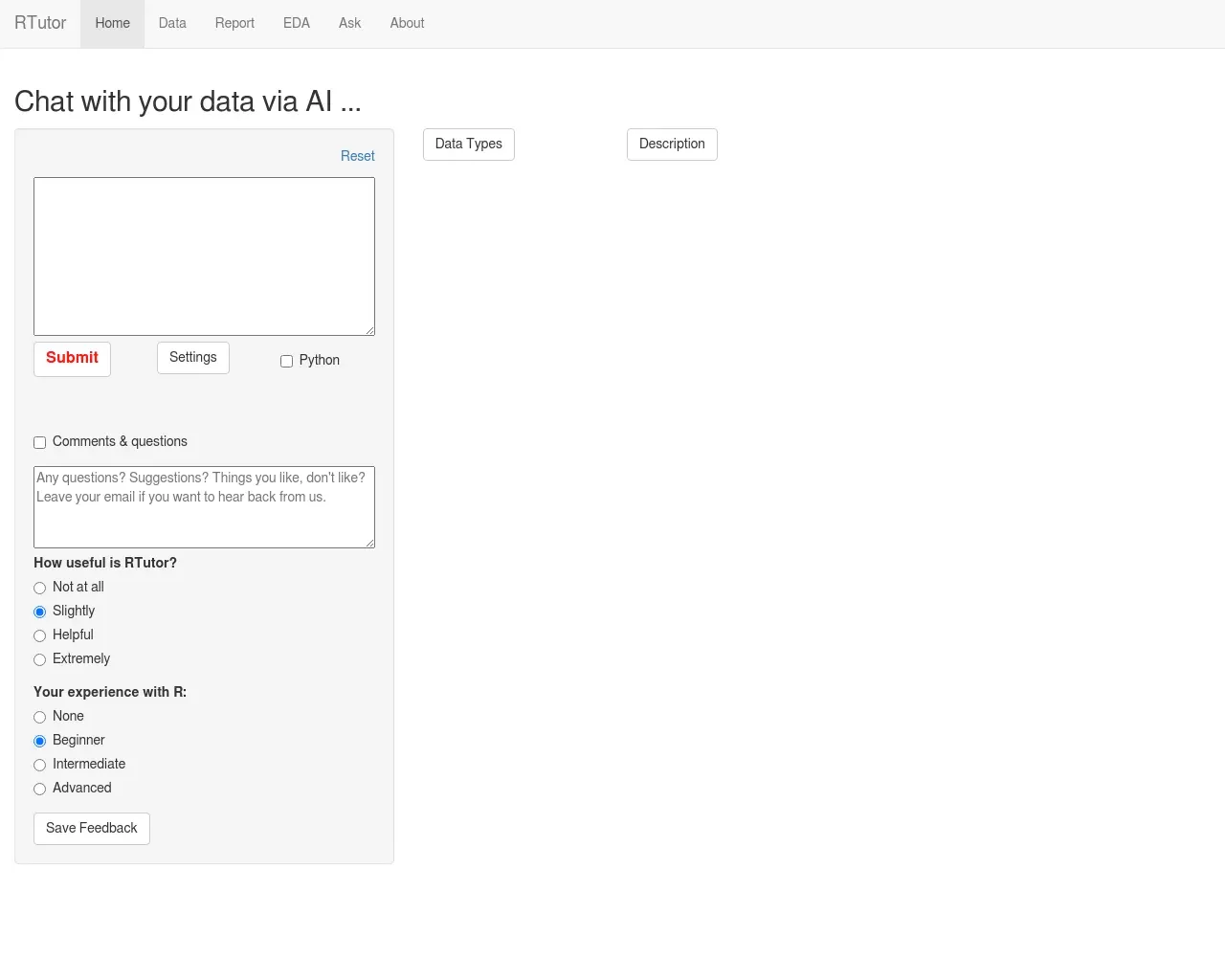
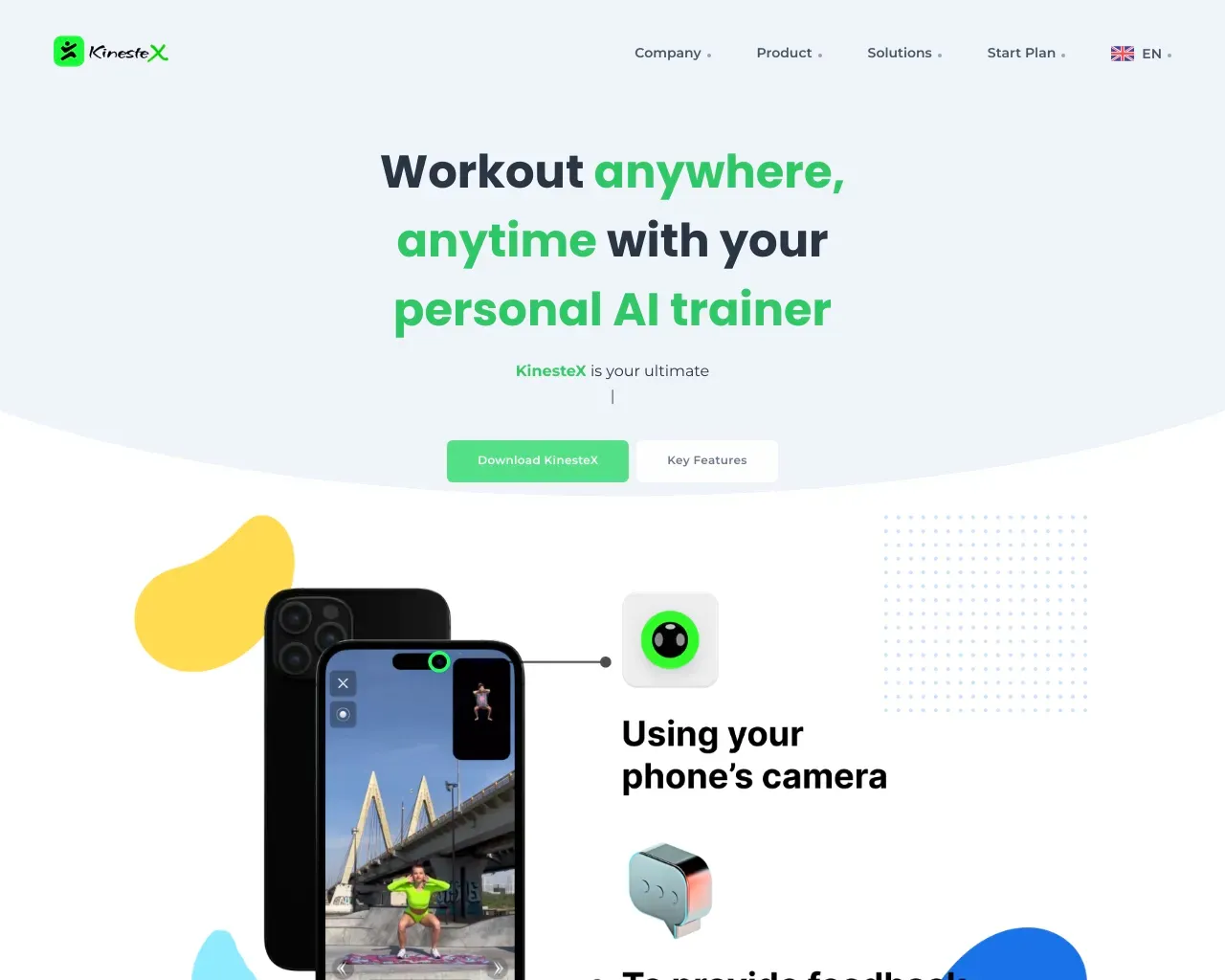
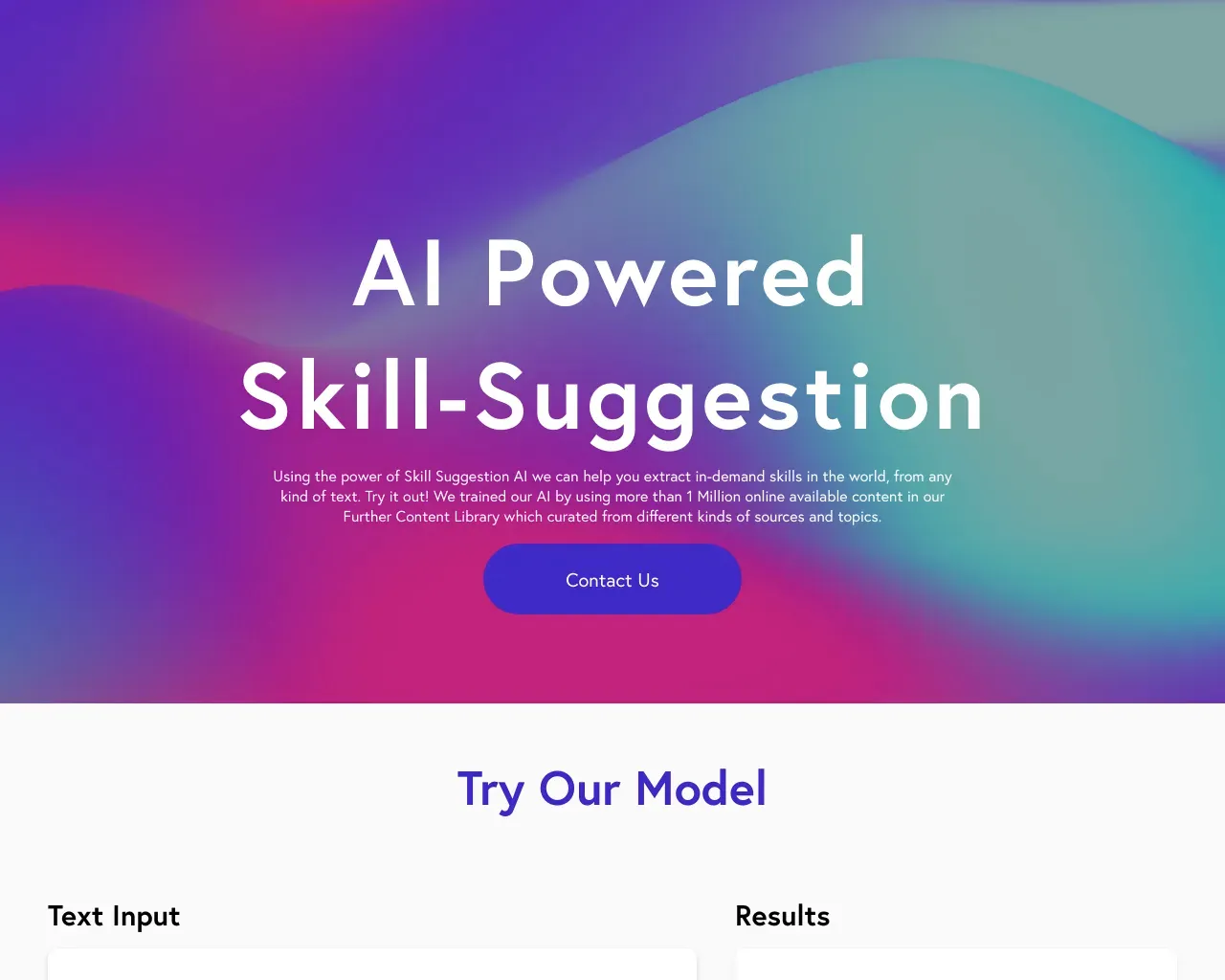
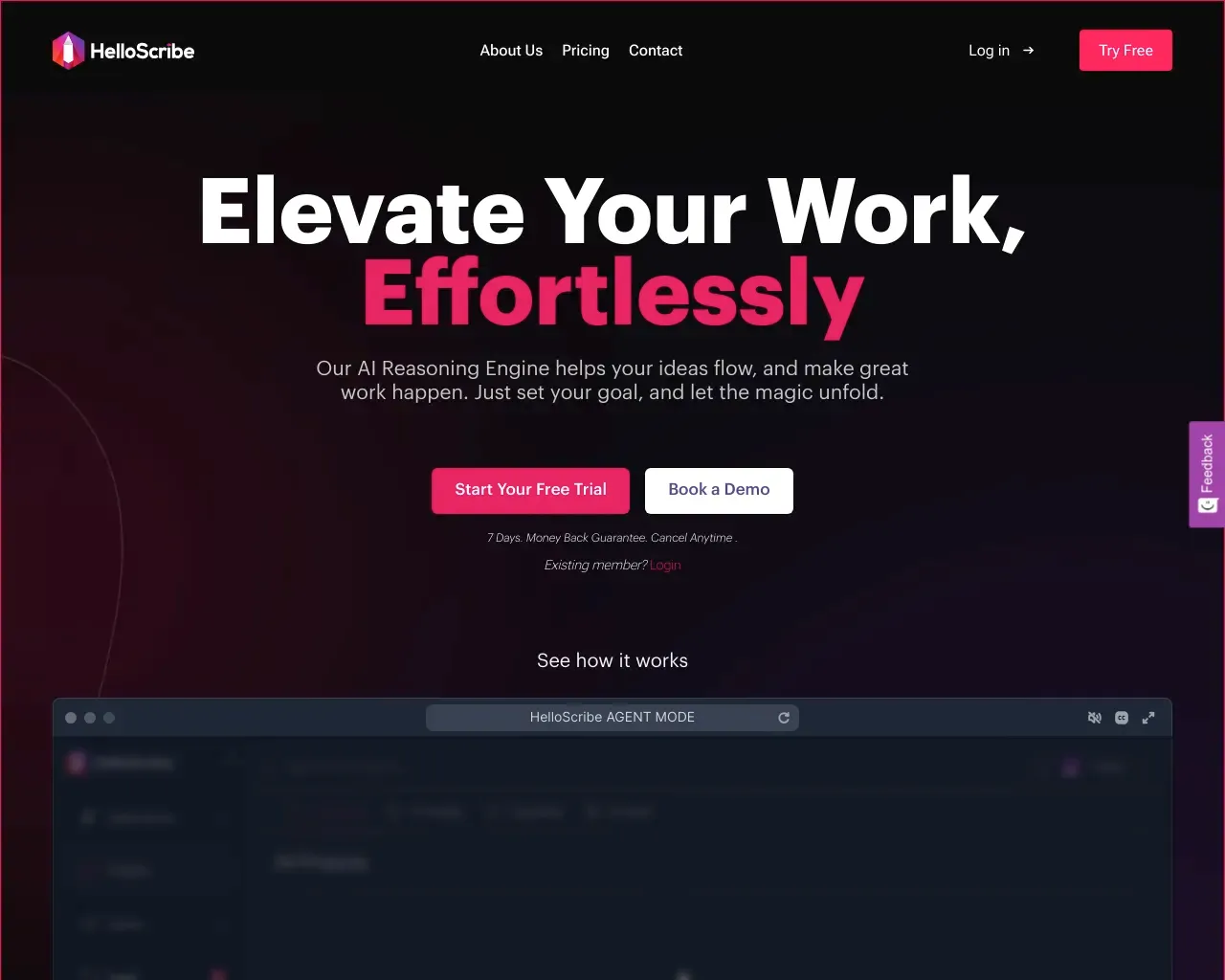
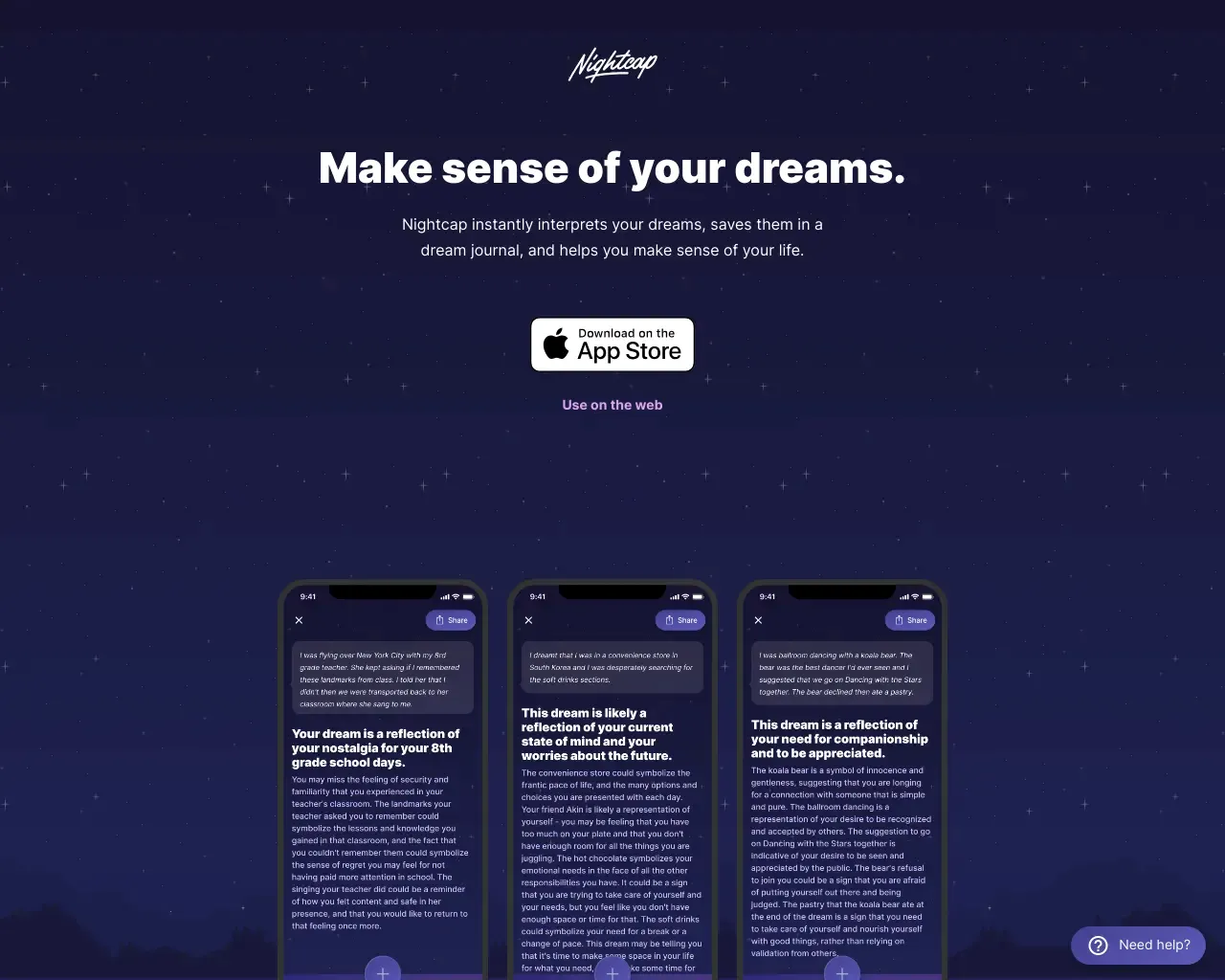
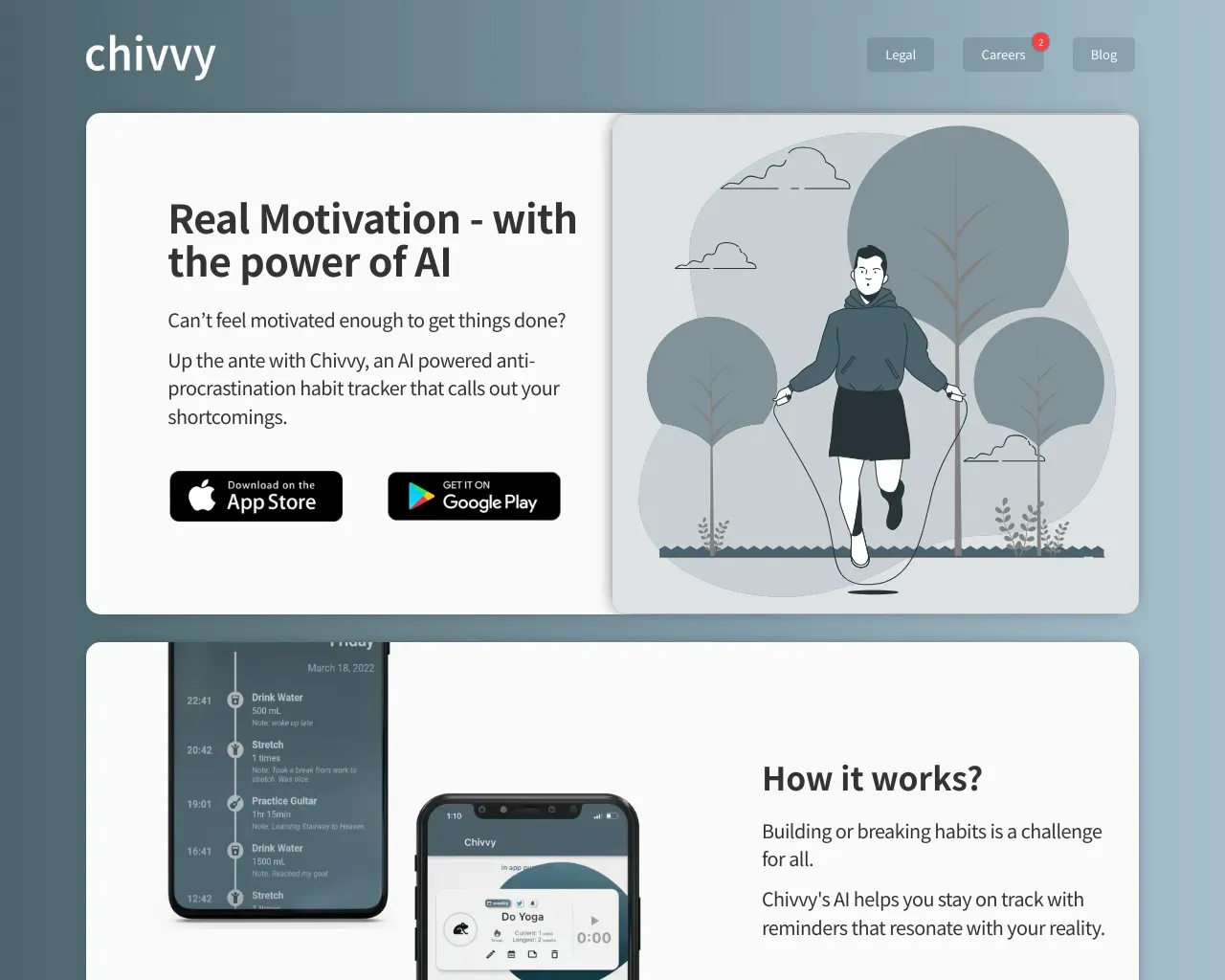
Top alternatives to Daydrm include Podwise, Ask Poppy, RTutor, Kinestex, Ultimate Skill Extractor by Further.Where can I get Daydrm?
Daydrm is available at http://www.daydrm.ai.What category is Daydrm in?
Daydrm is listed in Personal Growth & Wellness.Who has ownership of the ideas produced by Daydrm tools?
The user retains ownership of the output generated by Daydrm. Daydrm unequivocally asserts no claim to ownership of the ideas generated by users. All inputs and outputs of our models are owned by the user.Who has access to the outputs I create?
Only the authenticated and authorized user has the ability to view the outputs they generate. The generated outputs remain private and are not shared with any other individuals.Does the Daydrm AI model acquire knowledge from my brief and integrate it into its understanding?
No, the model does not assimilate knowledge from user inputs. Text input is not utilized for any service enhancements, including the improvement or training of the model.Who owns the ideas that are outputted by Daydrm tools?
You, the user, own the output generated from Daydrm. Daydrm does not and will never claim ownership of ideas you generate. The user owns all the inputs and the outputs of our models.Who can see the outputs I generate?
Only you, the authenticated and authorized user, can view your generated outputs. Generated outputs are private and are not shared with anyone else.Does the Daydrm AI model "learn" from my brief and become part of the model's knowledge?
No. The model does not learn from user inputs. Text inputted is not used for any service improvements, including model training.How do I switch between the Creative and Strategy generators?
Look for the purple Strategy badge and the blue Creative badge in the top left corner of the Generator page. Tap each badge to toggle between the two generators.Can AI models actually think of ideas?
AI models simulate the act of cognition, but under the hood they’re just performing sophisticated pattern matching and language prediction. Think of AI models as engines, not brains.What's the best way to use the Daydrm Generators?
Type in your inputs and hit Submit. If you don’t like the output, hit the Submit button again. You’ll get different results, even if you didn’t change your inputs. Revise your text in the "Brief: Insight & Emotional Benefit" input, and re-submit.Tell me more about the "Brief: Insight & Emotional Benefit" text box.
The "Brief: Insight & Emotional Benefit" textbox is the best way to manipulate the quality of your ideas. What you type in will dramatically affect what the AI generates.How do I cancel my subscription?
To cancel your subscription, tap the "Account" button in the top right. On the "My account" screen, tap "Manage my subscription". You’ll see a Stripe interface. Enter your email. On the next screen, tap "Cancel Subscription".Who owns the ideas outputted by Daydrm tools?
You, the user, own the output generated from Daydrm. Daydrm does not and will never claim ownership of ideas you generate.Does the Daydrm AI model 'learn' from my brief and become part of the model's knowledge?
No. The model does not learn from user inputs. Text inputted is not used for any service improvements, including model training.
Compare Daydrm with…
Pick any tool to see a structured side-by-side: pricing, deployment, capabilities, and content policy.