Audio Enhancer & Vocal RemovalFreemium
EZAudio
Online Audio Tools: Convert, Edit, Enhance & Transcribe.
- Category
- Audio Enhancer & Vocal Removal
- Pricing
- Freemium
- Alternatives
- 6 similar tools
- Last updated
- 1 weeks ago
- Source
- Official site ↗︎
AI Collection Top Picks

Audio Enhancer & Vocal Removal Category Picks



About EZAudio
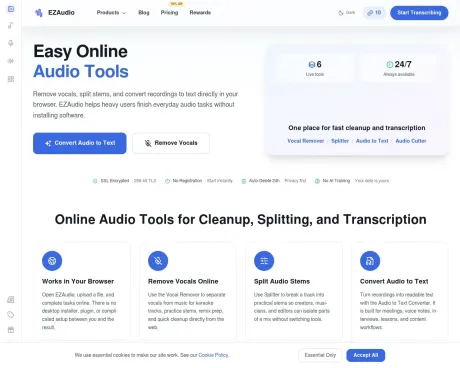
Convert audio, extract MP3 from video, trim, compress and reduce noise online. Explore audio tools for music, recordings and transcription in your browser.
EZAudio's Pricing Plans
EZAudio may change prices at any time. Here's our latest information:
EZAudio Pricing Plans
Free
for light users
$0
monthly
- 20 credits per day (non-cumulative)
- 50 bonus credits on registration
- Up to 90 bonus credits via social tasks
- 3 tasks per day
- All features available
- Daily free credits expire at 00:00 Beijing time
100 credits
one-time credits
$5
one-time
- 100 credits
- Credits never expire
Starter
for individuals
$9
monthly
- 1,000 credits per month
- +20 extra credits daily
- No daily task limit
- All features included
- Priority processing
- All export formats
250 credits
one-time credits
$10
one-time
- 250 credits
- Credits never expire
600 credits
one-time credits
$20
one-time
- 600 credits
- Credits never expire
Pro
for pros
$29
monthly
- 5,000 credits per month
- +50 extra credits daily
- No daily task limit
- All features included
- Premium support
- All export formats
Business
for teams
$99
monthly
- 20,000 credits per month
- +100 extra credits daily
- Unlimited tasks
- All features included
- Team collaboration (coming soon)
- Priority support
- Contact sales for enterprise needs
Frequently asked questions
What is EZAudio used for?
Online Audio Tools: Convert, Edit, Enhance & Transcribe.Is EZAudio free?
EZAudio has a free tier; paid plans unlock additional features.What are alternatives to EZAudio?
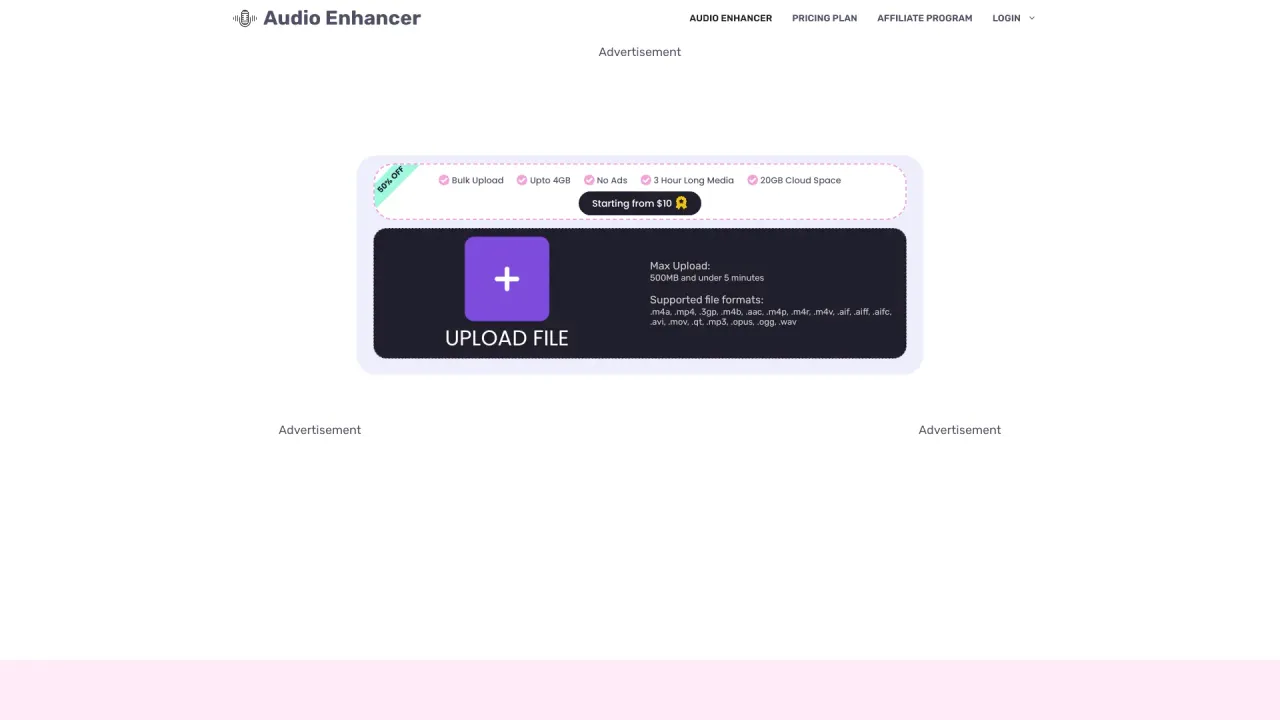
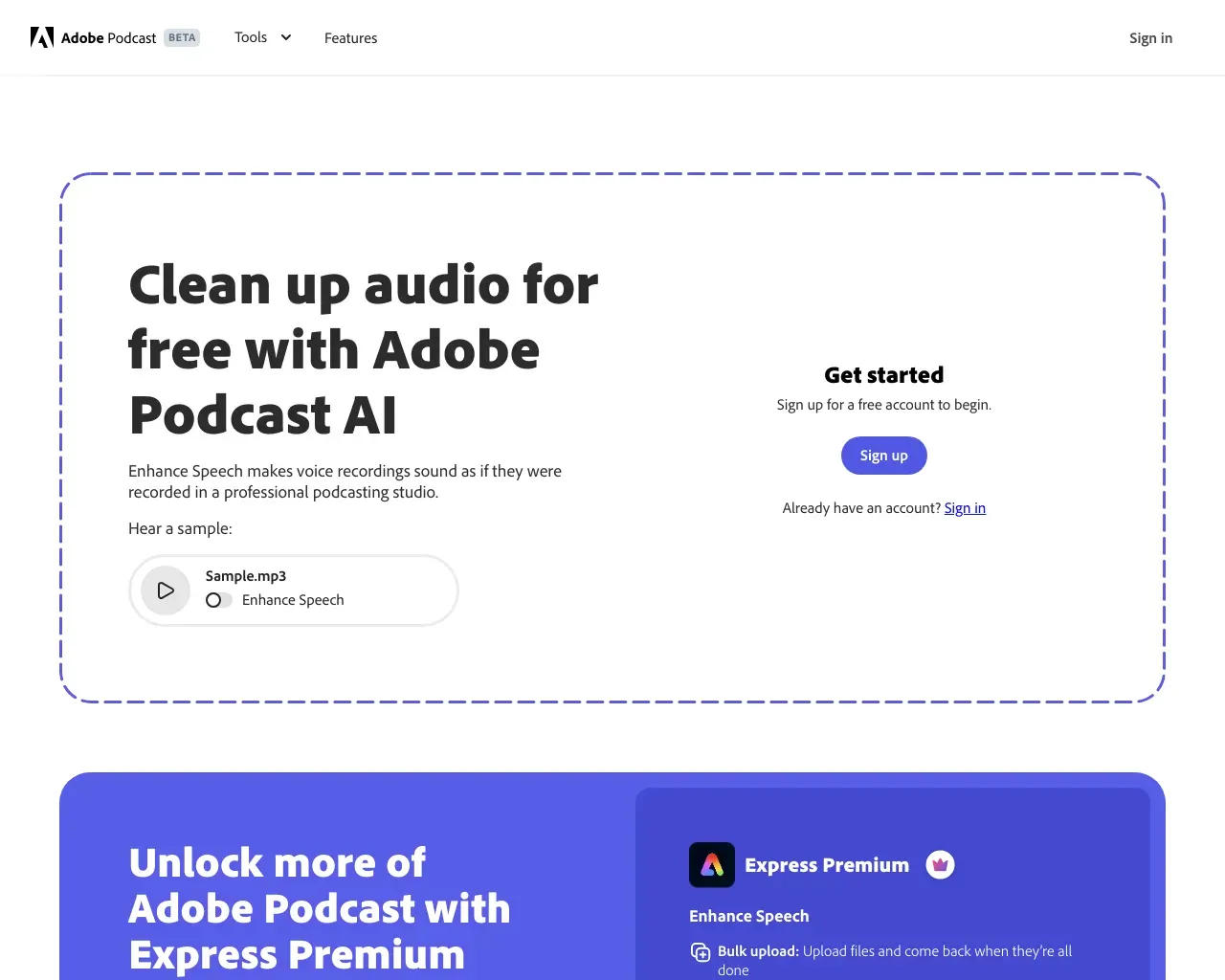
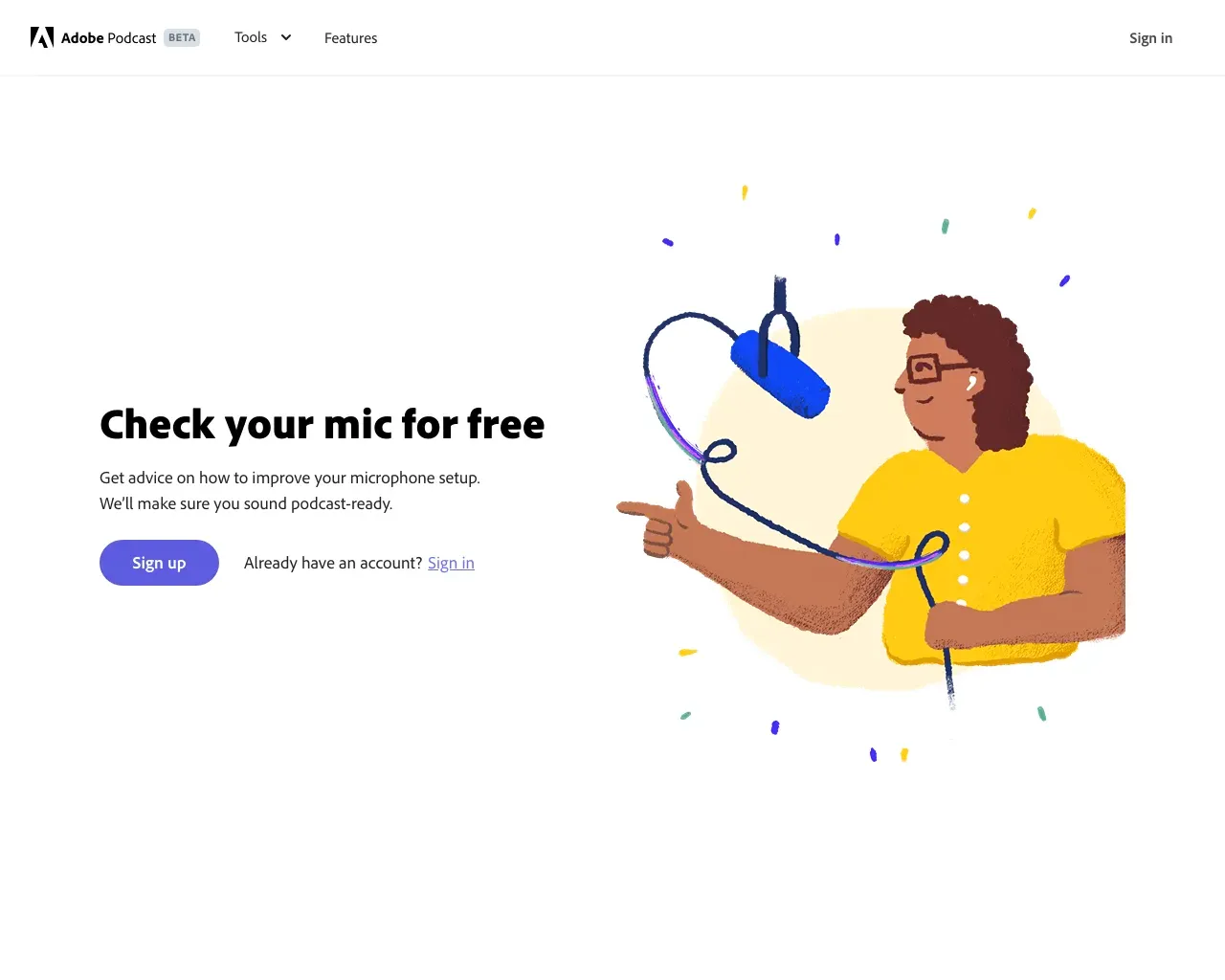
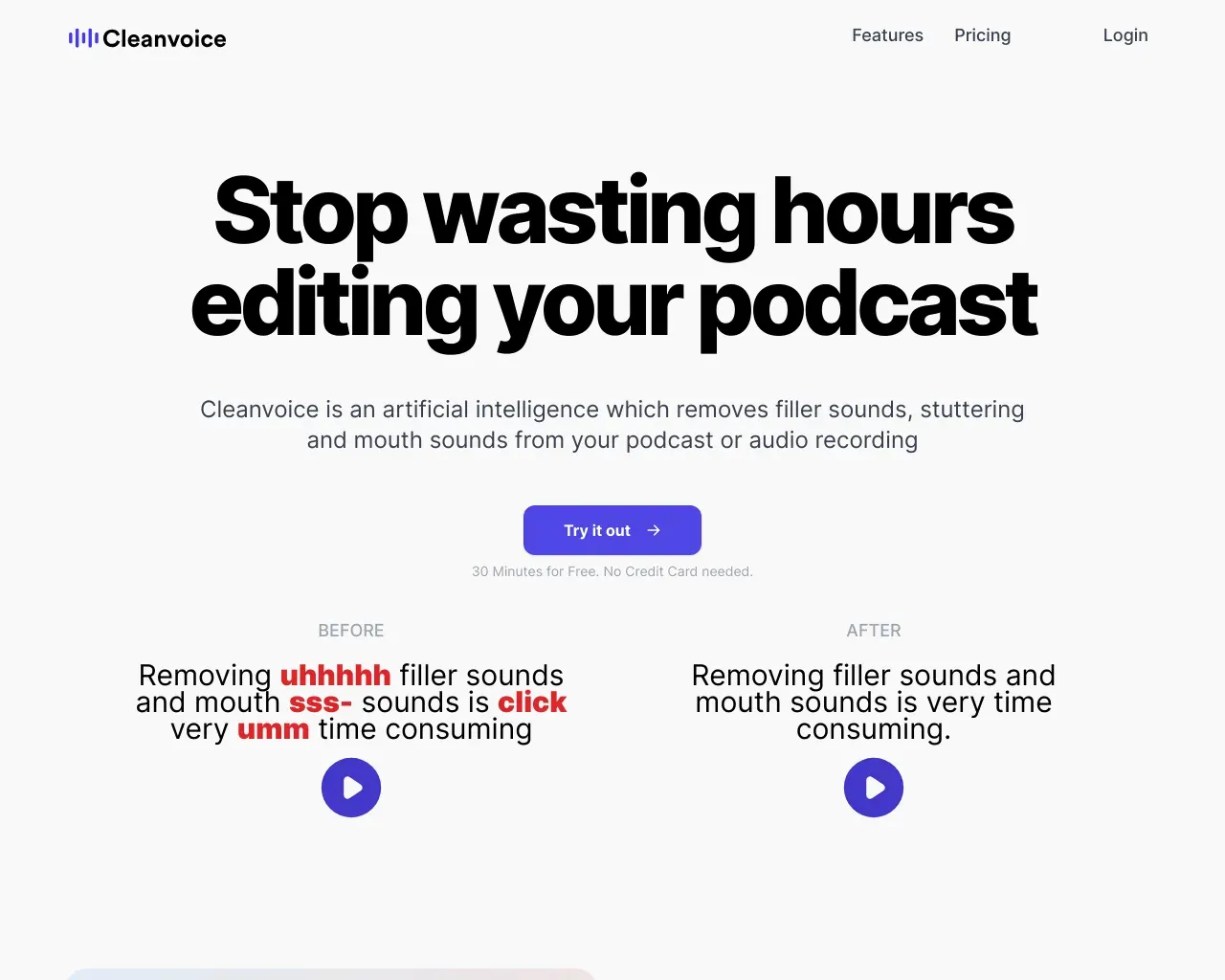
Top alternatives to EZAudio include Audio Enhancer, Adobe Speech Enhancer, Adobe Mic Check, Krisp, Cleanvoice AI.Where can I get EZAudio?
EZAudio is available at https://ezaudio.io/.What category is EZAudio in?
EZAudio is listed in Audio Enhancer & Vocal Removal.What is EZAudio?
EZAudio is a browser-based workspace for quick audio tasks — vocal removal, stem splitting, cutting, and audio/video-to-text transcription.Which EZAudio tools are available now?
Vocal Remover, Splitter, Audio to Text Converter, Audio Cutter, Audio Joiner, and Video to Text Converter are available as live tool pages.Do I need to install software?
No. EZAudio runs entirely in the browser with no desktop install required.Which tool should I choose?
Use Vocal Remover to make instrumental/karaoke tracks, Splitter to isolate stems, Audio to Text for transcripts, and Audio Cutter to trim files.Will homepage links lead to real pages?
Yes. Each homepage link opens a live tool landing page (not placeholders).Can I use EZAudio on mobile?
Yes. EZAudio works on any device with a modern browser.Is the free plan really free?
Yes. The free plan provides 20 credits per day with no credit card required and 50 bonus credits on registration.How do I get more free credits?
Invite friends (+50 each), follow EZAudio on social media (bonus per platform), or claim your daily free credits.Do credits expire?
Daily free credits expire at 00:00 Beijing time. Bonus credits, subscription credits, and purchased credits follow their own expiry policies.Do one-time packages expire?
No. Purchased credit packs are permanent and never expire.Can I cancel anytime?
Yes. You can cancel auto-renewal anytime; the subscription remains active until the end of the current billing period.What payment methods are accepted?
Credit/debit cards, Apple Pay, Google Pay, and Cash App Pay.How long are files kept?
Uploaded files are encrypted in transit and are automatically deleted within 24 hours. Download results promptly.Which formats can I convert?
Audio Converter exports MP3, WAV, FLAC, M4A and OGG. Video to MP3 extracts the first audio track from supported MP4, MOV, MKV and WebM files. Check the selected tool for input requirements.Which tools use credits?
Conversion, video-to-MP3, compression, noise removal and enhancement use no credits, with file-size, duration and usage limits. AI vocal separation, stem splitting and transcription use credits. Guest transcription has a separate duration limit; a credit balance does not remove it.Should I use Noise Remover or Audio Enhancer?
Use Noise Remover for steady hiss or background hum. Use Audio Enhancer to improve clarity, dynamics and loudness. Both offer speech and music presets. Compare the original and result; neither can recover missing detail or remove every unwanted sound.Will compression always make my file smaller?
No. Results depend on the original encoding and your chosen settings. A lower bitrate usually saves space at the cost of quality. Compare the actual file sizes and listen to the output before downloading.Does my file leave my device?
Cutting, joining, volume adjustment and reversal run in your browser. Conversion, extraction, compression, noise removal, enhancement and AI tools upload files for server processing. Uploaded files become eligible for cleanup after 24 hours; active tasks may extend retention. Download results promptly.Can I use the result in another tool?
Yes. Choose Continue Editing on a supported result, select a compatible tool and confirm that you want to use the file there. It stays in the current browser tab until refresh. The next operation is not started automatically.
Compare EZAudio with…
Pick any tool to see a structured side-by-side: pricing, deployment, capabilities, and content policy.