Fotor AI Face Dance
AI Video Generator: Powered by Kling, Seedance, Veo | Fotor.
- Category
- Entertainment & Novelty
- Pricing
- Free
- Alternatives
- 6 similar tools
- Last updated
- 2 months ago
- Source
- Official site ↗︎
AI Collection Top Picks

Entertainment & Novelty Category Picks
About Fotor AI Face Dance
Convert text and image to video with our free AI video generator. Create videos with Kling, Seedance, Veo3, and more. Explore multiple video presets now.
What you get
Additional Information
Turn Still Photo to Live Portrait Animation in One Click
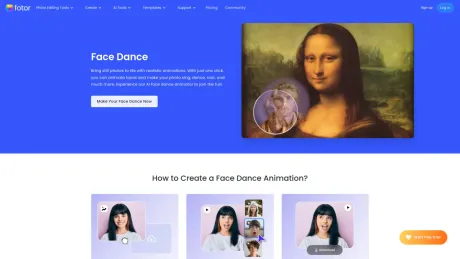
Creating a live portrait animation has never been easier! Powered by cutting-edge AI technology, Fotor will analyze the facial features in your photo and then seamlessly apply realistic face animation. Our AI will match everything perfectly, from head movements and facial expressions to lip-syncing and voice matching. Get ready to see how AI can animate faces with realistic expressions and movements!
Stylish Photo Dance Animations to Choose From
Choose from various different animations to instantly bring your photo to life. Make pictures, sing, roar, dance with beats, and more. You can also upload a video to create a face dance of your own. Our AI live portrait technology will automatically stitch the movements and voice of your video onto the photo. Try it out to breathe new life into your static photos with our AI face dance photo animator!
Experience the Magic of AI Face Dance Photo Animator
AI Technology
Our live portrait AI technology lets you animate faces with realistic motions, expressions, and perfect lip sync.
Rich Preset Animations
Effortlessly generate diverse AI face dance videos with just one selfie.
Data Safe Guarantee
Your privacy is our top concern. We only use your photo to process the animation, and we do not share them with third parties.
Frequently asked questions
What is Fotor AI Face Dance used for?
AI Video Generator: Powered by Kling, Seedance, Veo | Fotor.Is Fotor AI Face Dance free?
Fotor AI Face Dance is free to use.What are alternatives to Fotor AI Face Dance?
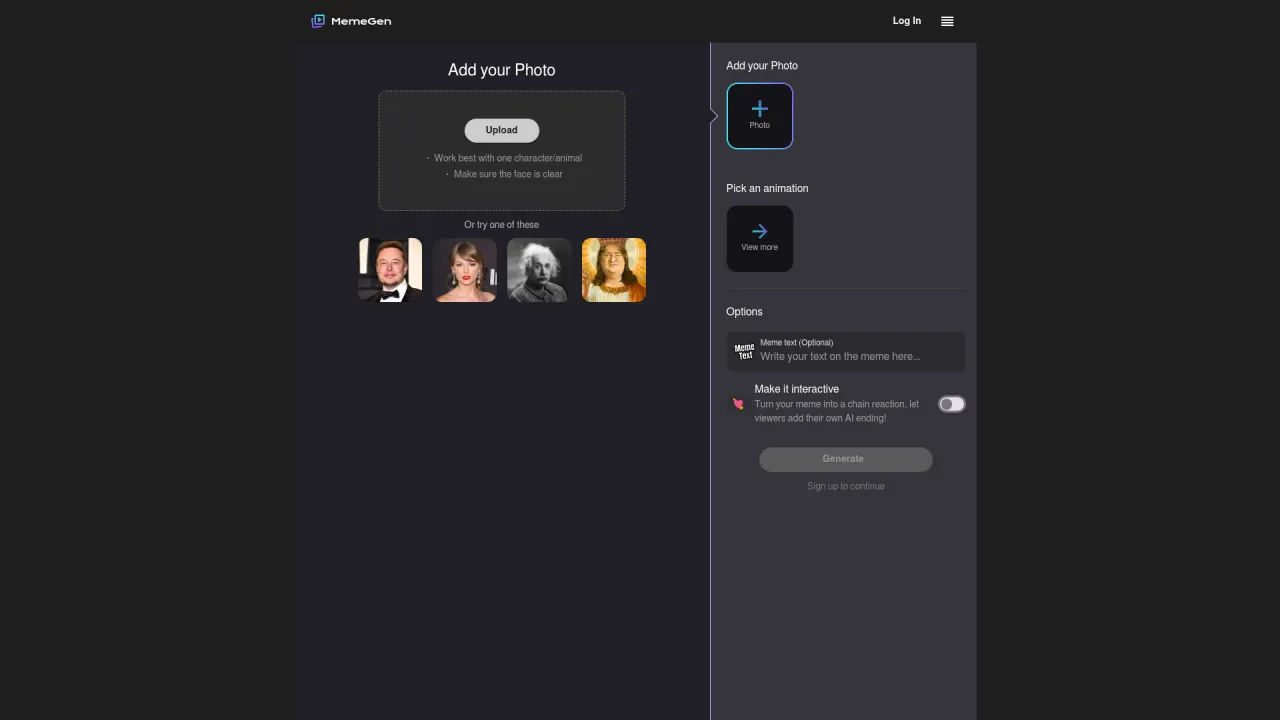
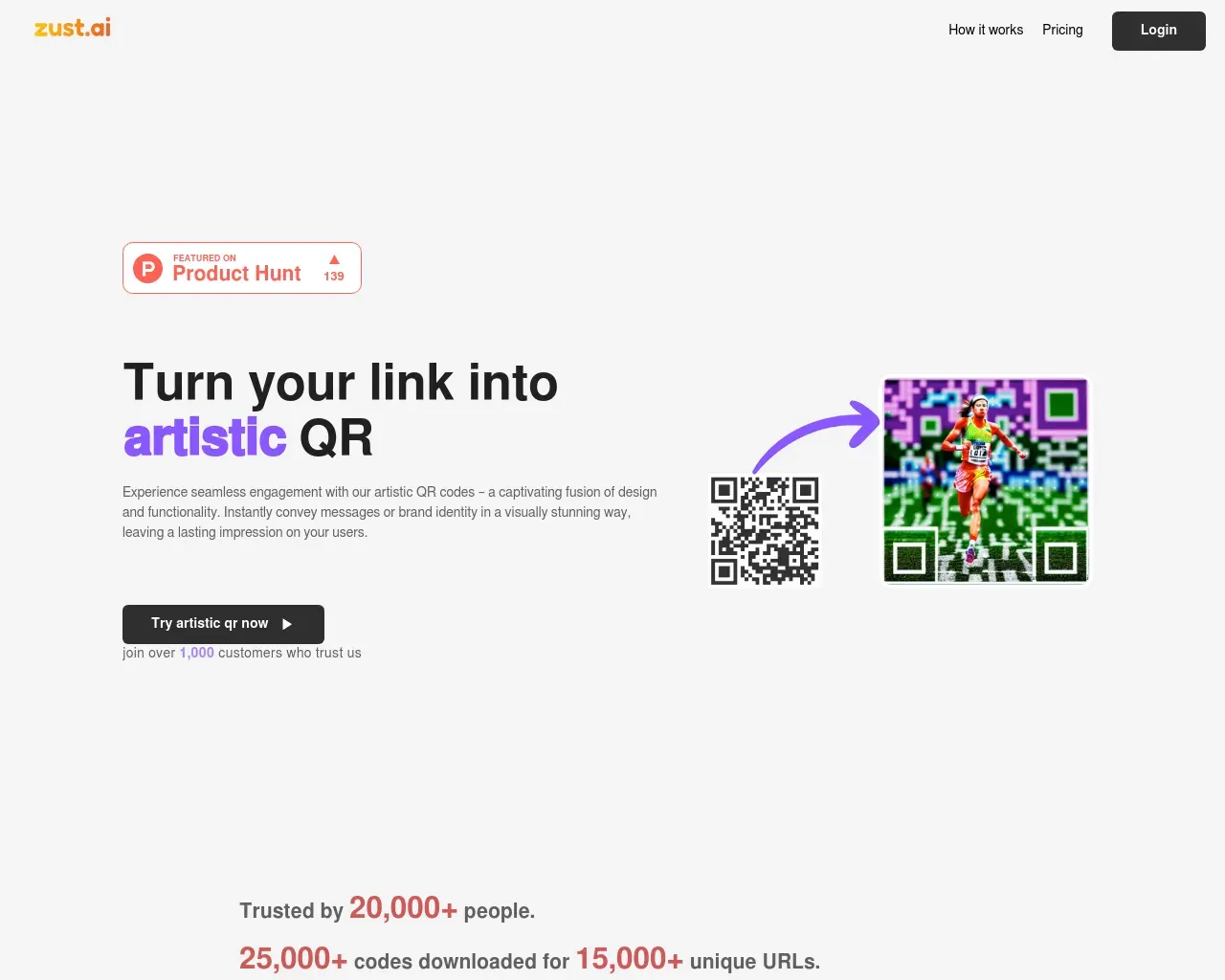
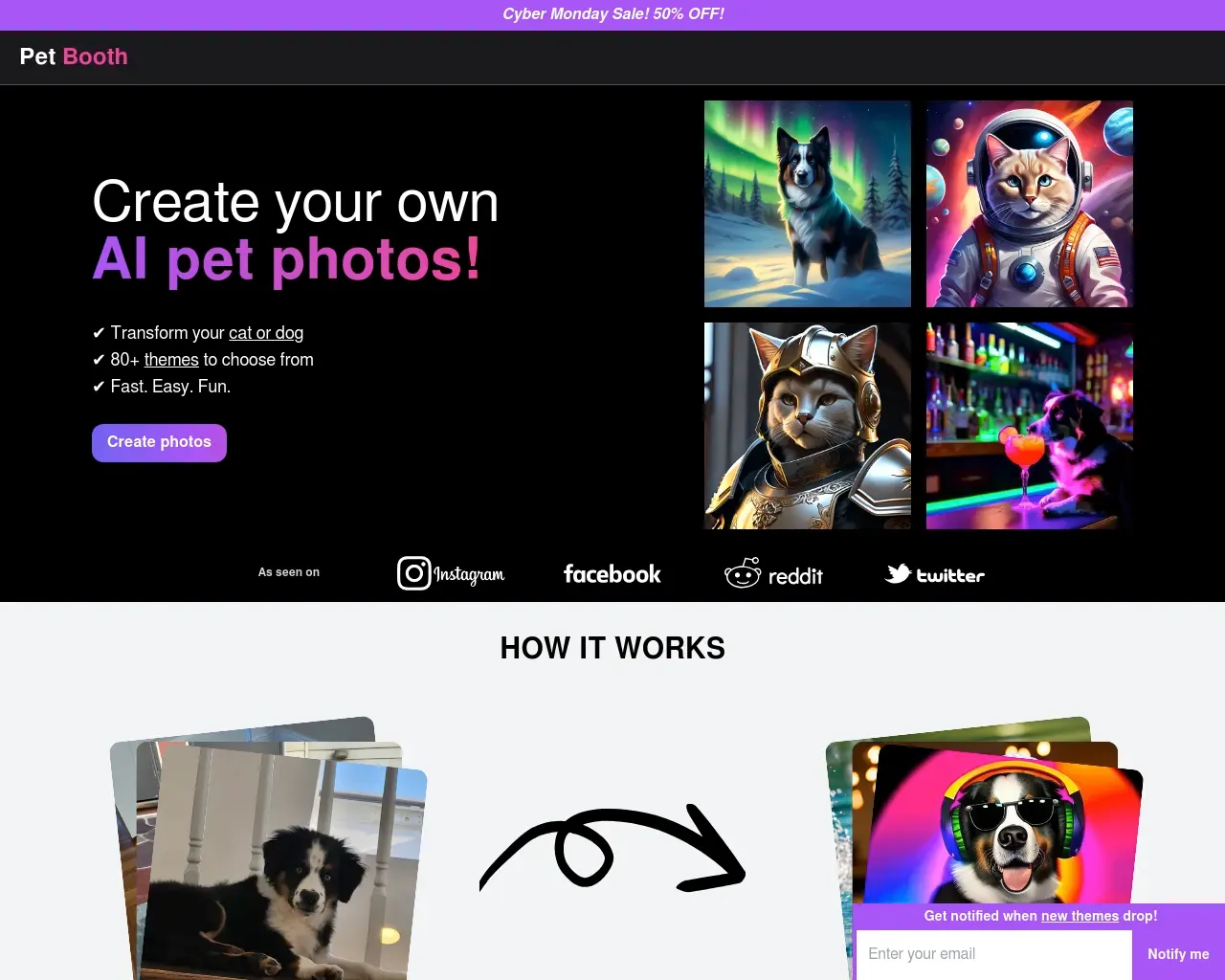
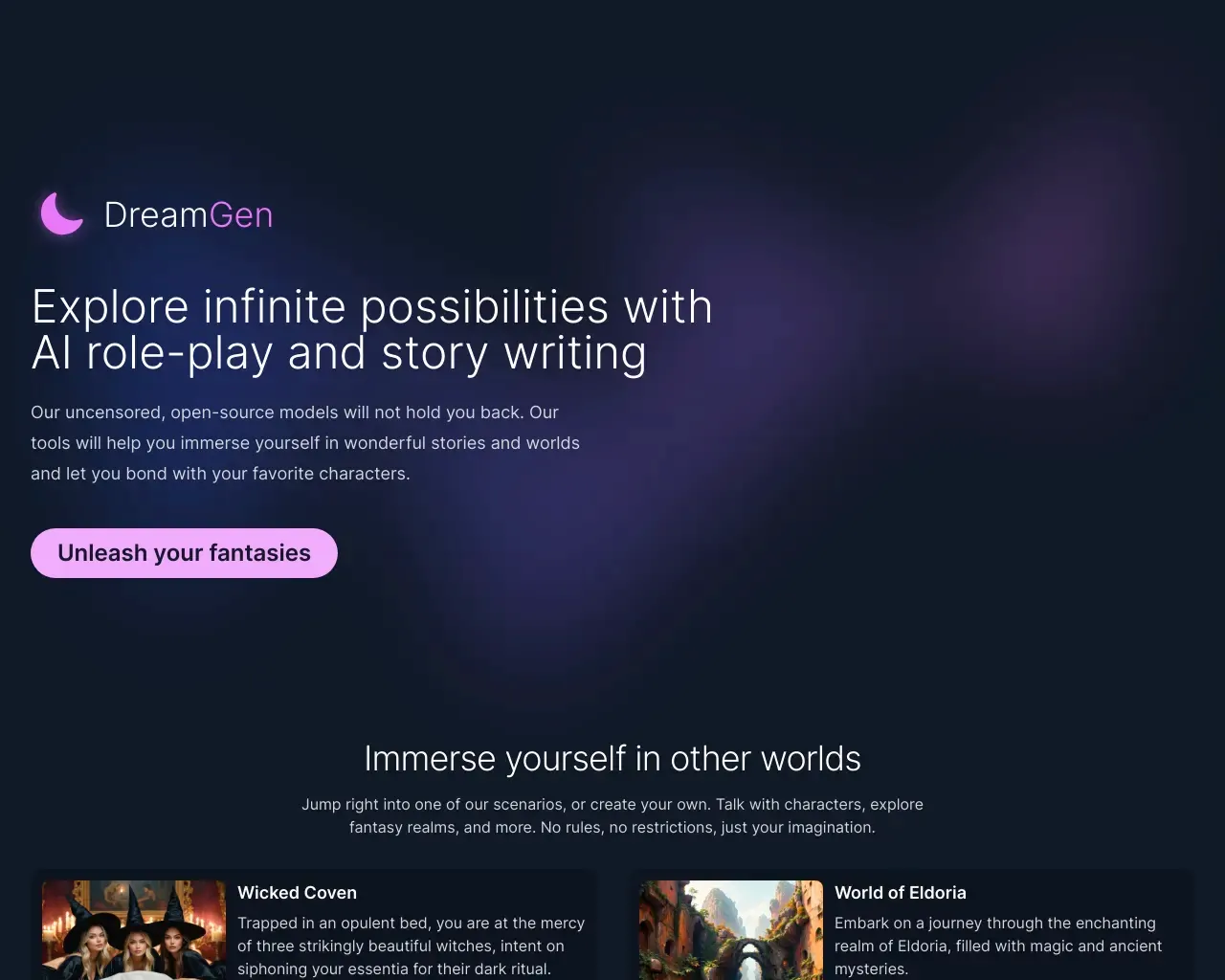
Top alternatives to Fotor AI Face Dance include Pet Booth, Creative QR codes using AI, MemeGenAI, DreamGen: AI role-playing and strory-writing, Langame card game.Where can I get Fotor AI Face Dance?
Fotor AI Face Dance is available at https://www.fotor.com/features/face-dance/.What category is Fotor AI Face Dance in?
Fotor AI Face Dance is listed in Entertainment & Novelty.Stylish Photo Dance Animations to Choose From
Choose from various different animations to instantly bring your photo to life. Make pictures, sing, roar, dance with beats, and more. You can also upload a video to create a face dance of your own. Our AI live portrait technology will automatically stitch the movements and voice of your video onto the photo. Try it out to breathe new life into your static photos with our AI face dance photo animator!AI Technology
Our live portrait AI technology lets you animate faces with realistic motions, expressions, and perfect lip sync.Rich Preset Animations
Effortlessly generate diverse AI face dance videos with just one selfie.Data Safe Guarantee
Your privacy is our top concern. We only use your photo to process the animation, and we do not share them with third parties.Why does my AI video look unrealistic or inconsistent?
This usually comes from a lack of detail or structure in the prompt. When the input is too broad, the model has to “guess” how each frame should look, which can lead to inconsistent characters or unnatural scenes.
A more stable result comes from clearly defining the subject, environment, and lighting. Adding context like “cinematic lighting,” “night scene,” or “close-up shot” helps the AI maintain visual coherence across frames.
Why does my AI video keep changing faces or characters?
This happens when the AI doesn’t have enough information to lock in a consistent identity. Since each frame is generated dynamically, small variations can accumulate and change facial features.
To improve consistency, you can upload a reference image or describe the character in more detail, including clothing, hairstyle, and camera angle. This gives the model a stronger anchor to follow.
How can I make my AI-generated video look more realistic?
Realism comes from how well you describe motion, lighting, and camera behavior—not just the subject itself.
Including details like “slow motion,” “natural walking,” “soft shadows,” or “tracking shot” helps simulate real-world physics. The more grounded your description is in real visuals, the more natural the result will look.
What is the best prompt structure for AI video generation?
A structured prompt improves both quality and consistency. A commonly effective format is:
Subject + Scene + Atmosphere + Style + Motion
For example:
“A red sports car driving along a coastal highway at sunset, cinematic style, smooth tracking shot.”
This approach helps the AI process each element more reliably and reduces randomness in the output.
Why is my AI video blurry or low quality after generation?
This is often related to input detail and output settings. If the prompt lacks visual specificity or the resolution is set too low, the final video may appear soft or unclear.
To improve quality, try increasing resolution (such as 720p or 1080p), adding more descriptive details to your prompt, and using higher-quality reference images when available.
Why is AI video generation sometimes slow?
Processing time depends on the complexity of your input. Detailed prompts, multiple visual elements, or high-resolution outputs require more computation.
If speed is a concern, you can start with a simpler version of your prompt, generate a base result, and then refine it step by step.
How do I create AI videos that match my exact idea?
Getting precise results usually requires iteration rather than a single attempt. Most users refine their outputs gradually instead of expecting a perfect result on the first try.
A practical approach is to start simple, review the generated video, and then adjust elements like style, motion, or scene details. This step-by-step refinement is the most reliable way to align the final result with your vision.
Is there a free version of AI video generators?
Yes. Fotor offers free trials and credit reward plan. You can generate high-quality, watermark-free videos without costing a penny.
Is Fotor free AI video generator safe to use?
Yes. Fotor protects user data, prevent deepfake misuse, and comply with copyright and privacy laws.
Can I make AI videos on my phone?
Yes. Fotor works on both desktop and mobile devices. You can create AI videos anytime, anywhere using our online tool or the Fotor app.
What kind of sounds does Fotor AI video creation tool provide?
Fotor free AI video maker offers a variety of audio options, including background music, sound effects, and AI-generated voiceovers.
You can customize different styles, moods, and languages to match your video’s theme.
What aspect ratios and video duration does Fotor support?
We offer the most common aspect ratios, including 16:9, 9:16, and 1:1, which are ideal for platforms like TikTok, YouTube, and Instagram.
Fotor lets you adjust the duration of your AI video from 3 seconds to 15 seconds, covering everything from social media shorts to cinematic clips.
Compare Fotor AI Face Dance with…
Pick any tool to see a structured side-by-side: pricing, deployment, capabilities, and content policy.